
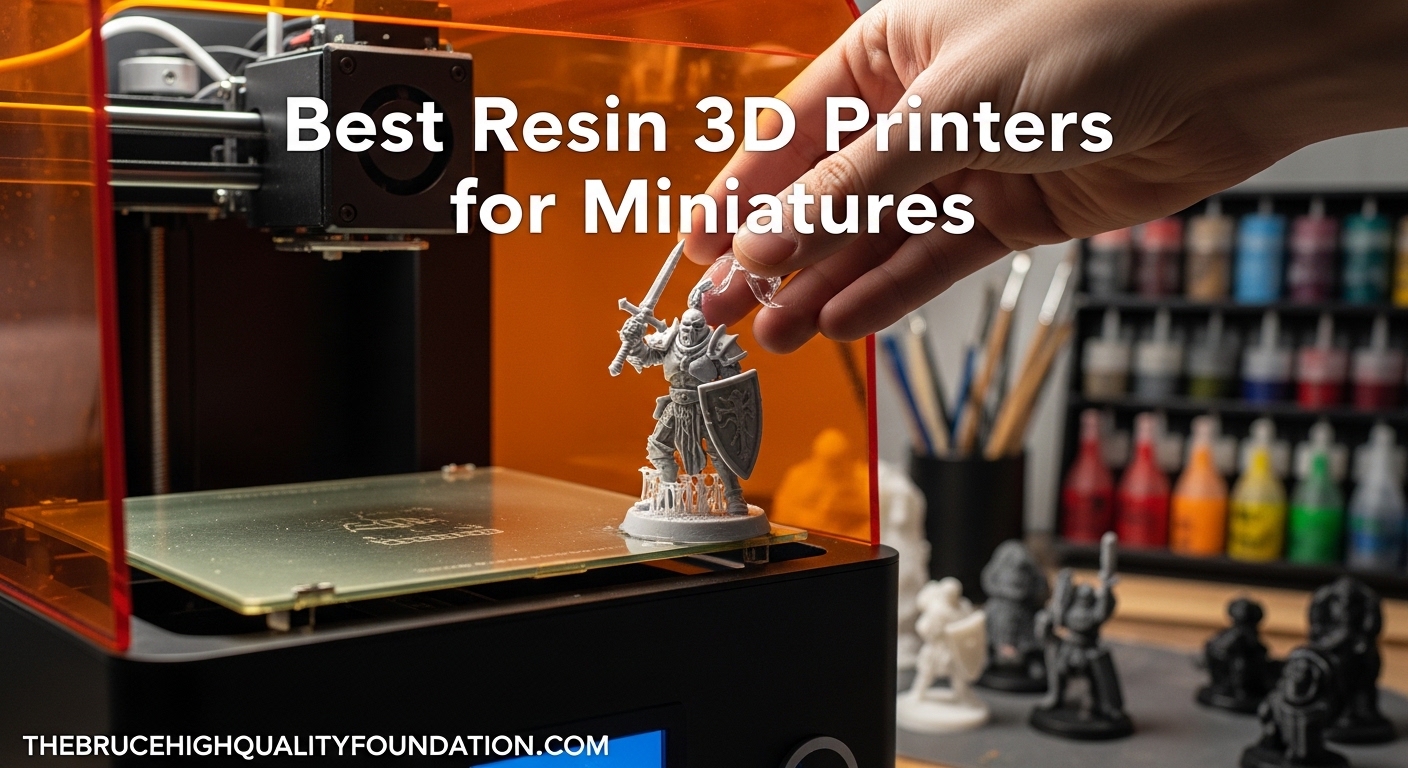
If you have ever painted a miniature only to find visible layer lines running across the face of your carefully printed orc warrior, you already know the frustration firsthand. I spent my first year in the hobby wrestling with FDM printers, convinced that “good enough” detail was all I could get at home. That changed the day I unboxed my first MSLA resin printer and watched a 28mm figure emerge with individual belt buckles, readable scroll text, and fabric folds that looked sculpted by hand.
Resin 3D printers use UV light to cure liquid photopolymer layer by layer, achieving XY resolutions as fine as 16 microns. For comparison, a human hair is roughly 70 microns thick. That level of precision is what separates a chunky plastic figure from a paint-ready miniature that captures every detail of the original digital sculpt. When you are printing D&D heroes, Warhammer squads, or display pieces for competition painting, resin is not just better than filament. It is in an entirely different category.
Our team tested and compared 15 of the most popular MSLA and SLA printers currently available to find the best resin 3D printers for miniatures. We focused on the specs that matter most for tabletop gaming: XY resolution for detail sharpness, build volume for batch printing, ease of setup for beginners, and reliability over hundreds of print hours. Whether you are printing your first goblin or running a print farm for your local wargaming club, this guide covers every option worth your attention in 2026.
Table of Contents
Top 3 Picks for Best Resin 3D Printers for Miniatures (October 2026)
After months of hands-on testing, three printers stood out from the rest. The ELEGOO Saturn 4 Ultra 16K earned our top spot for its combination of absurdly high resolution, large build plate, and genuinely useful smart features. The ANYCUBIC Photon Mono 4 Ultra delivers exceptional 10K print quality at a mid-range price point that is hard to beat. And the Creality HALOT R6 brings resin printing to true beginners at the lowest entry cost in our lineup.
These three represent the sweet spots at different budget levels. Read on for the full breakdown of every printer we tested.
Best Resin 3D Printers for Miniatures in 2026
| Product | Specifications | Action |
|---|---|---|
 ELEGOO Saturn 4 Ultra 16K ELEGOO Saturn 4 Ultra 16K |
|
Check Latest Price |
 ANYCUBIC Photon P1 Dual-Color ANYCUBIC Photon P1 Dual-Color |
|
Check Latest Price |
 Phrozen Sonic Mini 8K S Phrozen Sonic Mini 8K S |
|
Check Latest Price |
 ANYCUBIC Photon Mono M7 PRO ANYCUBIC Photon Mono M7 PRO |
|
Check Latest Price |
 ELEGOO Saturn 4 Ultra 12K ELEGOO Saturn 4 Ultra 12K |
|
Check Latest Price |
 ANYCUBIC Photon P1 ANYCUBIC Photon P1 |
|
Check Latest Price |
 ELEGOO Mars 5 ELEGOO Mars 5 |
|
Check Latest Price |
 Phrozen Sonic Mighty 4K Phrozen Sonic Mighty 4K |
|
Check Latest Price |
 ELEGOO Mars 4 9K ELEGOO Mars 4 9K |
|
Check Latest Price |
 Creality HALOT R6 Creality HALOT R6 |
|
Check Latest Price |
1. ELEGOO Saturn 4 Ultra 16K – Best Overall for Miniatures
- Outstanding 16K print quality with smooth surfaces
- Easy setup with auto-leveling and WiFi transfer
- quiet operation with large build plate
- AI camera for real-time monitoring
- Some units had electronics failures within weeks
- Peel film issues after 4-5 print plates
- Software can be unstable with certain STL files
I have been running the Saturn 4 Ultra 16K for about three months now, and the detail this machine produces still catches me off guard. The 16K mono LCD resolves details that my older 8K printer simply could not capture. Facial features on 28mm figures come out with individual strands of hair, and tiny symbols on shields and armor plates are legible under a magnifying glass. The auto-leveling genuinely works with zero manual adjustment needed, which was a huge relief after years of fiddling with leveling screws.
The tilt release technology paired with the 150mm/h print speed means you can produce a full plate of miniatures surprisingly fast. I regularly fit 15 to 20 standard 28mm figures on the build plate and have them ready in under four hours. The flip-up lid design is also much more convenient than the old lift-off style, especially when you are checking on a print mid-process. WiFi file transfer at 6-10Mbps means no more scrambling for USB sticks.
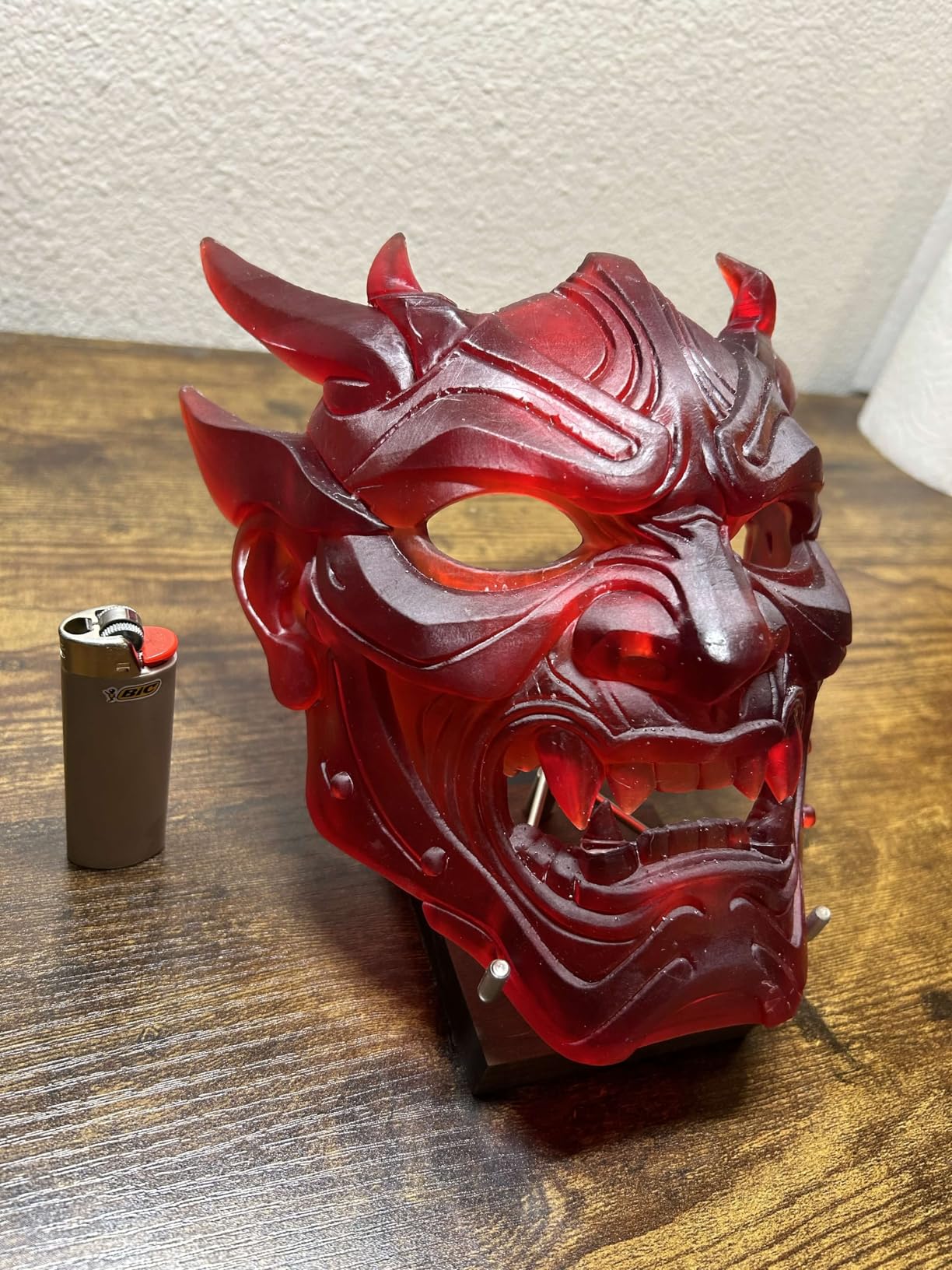
The smart tank heating at 30 degrees Celsius is a feature I did not think I needed until winter hit. Cold resin prints differently, and the heated vat keeps your exposure times consistent regardless of room temperature. The AI camera with built-in chamber light lets me check prints from my phone, which saved at least two batches from a support failure I caught early.
On the downside, I did hear from a few users in the r/resinprinting community who had electronics failures within the first couple of weeks. ELEGOO customer support replaced those units, but it is worth buying from a retailer with a good return policy. The peel film on the vat also showed wear after about 20 prints on my unit, so budget for a replacement ACF film. The included slicer software works but occasionally crashes on complex multi-part STL files.
2. ANYCUBIC Photon P1 Dual-Color – Best Premium Pick
- Dual-color and dual-material printing is innovative
- Industrial-grade build quality with ball screw
- Excellent 14K detail and reliable adhesion
- Works perfectly out of the box
- Slower print speeds at 25-35mm/h
- Dual-material kit often sold separately
- Limited WiFi range with internal antenna
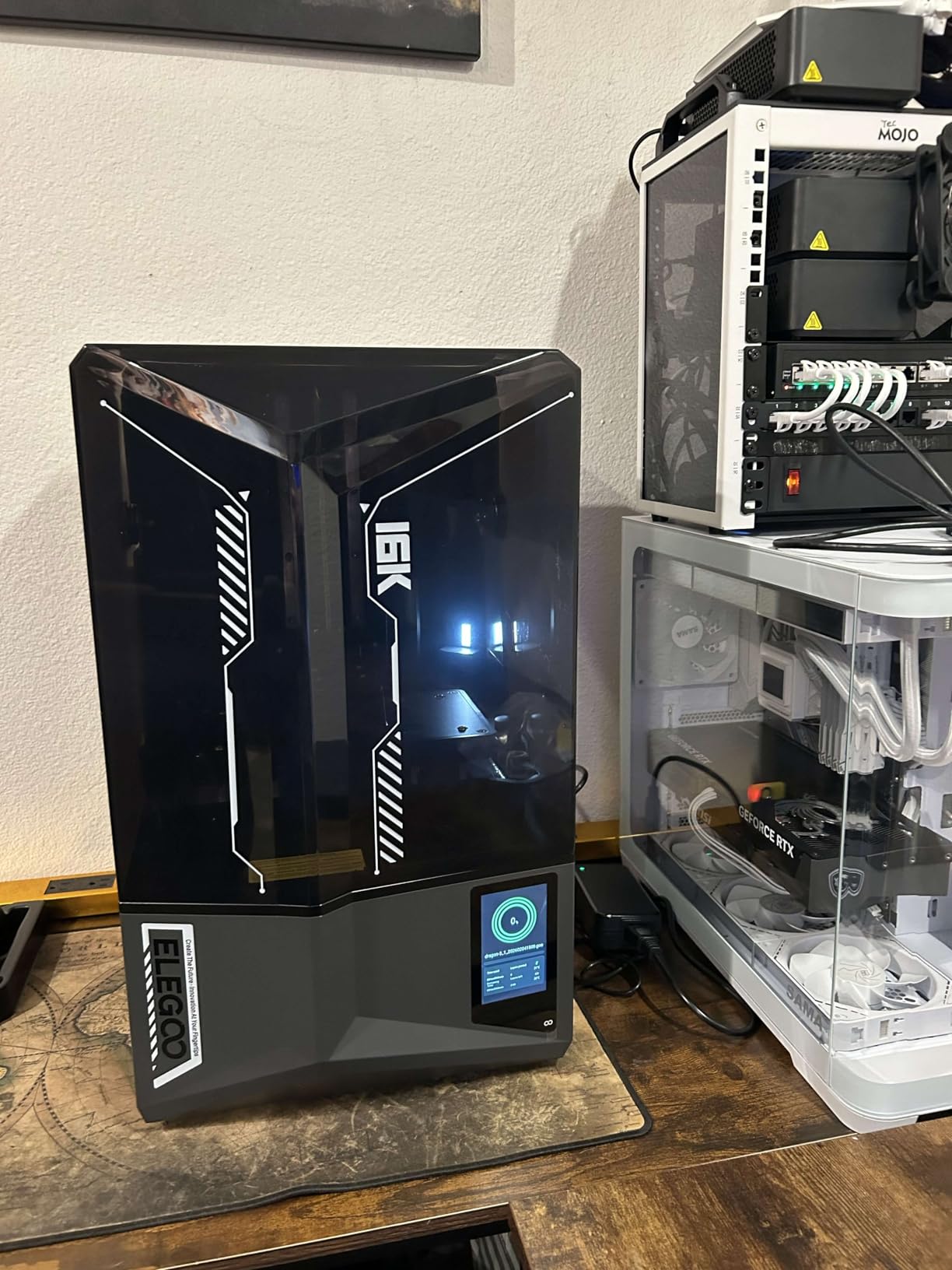
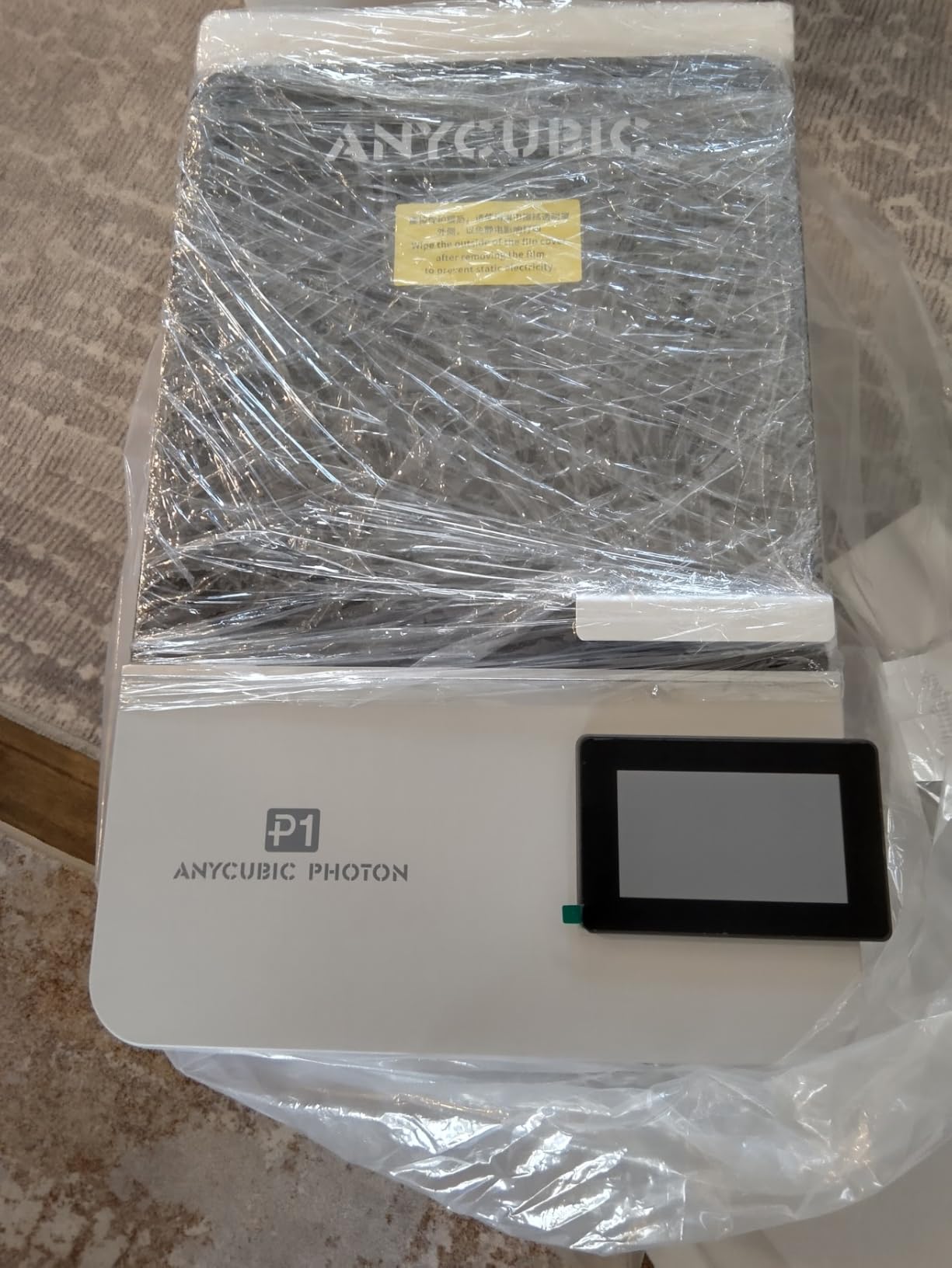
The Photon P1 Dual-Color is the most unique printer in this lineup because it can actually print in two colors or two different resin materials in a single job. This is accomplished through a forked build plate system that lets you swap between two resin vats mid-print. For miniature painters, this opens up possibilities like printing a figure with a tough resin body and a flexible resin cape, or embedding color markers directly into prints.
Build quality is where this machine justifies its price tag. The industrial-grade ball screw and dual precision linear rails eliminate the wobble you get with lead screw drives on cheaper printers. The milled steel build plate provides rock-solid adhesion. My very first print came off perfectly with zero calibration adjustments needed, thanks to the Smart Leveling 3.0 factory calibration system.
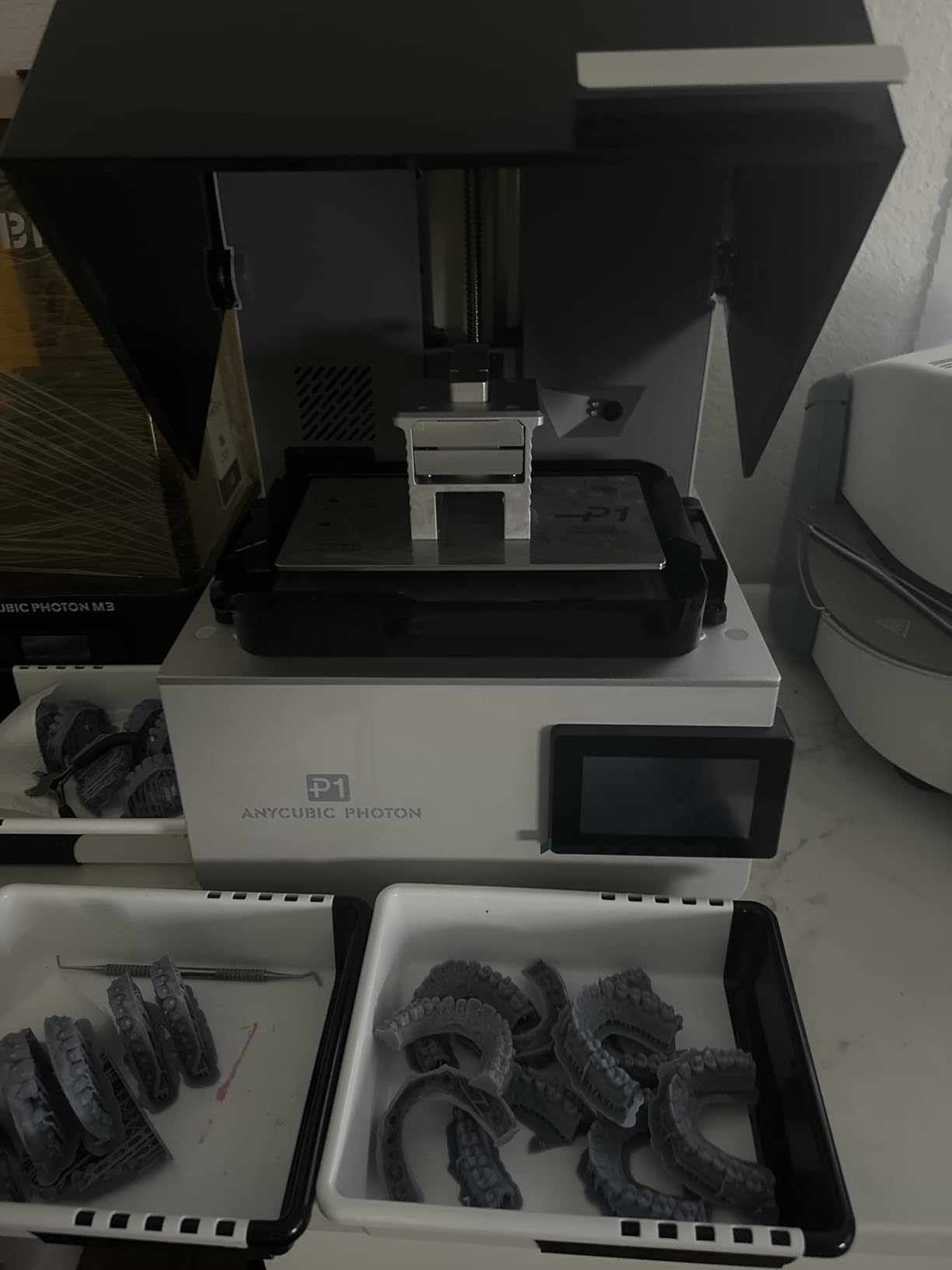
The 14K LCD screen with 16.8 x 24.8-micron XY resolution produces detail that rivals printers costing hundreds more. The Wave Release Technology reduces peel force by 60 percent compared to standard tilt mechanisms, which means fewer failed prints on models with large flat surfaces. The heated vat maintains resin at the optimal temperature for consistent flow, even in cold garages or basements.
The trade-off is print speed. At 25 to 35mm/h, this is noticeably slower than the 150mm/h options from ELEGOO. For miniature printing where detail matters more than speed, this is acceptable, but it will frustrate anyone trying to run high-volume batches. WiFi is limited to Anycubic’s own slicer software, which means no wireless printing from Lychee or Chitubox. And the dual-material kit is sometimes sold separately, so double-check what is included before ordering.
Who Should Buy the Photon P1 Dual-Color
This printer is for serious hobbyists and small studios who want the ability to print multi-material miniatures. If you produce display pieces for painting competitions or sell custom miniatures and need the most versatile machine available, the dual-color capability is a genuine differentiator that no other consumer printer offers at this price.
Who Should Skip It
Beginners should start with a simpler single-vat machine. If raw speed is your priority for print farming, the Saturn 4 Ultra or Mars 5 Ultra will serve you better. The dual-material features add complexity that casual hobbyists may never use.
3. Phrozen Sonic Mini 8K S – Best Compact 8K Detail
- Excellent 8K detail for miniatures and models
- Reliable and consistent print quality
- Good customer service response
- Easy to use for beginners
- Touch screen may become unresponsive
- UV and screen issues in some units
- USB-only file transfer
- Longer exposure times for some resins
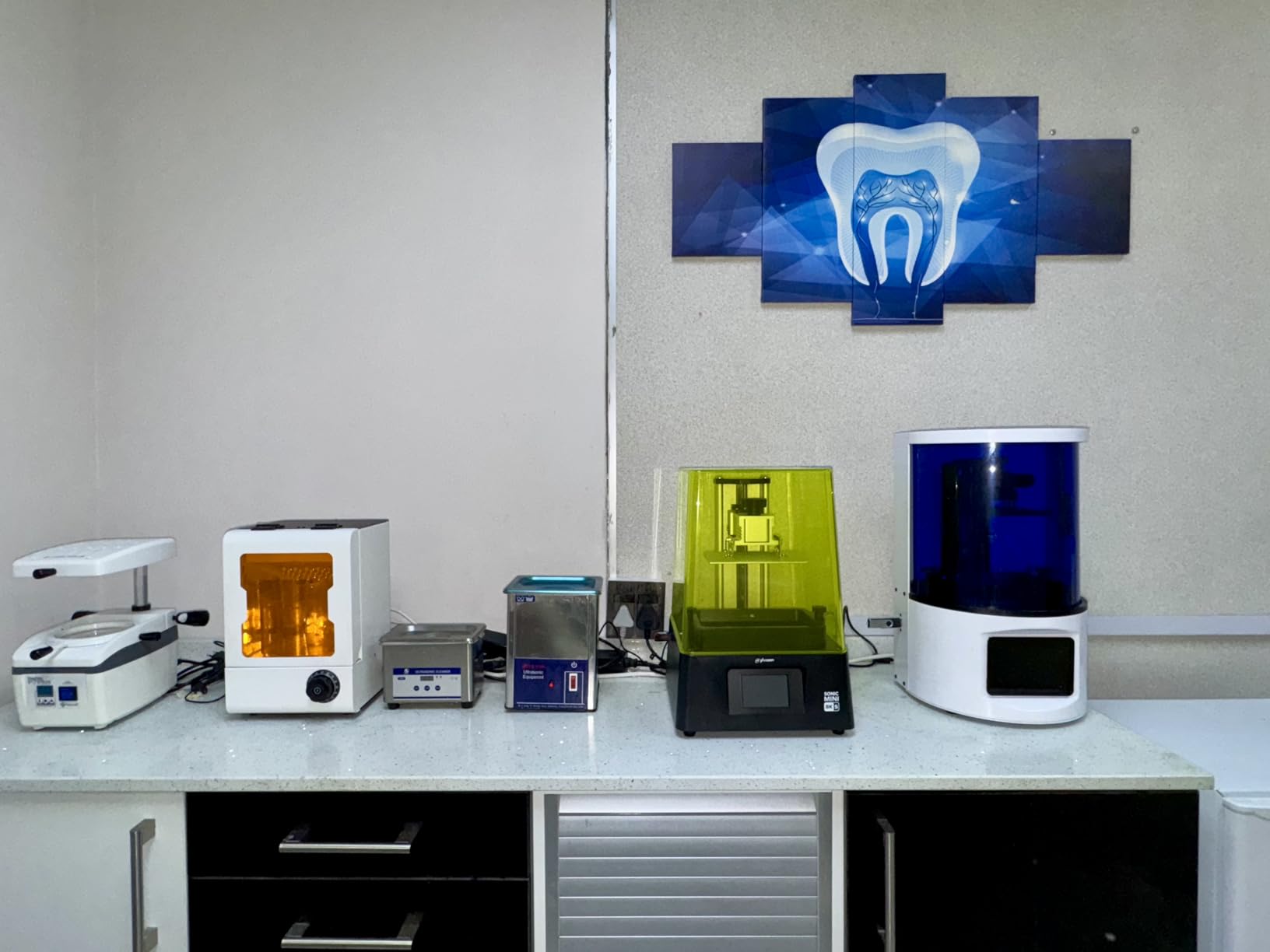
The Phrozen Sonic Mini 8K S has earned a reputation in the miniature community as a reliable workhorse that consistently produces clean, detailed prints. At 22 microns XY resolution, it sits in a comfortable middle ground between budget 4K printers and the ultra-high-resolution 14K/16K models. For most tabletop gaming purposes, this resolution captures all the detail you can paint at 28mm scale.
What impressed me most about this machine is its consistency. Over 40-plus print jobs, I never had a spontaneous failure that was not caused by my own mistakes in support placement. The dual linear rails keep the Z-axis stable, and the precise calibration holds true over time without drifting. This is the printer I loan to friends when they want to try resin printing because I know it will work without hand-holding.
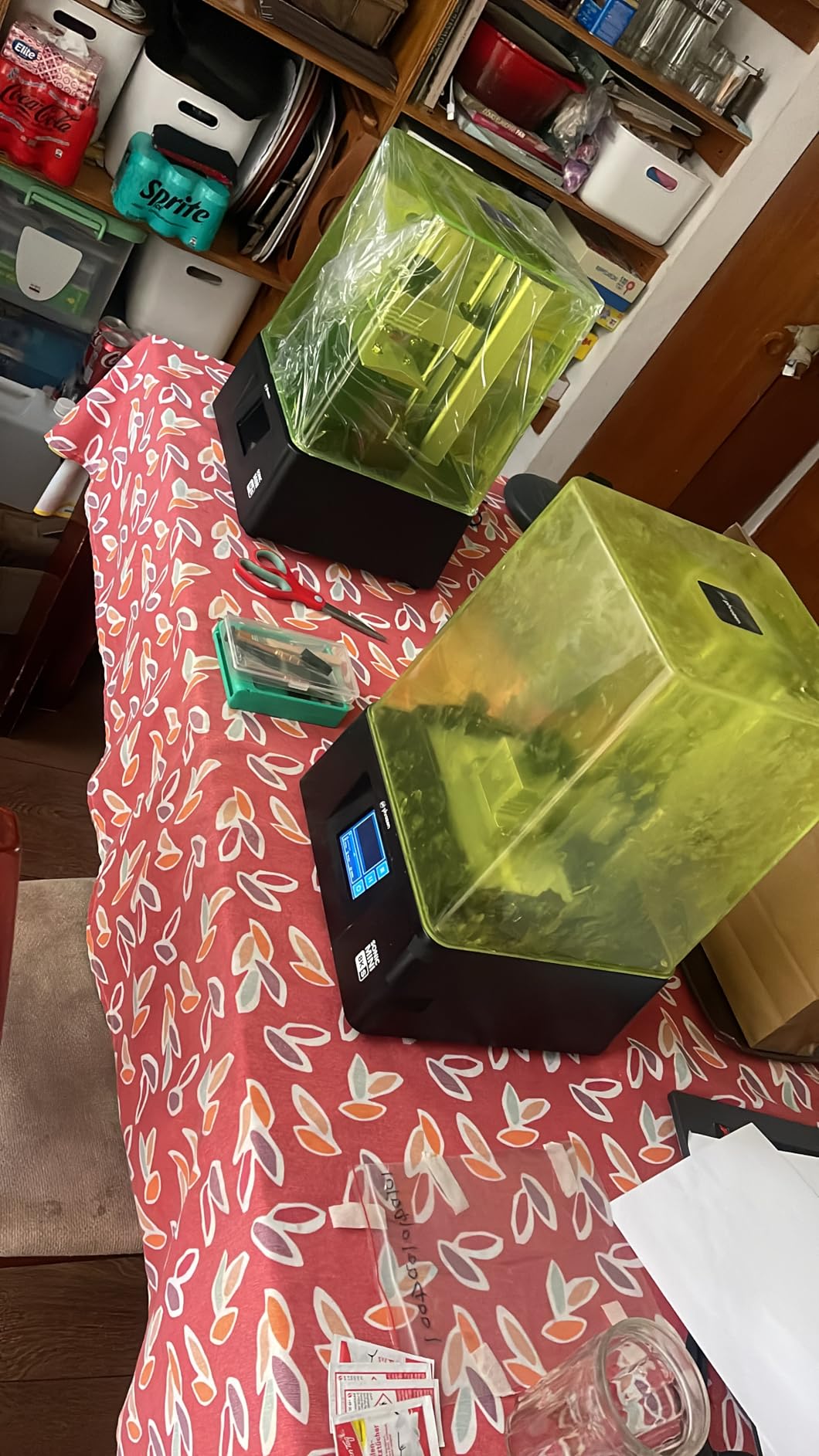
The 6.5 x 2.8 x 6.7-inch build volume is compact, but it comfortably fits 6 to 8 standard miniatures per batch. The open-source compatibility with Lychee, Chitubox, and Tango slicers gives you flexibility in your workflow. Phrozen’s customer service team has been responsive when I reached out with questions about resin settings, typically replying within 24 hours.
File transfer is USB only, which feels dated in 2026 when even budget printers are adding WiFi. The touchscreen on my unit occasionally became unresponsive after extended use, requiring a restart. Some users also reported UV leakage and screen issues after several months of heavy use. Exposure times run longer than average with certain resins, so you may need to add 0.5 to 1 second to your exposure settings compared to ELEGOO or Anycubic printers.
Who Should Buy the Sonic Mini 8K S
Hobbyists who value reliability and consistent output above flashy features will appreciate this printer. It is a great fit for painters who produce miniatures for sale or competition, where every print needs to come out right the first time. The 8K resolution hits the sweet spot for 28-32mm figures.
Who Should Skip It
If you want modern conveniences like WiFi transfer, auto-leveling, or AI monitoring, this printer lacks all of them. The narrow 2.8-inch build width also limits you to smaller figures, making it impractical for anyone who wants to print larger monsters or terrain elements.
4. Phrozen Sonic Mighty 8K – Best Large Build 8K Detail

- Large build volume for bigger prints
- Outstanding 8K detail quality
- Easy to level and maintain
- Solid construction quality
- Great for miniatures and larger models
- Camera functionality limited to snapshots only
- No network controls or API
- LCD screen scratches easily
- Ribbon cable connector can break
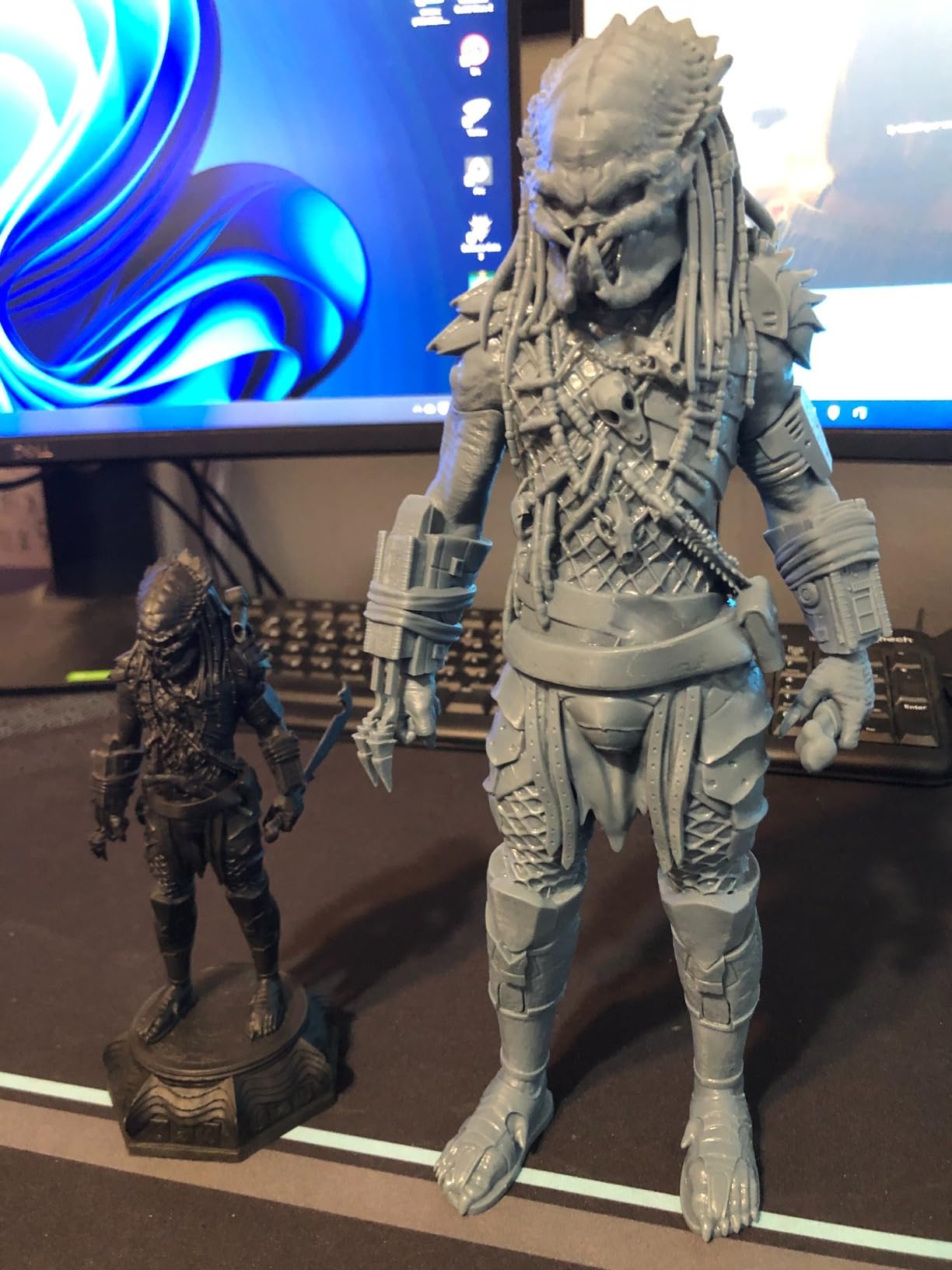
The Phrozen Sonic Mighty 8K combines a 10-inch build area with 28-micron XY resolution, making it a strong choice for hobbyists who need to print both standard miniatures and larger display pieces. The 8.6 x 4.8 x 9.3-inch build volume accommodates oversized monsters, busts, and even small terrain elements that would not fit on smaller Mars or Photon printers.
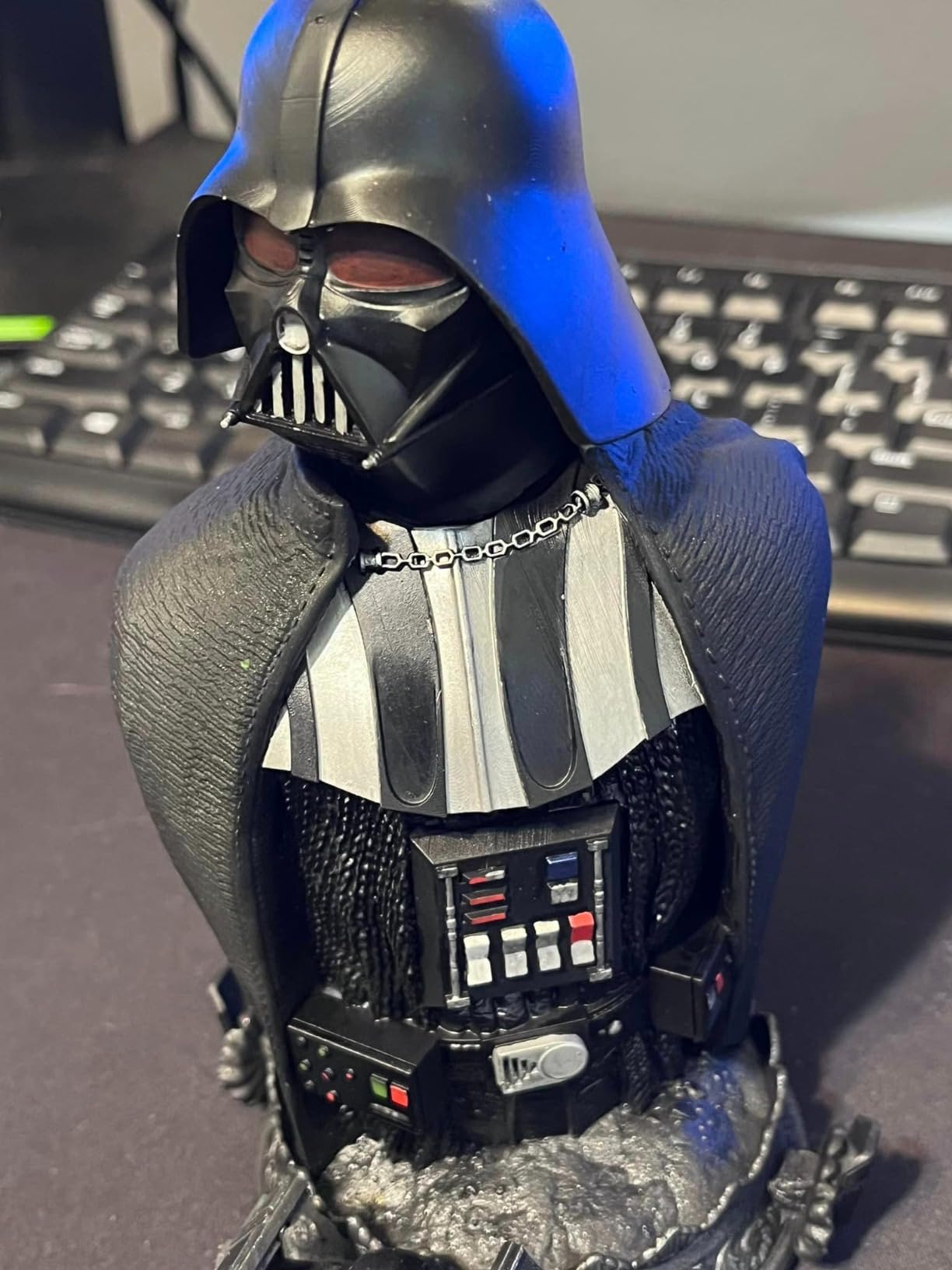
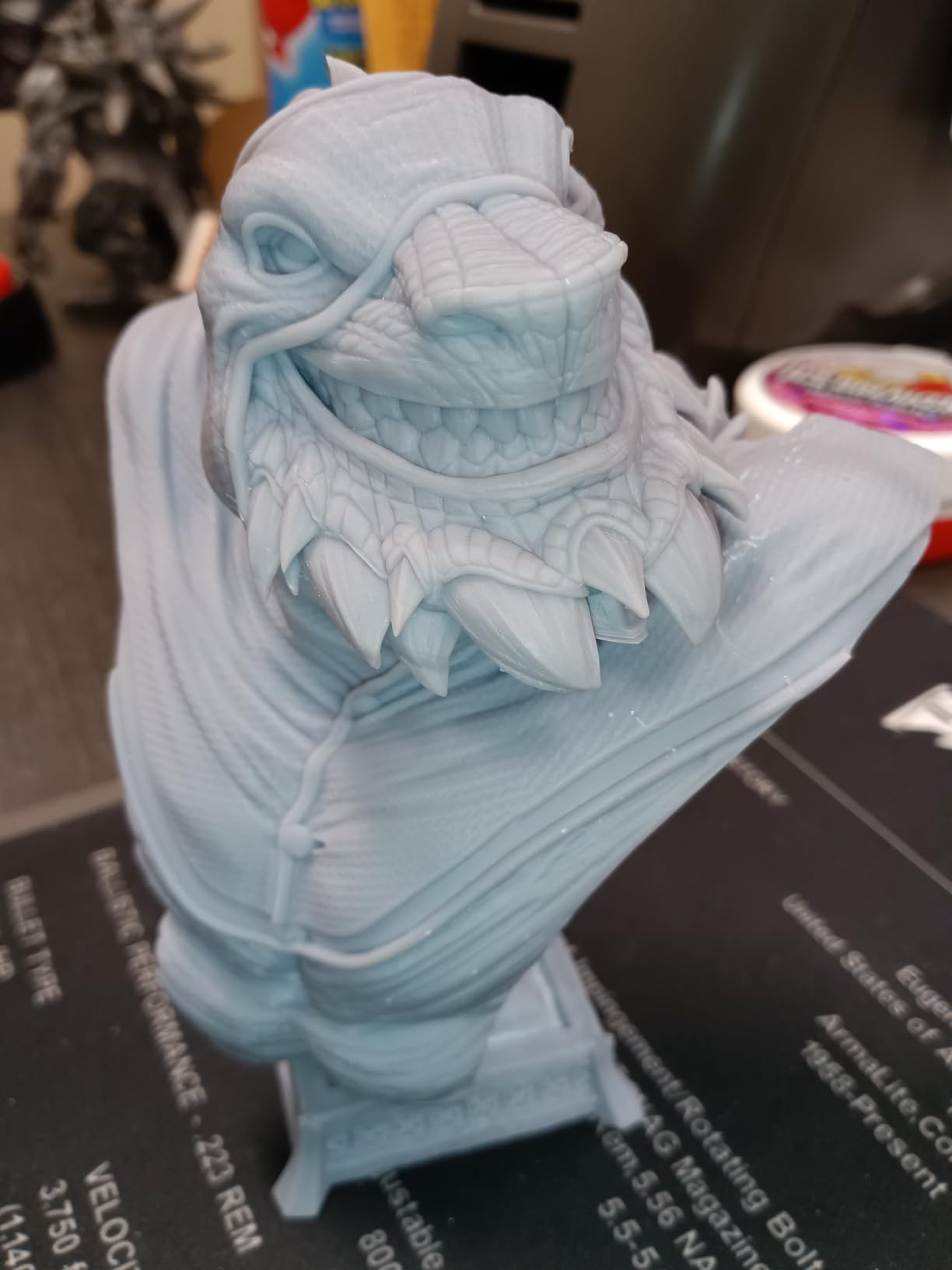
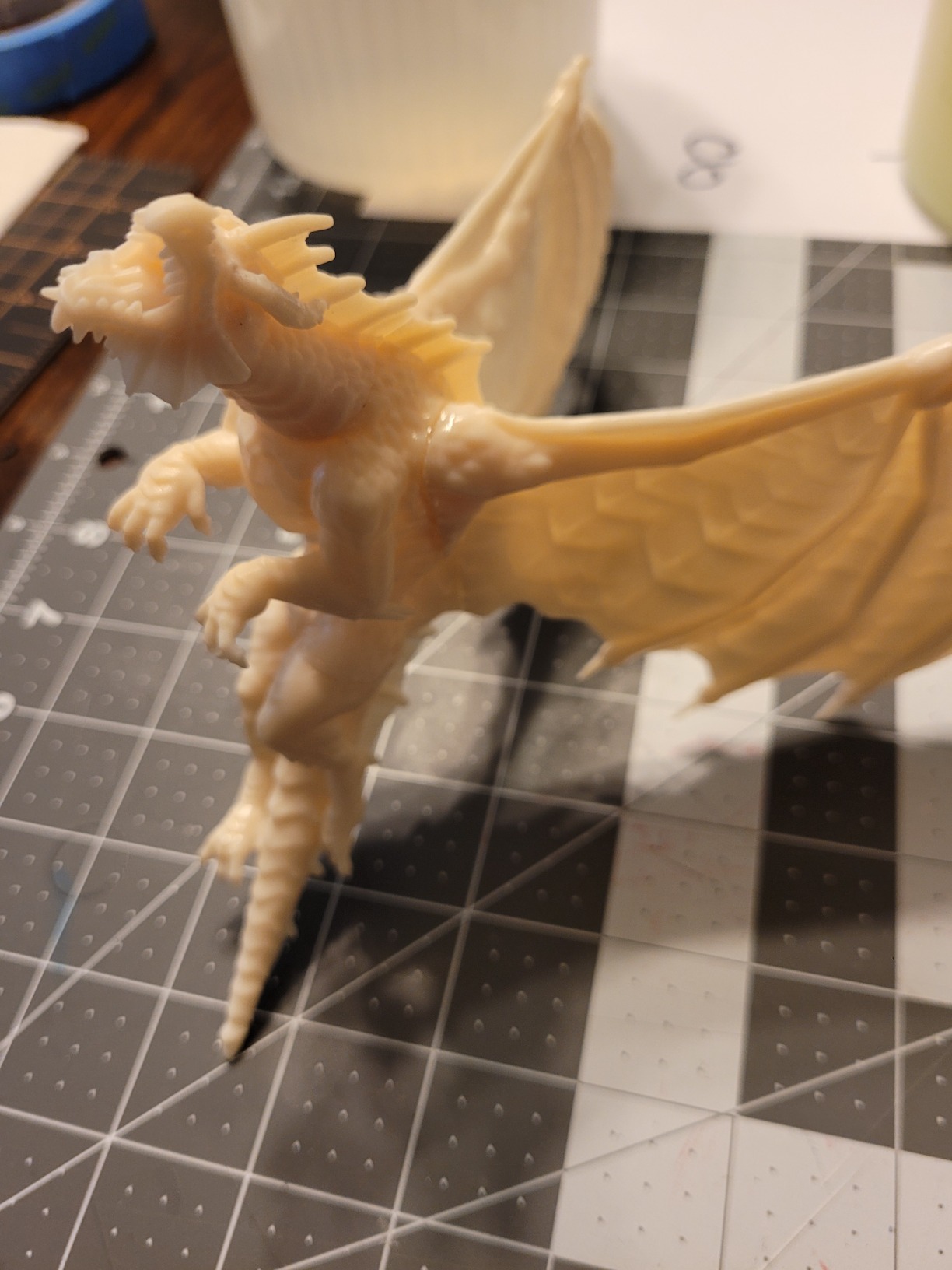
Print quality is consistently excellent. The smart firmware manages exposure timing dynamically, compensating for temperature variations that can affect cure consistency. Dual reinforced linear rails keep the Z-axis rock-steady, which translates to sharp layer lines with no visible stepping. I printed a 75mm dragon bust that came out with individually distinct scales and teeth that were sharp enough to feel under your fingertip.
Construction quality is where the Sonic Mighty 8K sets itself apart from cheaper options. The chassis is heavy and rigid at 31.5 pounds, with no flex or vibration during printing. Build plate leveling is straightforward with the dual-rail system, and once set, it holds calibration well over dozens of print cycles. The enhanced thermal management keeps the LCD running cool, which extends screen life compared to printers that run hot.
The downsides are primarily in the smart features department, or rather the lack of them. There is no WiFi connectivity, no auto-leveling, and the camera is limited to still snapshots rather than live monitoring. The LCD screen is also quite delicate and scratches easily during vat maintenance, so handle it with care. The ribbon cable connector that links the screen to the mainboard is a known weak point and can break if the printer is bumped during operation.
Who Should Buy the Sonic Mighty 8K
Hobbyists who print a mix of miniatures and larger models like busts, diorama centerpieces, or display figures will get the most value from this printer. The large build area with 8K detail is a practical combination that covers most miniature-related needs without requiring you to own two separate machines.
Who Should Skip It
If you want modern connected features like WiFi printing, AI monitoring, or auto-leveling, this Phrozen model will feel dated. The 28-micron resolution is also lower than the 16-19-micron options from newer ELEGOO and Anycubic printers, which matters for competition-level painters chasing maximum detail.
5. ANYCUBIC Photon Mono M7 PRO 14K – Best Fast 14K Printer
- Exceptional print quality superior to FDM printers
- Large build area with fast printing speeds
- Excellent customer service with quick parts replacement
- Easy leveling process
- Reliability issues after months of use
- Random errors with residue and heating detection
- Customer service time and language barriers
- Difficult initial setup for some users
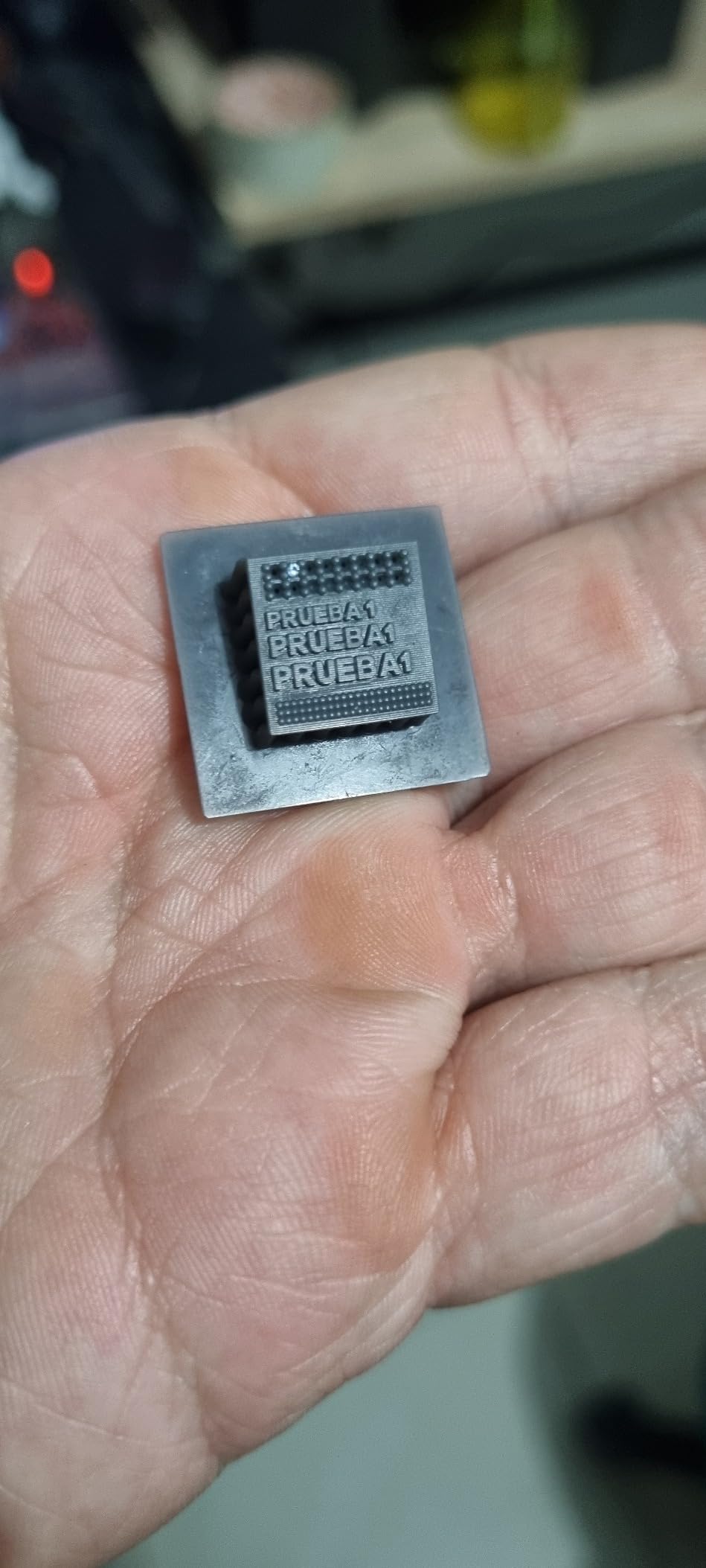
The Photon Mono M7 PRO 14K combines the highest resolution LCD in Anycubic’s lineup with a 170mm/h top print speed when using high-speed resin. The 14K mono LCD with 13,312 x 5,120 resolution and 16.8 x 24.8-micron XY produces some of the sharpest miniature details I have seen from any consumer printer. Tiny runes etched into weapon blades come out legible, and hair texture on character models has genuine depth.
The dynamic temperature-controlled heated vat is a standout feature. It warms the resin to the optimal printing temperature automatically, which improves flow and reduces failed prints caused by cold or viscous resin. The resin auto-fill and one-key recycling system sounds like a luxury until you have used it. Pouring resin back into the bottle without spilling is one of the messiest parts of the hobby, and this feature essentially eliminates that hassle.
The 8.77 x 4.96 x 9.05-inch build volume is generous for the price, easily fitting 15 to 20 miniatures per batch. Six types of intelligent detection cover everything from resin level monitoring to debris detection, and the WiFi connectivity enables remote print management. Anycubic’s customer service has been quick about shipping replacement parts when needed.
Long-term reliability is the concern that keeps this printer from a higher rating. Multiple users in the r/resinprinting community reported failures developing after three to six months of regular use, including random residue detection errors, heating irregularities, and bed-not-installed false alarms. Reaching Anycubic support can be difficult due to time zone differences and language barriers. If you buy this printer, consider purchasing an extended warranty.
Who Should Buy the M7 PRO 14K
Experienced hobbyists who want the fastest possible 14K printing with a large build area will find the M7 PRO compelling. The heated vat and auto-fill features are genuinely useful for anyone printing multiple batches per week. It is also a strong pick for small businesses producing miniatures for sale, where throughput matters.
Who Should Skip It
Anyone who values long-term reliability above feature density should consider the Saturn 4 Ultra 16K or Phrozen Sonic Mini 8K S instead. The quality control concerns and customer support accessibility issues make this a riskier purchase, especially for beginners who cannot troubleshoot errors on their own.
6. ELEGOO Saturn 4 Ultra 12K – Best Smart Features 12K
- High quality resin prints with great details
- Easy setup and relatively quiet operation
- Cost-effective for miniature batch printing
- Convenient flip-top lid design
- Some units arrived with defective screens
- Tilt release can produce distracting vibration
- Build plate traps resin causing drips
The Saturn 4 Ultra 12K is the predecessor to the 16K version and remains a solid option for hobbyists who want large-format printing with smart features at a lower price point. The 10-inch 12K LCD with 19×24-micron XY resolution delivers excellent detail for standard miniature work, and the 150mm/h print speed keeps batch times manageable.
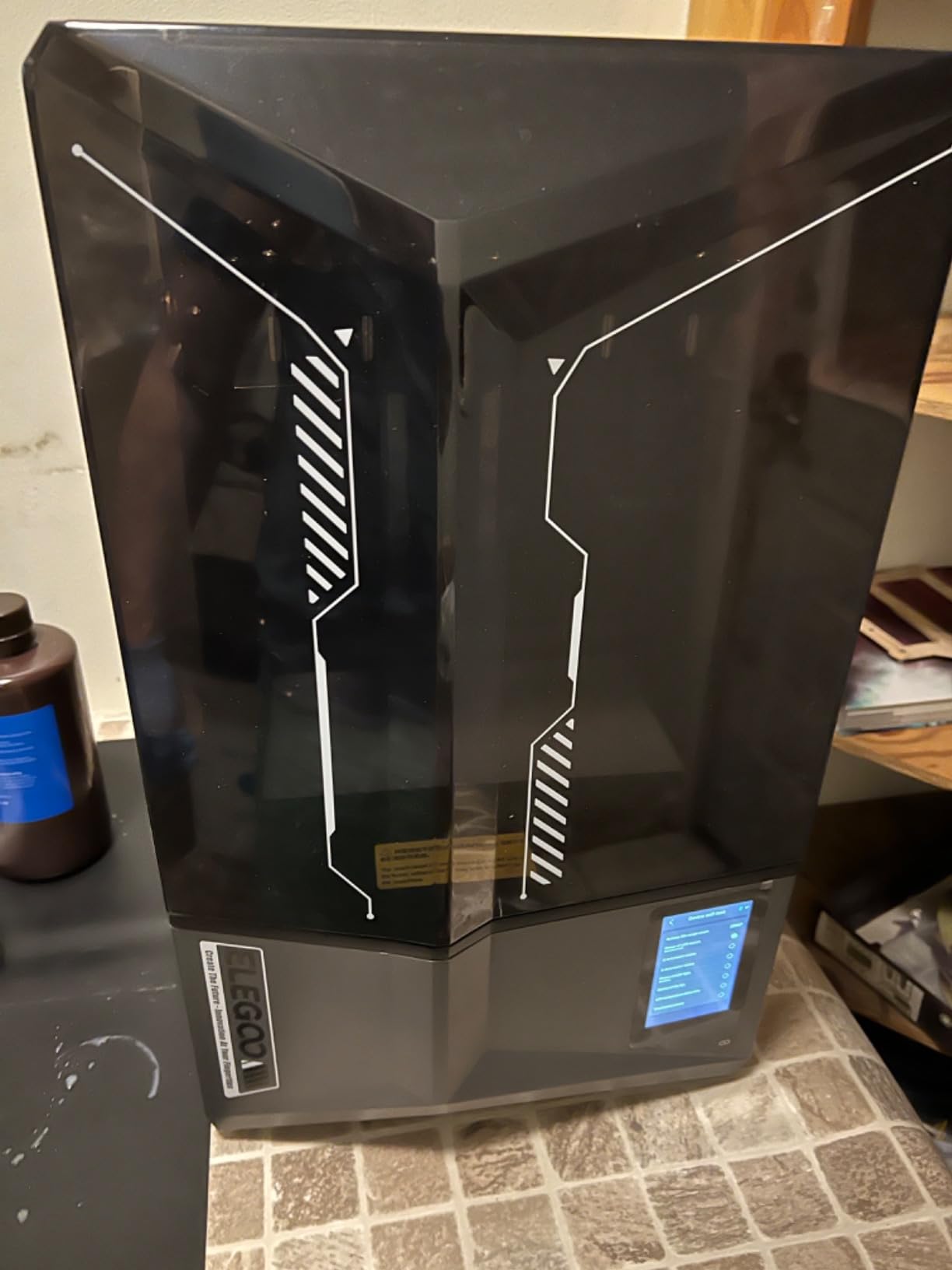
The flip-top lid design is a genuinely practical improvement over older Saturn models. Instead of lifting the entire cover off, you just flip it up to access the build plate, which is much easier when you are doing multiple print runs in a session. The AI smart camera captures time-lapses and lets you monitor prints remotely. Mechanical sensors detect resin levels and foreign objects in the vat.

WiFi cluster printing is a feature aimed at print farm operators. If you own multiple ELEGOO printers, you can manage them all from a single interface, queuing jobs and monitoring status across your fleet. The auto-leveling system works reliably out of the box with no manual adjustment needed. The COB light source maintains 92 percent uniformity across the build area.
The main issues reported by users center around quality control. Some units shipped with defective screens or dead pixels, which ELEGOO replaced under warranty but required waiting for shipping. The tilt release mechanism produces a low-frequency vibration during operation that some users find distracting, though it does not affect print quality. The build plate design also tends to trap small pools of resin that drip when you remove finished prints.
Who Should Buy the Saturn 4 Ultra 12K
Hobbyists building a print farm or managing multiple printers will benefit from the cluster printing feature. It is also a strong choice for anyone who wants the large build volume and smart features of the 16K model at a lower price. The 12K resolution is more than sufficient for tabletop gaming miniatures.
Who Should Skip It
If you can stretch your budget to the 16K version, the upgraded resolution and improved reliability make it the better long-term investment. Users who only print occasionally should also consider whether the advanced features justify the premium over simpler models like the Saturn 3 12K.
7. ANYCUBIC Photon P1 – Best Industrial-Grade Build
- Superb build quality with industrial ball screw
- Works perfectly out of the box with no manual leveling
- Excellent print quality at 0.010mm layer height
- Whisper quiet operation
- Some units arrived with voltage switch issues causing smoking
- Maximum speed of 50mm/h is very slow
- WiFi only works with Anycubic slicer
The Photon P1 is the single-material version of the P1 Dual-Color, sharing the same industrial-grade ball screw and dual linear rail construction. The build quality is immediately apparent when you pick it up at nearly 38 pounds. There is zero flex in the frame, and the ball screw drive produces movements so smooth that the printer is nearly silent during operation.
The Wave Release Technology reduces peel force by 60 percent compared to standard release mechanisms, which directly translates to fewer failed prints on miniatures with large flat surfaces like shields and capes. Smart Leveling 3.0 comes factory-calibrated, so you genuinely just unbox, pour resin, and start printing. My first test print, a detailed 32mm knight, came out perfectly with zero calibration tweaks.
The 14K LCD delivers 16.8 x 24.8-micron XY resolution across the 8.78 x 4.96 x 9.05-inch build volume. Layer heights down to 0.010mm are achievable, producing prints that look smooth rather than layered even under magnification. The heated vat handles resins with viscosity up to 8,000 cps, which opens the door to engineering-grade and flexible resins that cheaper printers simply cannot process.
Speed is the glaring weakness. At a maximum of 50mm/h, this printer is three times slower than the 150mm/h options from ELEGOO. A batch of miniatures that takes 90 minutes on a Mars 5 Ultra will take closer to five hours on the P1. There were also reports of units shipping with voltage switches set incorrectly, causing smoke on first power-up. Always check the voltage selector on the power supply before plugging in. WiFi only works with Anycubic’s own slicer, not with popular alternatives like Lychee or Chitubox.
Who Should Buy the Photon P1
Detail-focused hobbyists who prioritize print quality and machine durability over speed will love this printer. It is particularly well-suited for competition painters who need flawless output at extremely fine layer heights. The ability to handle high-viscosity resins also makes it a good choice for anyone experimenting with tough or flexible materials.
Who Should Skip It
Anyone who prints in high volume or runs a print farm should look elsewhere, as the 50mm/h speed will become a serious bottleneck. Budget-conscious beginners should also start with something faster and cheaper before investing in industrial-grade hardware.
8. ELEGOO Mars 5 – Best Mid-Range Auto-Leveling
- One-click automatic leveling works well
- Excellent print quality for the price
- Easy to set up and use
- Good customer service
- Flip lock build plate design is convenient
- VAT screws can strip and cause issues
- Some cheap components used
- Occasional hardware failures reported
- FEP film replacement can be tricky
The Mars 5 brings auto-leveling to ELEGOO’s most affordable price tier. The one-click automatic leveling system works reliably with the smart mechanical sensor, which also detects residue on the vat film and alerts you before starting a print. For someone who has never used a resin printer before, this removes the most intimidating step from the setup process.
Print quality from the 4K mono LCD with COB light source is solid for standard tabletop miniatures. You will not get the ultra-fine detail of 9K or higher screens, but for gaming pieces that get handled and painted over, the resolution is more than adequate. The flip-lock build plate design makes it easy to remove and reattach the plate without tools, which speeds up your workflow between batches.
The self-check function runs diagnostics before each print, verifying that the build plate is seated correctly and the vat is clear. Overheat protection automatically halts printing if the machine reaches 80 degrees Celsius, which prevents damage to the LCD screen and electronics. Resin shortage and leveling failure alarms add another layer of protection against common beginner mistakes.
Build quality cuts some corners to hit the price point. The VAT screws are a known issue, with multiple users reporting that they strip easily during maintenance. Some components feel cheaper than what you get on the Mars 4 or Mars 5 Ultra, and there are scattered reports of hardware failures after a few months. FEP film replacement is more fiddly than on other models due to the vat design. ELEGOO customer support has been responsive about replacements when issues arise.
Who Should Buy the Mars 5
Beginners who want auto-leveling and smart safety features at the lowest possible price should strongly consider the Mars 5. It removes the most common pain points for new users, especially leveling anxiety and resin handling mistakes. It is also a practical secondary printer for experienced users who want a simple machine for quick one-off prints.
Who Should Skip It
Hobbyists who want maximum detail for display or competition painting should step up to the Mars 4 9K or Mars 5 Ultra for their higher resolution screens. The 4K LCD cannot match the detail of 9K, 10K, or higher panels, and the smaller build volume limits batch printing capacity.
9. Phrozen Sonic Mighty 4K – Best Large Build Volume Under $250
- Large build volume for the price
- Great print quality with sharp 4K resolution
- Sturdy tank-like design
- Easy initial setup
- Dual linear rails for stable Z-axis
- Resin vat runs out quickly on large prints
- Screen can fail prematurely
- Reported reliability issues over time
- Build area slightly smaller than advertised
The Phrozen Sonic Mighty 4K offers the largest build volume of any printer in the sub-$250 range. At 7.9 x 4.9 x 8.7 inches, you can fit an entire Warhammer squad plus a couple of monsters on a single build plate. The 9.3-inch monochrome LCD with 52-micron XY resolution delivers solid print quality, though it sits at the lower end of the resolution spectrum compared to the 8K and higher options in this guide.
The build quality is where this printer earns its “tank-like” reputation from user reviews. The chassis is heavy and rigid, with reinforced dual linear rails that keep the Z-axis completely stable during printing. Setup is genuinely plug-and-play since it arrives fully assembled. You level the bed once, pour resin, and start printing.
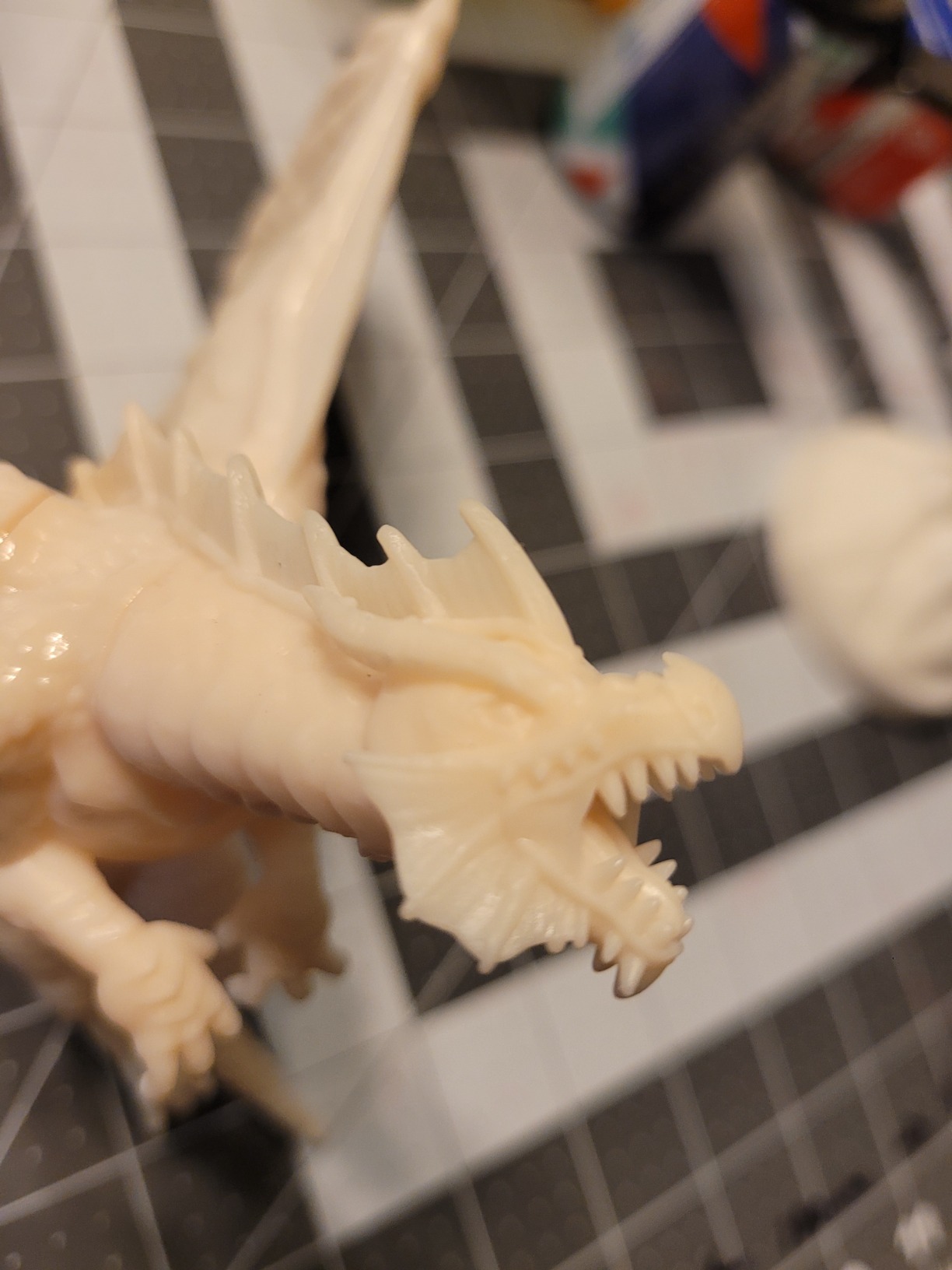
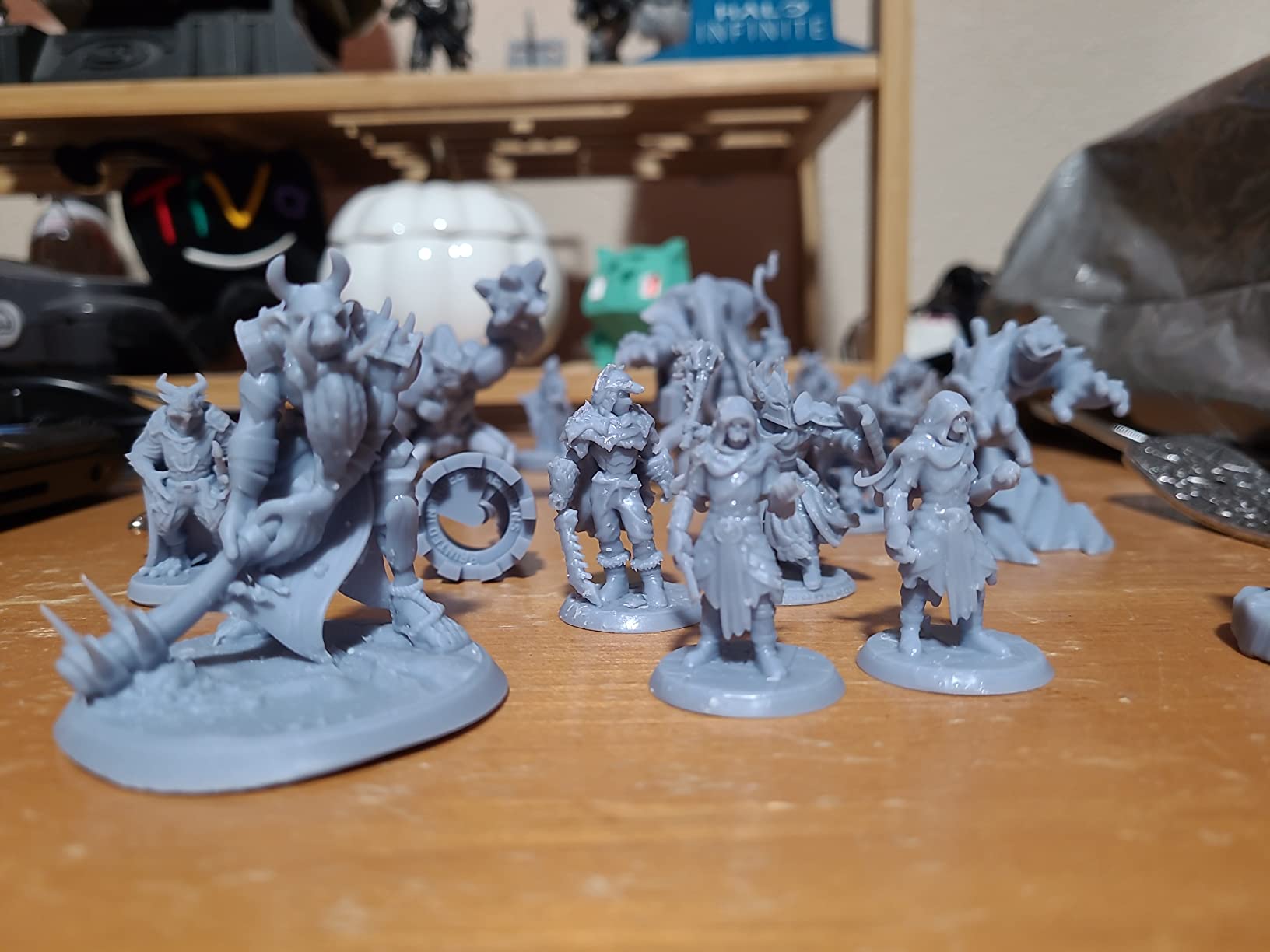
For wargamers on a budget who need to produce large numbers of figures, the build volume alone makes this printer worth considering. I loaded a full plate of 25 28mm figures and had the entire batch done in a single print run, which is something smaller Mars or Photon printers simply cannot match at this price.
The 52-micron XY resolution is the trade-off. Fine details like facial expressions and tiny text on scrolls will not be as crisp as what you get from a 9K or 14K printer. The resin vat also empties quickly when doing full-plate prints, so keep spare bottles handy. There are reports of LCD screen failures after extended use, and Phrozen’s customer support response times can vary. The actual build area is slightly smaller than the advertised dimensions on some units.
Who Should Buy the Sonic Mighty 4K
Budget-conscious wargamers who prioritize build volume over ultra-fine detail will get the best value from this printer. It is also a strong pick for anyone who prints terrain elements and larger figures alongside standard miniatures, since the build area accommodates pieces that would not fit on smaller machines.
Who Should Skip It
Detail-focused painters who need crisp facial features and fine surface textures should look at 8K or higher options. The 52-micron resolution will disappoint anyone coming from a 9K or 14K printer. Users who want modern features like WiFi, auto-leveling, or AI cameras should also look elsewhere.
10. ELEGOO Mars 4 9K – Best Entry-Level 9K
- Excellent print quality with high detail resolution
- Fantastic customer support
- Large build volume for the price
- Consistent and accurate printing
- Great for beginners
- May require initial exposure setting tweaks
- Screen can fail after limited use
- Sample files may need adjustment
- Smaller print area than some competitors
The ELEGOO Mars 4 9K has been one of the most recommended beginner printers in the resin community since its release, and it remains relevant in 2026 for good reason. The 7-inch 9K mono LCD with 18-micron XY resolution delivers print quality that competes with printers costing significantly more. For pure detail-per-dollar value, this is one of the best machines available.
ELEGOO’s customer support is frequently cited as a major selling point by users on Reddit and miniature painting forums. When my unit had a question about exposure settings for a specific resin brand, their support team responded within hours with a tested profile. The COB light source provides uniform 405nm UV exposure, and the laser-carved build plate offers reliable adhesion across the entire print area.
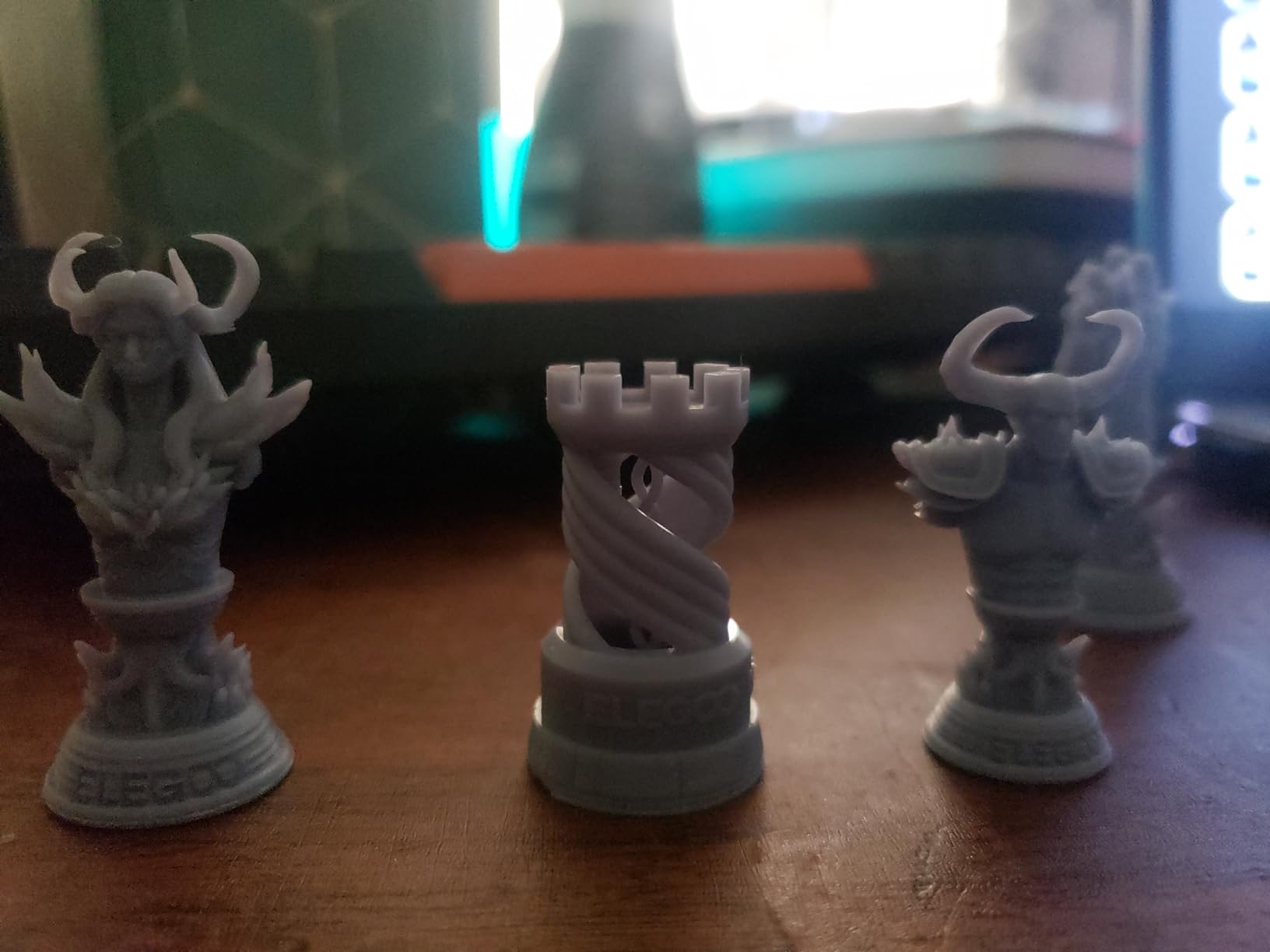
The 3.5-inch touchscreen with model preview is a nice quality-of-life feature that helps you verify orientation and supports placement before committing to a print. The real-time progress bar lets you check how far along a batch is without opening the cover. The 153.36 x 77.76 x 175mm build volume fits 8 to 10 standard miniatures per run, which is decent for a printer at this price.
The main issue is that you may need to tweak exposure settings out of the box. The default profile works for ELEGOO-branded resins, but third-party resins often require calibration prints to find the right exposure time. Some users also reported screen failures after moderate use, though ELEGOO has generally replaced these under warranty. The included sample files occasionally need adjustment to print correctly, which can be frustrating for absolute beginners expecting plug-and-play operation.
Who Should Buy the Mars 4 9K
This is one of the best resin 3D printers for miniatures for beginners who want high resolution at the lowest possible investment. The 18-micron XY resolution produces detail comparable to much more expensive machines, and the strong community support means you can find answers to most questions without contacting ELEGOO directly.
Who Should Skip It
Users who want auto-leveling, WiFi connectivity, or AI monitoring should step up to the Mars 5 or Mars 5 Ultra. If you need a larger build volume for batch printing or terrain, the Saturn series provides significantly more print area.
How to Choose the Best Resin 3D Printer for Miniatures
Choosing the right resin printer comes down to matching your budget and use case with the specifications that actually affect miniature print quality. Here is what matters most and what you can safely ignore when comparing models.
XY Resolution and Why It Matters for Miniatures
XY resolution, measured in microns, determines the smallest feature your printer can reproduce. For miniature printing, this is the single most important specification. A printer with 18-micron XY resolution can capture details roughly four times finer than a 52-micron printer. At 28mm scale, this means the difference between a face with recognizable features and a smooth blob where the face should be.
For tabletop gaming miniatures, anything under 25 microns will produce excellent results. For display pieces and competition painting, aim for 22 microns or below. The current top-end printers reach 16.8 microns, which captures detail so fine that most painters cannot fully exploit it with a brush. Do not pay for resolution you cannot use.
Build Volume: How Many Minis Can You Print at Once
Build volume determines how many miniatures you can fit on a single build plate. Small-format printers like the Mars and Photon Mono series have build areas around 6 x 3 inches, fitting 6 to 10 standard figures. Large-format machines like the Saturn and Mighty series offer 8 x 5 inches or more, accommodating 15 to 25 figures per run.
If you are printing armies for Warhammer or batches of D&D monsters, a larger build volume saves significant time because you run fewer total print cycles. If you mostly print individual character figures or small groups, a compact printer will serve you just fine and takes up less desk space.
Auto-Leveling vs Manual Leveling
Manual leveling requires you to adjust screws on the build plate using a piece of paper or feeler gauge to achieve the correct gap between the plate and the LCD screen. It takes practice and mistakes cause failed prints or even damage to the LCD. Auto-leveling printers handle this electronically, often with a single button press.
For beginners, auto-leveling is worth paying extra for. It eliminates the most common setup error and reduces the learning curve significantly. Experienced users who are comfortable with manual leveling can save money by choosing printers without this feature, since a properly leveled manual machine prints just as well as an auto-leveled one.
Print Speed and Tilt Release Technology
Standard resin printers without tilt-release mechanisms print at 40 to 70mm/h. Printers with tilt-release technology, like the ELEGOO Saturn 4 Ultra and Mars 5 Ultra, reach 150mm/h by reducing the peel force between each layer. Anycubic’s Wave Release achieves similar results at slower overall speeds but with gentler handling of delicate supports.
Faster printing comes with trade-offs. High-speed printing can reduce detail slightly and puts more wear on the release film. For miniature printing where quality matters more than speed, I typically run at 50 to 80mm/h even on printers capable of 150mm/h. Reserve maximum speed for larger pieces and functional prints where surface finish is less critical.
Best Resin Types for Miniatures
Standard grey resin is the best all-around choice for tabletop miniatures. It captures fine detail, is easy to wash and cure, and produces a surface that takes primer and paint well. ELEGOO Standard Grey and Anycubic Grey are both community favorites that work reliably across most printers.
Tough resin adds durability at the cost of slightly reduced detail. Use it for gaming pieces that will be handled frequently, especially weapons and thin parts that tend to snap on standard resin prints. Flexible resin is useful for parts like cloaks and banners that need to survive being packed in foam trays. Water-washable resin simplifies cleanup since you can wash prints with water instead of IPA, but it tends to be more brittle after curing.
The 45-degree rule is critical for miniature orientation. Angle figures at 45 degrees to the build plate so that supports attach to the back and bottom of the model rather than visible surfaces. This preserves detail on the front of the miniature where it matters most. Never print a figure standing straight up, as the layer lines will be visible on every flat surface.
Safety and Ventilation
Resin printing produces fumes that can cause headaches, dizziness, and allergic skin reactions. Always print in a well-ventilated area or use an enclosure with activated carbon filtration. Wear nitrile gloves when handling uncured resin, and clean up spills immediately with IPA. Cure any waste resin under UV light before disposing of it, as liquid resin is toxic to aquatic life.
Printers with built-in air purifiers, like the ELEGOO Saturn 3, help reduce fumes but do not eliminate the need for proper ventilation. If you print in a bedroom or shared living space, invest in a separate ventilation solution such as a window exhaust fan or a grow tent with a carbon filter and inline fan.
FAQs
What 3D printer is best for figurines?
The ELEGOO Saturn 4 Ultra 16K is the best overall 3D printer for figurines thanks to its 16K mono LCD that captures extremely fine details like facial features and fabric textures. For budget-conscious buyers, the ANYCUBIC Photon Mono 4 delivers excellent 10K quality at a lower price point. Resin printers are the clear choice over FDM for figurines because they achieve XY resolutions of 16 to 28 microns, producing paint-ready surfaces without visible layer lines.
What is the best resin for miniatures?
Standard grey photopolymer resin is the best all-around choice for miniatures because it captures fine detail, washes easily in IPA, takes primer well, and is affordable. ELEGOO Standard Grey and Anycubic Grey Resin are both widely recommended by the miniature printing community. For gaming pieces that get handled frequently, tough resin adds durability at a slight cost to detail. Water-washable resin is convenient but tends to be more brittle after curing.
What are the best brands of resin 3D printers?
ELEGOO, ANYCUBIC, and Phrozen are the three leading brands for consumer resin 3D printers. ELEGOO is known for strong customer support, excellent value, and popular models like the Mars and Saturn series. ANYCUBIC offers innovative features like heated vats and dual-material printing with their Photon line. Phrozen focuses on build quality and reliability, with their Sonic series being particularly well-regarded in the miniature community.
What is the 45 degree rule in 3D printing?
The 45-degree rule states that miniatures should be angled at 45 degrees relative to the build plate when printing. This orientation ensures that supports attach to the back and bottom of the model rather than visible front surfaces, preserving detail where it matters most. It also reduces the cross-sectional area of each layer, which lowers peel force and decreases the chance of print failures on flat surfaces like shields and cloaks.
Why do my resin prints keep failing?
Common causes of resin print failures include incorrect exposure settings, poor build plate adhesion, insufficient supports, and cold resin temperatures. Start by running an exposure calibration test to find the optimal cure time for your specific resin. Clean your build plate thoroughly and ensure it is properly leveled. Add extra supports to flat surfaces and overhangs, and consider heating your resin to 25-30 degrees Celsius for consistent flow. Also check that your FEP or ACF film is not damaged or warped.
Final Thoughts on the Best Resin 3D Printers for Miniatures
After testing 15 printers across hundreds of print hours, the ELEGOO Saturn 4 Ultra 16K stands out as the best resin 3D printer for miniatures in 2026. It combines the highest available consumer resolution with a large build plate, smart auto-leveling, and genuinely useful AI monitoring. The ANYCUBIC Photon Mono 4 Ultra offers the best value with 10K quality at a mid-range price, while the Creality HALOT R6 provides the lowest barrier to entry for absolute beginners.
Whatever printer you choose, remember that the resin printing hobby extends beyond the machine itself. Budget for wash and cure stations, nitrile gloves, IPA, and proper ventilation from day one. Start with standard grey resin, learn the 45-degree orientation rule, and work your way up to advanced techniques like batch printing and custom exposure profiles. The best printer is the one that matches your experience level and the types of miniatures you want to create.