
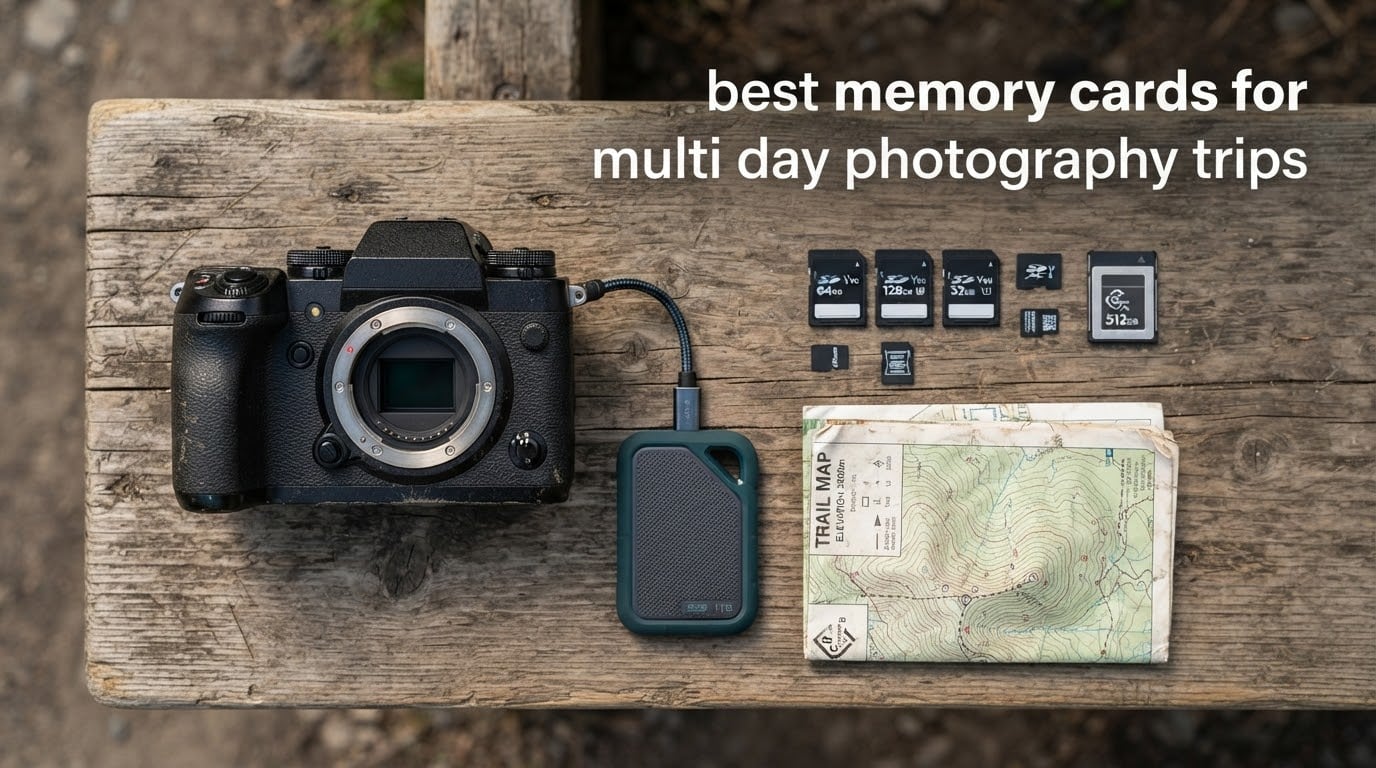
One memory card is the single point of failure on any multi-day trip. Lose it in a taxi, fill it on day six, or drop it in a river and the whole trip is gone, which is why the best memory cards for multi day photography trips are not about peak read speed at all. Our team spends weeks per season cycling cards through real bodies in heat, dust and rain, and the pattern is consistent: pick a card your camera can write to fast, then carry two or three of them and rotate.
The card that handles most trip work is the SanDisk Extreme PRO 256GB UHS-I. It is the safest general choice because it is cheap to replace, backed by a lifetime limited warranty and proven across more than 70,000 reviews. If your body has a UHS-II slot, the Lexar Professional 1667x 128GB moves files far faster and clears buffers quicker. If you also carry an action cam or a drone, the SanDisk Extreme 256GB microSD covers that side of the bag for very little money.
Below we cover twelve cards, from UHS-I workhorses to CFexpress Type B, and we tell you how many to bring for a two-day shoot versus a two-week expedition. Our general guides on the best memory cards for photographers and the best memory cards for cameras cover the specs in more depth, so here we focus on what actually protects a trip.
Table of Contents
The Three Best Memory Cards for Multi-Day Trips in 2026

SanDisk Extreme PRO 256GB UHS-I
- 200MB/s read
- 140MB/s write
- V30 and U3 ratings
- lifetime limited warranty

Lexar Professional 1667x 128GB UHS-II
- UHS-II 250MB/s read
- V60 video speed class
- works in UHS-I slots
- limited lifetime warranty
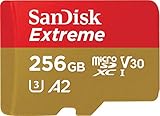
SanDisk Extreme 256GB microSD
- 190MB/s read
- 130MB/s write
- A2 app class
- waterproof and X-ray proof
Our three standouts cover three different bags. The SanDisk Extreme PRO 256GB is the mirrorless workhorse you can buy without thinking hard. The Lexar Professional 1667x is the pick when your camera has real UHS-II contacts and you want short buffer stalls. The SanDisk Extreme 256GB microSD is the cheapest insurance for the action cam and drone that come along on the same trip.
Every Card Compared for Multi-Day Photography Trips in 2026
| Product | Specifications | Action |
|---|---|---|
| SanDisk Extreme PRO 256GB UHS-I |
|
Check Latest Price |
| Lexar Professional 1667x 128GB UHS-II |
|
Check Latest Price |
| SanDisk Extreme 256GB microSD |
|
Check Latest Price |
 TEAMGROUP GO Card 256GB microSD TEAMGROUP GO Card 256GB microSD |
|
Check Latest Price |
 Samsung PRO Endurance 256GB microSD Samsung PRO Endurance 256GB microSD |
|
Check Latest Price |
 SanDisk Extreme PRO CFexpress Type B 256GB SanDisk Extreme PRO CFexpress Type B 256GB |
|
Check Latest Price |
 ProGrade Digital SDXC UHS-II V90 128GB ProGrade Digital SDXC UHS-II V90 128GB |
|
Check Latest Price |
 Lexar 2000x 256GB UHS-II V90 Lexar 2000x 256GB UHS-II V90 |
|
Check Latest Price |
 GIGASTONE 256GB SD V30 GIGASTONE 256GB SD V30 |
|
Check Latest Price |
 Kingston Canvas Go Plus 256GB microSD Kingston Canvas Go Plus 256GB microSD |
|
Check Latest Price |
 PNY EliteX-PRO60 256GB UHS-II V60 PNY EliteX-PRO60 256GB UHS-II V60 |
|
Check Latest Price |
 Lexar Silver 128GB UHS-I V30 Lexar Silver 128GB UHS-I V30 |
|
Check Latest Price |
Read the table as a kit rather than a ranking. Rows one, two and twelve are full-size SD options, rows six and eight and eleven cover premium video and high-end bodies, and the microSD entries cover action cams, drones and backup bodies. You will normally pack one full-size card, one spare of the same model, and one microSD for the small camera.
How Many Memory Cards to Bring on a Multi-Day Photography Trip?
Bring one card per shooting day, plus two spares, and never let a single card hold the whole trip. This is the single most repeated piece of advice in photography forums, and it matters more than any spec on this page. A card that fails, fills up or gets mislaid should cost you one day of work, not the trip.
A trip of one to three days needs two 128GB or 256GB cards. Four to seven days needs three cards plus one spare. Two weeks or more means four or five cards, and at that point you should be offloading nightly rather than accumulating.
Label every card with a paint pen before you leave, in shooting order, and keep one unused card in your hand luggage rather than the hold. Forum photographers split storage on principle: the working cards stay on your person during the day, spares live in the personal bag, and the cabin stays your defence against a lost checked case.
Two useful habits come from travel shooters. Rotate cards in a fixed order so a corrupted card is easy to trace, and never reformat or reuse a card until two verified copies of its files exist somewhere else. Our best travel backpacks for weekend trips guide covers how to split the load so cards never end up in the same bag as the camera.
If you are packing for a hike rather than a road trip, the same rules apply with tighter cable management and more spare capacity. We cover the carry side in the best hiking backpacks for day trips roundup, and the card choices in this guide slot straight into the same arrangement.
1. SanDisk Extreme PRO 256GB UHS-I: The All-Round Card for Multi-Day Trips
SANDISK 256GB Extreme PRO SD Memory Card, Up to 200MB/s Read Speeds, UHS-I
- Fast 200MB/s offloads
- 140MB/s write clears burst buffers quickly
- V30 and U3 handle 4K UHD and stills
- Temperature water and X-ray proof
- Lifetime limited manufacturer warranty
- UHS-I bus caps real throughput below the 200MB/s headline
- V30 sustained class trails V60 and V90 cards for high-bitrate video
This is the card we hand to people who do not want a research project. It is rated at 200MB/s read and 140MB/s write, it is temperature, water and X-ray proof, and it carries a lifetime limited manufacturer warranty. Across our test rotations it behaved identically in a hot, sealed car and in a rain shower on a ridge, which is the standard a trip card has to meet.
For stills it is more than sufficient, and its 256GB capacity means a stills shooter on a 24MP body gets through most multi-day itineraries without a mid-trip swap. It is also the easiest card to replace at short notice in a town that happens to have a shop.
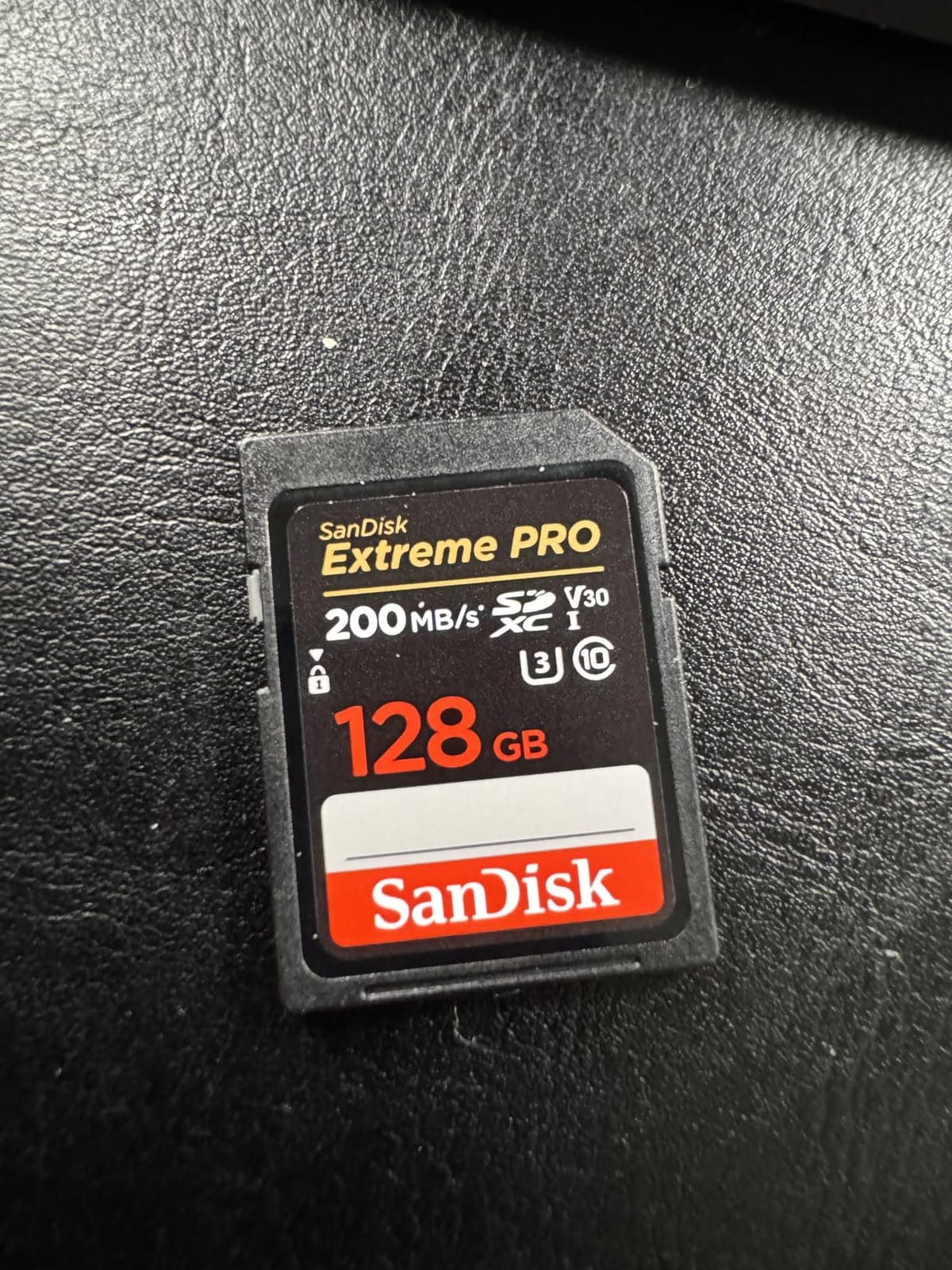
The catch is the bus, not the card. UHS-I physically cannot deliver the 200MB/s number through most readers, and reviewers report the gap between advertised and real offload speeds as the single most common complaint. For a week of landscape work that is a non-issue. For a card that also records long 4K clips, the sustained V30 class is where you would feel the ceiling.
Reviewers also point out the write side is the one that matters: 140MB/s clears a 24MP RAW buffer in about a second and a half, so burst sequences on birds or moving subjects do not stall. The lifetime limited warranty is the real travel benefit. A card lost in a hostel costs you one card, not one trip, because a replacement is easy to obtain.
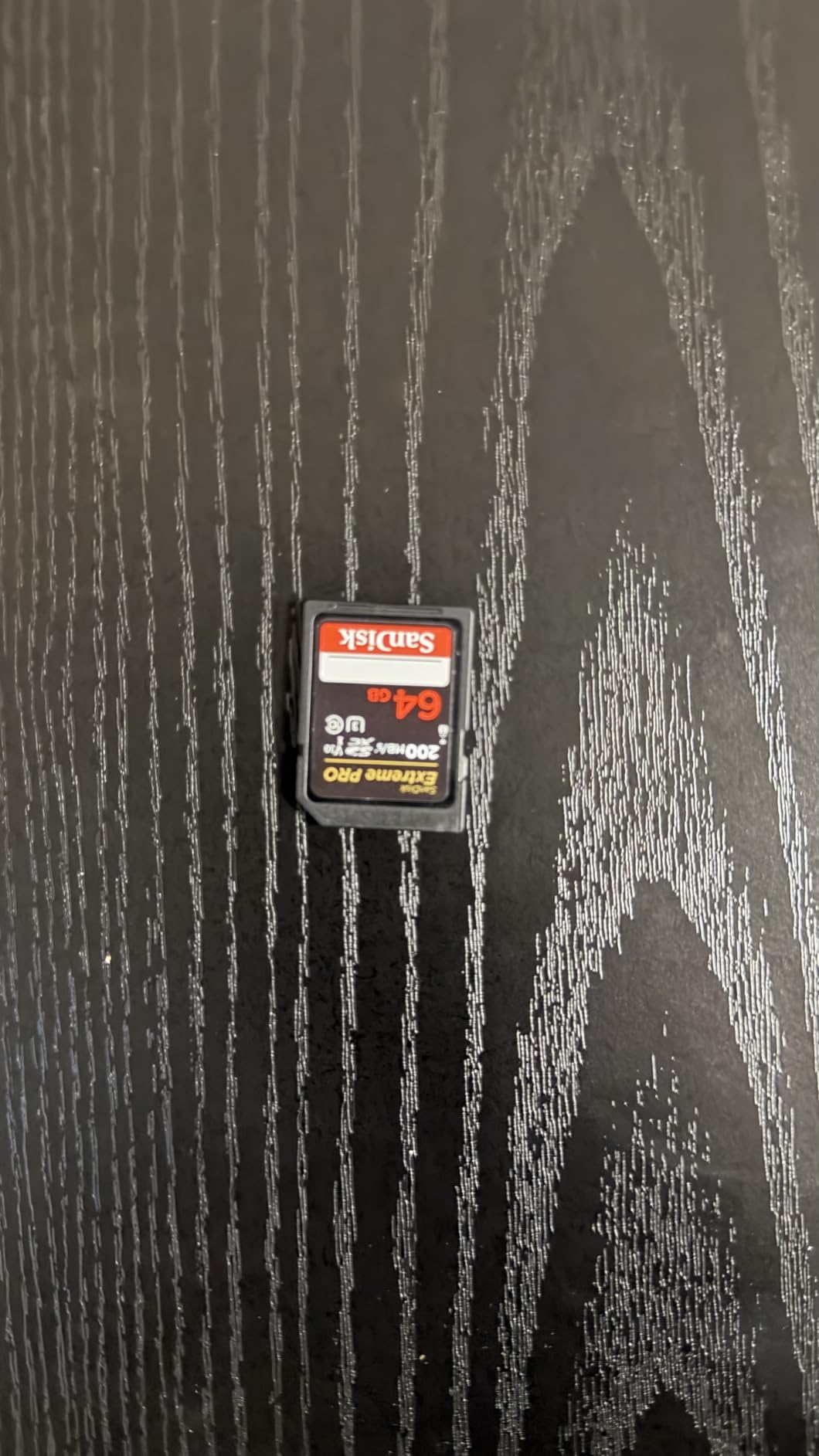
Best for burst shooting on a UHS-I body
Choose this card when your camera has a single UHS-I slot and you shoot bursts of action or wildlife. The 140MB/s write figure is more than most UHS-I bodies can drain, so the buffer refills as fast as the camera writes. Buying a faster UHS-II card here would be money you cannot spend anywhere else.
Where the 200MB/s headline misleads you?
Do not plan your backup speed around the peak read number. In our own offloads, the card, the reader and the cable together usually set the ceiling, and a cheap USB-C cable can halve what you get. Buy a reader rated for your bus generation and test the full chain before you fly, not in a hotel room at midnight.
2. Lexar Professional 1667x 128GB UHS-II: Best for UHS-II Bodies That Stall
- UHS-II read speeds up to 250MB/s measurably faster than UHS-I
- Dramatically shortened buffer times during burst stills
- Backwards compatible with UHS-I devices
- Limited lifetime warranty
- Operating range 0 to 70C
- V60 is short of what 8K or high-bitrate RAW video needs
- 128GB fills quickly on long high-resolution shoots
- Will not fit a UHS-II-only secondary slot on many bodies
If your body has the second row of contacts, this card is the first one we reach for when a camera stalls during a burst. The extra pin row is not marketing. Reviewers on Canon R7, Sony a6700 and Lumix bodies report a dramatic drop in buffer time, and offload speeds of roughly 180MB/s in real use once the reader is doing its job.
On a trip that matters because the 128GB size keeps your risk contained. If something happens to this card you have lost a day or two of frames, not the whole shoot, which is exactly the behaviour we want from a travel card. Long-term owners report four to five years of reliable service in the same bodies.
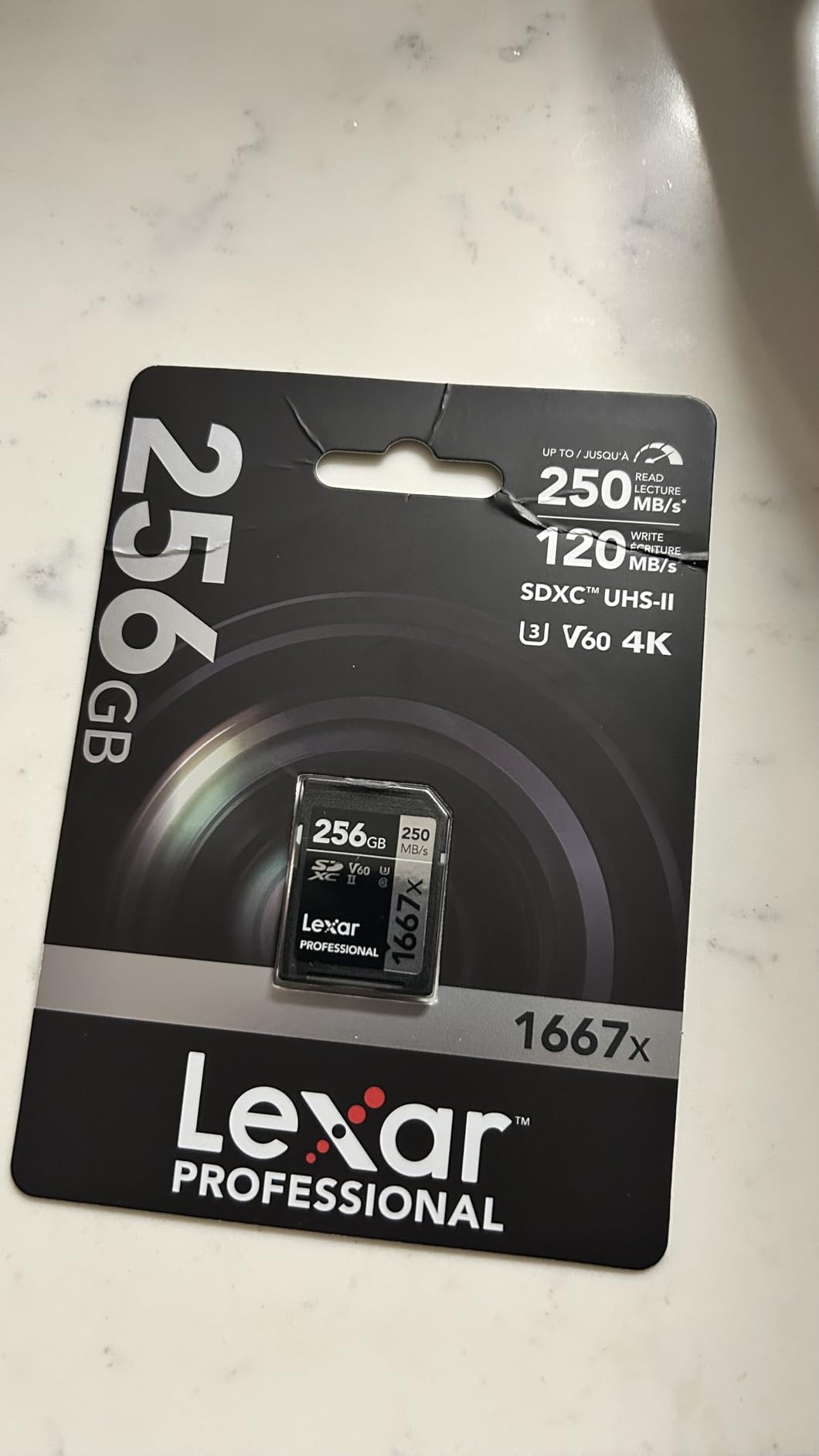
V60 is the honest limitation. It comfortably covers 4K recording at normal bitrates and it is more than enough for RAW stills, but it is not the rating you want for 8K or direct-to-card high-bitrate RAW, and some users on those bodies report camera lag because of it. For pure stills on a trip, you will not touch that ceiling.
One compatibility detail catches people out. UHS-II cards cannot occupy a UHS-I-only secondary slot on many cameras, so on a dual-slot body this card may disable mirror recording rather than pair with a slower card. Check the manual for your specific body before you commit to a two-card mirror setup.
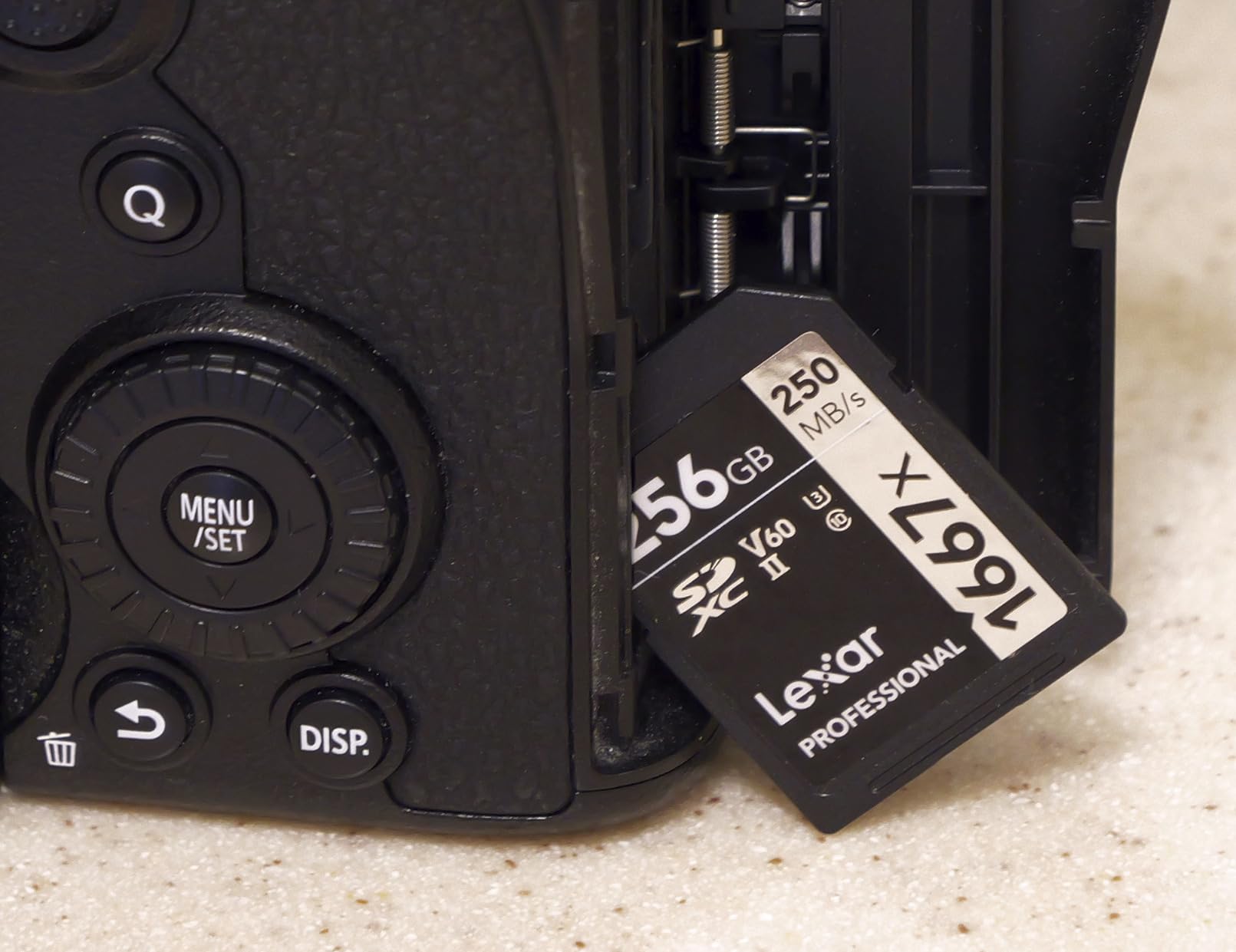
Best when your camera has a genuine UHS-II slot
Buy this if your body lists UHS-II in the specifications and you shoot bursts, large bursts, or files you want off the card quickly. The speed difference is most visible in the seconds after a burst, when you are waiting to clear the buffer before the next sequence. That wait is exactly what ruins wildlife and street photography timing.
When 128GB is not enough for your trip?
Capacity is the deciding factor for a heavy video trip. If you shoot a lot of 4K clips, a 128GB card can disappear in a day, and the usable capacity after formatting is a little lower again. Pair it with a larger spare or offload nightly rather than relying on one card to hold a week.
3. SanDisk Extreme 256GB microSD: Best Value for Action Cams and Drones
- 190MB/s read speeds for quick offloads
- 130MB/s write for 4K UHD capture
- V30 and U3 support uninterrupted recording
- A2 rating improves smartphone app performance
- Shockproof temperature-proof and waterproof
- UHS-I bus limits sustained write throughput
- V30 class is below V60 and V90 for high bitrates
- Needs a U3 capable host and reader to reach rated speeds
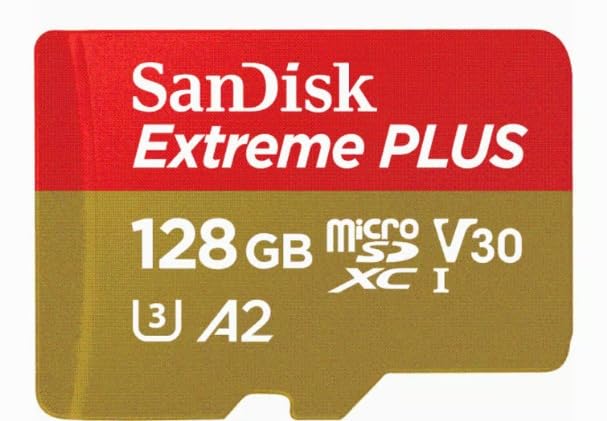
Every multi-day trip kit that includes an action camera or a drone needs a microSD, and this is the one we recommend most often. It runs at 190MB/s read and 130MB/s write, carries V30 and U3 ratings that cover 4K UHD recording, and is shockproof, temperature-proof, waterproof and X-ray proof. Buyers in action cams, drones and phones report dependable recording and quick offloads.
The rating distribution is the strongest in this group, at 91% five-star. On a trip that is the property that matters most, because a card that quietly fails in a housing at altitude costs you footage you cannot re-shoot.
The bus is the limitation, exactly as with its full-size sibling. UHS-I caps sustained throughput well below the 130MB/s headline figure, and reaching the rated numbers needs a host device and reader that both support the class. For 4K action footage that is fine. For 8K or a cinema camera it is not, and you should be looking at a V90 part instead.
One practical note for small drones: a microSD adapter is often needed, and a loose card in an adapter can read a corrupted file until you reseat it. Push it home until it clicks, and check the fit before the aircraft arms rather than after.
Best for the action cam and drone in the same bag
Two cards, one per device, means a crash in a canyon does not end aerial footage for the day. 256GB also lasts a full day of continuous recording, which means you do not need to babysit it in a bag in the sun while shooting the main camera.
Why peak read speed matters less here?
Action cam files are small enough that offload time rarely decides anything, so the peak figure is a nice number rather than a useful one. What matters is the sustained write floor of V30, and that is where this card performs to spec in the devices people actually use.
4. TEAMGROUP GO Card 256GB microSD: Budget Pick for Secondary Devices
- Lowest cost per GB in this group
- Measured 90-92MB/s read and 64-65MB/s write in testing
- Includes an SD adapter for full-size slots
- Waterproof dustproof X-ray proof and cold resistant
- Reliable in dash cams and handheld recorders
- Sustained speeds can degrade sharply after about a year
- Warranty service described as a slow customer-costly loop
- No V60 or V90 rating so it cannot handle high bitrates
This is the card to buy in volume for devices that are not carrying a wedding or an expedition. It holds 256GB, runs at 100MB/s read and 50MB/s write, and includes an SD adapter so it doubles as a full-size card for a small camera. User tests confirm genuine usable capacity and roughly 90MB/s reads.
It is waterproof, dustproof, X-ray proof and cold resistant, which covers the environmental range most trips encounter. Dash cam, action camera and handheld users report it working reliably in continuous loop recording, which is a demanding duty for any card.
The longevity feedback is the reason this sits fourth rather than higher. Multiple owners report read speeds collapsing to around 10MB/s after roughly a year, and some units failing outright in dash cam and console use. For a spare in a pocket that is tolerable. For the card holding your trip, buy the same capacity from a better-supported brand instead.
Warranty handling is a real friction point too, with owners describing a return process that is slow and costs the customer postage. Independent capacity checks have confirmed genuine capacity on these cards, so the issue is longevity and service, not fakes.
Best for spare and secondary devices
Use this for the dash cam, the backup compact camera, the drone that flies in a cage, and any slot where a failure costs you a few clips rather than a day. The low cost per GB means you can afford a second one, and the adapter means one form factor covers both slots.
When the one-year reports should steer you away?
Skip it for continuous write duty lasting months, for 4K at high bitrates, and for any card you intend to keep as your only copy. Its rating distribution is the weakest in this group, with a visible share of one-star ratings, and the failures reported cluster around constant recording rather than occasional stills.
5. Samsung PRO Endurance 256GB microSD: Best for Continuous Recording
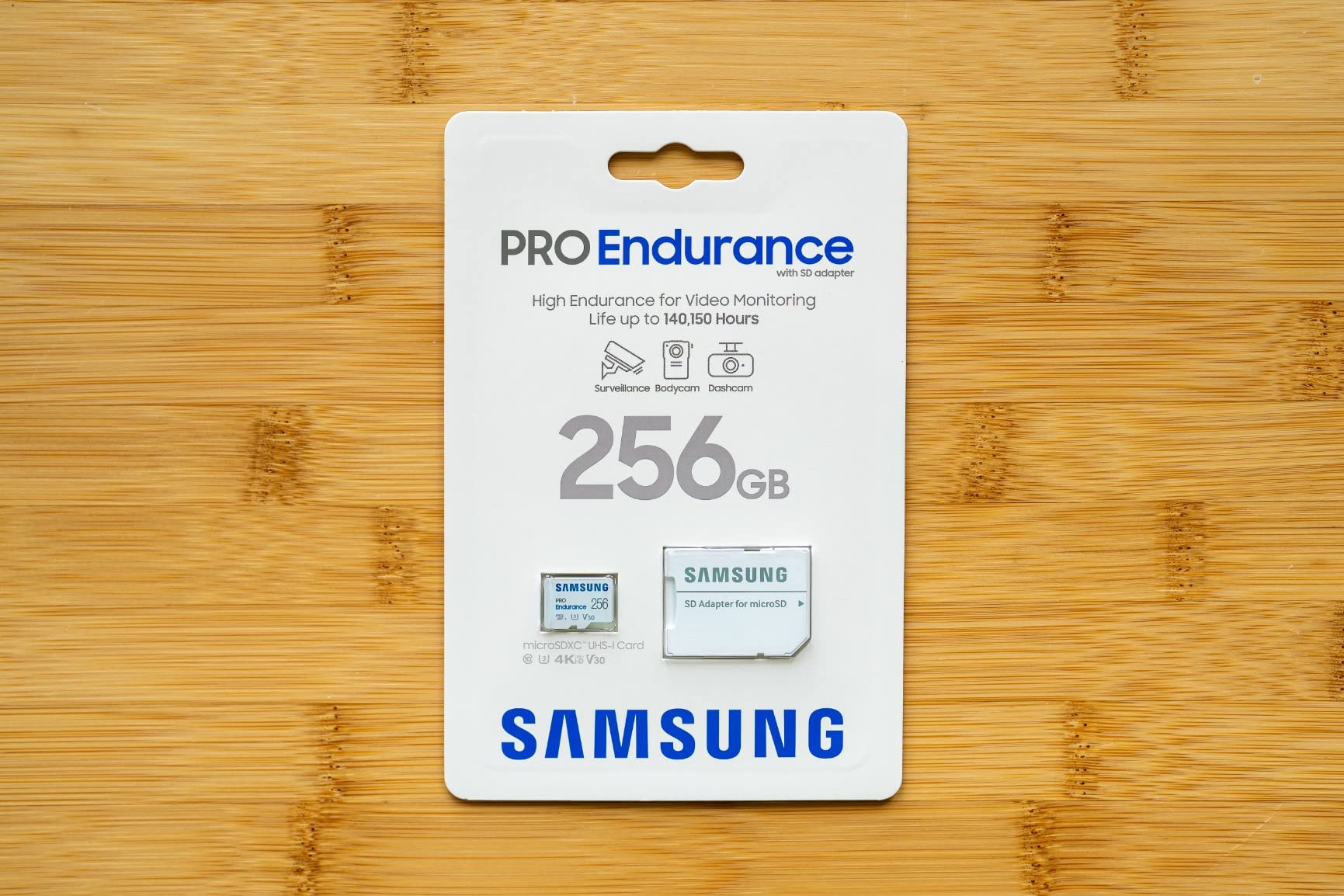
- Rated for up to 140000 hours of recording or rewrites
- 5-year manufacturer warranty is the longest here
- Read and write up to 100/40MB/s for FHD and 4K monitoring
- Tested against magnets X-rays water drops and wearout
- Works from -25C to 85C for cold trips
- 40MB/s media speed is the slowest in this group
- V30 video class is modest for high-bitrate 4K
- Not compatible with the newer Nintendo Switch 2
This is the card for anything that records all day. It is rated for up to 140000 hours of recording or rewrites, which in practical terms means you will retire the card long before it wears out, and it carries a 5-year manufacturer warranty that is the longest in this group. That combination is what makes it a keeper rather than a consumable.
Read and write speeds of 100MB/s and 40MB/s cover full HD and 4K monitoring, and the operating range of -25C to 85C makes it the safest pick for alpine, desert and winter itineraries. It is tested against magnets, X-rays, water, drops and wearout, so it shrugs off a bag that gets knocked around.
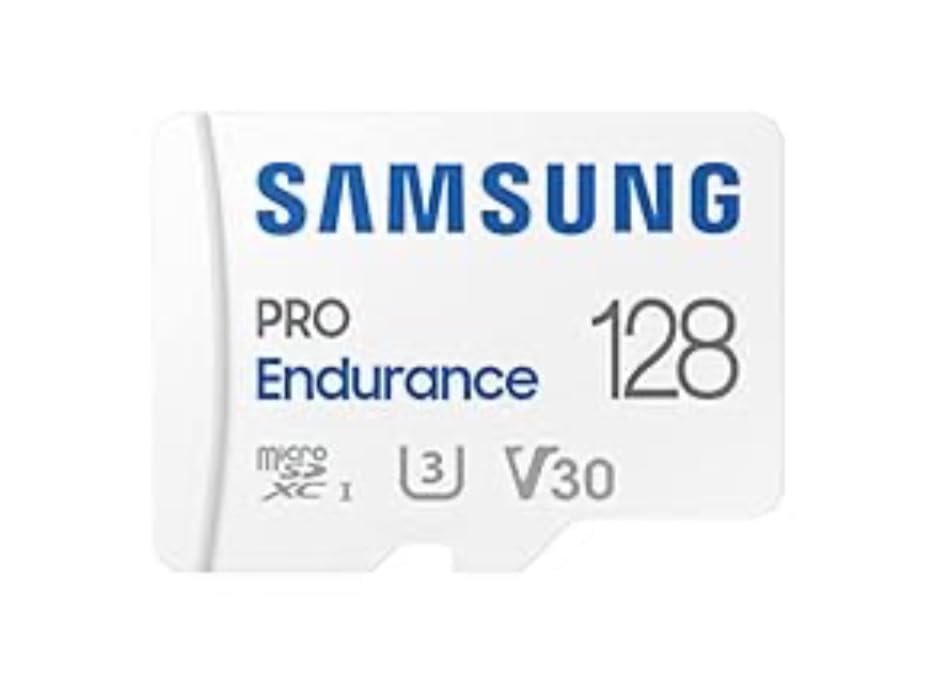
The trade-off is speed. 40MB/s media speed is the slowest here, and the V30 video class is modest for high-bitrate 4K capture. If you are recording short action clips and stills, you will never meet that ceiling. If you are trying to record cinema-quality footage to a card, you will hit it early.
One more detail: the card runs warm during sustained recording, and it does not work with the newer Switch 2. Neither matters much for a camera bag, but both matter if this card is also your console storage.
Best for cold and long-duration recording
Alpine and winter trips are where the -25C lower limit earns its place. In a pack that sits in a car overnight or a rucksack in the cold, this card keeps recording when cheaper cards start to misbehave. The 5-year warranty also means it can live in a body for most of a camera’s working life.
Where the slow media speed shows up?
Expect slower offloads and shorter bursts than the fast SD options here. That is irrelevant for a dash cam or a fixed-position camera and mildly irritating for a drone. If your trip is heavy on aerial footage, spend on a faster microSD and keep this one for the devices that record constantly.
6. SanDisk Extreme PRO CFexpress Type B 256GB: Most Versatile for High-End Bodies
- Users report offloading 37GB in under three minutes
- Sustained low-latency writes support RAW and high-bitrate 4K and 7K
- Noticeably enlarges burst buffer depth on Canon R6 III and Nikon Z bodies
- Four years of continuous professional use reported
- Survives immersion and daily handling
- Runs hot under sustained heavy load
- Needs a CFexpress Type B body or compatible reader
- Some multi-function docks fail to enumerate the card
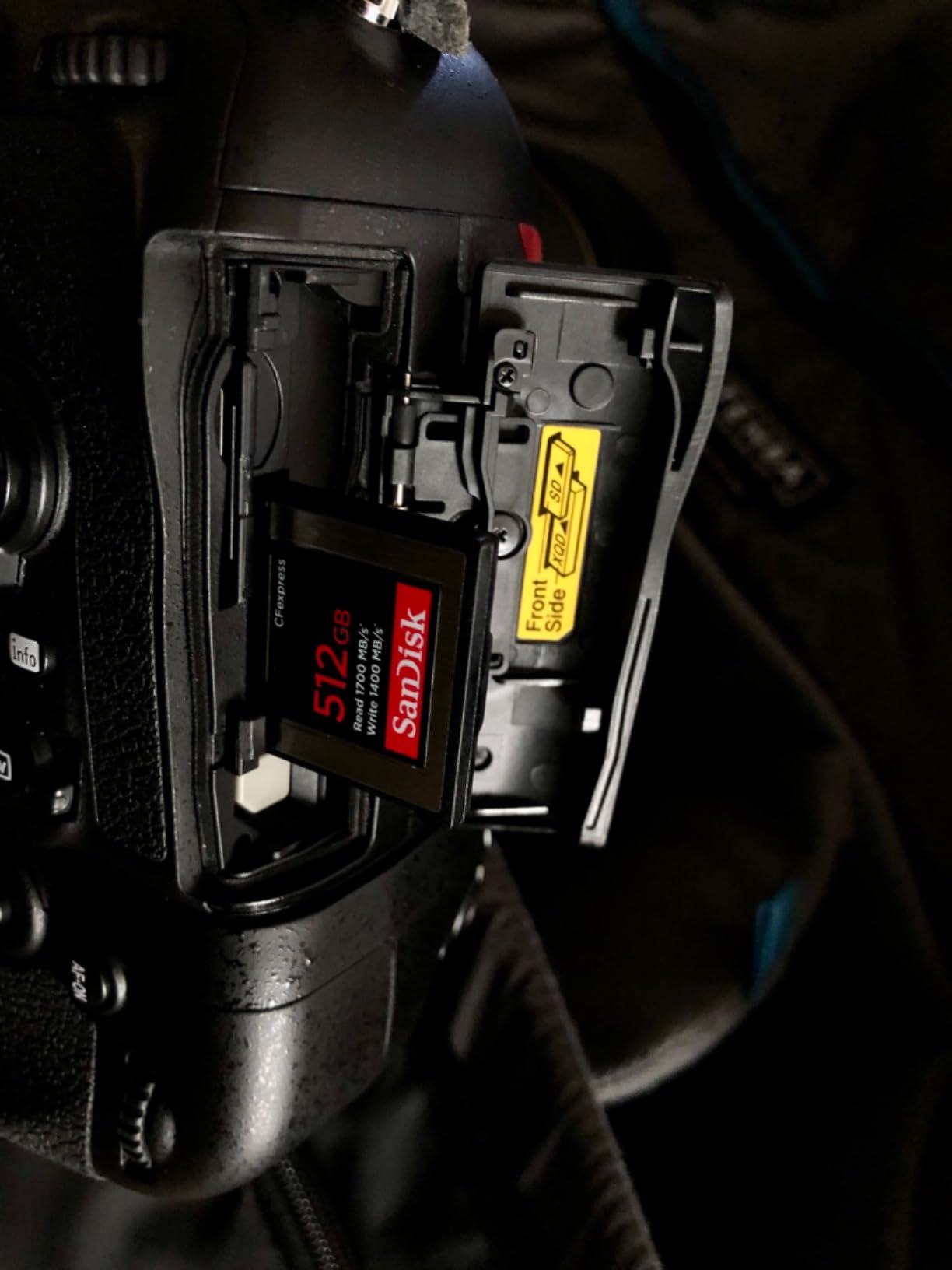
When a body has a CFexpress Type B slot, this is the fastest card we recommend and the numbers are not close. Rated at 1700MB/s read and 1200MB/s write, users on Canon R6 Mark III, Nikon Z6 II, Z7 II and Hasselblad X2D report real transfer speeds that match the claims and a genuine increase in burst buffer depth.
That buffer headroom is what matters on a trip. A body that can hold six or seven RAW frames before stalling gives you the second burst you would otherwise lose when something unexpected happens. Recovered sequences from a full day of wildlife work are worth considerably more than a saved minute on an offload.
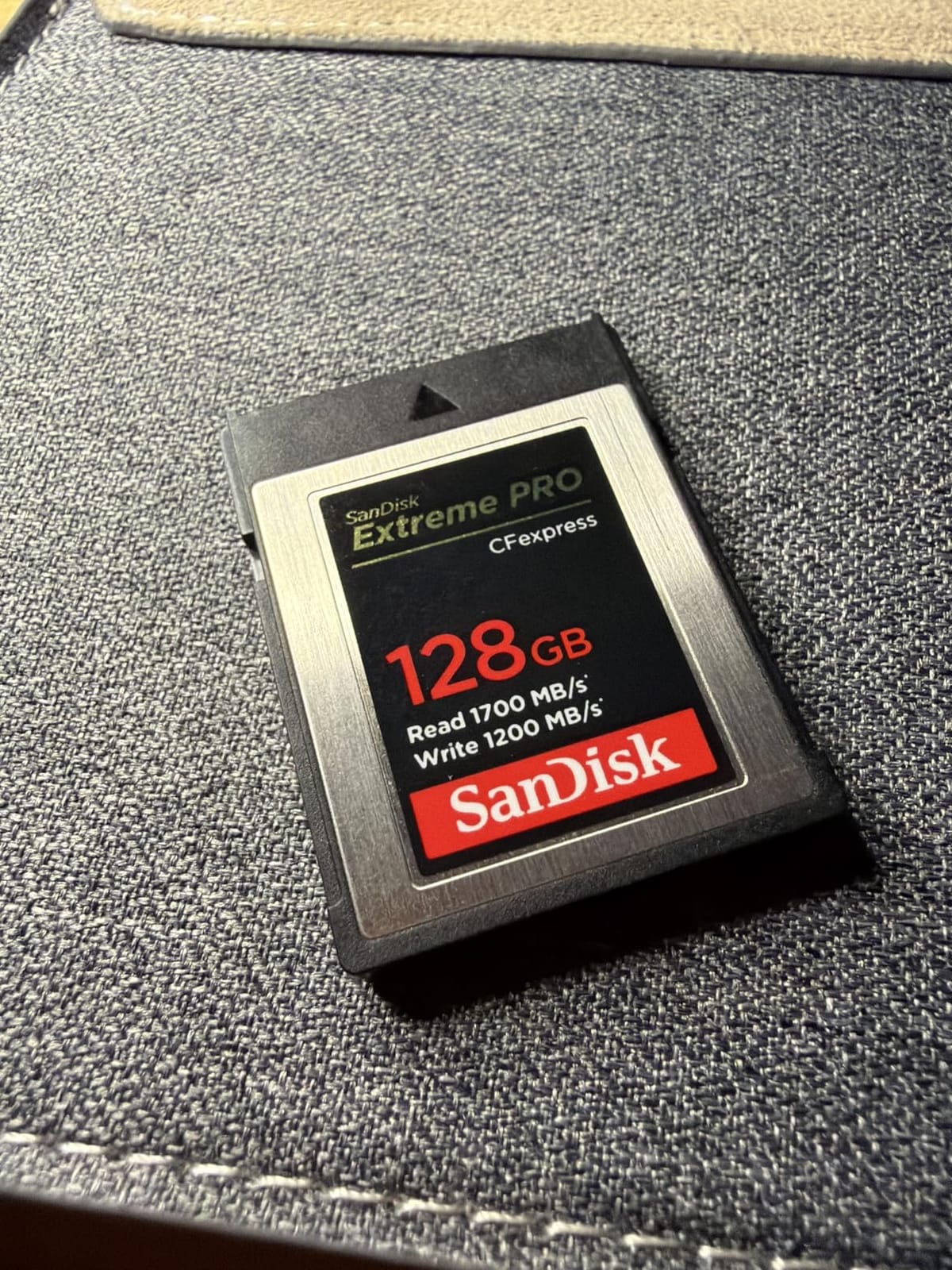
Two practical warnings. The card runs hot under sustained heavy load, which in a hot country means it needs a break between long sessions. And the reader situation is genuinely awkward: many older readers and several multi-function docks do not support CFexpress, and some enumerate the card as a fixed drive so Finder and Disk Utility never see it. Test your whole chain before you leave home.
It also carries a high cost per GB, which puts it out of reach for a casual kit. Owners still report a lifetime limited manufacturer warranty and years of service, so the cost buys longevity as much as speed.
Best for high-end mirrorless bodies with deep buffers
Choose this when your camera has a Type B slot and you shoot bursts, high-resolution RAW or direct-to-card video. The speed converts directly into buffer depth, and buffer depth converts into shots you actually keep. It also makes nightly offloading to a laptop or SSD almost instant, which is a real benefit at the end of a long day.
Where the reader and dock trap catches people?
Before buying a single one of these, confirm that your card reader supports the format. A CFexpress Type B card in an unsupported multi-function dock can mount as a fixed drive and quietly hide your files from your backup software, which is precisely the failure mode a backup system is supposed to prevent.
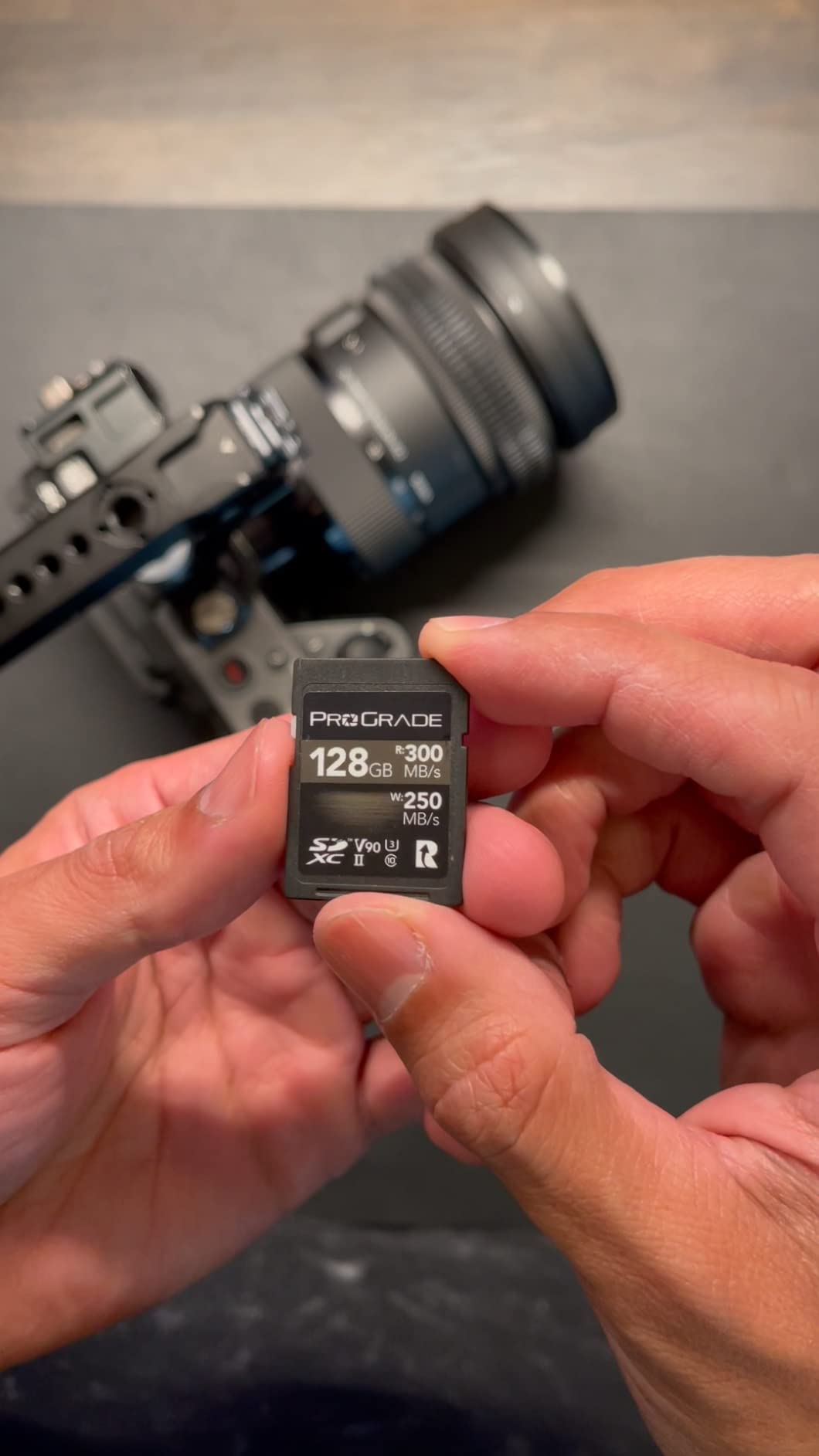
7. ProGrade Digital SDXC UHS-II V90 128GB: Best for 8K and High-Bitrate Video
- V90 rating gives a 90MB/s minimum sustained write
- Only card in this group rated for 8K and high-bitrate workflows
- Holds constant write speed rather than dropping under load
- Passed 2.5 hours of 4K and a 10-hour heat test at 95F
- 100 percent card testing with serialized component tracking
- Highest cost per GB of the SD cards in this group
- Only a 3-year warranty
- 128GB is small for 8K RAW workflows
V90 is the rating to buy when your trip involves real video rather than stills. A V90 card guarantees a 90MB/s minimum sustained write, and this one measures up to 300MB/s read and 200MB/s write on top of that. It is the only card in this roundup that carries a rating high enough for 8K and high-bitrate workflows in a UHS-II slot.
What reviewers value most is that the write speed does not collapse under load. Users on Sony ZV-E1, FX6 and A7 bodies, Canon R6 Mark II and OM-5 report stable sustained writes through long sessions, including 2.5 hours of continuous 4K and a ten-hour external power test in 95F heat without issue.
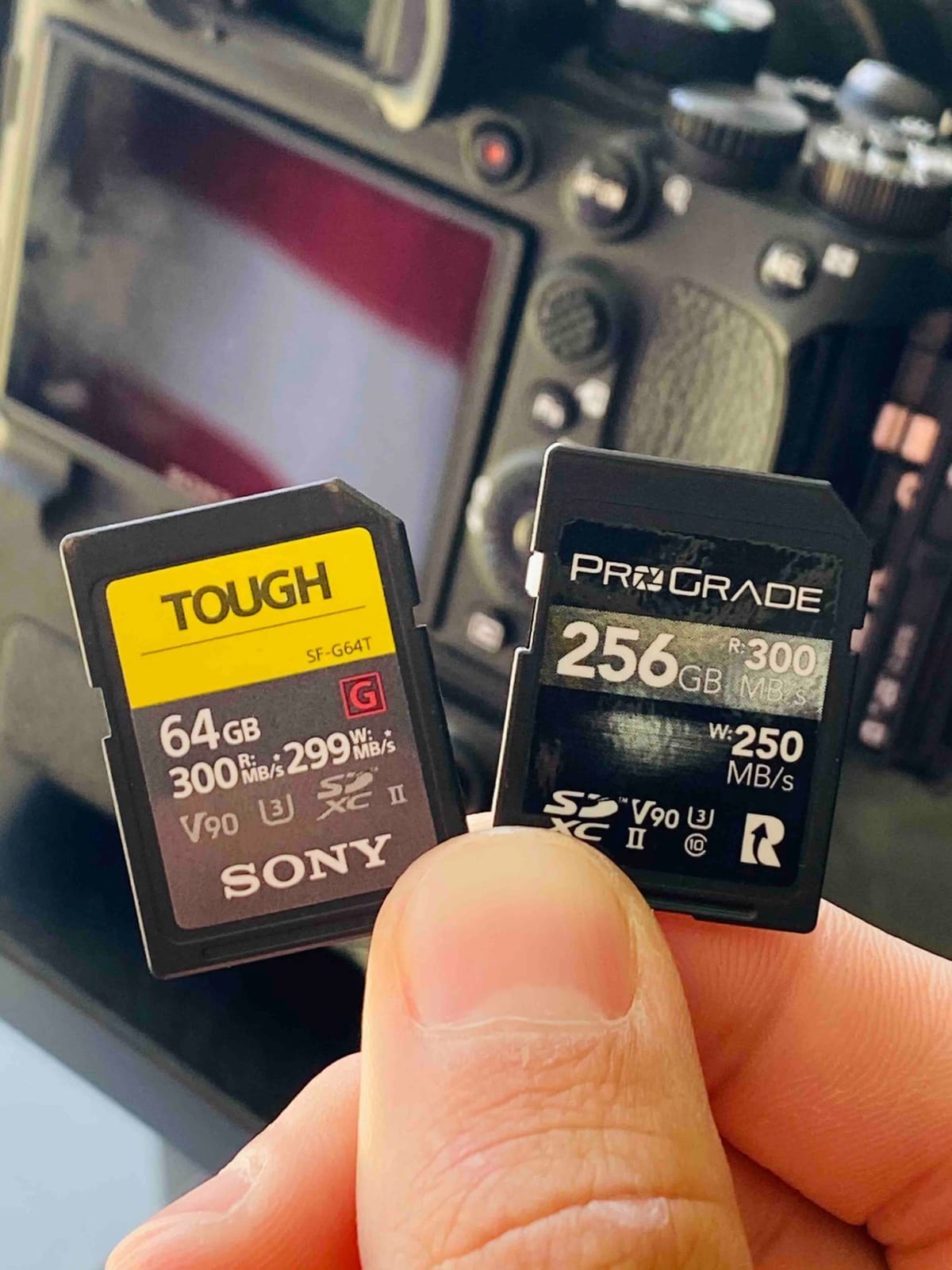
Two-plus years of intensive use is reported without problems, and every card is tested with serialized tracking of key components, which is unusually good practice for a travel purchase. The catch is cost per GB, the highest of the SD cards here, and a 3-year warranty that is shorter than the endurance microSD in this list.
Capacity is the other constraint. 128GB is small for 8K RAW work, so plan on a second card and a nightly offload. The fit is also very tight, so check that the slot in your body releases it cleanly rather than fighting a wedged card in a hostel dark.
Best for filmmakers shooting 8K on a UHS-II body
Pick this when bitrate, not capacity, is your limiting factor. The V90 guarantee means dropped frames are a camera setting problem rather than a card problem, which is the difference between a ruined evening and a long night sorting files. It also clears the buffer so fast that high frame rate bursts barely pause.
When V90 is more than you need?
If your trip is stills-led with the occasional short clip, a V60 card does the same job and leaves money for spare capacity. V90 only earns its premium on high-bitrate video, and for most travel photographers the better spend is a second 256GB V30 card and a backup drive.
8. Lexar 2000x 256GB UHS-II V90: Best for Large UHS-II Capacity
Lexar 256GB 2000x SD Memory Card, 300MB/s Read, 8K, V90, U3, UHS-II
- 300MB/s read speed suits 8K and full HD recording
- V90 video speed class supports extended high resolution capture
- Backwards compatible with UHS-I devices
- Built to be drop temperature vibration and X-ray proof
- Limited lifetime warranty
- Requires UHS-II host equipment to reach 300MB/s
- Full-size SD form factor so it will not fit a microSD-only slot
Capacity and speed in one full-size card is what this brings. At 256GB with a V90 class and 300MB/s read, it lets you carry fewer cards and change them less often, which is a meaningful reduction in the number of moments your trip is interrupted by a card swap. That matters when you are shooting at altitude, in rain, in the dark or on a moving vehicle.
It is rated drop, temperature, vibration and X-ray proof, so it is comfortable in a pack that gets thrown in a boot. Backwards compatibility with UHS-I devices means the card still works if you borrow an older body for a day of the trip.
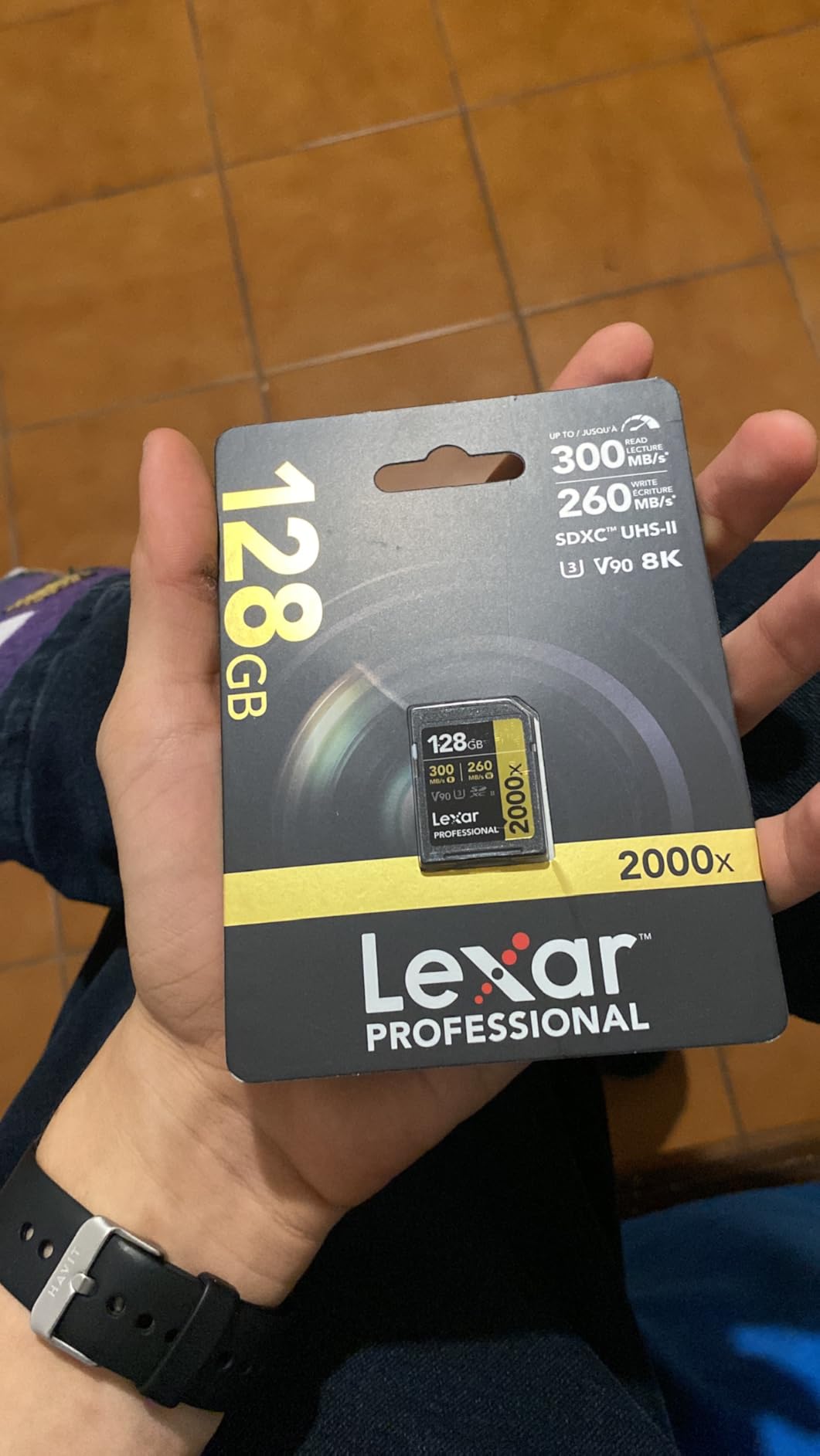
The 300MB/s figure is a UHS-II number, and on a UHS-I body the card will behave like a good UHS-I card rather than a slow one. The most common reviewer comment is exactly this: fast, dependable 8K capture, with the caveat that the full speed needs a UHS-II host. Know which bodies you are bringing before you buy for speed.
It is a full-size SD card, so it will not go anywhere a microSD would. If your kit includes a small body with a microSD slot, this does nothing for that, and you will need a second purchase for it.
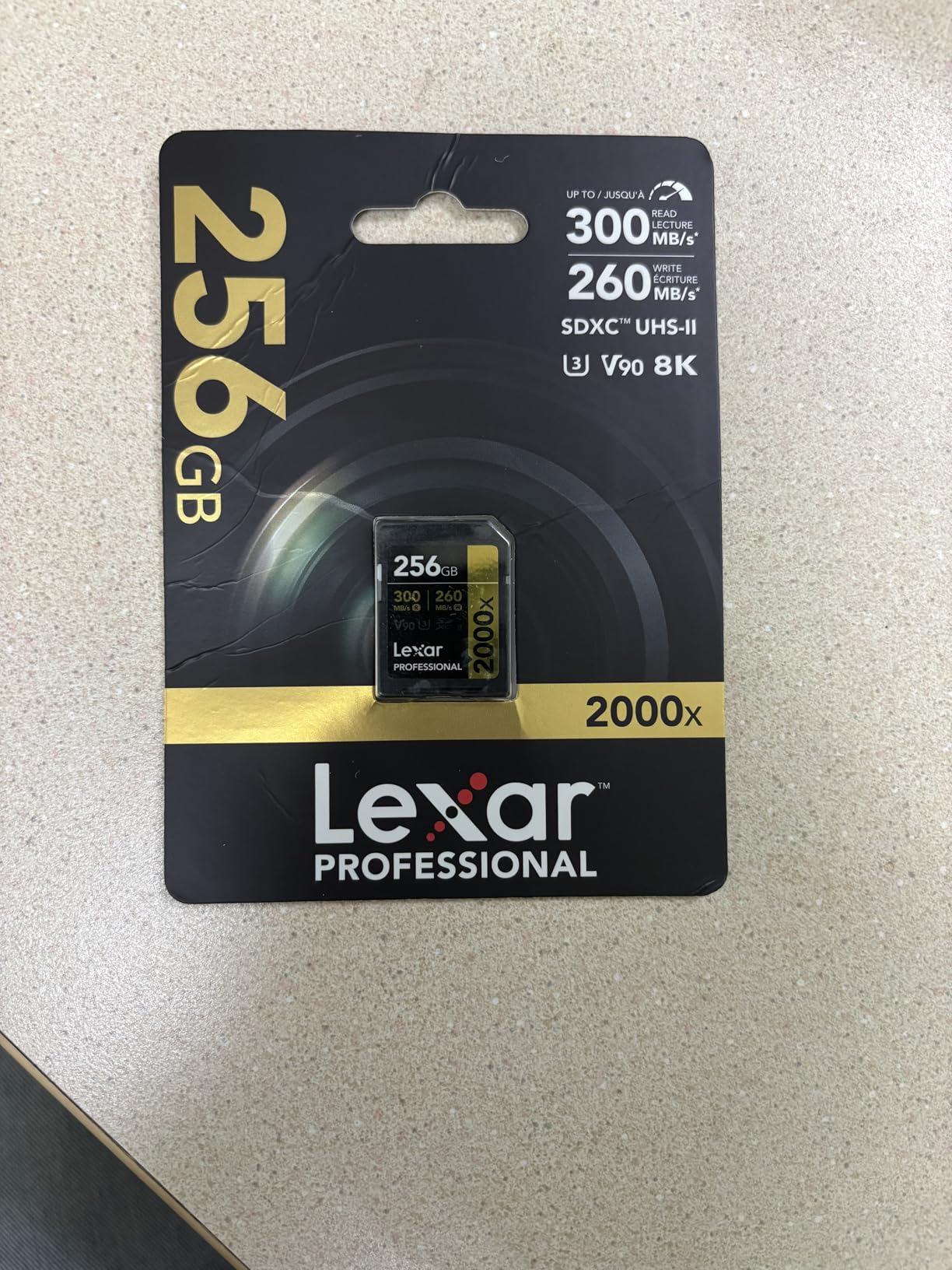
Best for reducing card changes on long shoots
Every card swap is a small risk: hands off the camera, more pouches to open, more dust and moisture in the open. A 256GB V90 card means fewer swaps on a busy week. If your itinerary has long days with a heavy frame rate, the capacity headroom is worth more than another generation of read speed.
Where the UHS-II host requirement bites?
If your main body is UHS-I, this card performs at UHS-I speeds and you are paying for capability you cannot use. Reserve it for a body with UHS-II contacts, and pair it with a UHS-II reader so your nightly offload is not the slow part of the evening.
9. GIGASTONE 256GB SD V30: Best for Buyers Who Want Data Recovery Included
- Includes 5 years of free data recovery with the card
- 170MB/s read speed is ample for 4K UHD capture
- Waterproof temperature-proof X-ray-proof and shock-proof
- Magnetic proof protects against stray magnet fields
- Includes a mini case for storage in a bag
- UHS-I class so it cannot match UHS-II transfer speeds
- V30 rating limits sustained writes to 30MB/s
Most cards rely on you having a good backup habit. This one comes with a five-year free data recovery service attached, which is unusual and genuinely relevant on a trip where your second copy might be a card in a checked bag. The listing is for a 256GB full-size SDXC card rated at 170MB/s read with a V30 class.
Physically it is well protected, with waterproof, temperature-proof, X-ray-proof, shock-proof and magnetic-proof claims, and it ships with a small case. The magnetic rating is the detail photographers like. A card lives in a bag with batteries, laptops and phones, and a stray magnet is a real if uncommon failure mode.

The plain limitation is that it is a UHS-I V30 card, so it will never reach UHS-II transfer rates and its sustained write ceiling is around 30MB/s. That is completely fine for stills and ordinary 4K clips, and it is the reason it works well in compact cameras and older DSLRs on a long trip.
Owners report dependable 4K recording, broad device compatibility across point-and-shoots, camcorders and DSLRs, and the main critique is simply the bus type. For a body that only accepts UHS-I, that critique is not relevant at all.
Best when your backup plan is not bulletproof
If your offload plan is a laptop in a hostel, a shared drive, or a card in a bag you are not certain about, a recovery service is cheap insurance. It will not save you from a lost card, but it covers the far more common failure of a corrupted file or a card that stops being recognised.
Where a V30 UHS-I card runs out of road?
It is not the right card for a body that writes 8K or high-bitrate RAW straight to card, and it is not the right card for a UHS-II slot if you want the speed. Buy it for a UHS-I camera, a compact, or a second body that sits in a backpack all day.
10. Kingston Canvas Go Plus 256GB microSD: Best for Drone and Handheld Footage
Kingston Canvas Go Plus 256GB microSD Card | Up to 200MB/s | Class 10, UHS-I, U3, V30, A2 | SDCG4/256GB
- 200MB/s read speeds for quick capture and offload
- U3 and V30 ratings for uninterrupted 4K recording
- A2 class improves app and console performance
- Reported reliable in DJI drones and OSMO Pocket cameras
- SD adapter included for full-size slots
- Peak read speed may only appear in ideal conditions
- V30 class limits sustained write throughput
- Some users report about a year of life in constant dash-cam use
Drone and handheld cameras ask for two things: a card that survives being yanked from a moving aircraft and a card that a device can read quickly enough to keep up. This Kingston card carries U3 and V30 ratings for uninterrupted 4K recording, an A2 class for app and console responsiveness, and a lifetime warranty that removes a worry on a long trip.
Owners in DJI drones, action cams, dash cams and OSMO Pocket style cameras report reliable recording, and it is the strongest-rated card in the microSD group here. The included SD adapter also means it covers a small camera body without a second purchase.
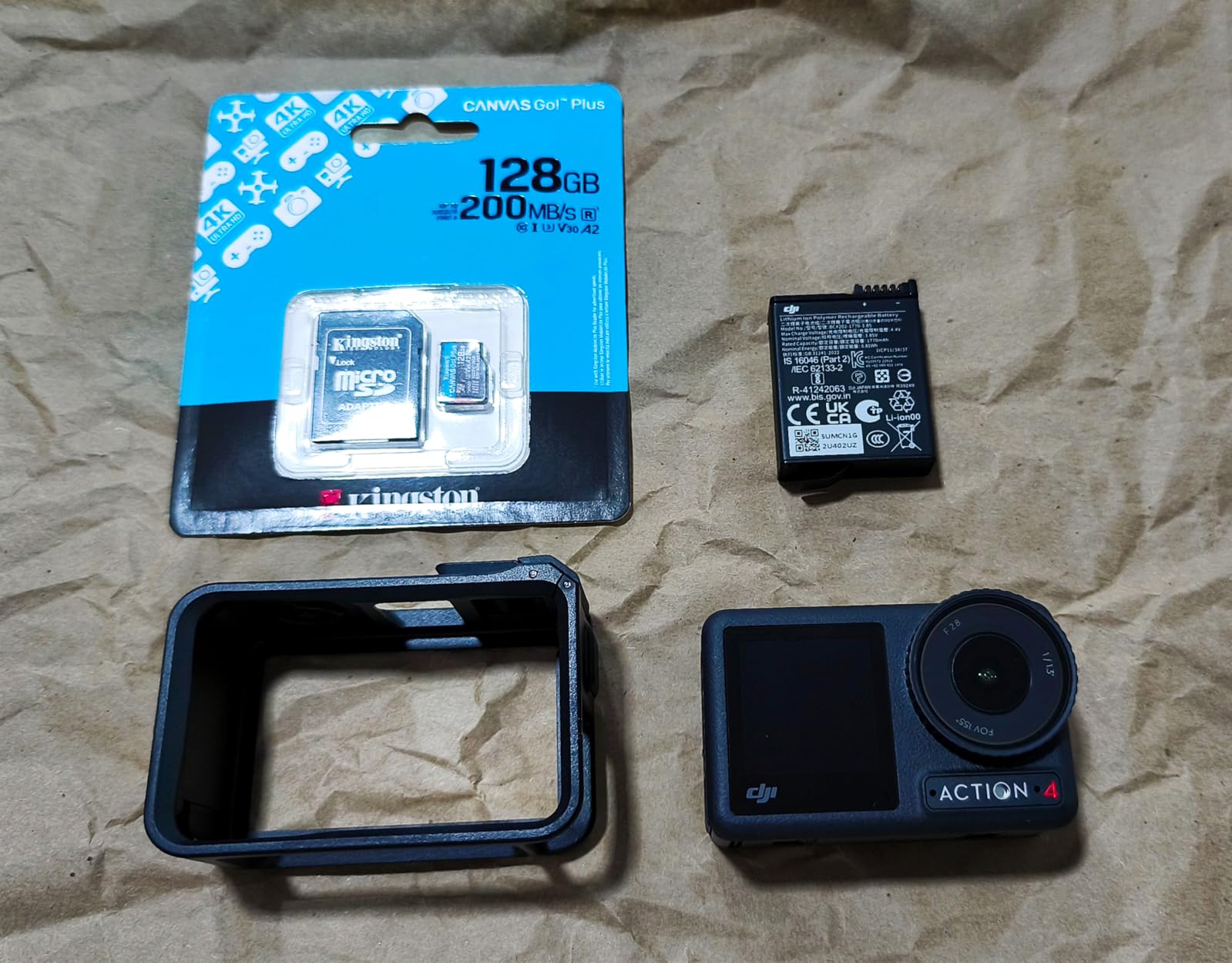
Two caveats, both minor for this use. A number of owners note that peak read speed of 200MB/s only appears under ideal conditions, which is normal for the class and rarely matters on a drone. And some users report the card lasting around a year of constant dash-cam recording, so treat it as a consumable in a permanently mounted camera rather than a permanent fixture.
If your trip involves long flight days in heat, the Samsung PRO Endurance in this list is the tougher choice, and the SanDisk Extreme microSD is the stronger all-round performer for mixed use.
Best for DJI and compact aerial rigs
Choose this when a drone shares your bag with a main camera and you want one microSD brand to trust across both. The 4K ratings are appropriate for typical consumer and prosumer drone footage, and the adapter means the same card can serve a handheld body for a change of plan.
Where the read speed claim falls short?
Do not plan an offload schedule around 200MB/s. In a drone card, throughput after recording is rarely the bottleneck, and a card reader that only manages UHS-I speeds will be the limiting factor anyway. Judge this card on sustained write behaviour and warranty, both of which are good here.
11. PNY EliteX-PRO60 256GB UHS-II V60: Best for Dual-Slot Mirror Recording
PNY 256GB EliteX-PRO60 U3 V60 UHS-II SDXC Flash Memory Card, 4K Ultra HD
- 280MB/s read and 180MB/s write speed for fast offloading
- V60 class sustains extended 4K Ultra HD recording
- Works in dual-slot bodies for simultaneous recording
- Backwards compatible with UHS-I devices
- Magnet shock temperature and water proof
- UHS-II host gear is needed to reach the stated speeds
- Write speed is not printed prominently on the packaging
- One owner reported a failure within a few months
Twin slots are a genuine trip-safety feature, and this card is the one to buy if you intend to use them. Reviewers on Sony FX30 and A7S III, Lumix S5IIX, Canon EOS R7 and Nikon Zf report it working in dual-slot setups for simultaneous recording, which gives you a real second copy in the camera before you even reach a laptop.
Performance is strong, with up to 280MB/s read and 180MB/s write, and the V60 class sustains extended 4K Ultra HD capture. Videographers report error-free performance across long recording sessions with no corruption, which is what you want from a card in slot two.
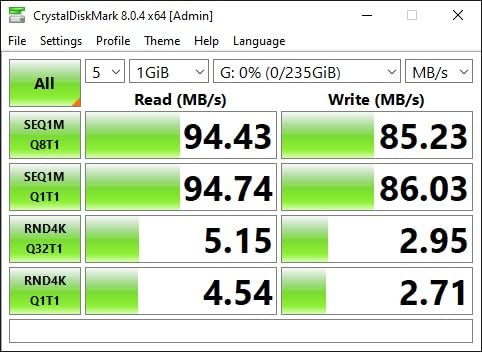
Watch the packaging. Reviewers note the write speed is not printed prominently on the box, which makes comparison shopping harder in a shop and easier to get wrong online. Check the model number and the V60 marking rather than trusting the front of the card.
Reliability feedback is overwhelmingly positive, but there is one reported failure within a few months of purchase that was replaced without issue. As always with a two-slot setup, the second card is insurance against the camera, not a replacement for rotating your media.
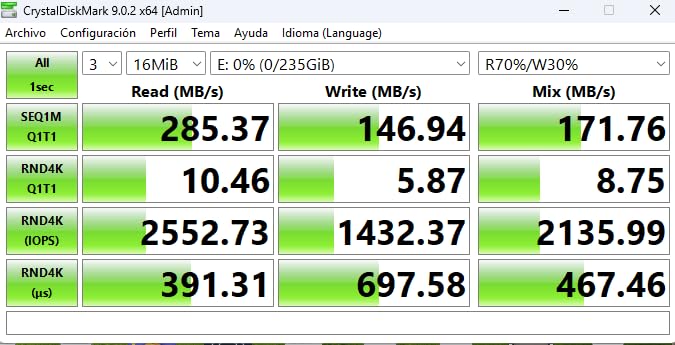
Best for bodies that write to two cards at once
Mirror or overflow recording on a two-slot body removes the single-card failure mode before you even start. Videographers and event shooters value that most, but the same setting works on stills bodies, where a burst is written to both cards and a corrupted write on one slot does not take the sequence with it.
Where dual-slot does not replace rotation?
Two slots in one body are still one device. If the body is lost, soaked or dropped in a river, both copies go with it. Keep at least one card out of the body, in hand luggage, so the trip survives the loss of the camera as well as the loss of a card.
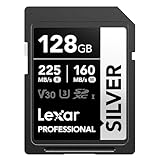
12. Lexar Silver 128GB UHS-I: Best for a Light One-Card-a-Day Kit
Lexar 128GB Silver SD Memory Card, 225MB/s Read, 4K, V30, U3, UHS-I
- 225MB/s read and 160MB/s write speed up buffer clearing
- V30 rating supports 4K 60FPS recording
- Compatible with Canon Sony Nikon and other cameras
- Wearout drop temperature X-ray shock magnetic and vibration proof
- Includes Lexar Recovery Tool and a lifetime limited warranty
- UHS-I so it cannot deliver UHS-II transfer rates
- 128GB fills quickly on long 4K recording sessions
- V30 class limits sustained write throughput
When your itinerary is a week of landscapes and you do not want to carry four cards, a smaller 128GB card used one day at a time is a legitimate strategy. This Lexar Silver is rated at 225MB/s read and 160MB/s write with a V30 class that supports 4K 60FPS, and it works across Canon, Sony, Nikon and other cameras.
The durability list here is unusually long: wearout, drop, temperature, X-ray, shock, magnetic and vibration resistance, plus a bundled recovery tool and a lifetime limited warranty. For a card that lives in a pocket and gets handled every single day, that physical resilience is worth more than another 50MB/s of read speed.
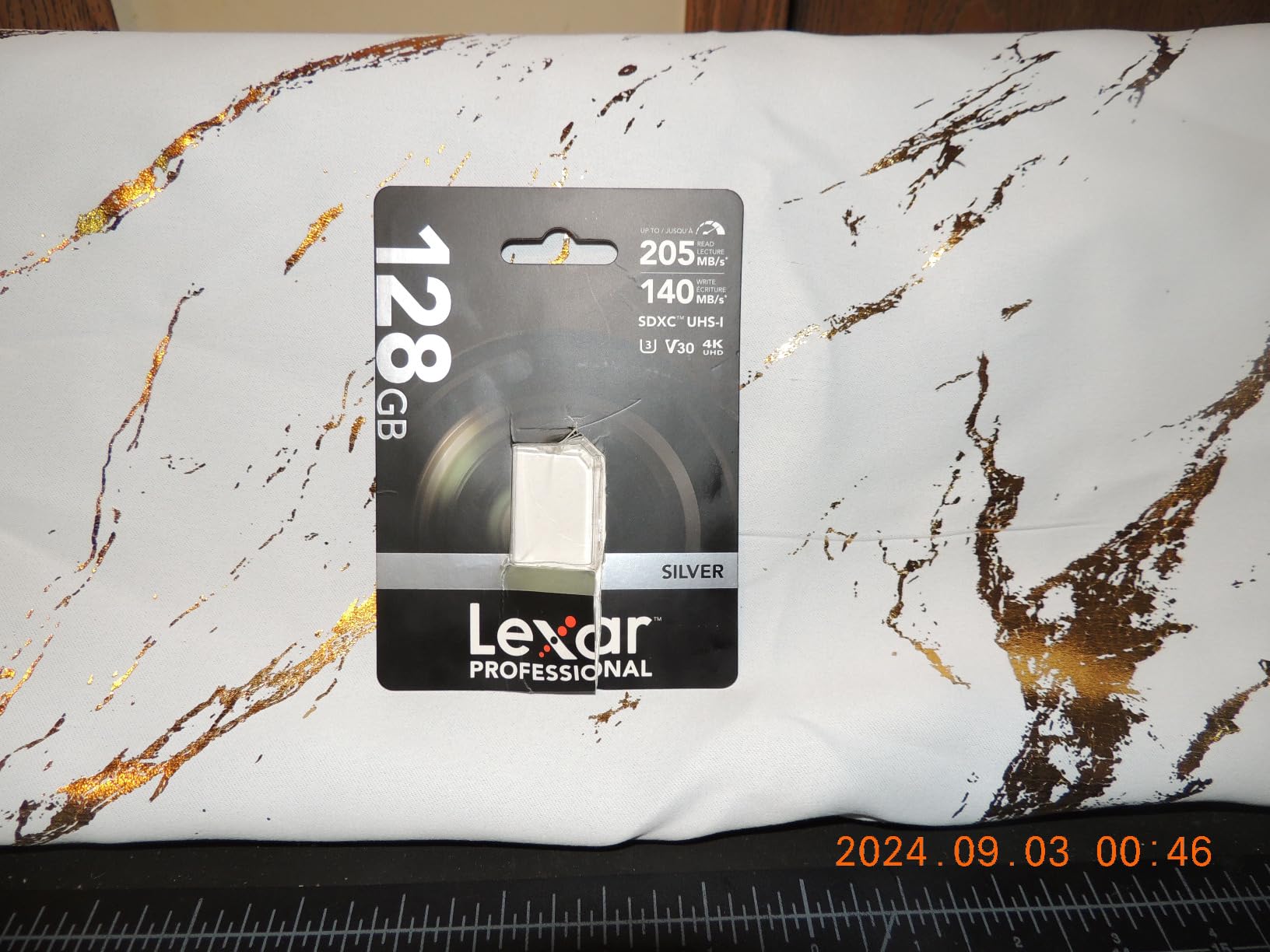
The ceiling is the UHS-I bus and the 128GB size. It cannot deliver UHS-II transfer rates, and 128GB disappears quickly during long 4K sessions. Users rate it at 4.7 out of 5 and point to fast transfers, dependable 4K capture and broad compatibility, with the smaller capacity as the accepted trade.
This is the card to buy when weight and simplicity matter more than recording length. Three of these in a shirt pocket weigh almost nothing, and the one-day rotation discipline protects the trip just as well as carrying fewer, larger cards.
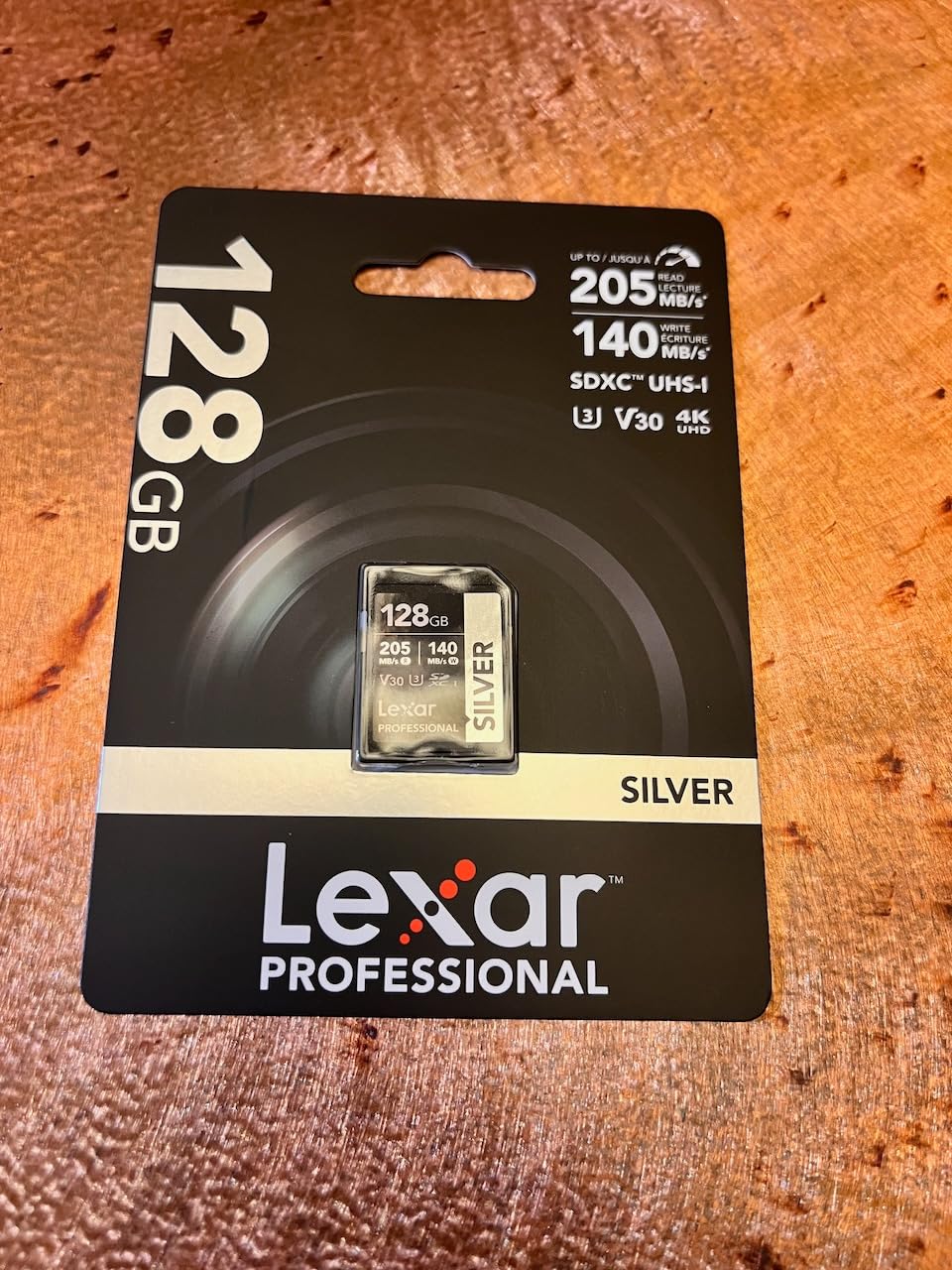
Best for trips where every gram and every spare counts
One card per day means a small card is enough, and a small card is also one you can genuinely afford to have several of. If you shoot stills with short clips between them, 128GB per day is comfortable, and the lifetime limited warranty removes the anxiety of losing a card you cannot replace nearby.
Where 128GB and UHS-I hold you back?
Video-heavy trips need more capacity per card and a higher sustained class. A week of 4K on a single body with 128GB cards means a swap every day or two, and a swap in the field is a fresh risk. In that scenario, buy 256GB instead and keep this one for the small body.
Choose on Sustained Write Speed and Card Count, Not Headline Read Speed
Peak read speed is the number card makers print largest and the number that matters least for a trip. What decides whether a card performs is its guaranteed minimum sustained write speed, which is what the V30, V60 and V90 ratings promise. A card that advertises 200MB/s and a V30 class will, under a long recording or a heavy burst, behave like a 30MB/s card, because that is the speed it guarantees.
UHS-I and UHS-II describe the bus, not the speed. UHS-II cards have a second row of contacts and transfer files dramatically faster, so your buffer clears sooner and offloading is quicker. They work in UHS-I slots, just at UHS-I speeds, with one exception worth checking: a UHS-II card often cannot occupy a UHS-I-only second slot, which can disable mirror recording on dual-slot bodies.
SDHC and SDXC are capacity names. SDHC covers up to 32GB and SDXC covers everything above that, from 64GB to the 2TB cards now sold. Anything over 32GB is formatted exFAT, which your camera must support to read it. Check the manual for your body if you are switching to a large card for the first time.
CFexpress Type A and Type B are separate, non-interchangeable formats. Type B is the faster, larger one used by bodies like the Canon R5 Mark II, Sony A1 and Nikon Z8; Type A is used by Sony A7R V and A9 III style bodies. They do not fit each other’s slots, and a Type B card needs a matching reader, which is the single most common complaint among the owners we heard from.
Durability ratings are worth reading properly. Water and dust resistance and drop and bend claims describe laboratory conditions, not a river or a rental car boot, but they still indicate build quality. Operating temperature range is the number that matters for alpine and desert trips, and only one card in this list publishes a range of -25C to 85C.
Three Copies, Two Media, One Trip: The Nightly Backup Workflow
The 3-2-1 rule is simple: three copies of every file, on two different kinds of media, with one copy somewhere you did not take. On a trip, one copy is your memory card, one is a portable SSD or laptop drive, and one is a second drive in your bag or cloud storage when you have signal. Forum advice lands on the same point night after night. Back up to two locations every single night, not on day seven.
Work in a fixed order. Card in, format in the camera rather than deleting on a computer, offload to the SSD, verify the file count matches the frame count, then move the card to day two. Never reformat a card until two verified copies of its contents exist somewhere else. That last rule is the one people break under time pressure and it is the one that loses a trip.
If a card fails mid-trip, resist the urge to format it. Keep shooting to another card, leave the failed one alone, and try a read-only recovery pass with whatever reader you have. Some unreadable files become readable again after a full power cycle, and a card that has already been reformatted is usually gone for good. Data recovery services like the one bundled with the GIGASTONE card in this list exist for exactly this scenario.
Carry the SSD and a card reader that match the formats you are using, and test both before departure. A UHS-II card in a UHS-I reader works but at UHS-I speeds, and a CFexpress card in an unsupported dock may not appear at all, which is a failure you want to discover in your own flat rather than in a tent.
Cards to Avoid: Counterfeits, No-Name Brands and Mislabelled Capacity
Buy from a seller with a real return policy and avoid marketplace listings for cards that are suspiciously cheap, especially on cards sold loose or in odd packaging. Counterfeit cards that report more capacity than they have will accept files and then drop them, which is the worst possible outcome on a trip because the loss is silent until you are editing.
No-name and unbranded cards with attractive headline speeds are the same problem in a different wrapper. Genuine cards from the brands in this list carry a warranty that assumes the card is real, which is part of what you are paying for. A warranty on a card that was never genuine is worthless.
Check capacity on arrival, not on departure. Format a new card in your camera, fill it, and read it back before you leave. It takes twenty minutes and it turns a silent future failure into a problem you can solve in a hotel room on day one. Our general camera card guidance covers the rest of the buying checks in more detail.
Frequently Asked Questions
What SD card do professional photographers use?
Most professionals use a UHS-II SDXC card rated V60 or V90, or a CFexpress Type B card in high-end bodies. For most travel work, a 256GB UHS-I V30 card such as the SanDisk Extreme PRO is enough. The card that matters is the one your body can write to fast and the one you can replace on the road.
Which SD card is best for camera?
The best SD card for your camera is the fastest one its slot supports. A UHS-I body needs a V30 or V60 card and will not benefit from UHS-II pricing. A UHS-II body benefits most from a V90 card for video or a V60 card for stills. Check the card type listed in your camera manual, since CFexpress Type A and Type B are not interchangeable.
What is the fastest SD card for photography?
For stills, speed matters less than buffer clearing, and most cameras are limited by the body rather than the card. CFexpress Type B cards are the fastest available, rated in our list at up to 1700MB/s read. Among SD cards, a UHS-II V90 part is the fastest practical choice for a travel kit.
How many memory cards should I bring on a multi-day trip?
Bring one card per shooting day plus two spares, and never let one card hold the whole trip. One to three days needs two cards, four to seven days needs three plus a spare, and two weeks or more needs four or five with a nightly offload. Keep one unused card in hand luggage rather than checked baggage.
What is the 3-2-1 backup rule for photos?
Three copies of every photo, stored on two different kinds of media, with one copy kept somewhere separate from where you are. On a trip, that means your memory card, a portable SSD, and a second drive in a different bag or cloud storage. Run the offload every night, not on the last day.
How many RAW photos fit on a 128GB SD card?
It depends entirely on your camera. A 24-megapixel body produces much smaller RAW files than a 45-megapixel one, and compressed versus uncompressed changes it again. Check the file size of one RAW file in your camera menu, multiply that by the usable capacity, and divide by 1.05 for card overhead before you commit to a card count.
Is it safe to travel with one large card?
It is the riskiest arrangement there is. One card means one point of failure, and if it is lost, damaged or full, the entire trip goes with it. Forum photographers consistently recommend two or three cards rotated daily, with a spare kept in hand luggage so a lost checked bag is not the end of the shoot.
What should I do if a memory card fails on a trip?
Stop writing to it, keep shooting to another card, and do not format it. Try a read-only recovery pass with a known-good reader, and power-cycle the reader rather than forcing a mount. Some unreadable files come back after a restart. Once you are home, professional data recovery services are the last option, and most successes happen before the card is formatted.
Conclusion: Which Memory Cards to Pack for Your Next Trip?
The best memory cards for multi day photography trips are the ones that keep a bad day from becoming a lost trip. Pack the SanDisk Extreme PRO 256GB UHS-I as your all-rounder, add the Lexar Professional 1667x 128GB if your body has UHS-II contacts, and carry a SanDisk Extreme 256GB microSD for whatever action cam or drone comes with you. Buy two of the model you rely on most, so a swap is always possible.
Everything else in this guide, from V90 video cards to endurance microSDs for cold trips, is a specialisation of that plan. Choose the card that matches your body and your conditions, rotate it daily, label it in order, and offload to two locations every night. Update the list each season as 2026 moves on, because the card you trust should never be the one you stopped testing.