
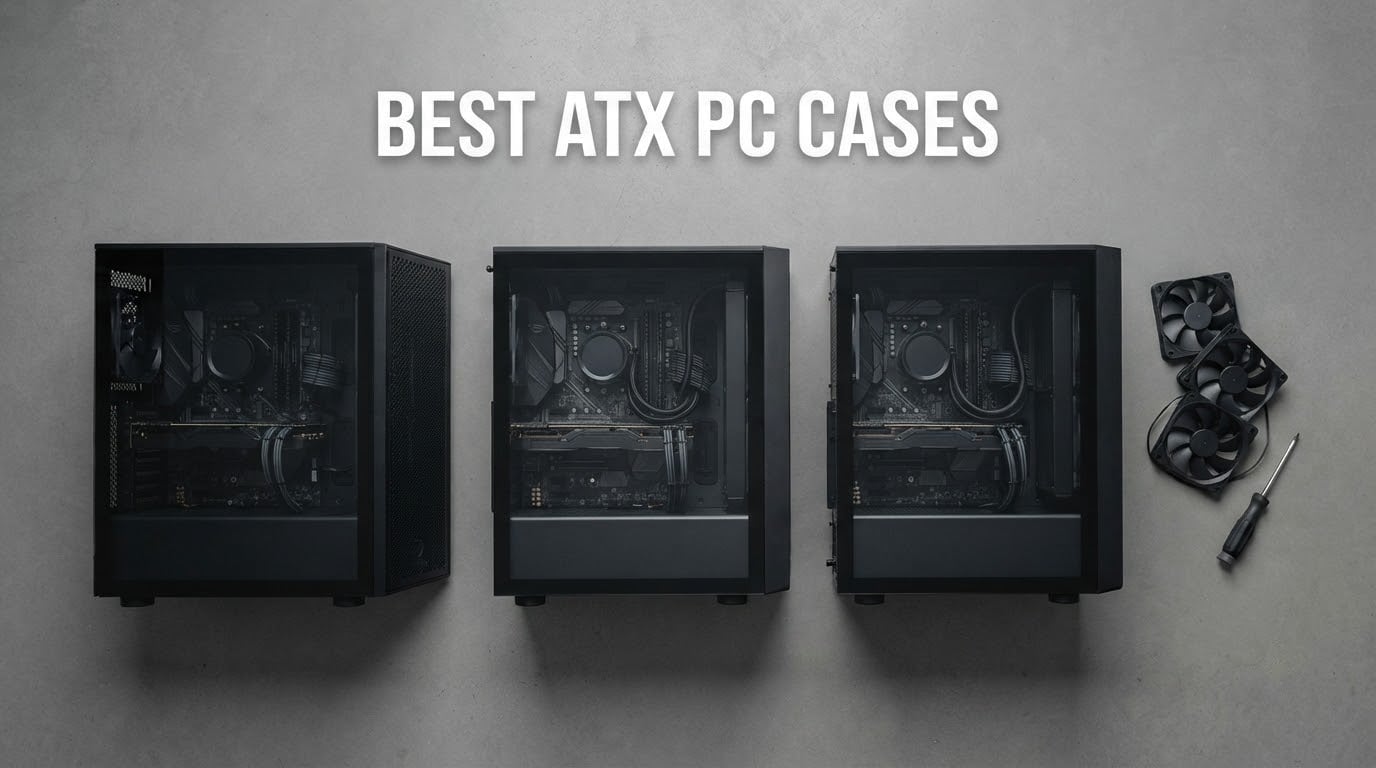
An ATX case is the one decision in a PC build you cannot easily change later, and the wrong one shows up as throttled graphics cards, a build that fights you at the cable pass-through, or a tower that swallows half your desk. We spent weeks going through owner reports and spec sheets for twelve current mid-towers so you do not have to.
Everything in this roundup fits a full-size ATX motherboard, which measures 305mm by 244mm, and most of them also take E-ATX boards and full-length graphics cards. We looked at GPU clearance, radiator positions, included fans, front I/O, cable routing room and real-world thermals reported by people who live with these cases after the unboxing glow wears off.
Whether you are putting a first gaming rig together or planning a showcase build with a custom loop, the shortlist below covers a range of budgets. If the case is sorted and you are still picking the rest of the desk, our gaming monitor guide covers the other half of the battle station.
Table of Contents
Top 3 Picks: The Best ATX PC Cases Shortlist for (October 2026)

Fractal Design North
- Walnut and oak front bars
- Mesh side panels
- GPU up to 355mm
- Two 140mm PWM fans

Corsair 4000D RS ARGB Frame
- FRAME modular system
- Up to 200mm front fans
- Dual 360mm radiator support
All 12 Best ATX PC Cases Compared in 2026
| Product | Specifications | Action |
|---|---|---|
| Fractal Design North |
|
Check Latest Price |
 NZXT H6 Flow NZXT H6 Flow |
|
Check Latest Price |
| Corsair 4000D RS ARGB Frame |
|
Check Latest Price |
 MUSETEX NN8 MUSETEX NN8 |
|
Check Latest Price |
 NZXT H5 Flow NZXT H5 Flow |
|
Check Latest Price |
 MONTECH XR Panoramic MONTECH XR Panoramic |
|
Check Latest Price |
 FOIFKIN F600 FOIFKIN F600 |
|
Check Latest Price |
 Corsair 3500X RS ARGB Corsair 3500X RS ARGB |
|
Check Latest Price |
 Lian Li O11D Mini V2 Flow Lian Li O11D Mini V2 Flow |
|
Check Latest Price |
 NZXT H7 Flow White NZXT H7 Flow White |
|
Check Latest Price |
 HYTE Y70 HYTE Y70 |
|
Check Latest Price |
 DARKROCK EC2 DARKROCK EC2 |
|
Check Latest Price |
1. Fractal Design North: The Best Overall ATX PC Case
- Real walnut and oak front bars with a furniture-grade look
- Open front with fine mesh ventilation
- Two 140mm Aspect PWM fans included
- Seven bridgeless expansion slots
- Removable washable dust filters
- 355mm GPU limit is tight for the longest flagship cards
- Top 140mm mounts can clash with the CPU power header
- Tall RAM and thick radiators crowd the top
The Fractal Design North is the case we kept coming back to while putting this roundup together. It is the only one of the twelve that does not look like a gaming case, thanks to front bars cut from real walnut or oak, and that difference matters more in a living room or a shared office than any amount of RGB.
Underneath the timber is a serious airflow chassis. The front is open with the mesh worked into the wood bars, the side panel is fine mesh rather than glass, and two 140mm Aspect PWM fans come in the box. Owners report CPU and GPU temperatures in the 50-60C range with those stock fans, which is a reasonable place to land before you spend money on upgrades.
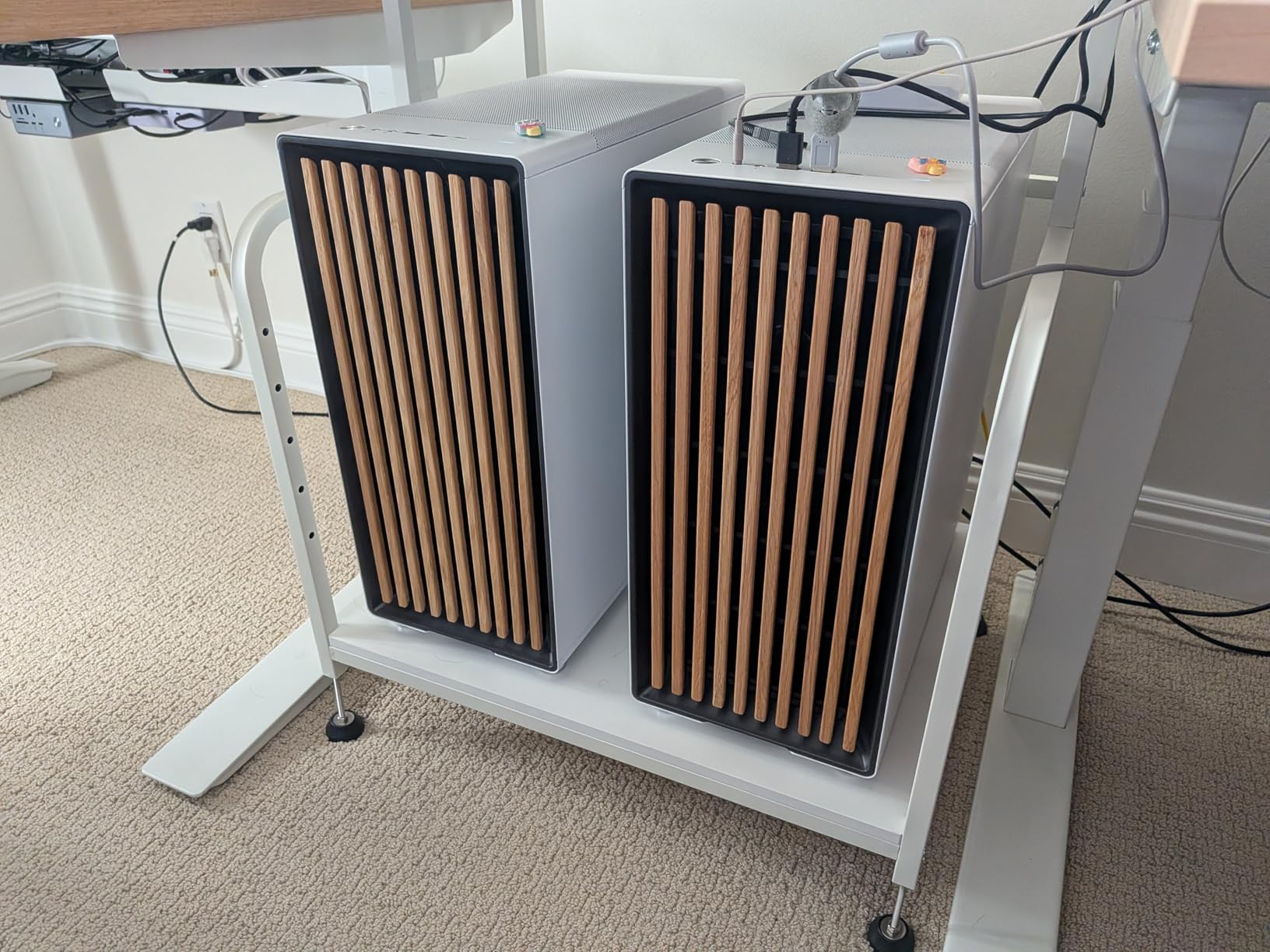
Internally it is a normal mid-tower that accepts ATX, mATX and mini-ITX boards with seven bridgeless expansion slots, which is friendlier to multi-GPU ambitions than most cases at this level. Storage is more modest: two combined 3.5 inch and 2.5 inch mounts plus two dedicated 2.5 inch mounts out of the box.
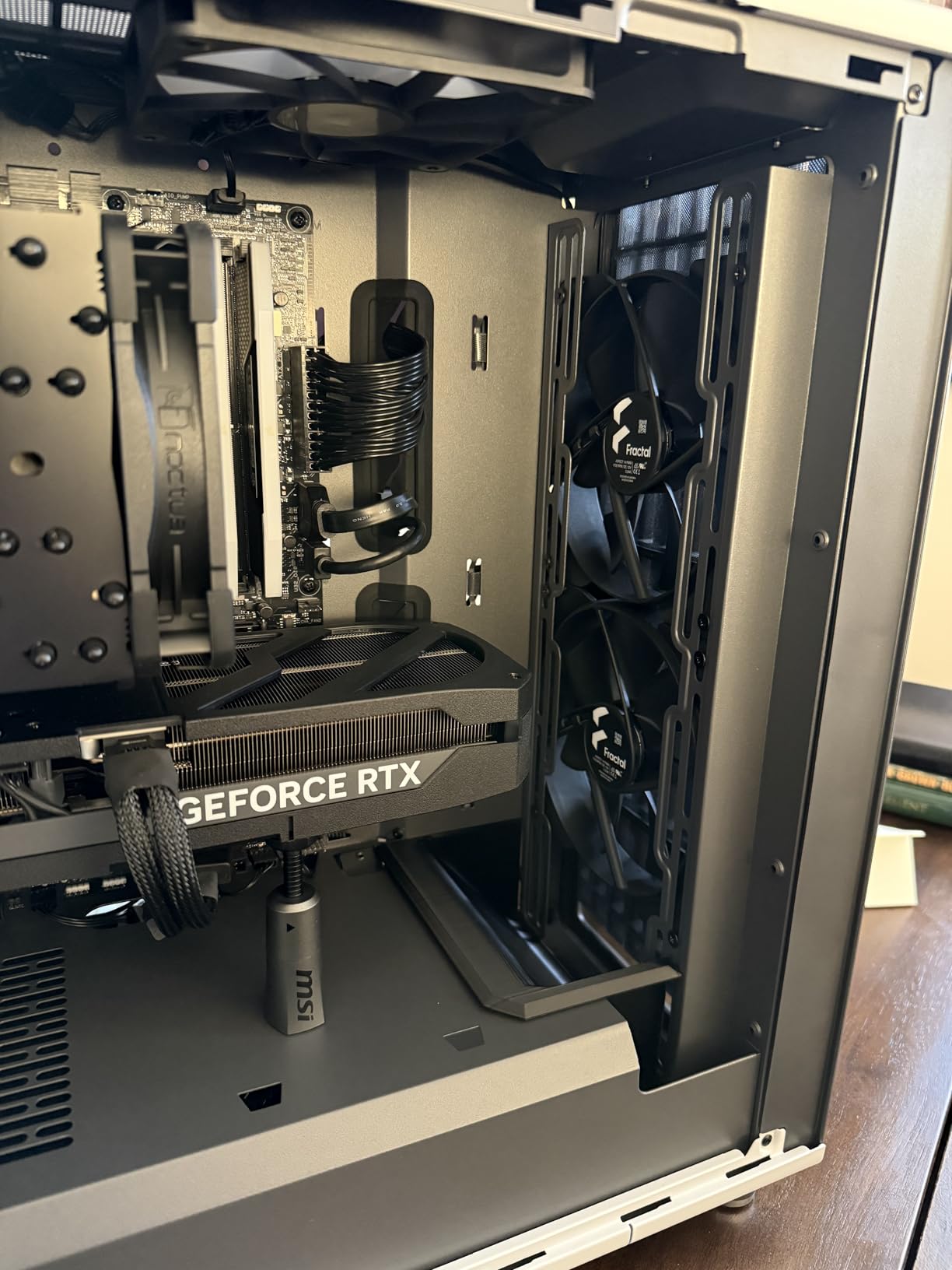
The measurement that decides most builds is the 355mm GPU clearance, and it drops to 300mm if you fit a 360mm radiator in the front. Those are real numbers to check against your card, because several of the longest 3000, 4000 and 5000 series models sit right at that envelope. At 9.5 kg it is also one of the heavier towers here, so plan for two people if it has to go up stairs.
Who the North suits?
It suits anyone who wants the build to look like furniture and still move air. Cable management gets good coverage with velcro straps and usable space behind the motherboard tray, and the integrated panel tab plus removable washable filters make routine cleaning painless. Community discussion about the North in r/pcmasterrace threads still splits over thermals for high-wattage graphics cards, which is fair given the clearance limit.
Where the North falls short?
It falls short when your hardware is taller than the case. The included Aspect fans are average units that most owners replace, and the top 140mm mounts can interfere with the motherboard CPU power connector or with tall memory and a thick radiator at the same time. The two year warranty is also shorter than the three years on the HYTE Y70.
2. NZXT H6 Flow: The Best Compact ATX PC Case
- Highest average rating in this roundup
- Wraparound panoramic glass with a seamless edge
- Dual-chamber layout keeps the interior uncrowded
- Three 120mm fans angled for out-of-the-box cooling
- Airflow-optimised perforation doubles as dust filtering
- Single internal drive bay limits storage
- Front I/O lists USB-A only with no USB-C
- Compact interior needs planning for large PSUs and radiators
- Two year warranty
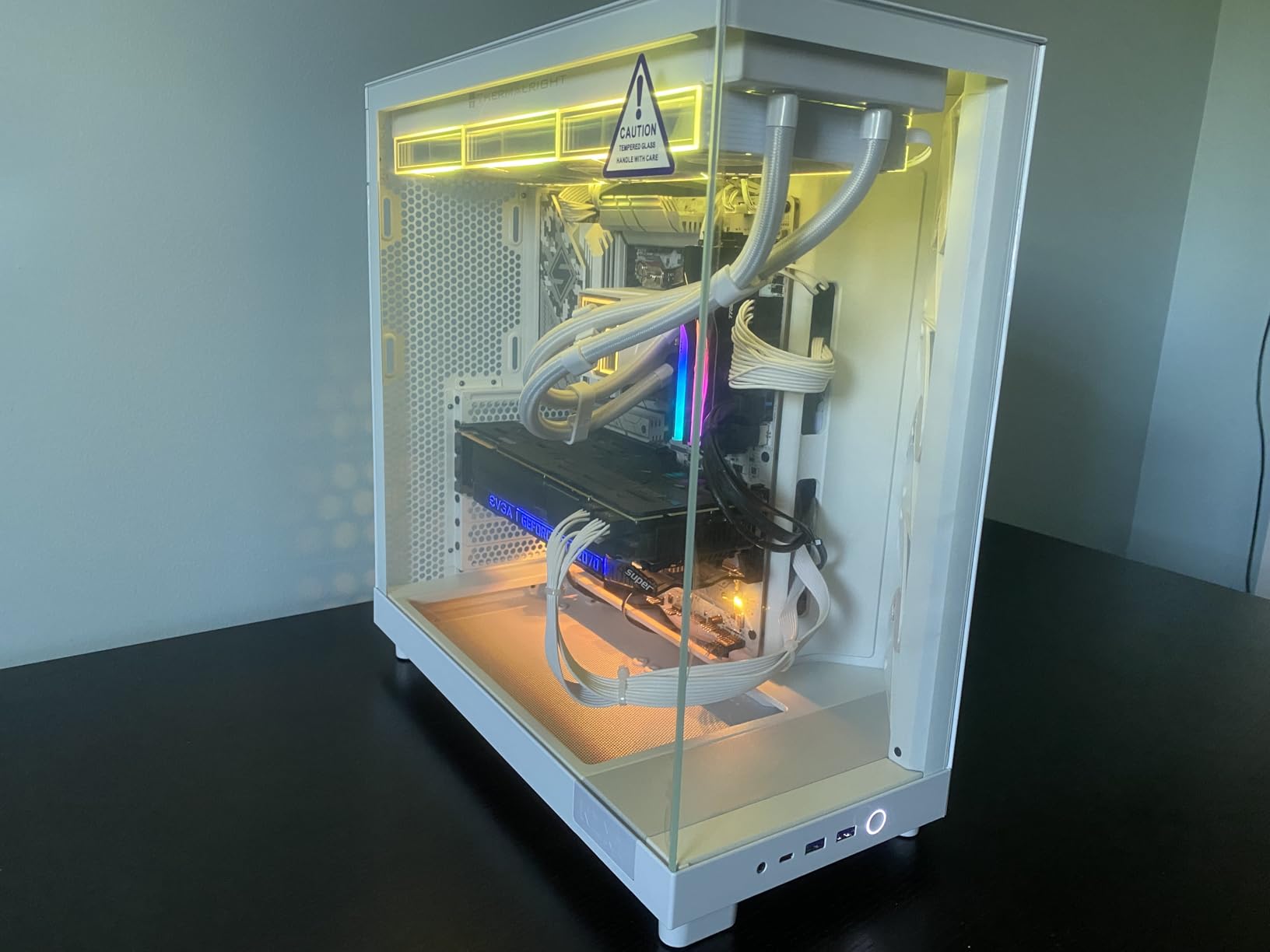
The NZXT H6 Flow carries the highest average rating of the twelve at 4.8, and owners describe it as one of the cleanest-looking airflow mid-towers to build in. The dual-chamber layout separates the power supply from the hardware chamber, which is the same trick used by larger showcase cases at a fraction of the size.
Three 120mm fans are pre-installed and angled toward the components, so a new build is thermally fine before you add anything. GPU clearance runs to 365mm, which is the second most generous figure in this group, and the top and side panels use an airflow-optimised perforation pattern that also does duty as a dust filter.
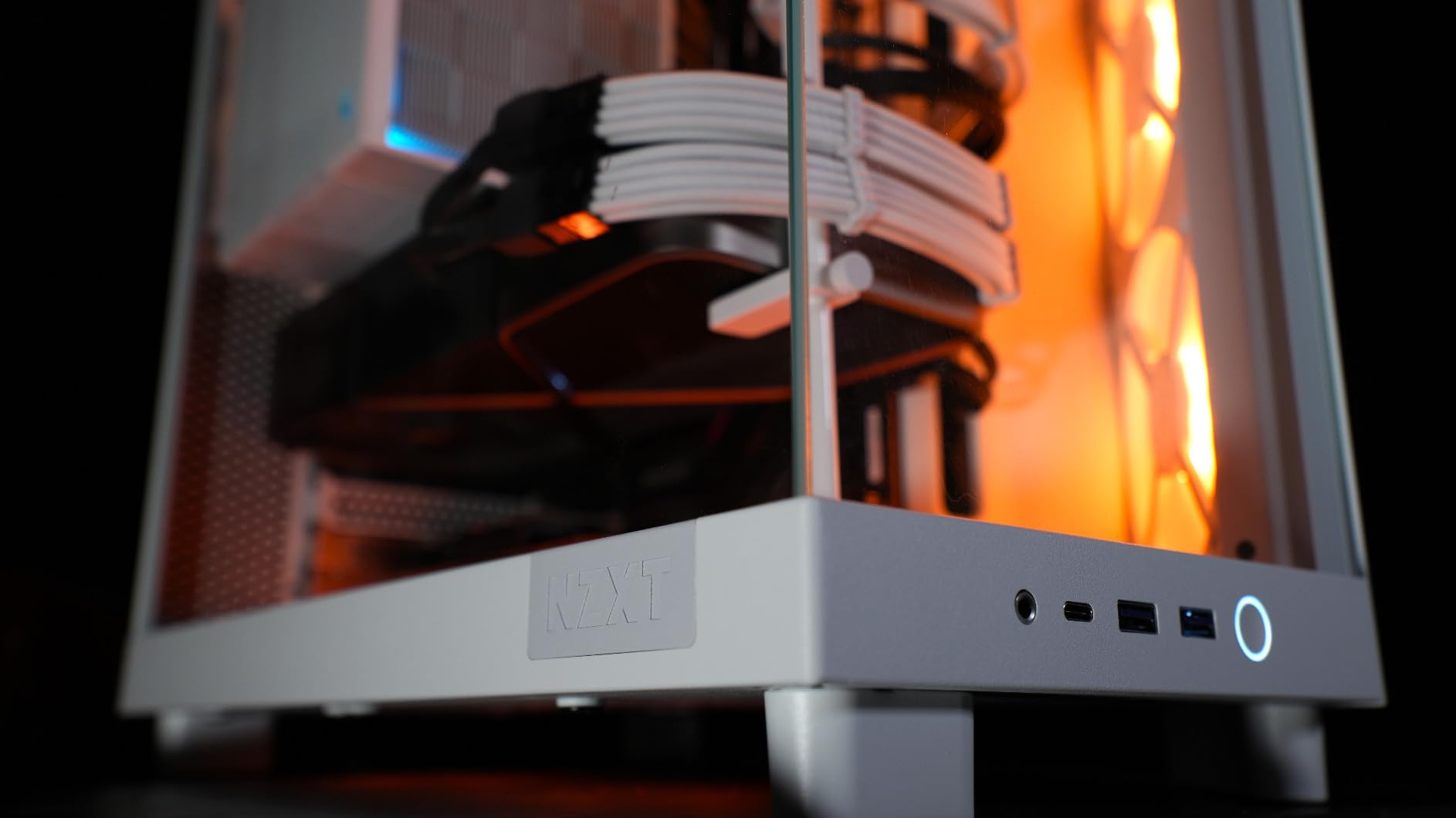
Measurements come in at 16.34 inches deep, 11.3 inches wide and 17.13 inches tall, and it still takes a full-size ATX power supply and standard ATX motherboards. At 9.4 kg it is light enough to move between a desk and a LAN floor without a second pair of hands, which is more than several rivals here manage.
The storage limit is the trade-off that catches people out. There is a single internal drive bay in the specification set, so if you are running a large SSD library or a hard drive pool you will be mounting drives to the motherboard tray or adding an external enclosure. The front I/O lists two USB-A ports and no USB-C.
Who the H6 Flow suits?
It suits builders who want a full-size ATX board in a small footprint and a clean glass view without spending premium money. Cable channels and straps are wide and obvious, which is part of why r/pcmasterrace owners keep pointing to NZXT cases when someone asks about a painless first build. Good thermals out of the box mean you can postpone the fan shopping.
Where the H6 Flow falls short?
It falls short for storage-heavy and custom-loop projects. A compact interior with one drive bay wants planning around big power supplies and thick radiators, and enthusiasts consistently note the premium NZXT pricing when comparing it to similar airflow designs. Two years of cover is also the shortest warranty among the mainstream picks here.
3. Corsair 4000D RS ARGB Frame: The Best Value ATX PC Case
- FRAME system repositions panels I/O and drive trays
- InfiniRail accepts 200mm front and 140mm roof fans
- Daisy-chained RS fans need no extra RGB controller
- Built-in GPU anti-sag arm
- Three internal drive bays and seven expansion slots
- Stock fan orientation can suit the airflow path badly
- Daisy-chain connectors mean replacing older three-pin setups
- Thin top and steel side panels flex during handling
- RAM and VRM clearance tight under a 360mm top AIO
The 4000D has been a reliable recommendation in build communities for years, and the RS ARGB Frame version adds the modular FRAME system on top of a chassis that already works. The motherboard tray, front I/O and drive trays can be repositioned, which turns a fixed layout into something you can adapt later instead of living with on day one.
Three RS120 ARGB PWM fans come pre-installed and daisy-chain together, so lighting control needs no extra hub or controller. Owners report GPU temperatures in the 29-55C range under load, and a built-in GPU anti-sag arm takes care of heavy modern cards without a separate bracket. The 3D Y-pattern perforated steel front keeps obstruction low.
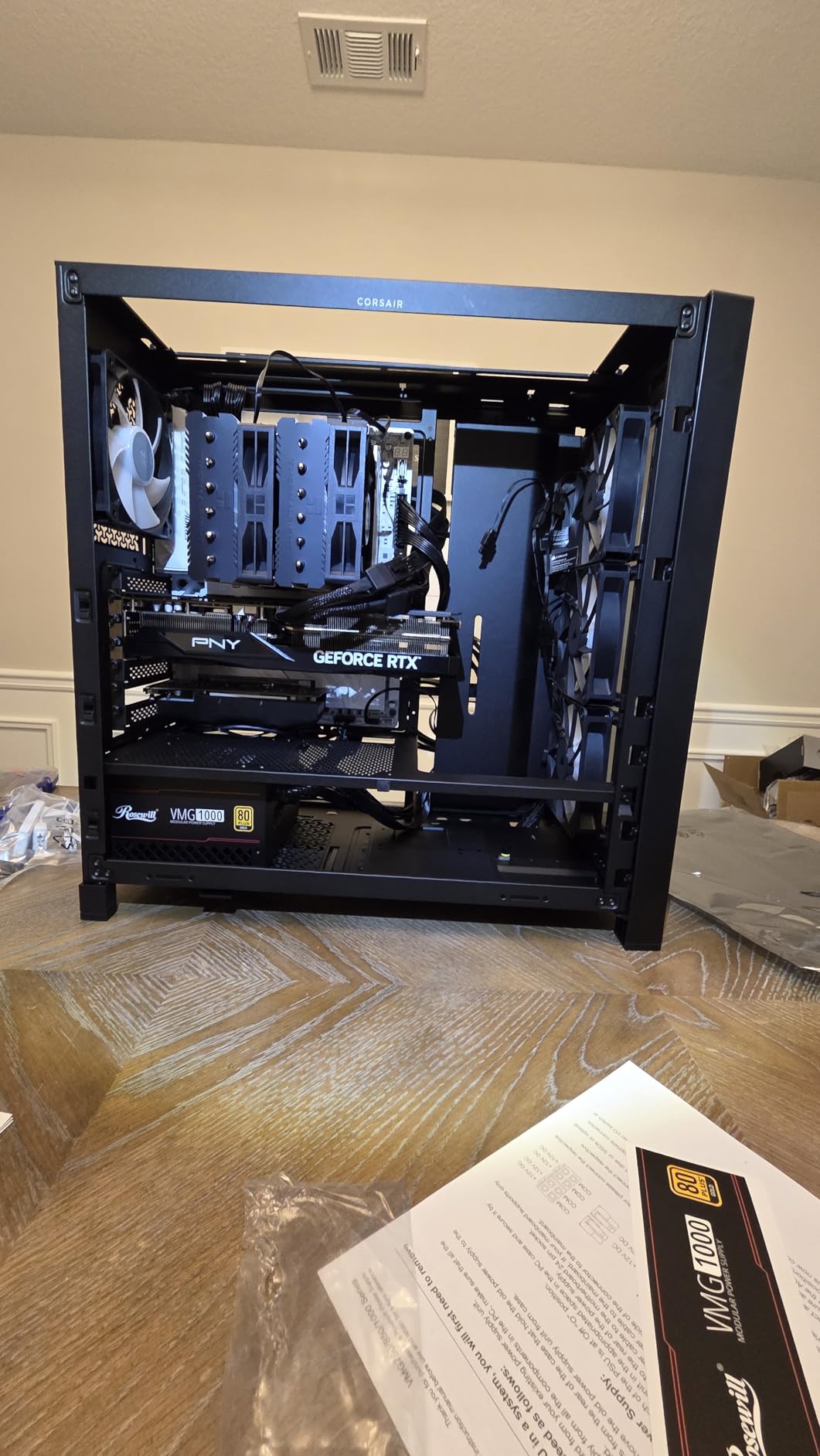
It accepts ATX, mATX and mini-ITX boards with seven expansion slots and three internal drive bays, and it supports dual 360mm radiators. The InfiniRail steel mounting rails are the quiet hero here, sliding into multiple positions and taking fans up to 200mm in the front and 140mm in the roof, so you are not limited to 120mm squares.
Two details catch first-time builders. The pre-installed fans can arrive facing a direction that fights your airflow path, and the daisy-chain connectors mean older three-pin fan setups have to be swapped. Owners also note that the top and steel side panels feel thin and flex when you are moving the case around mid-build.
Who the 4000D suits?
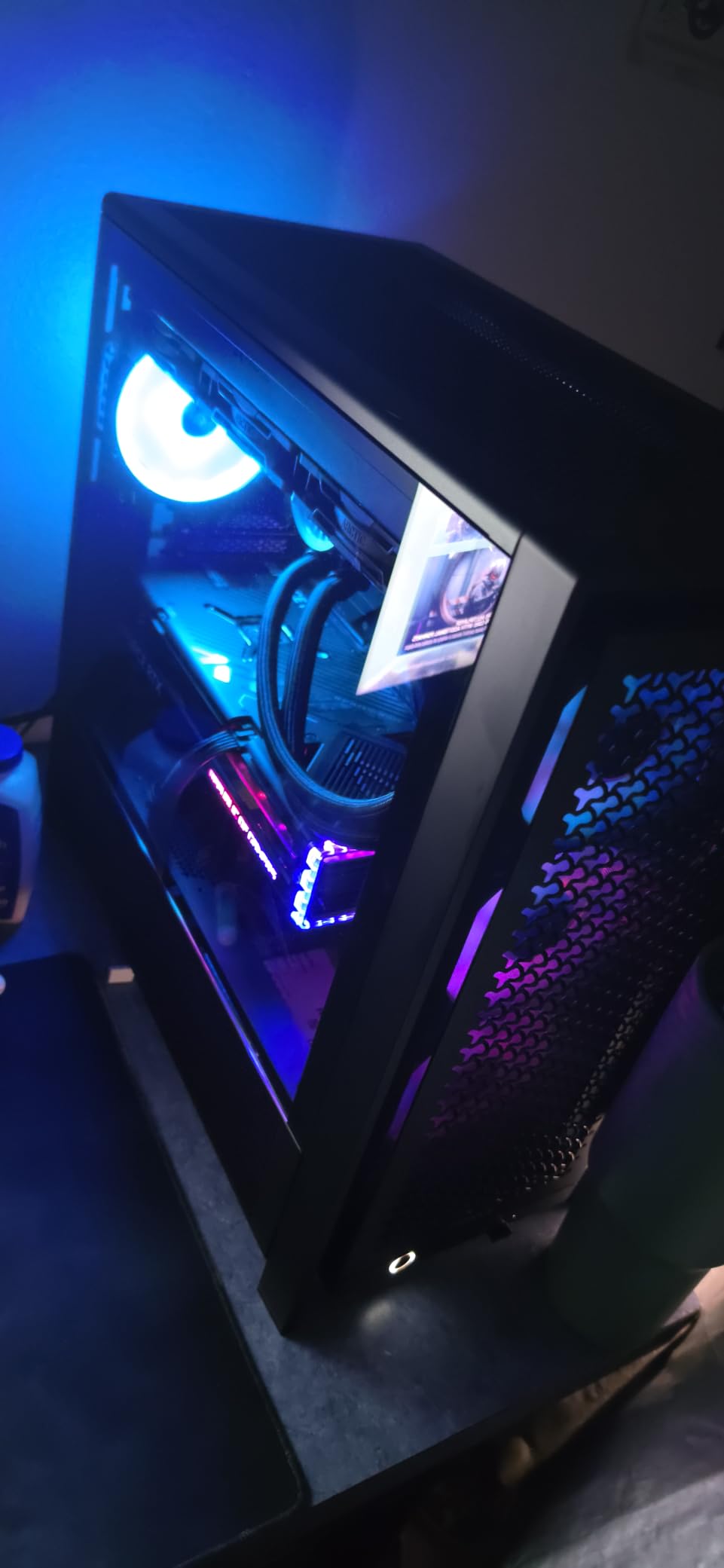
It suits anyone who plans to change the layout over time rather than commit on the first day. The FRAME system, the sliding fan rails and the removable internal side panel that doubles as a cable cover all support that, and three included ARGB fans mean the lighting is finished out of the box. Community views on the 4000D line in r/pcmasterrace lean on reliability while noting the design now feels familiar.
Where the 4000D falls short?
It falls short if you want a case that looks brand new on a shelf. The styling is the same familiar 4000D shape, and while you can reposition the front I/O, the visual language does not change. Tight RAM and VRM clearance under a 360mm top AIO is the other thing to check before you commit to that radiator position.
4. MUSETEX NN8: The Best ATX Case for Fan Loadout on a Budget
- Six PWM ARGB fans pre-installed
- Hinged magnetic tempered glass door opens for cleaning
- Light at 5.7 kg and easy to move
- Storage for five SSDs plus one HDD
- Diamond mesh front panel
- Full-size ATX boards fit tightly and need connector planning
- Some materials feel cheaper than premium chassis
- Rear cable space tight with non-modular PSUs
- Top radiator limited to 280mm
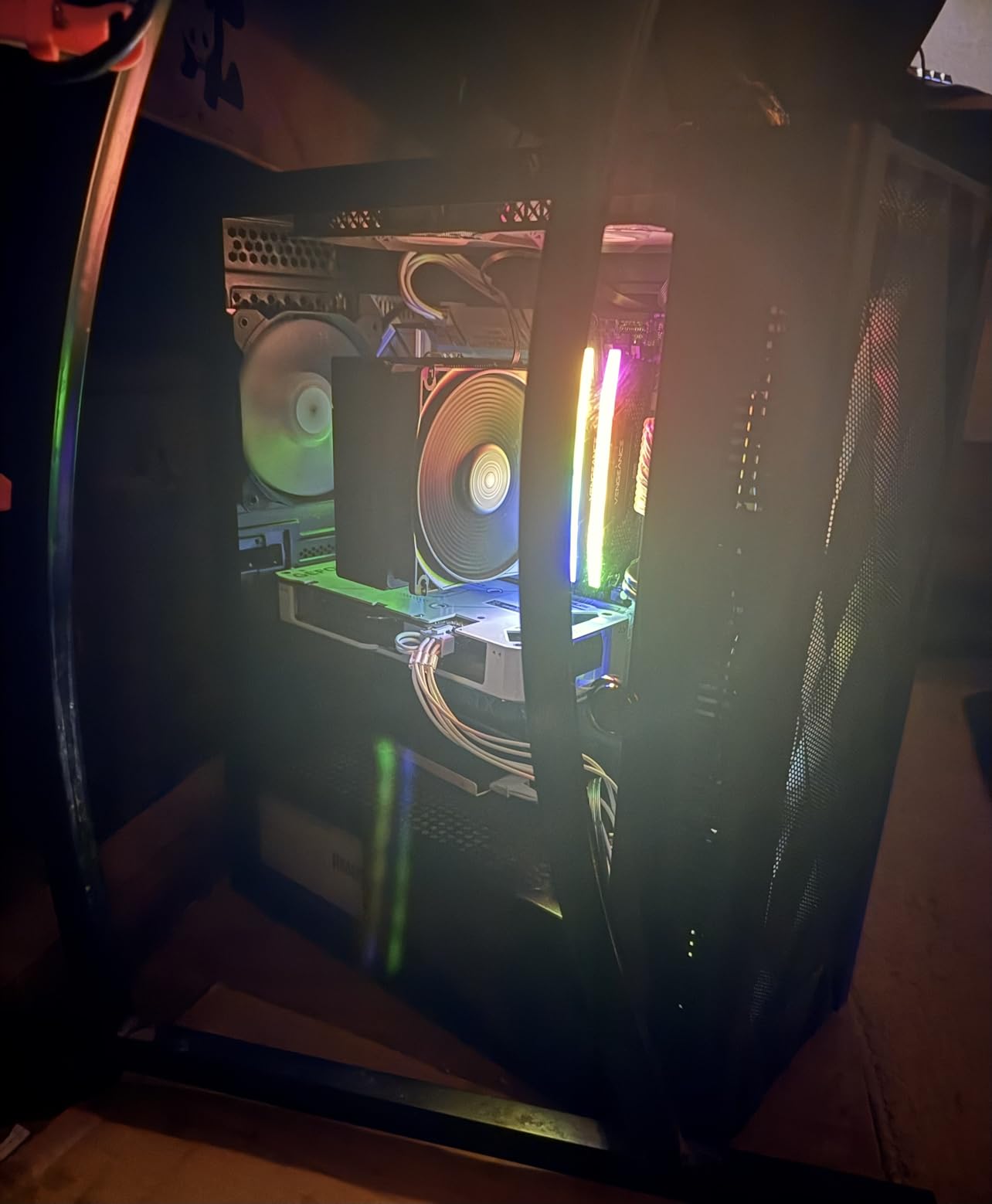
Six PWM ARGB fans in the box is unusual at this price point, and the NN8 pairs that with a hinged magnetic tempered glass side door that swings open instead of needing four thumbscrews every time you want to look at your graphics card. That door also means cleaning dust off a cooler is a two-second job.
Storage is unusually generous, with room for five SSDs and one hard drive or four SSDs and two hard drives. The GPU can be mounted in multiple orientations including vertical, and cable tie-down points are placed where you actually need them rather than in decorative spots.
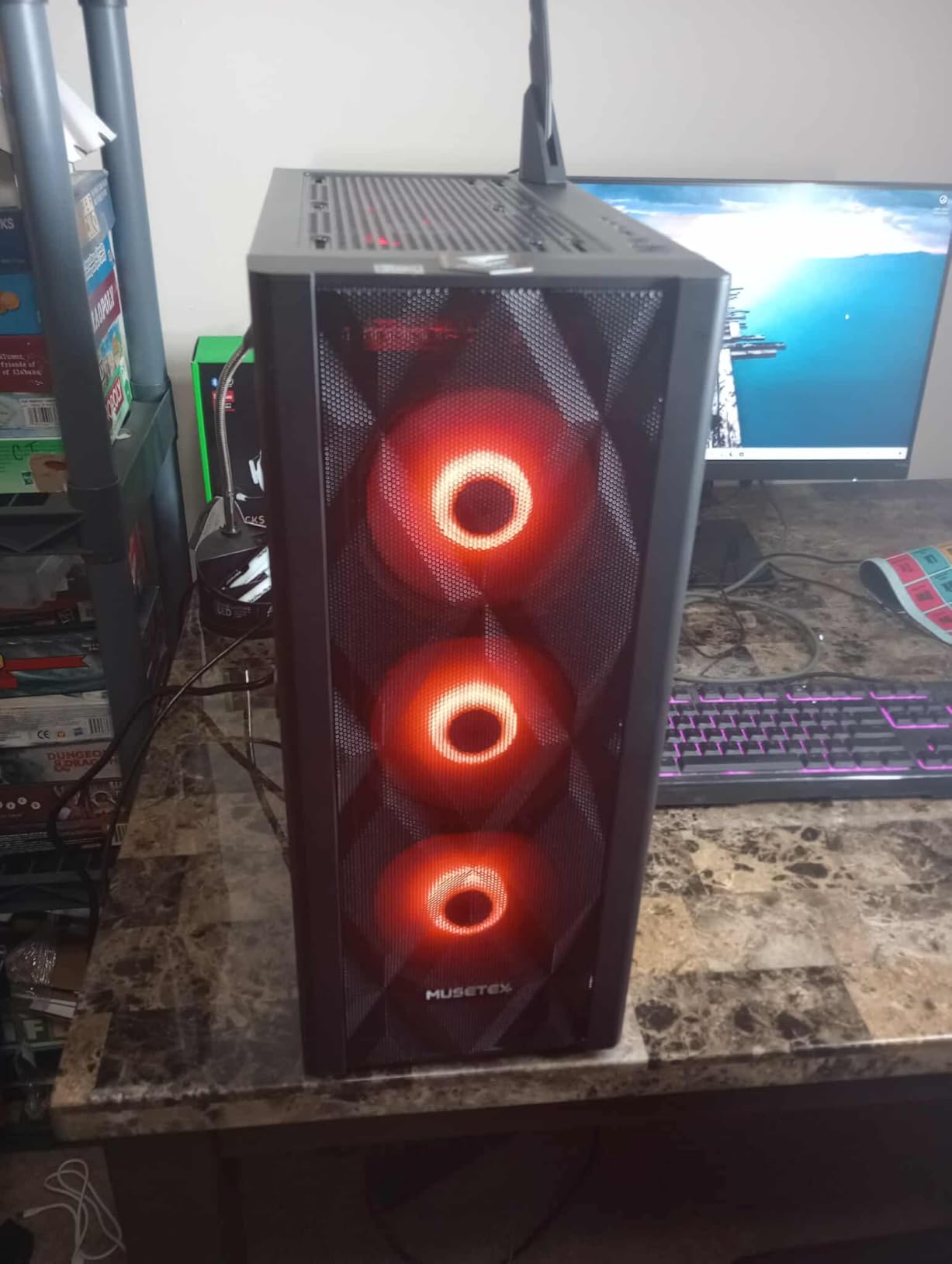
Dimensionally it is a 15.35 inch deep, 8.07 inch wide, 18.98 inch tall midi tower at 5.7 kg, which makes it the easiest chassis here to carry to an event. Compatibility covers ATX, micro-ATX and mini-ITX boards, CPUs coolers up to 160mm, power supplies up to 170mm and radiators up to 280mm.
Those last two numbers are the ones to plan around. A full-size ATX motherboard fits, but owners report it sits tight and you need to think about connector access before you mount the board rather than after. With a non-modular power supply the excess cable bundle has to go somewhere, and the rear space behind the tray is not deep.
Who the NN8 suits?
It suits a builder refreshing an older machine who wants lighting and airflow immediately rather than after a second purchase. Buyers also report fast, accommodating customer service when a panel arrived damaged, which matters at this tier more than it does on a flagship chassis. The light weight is a genuine advantage for LAN builds.
Where the NN8 falls short?
It falls short for large power supplies, since the 170mm limit rules out some of the longest modular units, and for anyone running a 360mm AIO because the top only takes 280mm. The front I/O offers two USB 3.0 ports and no USB-C, and the build materials do not feel like the steel on the more expensive picks.
5. NZXT H5 Flow: The Best Budget ATX PC Case
- Perforated PSU shroud on side and bottom draws air from two optional fans
- Ultra-fine mesh on top front and side
- Two 120mm fans pre-installed
- Supports 360mm front and 240mm top radiators
- Four internal drive mounts and seven expansion slots
- No bottom intake for the power supply fan
- Basic front I/O with no USB-C
- Only one 3.5 inch and two 2.5 inch mounts out of the box
- Paint can chip and backplate screws may not align
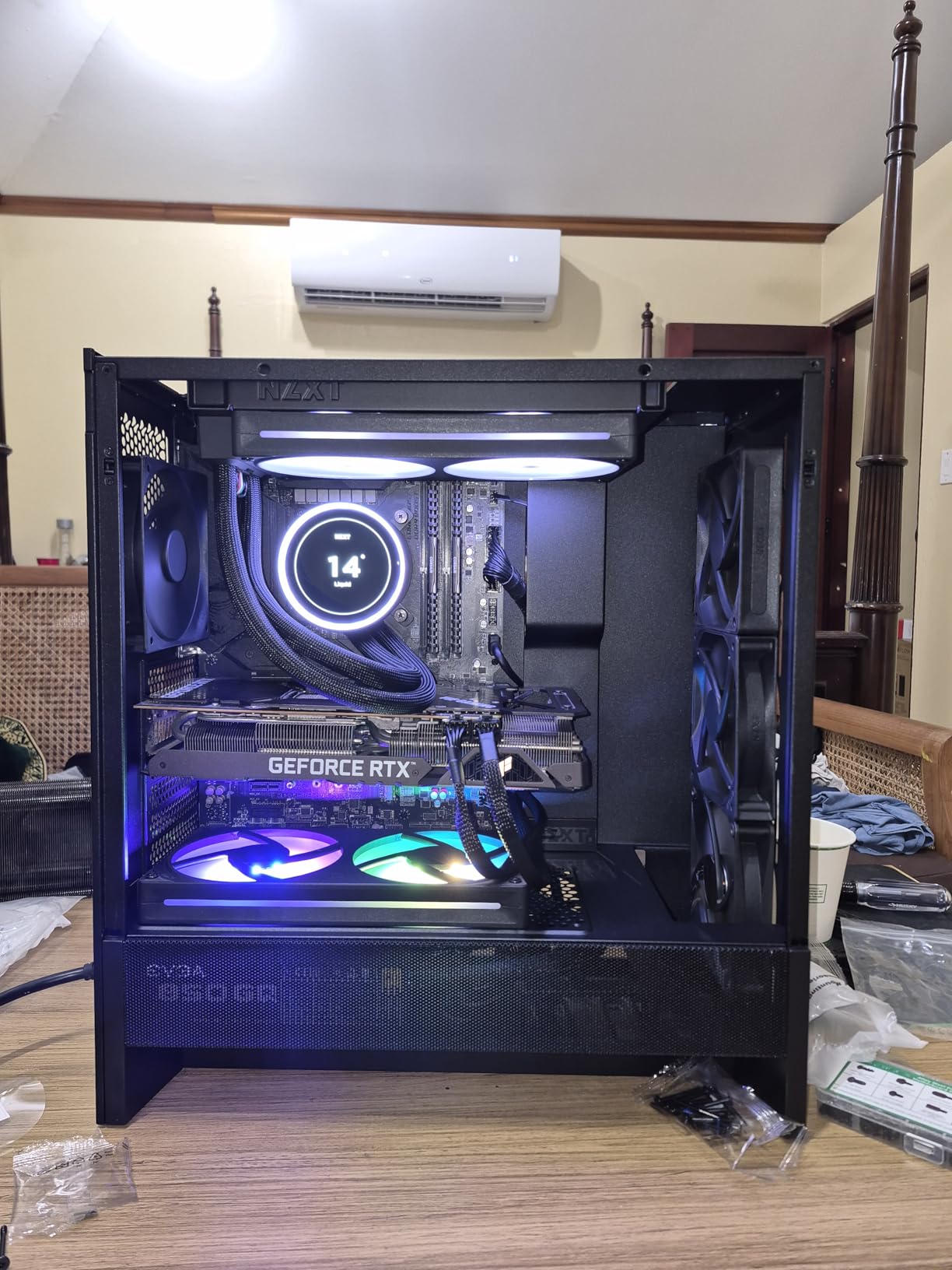
The H5 Flow is the pick if you want a properly ventilated case without spending much, and reviewers repeatedly call it one of the best airflow designs at its price. Ultra-fine mesh covers the top, front and side, so air moves through almost every surface rather than fighting a solid panel.
Two 120mm fans come pre-installed as a front intake and a rear exhaust, and the real trick is the perforated PSU shroud with intake slots on both the side and the bottom. That gives your power supply its own cool air path instead of making it breathe recirculated case air, which is a meaningful difference in a summer build.
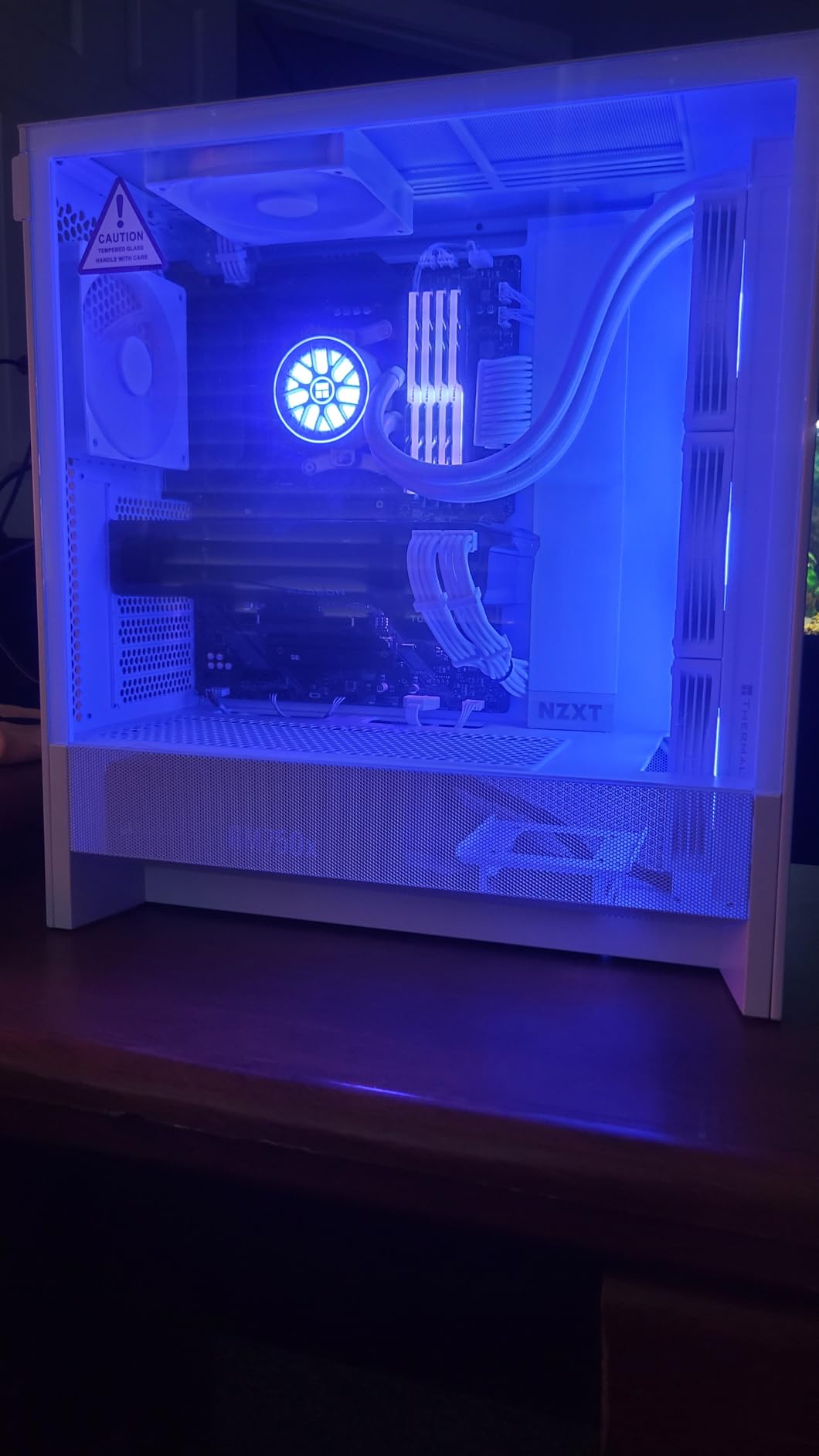
It fits motherboards from E-ATX down to mini-ITX with seven expansion slots and four internal drive mounts, and supports 360mm front and 240mm top radiators. Cable channels, hooks and included straps mean routing is straightforward rather than an afternoon spent fighting zip ties, and the case weighs 8 kg.
The known gap is that there is no bottom mount for a power supply intake fan, so the PSU fan pulls from inside the case even with that perforated shroud. Front I/O is basic with no USB-C, and the out-of-the-box storage is one 3.5 inch and two 2.5 inch mounts. Owners also mention paint chipping and backplate screws that do not always line up perfectly.
Who the H5 Flow suits?
It suits first-time builders and anyone moving hardware out of an older tower, because it arrives with fans, a glass side panel and sensible routing already solved. The perforated shroud approach also makes it a good quiet-leaning option if you plan a fan curve rather than running everything flat out.
Where the H5 Flow falls short?
It falls short for storage-heavy builds and for anyone who needs front USB-C today. If your motherboard lacks a USB-C header you may plan around it later, but if your desk setup already uses USB-C devices the omission is annoying. It is also a mid-tower sized shell, so do not expect full-tower room for a rack of drives.
6. MONTECH XR Panoramic: The Best ATX Case for Long Graphics Cards
MONTECH XR Panoramic ATX Gaming PC Case, Mid Tower, 3 ARGB PWM Fans, Black
- Three ARGB fans including two reverse-blade side intakes
- 420mm GPU support with dual tempered glass
- Supports up to nine fans and a 360mm top radiator
- Magnetic dust filters on top bottom and side
- Front I/O cables combine into a single header
- Pre-installed fans can be noticeably noisy on a desk
- Some screws are extremely tight
- Bottom fan holes awkward with certain fan sizes
- Roomy shell wastes space for entry-level hardware
The MONTECH XR answers a practical problem. It lists 420mm GPU support, which is the widest figure among the twelve here and means the longest modern graphics cards fit without you removing the front fans or measuring twice. Dual tempered glass panels show off the build from both visible sides.
Three ARGB PWM fans are pre-installed, two of them reverse-blade side intakes that push air straight onto the graphics card, and the case supports up to nine fans in total. Magnetic dust filters cover the top, bottom and side panels, so you are not relying on a single removable screen that never gets cleaned.
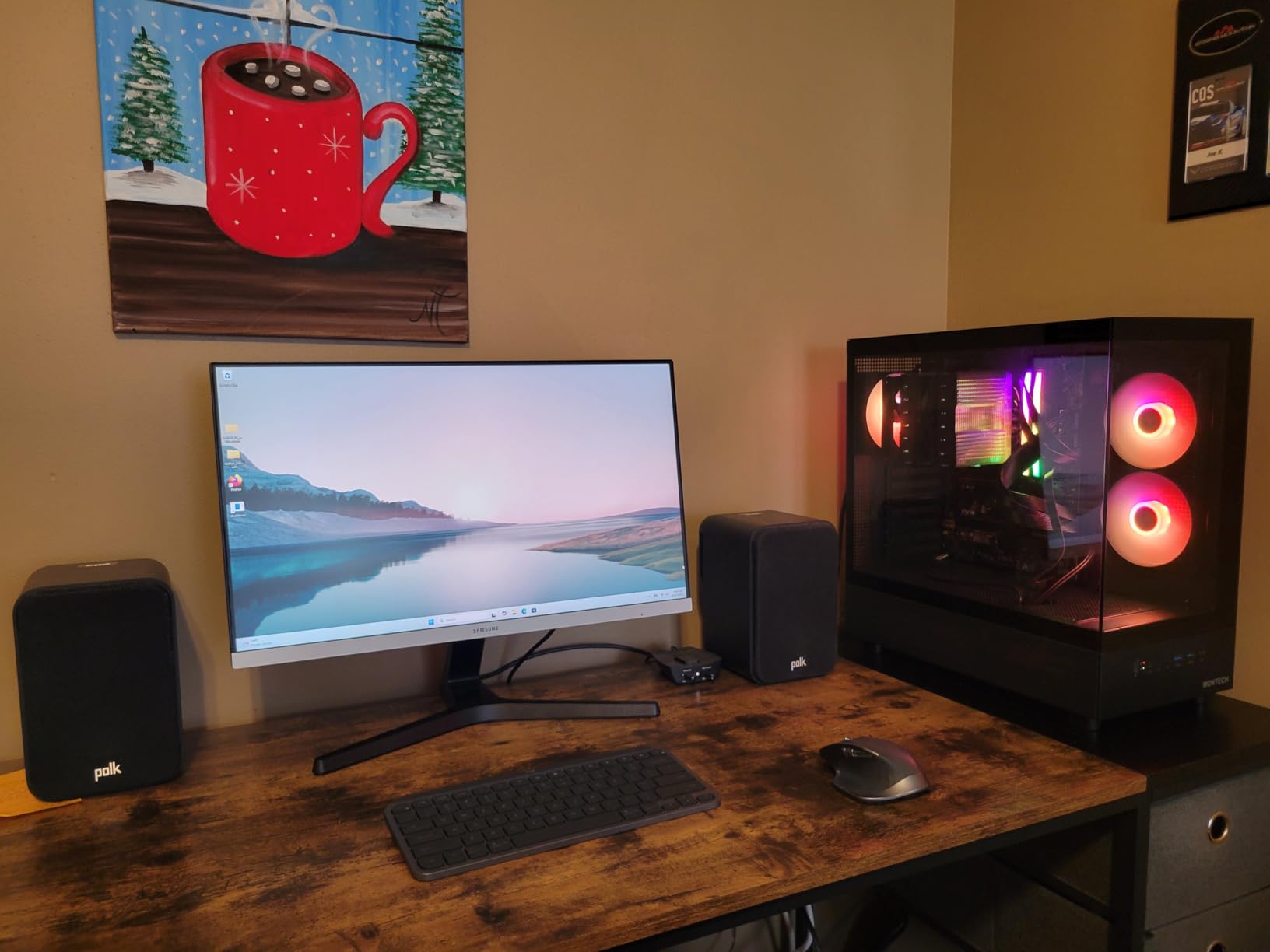
There is room for a 360mm radiator at the top, rubber grommets, and usable space behind the motherboard tray for cable routing. One detail first-time builders appreciate: the front I/O cables combine into a single header, so there is one plug instead of a bundle to sort out. Storage covers a 3.5 inch hard drive plus 2.5 inch SSDs with zip ties included.
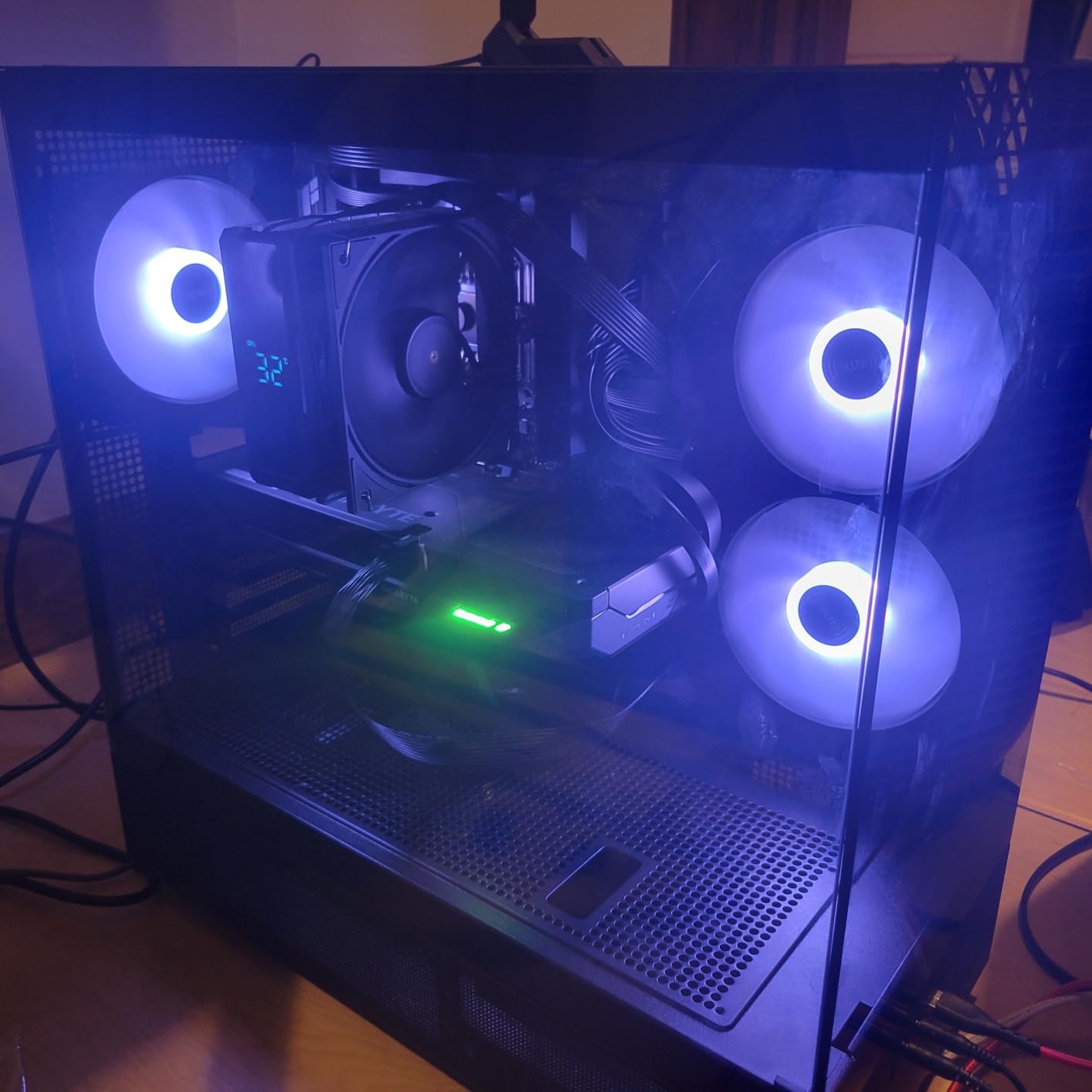
The trade-offs are physical rather than electronic. The included fans get audible on a desk, several builders mention screws that are extremely tight and hard to remove, and the bottom fan mounting holes can fight with certain fan sizes. At 14.5 pounds and 17.1 by 9 by 17.7 inches it is a big shell, which is wasted volume if you are running entry-level hardware.
Who the MONTECH XR suits?
It suits anyone buying a flagship graphics card who does not want to compromise on cooling to make it fit. The two reverse-blade side intakes are aimed at the card rather than the CPU, dust filtration on three surfaces suits a machine that will sit in a room with pets, and the wood grain I/O panel design keeps it looking better than a plain box. Coverage is one year.
Where the MONTECH XR falls short?
It falls short for anyone who wants silence out of the box or who has small hands and patience to spare, since those tight screws are a recurring complaint. Bright RGB can be distracting in peripheral vision, and a full-size shell is overkill for a mid-range card. Plan a fan curve in your first software session.
7. FOIFKIN F600: The Best ATX Case for Custom Water Cooling Loops
FOIFKIN F600 PC Case – Pre-Installed 7 PWM ARGB Fan, ATX Mid-Tower Gaming PC Case, 270° Panoramic Glass with Type-C, FOIFKIN (Black, F600)
- Seven 120mm ARGB PWM fans with six reverse-blade
- 270 degree panoramic tempered glass
- Dual-chamber layout separates hardware from PSU and drives
- Published capacity for three 360mm radiators
- Front USB-C on a mid-range chassis
- Published specifications disagree on fan count and PSU length
- Storage limited to one HDD and two SSDs despite ten bay count
- Build includes plastic and feels less premium than all-metal rivals
Custom loop builders care about two numbers: radiator space and whether the plumbing can actually be routed. The F600 publishes capacity for three 360mm radiators and uses a dual-chamber layout that keeps the pump, reservoir and hard lines away from the hot hardware chamber, which makes the plumbing paths far easier to plan.
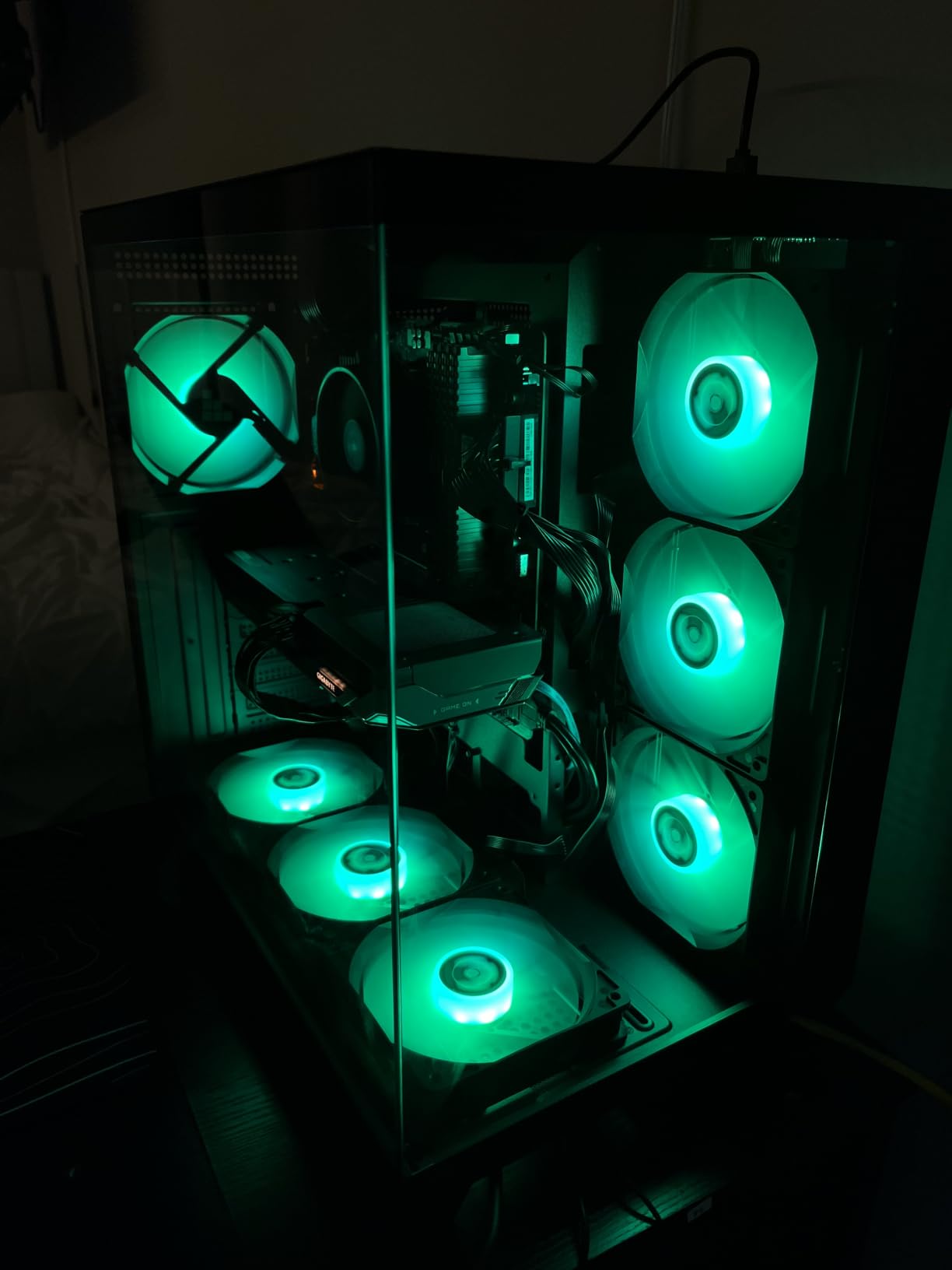
Seven 120mm ARGB PWM fans come pre-installed, six of them reverse-blade, so a build that looks finished on day one is realistic without buying a fan pack. The 270 degree panoramic tempered glass wraps three sides and turns the tower into something you can leave on display, with GPU clearance up to 400mm.
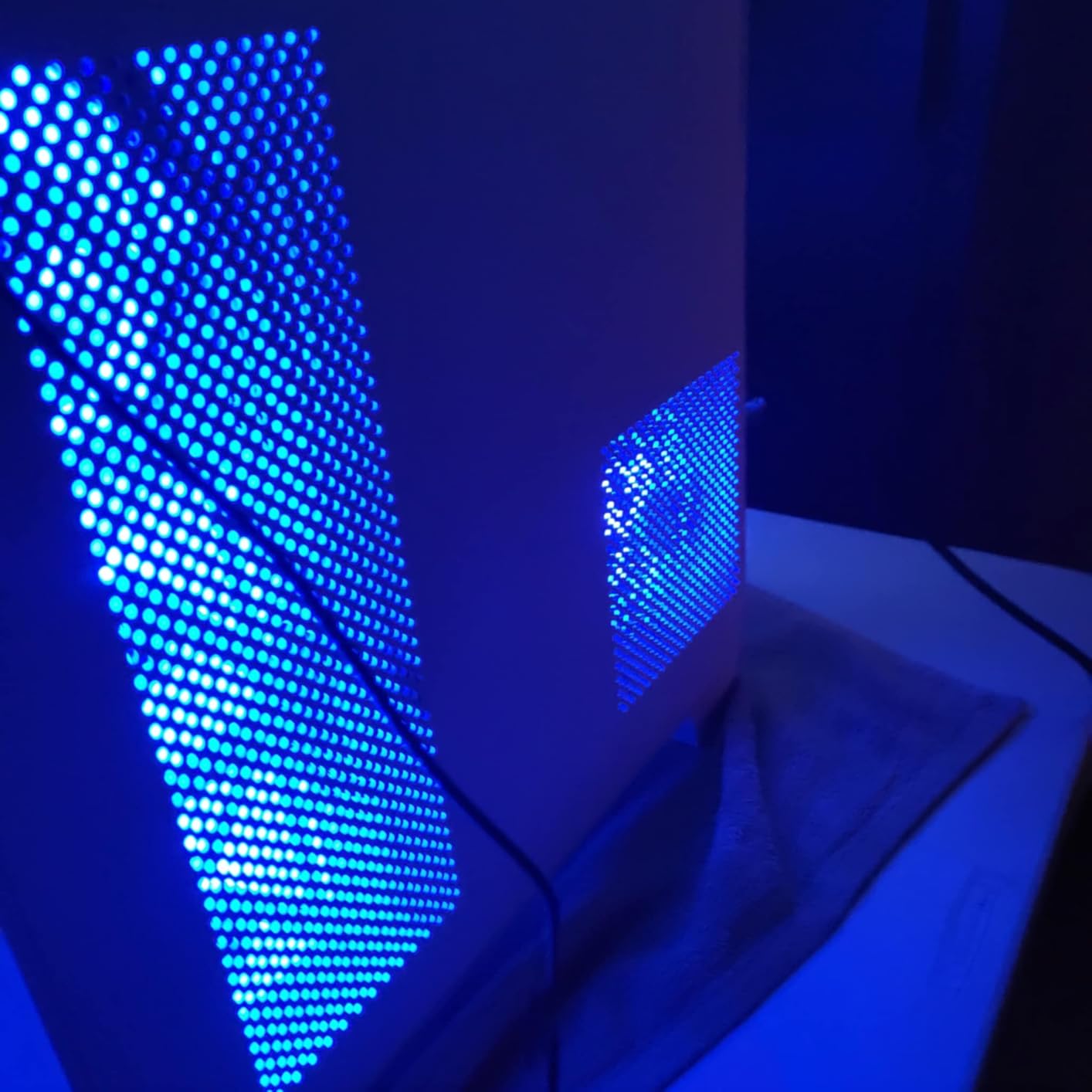
It accepts ATX, micro-ATX and mini-ITX motherboards, offers front USB-C connectivity and is sized at 16.5 inches deep by 11.2 inches wide and 17.3 inches tall, or 420 by 285 by 430mm. Power supplies up to 200mm are supported, with radiator options across 120mm, 240mm, 280mm and 360mm sizes.
The honest caveat is the specification sheet. The published fan count disagrees between fields, PSU length appears as both 200mm and 220mm in different places, and storage is listed as one hard drive and two SSDs despite the ten-bay figure. Treat the numbers as a starting point and confirm with the manufacturer before ordering a radiator that barely fits.
Who the F600 suits?
It suits loop builders who want reservoir and tubing space without moving up to a full tower, and showcase builders who would rather have seven lit fans than an empty chassis on arrival. The dual-chamber separation is the quiet win: it is the difference between a neat build and a tangle of tubes behind the tray.
Where the F600 falls short?
It falls short for storage-first builds and for people who care about panel feel. Plastic in the construction means it does not have the solidity of the steel and aluminium competitors, and with only two SSD mounts and one hard drive mount you will be adding a drive cage immediately. Buyers also flag the ambiguous listing as a reason to double-check dimensions yourself.
8. Corsair 3500X RS ARGB: The Best ATX Case for Tool-Free Access
- Tool-free latches on the panels speed up builds and cleaning
- Three reverse-blade ARGB fans daisy-chained from one header
- Magnetic dust filters hidden under decorative panels
- Supports up to ten 120mm fans and 360mm radiators
- Built-in GPU anti-sag bracket and generous rear cable storage
- Latch panels can pop open if cables are not routed carefully
- Included fans produce an audible hum at lower settings
- No dedicated 3.5 inch hard drive cage
- SSD holder is awkward to install and remove
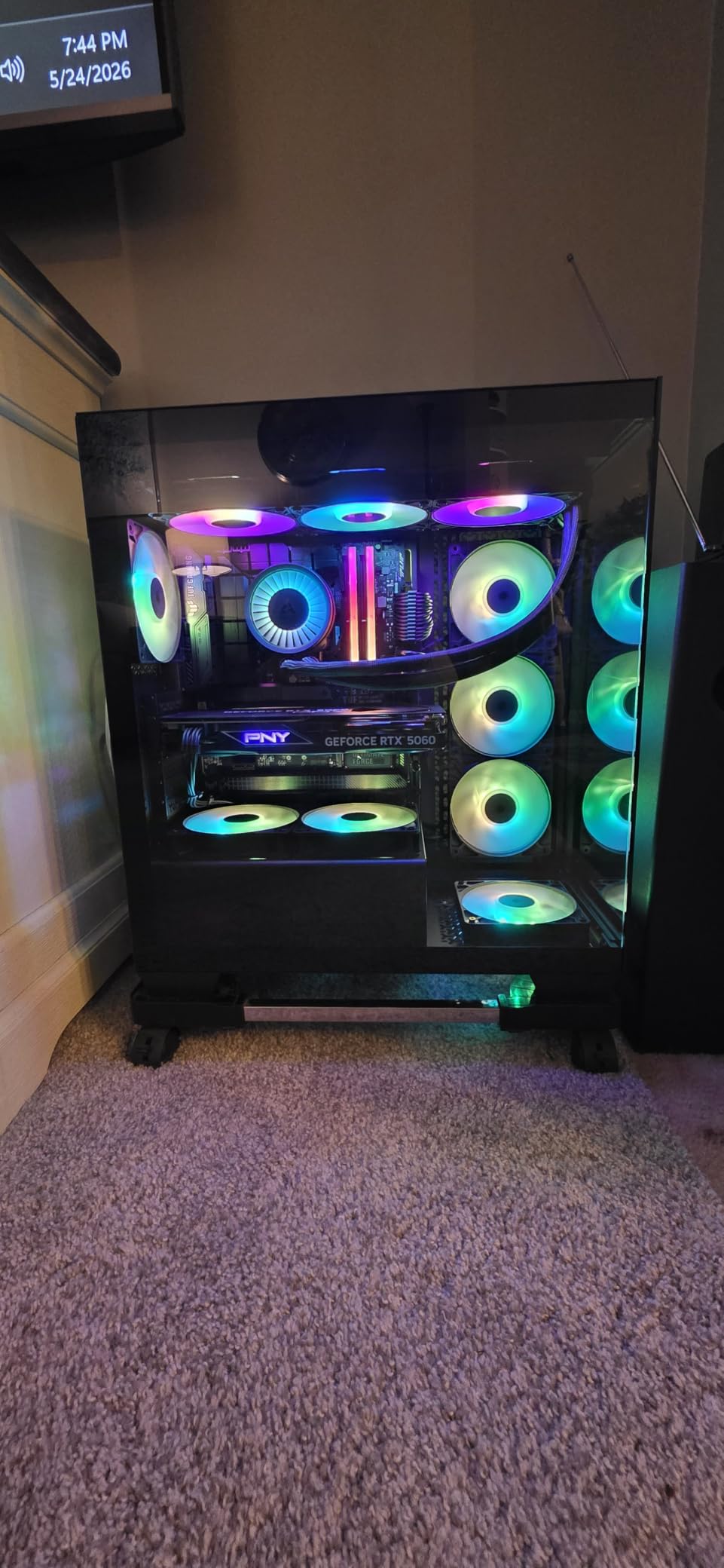
Tool-free latches are the defining feature here. Removing a panel takes a click instead of four thumbscrews, which matters more than it sounds when you are re-routing a cable or blowing dust out of a radiator after a few months of use.
Three RS120-R ARGB reverse fans come pre-installed and daisy-chain to a single header with motherboard control through the five-volt ARGB connection, so there is no extra lighting controller to hide. Owners report airflow gains of roughly a 10C temperature drop compared with their previous case after moving to this chassis.
It covers motherboards from mini-ITX through E-ATX, supports radiators up to 360mm, and has mounting points for up to ten 120mm fans across the side, roof and power supply area. Magnetic dust filters sit on the top and side, tucked under removable decorative panels, and a built-in GPU anti-sag bracket is already in place.
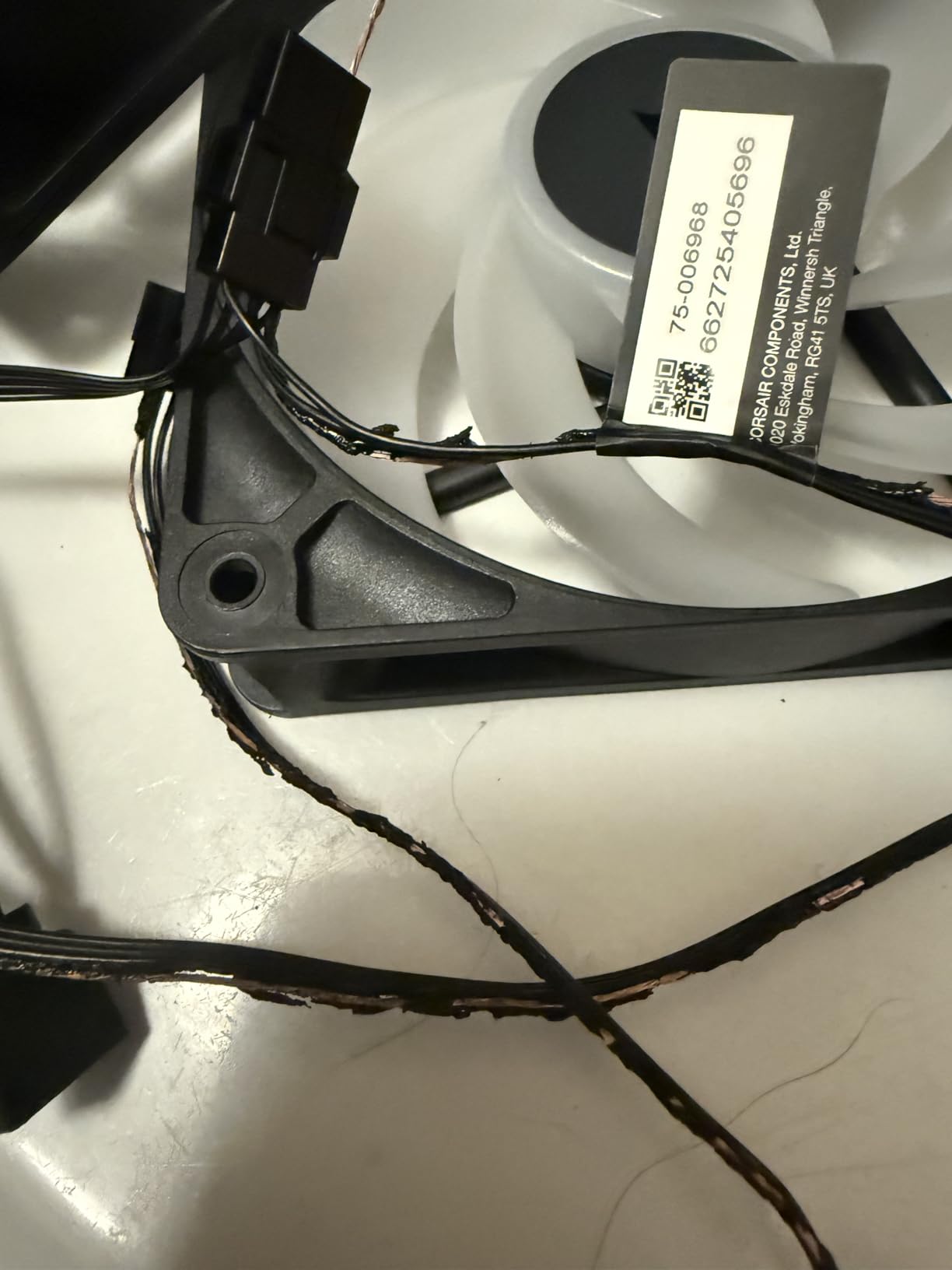
The trade-offs are small but real. Latch panels can spring open if cables are routed carelessly, the included fans carry an audible hum even at lower settings, and there is no dedicated 3.5 inch cage, so a hard drive needs mounting to the back of the motherboard tray. The SSD holder is also awkward to install and remove, and there is a single front USB-C port.
Who the 3500X suits?
It suits builders who reconfigure their machines often, and anyone who finds small screws frustrating, whether through dexterity, eyesight or just a cluttered workbench. The wraparound glass gives a display-case look, the reverse fans keep the visible side clean, and two year manufacturer cover is respectable.
Where the 3500X falls short?
It falls short for anyone still using mechanical hard drives as primary storage, since the missing cage makes that an afternoon of drilling rather than a swap. Pre-installed side fans are oriented for exhaust, so if you want them as intakes you will be flipping them during the build. Expect to replace the fans if you are chasing silence.
9. Lian Li O11D Mini V2 Flow: The Best ATX Case for GPU Cooling
Lian Li O11D Mini V2 Flow ATX PC Case with 5 Non-RGB Reverse Fans, Black
- Ten degree slanted base measurably improves GPU cooling
- Five 120mm reverse-blade fans aimed at the graphics card
- Compact footprint still accepts full-size ATX power supplies and a 360mm AIO
- Horizontal and vertical GPU anti-sag brackets
- Optimised for ATX back-connect motherboards
- Rear chamber cable routing is fiddly despite good anchor points
- Included fans become audible around 800 RPM
- Not the simplest case for a builder without a plan
- Glass panels get dirty quickly
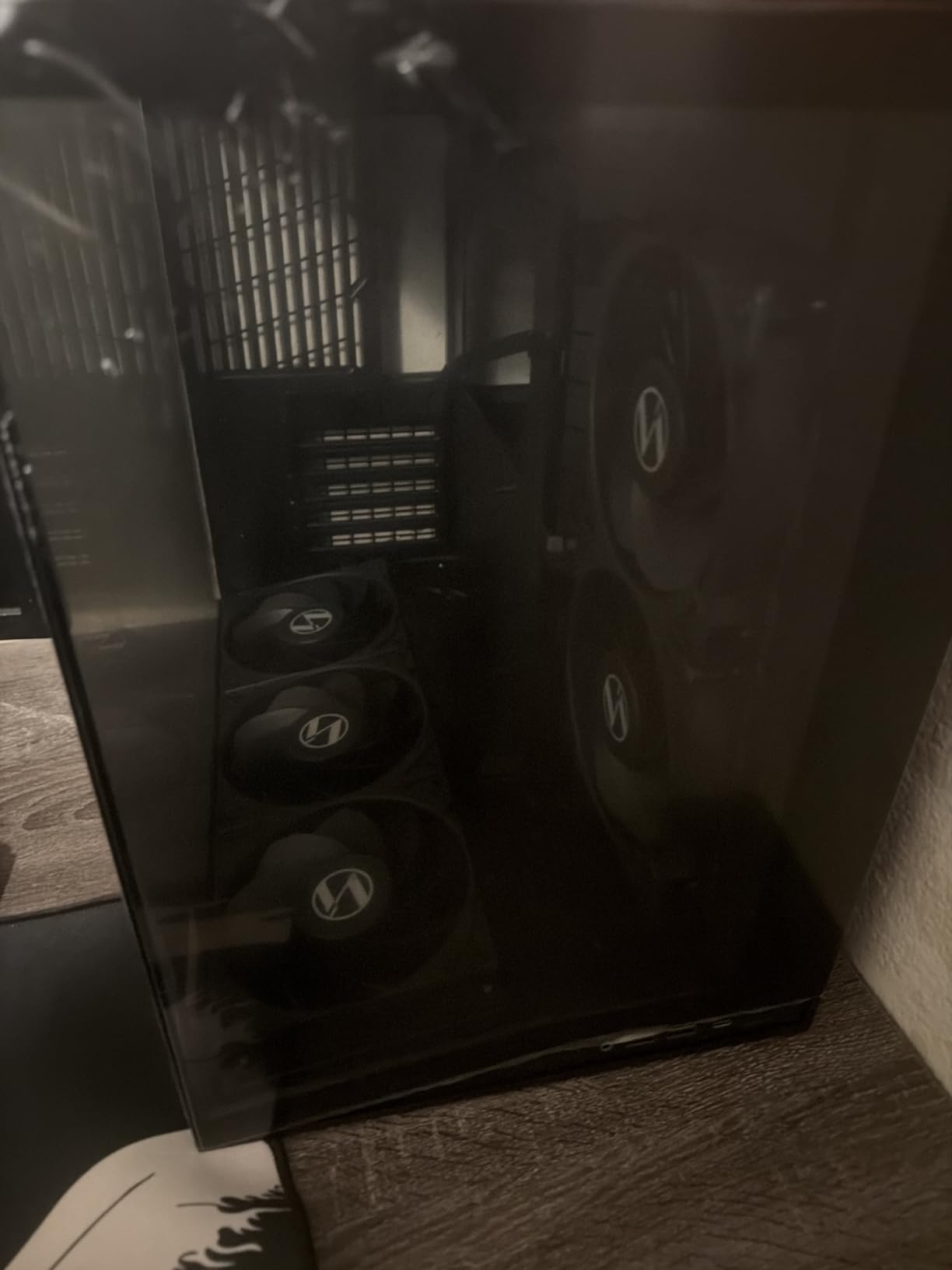
The reason the O11D Mini V2 Flow exists is the ten degree angled base. That slant turns the bottom fan mounts so they feed the graphics card directly rather than pushing air at the floor, and users running a hot card report figures like a 9070 XT holding under 55C at more than 350W. Five reverse-blade fans reinforce that path.
It stays compact at 16.68 inches deep by 10.73 inches wide and 15.41 inches tall, and still accepts full-size ATX power supplies plus a 360mm AIO. That combination is unusual. Pillar-less tempered glass on the front and side gives an unobstructed view, and the mesh side panel is shaped to make room for those long power supplies.
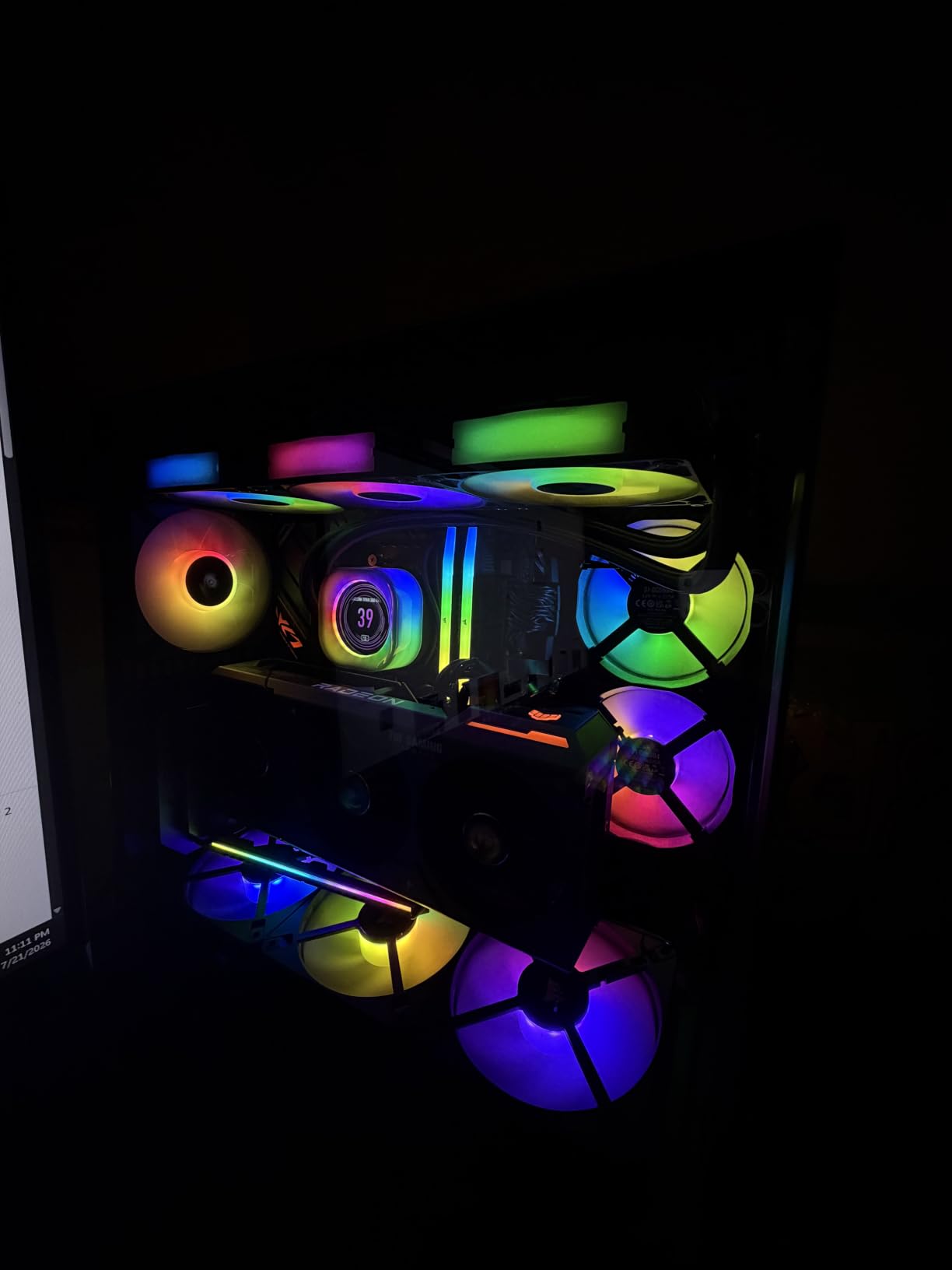
Both horizontal and vertical GPU anti-sag brackets are included, along with dedicated brackets for 24-pin cables, and the layout is optimised for ATX back-connect motherboards. Reviewers single out the grommet and tie-down points as among the best they have used, which matters given how fiddly the rear chamber can be otherwise.
The caveats come from ownership rather than design. The rear chamber still takes planning if you are not methodical, and the included fans start to become audible around 800 RPM. Glass collects fingerprints and dust quickly, and at 22 pounds it is not a case you carry to an event alone. Warranty coverage is one year.
Who the O11D Mini V2 Flow suits?
It suits someone whose graphics card is the hottest component in the build and who wants the case designed around that fact. It also suits builders on back-connect motherboards, since the cable brackets are already positioned for them, and compact-footprint fans who still want a full-size power supply and a 360mm liquid cooler.
Where the O11D Mini V2 Flow falls short?
It falls short for a first build with no plan. The angled base changes which components sit where, and rushing the cable routing in the rear chamber is exactly how panels end up not sitting flush. One buyer also received a warped power supply and cable panel that needed replacing, which is worth knowing about given the one year coverage.
10. NZXT H7 Flow White: The Best ATX Case for White Builds
- Dedicated GPU cooling with room for three bottom 120mm fans
- Supports 420mm front and 360mm top radiators
- Tool-free panel removal on all four sides
- Wide cable channels hooks and included straps
- Reported 20-30C cooler CPUs and GPUs than smaller predecessors
- Pre-installed fans are three-pin rather than four-pin PWM
- Weak documentation that sends builders to video guides
- Oversized footprint and heavy at about 25 pounds
- No dedicated dust filters
- Extremely open mesh gets noisy once fully populated
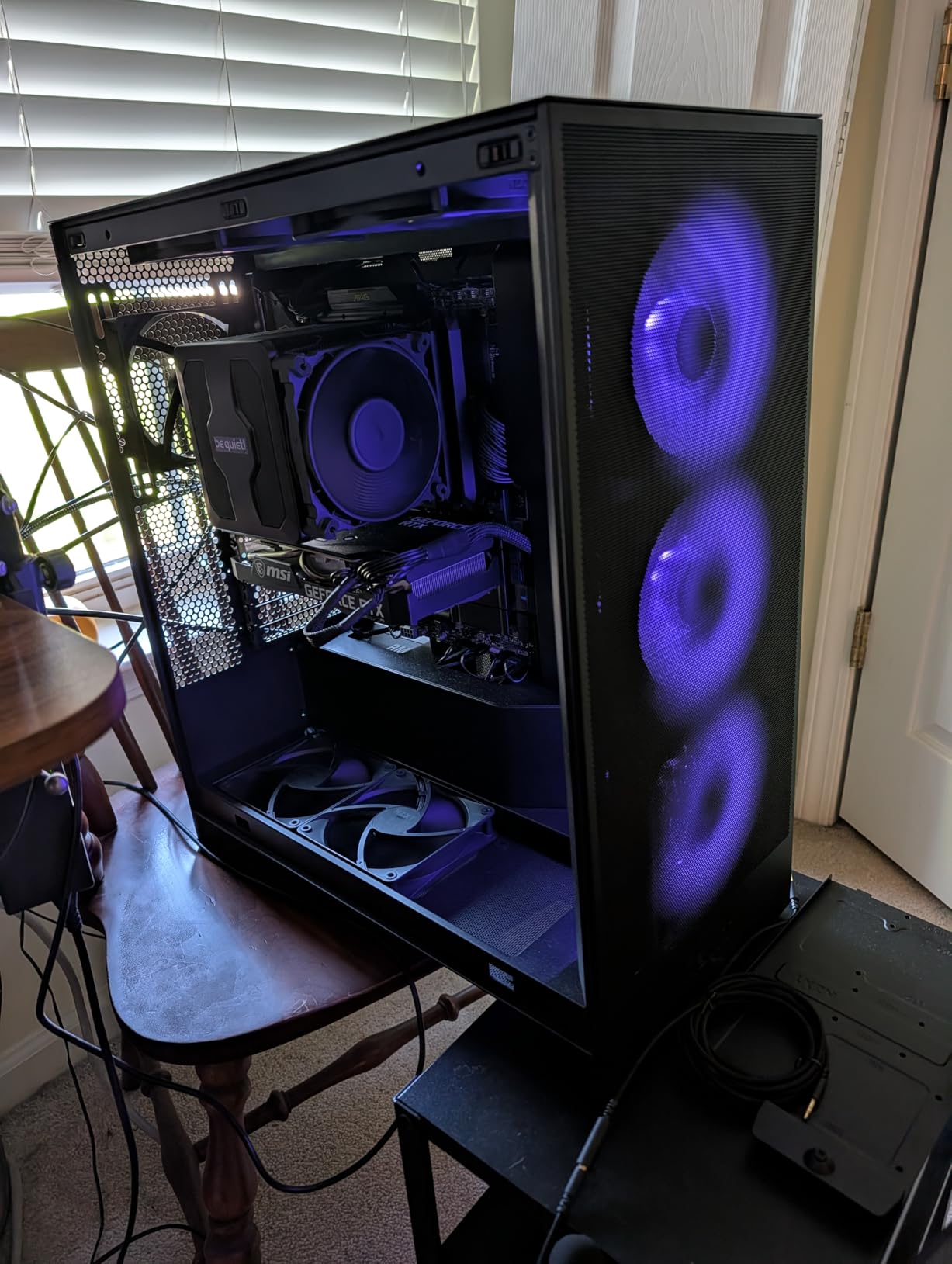
The H7 Flow is finished in white throughout, which is the whole point for a lot of builders, but it is also the most spacious mid-tower in this group. Dedicated GPU cooling comes through mounts for three bottom-mounted 120mm fans, a feature usually reserved for cases noticeably larger than this.
Radiator support runs to 420mm in the front and 360mm in the top, so a 360mm AIO in the roof with a 360mm in the front is a realistic configuration. Three front-mounted 120mm fans are included, and tool-free panel removal on all four sides keeps maintenance quick.
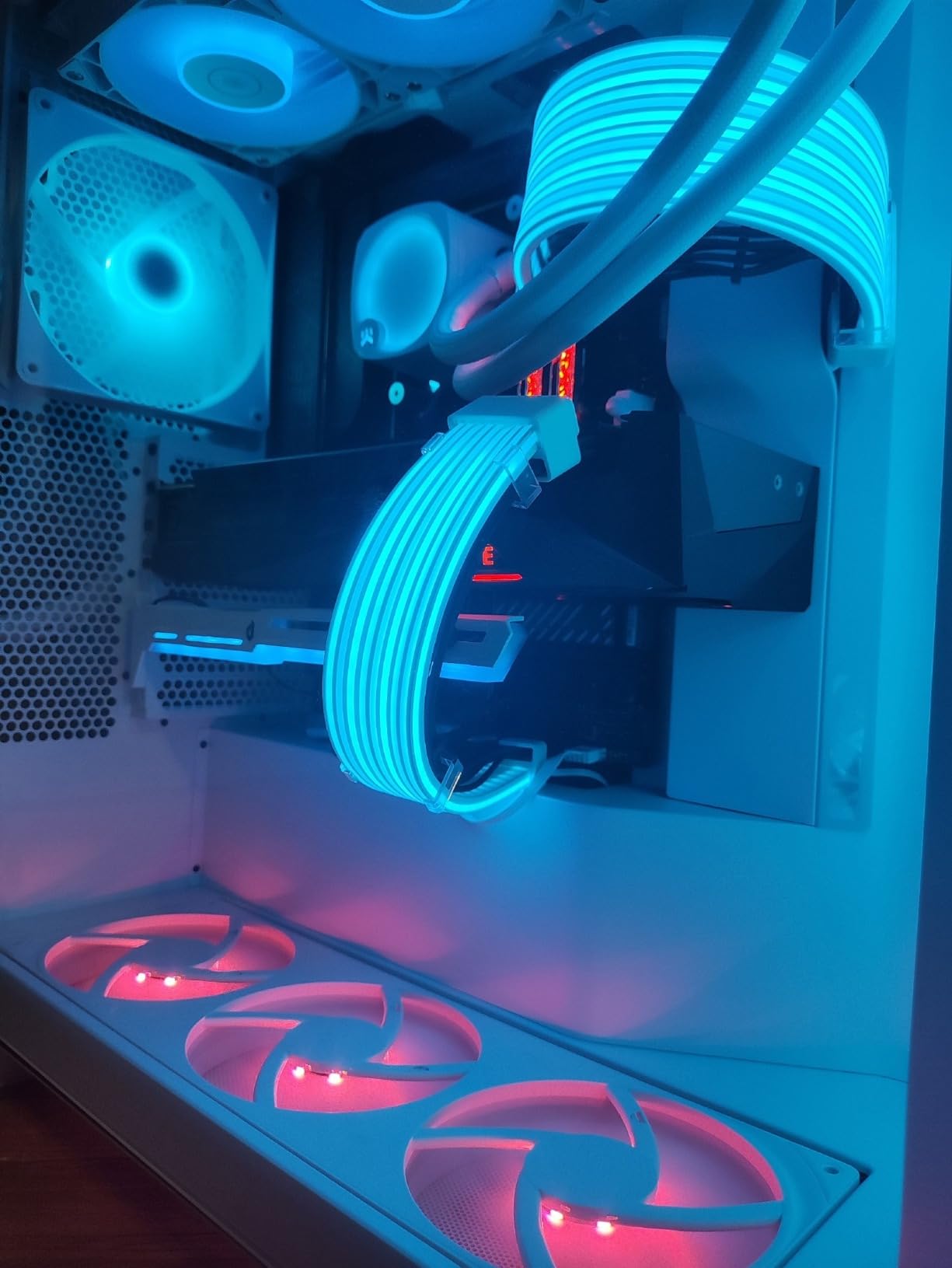
Owners report CPUs and GPUs running 20-30C cooler than the smaller predecessors in the same line, and they describe the interior as the easiest one they have built in. Cable channels, built-in hooks and included straps handle routing well, and build quality is reported as solid with no misaligned holes.
The real trade-off is scale. At 18.43 inches deep by 9.6 inches wide by 21.42 inches tall and roughly 25 pounds, this behaves more like a compact full tower, which is exactly why the cooling is good. The included fans are three-pin rather than four-pin PWM, documentation is weak enough that some owners relied on video guides, and dust control depends on the open mesh rather than dedicated filters.
Who the H7 Flow suits?
It suits white theme builds that need radiator capacity as much as colour, and anyone who wants generous room without stepping up to a full tower. The dedicated bottom GPU intakes are the reason a hot card stays cool here, and the tool-free panels make routine filter cleaning painless even in a finished build.
Where the H7 Flow suits less well?
It suits less well on a small desk or if you move your PC regularly, because the footprint and weight are the largest of the airflow-focused mid-towers here. Once the case is fully populated with fans the open mesh is noticeably loud, and you will want to replace the three-pin stock fans with PWM units to control that.
11. HYTE Y70: The Best Premium ATX PC Case
- Statement three-piece panoramic glass with dual-chamber interior
- Four-slot vertical GPU mount with included colour-matched PCIe 4.0 riser
- Up to ten fans plus a 360mm side radiator and adjustable top position
- Reusable velcro straps and labelled mounting points
- Three year manufacturer warranty
- No fans included so a splitter or hub is usually needed
- Included PCIe 4.0 riser may need replacing for newer boards
- Very large and heavy footprint that eats desk space
- Horizontal expansion slots only 80mm long
- Limited dust filtration
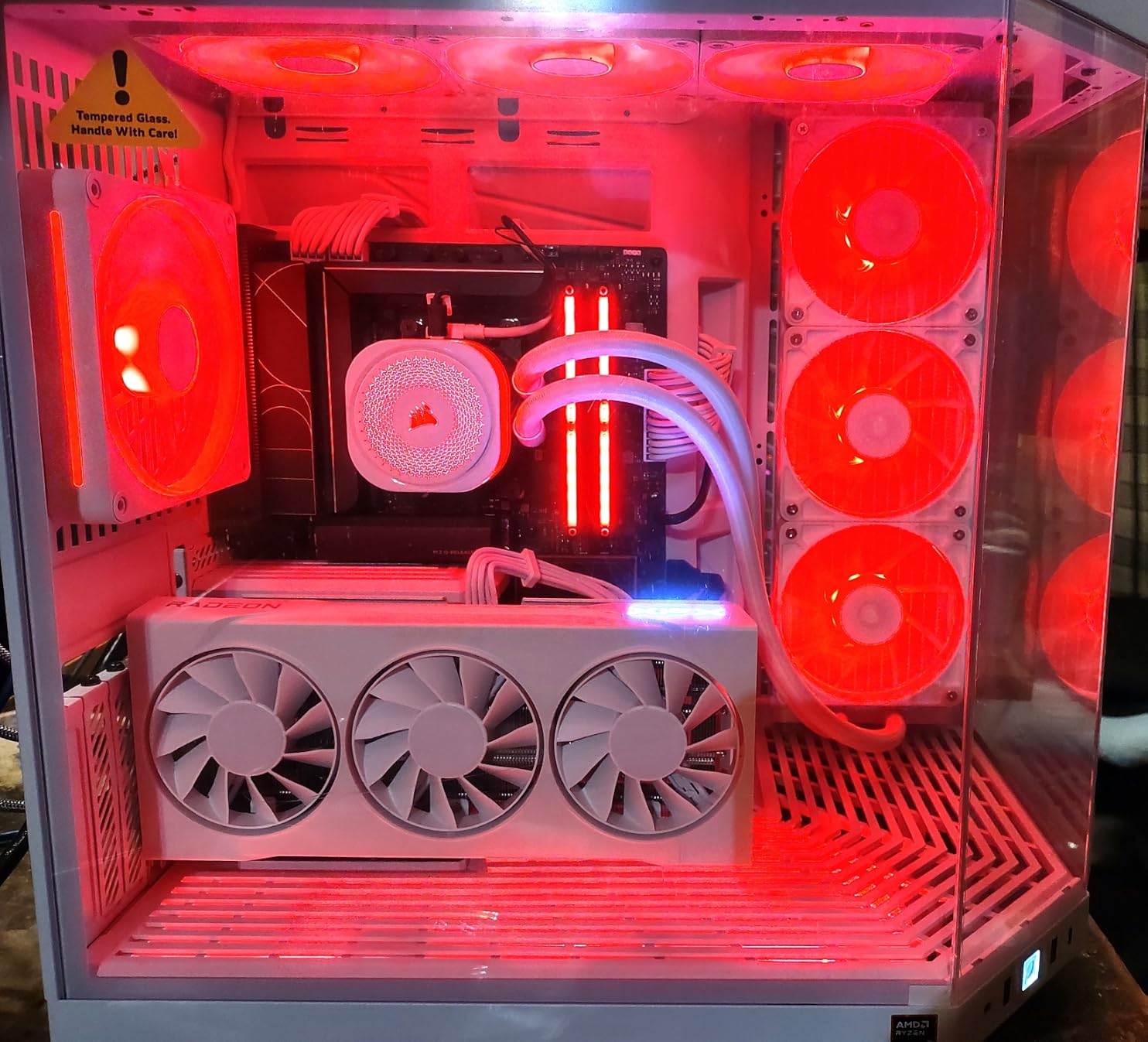
The Y70 is the only case here you could reasonably describe as furniture. Three-piece panoramic glass wraps the chassis, the dual-chamber interior gives real breathing room, and the tolerances and tool-less panels feel a step above everything else on this list. It is also the only one with a three year manufacturer warranty.
The standout feature is the four-slot vertical graphics mount with an included colour-matched PCIe 4.0 x16 riser, which lets a long card mount flat against the glass where you can actually see it. Cooling capacity is large: a 360mm side radiator up to 125mm thick, an adjustable top position up to 68mm, and a cold-floor mount that takes three 120mm or two 140mm fans up to 32mm thick.
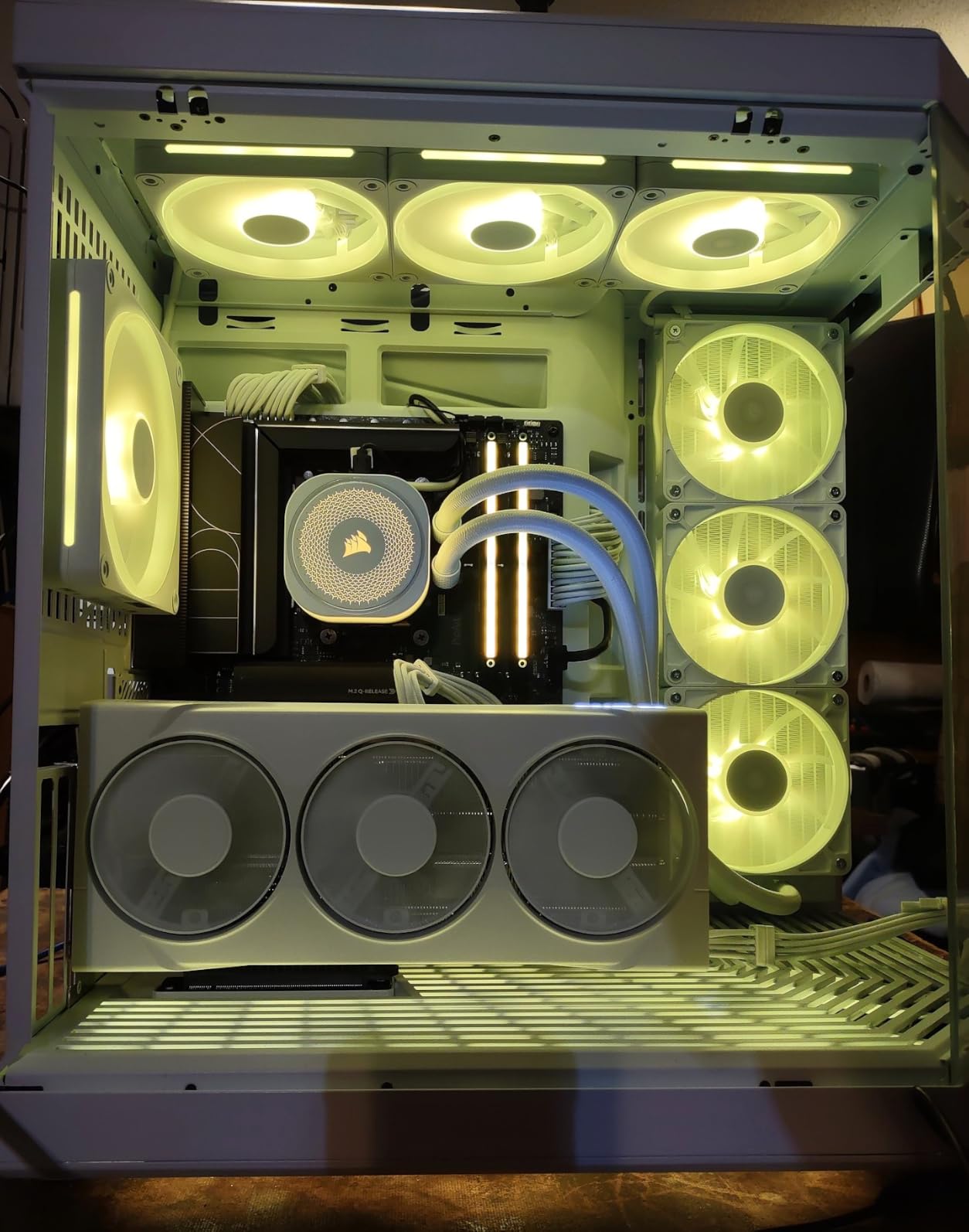
Owners report GPU temperatures five to 10C lower than their previous case, and the reusable velcro straps, floating storage sleds and labelled mounting points are the sort of detail that keeps builds tidy. Front and rear cable storage space is generous, which matters more here than usual because of how much gear a premium loop adds.
Be clear about what it does not include: fans. You will need a splitter or a fan hub. The bundled riser is PCIe 4.0 and may need replacing for newer or overclocked boards, the horizontal expansion slots measure only 80mm so you cannot fit a wide card alongside the vertical mount, and at 23 by 22 by 16 inches and 24.3 pounds the footprint is enormous.
Who the Y70 suits?
It suits the showcase build, the vertical graphics card enthusiast and anyone who wants the build to look like a display piece rather than a tower. Storage mounts float so you can position drives to suit the loop, and the three year warranty is the longest coverage on this list. Community discussion in r/pcmasterrace treats the Y70 as a favourite for showcase builds while flagging the cost and the airflow question.
Where the Y70 falls short?
It falls short as a value purchase, as a dual-GPU platform and as a desk-friendly object. Budget for a fan pack, and possibly a newer riser. The bottom fan bracket hole pattern also makes mounting three bulky fans awkward, and dust filtration is thinner than the meshed airflow cases elsewhere on this list. If your collection also needs glass shelving, our acrylic display case roundup covers that side of the hobby.
12. DARKROCK EC2: The Best ATX Case for Starter Builds
DARKROCK EC2 ATX Mid Tower Gaming Computer PC Case, Type-C Ready
- Entry price point while still supporting ATX motherboards and 50-series GPUs
- Meshed front panel for efficient airflow
- Type-C ready front connectivity
- Magnetic dust filters mounted separately on top and bottom
- Supports up to eight 120mm fans and one 360mm front radiator
- Only one pre-installed fan so cooling must be added separately
- GPU length limited to 340mm and PSU length to 200mm
- Only one USB 3.0 port listed
- Build materials include plastic
The EC2 is the entry point in this roundup, and it still delivers the features people expect in 2026: a meshed front panel, tempered glass, Type-C ready front connectivity and magnetic dust filters mounted separately on the top and bottom so each can be cleaned on its own.
It fits ATX, micro-ATX and mini-ITX motherboards and supports 50-series graphics cards up to 340mm, with room for up to eight 120mm fans and a single 360mm front radiator. The door-opening design means you can reach components without removing a whole panel.
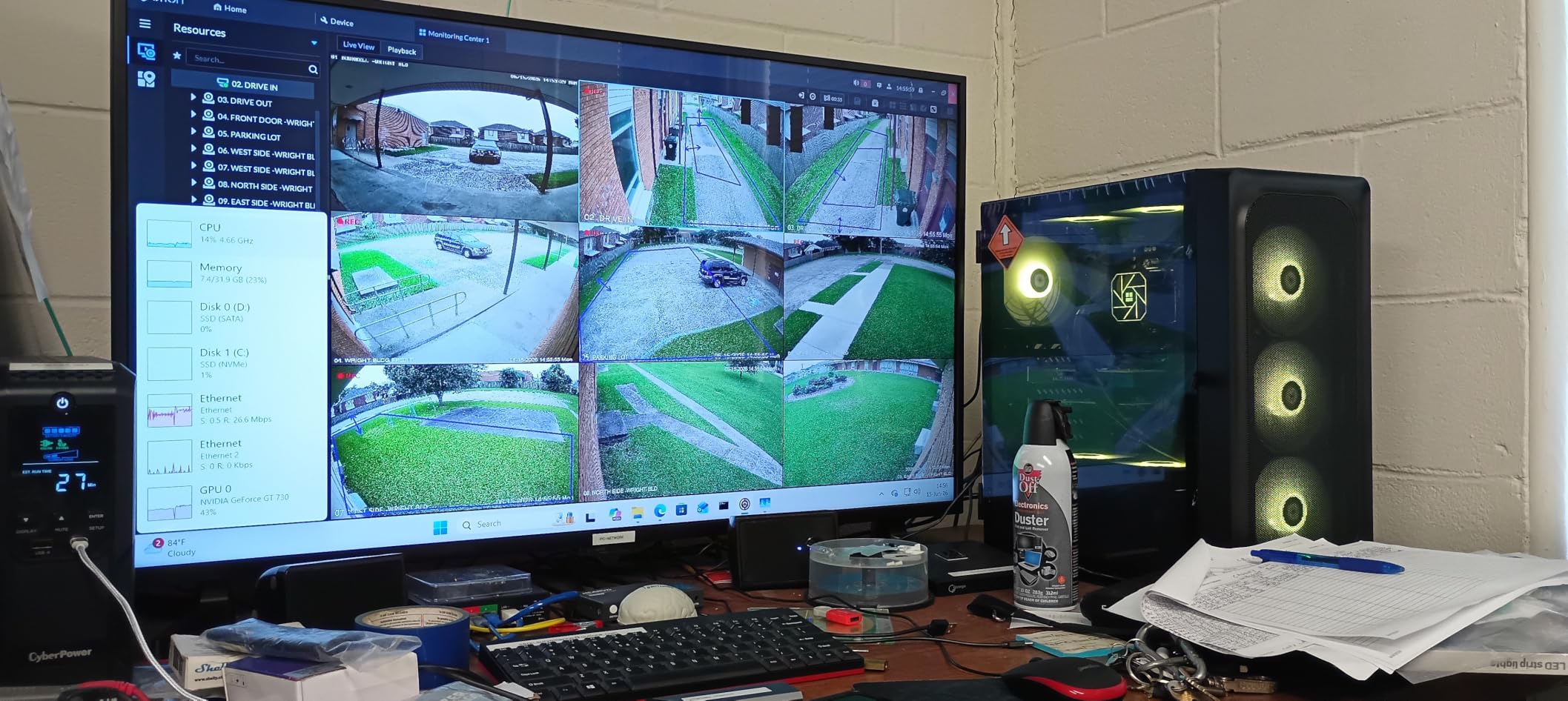
Seven expansion slots and three internal drive bays cover a conventional build. At 15.1 inches deep by 8.6 inches wide and 17.6 inches tall it is one of the more compact shells here, which is useful if you are replacing an older tower in a fixed space.
The catch is simple: one pre-installed fan. You are buying a chassis and adding cooling, so budget for at least two more fans and a fan curve. GPU length is capped at 340mm, power supplies at 200mm, the specification set lists a single USB 3.0 port, and it carries the lowest average rating here at 4.5 with around six percent one-star reviews. Coverage is one year.
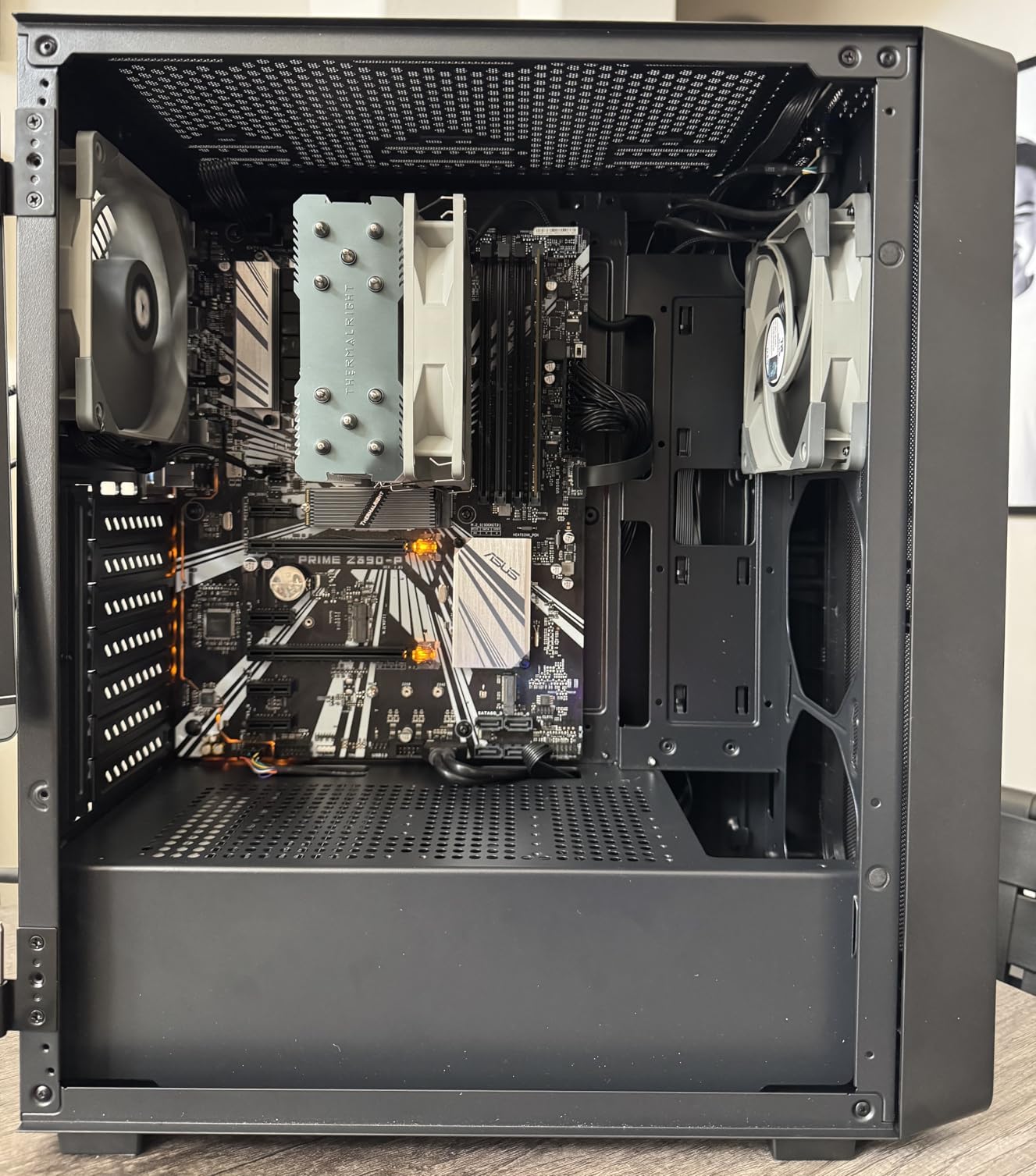
Who the EC2 suits?
It suits a first build on a fixed budget, or anyone who already owns a fan collection and just needs a well-ventilated shell with glass. Magnetic filters top and bottom, a door that opens for quick access and Type-C readiness are the details that usually disappear at this price, and here they are present.
Where the EC2 falls short?
It falls short when you want a finished build in one delivery. With one fan and no lighting, the machine will feel unfinished until you add cooling, and the plastic in the construction is noticeable next to the steel rivals. Check your card length before you buy, because 340mm is below the clearance of several cards on the market now.
How to Choose an ATX PC Case: 7 Specs That Decide Your Fit?
Start with the four numbers that cannot be changed after you order: motherboard form factor, GPU length, radiator position and power supply length. Everything else is preference.
Motherboard form factor: ATX is the baseline, E-ATX is the safe assumption
A standard ATX board is 305mm by 244mm and every case on this list accepts it. The difference shows up with E-ATX and larger boards, which are deeper and taller. The H5 Flow lists E-ATX support, the 3500X RS ARGB spans mini-ITX through EATX, and the rest specify ATX with mATX and ITX support.
If you are undecided about the board, buy the case that states E-ATX support in its specifications. It costs nothing at the buying stage and removes the most common build-stopper.
GPU clearance: sort your cards into three tiers
Sort the cards you care about into three tiers. Tier one is 400mm and above, which points you at the FOIFKIN F600 and the MONTECH XR. Tier two is 355mm to 399mm, covering the Fractal Design North, the NZXT H6 Flow, the NZXT H7 Flow, the Corsair 3500X and the Lian Li O11D Mini V2 Flow. Tier three is 340mm and below, which is the Corsair 4000D, the MUSETEX NN8 and the DARKROCK EC2.
Measure the actual card, not the board length printed on the box. Card partners change cooler designs between revisions, and that is the single most common reason a build stalls on assembly day.
Radiator support: check the position, not just the size
A case that supports a 360mm radiator may only accept it at the front. The H7 Flow takes 420mm at the front and 360mm at the top, the H5 Flow takes 360mm at the front and 240mm at the top, and the MUSETEX NN8 tops out at 280mm. The Y70 takes 360mm on the side with a thickness allowance up to 125mm.
Remember the knock-on effects. A top radiator sits above the memory slots, so tall heat spreaders and a thick radiator can collide, and the Fractal Design North drops GPU clearance from 355mm to 300mm when a 360mm radiator occupies the front.
Airflow, mesh panels and dust filters
Mesh beats glass for cooling, and the mesh-forward designs here are the H5 Flow, the H6 Flow, the MONTECH XR and the H7 Flow. Removable and magnetic filters matter more than the panel material: the MONTECH XR filters top, bottom and side, while the H7 Flow relies on open mesh and the Fractal Design North uses removable washable filters.
Buyer pain points reported across build communities are consistent on this: filters that are awkward to clean get cleaned rarely, and dust that builds up in a cramped bottom intake quietly raises temperatures within a year.
Front I/O and USB-C
Front ports are where this group is inconsistent. The Fractal Design North lists USB-C, as do the MONTECH XR and the FOIFKIN F600, while the NZXT H6 Flow, the H5 Flow and the H7 Flow do not list a front USB-C in their specification sets. The DARKROCK EC2 lists a single USB 3.0 port.
More important than the count is the header. A case front panel with USB-C only works with a motherboard that has a matching USB-C header, and that has been a common source of buyer confusion in forums. Check the board before the case.
Cable management and build accessibility
Look behind the motherboard tray before anything else. Deep space behind the tray means non-modular power supply bundles and excess cables can disappear instead of blocking airflow, and it is the most common complaint about budget chassis in build threads.
For accessibility, the 3500X RS ARGB leads with tool-free latches, the North uses an integrated panel tab, the MUSETEX NN8 has a hinged magnetic door and the H7 Flow has tool-free removal on all four sides. Panels held by thumbscrews are fine, but they are harder for some hands and much slower to remove repeatedly.
Weight, handles and getting the case to an event
Weight is the specification nobody checks until the case is on the stairs. The MUSETEX NN8 is the lightest at 5.7 kg, the H5 Flow sits at 8 kg, and the Corsair 4000D RS ARGB, the HYTE Y70 and the NZXT H7 Flow are all well past 20 pounds. For LAN builds that get packed up regularly, that difference decides whether one person can move it. If you also carry a custom shell, our model display case guide covers transport-friendly options.
Frequently Asked Questions
What are the top 12 best ATX PC cases?
Our shortlist covers a range of use cases: the Fractal Design North is the best overall pick, the NZXT H6 Flow is the best compact ATX case, the Corsair 4000D RS ARGB Frame is the best value option, the Lian Li O11D Mini V2 Flow is the strongest for GPU cooling, the MONTECH XR has the widest GPU fit at 420mm, the FOIFKIN F600 suits custom water cooling, the NZXT H7 Flow is the white-build option, and the HYTE Y70 is the premium showcase case.
What is the best budget ATX case?
The NZXT H5 Flow and the MUSETEX NN8 are the strongest budget picks. The H5 Flow ships with two 120mm fans, a perforated power supply shroud with intake slots on the side and bottom, and supports a 360mm front radiator. The NN8 includes six PWM ARGB fans and a hinged magnetic glass door but limits the top radiator to 280mm and the power supply to 170mm.
What is the coolest looking ATX case?
Two cases stand apart. The Fractal Design North uses genuine walnut and oak front bars with mesh side panels, so it reads as furniture rather than a gaming chassis. The HYTE Y70 wraps three sides in panoramic glass with a dual-chamber interior and a four-slot vertical graphics mount with an included riser cable.
How do I know if my graphics card will fit?
Compare the card length against the case specification, and treat the case figure as a hard limit rather than a target. The MONTECH XR supports 420mm, the FOIFKIN F600 supports 400mm, the NZXT H6 Flow supports 365mm and the DARKROCK EC2 supports 340mm. Also check whether fitting a front radiator reduces GPU clearance, as it does on the Fractal Design North.
Do I need a case with a front USB-C port?
Only if your motherboard has a matching USB-C front panel header. A case front USB-C port is useless on a board without that header, which is a common source of confusion in build threads. If you are buying a new board and a new case at the same time, matching both at once is the simplest path.
Is a mid tower or a full tower better for cooling?
A full tower simply has more mounting positions, so it can cool more aggressively without adding fan noise. The mid-towers here, such as the NZXT H7 Flow with mounts for three bottom graphics fans or the Lian Li O11D Mini V2 Flow with its angled base, close much of the gap in a smaller footprint. Choose the smallest case your GPU and radiator lengths allow.
Final Verdict: Which ATX PC Case Should You Buy in 2026?
The Fractal Design North wins this roundup as the best ATX PC case overall. It is the only chassis here that gets compliments for looking like furniture while still moving real airflow, it holds a 4.7 average across more than 3500 owner reviews, and its two included 140mm fans are enough to keep a mid-range system cool out of the box. Just measure your graphics card first, because 355mm is the limit.
Buy the NZXT H6 Flow if desk space is tight and you want a full-size ATX board in a compact dual-chamber shell. Buy the Corsair 4000D RS ARGB Frame if you want to reconfigure the layout later without replacing the case. Buy the MONTECH XR if your graphics card is longer than most, and the Lian Li O11D Mini V2 Flow if that card runs hot.
For water cooling, the FOIFKIN F600 has the published radiator room, and the HYTE Y70 is the showcase build with the vertical graphics mount and the longest warranty here. When you have the case sorted, our PC controller roundup covers the last piece of the desk setup.