
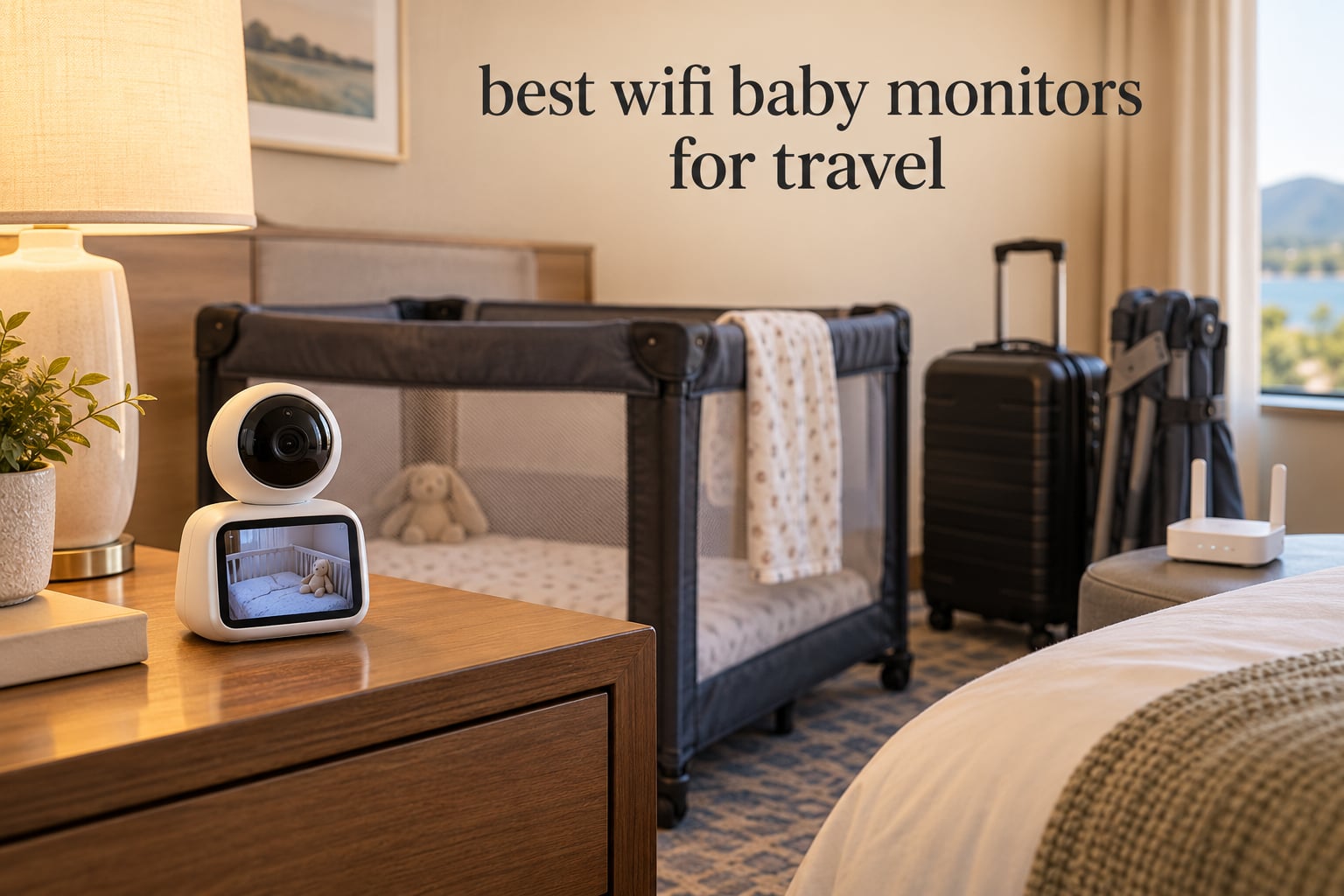
The hardest part of using a WiFi baby monitor in a hotel room is not the monitor. It is the login page. Most hotel networks run a captive portal, a browser window that demands a room number and password before any traffic gets through, and a camera has no browser to type into. That single failure mode is why parents searching for the best wifi baby monitors for travel keep arriving at the same forum question: will this thing actually connect at 9pm in a room they have never seen before?
We spent weeks working through ten of the most reviewed WiFi baby monitors, comparing how each one behaves in exactly the situations travel throws at you: hotel rooms with a captive portal, vacation rentals with a normal home router, international plugs, and a long night on battery when the outlet is across the room. The honest answer is that the best WiFi baby monitors for travel are not necessarily the ones with the highest resolution. Setup speed, whether the handheld screen works without a network at all, and how long the camera holds a connection on flaky hotel WiFi matter far more.
This guide ranks all ten in that order, WiFi picks first, with the non-WiFi fallback each one actually offers called out honestly in its review. If your home network gives you trouble, our guide to routers for large homes is worth a look before you blame the monitor.
Table of Contents
Top 3 Best Wifi Baby Monitors For Travel (October 2026)
The short version: aosu takes the top slot because it pairs a 360-degree view with multi-camera support, a microSD path that needs no subscription, and an 11,582-review history that suggests it survives real use. iFamily is the value pick if you would rather not carry a screen at all. The jeeber 6.5-inch touchscreen is the one to buy when a grandparent or a sitter is the person actually watching.

aosu 2K Indoor Camera Baby Monitor
- 360-degree rotation
- 2.4GHz WiFi only
- No subscription
- Multi-camera app
iFamily Smartphone Baby Monitor 5 inch
- 2K pan tilt zoom
- Phone-only viewing
- WiFi can be switched off
- Cloud or microSD

jeeber 6.5 inch Touchscreen 4MP Monitor
- 6.5-inch IPS touchscreen
- 4MP with 5x zoom
- No-WiFi FHSS fallback
- 25-hour VOX battery
All 10 Monitors at a Glance (2026)
Before the individual reviews, here is the shape of the field. Read the third column first, because it is the one that decides whether a monitor survives a trip: a blank means the camera depends entirely on your phone or a shared network, while “FHSS fallback” means the handheld screen still works when nothing does.
| Product | Specifications | Action |
|---|---|---|
| aosu 2K Indoor Camera Baby Monitor |
|
Check Latest Price |
| iFamily Smartphone Baby Monitor 5 inch |
|
Check Latest Price |
| jeeber 6.5 inch Touchscreen 4MP Monitor |
|
Check Latest Price |
 VTech VM901 Smart WiFi Baby Monitor VTech VM901 Smart WiFi Baby Monitor |
|
Check Latest Price |
 nooie 2K WiFi Baby Monitor nooie 2K WiFi Baby Monitor |
|
Check Latest Price |
 BOIFUN 2K WiFi Baby Monitor 5 inch BOIFUN 2K WiFi Baby Monitor 5 inch |
|
Check Latest Price |
 jeeber VB816PRO 4 inch Hybrid Monitor jeeber VB816PRO 4 inch Hybrid Monitor |
|
Check Latest Price |
 ARENTI 360 Degree Baby Monitor B2 Kit ARENTI 360 Degree Baby Monitor B2 Kit |
|
Check Latest Price |
 Dr.Care VistaView 5 inch 1080P Dr.Care VistaView 5 inch 1080P |
|
Check Latest Price |
 Momcozy BM04 Smart WiFi Baby Monitor Momcozy BM04 Smart WiFi Baby Monitor |
|
Check Latest Price |
1. aosu 2K Indoor Camera Baby Monitor – Best Overall for Travel
aosu 2K Indoor Camera,Baby Monitor for Home Security with 2.4GHz WiFi only
- No subscription required with microSD up to 128GB
- One app handles multiple aosu cameras
- 360-degree horizontal rotation plus 155-degree tilt
- Two-way talk with a physical touch-to-talk button
- Clear night and day audio
- Corded power only so it needs a nearby outlet
- Sound and motion alerts can be noisy
- The app occasionally crashes and the feed needs a restart
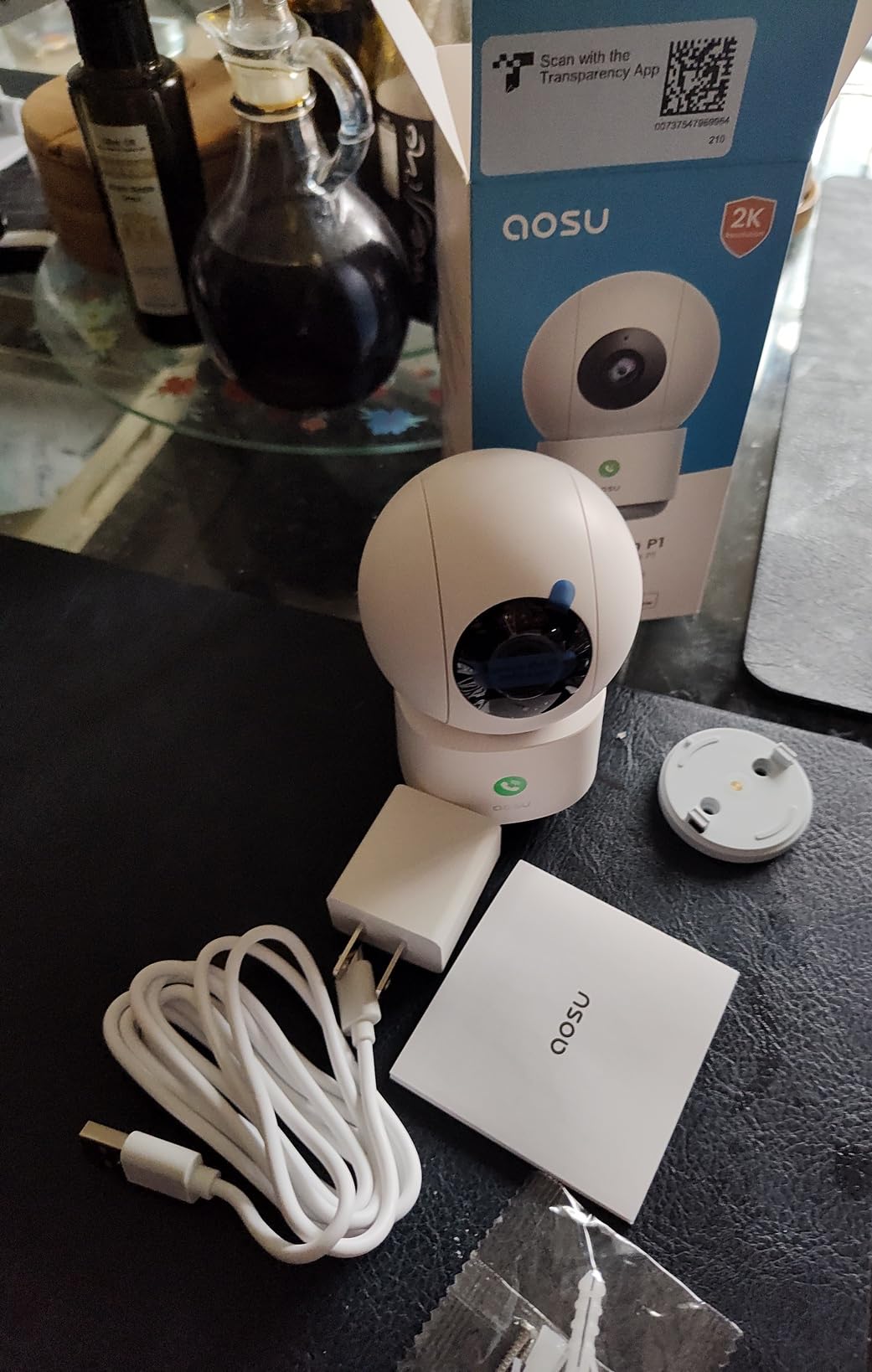
This is a security camera that works as a baby monitor, and for travel that is a feature rather than a compromise. It weighs 11.84 ounces, rotates 360 degrees horizontally with 155 degrees of vertical tilt, and it records to a microSD card up to 128GB without asking you for a subscription. One app handles every aosu camera in the house, so a vacation rental with a living room and a bedroom is a two-minute setup.
Set it on a shelf in the corner of the room, plug it into the one outlet you fight over with the bedside lamp, and open the app. There is no parent screen to charge and no pairing ritual between two hardware pieces, which removes the single most common reason a monitor setup fails at bedtime in an unfamiliar room. The 2K sensor holds up in a dim room better than the 1080p units further down this list.

The catch is that the camera is corded electric with no battery option at all, so this is a monitor for rooms where you can reach an outlet. In a hotel that usually means the camera lives near the plug and you lose the far corner of the room, which the 360-degree rotation partly compensates for. It is also strictly 2.4GHz WiFi, so on a modern dual-band travel router you may need to split the bands before it will join.
With 11,582 reviews at 4.4 stars this is the largest review base in the group, and the pattern in those reviews is consistent: people keep it because it works. Owners praise value, straightforward app setup, multi-camera support and the absence of a mandatory subscription. The recurring complaints are cord-only power, occasional app crashes and sound or motion alerts that fire on ordinary household noise.
Who this suits on the road?
Anyone with a rental, a house-sitting stay, or a hotel room where the plug is near the crib. The multi-camera support matters if you are travelling with two children or want a camera in the living room during a dinner out. Carrying a single small dome and your phone is the least packing of any setup on this list.
Where it falls short?
It gives you no temperature or humidity reading and no dedicated parent screen, so if you want to glance at the feed at 2am without unlocking your phone, this is not it. The cord requirement also rules it out for a campsite or a long car journey with no outlet. For a purely hotel or Airbnb trip with a known outlet location, though, very little else here asks less of you.
2. iFamily Smartphone Baby Monitor – Best Value, No Extra Screen to Carry
iFamily Smartphone Baby Monitor with APP& 5″ Split HD Monitor &2K Camera x2
- Turns your phone into the receiver so nothing extra to pack
- 2K pan tilt and zoom from the app
- Infrared night vision with motion tracking
- Two-way talk plus lullabies and white noise
- Wireless radio can be switched off entirely
- microSD card is not included
- Cloud storage is a paid subscription
- Camera must stay plugged in
- Small 4 by 5 by 3 inch body
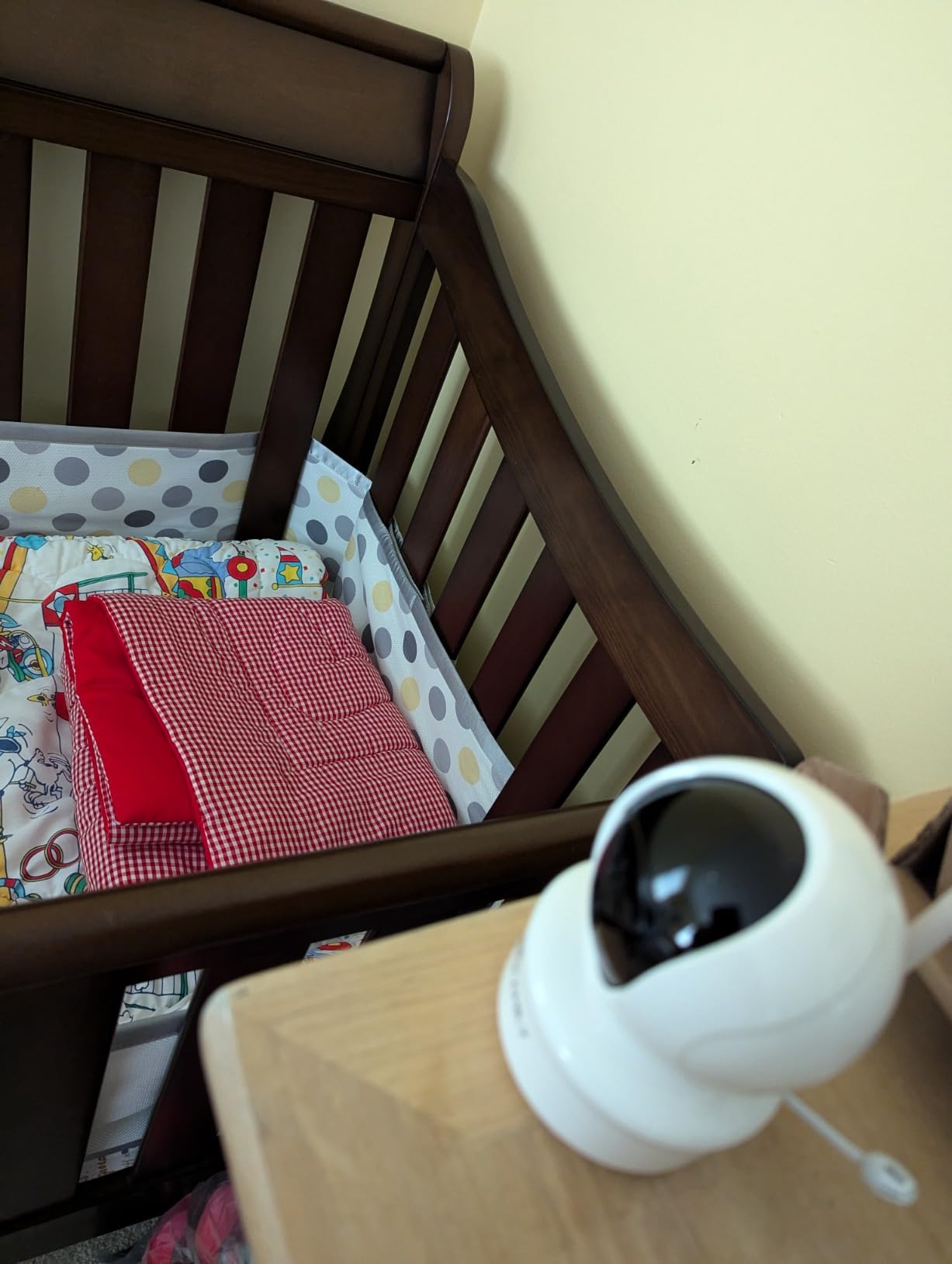
With 9,854 reviews averaging 4.4 stars, this is the most thoroughly reviewed dedicated app-based monitor we tested. The idea is simple and genuinely travel-smart: your phone is the screen, so the only extra hardware in your bag is a 4 by 5 by 3 inch camera and a power adapter. The 2K camera pans, tilts and zooms remotely, and night vision plus instant motion tracking cover the dark half of the night.
The feature that separates it from the pack is the ability to disable the wireless radio completely. That is both a security move and a travel move, because a camera with WiFi switched off is a camera that does not care whether the hotel network has a captive portal. It is effectively a local camera with app control, which is the closest thing to a non-WiFi monitor on this list without buying a second device.
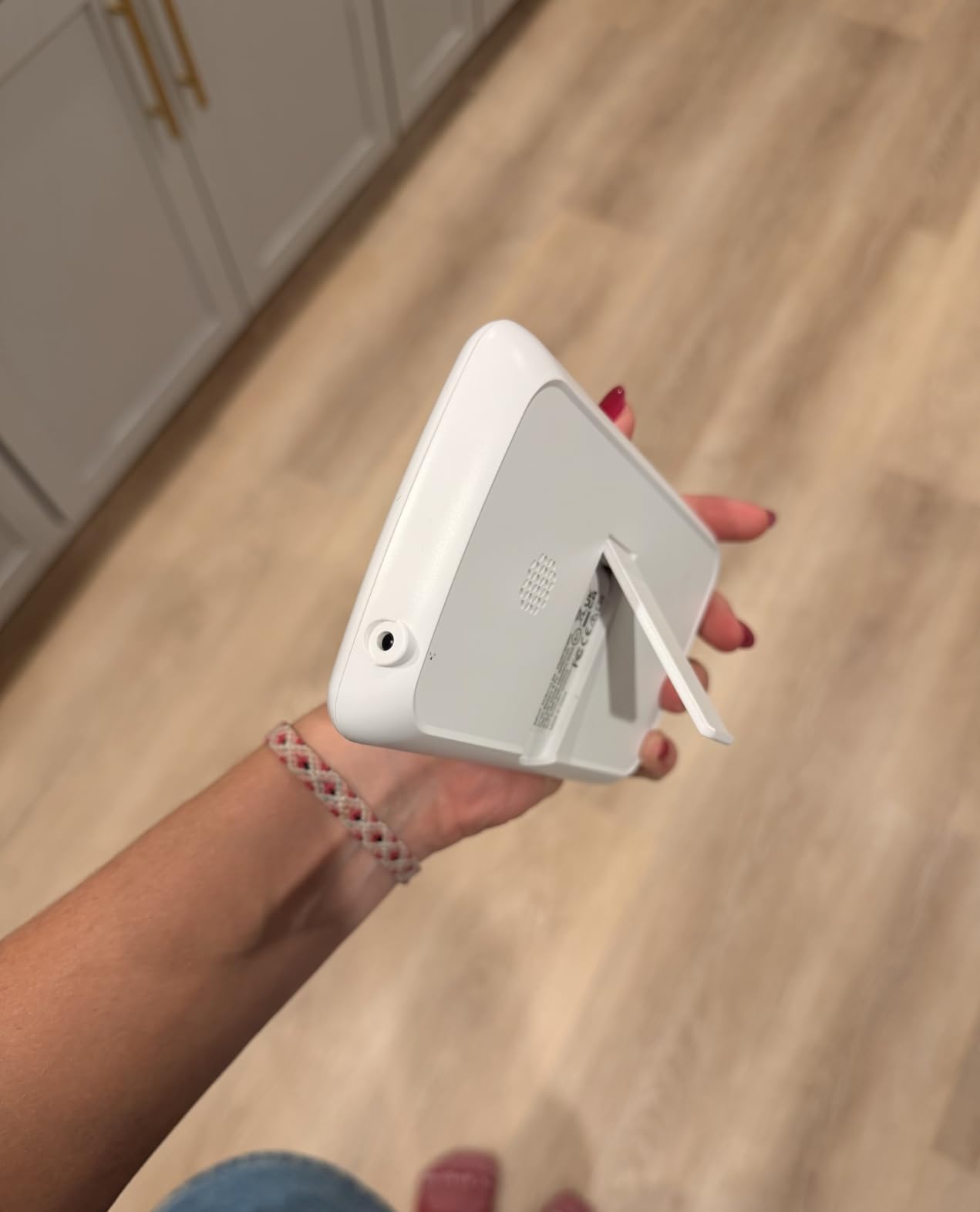
Two-way talk, lullabies and white noise come through the built-in speaker, which is enough to settle a restless baby from the next room without walking in. Storage runs either way: microSD locally, or cloud if you want the video off-site. The catch is the microSD route, because the card itself is not in the box and you will need to buy one before you leave.
Because the monitor is corded electric, the camera has to sit near an outlet. Its small footprint actually helps here, since it can tuck behind a lamp or sit on a narrow hotel shelf where a larger dome would not fit. Remote pan, tilt and zoom is what you lose for that compactness, since the repositioning happens digitally rather than by moving the body.
Who this suits on the road?
Travellers who pack light and already carry a phone everywhere. It is a strong choice for a long-haul flight or a backpacking-style trip with a newborn, because the monitoring hardware collapses to one small plug-in unit. Sharing access with a partner or a grandparent through the app takes seconds and needs no second device.
Where it falls short?
The paid cloud tier is the part to read carefully before you commit. Owners who want local storage pay nothing, but owners who want video backed up off-site pay a subscription on top of the hardware. There is also no battery in the camera, so a power outage in a vacation rental means no picture at all until power returns.
3. jeeber 6.5 Inch Touchscreen Baby Monitor – Best for Grandparents and Sitters
- Largest screen here with a responsive touchscreen
- 4MP camera with 5x pinch-to-zoom
- Works with no WiFi at all over FHSS
- 11 hours continuous or 25 hours in VOX mode
- Two-year manufacturer warranty
- 2.4GHz WiFi only
- 5 meter night vision range
- Smallest review base of the ten
- Freestanding mount only
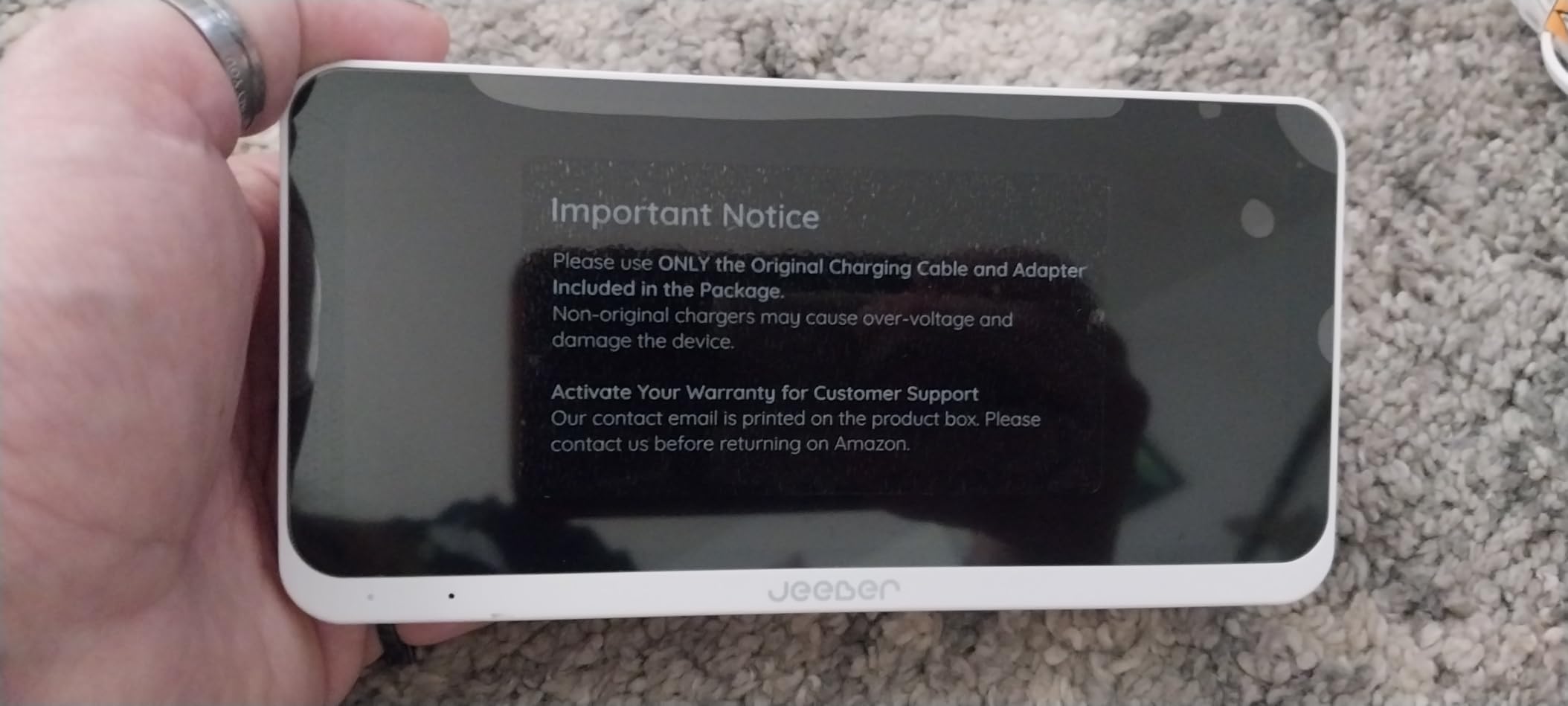
This is the unit to buy if someone other than you will be doing the watching. The 6.5-inch IPS touchscreen is the largest on this list, and reviewers consistently describe grandparents working it like a phone rather than like a piece of nursery equipment. Tap, swipe and pinch-to-zoom are the controls, backed by a 4MP sensor and 5x zoom, the highest camera resolution in this group and the one you want for watching chest rise and fall.
The travel-critical part is the hybrid connection. It works over 2.4GHz WiFi and the app when a network is available, and it also runs a direct FHSS link to the display that needs nothing but power. That means a hotel captive portal can be a non-event: if the WiFi fights you, you turn it off and the screen still shows the baby. Pairing between display and camera takes about three seconds.
Battery life is the other headline. Eleven hours continuous, or about 25 hours in VOX mode where the screen wakes on sound, is enough to cover a long night without a charger. Cry and motion detection, temperature monitoring, feeding reminders and eight lullabies are all built in, and the two-year manufacturer warranty is the longest stated on this list.
Be measured about the rating, though. At 4.5 stars it is the highest average here, but it rests on 100 reviews, the thinnest evidence base of the ten. Long-term reliability across two or three years of travel is essentially unproven for this unit, and the 5 meter night vision range is among the shortest listed, which matters in a large hotel room with the crib far from the camera.
Who this suits on the road?
Trips where the monitor is handed to someone else. A week in a hotel for a tournament, a multi-generational family trip, or any stay where a partner or grandparent takes the first night shift. The touchscreen means less fiddling in the dark, and the long VOX battery means nobody has to find a charger at 4am.
Where it falls short?
It is 2.4GHz only, so it will not join a 5GHz-only network, and the package lists a freestanding mount rather than a wall or crib clip. In a rental where you cannot move furniture freely, a freestanding camera on a high shelf may not frame the crib well. At 6.46 by 4.57 by 2.76 inches it is also the bulkiest screen we tested for a carry-on.
4. VTech VM901 Smart WiFi Baby Monitor – Best Known Baby Brand
VTech Smart WiFi Baby Monitor – See Your Baby at Home or from Anywhere, Free App, 1080p Camera, 5″ Screen, Pan-Tilt-Zoom, Night Vision, Two-Way Talk | VM901
- Includes a 5-inch screen plus the free MyVTech Baby app
- 1080p camera with automatic day and night switching
- App sharing for a partner or sitter
- Nursery temperature alerts plus two-way talk
- Pan tilt and zoom from screen or phone
- Rating of 4.1 is at the bottom of this group
- 2.4G WiFi only so many travel networks are incompatible
- Both pieces are corded electric
- 110-degree field of view is narrow
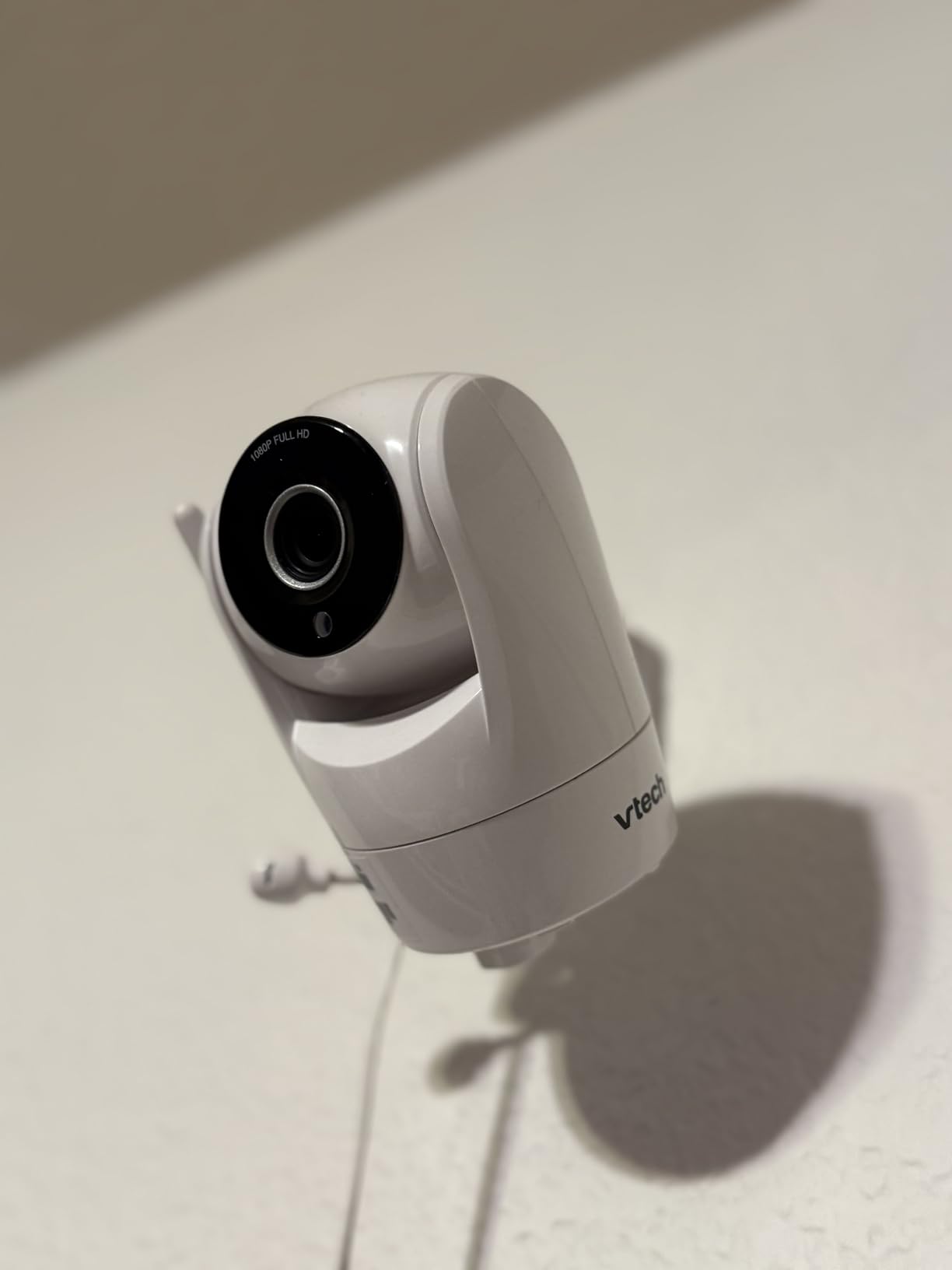
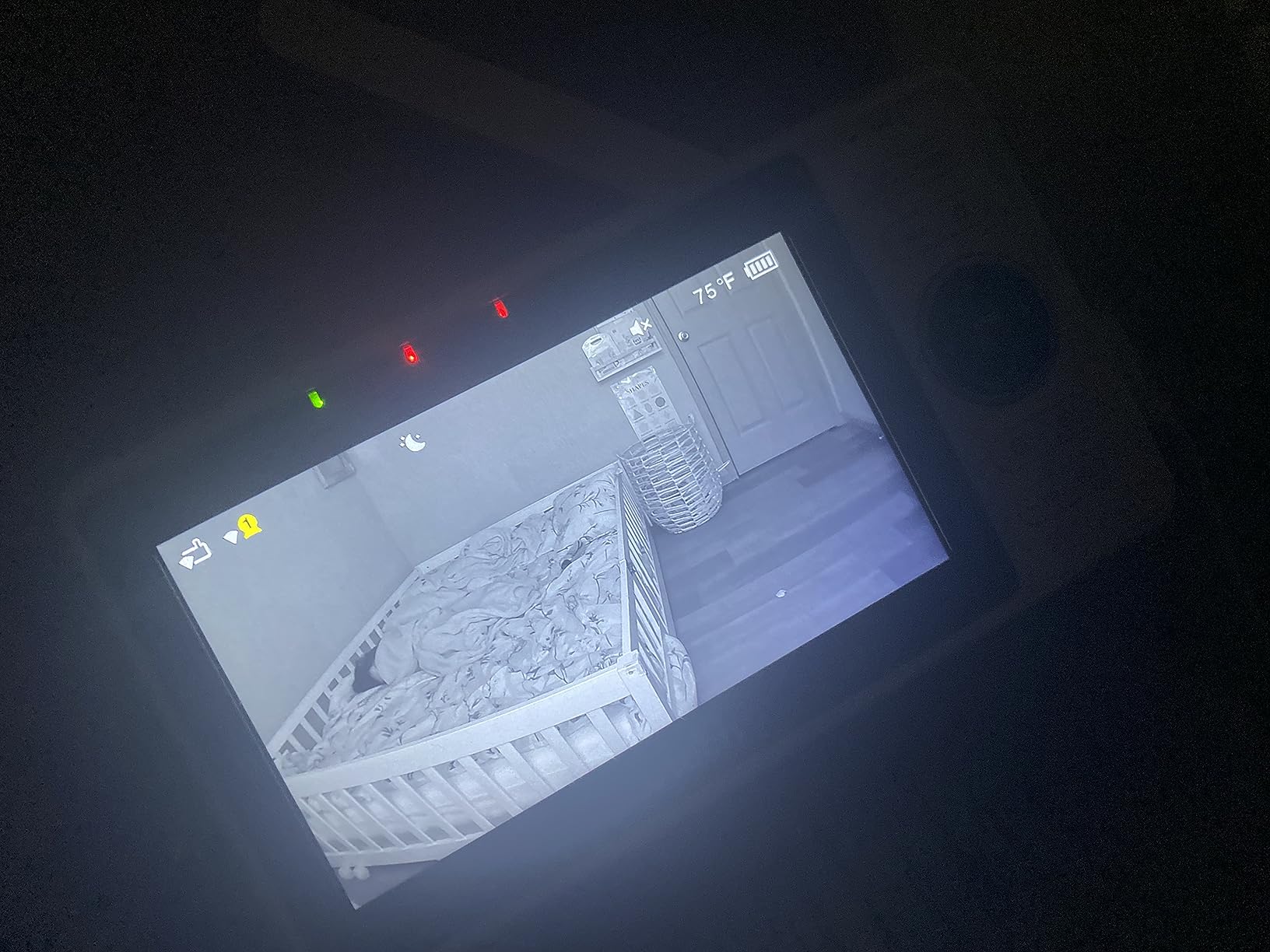
VTech is the only established baby brand in this group, and buyers notice. You get a 5-inch HD parent screen for the hotel room plus the free MyVTech Baby app for checking in from anywhere, with pan, tilt and zoom available from either. The 1080p camera switches automatically between true colour by day and crisp night vision after dark, and the app can be shared with a partner, grandparent or sitter without a second device.
Travel forums are full of parents who bring this specific class of monitor on a trip and report that it set up easily with a good picture, which matches what we saw. The 5-inch screen is genuinely useful in a hotel room where the WiFi might not cooperate, because the 2.4G FHSS link between the two pieces runs independently of the hotel network.
The rating is the caution flag. At 4.1 stars across 7,593 reviews it sits at the bottom of the field, and 13 percent of reviews are one star. The two recurring drivers behind that are power and connectivity: both pieces are corded electric, and the connection is 2.4G only, which is exactly the profile that fails on a modern dual-band travel router until the bands are split.
The 110-degree field of view is also the narrowest of the ten, so a crib in a corner of a large room will not be fully covered without repositioning. Nursery temperature alerts are a nice touch that a few generic cameras lack, and the one-year limited warranty is shorter than the two years offered on the jeeber model.
Who this suits on the road?
Households already using the brand, who want one familiar interface at home and on the road. The included screen means a hotel night does not depend on your phone battery or the hotel network, which is the main reason to pick this over a cheaper app-only camera. It is a sensible default for grandparents who already know the VTech menus.
Where it falls short?
No battery anywhere in the system. If you want to carry the screen to a grandmother’s house for a night or grab the monitor and walk to the next room without unplugging anything, this does not do it. The 4.1 rating and the one-star share also suggest more long-term reliability friction than the count of reviews would imply.
5. nooie 2K WiFi Baby Monitor – Budget Pick for Small Spaces
- Compact 0.23 kg body that fits in a diaper bag
- 2K night vision with 850nm IR LEDs
- Works with Alexa and Google Home
- microSD or cloud so a subscription is avoidable
- Setup is a genuine two-minute job
- No pan or tilt so placement must be dialled in
- A bright status LED glows into a dark nursery
- Loud beep and reset required when WiFi drops
- Live video runs about a second behind
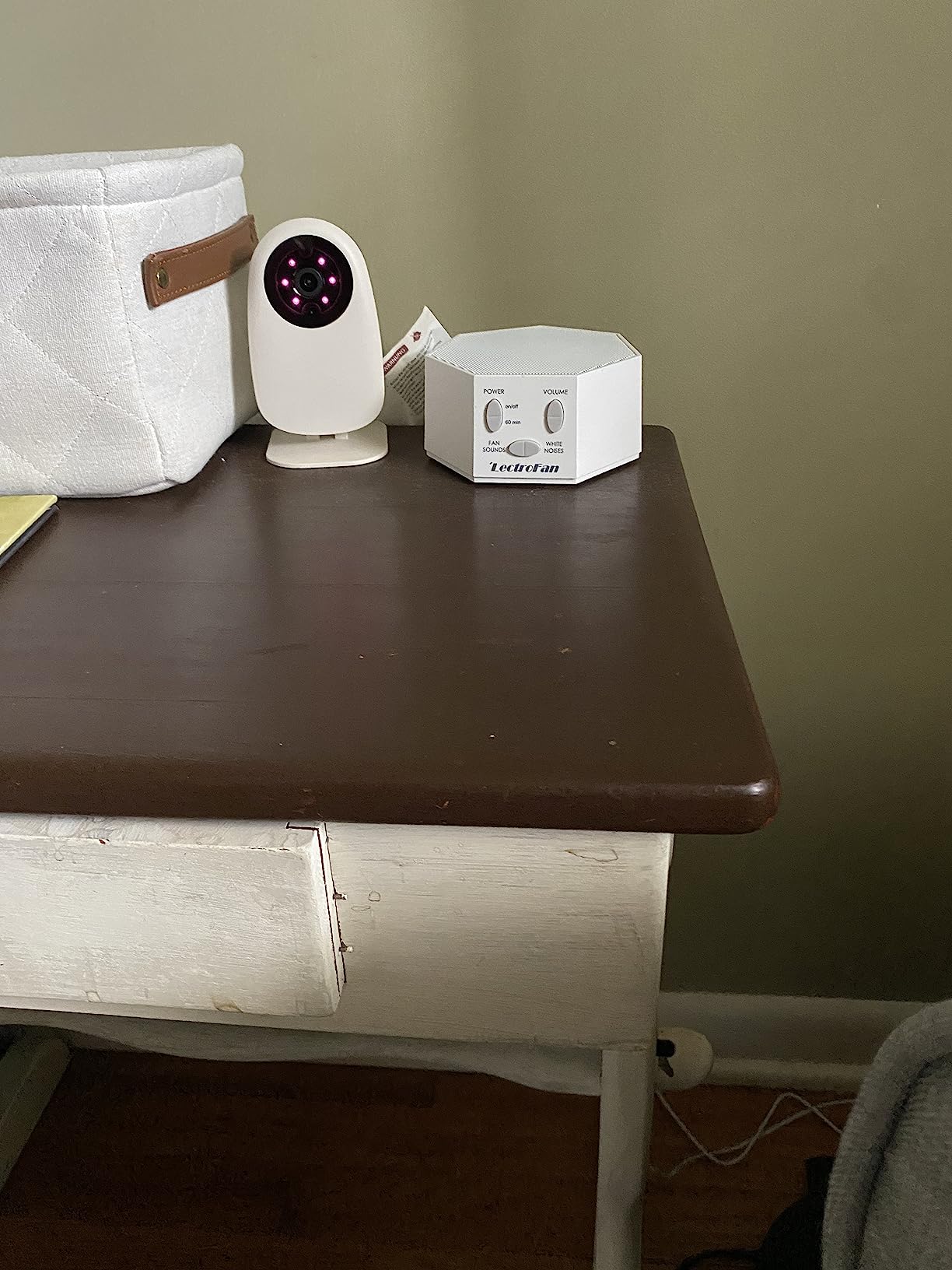
The nooie is the one to pack when luggage space is the deciding factor. At 4.59 by 3.11 by 2.6 inches and 0.23 kilograms, it is small enough to live in a diaper bag permanently, which removes the decision entirely. Setup is plug it in, download the app, pair, and you have a 2K camera with night vision driven by 850nm infrared LEDs that render clearly in a fully dark room.
AI detection records clips automatically on motion, crying or abnormal sound, and storage runs to a microSD card between 4GB and 128GB or to the cloud, so a subscription is entirely optional. Alexa and Google Home support means hands-free viewing if your travel accommodation has a smart speaker, which plenty of modern rentals do.
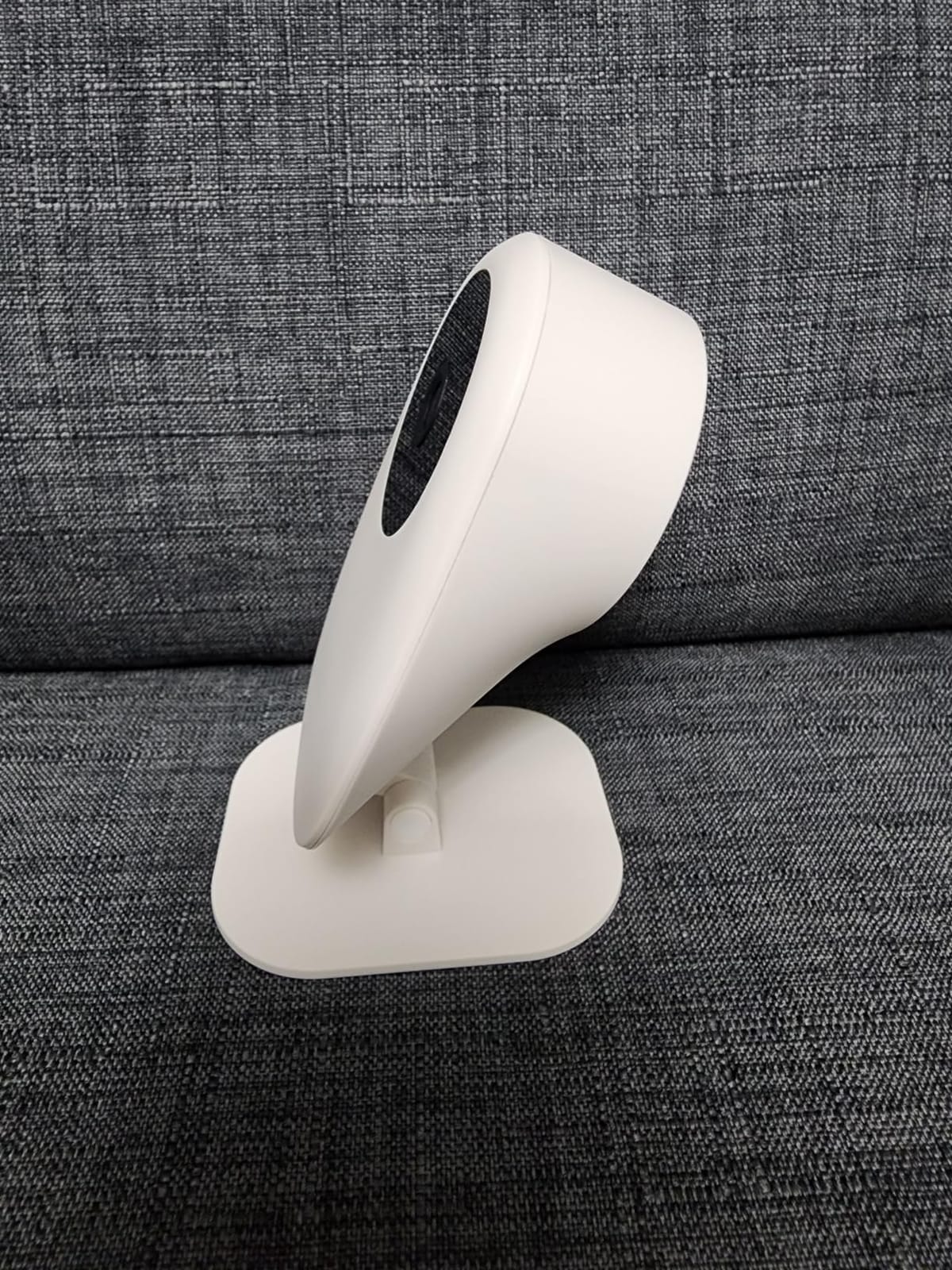
Two hardware limitations shape everything else. The lens is fixed at 101 degrees with no pan or tilt, so you place it once and it stays there, and the bright white status LED plus the infrared glow shine into a dark crib-side space unless you cover them with a sticker. In a hotel room where you cannot mount high, that fixed angle becomes the first thing to work around.
Second, when the WiFi connection drops this is the loudest reaction in our testing: an alarm beep plus a reset. On a home network that is an annoyance. On a hotel network that drops twice an hour, it is the difference between a monitor you relax with and one you turn off. Corded power only, with a loose power block that can be knocked out of the socket, adds to the same picture.
Who this suits on the road?
Backpackers, digital nomad families and anyone travelling with a six-month-old who lives out of a carry-on. The low weight and tiny footprint make it the easiest to keep charged and packed. It suits a small Airbnb room where the whole point is that you can move the camera between the bedroom and the living room in ten seconds.
Where it falls short?
No pan or tilt means the angle is whatever you make it at check-in and cannot be corrected remotely. There is no temperature or humidity reading, so you are relying on a separate thermometer in a room you do not control. Long-term owners also report inconsistent AI detection accuracy and notification scheduling, which matters if you plan to rely on cry alerts overnight.
6. BOIFUN 2K WiFi Baby Monitor – Best for Hotel Trips With a Built-In Screen
BOIFUN 2K WiFi Baby Monitor with Phone App, 5″ Screen, Smart Night Light
- Marketed for travel with hotel and camping use in mind
- Combines a 5-inch screen with full app control
- Three-mode smart night light preserves night vision
- Four alert types including cry detection and alarm zones
- Two-camera split screen with 355-degree rotation
- Camera must stay plugged in with no battery
- Parent screen needs charging roughly nightly at full brightness
- 2.4GHz only so dual-band routers can block setup
- Some report later sound dropouts
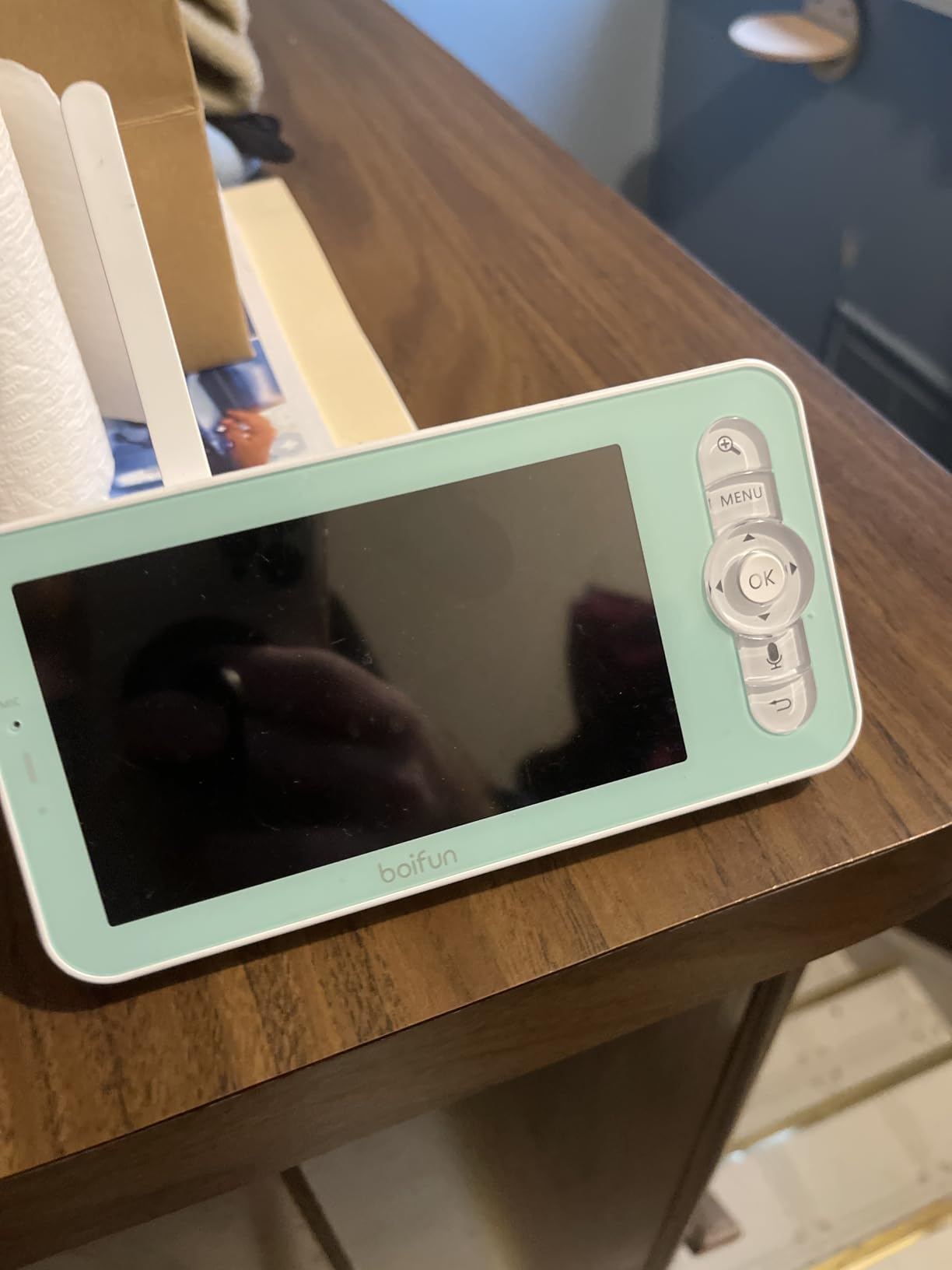
BOIFUN is the one that names travel in its own marketing, and the design backs that up. It ships with a 5-inch screen, two power adapters and two 6.56 foot cords, which is closer to a full travel kit than the app-only cameras. Between the camera and the screen you get a 300-foot FHSS link, and between the screen and your phone you get 2.4GHz WiFi, so you choose which one you actually need at bedtime.
The smart night light is the feature nobody else in this group has, and it solves a real problem: a camera that needs a lit room destroys its own night vision. Three modes, a steady glow, a breathing pulse and a carousel, give you a dim glow over the crib without washing out the infrared picture. The 2K camera has 4x digital zoom, which is the number you use to check chest movement.
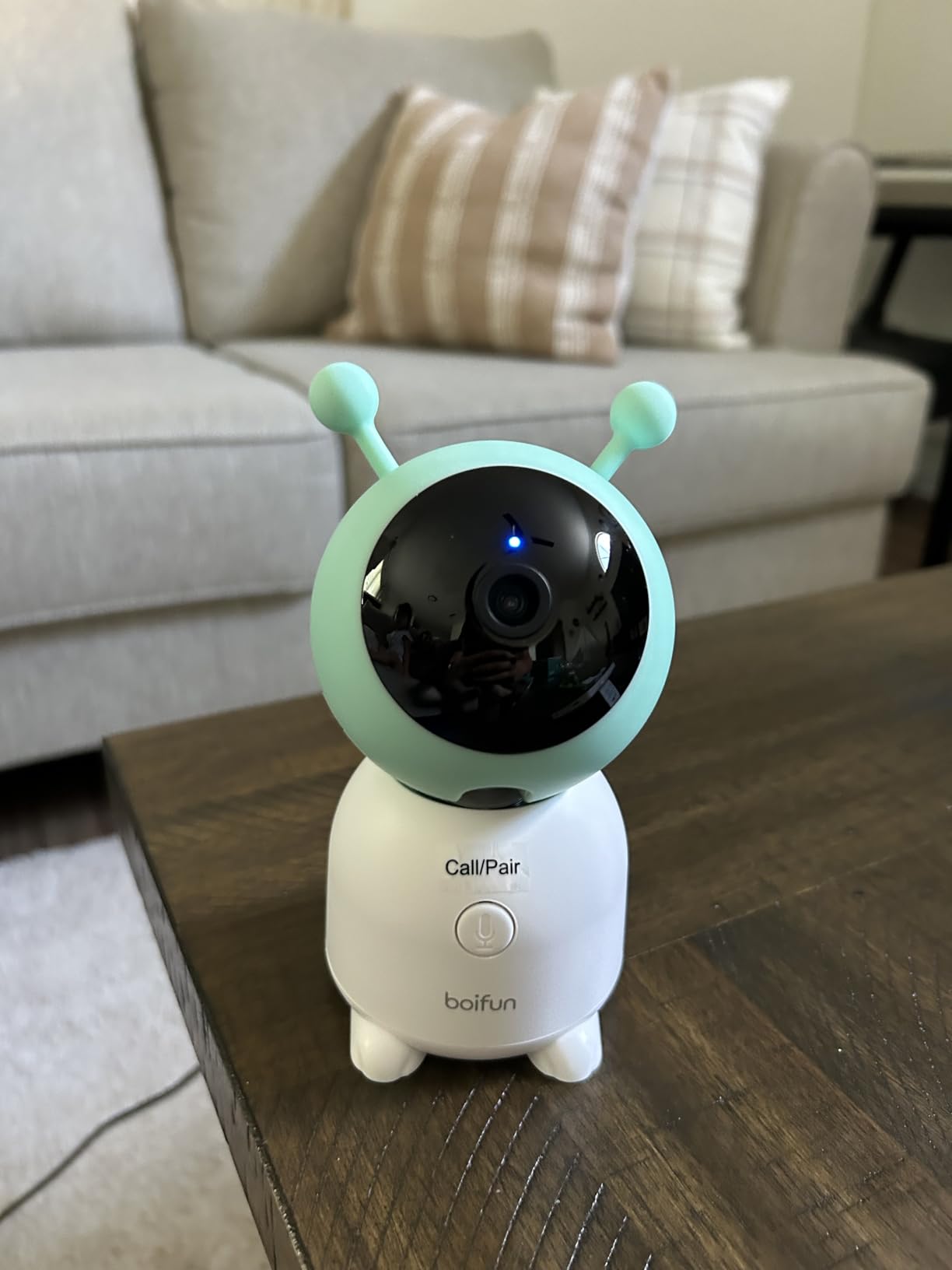
Alerts cover four layers: motion, cry, sound and customisable danger or alarm zones you can draw on the floor plan. Two cameras work in split screen with 355-degree horizontal and 60-degree vertical rotation plus auto-tracking, and you also get 14 lullabies, two-way audio, feeding reminders and temperature and humidity readings. Signal security is AES 128-bit encrypted.
The reality check: the camera never runs on battery, and the parent screen needs a charge roughly nightly if you leave the display at full brightness. Turn the brightness down and that stretches. Setup is also 2.4GHz only, so a dual-band travel router can block pairing until the bands are split, and a small number of owners report sound dropouts or disconnects appearing after several months of use.
Who this suits on the road?
Trips where you are moving hotels every few days and want the same familiar setup each time, with two cameras covering a double room or a suite. The included long cords, adapters and screws mean you are not hunting for a USB brick in a hotel drawer at 10pm. It suits a resort or a serviced apartment where the outlet is far from the crib.
Where it falls short?
It also brings more hardware to pack than the other screened options here, and half of it needs a socket. The nightly recharge of the parent screen is the part that catches people out on a long night away. If you are backpacking with one bag and no outlets, this is too much equipment and a phone-only camera is the better answer.
7. jeeber VB816PRO 4 Inch Hybrid Monitor – Best for Light Packing
1080P WiFi Baby Monitor With Camera And Audio,4″ Screen,PTZ 360°,2.4GHz
- Handheld screen works with no WiFi at all
- WiFi can be switched off entirely
- Up to 14 hours of parent screen battery
- No monthly subscription
- 340-degree pan tilt with a 68-degree wide lens
- App video can lag noticeably
- Handheld battery drains faster at high brightness
- 2.4GHz only so router bands may need splitting
- Notifications only arrive on the app
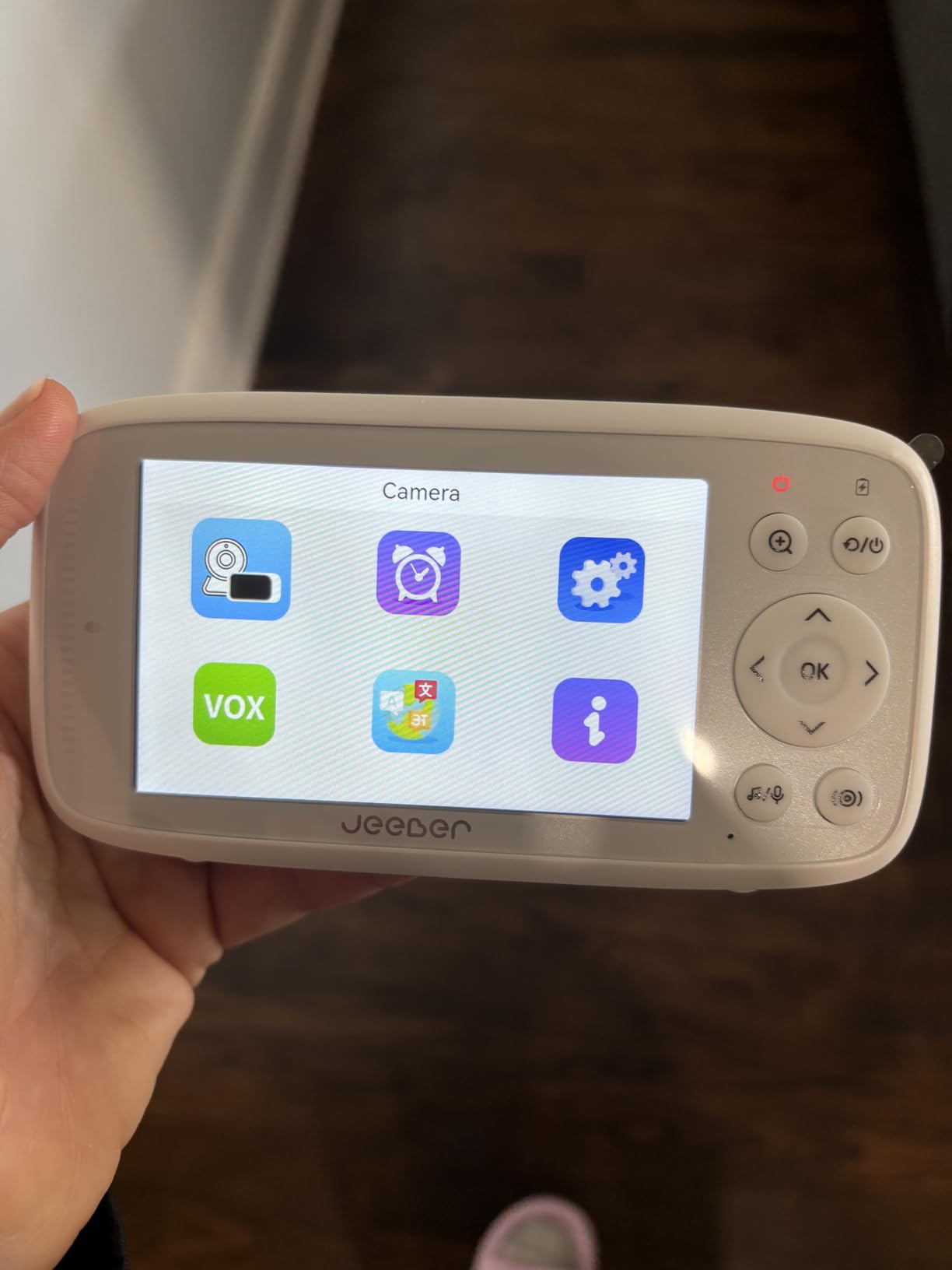
This is the hybrid idea done compactly. You get a 4-inch screen and a camera, and the screen works over a direct FHSS link with no network involved, so a hotel captive portal is simply not part of the conversation. When you do want remote viewing, the app connects over 2.4GHz WiFi and you can switch the radio off entirely when you are not using it.
Coverage is 340 degrees of pan and tilt with a 5-meter auto infrared range and a 68-degree wide lens, which is tight enough for a hotel room where the crib is against a wall. The parent screen is battery powered for up to 14 hours, which is the part that makes it genuinely portable rather than a screen that lives next to a wall socket. There is no monthly subscription, and the camera mounts on most standard tripods.
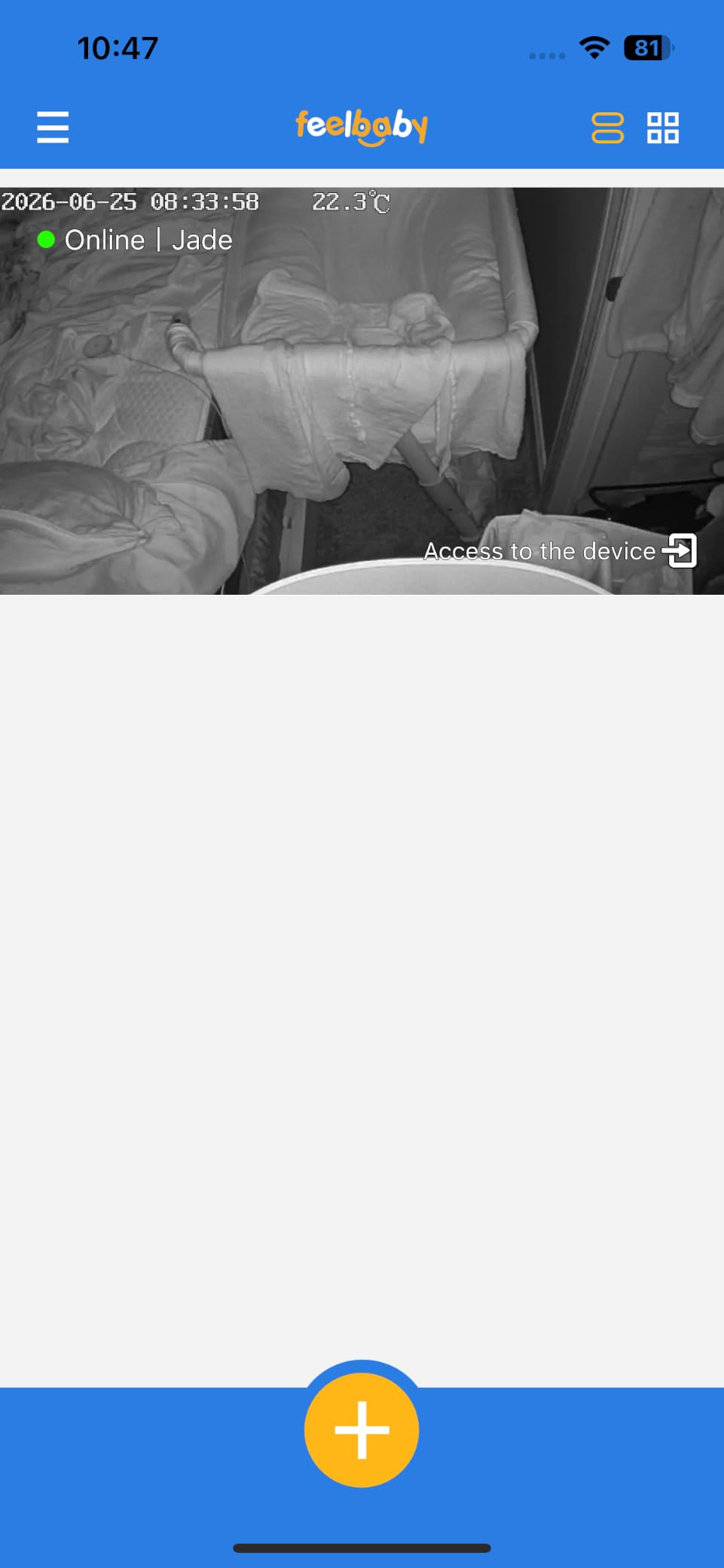
VOX cry detection pushes alerts to the phone, with two-way talk and preset lullabies, and room temperature monitoring covers the other thing parents check at 3am. Signal security is AES-encrypted over FHSS for a connection the brand states up to 1000 feet, which in a hotel room is generous and in an apartment block with heavy interference is the difference between working and not.
The complaints cluster around software rather than hardware. App video lags noticeably compared with the local screen, so remote checking is less useful than it looks on paper. Notifications only arrive through the app, never on the handheld, and a small but vocal group reports flaky handheld connectivity and pairing instructions that are hard to follow. Budget for a second attempt at setup.
Who this suits on the road?
Anyone who wants a screen for the hotel night and an app for the airport, without carrying two devices. It is a good fit for a two-week trip where you will move rooms several times, since the screen is small, the battery lasts a full night, and the camera needs only a free tripod or shelf. Sports parents on a tournament hotel stay are a good example.
Where it falls short?
The 4-inch screen is small enough that a grandparent will struggle with it, which is the opposite trade from the jeeber 6.5-inch model. Remote viewing over the app is the weak point, so do not pick this if your main need is watching your baby from another city. Setup is also 2.4GHz only, so a 5GHz-only network will not have it.
8. ARENTI 360 Degree Baby Monitor B2 Kit – Best for Private Encrypted Use
ARENTI 360° Baby Monitor with Camera and Audio, 2.4G WiFi with App (B2 Kit)
- Works without WiFi over 2.4GHz FHSS positioned for travel
- AWS end-to-end encrypted cloud with a unique decryption key
- Camera filters out a sound machine while catching baby noises
- MicroSD up to 256GB plus optional cloud
- Large 5-inch display with a loud clear intercom
- Handheld screen is slow and disconnects randomly
- Monitor battery is short so many keep it plugged in
- Blue indicator LED shines into the crib
- Temperature reading runs about 5 degrees off
The ARENTI is the strongest privacy story in this group, and privacy is a real concern when you connect a camera to a hotel network. Event recordings are protected with AWS end-to-end encryption and a unique decryption key, so the video cannot be viewed by anyone your account did not authorise. It also runs a non-WiFi 2.4GHz FHSS link, which the brand positions specifically as a travel solution.
The camera itself is the best part. Reviewers rate the 1080p image quality and the app setup highly, and one detail parents love: it filters out a sound machine while still picking up the baby’s own noises, which solves the problem of white noise triggering constant alerts. MicroSD up to 256GB makes local storage effectively unlimited, with cloud optional, and Alexa and Google Assistant are supported.
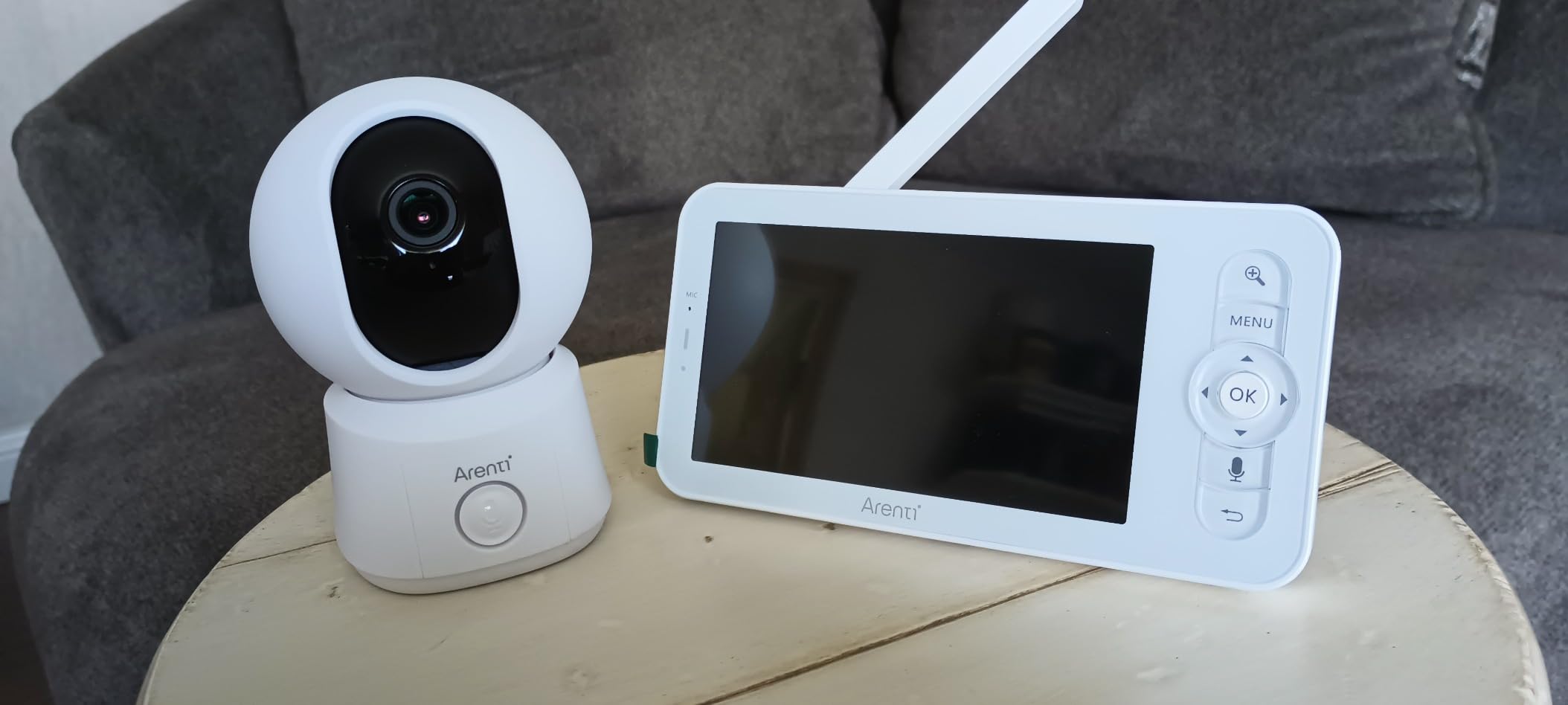
Then there is the handheld screen, and this is where the review pattern is blunt. Owners rate the camera well and the screen poorly: slow feedback, random disconnects and frequent resets. The monitor battery is short enough that many owners keep it plugged in, which defeats the point of carrying it. If you buy this, buy it for the camera and treat the screen as a hotel-room backup.
Smaller issues add up. A blue indicator LED shines into the crib at night, night vision reflects off anything white in frame and washes the picture out, and the temperature reading runs roughly 5 degrees off, so do not use it to make a swaddling decision. The pan and tilt is described as 360 degrees but a physical cover limits upward tilt when it is wall mounted, and some units reportedly failed entirely after around seven months.
Who this suits on the road?
Security-conscious parents, and anyone whose baby sleeps with a sound machine. The FHSS link means the monitor works in a room with no network at all, and the encryption means the WiFi path, if you use it, is not the weak point. At 6.4 ounces for the camera and a 5-inch display, it travels well in a suitcase.
Where it falls short?
The handheld screen is unreliable enough that we would not recommend it as your primary overnight view. Battery life on the monitor is short, the temperature offset is large, and the reported seven-month hardware failures suggest buying with a warranty mindset. If your main goal is a screen you can trust all night, look at the BOIFUN or Dr.Care instead.
9. Dr.Care VistaView 5 Inch – Best for Battery Life
Dr.Care VistaView 5″ 1080P Smart WiFi Baby Monitor with Camera & Clip Mount
- 5000mAh cell giving roughly 10 hours continuous or 15 in VOX
- Battery plus corded option for roaming and at-home use
- Clip mount included for crib-side positioning
- Triple security with WiFi off mode and 256-bit AES
- Shares with up to 5 family members and 128GB microSD
- 2.4GHz WiFi only
- 5 meter night vision range among the shortest listed
- Thinnest review base of the higher-rated units
- Single channel with no multi-camera
The 5000mAh battery is the reason to look at this one, and it is the largest capacity listed among these ten. That translates to roughly 10 hours of continuous use or about 15 hours in VOX mode, which means the parent screen survives a full night without a charger even if you leave the brightness up. It also runs corded, so the same unit works at home on a shelf and travels in a bag.
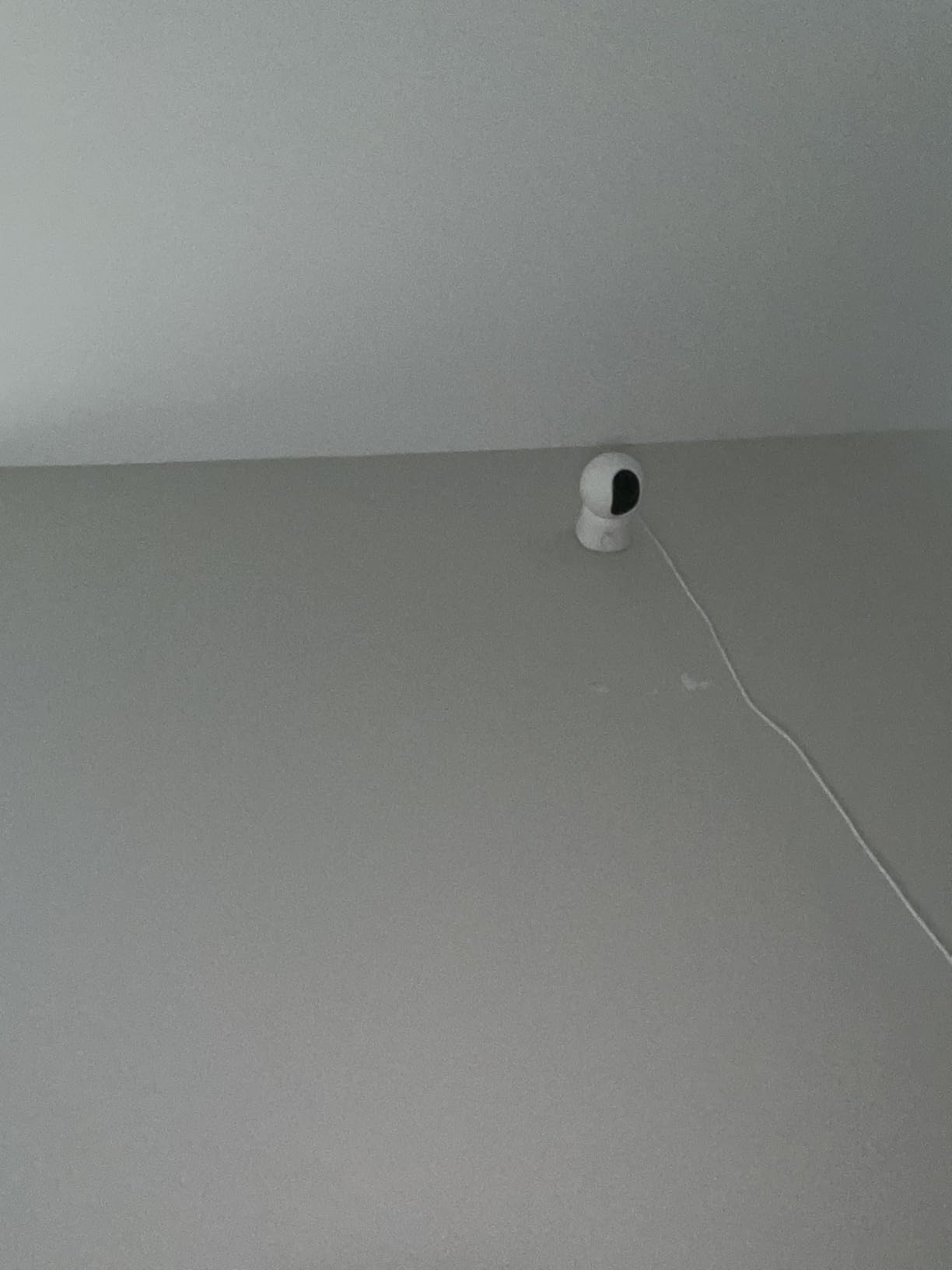
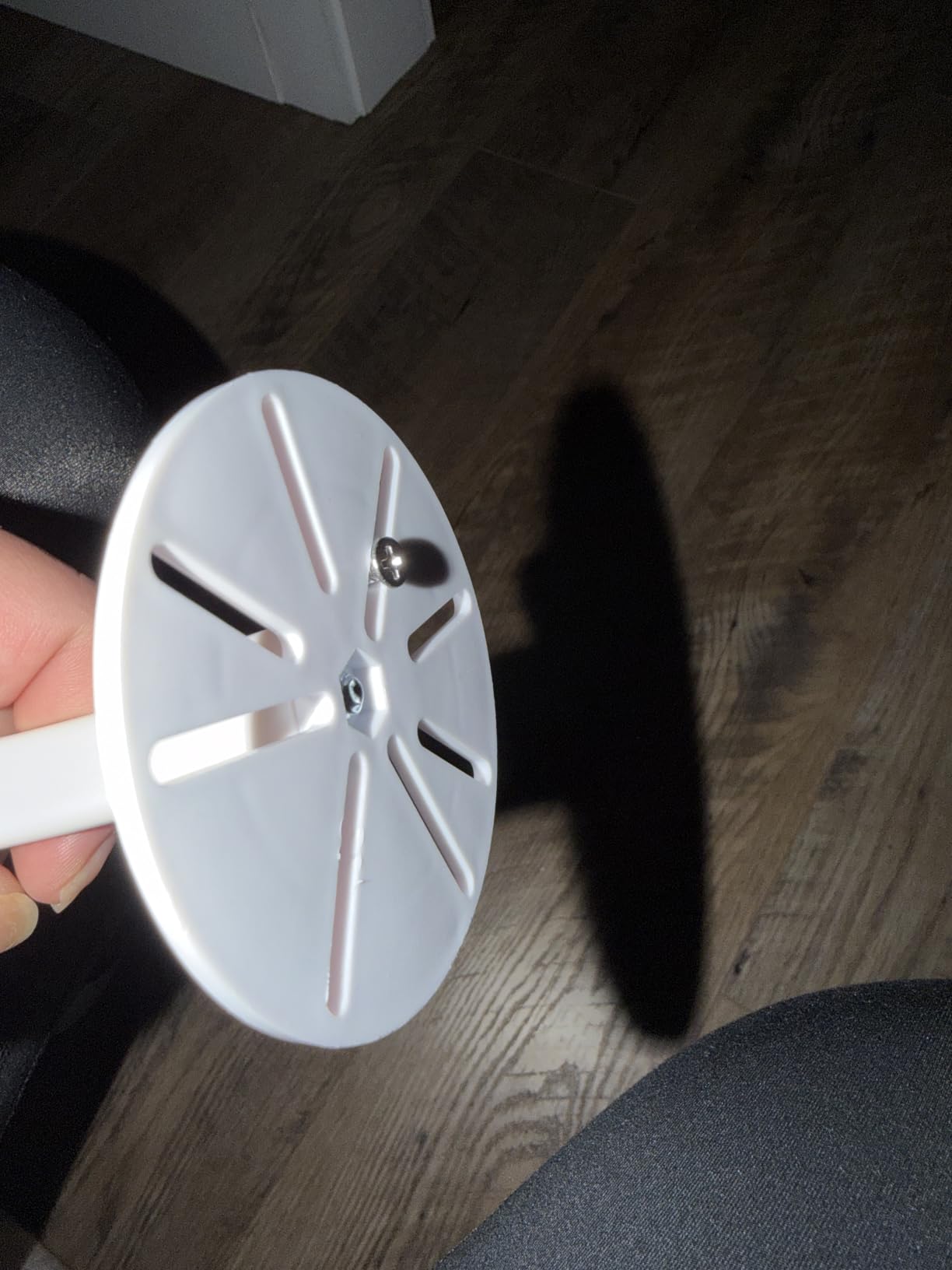
The clip mount included in the box is the sleeper feature for travel. A wall screw in a rental is a no-go and a security deposit conversation, while a clip on the pack and play or crib rail takes seconds and repositions when the room layout changes. A 2K camera feeds an optional 1080p split-screen view, with 300-degree rotation, 65-degree tilt and 2x or 4x zoom, plus customisable alert zones.
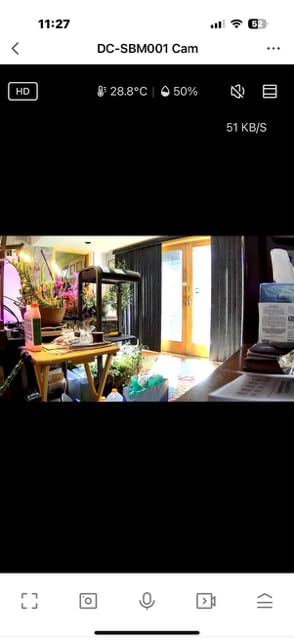
Security is the other strength. Triple security means an optional WiFi off mode, 256-bit AES encryption and exclusive user pairing, with over-the-air updates, and you can share live access and playback with up to 5 family members. Alerts cover motion, crying, temperature and humidity with custom notifications and feeding reminders, and the claimed range is 1279 feet on a one-year warranty with 24/7 support.
The trade-offs are real. Night vision reaches only 5 meters, among the shortest listed here, so a large hotel room with the crib in a far corner will be dark. It is 2.4GHz only, single channel with no multi-camera support, and at 316 reviews it has the thinnest evidence base among the higher-rated units, so treat the 4.4 rating as promising rather than proven. Budget for the clip mount and expect to test it before the first night away.
Who this suits on the road?
Trips where you are out of the room for long stretches and cannot get to a socket: a relative’s house, a long car journey with a power bank, or a multi-bedroom rental. Battery plus corded means one device covers home and road. The clip mount is a genuine advantage in a pack and play or travel crib.
Where it falls short?
Short night vision reach and a single channel limit it in big spaces, and the package ships with a crib clip rather than a wall plate, so check that the rail you plan to use will take it. For a very large room where the crib sits far from the camera, a wider night vision range is the spec you want.
10. Momcozy BM04 Smart WiFi Baby Monitor – Best for Power Bank Setups
Momcozy Smart WiFi Baby Monitor, APP Control Baby Monitor with Camera&Audio
- No subscription of any kind
- Camera runs from a power bank so no wall outlet needed
- Up to 20 family members can share live video
- 1080p sensor with 2x to 4x zoom
- Works with or without WiFi using the app or the screen
- Handheld screen disconnects randomly and needs camera resets
- Cry detection has failed to alert for some owners
- Monitor battery will not last a night of streaming
- Alert beep volume cannot be turned down
The Momcozy BM04 solves a specific travel problem better than anything else here: it runs from a power bank. In a hotel room where the only outlet is already taken by a lamp, a camera powered by USB means you can place it wherever the baby actually sleeps rather than wherever the plug happens to be. That is a bigger practical win than any resolution difference between these ten cameras.
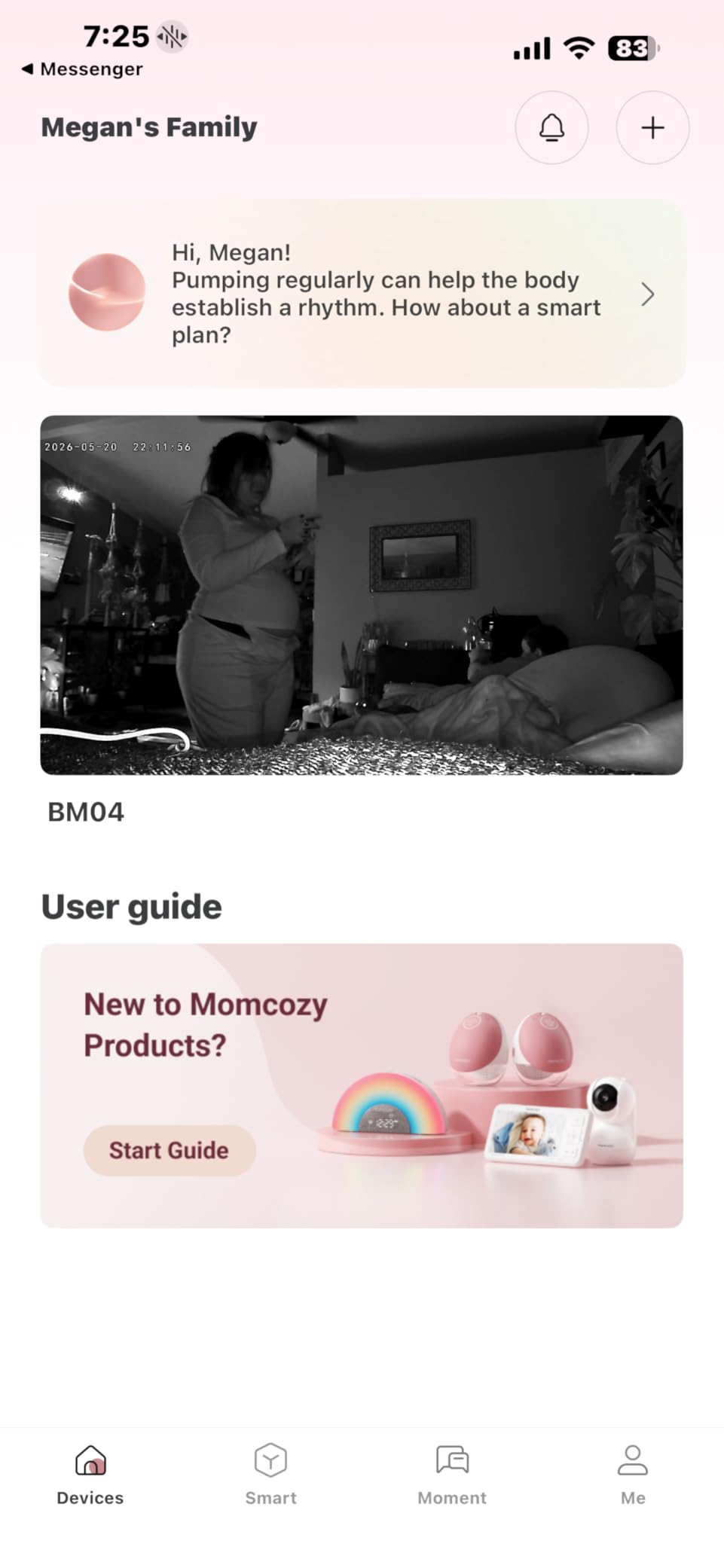
There is no subscription, which several owners call out explicitly by comparison with apps that charge monthly, and up to 20 family members can share live video access, more than any other unit on this list. The app supports up to 4 cameras paired in about five seconds, and the 1080p sensor with 2x to 4x zoom gives a clear day and night picture with motion detection that flags covered-face and face-down sleeping.

It works with or without WiFi, using the handheld screen at home and the app for remote checks, and it is FCC certified as both monitor and camera. Danger-zone alerts fire when the baby leaves a designated safe area, which is a genuinely useful feature in a rented room where the safe area is not where you would have chosen it.
What holds it back is monitor reliability, and the reviews are consistent about it. Users report random disconnects once or twice a month that require a camera reset, sound and cry detection that has failed to alert on a crying baby, a room temperature reading that was badly wrong, a monitor that can drop to a blank white screen and need a restart, and an alert beep that cannot be turned down. The monitor battery will not last a full night of streaming.
Who this suits on the road?
Car trips, campsites, RVs and any trip where there is no reliable outlet near the crib. Pairing a power bank with a parent unit that also runs on battery gives you a monitor that survives a whole night away from a wall. It is also the natural pick if several relatives need to check in remotely, given the 20-user share limit.
Where it falls short?
At 4.1 stars across 722 reviews, with 13 percent of reviews at one star, the complaints are about the screen rather than the camera. Missed cry alerts and a beep you cannot silence are the two that would decide a night for us. The mounting angle is also restrictive, with no shelf option and a need to stay within 5 meters of the crib.
Are WiFi Baby Monitors Worth It for Travel?
Yes, but only for the first reason most parents expect. A WiFi baby monitor is worth it for travel when you need to check on your baby from somewhere other than the room you are sleeping in: a hotel lobby while your partner handles a late dinner, a grandparents’ house two floors up, or a rental where the nursery is at the far end of a long hallway. That is convenience, and it is real convenience.
It is not worth it for the reason you are probably hoping for. A WiFi monitor does not make hotel WiFi easier to use. If anything it makes the network matter, because now your ability to see your baby depends on a piece of shared infrastructure you do not control. For a large share of travellers, that trade is a bad one, and a non-WiFi monitor with a 2.4GHz FHSS link is the better buy.
So the honest buying rule is this: buy WiFi if you share access with people in other rooms or other time zones. Buy hybrid, meaning a WiFi camera with a handheld screen that also works over a local link, if you want both and can accept one more thing to charge. Buy non-WiFi if your nights are in one room with a socket nearby. If your network is half of your peace of mind, take it out of the equation.
What actually changes when you travel?
Battery life stops being a spec and becomes a survival requirement. A 10 or 15 hour figure is a full night. A 6 hour figure is a nap. Look at the parent screen battery specifically, since the camera is usually the piece that stays plugged in, and check whether the stated runtime is continuous or in VOX mode, because a sound-activated screen that lasts 25 hours is not the same as a screen that lasts 11.
Weight matters more than you think. Anything approaching the size of a small toaster starts to claim its own space in the overhead bin, and the difference between a 0.23 kg dome and a full screen-and-camera kit is the difference between a monitor that lives in the diaper bag and one you have to remember to pack. If you also want to know how to get a strong signal in a rental with thick walls, our range extender guide covers the same problem from the network side.
How to Make a WiFi Monitor Work on Hotel WiFi?
Work through these four steps in order, and stop at the first one that works. The goal is a network your camera can join without a browser, which rules out most hotel guest WiFi on its own.
Step 1: Test the room network before you unpack the monitor. Join the hotel WiFi on your phone and see whether it asks for a room number, a surname, or a browser login page. If it opens a splash page, the camera cannot get through it, because a camera has no browser. Every model in this guide is app-based or screen-based, so a captive portal stops all of them equally. If your hotel has a simple password-only network, you are in luck and can skip ahead.
Step 2: Try your phone hotspot. A personal hotspot is a password-protected network you control, which is exactly what a camera needs. This costs you mobile data and some battery, and it is the fastest fix when you only need the monitor overnight. Many parents in forum threads about this problem report that a hotspot is the whole solution, and we agree for a single hotel night.
Step 3: Use a small travel router. A travel router creates your own password-protected 2.4GHz network and then logs into the hotel WiFi once, on a device that has a browser. Your camera and your phone join the travel router instead, so they never touch the captive portal. This is the fix that works in nearly every hotel, and it takes about five minutes the first time. The catch, which catches out many people, is that most of these units broadcast 2.4GHz only, which happens to suit most of the monitors in this guide.
Step 4: Give up on the network and use the local link. If you own or are considering a hybrid unit, this is the answer: the jeeber VB816PRO, the jeeber VistaView, the BOIFUN, the ARENTI and the VTech VM901 all have a direct camera-to-screen link that needs no network at all. Switch the radio off, stop thinking about the hotel WiFi, and check in the free app when you are in the lobby. This is the step most roundups never mention, and it is the one that saves the trip.
WiFi vs Non-WiFi Baby Monitors for Travel: The Honest Comparison
WiFi wins on sharing and loses on reliability. You can hand access to a partner in another city, check the feed from an airport gate, or let a grandparent watch without anyone carrying a second screen. You cannot do that with a closed system, and no workaround exists for a parent unit that stayed at home.
Non-WiFi wins on everything that happens in a hotel at 9pm. A 2.4GHz FHSS or DECT-style link between camera and parent screen needs power and nothing else, so no captive portal, no router band splitting, no app, no account, no subscription and no firmware update at 10pm in an unfamiliar country. It is also the more private option by default, since the video never leaves the room.
The security argument deserves a direct answer, because it comes up constantly in parent forums and it is a fair concern. Any video feed sent over WiFi can in principle be intercepted or accessed if a device is compromised. The mitigations that actually work are specific: turn the wireless radio off when you are not using remote viewing, use 256-bit AES or FHSS encryption where the brand states it, use a strong app password with two-factor authentication, and never leave the camera streaming in an empty room on a shared network. Two of the models here have a physical WiFi off mode, which is the cleanest version of that advice.
Our practical compromise for most families is a hybrid unit. A camera that runs a local encrypted link and also offers app control gives you the non-WiFi reliability on the worst night and the WiFi convenience when you need it, at the cost of one more device to charge. It is why six of the ten monitors in this guide ship with a screen in the box.
Flying and Going Abroad With a Baby Monitor
Baby monitors travel in cabin baggage without much difficulty. The lithium battery question matters most for the parent screen, since that is the piece with a cell inside it. Airlines generally require lithium batteries and battery-powered devices in carry-on baggage when the device is capable of being powered on, and a spare cell is the part that gets confiscated. Keep the monitor powered off and in your personal item rather than checked.
Checked luggage is a different story and we would not recommend it. A monitor that spends a week in an unheated hold or a hot car can arrive with a swollen cell, and a camera is not replaceable mid-trip. Parents who do check gear should remove any batteries and carry them in the cabin, which is the standard advice for any battery device.
Voltage is the part that catches people abroad. Most of the cameras here ship with a power adapter, and you need to confirm yours accepts 100 to 240V before you leave, because that range covers North American and European mains. If your adapter is rated only for 100 to 120V, you need a plug adapter for the shape and a voltage converter for the current, and that is a real risk of a fried unit. The battery-powered parent screens on the Dr.Care and jeeber models sidestep some of this, though they still charge from an adapter.
A brief note on cruise ships and RVs, which forums raise often. Ship internet is slow and inconsistent enough that a 2K stream will stutter even when it connects, and some packages block peer devices entirely. Plan on the local screen for the cabin and the app for when you are docked. If you are in an RV or a rental with a known router, the app-based models here are all straightforward to get onto a home network.
Hotel and Airbnb Setup Checklist
Do all five of these before the baby is asleep, in this order, and the night goes smoothly.
1. Test the whole chain while everyone is still awake. Plug the camera in, pair the screen, confirm video and two-way audio, then trigger a cry or sound alert on your phone. A setup discovered at 9pm with a screaming baby is the single most common failure we hear about in parent forums, and it takes two minutes to avoid.
2. Solve power before you solve placement. Check where the outlets are, because hotel outlets are rarely near the crib and are often already taken by a lamp. If the camera must be far from the socket, either bring a power strip and extension cord, or pick a camera that runs from a power bank or battery.
3. Mount it without damaging anything. Ranked by travel suitability: a clip mount on the pack and play or crib rail is the best, then a small tabletop tripod, then a clamp or suction mount, and a wall screw last because a rental may charge you for the hole. The Dr.Care clip mount and the jeeber’s standard tripod fitting are the two that made this easy in our testing.
4. Keep cords out of reach and out of the crib. This is not a travel preference, it is a safety one. The standard guidance from paediatric sleep authorities is to keep monitor cords and any other cords at least 3 feet from the crib, which in a compact hotel room means routing them along the wall rather than across the floor. A pack and play is a poor cable management system, so use the clip mount at crib height and run the cable behind the panel.
5. Do a five-minute pre-departure re-test. Before you leave home, set the whole system up on your own network, watch a full night of sleep on it, and confirm the app works from outside your house. Most travel failures are discovered on arrival, and five minutes at home is far cheaper than debugging a camera in a hotel room at midnight. If you are also packing for a long flight, our newborn wrap guide covers the other half of the travel kit.
Keeping WiFi Monitor Traffic Private on Shared Hotel Networks
The short answer: the most secure WiFi baby monitor is one whose radio you switch off when you are not using it, and two of the monitors here have a physical WiFi off mode for exactly that reason. Beyond that, four habits cover most of the risk.
Use a long, unique app password with two-factor authentication enabled, and never reuse your email password. Put the camera on a network you control, which means a travel router or a hotspot, rather than the hotel guest network itself. Keep the app updated, because firmware updates are how vendors close the access holes that get reported. And turn the camera off or point it away when you are not in the room, rather than leaving a live feed of a sleeping baby on a network shared with strangers.
For the record, the closed FHSS link on a non-WiFi monitor sidesteps all of this by design, since no video leaves the room. That is the honest security argument for buying a traditional monitor for travel, and it is why we did not rank this guide purely on resolution and app features.
Frequently Asked Questions
Are WiFi baby monitors worth it for travel?
Yes, when you need to check on your baby from another room or share access with someone elsewhere. No, when you only need to hear your baby in the room you are sleeping in, because a WiFi monitor depends on a network you do not control and a hotel captive portal will stop it.
Can I use a WiFi baby monitor on hotel WiFi?
Only if the hotel network is password-only. Most hotel WiFi uses a captive portal, a browser login page that a camera cannot complete, so an app-based monitor usually will not connect. The workarounds are a phone hotspot, a small travel router that logs in once, or a hybrid monitor used over its local screen link.
What is the most secure WiFi baby monitor?
The most secure setup is a camera whose wireless radio can be switched off entirely, used over a local encrypted link. Among WiFi options, prioritise 256-bit AES or FHSS encryption, a long app password with two-factor authentication, and firmware updates. Never rely on the hotel guest network for anything private.
What is the best long-distance baby monitor that does not require WiFi?
A non-WiFi monitor with a 2.4GHz FHSS link between camera and parent screen is the answer. It needs only power at both ends, so it works in any hotel, rental or campsite. The models here with a working no-WiFi fallback are the ARENTI B2 Kit, the jeeber VB816PRO, the jeeber VistaView, the BOIFUN and the VTech VM901.
Do travel baby monitors work without WiFi?
Only hybrid and non-WiFi models do. App-only cameras such as the aosu, the iFamily, the nooie and the Momcozy need a network to function, so they are useless in a room with no coverage. Hybrid units keep a direct camera-to-screen link as a fallback, which is the single most useful feature for hotel travel.
Can I bring a baby monitor on a plane or in checked luggage?
Carry-on is the right choice. Airlines generally require lithium batteries and battery-powered devices in cabin baggage when the device can be switched on, so keep the monitor powered off in your personal item. We would not check it, because a monitor left in a hot or unheated hold can arrive with a damaged cell.
Can you use a baby monitor abroad?
Yes, with two checks. Confirm the power adapter accepts 100 to 240V, which covers both North American and European mains, and bring the right plug adapter for the socket shape. If the adapter is rated for only one voltage range you will need a converter, and the monitor app may also need a different phone number for account verification.
How do I mount a baby monitor when traveling and keep cords safe?
Use a clip mount on the pack and play or crib rail first, then a tabletop tripod, then a clamp, and avoid wall screws in a rental. For cord safety, keep all cords at least 3 feet from the crib as paediatric sleep authorities advise, and route them along the wall instead of across a hotel room floor.
How do I stop my baby monitor from being hacked?
Use a long unique app password with two-factor authentication, keep firmware current, put the camera on a network you control such as a hotspot or travel router rather than the hotel guest network, and switch the wireless radio off when you are not using remote viewing. A non-WiFi monitor that never connects to a network removes the question entirely.
Final Verdict: Which WiFi Baby Monitor Travels Best in 2026?
The aosu 2K Indoor Camera is our pick for the best wifi baby monitors for travel overall, because a 360-degree view, microSD storage with no subscription, multi-camera support and 11,582 reviews of history add up to the least fragile setup in a hotel room. Pack it, plug it into the one outlet you can reach, and open the app.
Go hybrid when the hotel WiFi is uncertain. The jeeber 6.5-inch touchscreen is the best of that group for anyone else doing the watching, the BOIFUN comes with the most complete travel kit in the box, and the ARENTI is the pick if privacy and sound-machine filtering matter most. Pack the Momcozy when there is no outlet at all and you have a power bank.
Test whichever one you buy, on your own network, for one full night before you fly. That five minutes costs less than any hotel troubleshooting session, and it is the difference between a monitor that helps and one you switch off. Search for the current version of your shortlist before you order, since models in this category change often, and travel with the manual screenshot ready for the setup that happens at 9pm in a room you have never seen.