
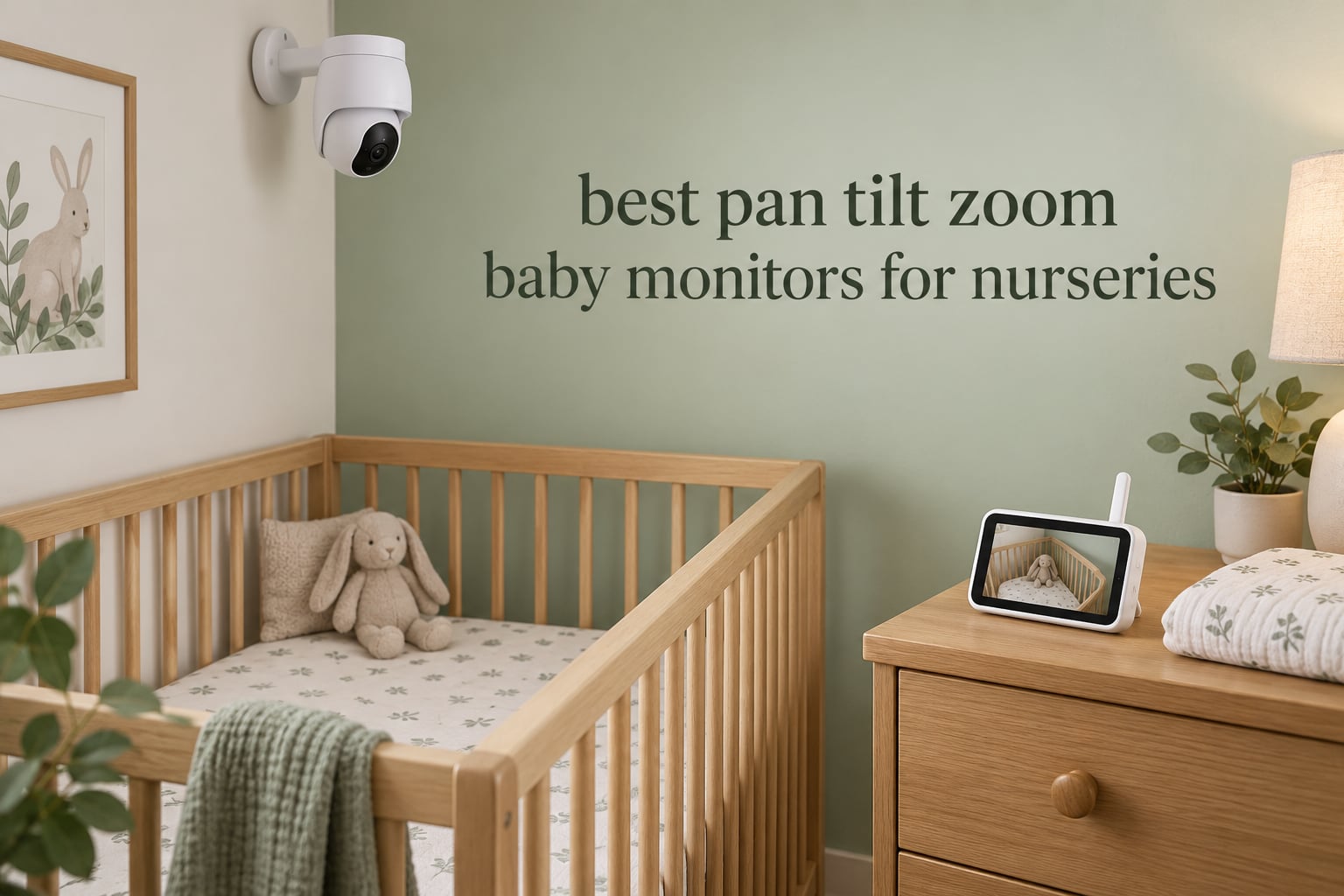
Most nursery cameras are sold on one promise: a clear picture of a sleeping baby. But a fixed camera only shows you the one corner it was aimed at when you mounted it. The moment your baby rolls to the other end of the crib, or a helper bumps the camera on the dresser, the view you trusted is gone. That is the whole argument for a pan tilt zoom baby monitor: motorized control lets you re-aim the lens and confirm position without walking into a dark room.
We spent the last two months working through every credible PTZ unit in the category, reading the spec sheets and the long-term owner reports side by side, then mapping each one to the way a nursery actually gets used. What follows is a roundup of the 10 best pan tilt zoom baby monitors for nurseries in 2026, ranked on the hardware that matters (pan range, tilt range, zoom type), the connection method, and whether a subscription is hiding in the fine print.
Two things shaped our list. First, subscription-free options outnumber their smart counterparts, and the smart ones that do charge usually charge for sleep analytics rather than the live feed. Second, the failures parents actually report are mechanical: pan motors that stop responding, proprietary charging cables, batteries that fade after a year, and temperature alerts that cry wolf until you stop reading them. We weighted those against the marketing specs. Last reviewed: October 2026.
If you are still outfitting the room itself, our guides to the best convertible cribs for nurseries and the best changing tables for nurseries cover the furniture side of the same setup.
Table of Contents
Top 3 Pan Tilt Zoom Baby Monitors (October 2026)
These three earned the top slots on the combination of PTZ hardware quality, review volume, and how little they demand from you after unboxing.


Infant Optics DXR-8 Pro
- 5-inch 720p screen
- Active Noise Reduction
- Replaceable battery
- Night color
All 10 Compared: Pan, Tilt, Zoom and Connection Specs in 2026
Numbers below come straight from the manufacturer spec sheets. Pan and tilt are the physical motor travel, so a larger figure means more of the room you can re-aim at. Zoom type matters more than zoom number: digital zoom crops pixels and softens as you push it, while optical zoom uses the lens.
| Product | Specifications | Action |
|---|---|---|
| Infant Optics DXR-8 |
|
Check Latest Price |
| Infant Optics DXR-8 Pro |
|
Check Latest Price |
 HelloBaby HB6550-2 HelloBaby HB6550-2 |
|
Check Latest Price |
 VTech VM923-2 VTech VM923-2 |
|
Check Latest Price |
 Babysense HD 5-inch Babysense HD 5-inch |
|
Check Latest Price |
 VTech RM7764-2HD VTech RM7764-2HD |
|
Check Latest Price |
 ieGeek 2K HD PTZ ieGeek 2K HD PTZ |
|
Check Latest Price |
 Sense-U AI 2.5K PTZ Sense-U AI 2.5K PTZ |
|
Check Latest Price |
 Simyke BME50P Simyke BME50P |
|
Check Latest Price |
 VTech VM901 VTech VM901 |
|
Check Latest Price |
What Is a Pan Tilt Zoom Baby Monitor?
A pan tilt zoom baby monitor has a motorized nursery camera that you rotate horizontally (pan), angle up and down (tilt), and magnify (zoom) from a separate parent unit or a phone app. That means you can follow a moving baby from bed without entering the room, touching the camera, or leaning over the crib rail.
Pan and tilt are mechanical movements driven by small stepper motors inside the camera head, which is why manufacturers quote them in degrees. A 360-degree pan clears the entire room; a 90-degree tilt only covers the arc between a high shelf and a low dresser. Zoom splits into two very different things. Digital zoom crops the sensor image and enlarges it, so the picture softens the more you push it. Optical zoom moves the lens, so detail holds. Only one monitor in this roundup, the ieGeek, has genuine optical zoom.
One more term you will see repeatedly: FHSS, or frequency-hopping spread spectrum. It is the digital signal that dedicated non-WiFi monitors use to link camera to parent unit. Because the link never touches your router, it cannot be reached from outside your home, and it keeps working when your internet is down.
How We Picked These 10 Monitors?
Every unit here has a motorized pan and tilt head. Beyond that, we scored four things. Motor travel and zoom type came first, because a monitor that cannot re-aim is just a camera. Connection method came second, since non-WiFi and WiFi models fail in completely different ways. Owning costs came third, meaning subscription, mandatory accessories, and cables that are not USB-C. Long-term owner reports came fourth, since a motor that dies at eighteen months matters more than a slightly sharper image on day one.
Two things we deliberately did not do. We did not rank on breathing or movement tracking, because no camera on this list is a medical device and none of them prevents SIDS. A safe sleep surface and a firm flat mattress do that work. We also left out any unit whose PTZ head was unverified from the manufacturer spec sheet, even if a listing page advertised it.
Every product below states who should skip it. That line is there on purpose: a monitor that fits one household perfectly can still be wrong for yours, and pretending otherwise costs you money and sleep.
1. Infant Optics DXR-8: The Best Overall Pan Tilt Zoom Baby Monitor
- Interchangeable lenses standard zoom and wide-angle
- Closed-loop FHSS link with no internet transmission
- Instant playback with no lag
- LED sound bar shows noise level without looking
- 480p resolution trails newer HD sets
- Zoom and wide-angle lenses cost extra
- No app or phone integration at all
The DXR-8 is the unit I keep coming back to for a plain nursery. It is a closed system: camera and parent unit talk over FHSS, nothing goes near your router, and the monitor works the same whether or not you have internet. Reviewers describe it as the same dependable buy for years rather than a gadget that degrades, and the review volume behind it is the highest in this roundup by a wide margin.
The PTZ head is the reason it still competes. The lens is interchangeable, so the standard wide lens covers the room while a dedicated zoom lens narrows onto the crib when your baby is small and swaddled. The parent unit handles pan, tilt, and zoom directly, with an LED sound bar along the edge that shows noise level without pulling your attention to the screen.
The 480p sensor is the honest compromise here. On a handheld parent unit at arm’s length, it is fine. Zoomed hard into a sleeping newborn, detail softens long before the magnification figures in the marketing photos ever apply. Owners who wanted true magnification eventually added the optional zoom lens, which is a separate purchase.
Range is quoted at 1000ft and the closed loop holds up through interior walls in ordinary homes, which is why the same unit works in a two-story house without an app. Night vision is standard infrared. There is no smartphone app and no cloud, so remote viewing from work is not a feature of this monitor.
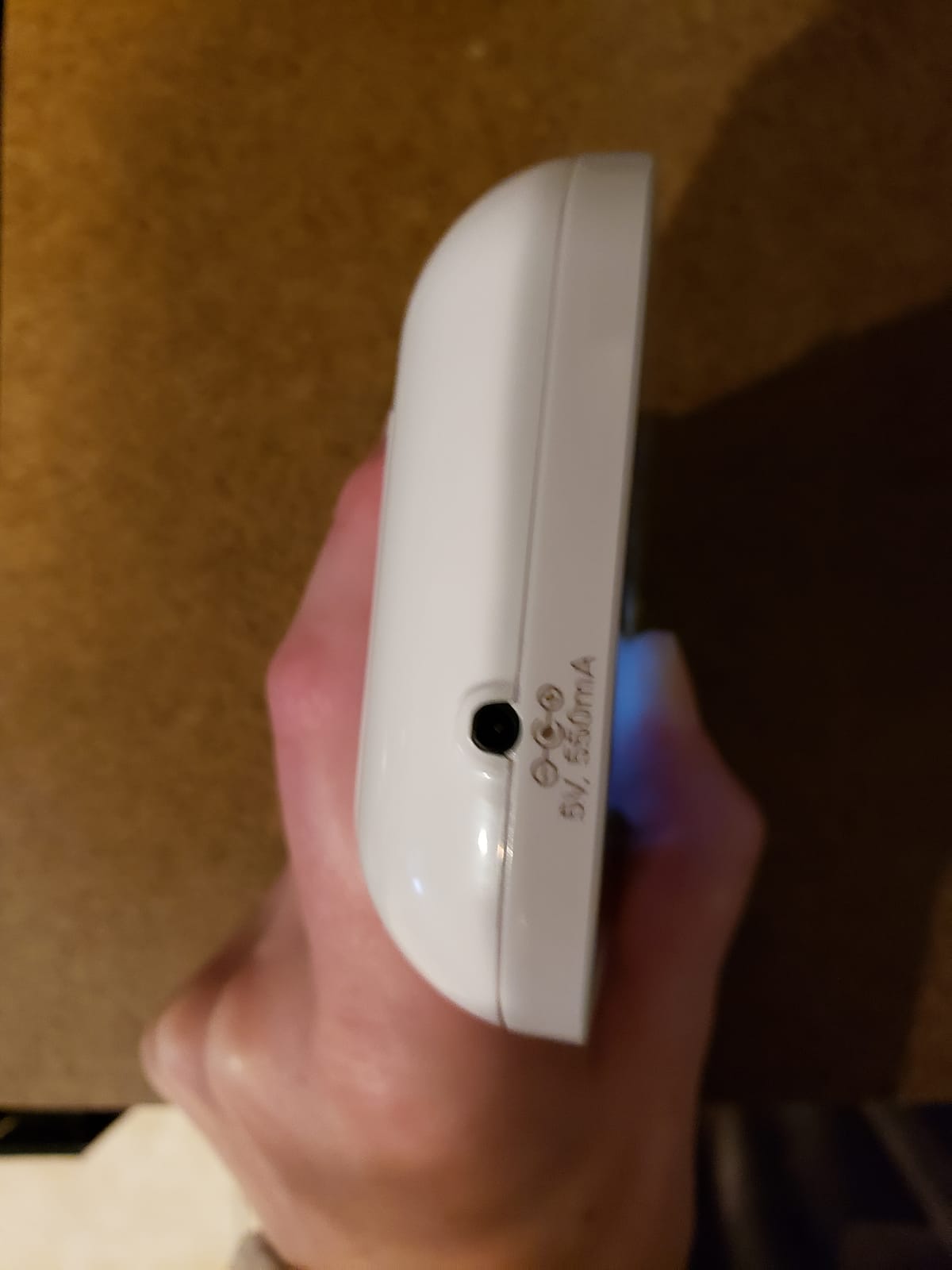
Who the DXR-8 Fits Best?
It suits a household that wants one camera, one parent unit, and no accounts to manage. The interchangeable lens system is the real differentiator: swap to wide-angle when the room changes, swap to zoom when a newborn needs a closer look, and the same monitor handles a first year and a toddler year.
The 1000ft closed-loop range is the other reason. Families in multi-level homes who have fought WiFi dead zones will find the signal simply present, with no router, no band-splitting, and no app to troubleshoot at 3am.
Who Should Skip the DXR-8?
Skip it if viewing from work or another state is a requirement. There is no app, so the feed stops at the house wall. Also skip it if you want 1080p clarity, since the extra lenses are a separate purchase on top of a unit that already sits in the upper end of the non-WiFi category.
2. Infant Optics DXR-8 Pro: Best for a Noisy Nursery Next to a Shared Wall
- Patented Active Noise Reduction filters household background noise
- 5 inch 720p HD screen with night color
- User-replaceable battery extends unit lifespan
- Standard and zoom lenses included
- IP54 water resistance
- Costs more than the base DXR-8
- Wide-angle lens sold separately
- No smartphone app integration
The Pro is the DXR-8 idea refined where the original had rough edges, and the refinement that matters most is audio. The patented Active Noise Reduction filters steady background noise so a fan, a radiator, or an upstairs television stops masking the soft sounds you actually care about. Owners consistently single that out as the difference in their reviews.
Video steps up to 720p on a 5-inch screen, and night vision gains a color mode that keeps a dim room readable instead of switching to grainy monochrome. The PTZ head behaves like the base model’s, with the standard and zoom lenses in the box this time. You can still add a wide-angle lens separately if the room demands it.
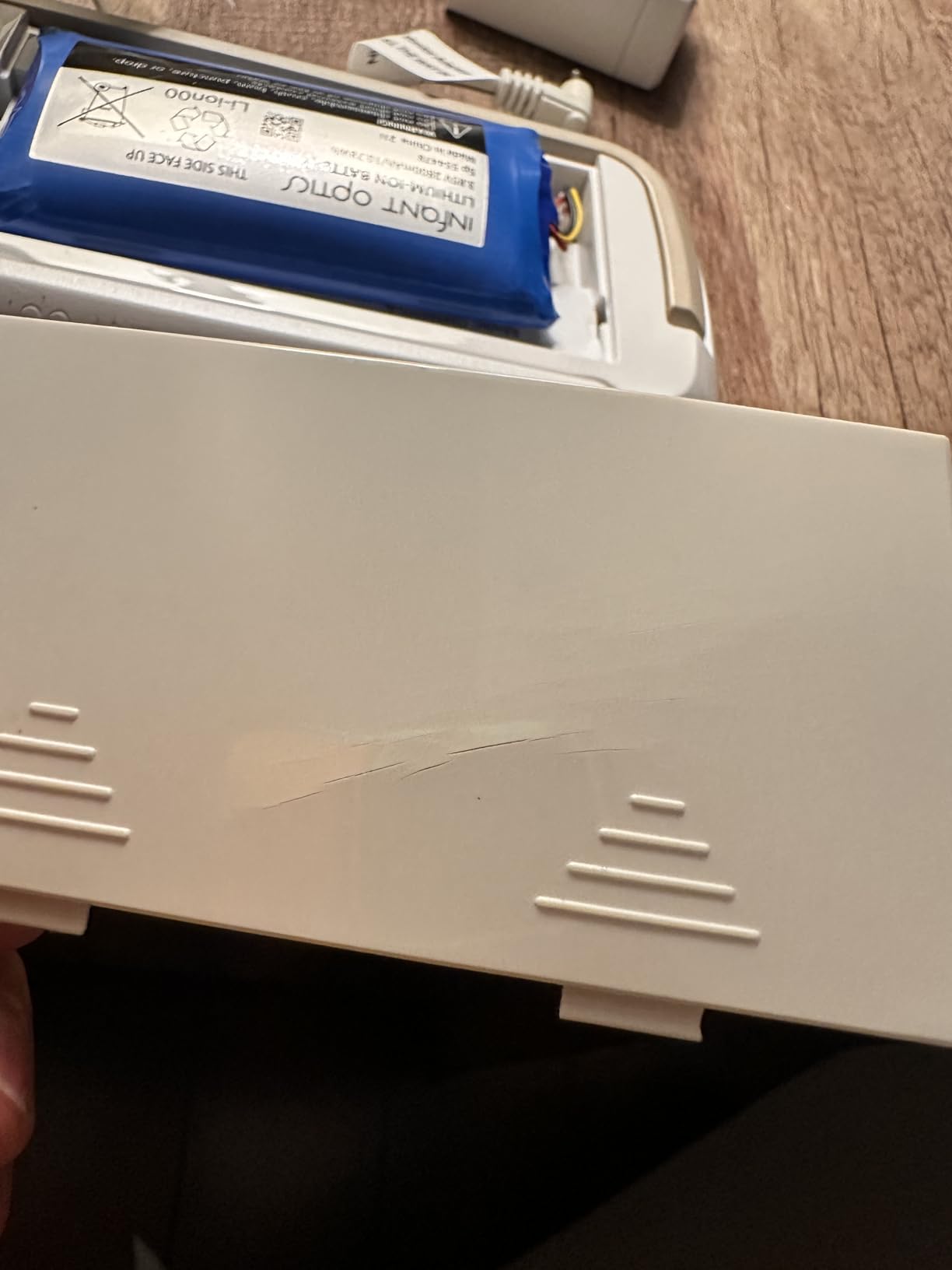
Two design choices make this the more durable of the two Infant Optics models. The battery in the parent unit is user-replaceable, so when runtime fades after a few years you swap a cell instead of replacing the monitor. And the housing carries IP54 water resistance, which matters if the camera sits near a humidifier or gets handled with damp hands.
The catch is straightforward. This costs meaningfully more than the base DXR-8, and it still has no app, so phone access outside the home is off the table. Its 4.6 average is the highest rating in this roundup, which tells you the premium is paying for something people notice.
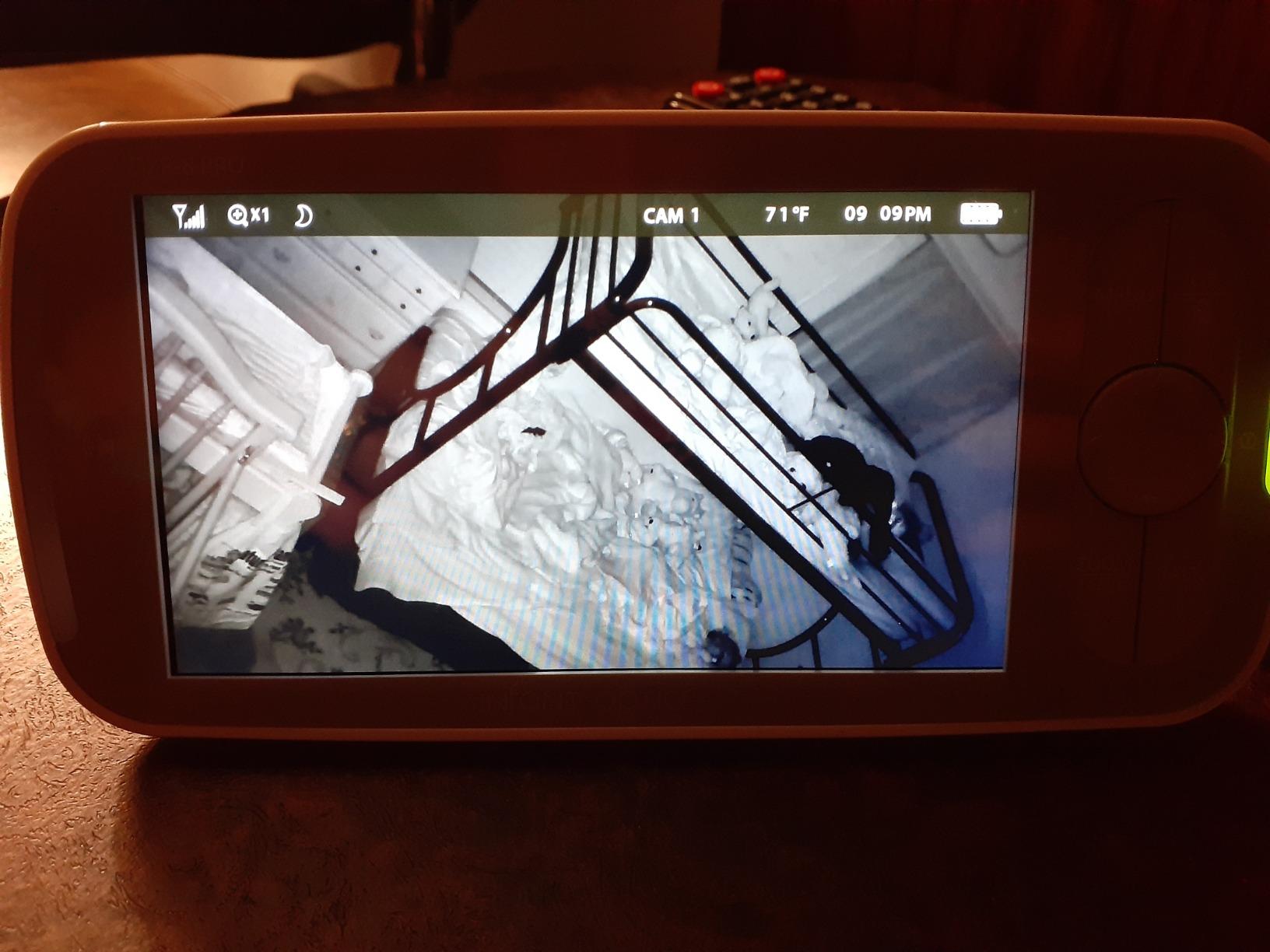
Who the DXR-8 Pro Fits Best?
It is built for the nursery that shares a wall with a busy part of the house. If the monitor sits near a staircase, a shared bathroom, or a street-facing window, the Active Noise Reduction is doing more work for you than any resolution upgrade would.
The replaceable battery is a quiet but real advantage for a product you plan to run for years. A monitor you can keep alive with a replacement cell is cheaper over a three-year window than one you replace whole.
Who Should Skip the DXR-8 Pro?
Skip it if your household is quiet and the base model would do. You are paying for audio filtering and a screen bump that matter most in noisy rooms. It is also the wrong pick for anyone who needs to check the nursery from a phone while away, because the connection is permanently local.
3. HelloBaby HB6550-2: Best PTZ Monitor for Twins or Two Rooms
- Two PTZ cameras in one box
- 355 degree pan and 120 degree tilt on each camera
- 30 hour battery in ECO mode
- 1000ft range with antenna extended
- Expandable to four cameras
- Volume control lives in the menu instead of dedicated buttons
- Best angle requires wall mounting
- Screen resolution below some rivals
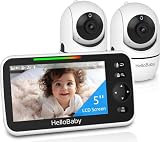
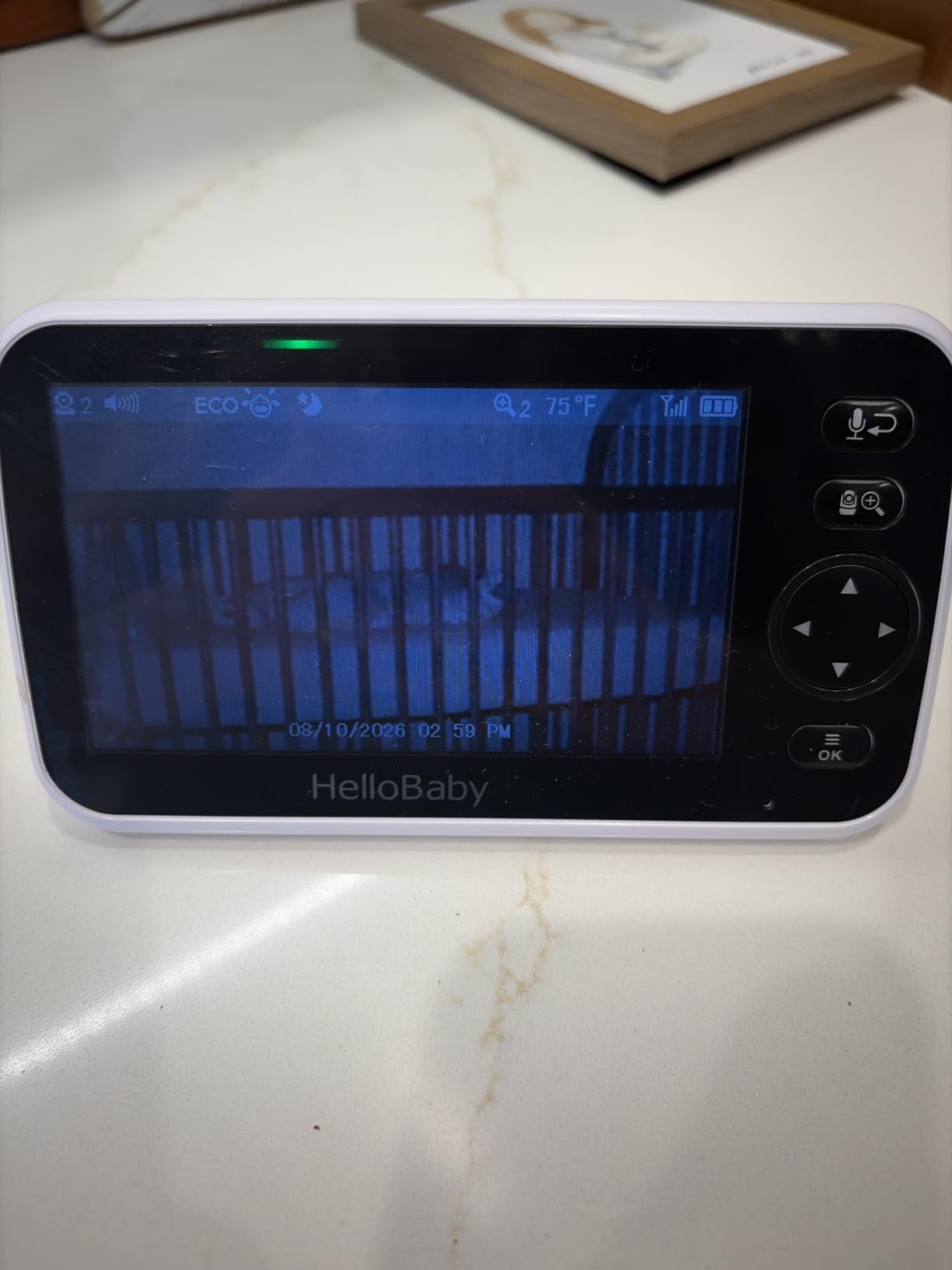
Two rooms, two cameras, two independently motorized heads. That is the HelloBaby case, and for twins it removes the single most common frustration in this category: splitting attention between two fixed views. Each camera pans 355 degrees and tilts 120 degrees, so you can re-aim one crib without losing framing on the other.
The 5-inch IPS display matches the largest non-WiFi panel size in this roundup, and IPS means the picture holds up when you glance at an angle rather than staring straight on. Signal is 2.4GHz FHSS with a stated 1000ft outdoor range, and owners report the antenna-extended performance holds through interior walls in normal homes.
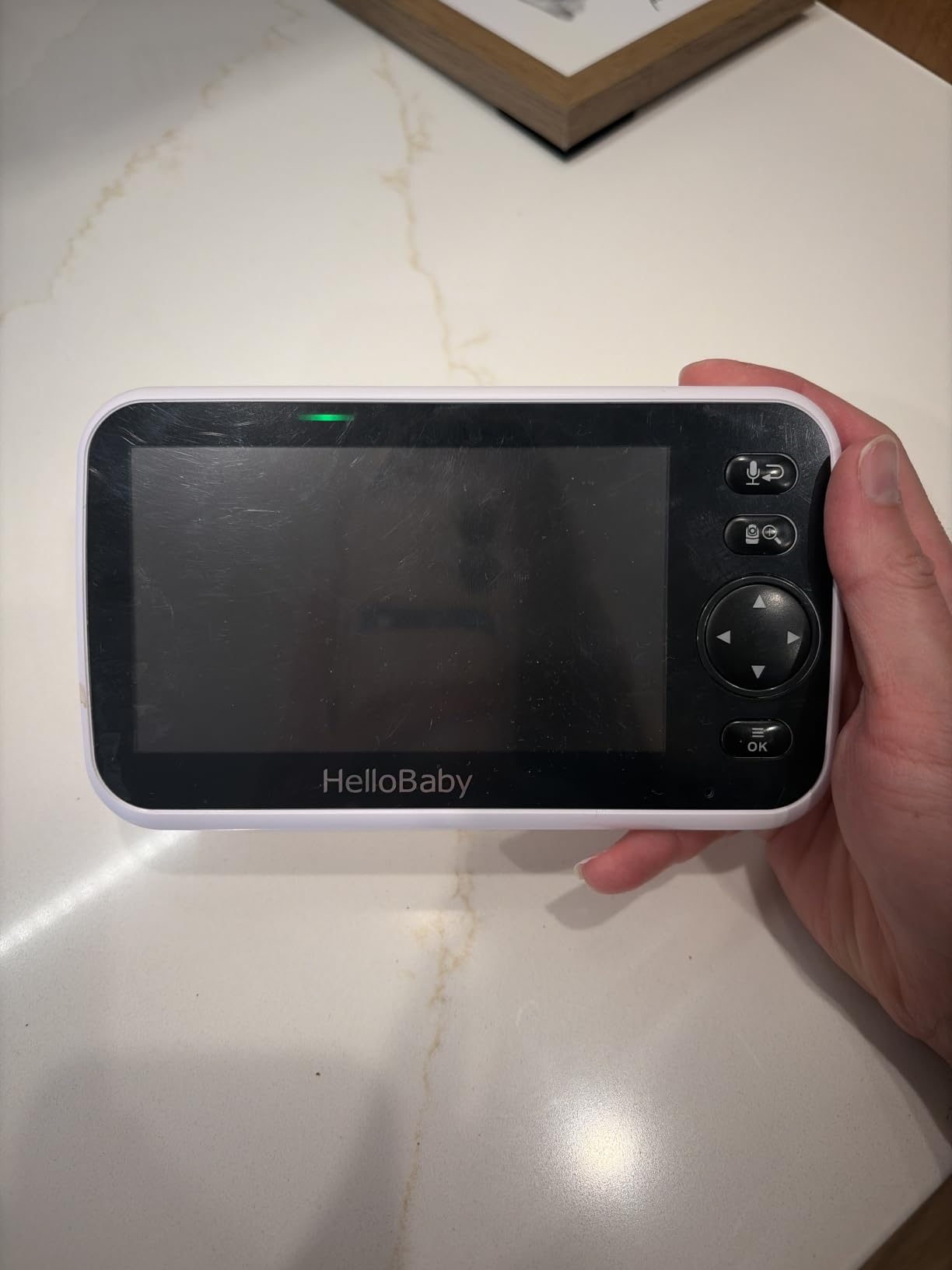
Battery is the headline figure: 30 hours in ECO mode, which is measured with the screen mostly asleep and the VOX waking it on sound. Continuous viewing runs lower, and we would not plan a full night of screen-on use on that number. Expandability to four cameras means the unit can grow with a second child in a separate room.
The usability complaint in reviews is small but real. Volume adjustment sits inside the menu hierarchy rather than on a dedicated button, which is exactly the control you reach for in the dark at 3am. It takes a few extra presses. Camera placement also matters: this head performs best mounted high on a wall rather than perched on a dresser.
Who the HelloBaby HB6550-2 Fits Best?
Twins in separate rooms, or two children far enough apart that a second camera matters. Two PTZ heads in the box is a genuinely different proposition from a kit where the second camera is fixed and non-motorized.
It also fits large homes. The 1000ft FHSS range and the 30-hour ECO battery mean the parent unit does not need to live in the same room as the camera to be useful. Long-term owners report three-plus years of service from these monitors.
Who Should Skip the HelloBaby HB6550-2?
Skip it if you have one baby and one room. A single camera from any other unit here covers that job with a larger zoom ceiling and a better screen. It is also a poor fit for anyone who wants to view from a phone away from home, since the connection is non-WiFi by design.
4. VTech VM923-2: Best Value Dual-Camera PTZ Monitor
- Two motorized cameras at a budget price point
- 360 degree pan and 132 degree tilt per camera
- 19 hour battery on the parent unit
- Dual temperature sensors one per camera
- Encrypted 2.4GHz FHSS with no WiFi
- 2.8 inch screen is small for two feeds
- 480p video resolution
- Display brightness will not go fully dark
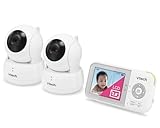
What stands out about the VM923-2 is that both cameras get a full motorized head, rather than a second fixed view. Pan runs a complete 360 degrees and tilt covers 132 degrees, and both cameras scan automatically on a 10-second cycle so you get a periodic look at the second room without touching anything.
That makes it the value pick of this roundup. The connection is encrypted 2.4GHz FHSS with no WiFi involved, 32 channels, and a stated 1000ft range. Review volume is enormous and the average sits at 4.5, with long-term owners reporting three to four years of durability from the units they bought years ago.
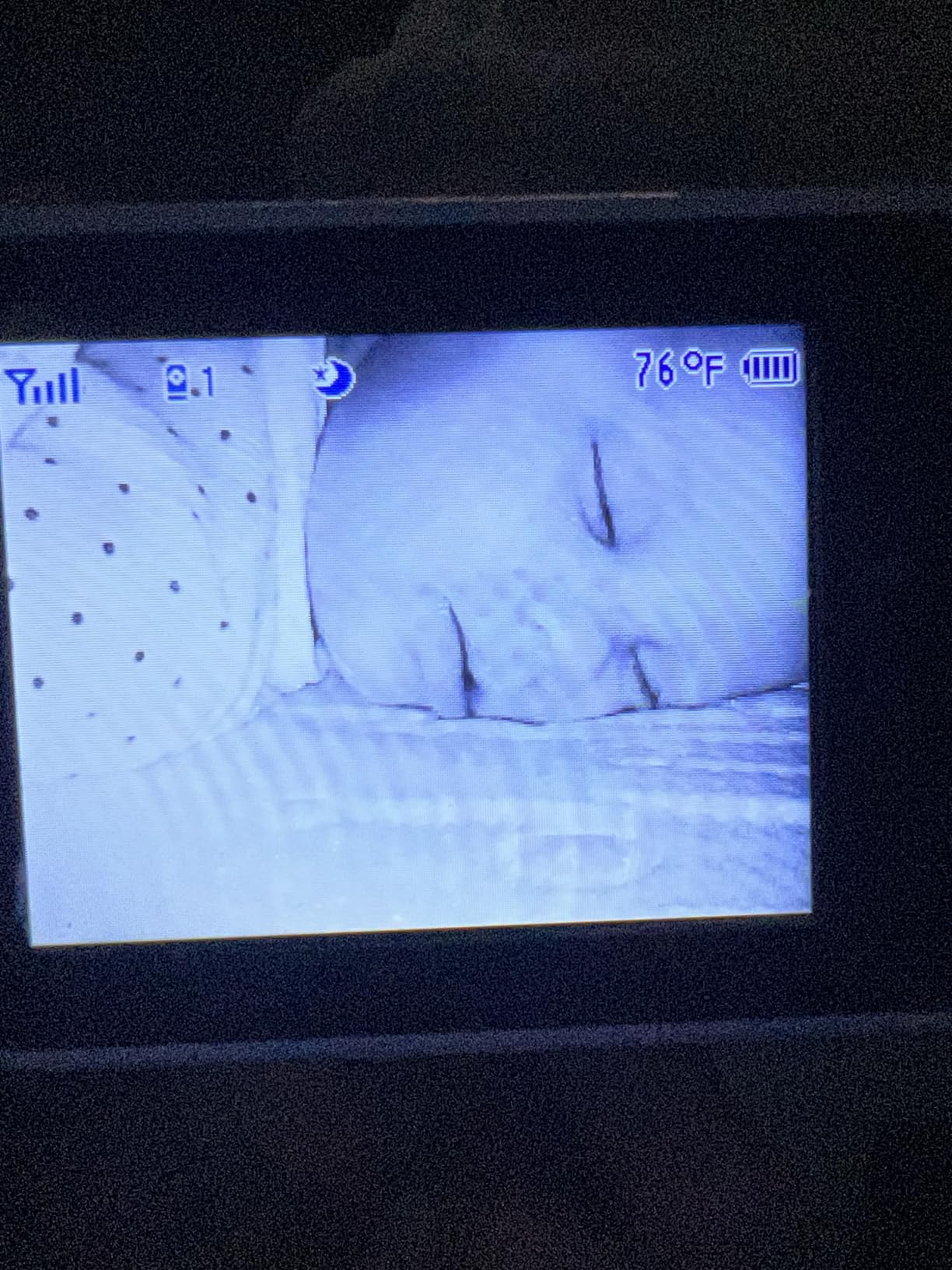
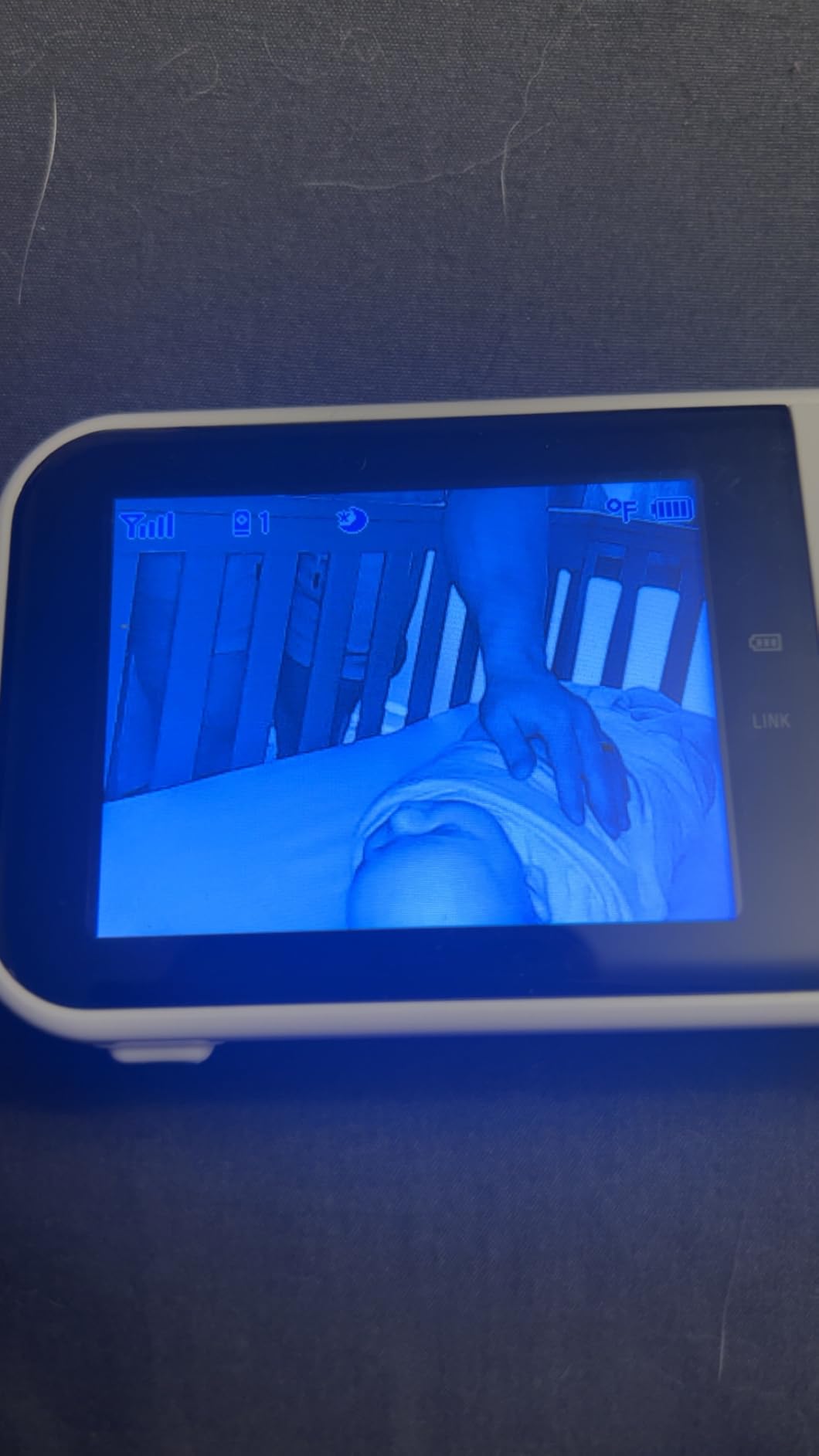
The compromises are all on the screen side. At 2.8 inches with 480p video, watching two rooms means the picture is small and soft. It works fine for confirming sleep position from across the room; it is not the monitor you will want to examine a rash on. Starlight infrared handles night vision, and each camera carries its own temperature sensor.
Two smaller notes from reviews. Some users find the screen brightness does not dim far enough for a very dark room. And the monitor has no time display, which sounds trivial until you are trying to work out how long your partner has been up with the baby.
Who the VTech VM923-2 Fits Best?
It fits twins where the second camera still needs to be movable, and it fits any household that wants a second room covered by a moving camera rather than a fixed one. The 10-second auto-scan is genuinely useful for a sibling nap and a nursery being watched at the same time.
It also fits anyone who wants zero recurring cost and zero internet dependency. There is no app, no cloud, and no subscription line item to discover a year from now.
Who Should Skip the VTech VM923-2?
Skip it if image quality is your top priority. A 2.8-inch 480p screen is the smallest panel in this roundup, and it is the reason the 5-inch models exist. Parents who want to check breathing closely from a chair should spend the extra money on a larger panel.
5. Babysense HD 5-inch: Best Screen and Zoom in the Non-WiFi Group
- 720p HD on a 5 inch IPS panel
- No WiFi and no app closed-loop FHSS only
- 4x digital zoom plus adjustable night light
- Split screen and scan mode for up to four cameras
- 20 hour battery in VOX mode
- Proprietary charging cable instead of USB-C
- No simultaneous audio from both cameras in split screen
- Some long-term charging port and pairing issues
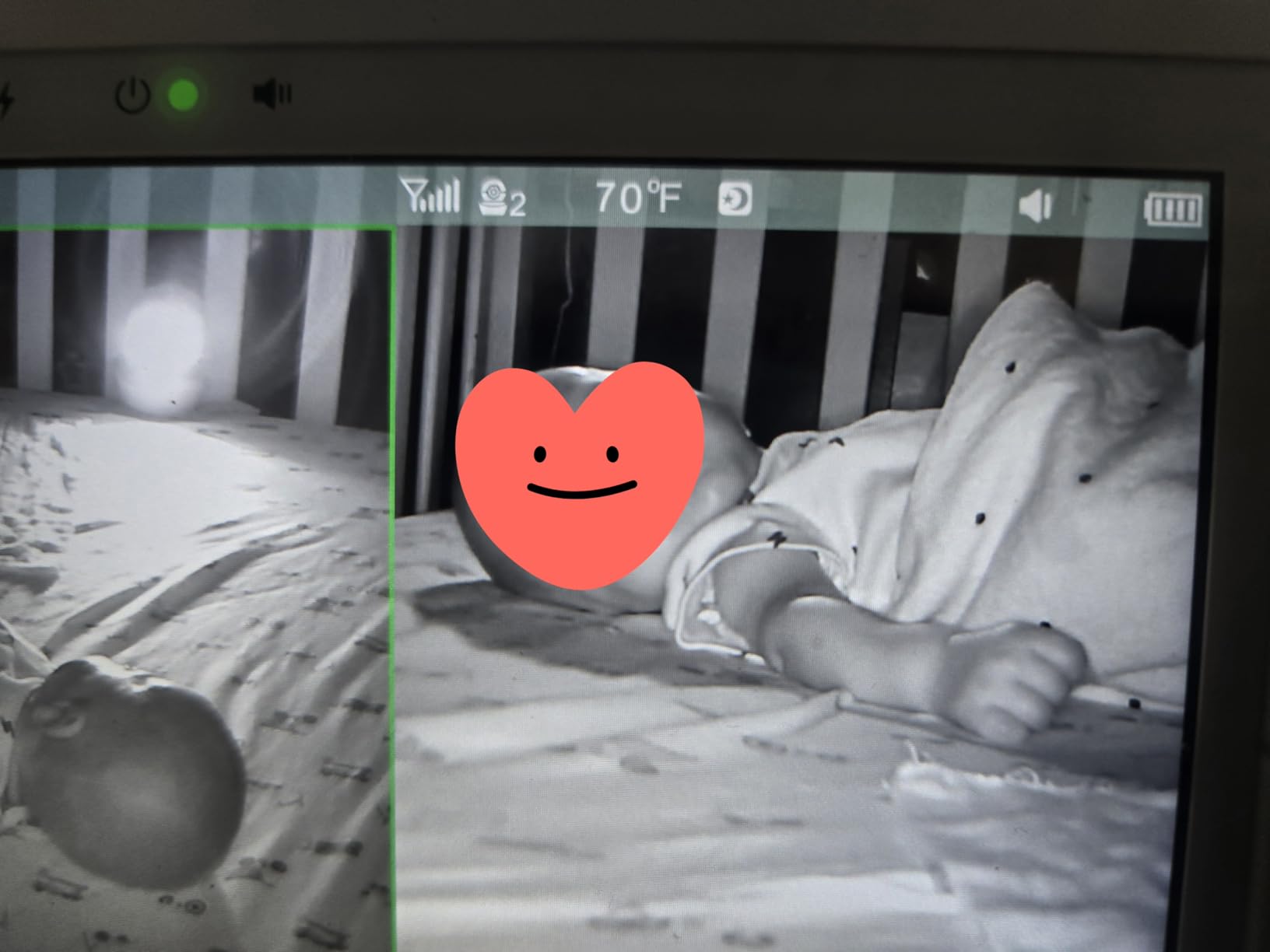
The Babysense puts a 720p HD image on a 5-inch IPS panel, and its 4x digital zoom, deeper than the 1.33x to 2x figures on the budget non-WiFi models, which makes it the one to choose when you are trying to confirm chest movement from a chair rather than the doorway.
The camera head pans 350 degrees and tilts 90 degrees. That tilt figure is worth noting honestly: it suits a camera mounted at crib height or slightly above, and it is shallower than the 120 to 132 degrees offered by some rivals, so a high dresser position will need an angle that other heads would handle more easily.
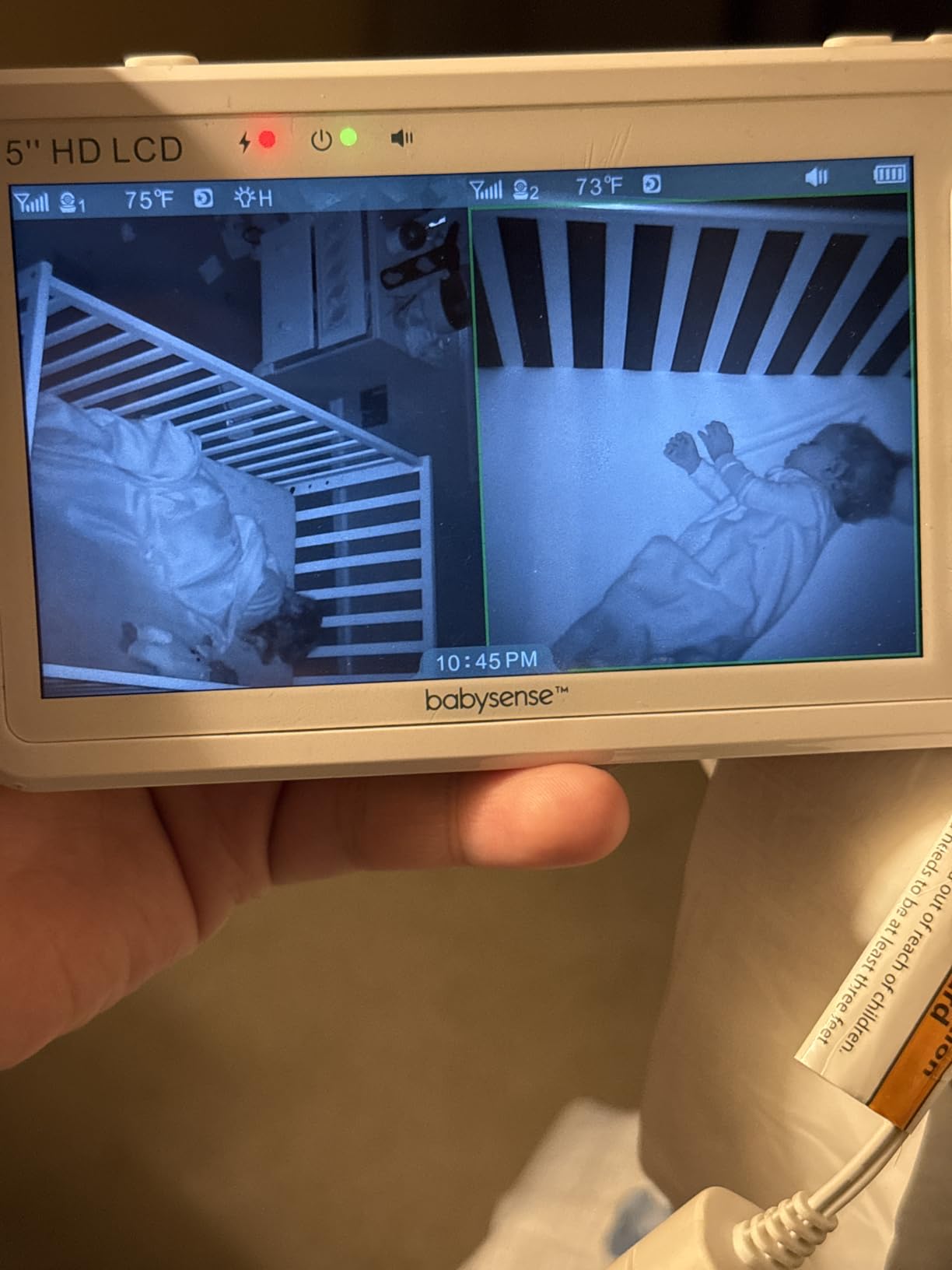
Multi-camera handling is where this unit separates itself. It supports up to four cameras with split screen and scan mode, and it stays entirely off your network: 2.4GHz FHSS closed loop, no app, no cloud. Battery runs about 20 hours in VOX or ECO and 12 hours on continuous viewing, with 1000ft stated range.
There is an adjustable night light built into the camera, which is genuinely useful for a nursery where a night light is wanted anyway. Owners frequently call out customer service for warranty replacements. The recurring gripes are the proprietary charging cable, and the fact that split screen gives you video from both cameras but not simultaneous audio.
Who the Babysense Fits Best?
It suits parents who want a sharper image and a deeper digital zoom than the budget closed-loop models offer, while still refusing to put their nursery on the internet. A 5-inch 720p panel is the largest screen paired with HD resolution among the non-WiFi models here.
It also fits families who will need a third or fourth camera later, whether for siblings in other rooms or for coverage of a play space. The expansion path is there without changing brands or platforms.
Who Should Skip the Babysense?
Skip it if the camera has to live on a high shelf. A 90-degree tilt arc is narrow, and mounting well above the crib forces you into a compromise angle. Anyone who charges a phone nightly will also be irritated by the proprietary cable rather than USB-C.
6. VTech RM7764-2HD: Best PTZ Monitor When You Need Phone Access Away From Home
- Runs locally on FHSS and remotely through the MyVTech app
- Two 1080p cameras with 10x digital zoom
- 7 inch split screen parent unit
- Screen-off timer wakes on sound
- Patrol mode auto-cycles both cameras
- App connectivity and region-locking issues reported
- Parent unit stand wobbles on soft surfaces
- Night video can look grainy
This is the hybrid pattern: the cameras and parent unit run on their own FHSS link at home, and the same feed is available through the MyVTech app when you are elsewhere. You get a 7-inch HD parent unit on the nightstand and a phone view at the office without the monitor being useless the moment you leave.
Both cameras are 1080p with a 360-degree pan, 110-degree tilt, and 10x digital zoom, the highest magnification ceiling in this roundup. Realistically, 10x digital is a confirmation tool rather than an identification tool: the frame is enough to see chest rise, not to read a label on a hospital bracelet.
Two features earn their keep in a nursery. The screen-off timer lets you run the panel dark overnight and have it wake on sound, which solves the glowing-screen problem for light-sensitive sleepers. Patrol mode auto-cycles between cameras so both rooms get a periodic look without anyone touching the unit.
There is also motion detection with short video clip recording, temperature monitoring, two-way talk, and IP67 waterproof cameras. The weakness is the app itself. Owners report connectivity drops, region-locked app stores, and delays loading saved clips, and a Trustpilot thread on a related VTech unit includes reports of a screen failing and a camera motor stopping within two years.
Who the RM7764-2HD Fits Best?
It fits households where one parent travels or works long shifts and wants to check the nursery from a phone. The local FHSS link means the monitor keeps working in the house even if your internet does not, which is the real safety net in a hybrid design.
It also fits families with two children in separate rooms who want a large screen, since the 7-inch panel is the biggest dedicated parent unit here and shows both feeds in split screen.
Who Should Skip the RM7764-2HD?
Skip it if app reliability is a dealbreaker. A monitor you depend on from a hotel room needs the software path to hold, and reviews of this generation are mixed on that. Parents who never leave the house get a cheaper and steadier experience from a closed-loop unit.
7. ieGeek 2K HD PTZ: Best Optical Zoom and Sharpest Sensor Here
- 2K 3MP resolution is sharper than the 1080p cameras elsewhere
- 4x optical zoom holds detail unlike digital crop
- Dual control from the 5 inch screen or the phone app
- AI cry and motion detection with danger zones
- AES128 encryption with local microSD storage
- Parent unit battery runs about 8 to 10 hours with the screen on
- Only 60 degrees of vertical tilt
- Screen scratches easily
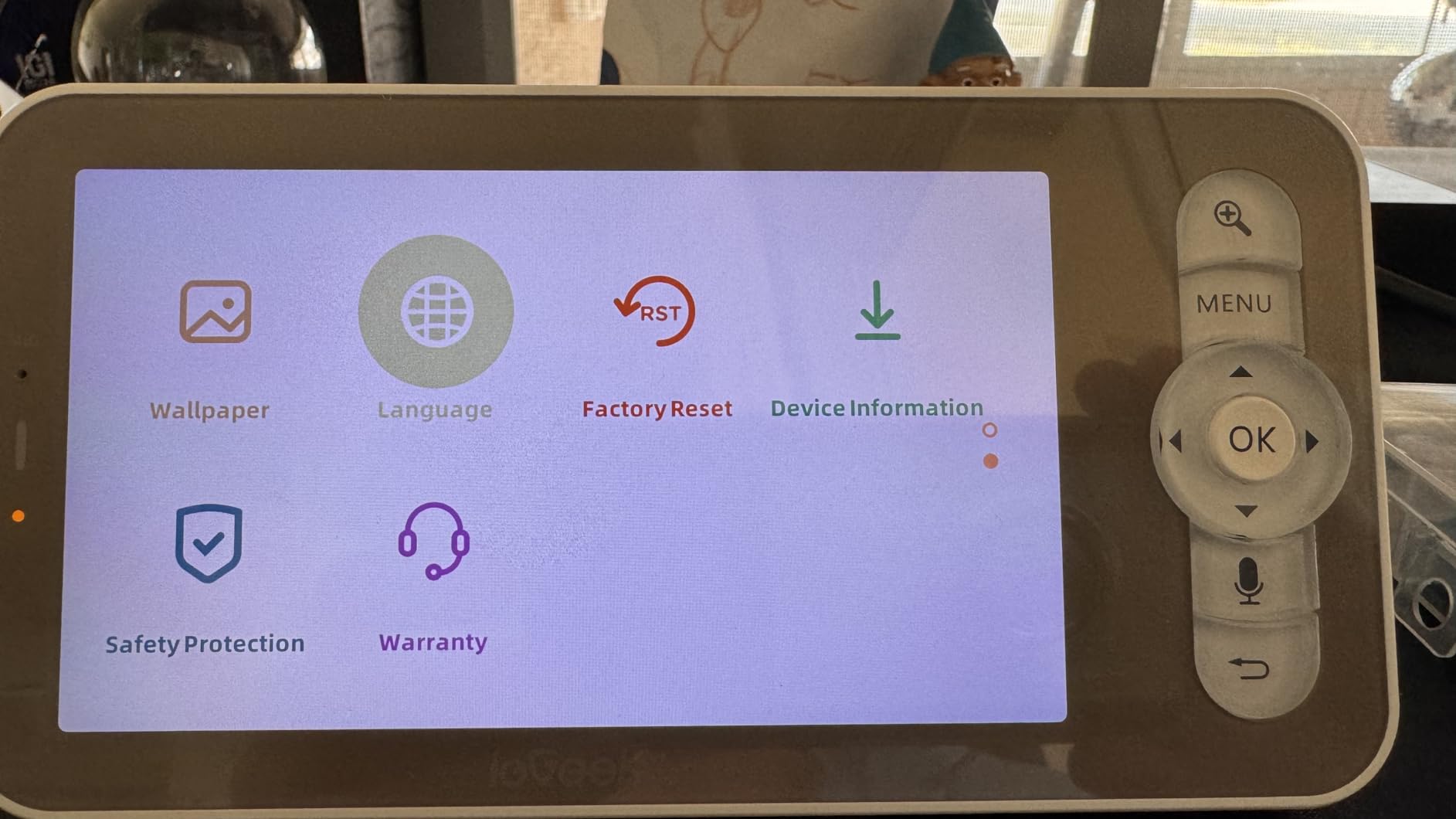
The ieGeek is the only unit here with true optical zoom. Every other monitor in this roundup crops pixels to magnify, which is why their pictures soften as you push in. This one moves the lens across 4x, so a close view of a sleeping newborn holds detail instead of turning to mush. That single difference reshapes what you can do with the monitor.
The sensor is 2K at 3MP, the highest resolution in the group, and the head pans 355 degrees. It works two ways at once: a 5-inch screen in the room with no WiFi at all, and a phone app over 2.4GHz WiFi when you want remote access. Auto-tracking follows movement without you driving the motors, and AI cry detection runs on a PIR sensor.
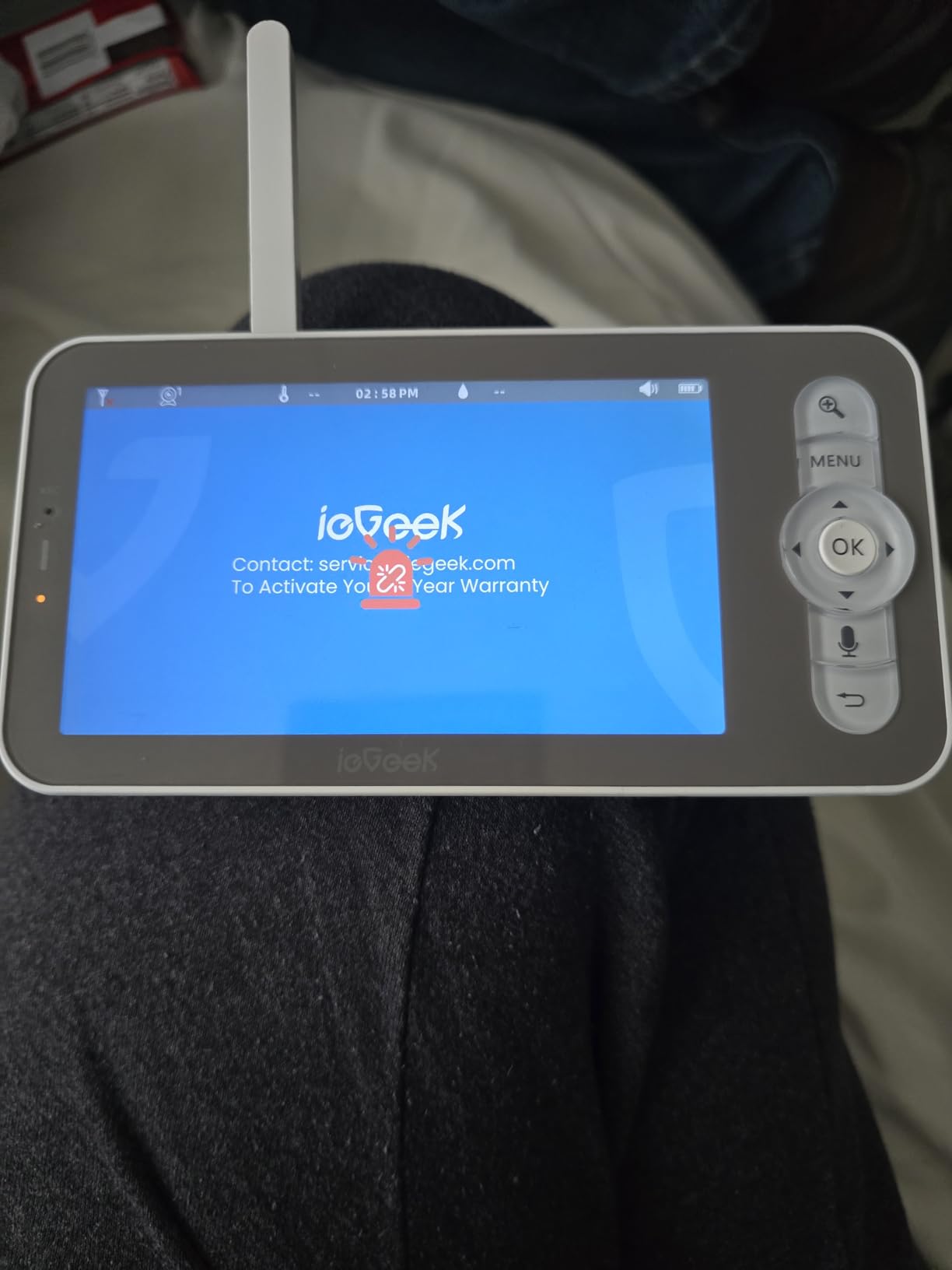
Storage is a genuine plus. A microSD card records locally up to 128GB in the camera, cloud is optional, and AES128 encryption covers the stream. Multi-user sharing lets a partner or a sitter have their own login. Two-way talk includes a voice changer, which reviewers find useful for a baby who ignores their parent’s actual voice.
Vertical tilt is 60 degrees, so a camera on a tall dresser will struggle to see down into a crib. The parent unit battery is 3000mAh and runs roughly 8 to 10 hours with the screen on, which means an overnight charge unless you use the stated 6.5-day VOX mode. The connectivity alarm is also tied to the cry alarm and cannot be disabled separately.
Who the ieGeek Fits Best?
It suits tech-comfortable parents who want the sharpest possible image and will actually use the smart features. Optical zoom plus 2K resolution means you can check a rash, a monitor cord position, or chest movement from the doorway without leaning in.
It also suits anyone who wants local recording without a subscription. A microSD card and optional cloud means the recurring cost is genuinely optional, and multi-user sharing handles a partner, a sitter, or a grandparent without passing a password around.
Who Should Skip the ieGeek?
Skip it if the camera has to sit high. At 60 degrees of tilt, a dresser-top mount is the wrong place for this unit, and that constrains where you can put it. Overnight battery life without a recharge is also unrealistic on continuous screen use.
8. Sense-U AI 2.5K PTZ: Best for Sensor-Free Sleep Movement Data
- Sensor-free breathing and movement monitoring via an optional badge
- 2.5K resolution with background audio monitoring
- No monthly fee when you use local microSD storage
- Private mode switch disables the camera completely
- Multi-camera view inside one app
- No dedicated parent unit so a phone is required
- Movement monitoring needs a separate badge purchase
- Shallowest tilt here at 50 degrees
- Small review base of 108
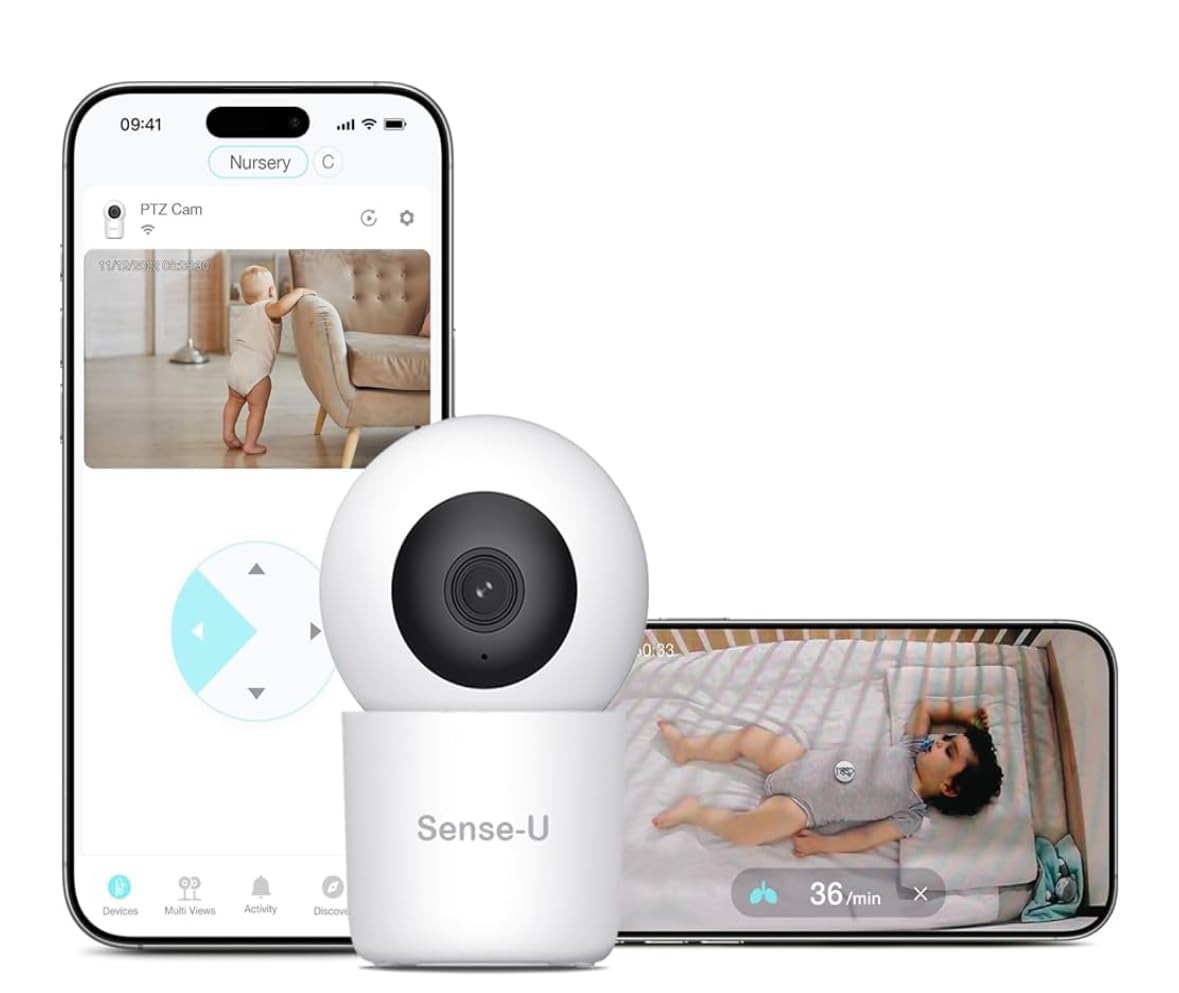
The Sense-U takes a different approach to the night-time question. Rather than a wearable band or a sensor under the mattress, it pairs with an optional Movement Badge placed on a limb to estimate breathing and movement patterns. There is nothing under the crib, which some households find far easier to accept than a pad or a sock.
Video is 2.5K with a 345-degree pan and a 50-degree tilt arc, and the app streams to a smartphone. Background audio is the standout feature: it keeps monitoring while your phone is locked, so you are not forced to hold a screen awake all night to hear anything happen.
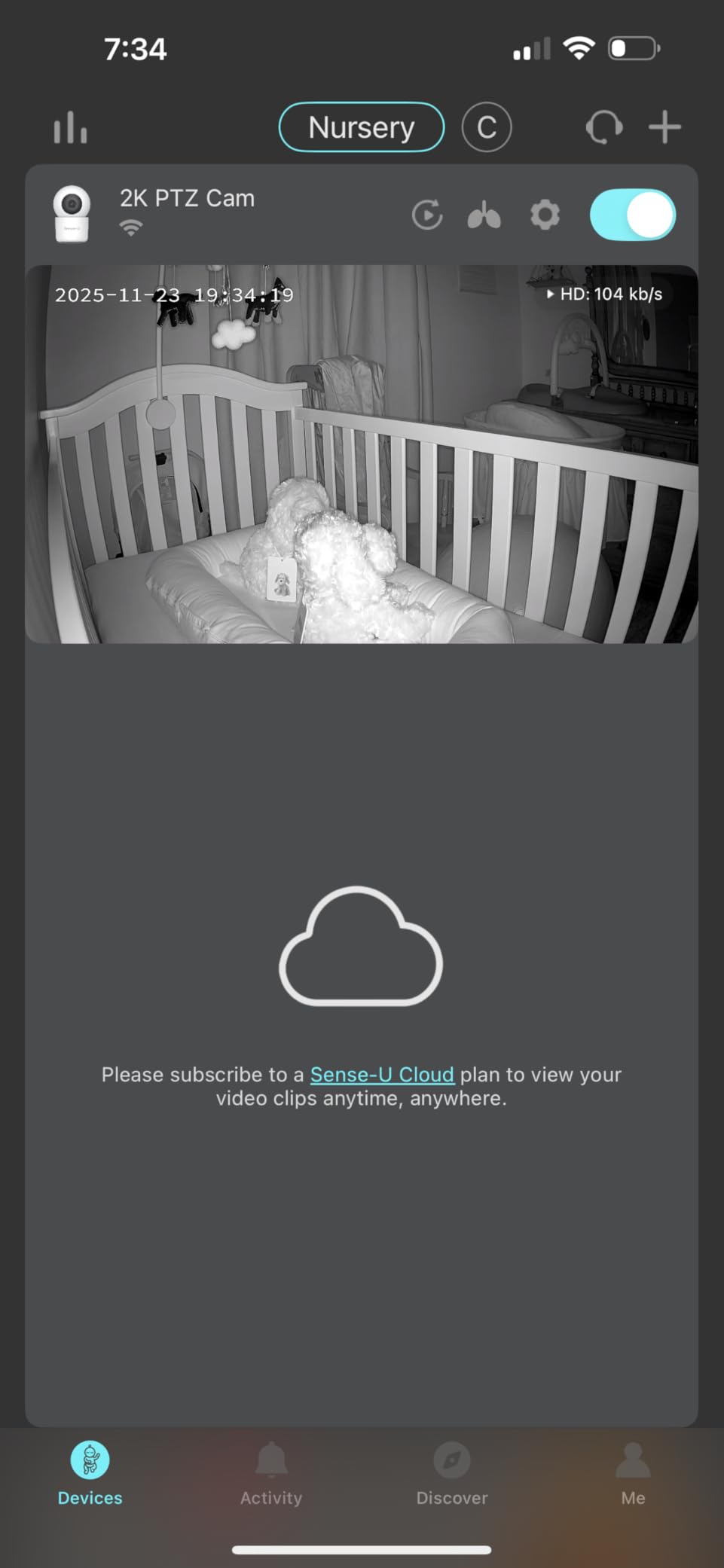
Cry detection is AI-powered, and the privacy controls are unusually thorough for this category. There is no mandatory monthly fee if you use a microSD card locally, cloud is optional, the app supports multi-user sharing, enterprise-level encryption and two-factor authentication are available, and a private mode switch cuts the camera entirely.
The caveat is that this is a phone-only product. There is no parent unit in the box, so the monitor only works if someone has a phone. The Movement Badge is a separate purchase, the microSD card is not included, and 50 degrees of tilt means mounting has to be close to crib height. With 108 reviews, there is not yet much long-term data, and owners have reported an early failure with a difficult warranty process.
Who the Sense-U Fits Best?
It fits a household that wants sleep-pattern insight without anything strapped to the baby or placed under the mattress. The badge is optional too, so you can start with plain video monitoring and add movement data later if you decide you want it.
It also fits families who will not pay a monthly fee and who prefer recording to a card they control. A local microSD keeps everything in the house unless you deliberately choose cloud storage.
Who Should Skip the Sense-U?
Skip it if you want a monitor that works without a phone. That is a hard requirement for grandparents, sitters, and anyone who does not want to hand over a smartphone. Movement monitoring is also not free: the badge is an extra cost the box does not cover.
9. Simyke BME50P: Best Budget Dual-Mode PTZ Monitor
- Dual mode works as FHSS with no WiFi or through a 2.4GHz app
- 355 degree pan with 90 degree tilt and auto tracking
- 30 hour battery in VOX and 20 hour continuous
- Type-C fast charging in under two hours
- AES-256 encryption and a waterproof camera
- Only 101 reviews so little long-term data
- 720p resolution rather than 1080p or 2K
- Smaller brand with unproven support longevity
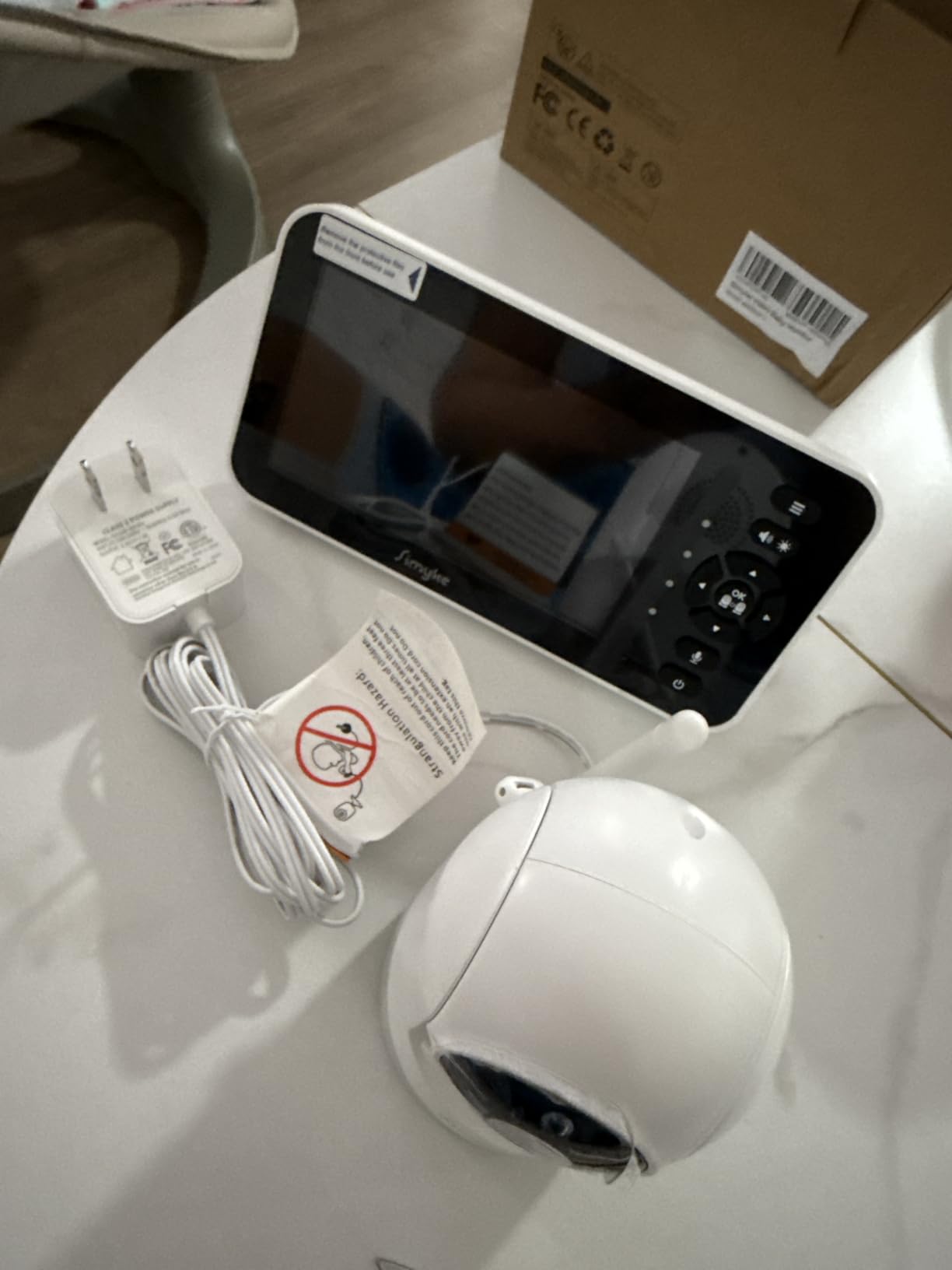
On paper, this packs more capability into one box than anything else in the roundup. You get both connection modes: a 5-inch 720p IPS screen running on FHSS with no WiFi at all, and a 2.4GHz app path when you want remote viewing. The PTZ head runs 355 degrees of pan, 90 degrees of tilt, and auto-tracking.
It also solves the charging problem that affects several models here. It is Type-C, and a full charge takes under two hours, so the monitor can share the same cable as your phone. Battery is quoted at 30 hours in VOX or ECO and 20 hours on continuous viewing.
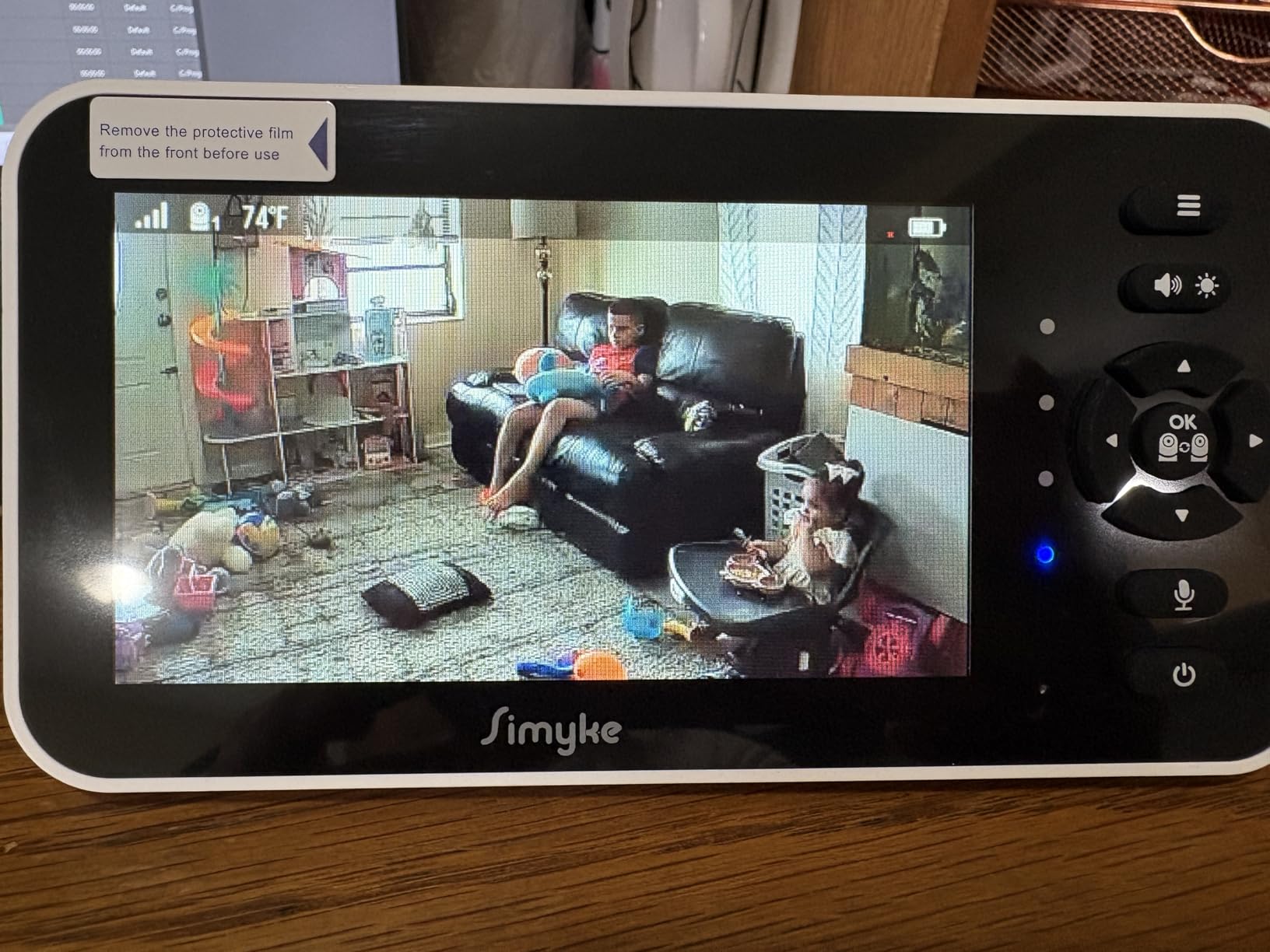
The stated range is 1500ft, the highest figure in this group, though real indoor performance depends far more on your walls and floor plan than on the printed number. There is AES-256 encryption, a waterproof camera, five lullabies, temperature monitoring, and a feeding reminder timer, which is a small touch that first-year parents mention more often than you would expect.
What gives us pause is the review base. 101 reviews is thin for a product we would expect to last years, and the brand is not one with an established support track record. Night vision reaches 3m, which is a shorter effective range than the infrared units above. Buy it for capability, but buy it with the understanding that you are taking on a newer manufacturer.
Who the Simyke Fits Best?
It fits a household that wants a phone option and a screen option without paying for two devices, or that wants to start on FHSS and try the app later. Auto-tracking is a genuine help when the baby is old enough to crawl out of the center of the frame.
It also fits anyone tired of proprietary cables. USB-C and a two-hour charge remove a small daily friction that several other monitors here still have.
Who Should Skip the Simyke?
Skip it if buying a monitor for a long stretch on a short review history makes you uneasy. A 4.2 average across 101 reviews tells you very little about year-three reliability, and that is exactly the horizon a baby monitor has to survive. Its night vision is also quoted to a shorter distance than the other infrared models here.
10. VTech VM901: Best Free-App Hybrid Monitor With a 1080p Camera
VTech Smart WiFi Baby Monitor – See Your Baby at Home or from Anywhere, Free App, 1080p Camera, 5″ Screen, Pan-Tilt-Zoom, Night Vision, Two-Way Talk | VM901
- 1080p camera feeding a 5 inch 720p parent unit
- Free MyVTech app with no subscription for the live feed
- Local FHSS link keeps working when the internet does not
- Alerts for sound motion and temperature
- IP65 waterproof camera with multi-user sharing
- Battery does not reliably last a full night
- Connectivity issues reported at 15 to 20 meters through walls
- Parent unit stand unstable on soft surfaces
- Only 13 channels against 32 on non-WiFi rivals
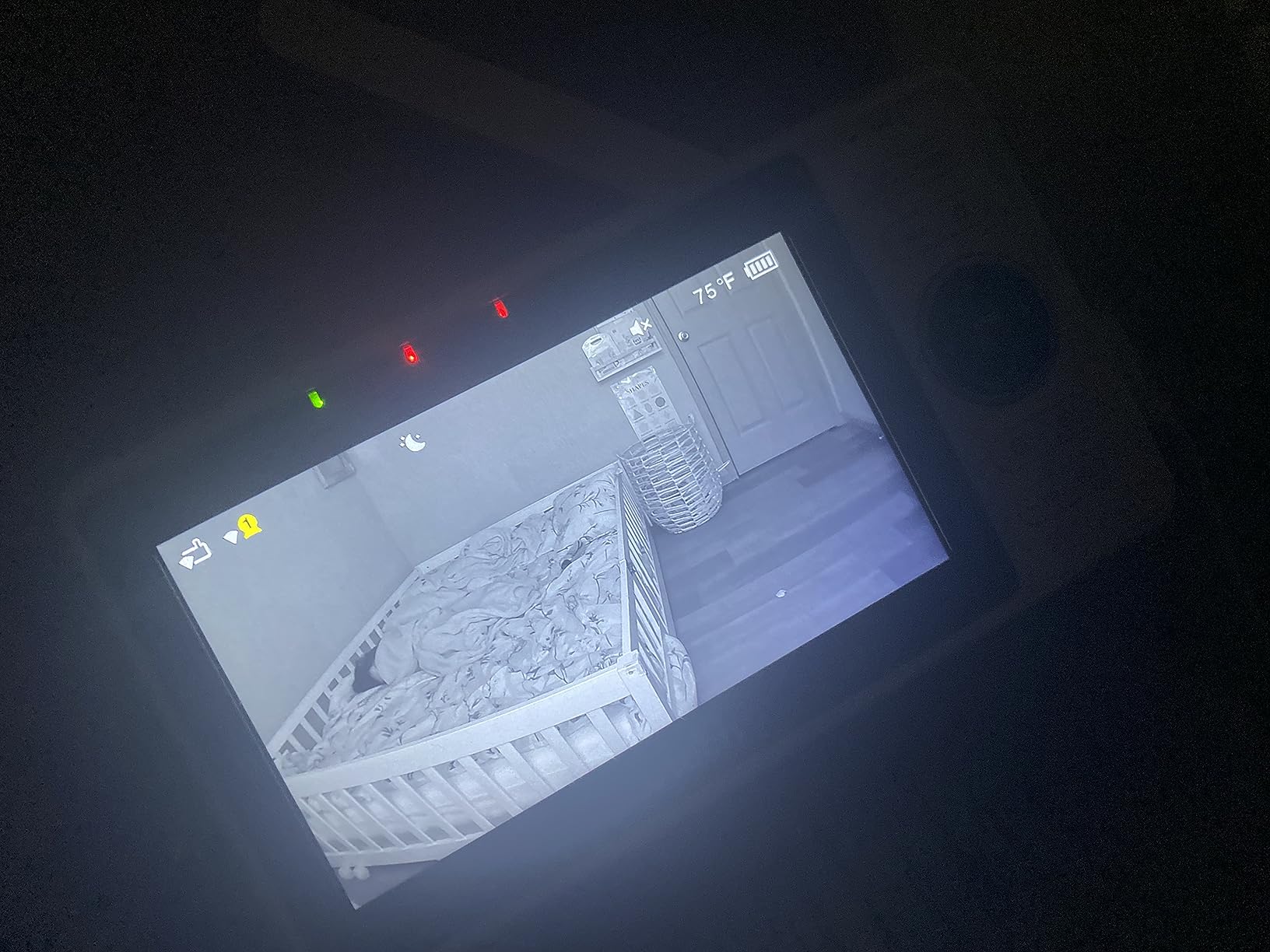
The VM901 is the plainest version of the hybrid idea, and the simplest way to see whether an app-based feed suits your household. A 1080p camera feeds a 5-inch 720p parent unit at home over FHSS, and the same feed is available through the free MyVTech Baby app when you are out. There is no paid tier for the live view, which is the point.
The PTZ head gives 360 degrees of pan and 110 degrees of tilt. Motion, sound, and temperature alerts push to the phone, and the camera carries IP65 water resistance. Multi-user sharing means a partner or sitter can have their own access rather than borrowing your login.
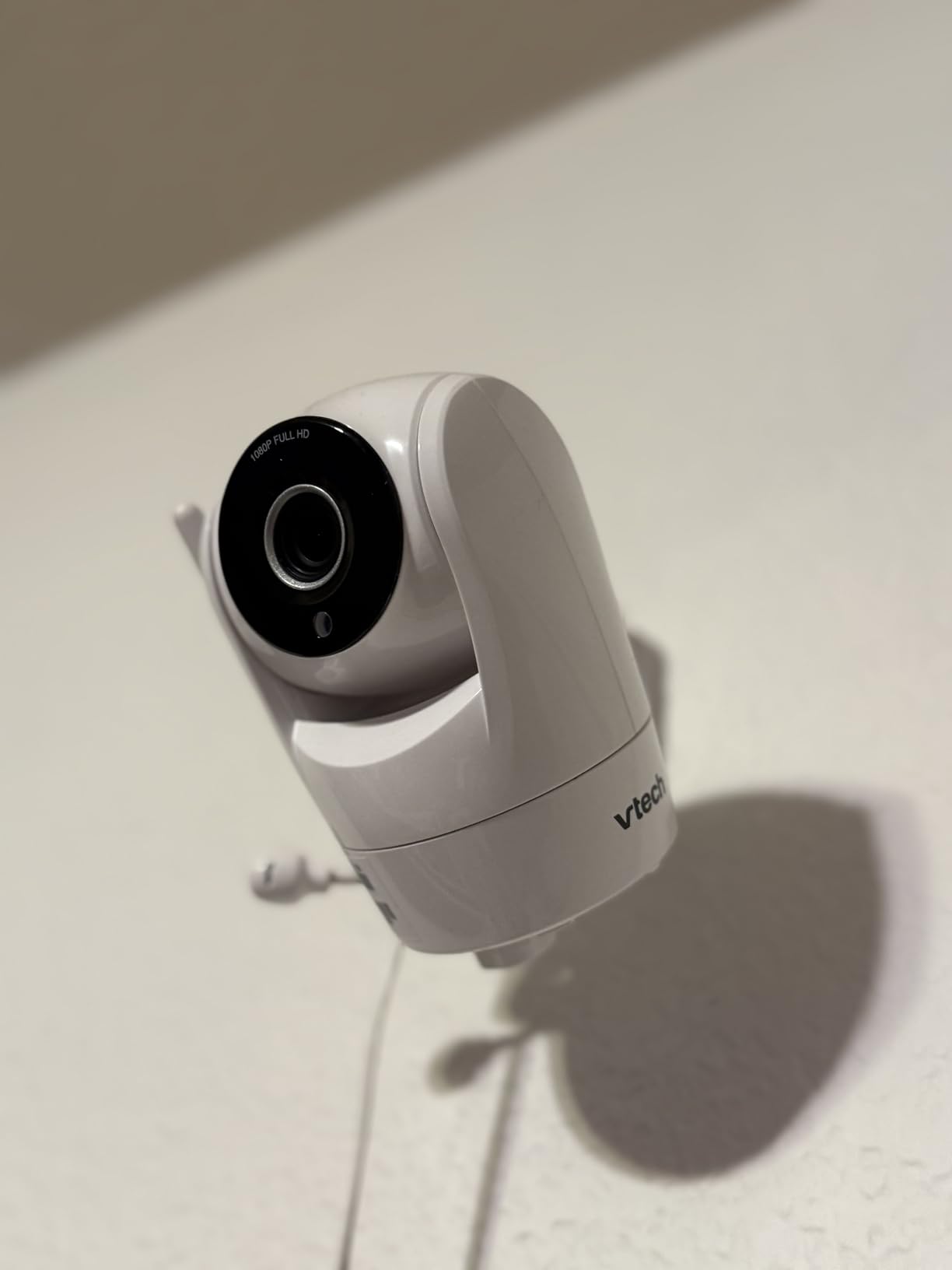
Reviews on this generation are mixed on longevity, and the complaints cluster in predictable places. The parent unit stand is unstable on soft surfaces like a bed or a padded nightstand, so it needs a hard shelf. The 2100mAh battery does not reliably last a full night on screen-on use. And the 4.1 average across more than seven thousand reviews is the lowest in this roundup, which tells you the hardware is fine and the details are not.
There is also a WiFi-specific limitation worth knowing: reviewers report connectivity problems at 15 to 20 meters through walls, and the unit carries 13 channels against the 32 on comparable non-WiFi models. Starlight night vision is also described as grainy by some users at this price point.
Who the VTech VM901 Fits Best?
It fits a family that wants remote access and refuses to pay a subscription for it. Everything on the app side, including the live feed, is free, and the local FHSS link means the monitor still works in the house during an internet outage.
It also suits anyone who needs the phone view occasionally rather than continuously. A 1080p camera and 360-degree pan cover the nursery adequately for a quick check between meetings.
Who Should Skip the VTech VM901?
Skip it if you will be carrying the parent unit between rooms or relying on it all night on battery. Both are weak points, and a closed-loop unit with a 19 to 30 hour battery is a steadier choice for that job. It is also a poor fit for homes with heavy wall penetration between floors.
WiFi vs Non-WiFi PTZ Monitors: Which One Should You Buy?
Buy a non-WiFi PTZ monitor if your internet is unreliable, your household privacy is a priority, or you never check the nursery from outside the house. FHSS runs camera to parent unit and nothing else. It cannot be reached from the internet, it keeps working when your router reboots, and it has no account to create.
Buy a hybrid or WiFi unit if someone in your life regularly checks the nursery away from home. The trade is a dependency chain: router, app, server, and phone all have to work. In exchange you get a feed on a screen that is not next to the camera.
None of the ten monitors in this roundup charges a mandatory monthly fee for the live feed. Two offer optional cloud storage and one requires a separate badge for movement tracking, which is the honest version of the subscription conversation. The real recurring costs here are accessories: proprietary cables, wall mounts, lenses, and replacement batteries that are sold separately.
How to Mount a PTZ Camera in a Nursery Safely?
Placement decides how much of the PTZ hardware you can actually use. A monitor mounted in the wrong spot will frustrate you for a year, and a badly routed cord is a genuine hazard.
Start with the doorway test. Stand where you will stand at 3am and look at the camera. You should be able to see the whole crib, including both ends, without moving your head. If you cannot, the camera is aimed wrong or mounted too high.
Keep the camera 3 to 6 feet from the crib. Closer and you lose the room context you need to see position at a glance. Farther and the picture degrades before the digital zoom ever helps.
Mount high on the wall where you can. A wall mount near the ceiling gives the best downward angle and removes the camera from surfaces that get bumped. Check the tilt range first: units here run from 50 to 132 degrees, and the shallow ones will not look down into a crib from dresser height.
Never place the camera in or over the crib. It belongs outside the sleep space, always, and it should never be within reach of a crib rail. Follow the mounting instructions that came with the unit, since manufacturers design for their own hardware.
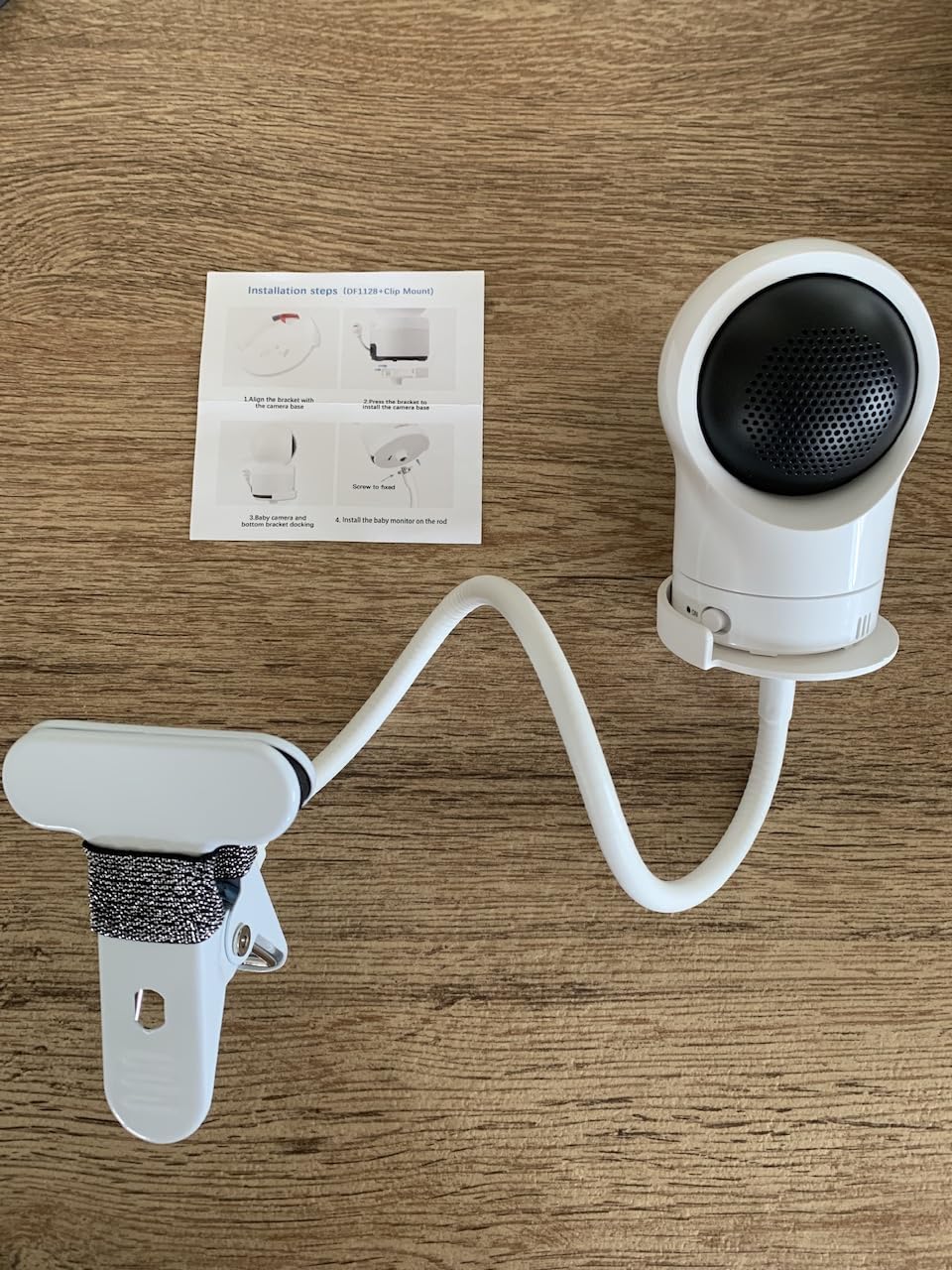
Route cords out of reach and secure them. Run the cable along the wall, not across a walkway or over a crib, and use a cord cover where it crosses a walking path. A loose power cable is the most common avoidable hazard in a nursery.
Test at night before you need it. Night vision changes the whole image. Set the angle in daylight, then check the same view after dark and adjust the tilt. Confirm you can see the chest, not just the shape of the blanket.
Re-aim as your baby grows. This is the whole point of a pan tilt zoom baby monitor. A newborn who fits in the center of the crib is a rolling toddler within a year, and the framing you set up tonight will not still fit then.
While you are arranging the room, our pick of the best rocking chairs for nurseries matters for the night shift, and the best wipe warmers for nurseries cover the first-year gear that gets used at 3am too.
Zoom Reality Check: Digital vs Optical at 2x, 4x and 10x
Every zoom figure in this roundup except one is digital, which means the monitor crops the image and enlarges it. At 2x on a 720p sensor the crop is barely noticeable. At 4x it starts to soften, and by 10x the picture is useful for confirming that a chest is rising but not for anything finer.
That is not a flaw so much as a spec-sheet illusion. Marketers list 10x because the number is impressive, but the practical ceiling for a cropped 720p image is closer to 4x. Treat any figure above 5x as a way to re-check position, not to identify detail.
The one genuine optical zoom here belongs to the ieGeek, at 4x on a 2K sensor. It is the reason that unit can hold detail on a sleeping newborn where the others cannot. If close inspection is the reason you are buying a monitor at all, that difference decides the purchase.
What Breaks Over Time and How to Fix It?
Owners of these monitors mostly report the same five failures, and four of them have a fix.
The signal drops out. On non-WiFi FHSS units this is usually antenna position or a camera that has drifted out of its mount. Reposition the camera rather than the monitor, and keep both on the same floor where possible. Buyers who connected a WiFi model to a 5GHz-only band and then lost the feed see the same symptom.
The parent unit will not turn on. In practice this is a dead or swollen battery rather than a failed monitor, particularly after a couple of years of nightly charging. The Infant Optics DXR-8 Pro is the exception here because its parent unit battery is user-replaceable.
The pan motor stops responding. This is the failure buyers fear most because it disables the reason they bought the monitor. It usually follows two to three years of daily operation. There is no user-repairable fix, which is the single strongest argument for buying a unit with a solid warranty and choosing a brand that has a track record of replacements.
The charging port or cable fails. Proprietary cables are the culprit. Units that use USB-C survive the household cable drawer far better, and a failed port is a straightforward reason to move up a model rather than repair down one.
Temperature alerts stop being believable. Reviews repeatedly describe alerts firing for small swings near a window or a radiator until parents start ignoring them. If your unit has a temperature display with alerts, use the display for reference and turn the alert off. The same applies to over-sensitive motion and cry detection: set the sensitivity deliberately during the first week, when you are actually awake to test it.
Frequently Asked Questions
What is the best nursery camera?
The best nursery camera for most households is a closed-loop non-WiFi unit with a motorized pan, tilt, and zoom head, a parent unit that runs all night on battery, and infrared night vision. Among the ten monitors we compared, the Infant Optics DXR-8 leads because of its interchangeable lenses, 1000ft FHSS range, and decades of owner feedback. If you need to view the nursery from outside the home, choose a hybrid unit with a phone app instead.
What is the longest range baby monitor that does not require WiFi?
Most dedicated non-WiFi baby monitors state 1000ft of range, including the Infant Optics DXR-8, HelloBaby HB6550-2, VTech VM923-2, and Babysense HD. One model in our roundup, the Simyke BME50P, claims 1500ft. Printed range figures are measured in open air, so the number that matters is how the signal behaves through your own walls and floors.
Which baby monitors have no monthly subscription?
All ten pan tilt zoom baby monitors in this roundup deliver the live feed with no mandatory monthly fee. Some add optional cloud storage rather than requiring it, and the Sense-U keeps local microSD recording subscription-free. The real ongoing costs are accessories such as extra lenses, replacement batteries, proprietary cables, and the separate movement badge required for sleep tracking on the Sense-U.
Where should I place the baby monitor camera in the nursery?
Mount the camera on a wall near the ceiling, aimed so you can see the whole crib from the doorway. Keep it 3 to 6 feet from the crib, never in or over the sleep space, and route the power cable along the wall with a cord cover wherever it crosses a walking path. Check the tilt range of the unit first, because models with shallow tilt arcs cannot see down into a crib from dresser height.
Can a baby monitor be hacked, and how do you prevent it?
Any monitor that connects to your home WiFi can in principle be reached by someone who has your account details, so the safest option is a non-WiFi FHSS unit that never touches your network. If you choose a WiFi or hybrid model, use a long unique password, turn on two-factor authentication, keep the camera firmware updated, and avoid connecting it to guest networks. The Sense-U also offers a physical private mode switch that cuts the camera entirely.
Why are baby monitors discouraged by some pediatricians?
Some pediatricians caution against placing a monitor in or immediately beside the crib, because a cord or mount close to the sleep space is a hazard, and because parents may treat a monitor as a substitute for direct supervision. No monitor is a medical device and no monitor prevents SIDS. Back sleep, a firm flat sleep surface, and no loose bedding remain the practices that matter for safe sleep.
Conclusion: The Best Pan Tilt Zoom Baby Monitor for Your Nursery
The Infant Optics DXR-8 remains our pick for the best pan tilt zoom baby monitors for nurseries in 2026, because motorized control, interchangeable lenses, a 1000ft closed-loop signal, and years of owner feedback rarely line up in one unit. For a nursery near a shared wall, step up to the DXR-8 Pro for its Active Noise Reduction and replaceable battery.
Twins should look at the HelloBaby HB6550-2 for two motorized cameras, and tight budgets should look at the VTech VM923-2. Close-up detail calls for the ieGeek, the only optical zoom here. Away-from-home viewing calls for the VTech RM7764-2HD or the VM901, and sleep-pattern data without a wearable calls for the Sense-U. Mount whatever you choose on a wall, keep it 3 to 6 feet from the crib, and route the cord out of reach before the first night.