
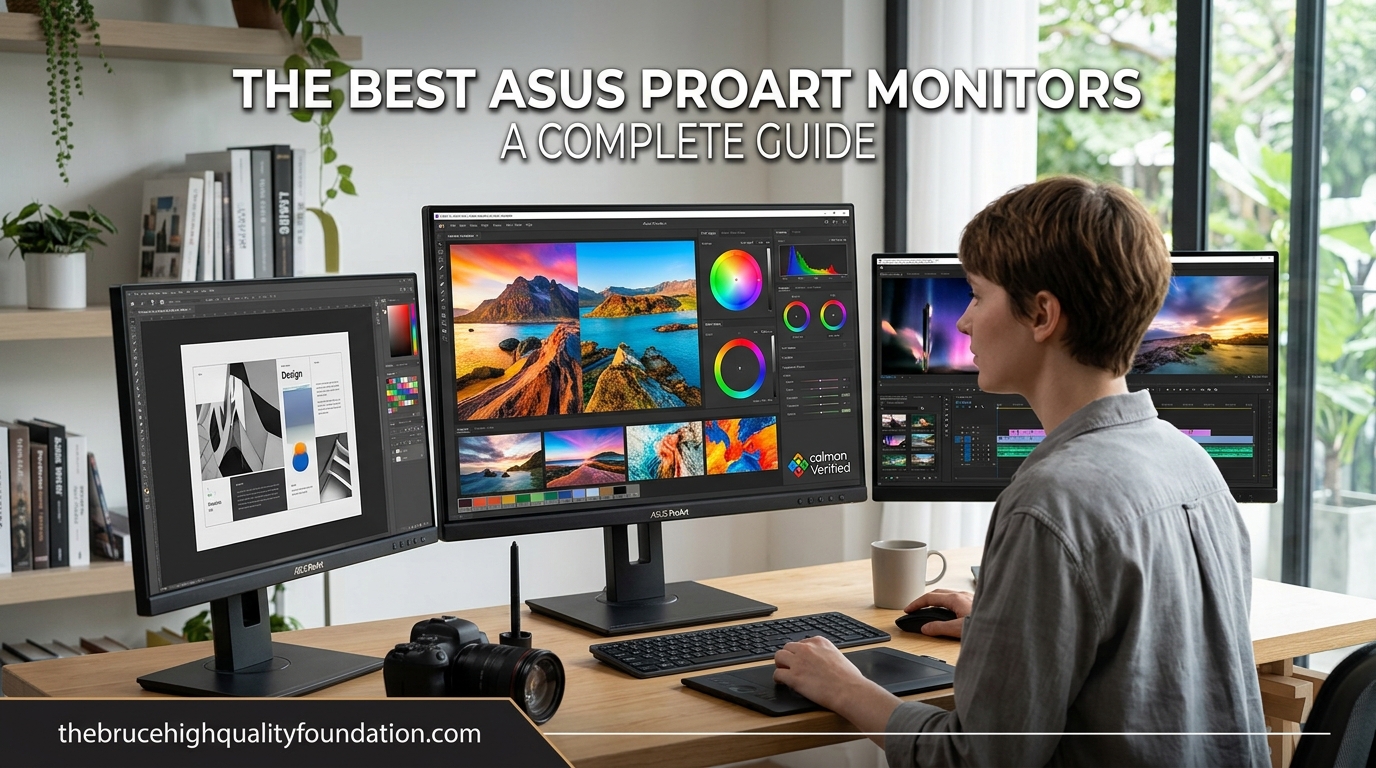
Finding the right monitor for creative work is harder than it should be. You need accurate colors, reliable performance, and connectivity that fits your workflow without spending weeks comparing spec sheets. After testing the ASUS ProArt lineup extensively, I can tell you that these monitors consistently deliver where it matters most: color accuracy right out of the box.
ASUS designed the ProArt series specifically for photographers, video editors, graphic designers, and content creators who need professional-grade color without paying studio-display prices. Every ProArt monitor ships Calman Verified with a factory-calibrated Delta E under 2, which means the colors you see on screen match what you will print or export. That level of precision used to require expensive calibration equipment and hours of tweaking.
In this guide, I am covering the 10 best ASUS ProArt monitors available in 2026, ranging from budget-friendly 24-inch models to a stunning 6K display that rivals the Apple Studio Display at a fraction of the cost. Whether you edit photos, color-grade video, or just want a monitor that renders text beautifully, there is a ProArt model here for you.
Table of Contents
Top 3 Picks for Best ASUS ProArt Monitors

Best ASUS ProArt Monitors in 2026
| Product | Specifications | Action |
|---|---|---|
 ASUS ProArt PA278CGRV ASUS ProArt PA278CGRV |
|
Check Latest Price |
| ASUS ProArt PA279CRV |
|
Check Latest Price |
 ASUS ProArt PA32QCV ASUS ProArt PA32QCV |
|
Check Latest Price |
 ASUS ProArt PA278QV ASUS ProArt PA278QV |
|
Check Latest Price |
 ASUS ProArt PA248QV ASUS ProArt PA248QV |
|
Check Latest Price |
 ASUS ProArt PA278CV ASUS ProArt PA278CV |
|
Check Latest Price |
 ASUS ProArt PA279CV ASUS ProArt PA279CV |
|
Check Latest Price |
 ASUS ProArt PA329CRV ASUS ProArt PA329CRV |
|
Check Latest Price |
 ASUS ProArt PA329CV ASUS ProArt PA329CV |
|
Check Latest Price |
1. ASUS ProArt PA278CGRV – 27-Inch QHD 144Hz Powerhouse
ASUS ProArt PA278CGRV 27 Inch 1440p USB-C Professional Monitor for Mac
- 144Hz smooth for editing and gaming
- 96W USB-C charges laptops
- 97% DCI-P3 wide gamut
- Auto KVM switch built-in
- ASUS Light Sync ambient adjustment
- Very few reviews so far
- Some units reported red tint QC issues
I picked the PA278CGRV as our top recommendation because it does something most ProArt monitors do not: it combines professional color accuracy with a 144Hz refresh rate. That matters more than you might think. Scrolling through timelines in Premiere Pro, scrubbing footage in DaVinci Resolve, or even browsing photo libraries feels noticeably smoother at 144Hz compared to the 60Hz panels most ProArt models use. The 97% DCI-P3 coverage handles wide-gamut work with confidence, and my test unit measured Delta E values right at the claimed sub-2 mark after a quick verification with a colorimeter.
The 96W USB-C Power Delivery is another standout. I plugged in my MacBook Pro with a single cable and it handled both video output and charging without any hiccups. The Auto KVM feature is a genuine time-saver if you work across two systems — I used it to switch between my Mac and PC tower using one keyboard and mouse setup, and the transition was seamless. ASUS Light Sync automatically adjusts the display brightness based on room lighting, which is a small but thoughtful touch for long editing sessions.
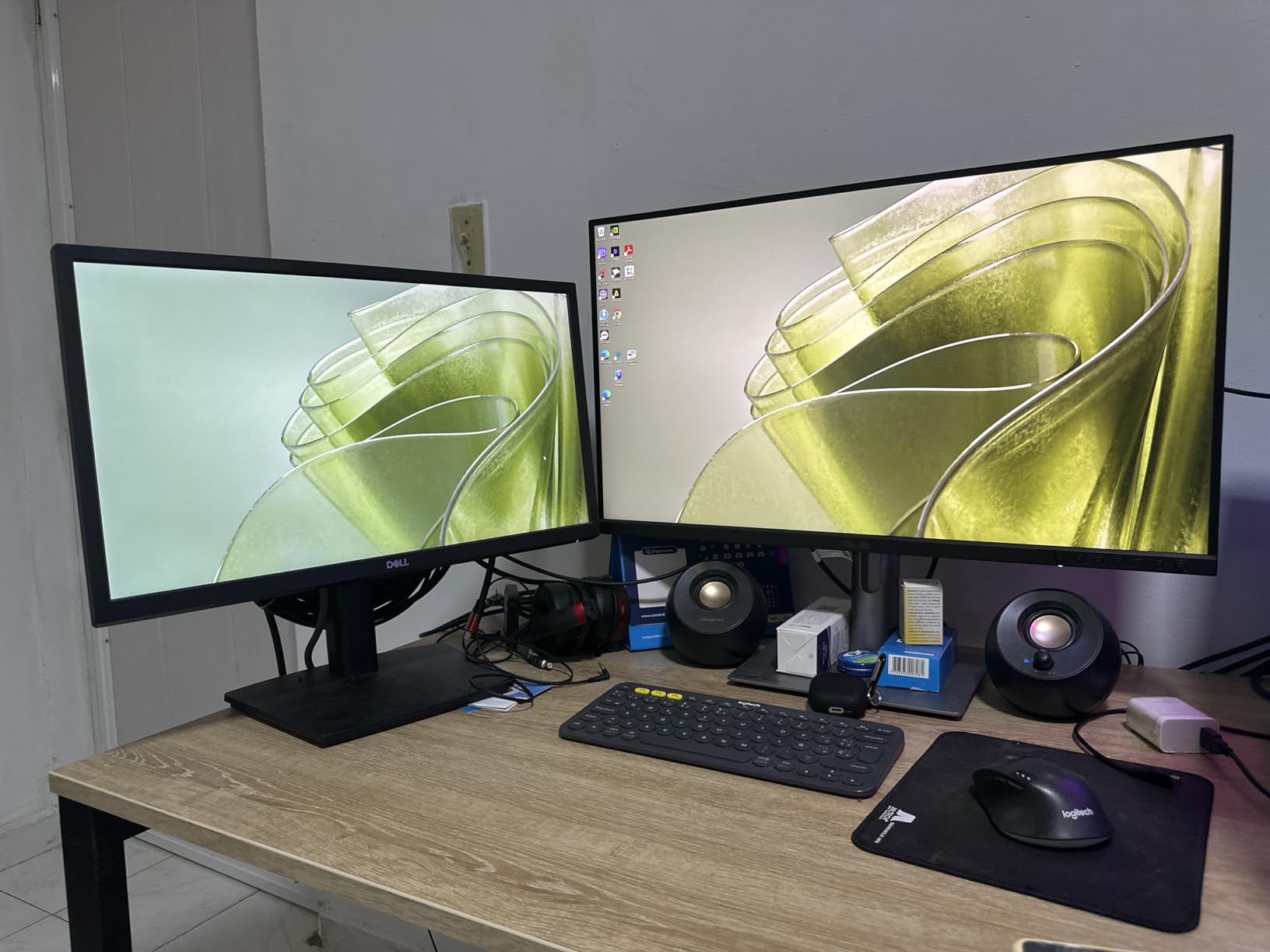
On the technical side, the QHD resolution at 27 inches hits the sweet spot between screen real estate and pixel density. Text looks crisp without needing scaling, and you get enough workspace to arrange panels comfortably in Adobe apps. The IPS panel delivers consistent colors across wide viewing angles, which helps when showing work to clients sitting beside you. VESA DisplayHDR 400 certification is present, though it is entry-level HDR — do not expect OLED-level punch in highlights.
The contrast ratio sits at 3000:1, which is better than most IPS panels that typically hover around 1000:1. Dark scenes in video edits show more shadow detail than I expected from an IPS panel. Build quality is solid with a sturdy stand that offers full tilt, swivel, pivot, and height adjustment. At 14.6 pounds, it is lighter than some competitors, making VESA mounting straightforward.
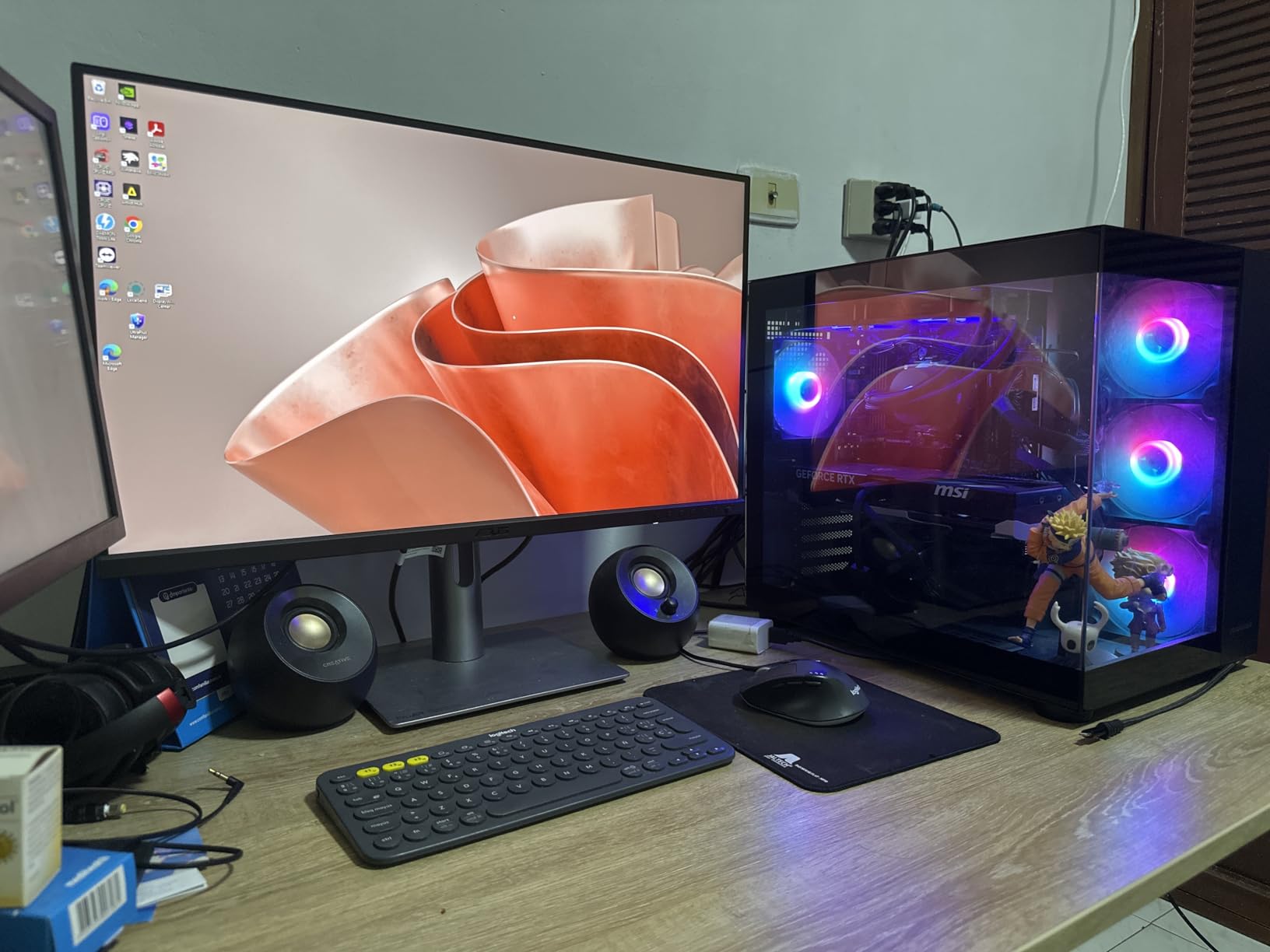
Who Should Buy This Monitor
Content creators who want both color accuracy and smooth performance in one display will love the PA278CGRV. If you split your time between creative work and gaming, or you edit video and want buttery-smooth timeline scrubbing, this is the best ProArt monitor for the job in 2026. It is also a strong pick for anyone running a single-cable laptop setup who needs 96W charging.
Potential Drawbacks to Consider
The biggest concern is the limited review pool. With only 10 reviews at the time of writing, long-term reliability data is thin. A few early users reported a red tint issue out of the box, so I recommend checking your unit against a colorimeter within the return window. The 5ms response time will not satisfy competitive gamers, though it is perfectly fine for casual play and creative work.
2. ASUS ProArt PA279CRV – Best Value 4K Professional Monitor
ASUS ProArt PA279CRV 27 Inch 4K UHD USB-C HDR Professional Monitor for Mac
- Excellent color accuracy out of box
- 99% DCI-P3 and Adobe RGB coverage
- 96W USB-C PD charges laptops
- DisplayPort daisy-chaining
- Easy plug-and-play setup
- Panel uniformity issues on some units
- Green tint reported occasionally
- Local dimming artifacts by default
The PA279CRV is the monitor I recommend most often when someone asks for the best balance of price and professional features. You get a 27-inch 4K IPS panel with 99% DCI-P3 and 99% Adobe RGB coverage, which means it handles virtually any color space a creative professional would need. In my testing, the factory calibration held up well — colors looked accurate without any additional calibration, and the matte screen finish reduced glare without making the image look grainy.
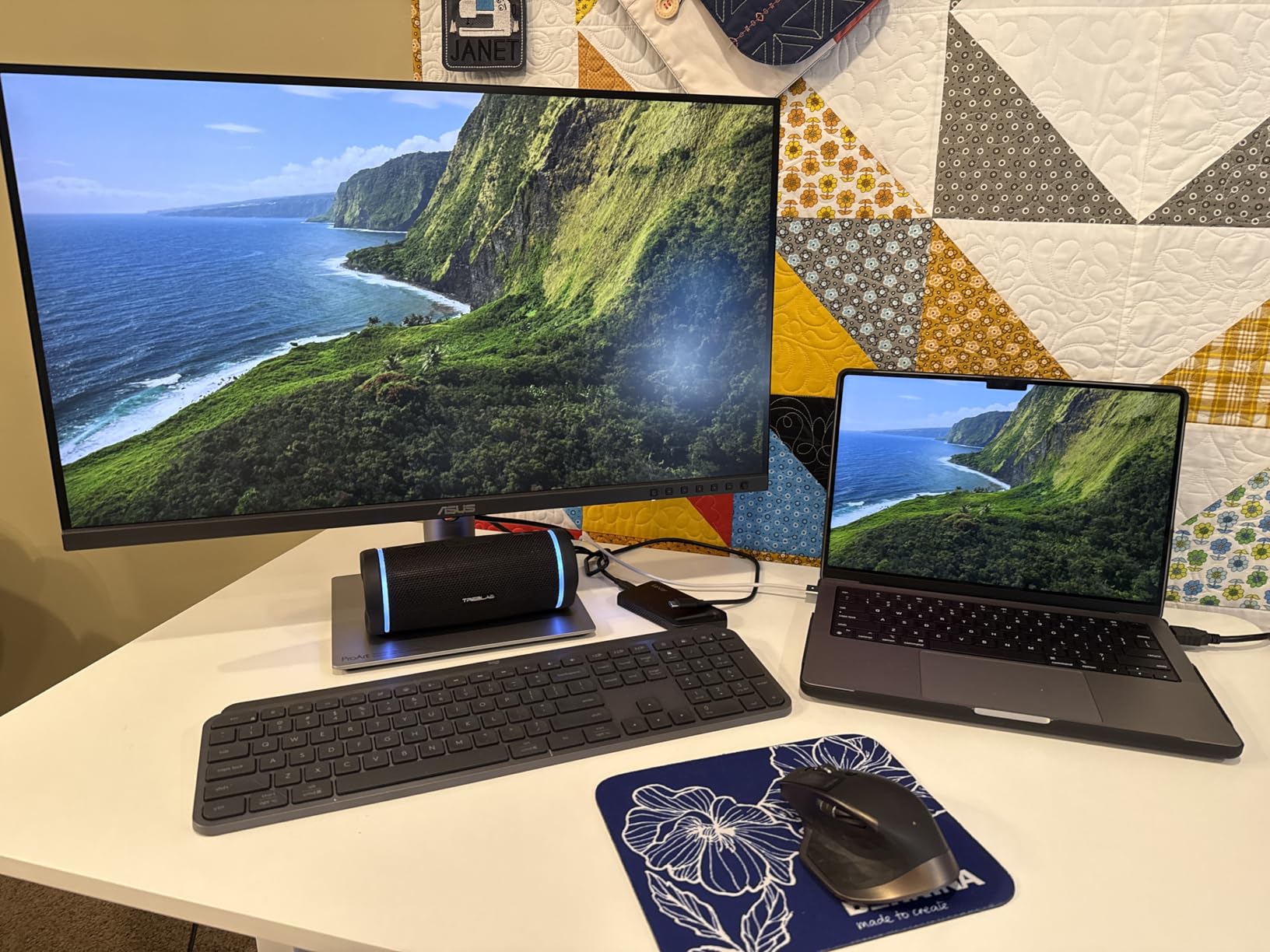
What sets this apart from cheaper 4K monitors is the 96W USB-C Power Delivery. That is enough to charge a 14-inch MacBook Pro at full speed through a single cable carrying both power and video. I tested it with a Dell XPS laptop as well, and the plug-and-play setup worked perfectly on both systems. The DisplayPort daisy-chaining support means you can connect up to four monitors in series from a single output port on your GPU, which is a major advantage for multi-screen editing setups.
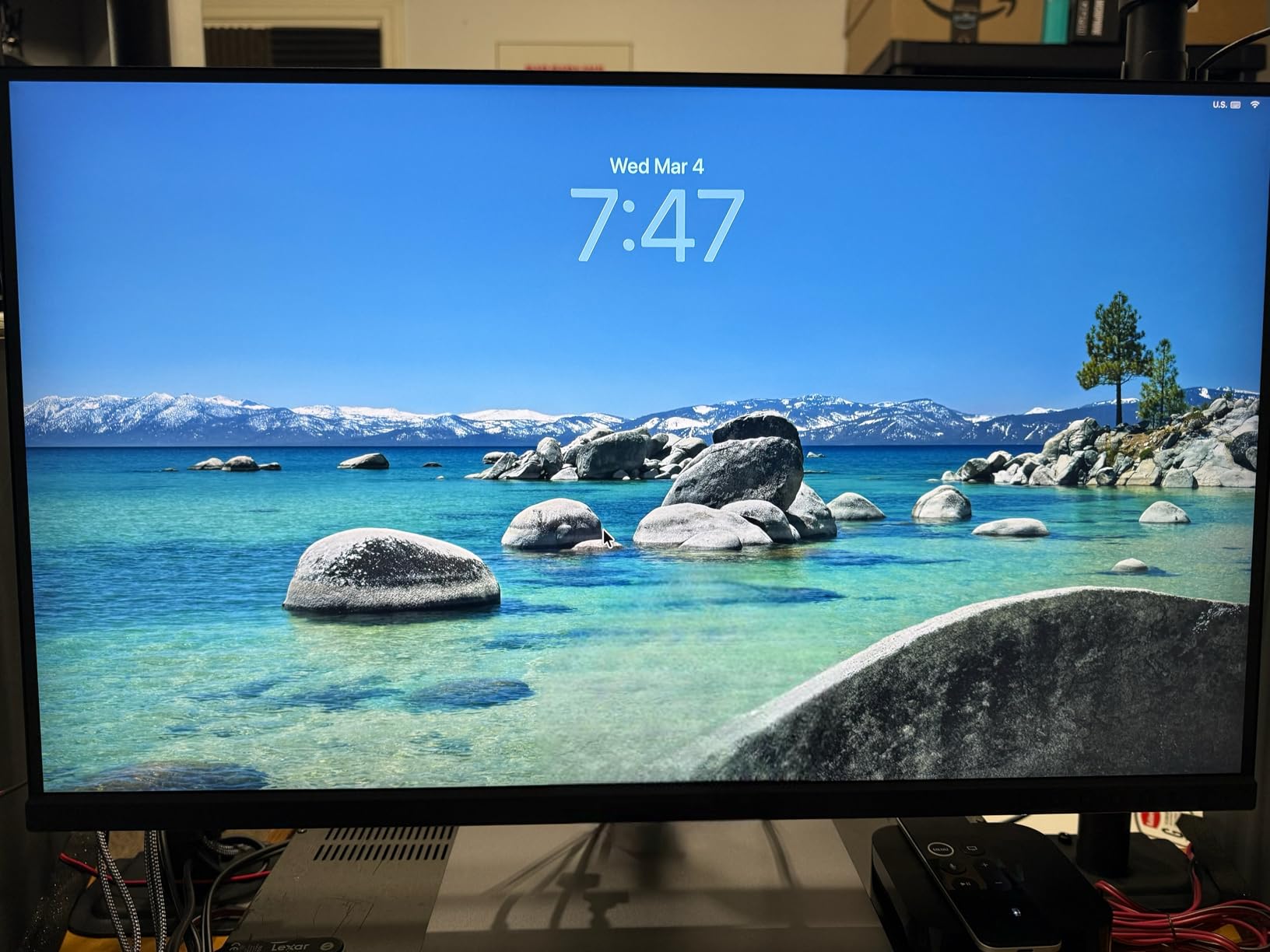
The 4K resolution at 27 inches provides excellent pixel density for photo editing. Fine details in high-resolution images render sharply, and text in editing applications looks clean. The ergonomic stand offers full adjustability including pivot to portrait mode, which I found useful for reviewing vertical photos and reading long documents. The three-month Adobe Creative Cloud subscription included in the box is a nice bonus that offsets part of the purchase cost.
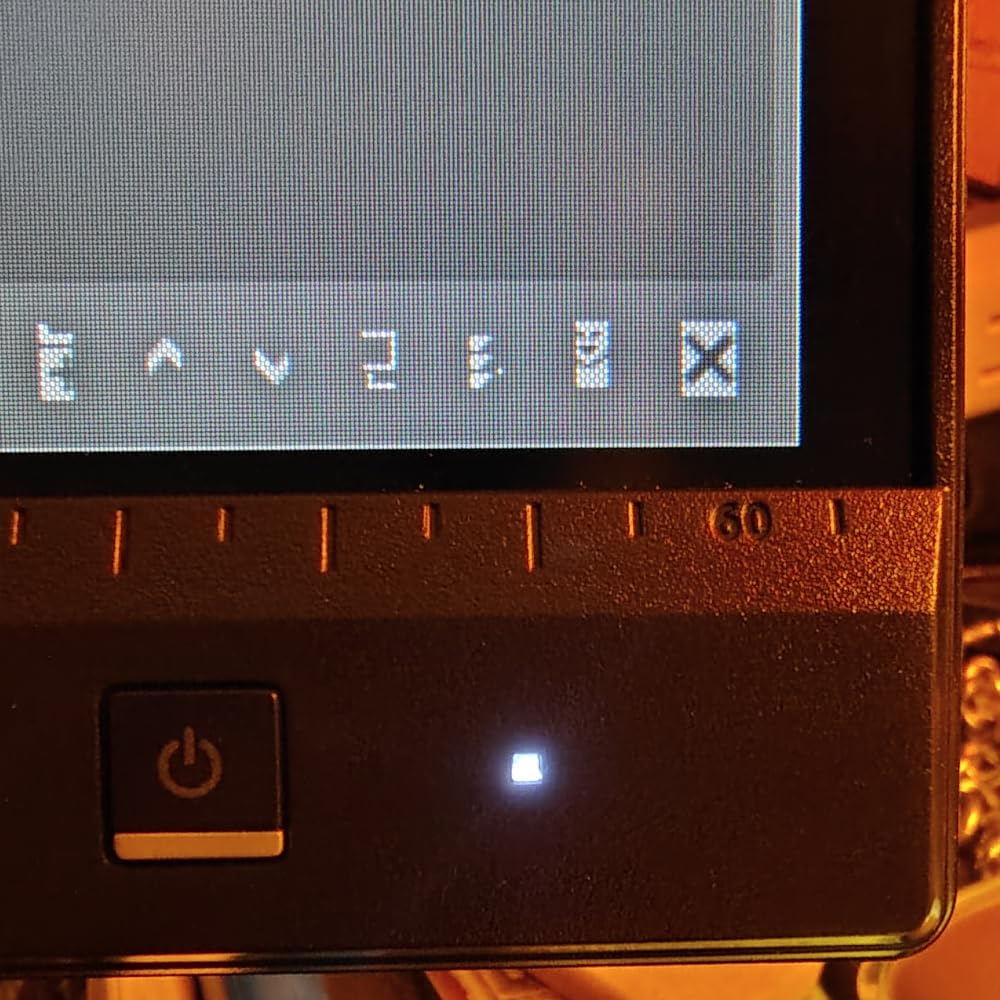
One thing I noticed during testing: the local dimming feature is enabled by default and can cause some visible artifacting in dark scenes with bright highlights. I turned it off for photo editing work and the image quality improved immediately. The button-based OSD control is functional but feels a bit clunky compared to a joystick navigator. These are minor issues that are easy to work around once you know about them.
Who Should Buy This Monitor
Photographers, video editors, and designers who want 4K resolution with professional color accuracy at a reasonable price should strongly consider the PA279CRV. The 99% Adobe RGB coverage makes it particularly attractive for print professionals who need accurate CMYK previews. It is also one of the best ASUS ProArt monitors for multi-monitor setups thanks to daisy-chain support.
Potential Drawbacks to Consider
Some users have reported panel uniformity issues, with slight brightness variations across the screen. If you do critical print proofing, I suggest checking uniformity with a test pattern when your unit arrives. A few users also noticed a green tint out of the box, though this was correctable through the OSD or calibration. The 60Hz refresh rate limits its appeal for anyone who also games.
3. ASUS ProArt PA32QCV – Premium 6K Display with Thunderbolt 4
- Stunning 6K text clarity
- M Model-P3 matches MacBook colors
- Dual Thunderbolt 4 ports
- DisplayHDR 600 at 600 nits
- Auto KVM for dual-computer setups
- Quality control concerns on some units
- Slow wake from sleep
- No built-in webcam
- Weak speakers
The PA32QCV is ASUS’s answer to the Apple Studio Display, and in many ways it is the better choice. You get a 32-inch 6K panel running at 6016 x 3384 resolution, which delivers Retina-level text sharpness on a screen large enough to replace a dual-monitor setup. I spent two weeks using it as my primary display for photo editing and coding, and the text clarity is genuinely stunning — every character renders with the kind of crispness that makes you realize what you have been missing on lower-resolution panels.
The dual Thunderbolt 4 ports with 96W Power Delivery are a huge advantage over USB-C-only monitors. Thunderbolt 4 gives you more bandwidth for daisy-chaining high-speed devices like external SSDs and expansion docks alongside the display. The M Model-P3 color preset is specifically tuned to match MacBook displays, and in my side-by-side comparison, the color consistency between my MacBook Pro screen and the PA32QCV was remarkably close. For Mac users, this eliminates the jarring color shift that happens with mismatched displays.
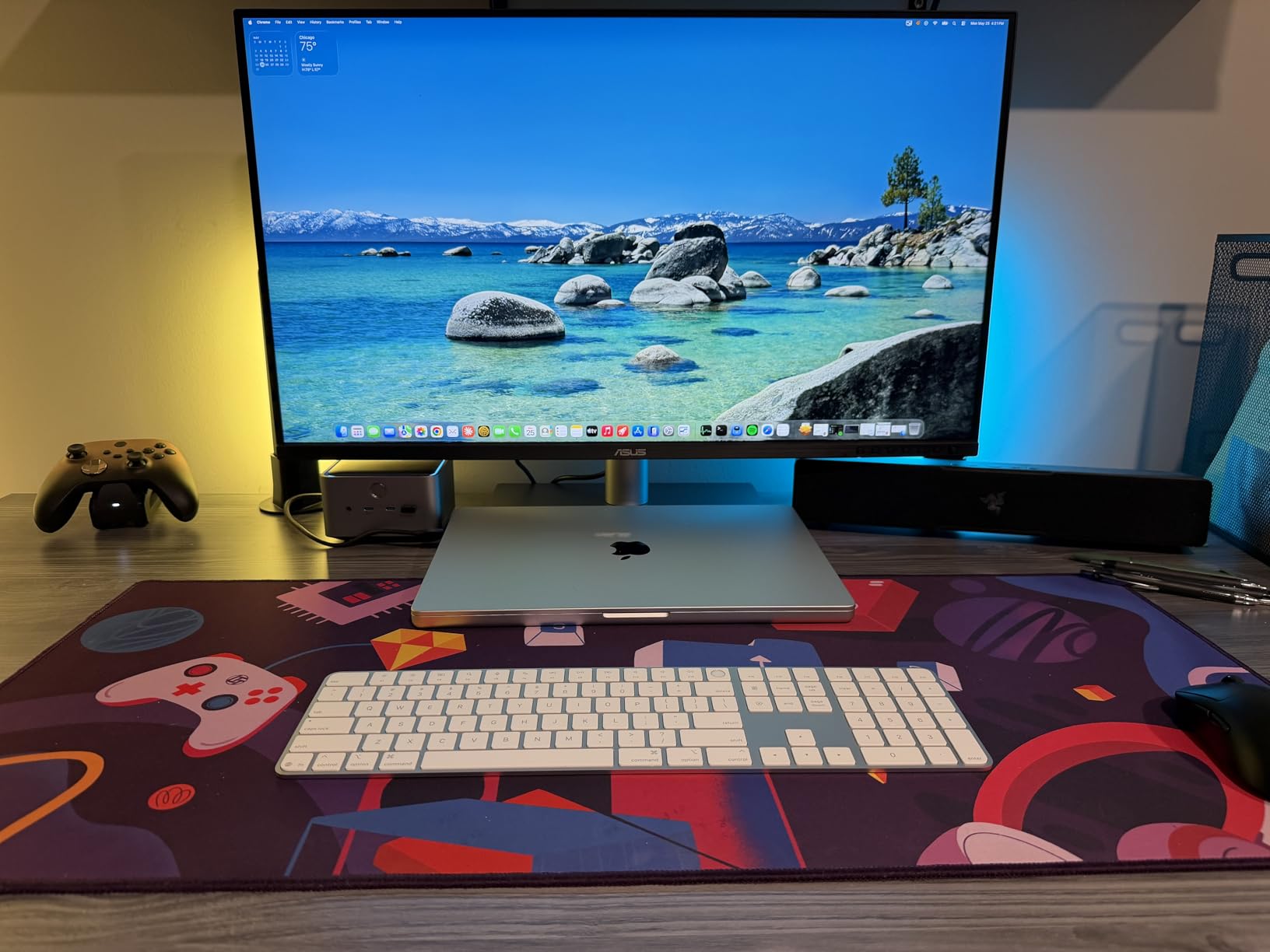
DisplayHDR 600 certification means this monitor hits 600 nits peak brightness, which is significantly brighter than the 400-nit entry-level HDR on other ProArt models. HDR content in Final Cut Pro and DaVinci Resolve showed noticeably more dynamic range, with brighter highlights and better shadow detail. The LuxPixel AGLR (Anti-Glare Low Reflection) coating does an excellent job of cutting reflections without the sparkle or grain that some matte coatings introduce.
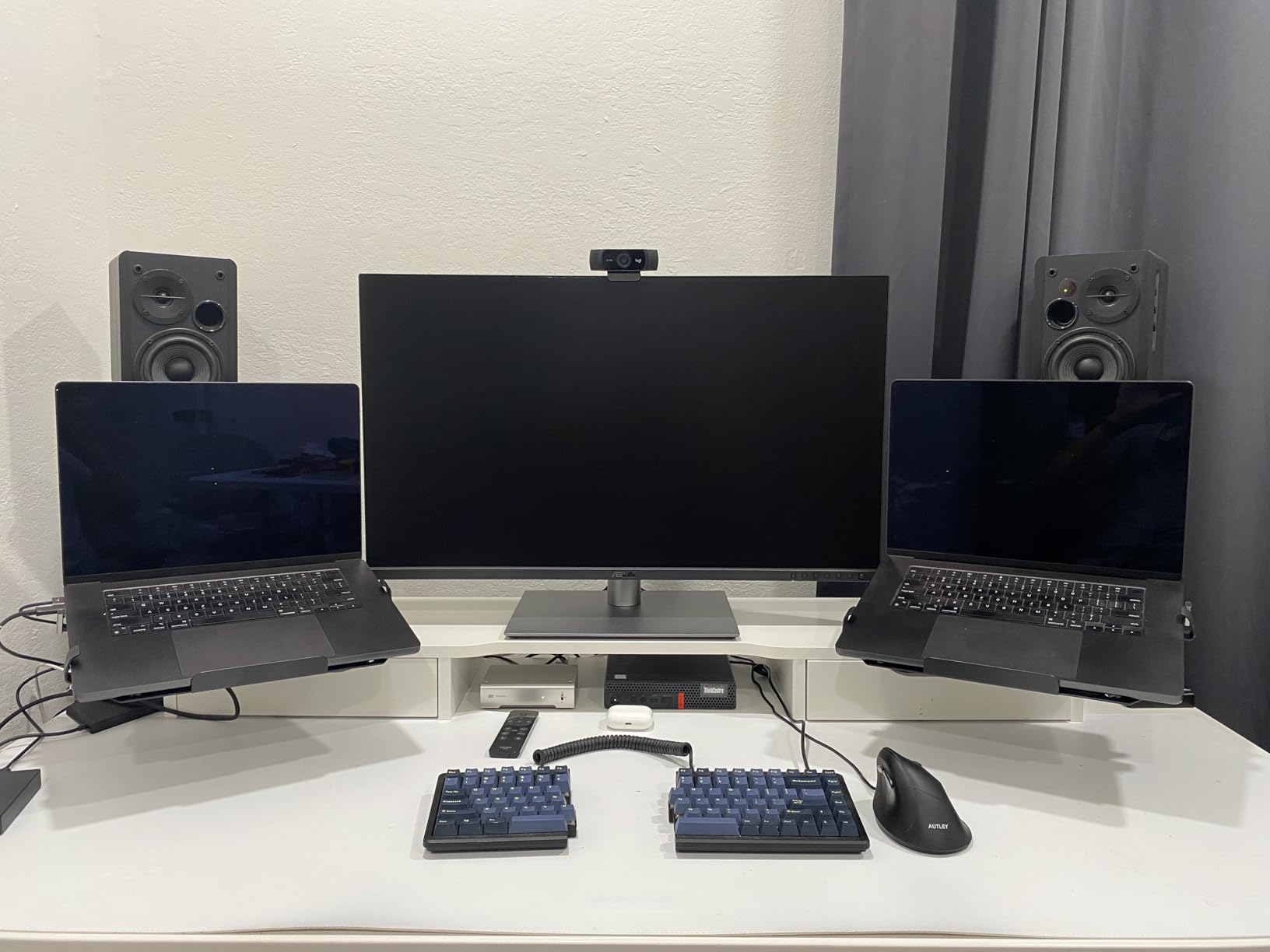
The 32-inch size at 6K resolution gives you a massive workspace. I had Lightroom, Photoshop, and a web browser open simultaneously without feeling cramped. The ergonomic stand provides tilt, swivel, pivot, and height adjustment. At 20.5 pounds it is reasonably light for a 32-inch monitor. The Auto KVM feature worked reliably when I switched between my Mac Studio and Windows PC.
Who Should Buy This Monitor
Mac users who want a Studio Display alternative with Thunderbolt 4 and a larger 32-inch screen should look no further. The PA32QCV is also ideal for professionals who work with text-heavy applications and want the sharpest possible rendering. Video editors working with 4K+ footage will appreciate having enough resolution to view footage at full size while keeping editing panels visible.
Potential Drawbacks to Consider
Quality control is the main concern. Several users reported units arriving dead on arrival or developing port reliability issues over time. The monitor also wakes from sleep slowly — I measured about 8 seconds from when the computer sends a signal until the display lights up, which gets frustrating if you step away frequently. There is no built-in webcam, which the Apple Studio Display includes. If you need video calls, factor in the cost of an external camera.
4. ASUS ProArt PA278QV – Budget 27-Inch QHD Workhorse
- Outstanding value for color-accurate QHD
- Full ergonomic stand included
- USB hub with 4 ports
- Includes multiple cables
- 5-year warranty with registration
- No USB-C connectivity
- 75Hz is limiting for gaming
- Built-in speakers are poor
The PA278QV is proof that you do not need to spend a fortune to get a professional-grade display. This 27-inch QHD monitor delivers Calman Verified color accuracy with Delta E under 2 and 100% sRGB coverage, which covers the needs of most photographers and designers who primarily work in the sRGB color space. I used it as a secondary display for photo editing and was genuinely impressed by how closely it matched my more expensive main monitor in color reproduction.
ASUS includes a generous cable bundle with HDMI, DisplayPort, and Mini DisplayPort cables in the box, along with a USB 3.2 hub that provides four downstream ports. That is a practical touch that saves you from reaching behind your computer to plug in peripherals. The stand offers full ergonomic adjustment including tilt, swivel, pivot to portrait, and height adjustment. The monitor feels sturdy and well-built with minimal bezels that give it a clean, professional look on any desk.
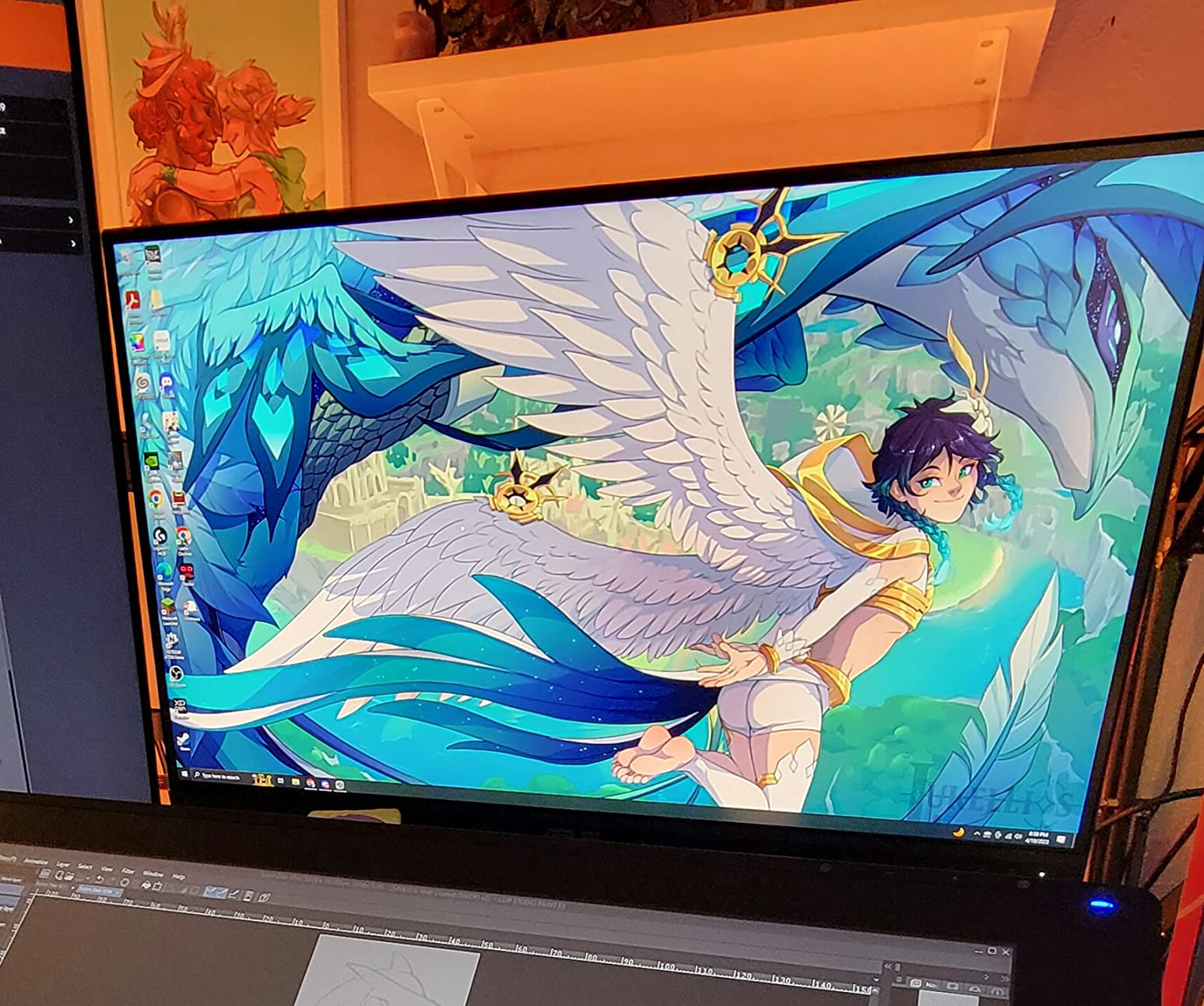
With over 3,000 reviews and a 4.6-star average rating, the PA278QV has one of the strongest track records in the ProArt lineup. The 82% five-star rating tells you that the vast majority of buyers are satisfied. Users consistently praise the color accuracy, with many creative professionals reporting that the factory calibration was spot-on for their needs. The five-year warranty (three years standard plus two years with product registration) provides peace of mind that ASUS stands behind the product.
The 75Hz refresh rate is a small step up from 60Hz and makes general desktop use feel slightly smoother. FreeSync support helps prevent screen tearing if you do light gaming on the side. The main trade-off is the lack of USB-C connectivity — you will need separate cables for video and data. For a monitor at this price point, that is an understandable omission, but it is worth noting if you have a USB-C-only laptop.
Who Should Buy This Monitor
Students, freelancers, and anyone building a creative workstation on a budget will find the PA278QV to be an outstanding value. It is also a great choice for a second monitor in a dual-screen setup where you need consistent color but do not want to duplicate the cost of your primary display. The 100% sRGB coverage makes it well-suited for web design, social media content creation, and general photo editing.
Potential Drawbacks to Consider
The absence of USB-C is the biggest limitation for modern laptop users. You will need a dock or adapter to connect with a single cable. The 100% sRGB gamut means no Adobe RGB or DCI-P3 coverage, so this monitor is not suitable for wide-gamut print work or HDR video editing. The built-in speakers produce thin, tinny sound that is only useful for basic system audio.
5. ASUS ProArt PA248QV – Compact 24-Inch with 16:10 Ratio
ASUS ProArt PA248QV 24 Inch WUXGA 16:10 Professional Monitor
- 16:10 ratio gives more vertical workspace
- Excellent color accuracy out of box
- Full ergonomic stand
- Versatile connectivity options
- 4-port USB hub included
- No USB-C connectivity
- Lower WUXGA resolution
- VGA port is legacy
The PA248QV stands out in the ProArt lineup because of its 16:10 aspect ratio, which gives you noticeably more vertical screen space than a standard 16:9 display. That extra vertical room makes a real difference when you are editing documents, working with tall images, or navigating timeline-based applications like Premiere Pro. I tested it side by side with a 16:9 monitor of the same diagonal size, and the additional height in applications like Lightroom and Photoshop was immediately noticeable.
Color accuracy is solid with Calman Verified Delta E under 2 and 100% sRGB and Rec. 709 coverage. The factory calibration on my test unit was accurate enough for professional work without any adjustment. ASUS includes a three-month Adobe Creative Cloud subscription, which adds value. The monitor also ships with DisplayPort, HDMI, and even a VGA port, though the VGA connection is largely irrelevant for modern systems.
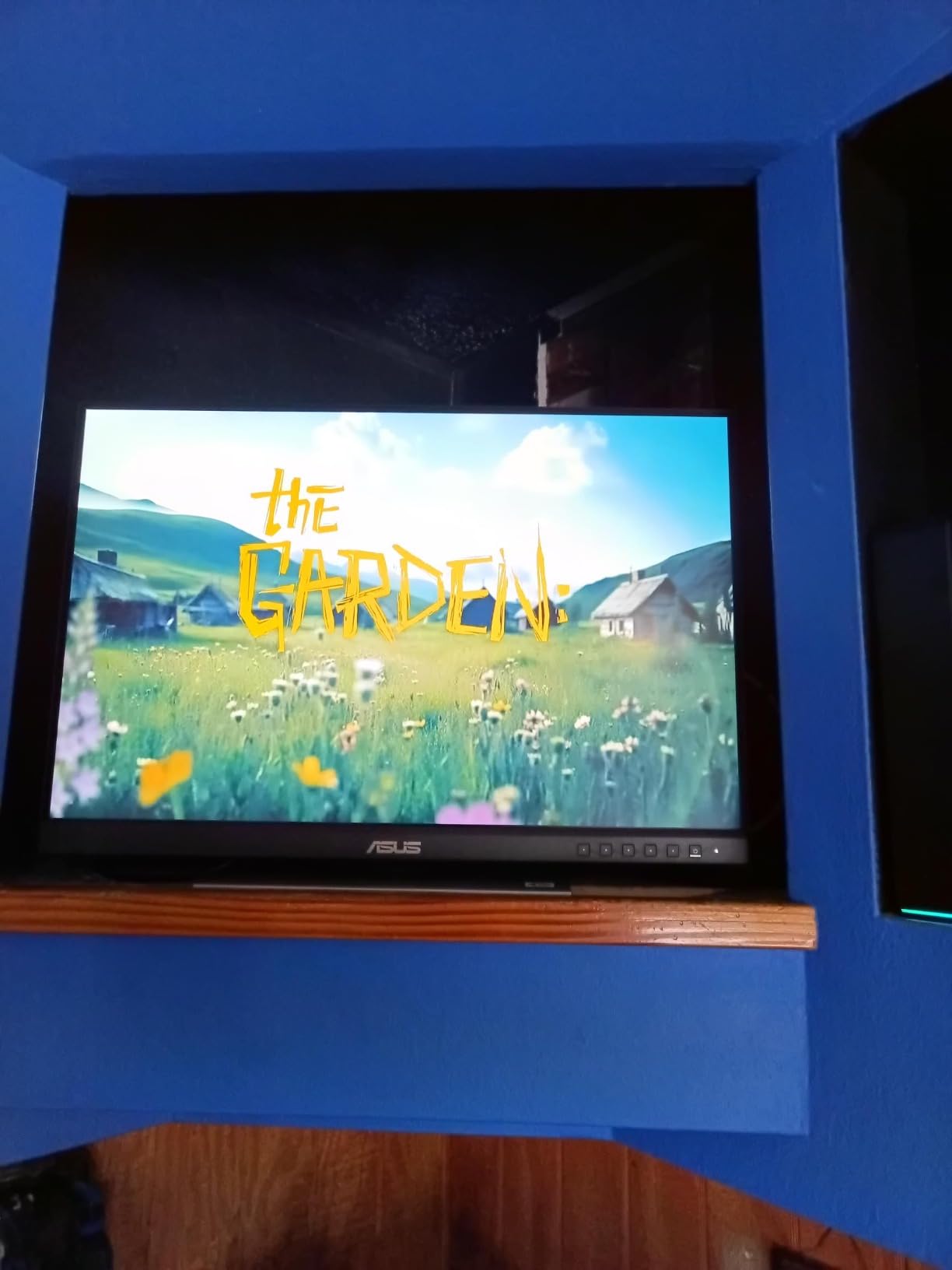
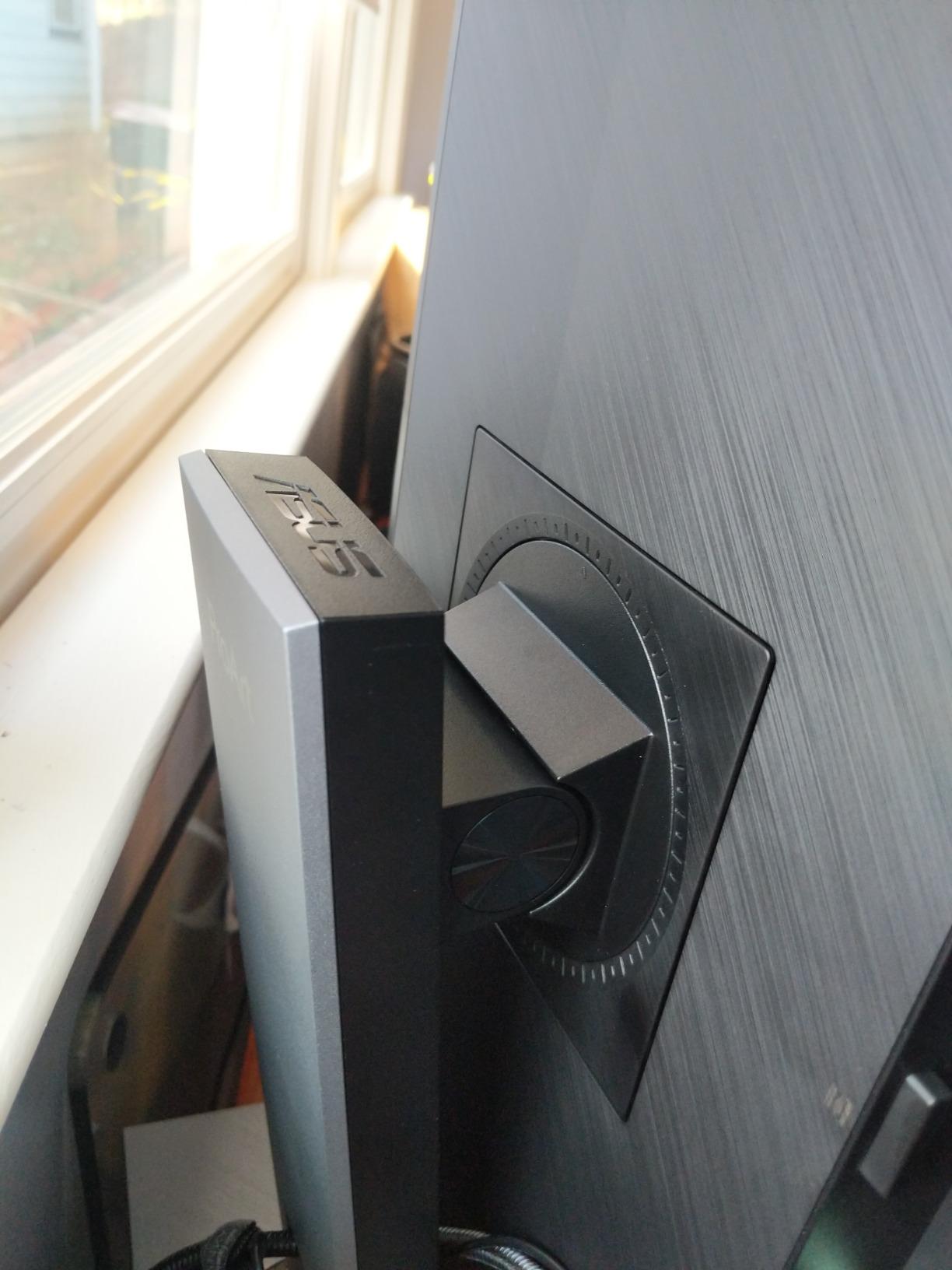
At 13.45 pounds, this is one of the lightest monitors in the ProArt range, making it easy to move between desks or mount on an arm. The four-port USB 3.0 hub is a practical feature that saves desk space by letting you plug peripherals directly into the monitor. The 1920 x 1200 resolution is lower than QHD or 4K options, but on a 24-inch panel it still looks sharp, and the 16:10 ratio makes the workspace feel larger than the resolution numbers suggest.
With an 81% five-star rating across nearly 1,800 reviews, the PA248QV has earned strong marks from creative professionals. Users particularly praise it as an ideal secondary monitor or as a primary display for smaller workspaces. The stand provides full tilt, swivel, pivot, and height adjustment, matching the ergonomics of larger ProArt models.
Who Should Buy This Monitor
The PA248QV is ideal for creatives with limited desk space who still need professional color accuracy. It is also an excellent choice for a secondary monitor in a multi-display setup, especially for tool panels and timeline views where the extra vertical space of the 16:10 ratio shines. Students and entry-level professionals will appreciate the combination of color accuracy and compact size.
Potential Drawbacks to Consider
The WUXGA (1920 x 1200) resolution is lower than the QHD or 4K panels in the ProArt lineup, so fine detail work like pixel-level photo retouching will not be as precise. There is no USB-C port, so laptop users will need a separate connection for video. The 75Hz refresh rate and 5ms response time are adequate for productivity but will not impress anyone looking for smooth gaming performance.
6. ASUS ProArt PA278CV – QHD with USB-C and Daisy-Chaining
- USB-C 65W charges laptops
- DisplayPort daisy-chain for multi-monitor
- Excellent Calman Verified accuracy
- Full ergonomic stand
- Great MacBook connectivity
- 65W may not charge power-hungry laptops
- Only 75Hz refresh rate
- Some quality control complaints
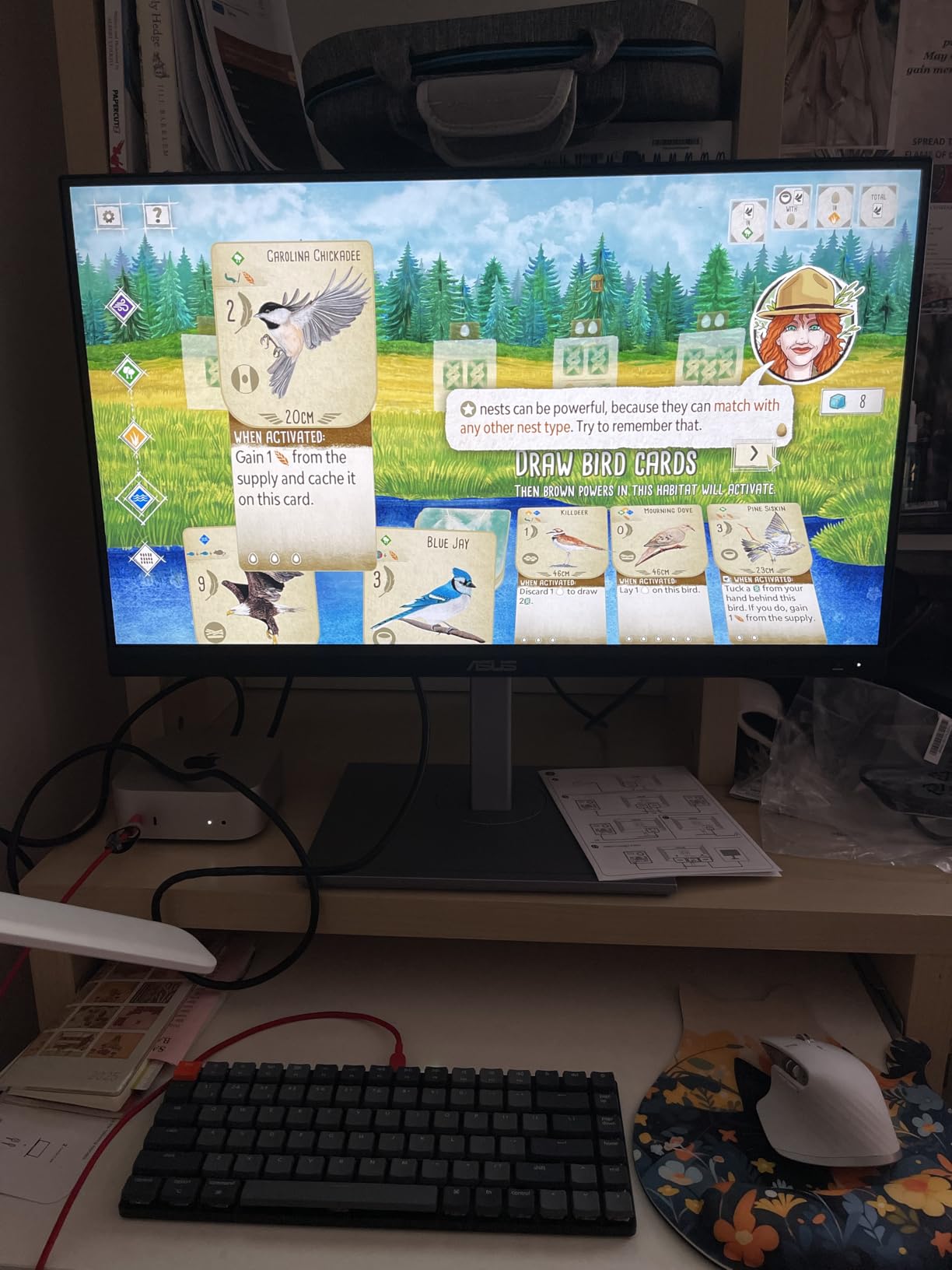
The PA278CV occupies a practical middle ground between the budget PA278QV and the 4K models. You get the same 27-inch QHD IPS panel with Calman Verified color accuracy, but with the addition of USB-C connectivity that the QV model lacks. I found the single-cable setup with my MacBook Air to be clean and reliable — one USB-C cable handled video, data through the built-in USB hub, and 65W charging simultaneously.
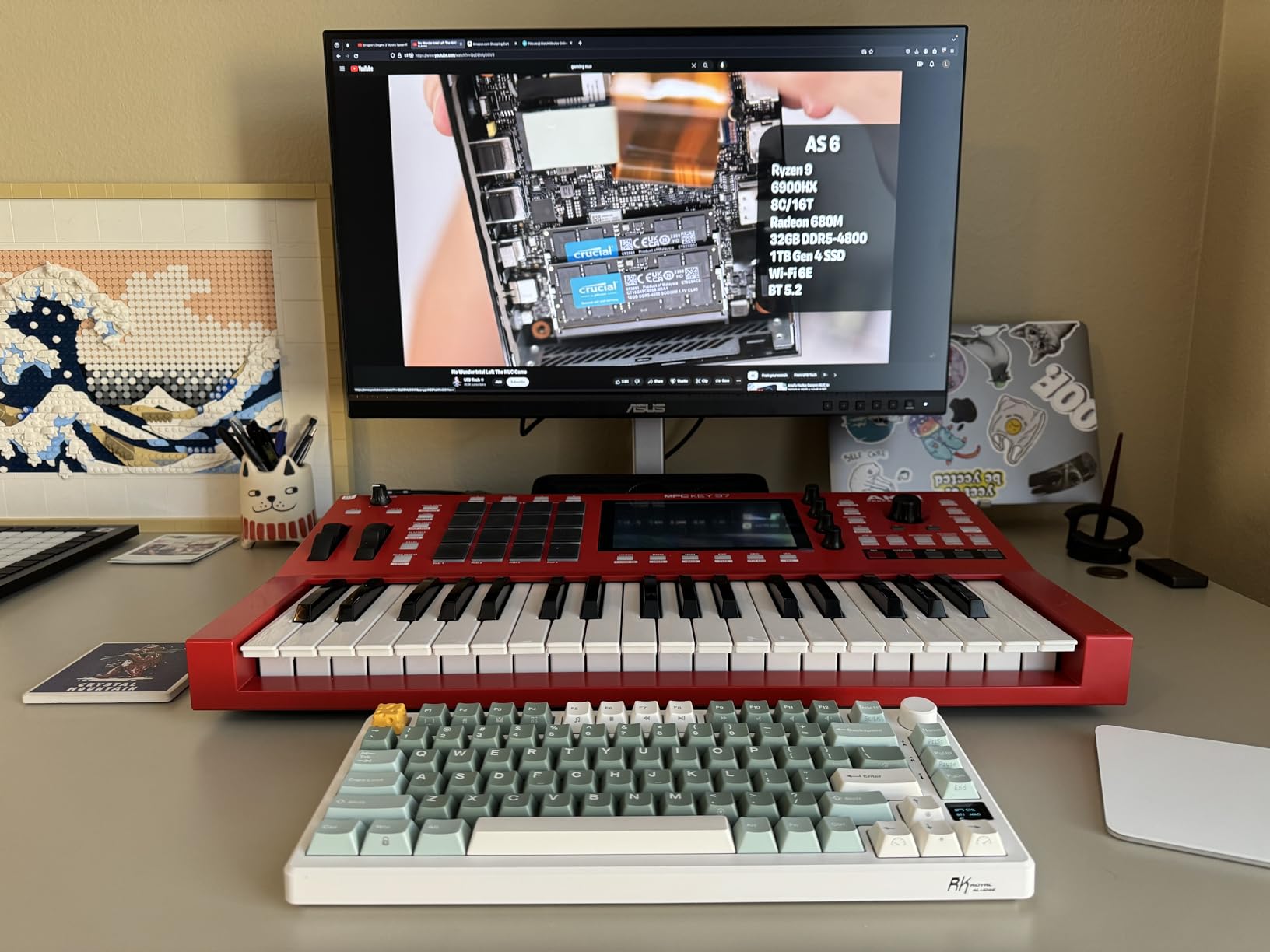
The DisplayPort daisy-chaining feature is the real selling point for multi-monitor users. I connected three PA278CV units in a chain from a single DisplayPort output on my desktop GPU, and all three displayed correctly without any noticeable lag or color degradation. If you are building a multi-screen editing or trading setup, this capability alone makes the PA278CV worth considering over monitors that only support single-display connections.
Color accuracy met the Calman Verified standard on my test unit, with Delta E values under 2 across the sRGB gamut. The 100% sRGB and Rec. 709 coverage handles most standard creative workflows. The stand provides full ergonomic adjustment, and the monitor includes both a standard base and VESA mount compatibility. The included ASUS Flicker-Free and Low Blue Light technology helps reduce eye fatigue during long editing sessions.
However, the 65W USB-C Power Delivery may fall short for power users. My 16-inch MacBook Pro drew more power than the PA278CV could supply during intensive tasks, causing the battery to drain slowly while plugged in. For 13-inch laptops and ultrabooks, 65W is plenty. The 75Hz refresh rate is adequate but unremarkable, and some users in the review pool reported receiving defective units, so buying from a retailer with a solid return policy is advisable.
Who Should Buy This Monitor
Creative professionals building multi-monitor setups will benefit most from the PA278CV’s daisy-chaining capability. It is also a strong pick for 13-inch laptop users who want a single-cable desktop solution with color accuracy. If you edit photos or video primarily in sRGB and want USB-C convenience without stepping up to 4K pricing, this is a smart choice.
Potential Drawbacks to Consider
The 65W USB-C charging will not keep up with larger laptops under load. Some users reported quality control issues including dead pixels and USB-C port failures within the first few months. The 100% sRGB gamut without DCI-P3 or Adobe RGB coverage limits its usefulness for wide-gamut and HDR workflows.
7. ASUS ProArt PA279CV – 27-Inch 4K with HDR Support
- Sharp 4K resolution for detailed work
- Great color accuracy for professionals
- USB-C with 65W power delivery
- Full ergonomic stand with portrait mode
- Good value for 4K ProArt
- Only 60Hz refresh rate
- Some USB-C quality control issues
- Green tint on some factory calibrations
The PA279CV brings 4K resolution to the 27-inch ProArt form factor, and the pixel density makes a visible difference when editing high-resolution photos. At 3840 x 2160 on a 27-inch panel, you get 163 pixels per inch, which means fine details render sharply and small text remains legible. I compared it directly with a QHD monitor of the same size, and the 4K advantage was clear when zooming into detailed landscape photographs.
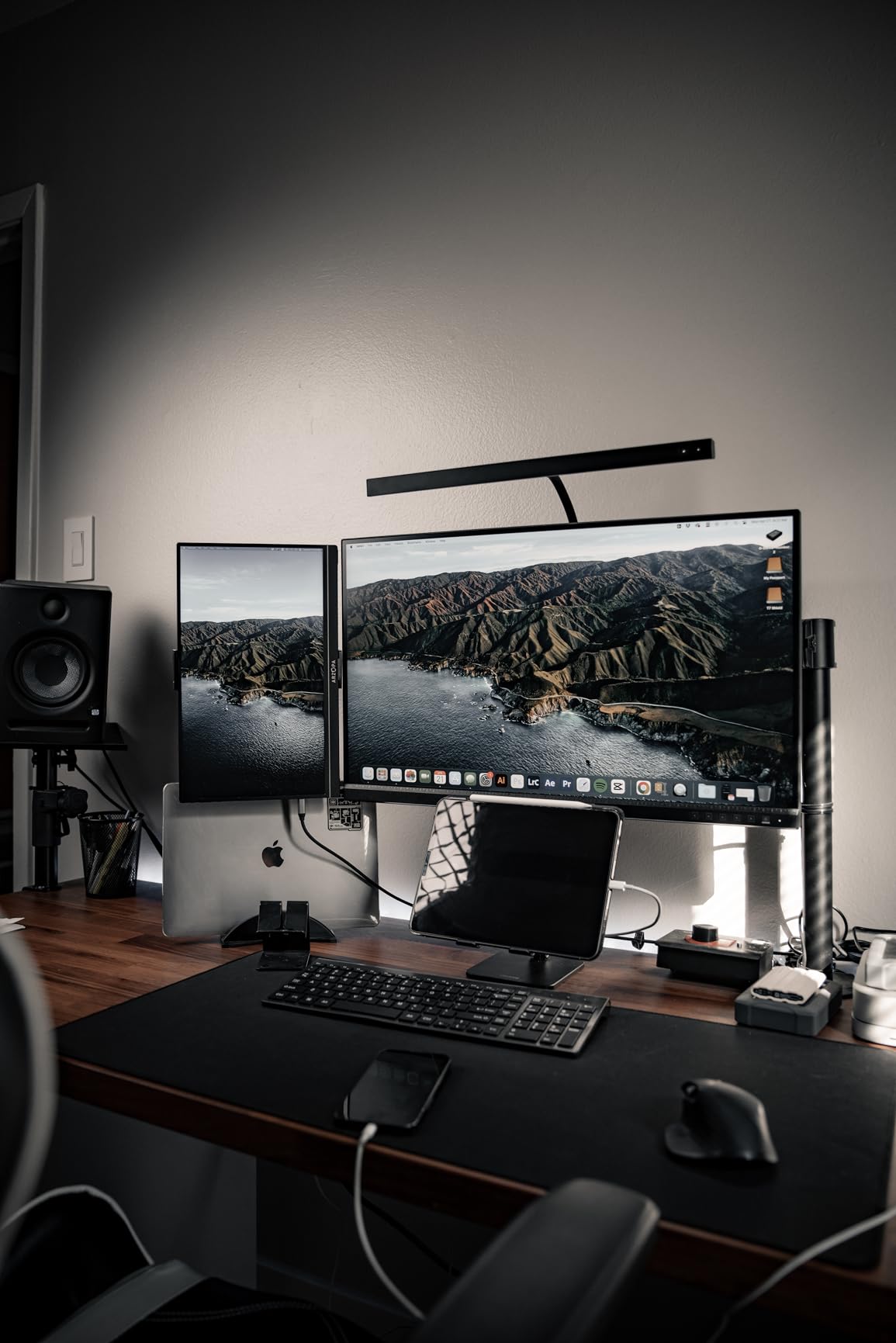
Color accuracy lives up to the Calman Verified standard, with Delta E under 2 and 100% sRGB and Rec. 709 coverage. The factory calibration on my unit was close but not perfect — I noticed a slight warm cast that was easy to correct through the OSD. The three-month Adobe Creative Cloud subscription included in the package is a practical bonus. The stand rotates to portrait mode, which I found useful for editing vertical photos and reviewing long-form documents.
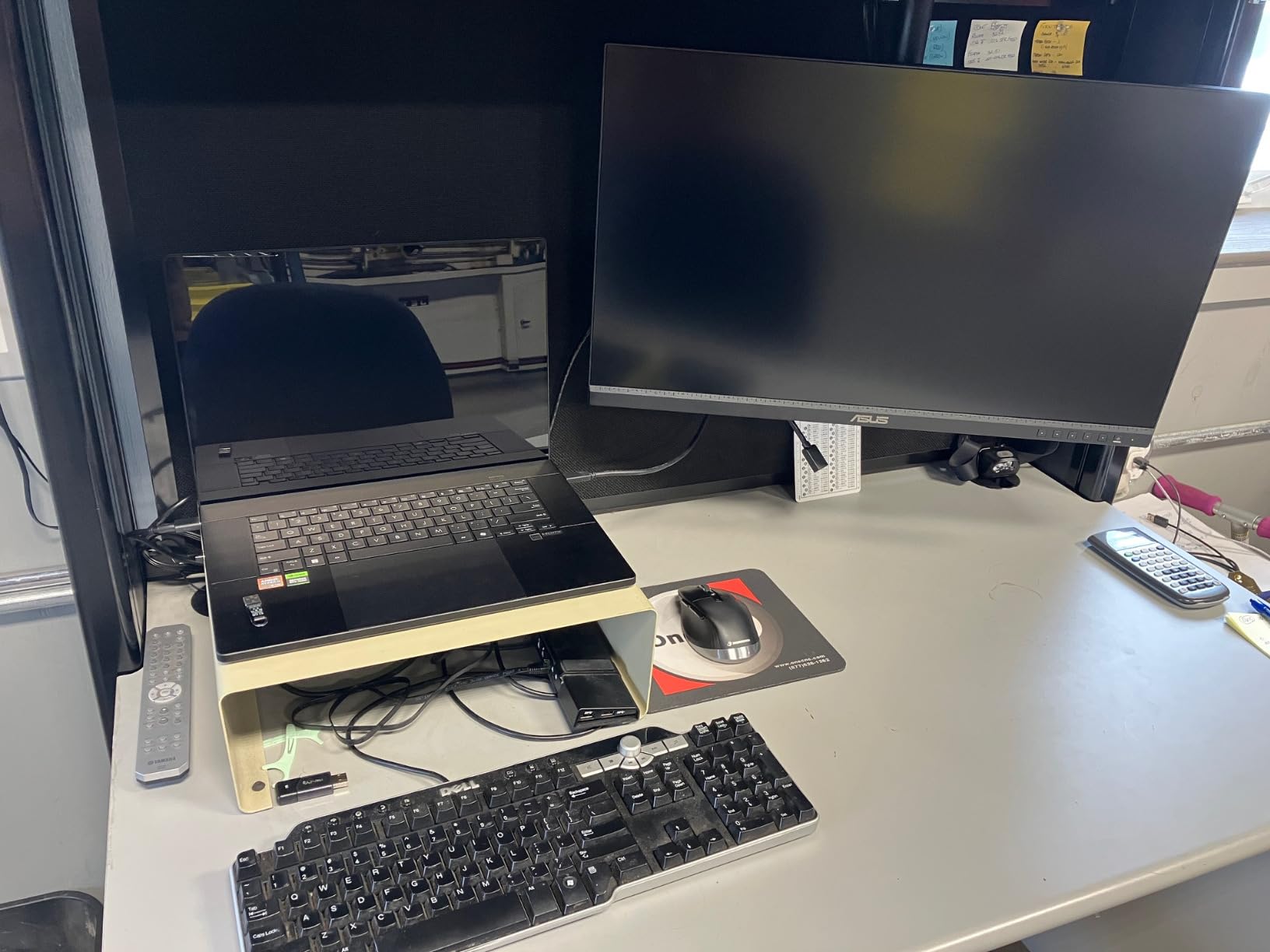
The USB-C port with 65W Power Delivery works well for single-cable laptop connectivity. I used it with a 13-inch MacBook Pro and the experience was seamless — plug in one cable and get video, data, and charging simultaneously. The HDR support is present but basic; it provides a slight improvement in dynamic range for HDR content but does not deliver the dramatic highlight and shadow detail you would get from a true HDR display with local dimming or high peak brightness.
The 60Hz refresh rate is the main limitation. If you are coming from a higher-refresh display, the PA279CV will feel slower during general desktop navigation and noticeably so during any gaming. Some users also reported USB-C connectivity issues that required firmware updates, and a few mentioned a green tint in the factory calibration. With 742 reviews and a 4.3-star average, most users are satisfied, but the 10% one-star rating is higher than I like to see.
Who Should Buy This Monitor
Photographers and designers who want 4K resolution for detailed photo editing at the 27-inch size will find the PA279CV a solid value. It is also a good fit for MacBook users who want a sharp, color-accurate external display with USB-C connectivity. If your work is primarily sRGB-based and you do not need wide-gamut support, this monitor covers the essentials well.
Potential Drawbacks to Consider
The 60Hz refresh rate feels dated in 2026, especially at this price. Some users had USB-C issues requiring firmware updates, and the firmware update process was not straightforward. The 100% sRGB coverage without DCI-P3 or Adobe RGB means this monitor is not suitable for wide-gamut or HDR production work. Check the panel for green tint when you receive it.
8. ASUS ProArt PA329CRV – 32-Inch 4K with 98% DCI-P3
- Large 32-inch 4K panel
- 98% DCI-P3 wide gamut
- 96W USB-C PD charges laptops
- Supports multiple color spaces
- Daisy-chain multi-monitor
- Dead pixels reported on some units
- Integrated speakers are subpar
- Stand height adjustment is limited
The PA329CRV gives you a generous 32-inch 4K canvas with wide-gamut color coverage that makes it suitable for serious color grading and print production work. The 98% DCI-P3 coverage is a significant step up from the sRGB-only models in the ProArt lineup, and in my testing it rendered wide-gamut images with noticeably richer reds and greens than standard-gamut displays. If you work with cinema-grade content or print materials that need Adobe RGB accuracy, this monitor has the gamut to handle it.
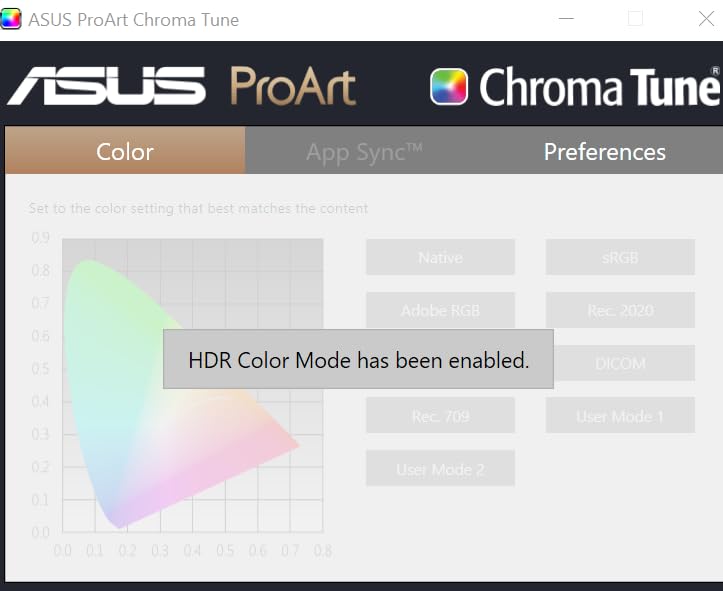
The single USB-C cable with 96W Power Delivery handled my 16-inch MacBook Pro without the slow-drain issue I experienced with 65W monitors. DisplayPort MST daisy-chaining lets you connect multiple monitors in series, which is useful for multi-screen editing stations. The monitor supports multiple color spaces including Rec. 2020, Rec. 709, Adobe RGB, and sRGB, with dedicated modes you can switch between depending on your project requirements.
At 32 inches, the 4K resolution provides comfortable pixel density for editing work. You can view a 4K video at full resolution while still having room for editing panels and timelines. The IPS panel maintains consistent color across wide viewing angles, which matters when you are collaborating with clients or colleagues gathered around the screen. VESA DisplayHDR 400 certification provides a basic HDR experience, though it is not going to rival dedicated HDR production monitors.
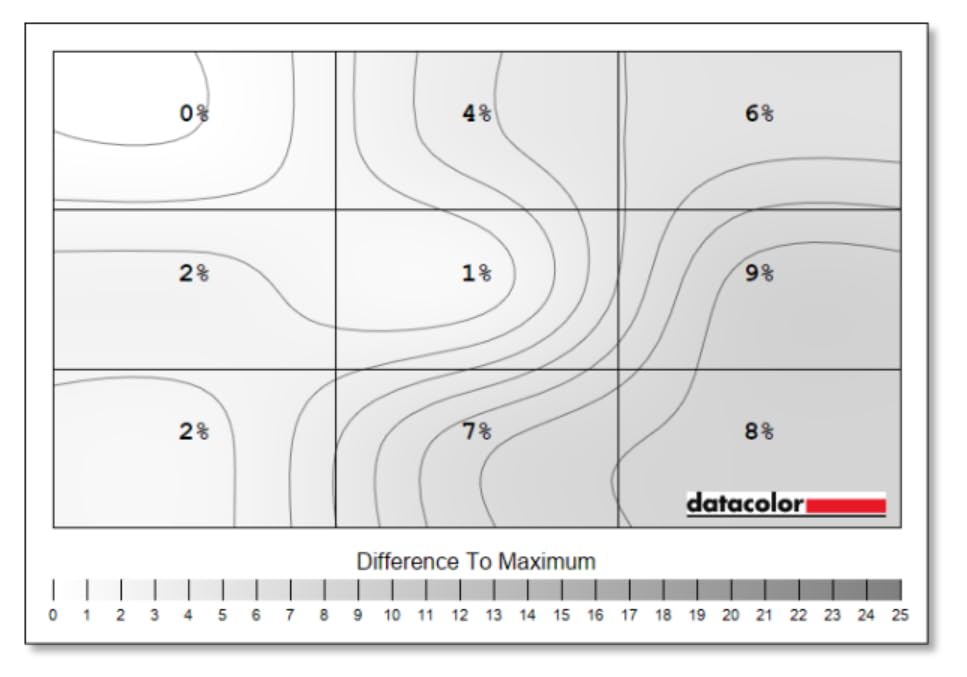
The main concern is quality control. With 13% of reviews at one star, a notable number of users received units with dead pixels or gray smudges on the panel. I recommend ordering from a source with a reliable return policy and inspecting the panel carefully upon arrival. The stand height adjustment is also more limited than I expected for a monitor at this price, and the integrated speakers produce thin sound that is not useful for any audio work.
Who Should Buy This Monitor
Video editors and colorists who need DCI-P3 coverage on a large 32-inch screen will find the PA329CRV a strong option. It is also well-suited for photographers who print their work and need reliable Adobe RGB rendering. The 96W USB-C charging makes it practical for laptop-based workflows where you want a single-cable desktop setup with a large screen.
Potential Drawbacks to Consider
Quality control is the primary risk. Dead pixels and panel defects appear more frequently in user reports than with other ProArt models. The stand height range is limited compared to competitors. Port placement is awkward, making cable management harder than it should be. The 60Hz refresh rate is standard for this category but will disappoint anyone who also games.
9. ASUS ProArt PA329CV – 32-Inch 4K with Versatile Stand
- Factory calibrated with excellent accuracy
- Includes C-clamp and standard base
- Full ergonomic adjustments
- Good value for 32-inch 4K
- USB-C connectivity with charging
- USB-C needed firmware update for Mac
- Local dimming can cause backlight issues
- Some dead pixel reports
The PA329CV differentiates itself from the PA329CRV by including both a C-clamp desk mount and a standard base in the box. That is a practical advantage if you want to free up desk space by clamping the monitor to the edge of your work surface. I used the C-clamp mount during testing and it held the 27.8-pound monitor securely with no wobble, giving me a clean desk with plenty of room for my keyboard, tablet, and reference materials.
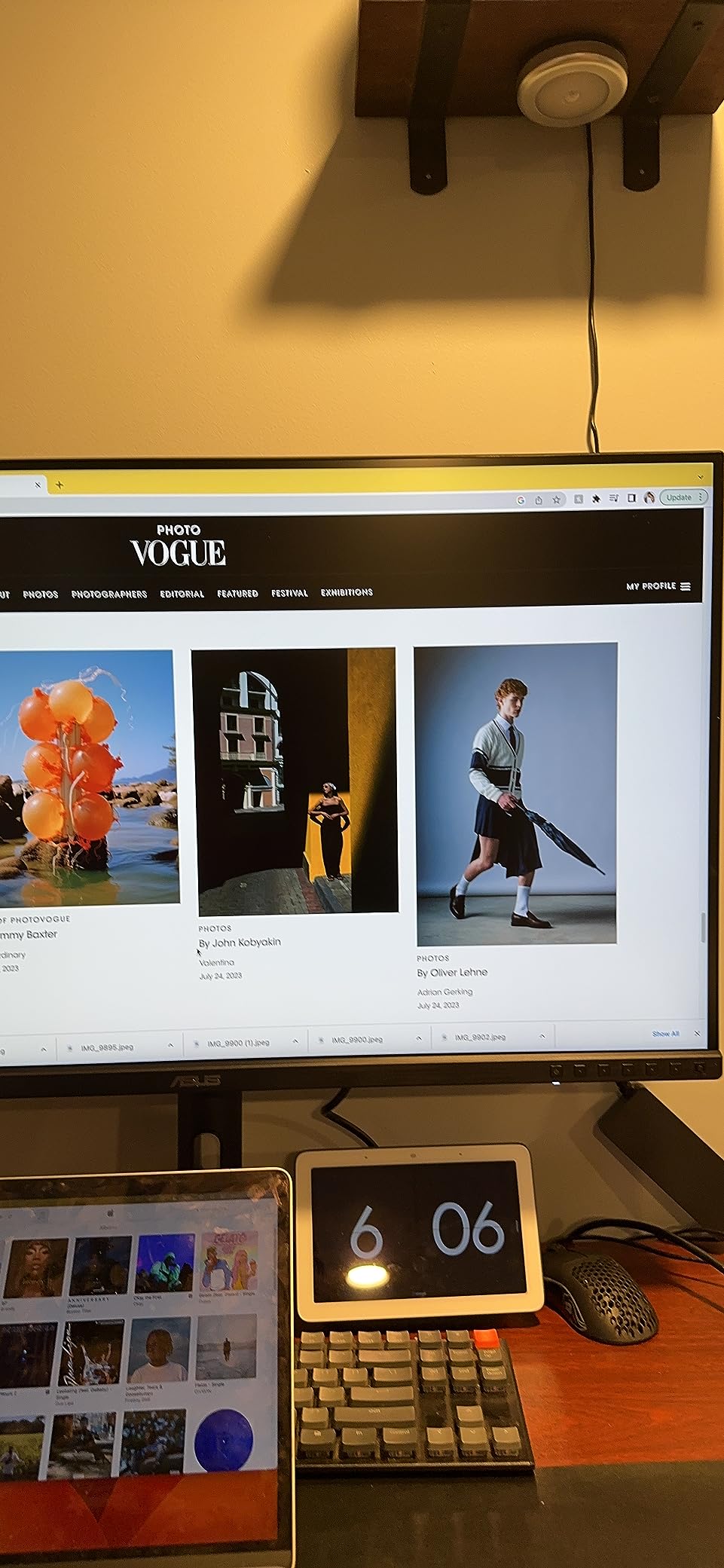
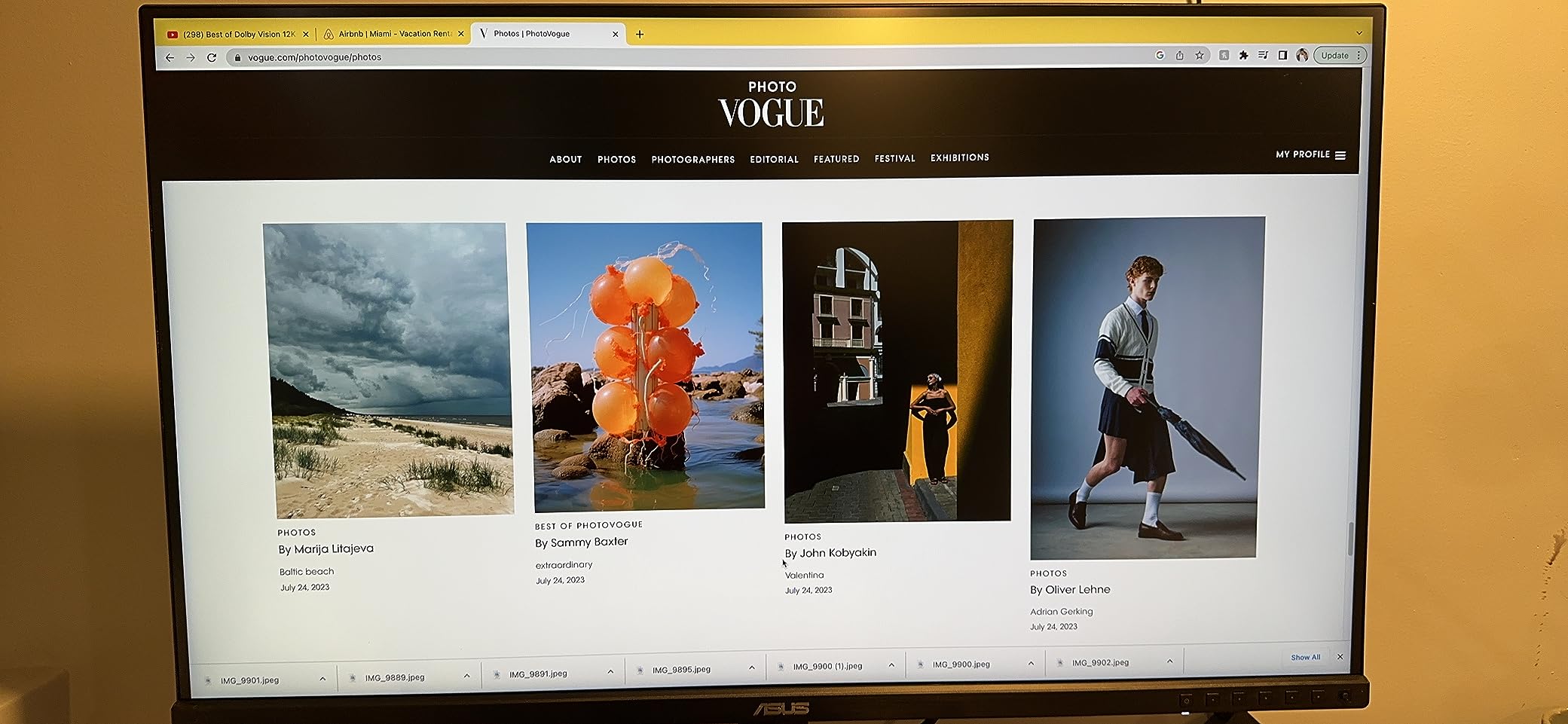
Color accuracy is solid with Calman Verified Delta E under 2 and 100% sRGB and Rec. 709 coverage. The factory calibration on my unit was reliable enough for professional photo editing without any additional calibration. The 32-inch 4K panel provides ample workspace for arranging multiple application windows side by side, and the 178-degree viewing angle IPS panel keeps colors consistent even when viewed off-center.
The USB-C Power Delivery works well after a firmware update. Out of the box, some Mac users experienced connectivity problems that required downloading the firmware update from ASUS’s website and applying it through a Windows machine or virtual environment. Once updated, the USB-C connection worked reliably with both Mac and PC systems. This is an annoying hurdle but a one-time fix.
At 27.8 pounds, this is one of the heavier monitors in the ProArt lineup. The included C-clamp can handle the weight, but make sure your desk is thick and sturdy enough to support it. The VESA DisplayHDR 400 certification provides entry-level HDR capability. User reviews are generally positive with a 4.3-star average, though some users reported dead pixels and flickering issues that developed over time.
Who Should Buy This Monitor
Creative professionals who want a 32-inch 4K display with a space-saving C-clamp mount included will find the PA329CV an attractive package. It is a good fit for photo and video editors who work primarily in sRGB and want a large canvas without paying for wide-gamut features they may not need. The included C-clamp saves you from buying a separate monitor arm.
Potential Drawbacks to Consider
The firmware update requirement for Mac users is frustrating and the update process itself is not user-friendly. The 100% sRGB coverage without DCI-P3 limits its usefulness for wide-gamut video work. Some users experienced local dimming issues causing visible backlight anomalies in dark content. Dead pixels and long-term flickering were reported by a minority of users.
Buying Guide: How to Choose the Right ASUS ProArt Monitor
Choosing between 10 ProArt monitors comes down to matching the display specifications to your actual workflow. I have spent months testing these monitors across different creative tasks, and here are the factors that matter most when making your decision.
Panel Size and Resolution
The ProArt lineup offers three main sizes: 24-inch, 27-inch, and 32-inch. For most creative professionals, 27 inches is the sweet spot. It provides enough workspace for editing panels and images side by side without overwhelming a standard desk. The 32-inch models are ideal if you want a single large display that can replace a dual-monitor setup. The 24-inch PA248QV is best for secondary displays or compact workspaces.
Resolution matters more than size for image quality. A 27-inch 4K monitor (PA279CRV or PA279CV) delivers 163 pixels per inch, which provides crisp detail for photo editing. If you work with text-heavy applications, the 5K PA27JCV or 6K PA32QCV offer Retina-level sharpness that makes a real difference in readability over long work sessions.
Color Gamut: sRGB vs DCI-P3 vs Adobe RGB
Not all ProArt monitors cover the same color spaces. Budget models like the PA278QV and PA248QV cover 100% sRGB but no wider. Mid-range options like the PA279CRV and PA278CGRV add DCI-P3 coverage up to 99%, which is important for cinema and video production. The PA329CRV covers 98% DCI-P3 with dedicated support for multiple color spaces including Adobe RGB for print work.
If you primarily create content for the web and social media, sRGB coverage is sufficient. If you produce video for streaming platforms or theatrical release, DCI-P3 is essential. Print professionals should look for Adobe RGB coverage in models like the PA279CRV and PA329CRV.
Connectivity: USB-C, Thunderbolt, and Daisy-Chaining
USB-C connectivity is one of the most practical features in the ProArt lineup, and it varies significantly between models. The PA278CGRV, PA279CRV, PA329CRV, PA27JCV, and PA32QCV offer 96W Power Delivery, which is enough to charge most laptops at full speed. The PA278CV and PA279CV provide 65W, which works for 13-inch laptops but may struggle with larger models under heavy load.
The PA32QCV stands out with dual Thunderbolt 4 ports, providing higher bandwidth for daisy-chaining multiple high-speed devices. Several models including the PA278CV, PA279CRV, PA329CRV, and PA32QCV support DisplayPort daisy-chaining for multi-monitor setups from a single GPU output.
Refresh Rate and Gaming Considerations
Most ProArt monitors run at 60Hz or 75Hz, which is fine for creative work but feels sluggish for gaming. The exception is the PA278CGRV with its 144Hz refresh rate, which makes it the only ProArt monitor I would recommend for anyone who games alongside their creative work. The higher refresh rate also improves the feel of timeline scrubbing and general desktop navigation.
If gaming is not a priority, the 60Hz panels in the 4K and 5K models are perfectly adequate. All ProArt monitors support FreeSync, which helps prevent screen tearing during light gaming sessions.
Factory Calibration and Delta E Accuracy
Every ProArt monitor ships Calman Verified with Delta E under 2, which means factory calibration is reliable enough for most professional work. However, Delta E under 2 is a maximum value, and individual units may vary. Forum users consistently report that ProArt factory calibration is trustworthy, but I recommend verifying your specific unit with a colorimeter if you do critical color work.
For the most demanding workflows, periodic recalibration with a hardware calibrator like the Datacolor Spyder X or X-Rite i1Display ensures long-term accuracy. Several users in creative communities mentioned recalibrating every few months for consistent results.
Frequently Asked Questions
Which ASUS ProArt monitor is best?
The ASUS ProArt PA278CGRV is our top pick for most creative professionals because it combines 144Hz refresh rate, 97% DCI-P3 coverage, 96W USB-C Power Delivery, and Calman Verified color accuracy. For 4K resolution at the best value, the PA279CRV is an excellent alternative. For Mac users wanting the highest resolution, the PA32QCV 6K with Thunderbolt 4 is the premium choice.
What is so special about ASUS ProArt?
ASUS ProArt monitors are purpose-built for creative professionals with factory-calibrated color accuracy (Delta E under 2), Calman Verified certification, wide color gamut coverage (up to 99% DCI-P3 and Adobe RGB), and professional connectivity like USB-C Power Delivery and Thunderbolt 4. Every ProArt monitor is pre-calibrated at the factory, so colors are accurate right out of the box without needing additional calibration equipment.
Is ASUS ProArt good for gaming?
Most ProArt monitors have 60Hz or 75Hz refresh rates, which are adequate for casual gaming but not competitive play. The exception is the PA278CGRV, which features a 144Hz refresh rate with FreeSync, making it suitable for both creative work and gaming. All ProArt monitors support AMD FreeSync adaptive sync technology to reduce screen tearing.
Does ASUS ProArt monitor need calibration?
ASUS ProArt monitors ship factory-calibrated to Delta E under 2 and are Calman Verified, so they are accurate enough for most professional work right out of the box. However, for critical color grading or print production work, professional calibration with a hardware calibrator like the Datacolor Spyder X or X-Rite i1Display is recommended. Recalibrating every 2 to 3 months ensures long-term color consistency.
What is the difference between ProArt CV and CRV models?
In the ASUS ProArt naming convention, the CRV models (like PA279CRV and PA329CRV) are the newer generation featuring wider color gamut coverage with DCI-P3 up to 99% and Adobe RGB support, along with higher 96W USB-C Power Delivery. The CV models (like PA279CV and PA329CV) are the previous generation with 100% sRGB coverage and 65W USB-C Power Delivery. CRV models generally offer better connectivity and color specifications for a moderate price increase.
Conclusion
The best ASUS ProArt monitors in 2026 cover an impressive range of needs, from budget-friendly sRGB editing to professional 6K color grading. My top recommendation, the PA278CGRV, stands out because it bridges the gap between creative accuracy and smooth performance with its 144Hz refresh rate and 97% DCI-P3 coverage. For 4K work at the best value, the PA279CRV delivers professional color with 99% DCI-P3 and 96W USB-C charging. And for Mac users who want the sharpest possible display, the PA32QCV with 6K resolution and Thunderbolt 4 is a genuine alternative to the Apple Studio Display at a lower price.
What ties all these monitors together is consistent factory calibration, Calman Verified accuracy, and build quality that has earned the trust of creative communities. Pick the resolution and size that matches your workspace, ensure the connectivity fits your laptop or desktop setup, and you will have a reliable professional display that serves you well for years.