
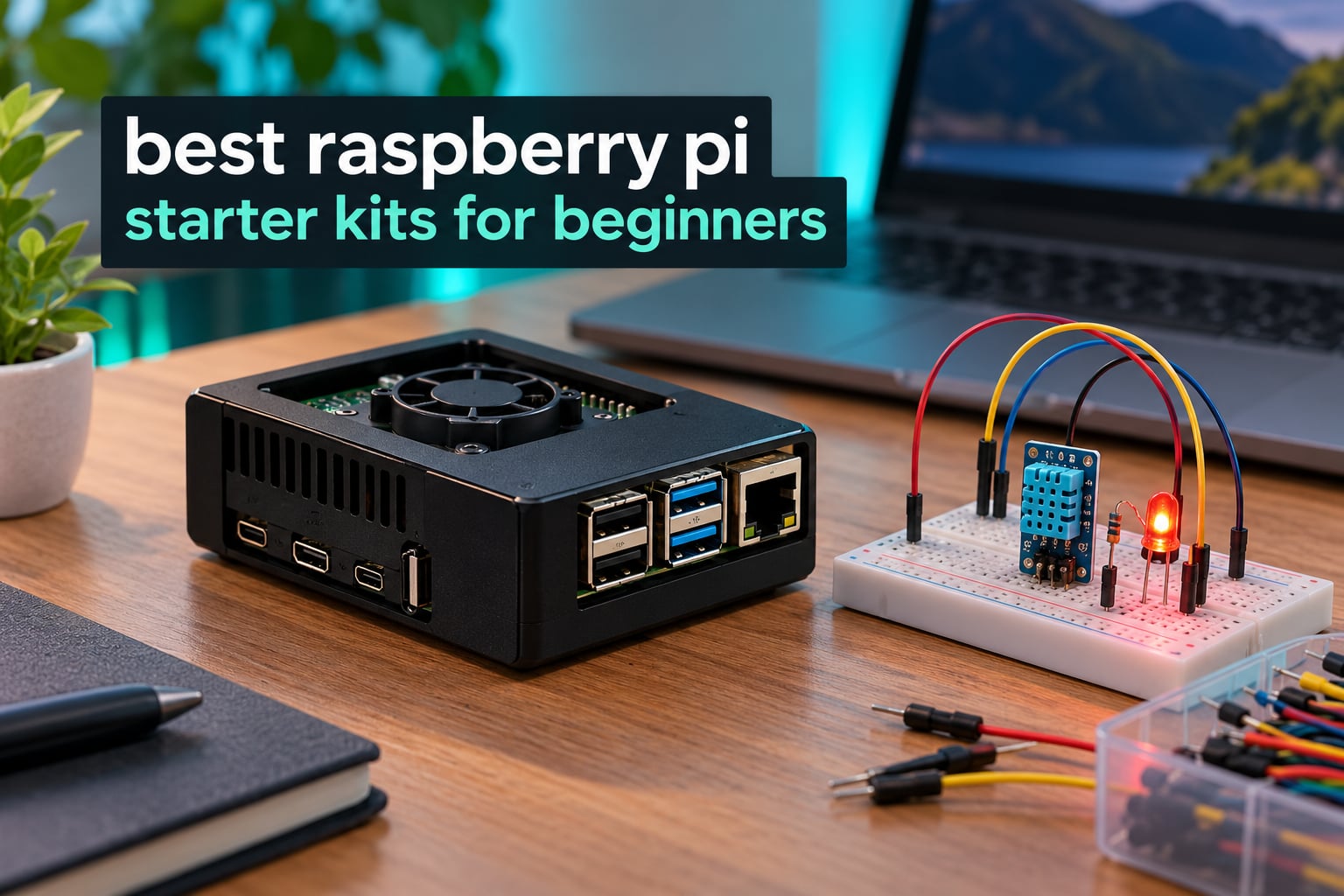
A Raspberry Pi starter kit is the fastest way to get from an unopened box to a blinking LED on a breadboard. The board itself is cheap; what trips up newcomers is everything around it, the power supply that under-delivers, the missing microSD card, the case that traps heat. We spent weeks comparing bundles, reading review histories and checking what each one actually contains in the box.
Before the list, one fact worth stating plainly because it causes most of the confusion in this category: some kits include the Raspberry Pi board and some do not. Eight of the kits below ship with a board, case, power supply and card ready to boot. Four are component kits, mostly Freenove and SunFounder, that assume you already own a Pi and are built to teach electronics rather than to get a computer running. Those four are not cheaper versions of a complete kit, they are a different thing entirely.
If your goal is a working machine on your desk rather than a breadboard full of sensors, start with the board-included kits. If you want to learn GPIO, wiring and Python with real circuits, the component kits offer far more hardware for the money. We have also linked our broader Raspberry Pi kits guide for makers if you want the wider shortlist too.
Everything below was checked against current listings and aggregated reviewer feedback in 2026. Ratings and review counts are the live figures shown on the product pages at the time of writing.
Table of Contents
Top 3 Best Raspberry Pi Starter Kits For Beginners (October 2026)

CanaKit Pi 4 4GB Starter PRO
- Pi 4 4GB board
- 32GB preloaded microSD
- case with fan
- 3.5A USB-C supply

Raspberry Pi Starter Kits Compared at a Glance
The table below lists every kit we tested, with the features that actually decide whether a kit suits a beginner.
| Product | Specifications | Action |
|---|---|---|
| CanaKit Raspberry Pi 4 4GB Starter PRO Kit |
|
Check Latest Price |
 Vilros Raspberry Pi 4 Basic Kit with Aluminum Case Vilros Raspberry Pi 4 Basic Kit with Aluminum Case |
|
Check Latest Price |
 Vilros Raspberry Pi 4 Complete Starter Kit Vilros Raspberry Pi 4 Complete Starter Kit |
|
Check Latest Price |
 CanaKit Raspberry Pi 3 B+ Starter Kit CanaKit Raspberry Pi 3 B+ Starter Kit |
|
Check Latest Price |
| Freenove Ultimate Starter Kit for Raspberry Pi |
|
Check Latest Price |
 SunFounder Raphael Ultimate Starter Kit for Raspberry Pi SunFounder Raphael Ultimate Starter Kit for Raspberry Pi |
|
Check Latest Price |
 RasTech Raspberry Pi 5 8GB Kit with Active Cooler RasTech Raspberry Pi 5 8GB Kit with Active Cooler |
|
Check Latest Price |
 Freenove Complete Starter Kit for Raspberry Pi Freenove Complete Starter Kit for Raspberry Pi |
|
Check Latest Price |
 Vilros Raspberry Pi 5 Starter Kit MAX 128GB Vilros Raspberry Pi 5 Starter Kit MAX 128GB |
|
Check Latest Price |
 ELECROW CrowPi Kit with 9-Inch Touchscreen ELECROW CrowPi Kit with 9-Inch Touchscreen |
|
Check Latest Price |
 SunFounder AI Fusion Lab Kit for Raspberry Pi SunFounder AI Fusion Lab Kit for Raspberry Pi |
|
Check Latest Price |
 CanaKit Raspberry Pi 5 Starter Kit MAX 256GB CanaKit Raspberry Pi 5 Starter Kit MAX 256GB |
|
Check Latest Price |
What Raspberry Pi Should You Buy as a Beginner?
Buy a Raspberry Pi 4 Model B with 4GB of memory if you want a desktop that feels responsive, a media player or a retro gaming machine. Move up to a Raspberry Pi 5 only when your projects demand more: local language models, computer vision, or sustained heavy compilation. For learning GPIO and wiring, the board model matters far less than the accessories bundled with it, so a complete kit around an older board can still be the smarter purchase.
Is the Raspberry Pi 5 overkill for a beginner?
Usually, yes for a first purchase. The Pi 5 has a 2.4GHz quad-core processor and 8GB of RAM options, which is real headroom for machine learning and running a full desktop, but the extra capability is unusable until you reach projects that need it. The Pi 5 also draws more power and runs hotter, so it needs active cooling and a higher-rated USB-C supply. A Pi 4 kit leaves that money on the table in a useful way, because you can spend it on sensors, a better card or a second board.
Pi 4 versus Pi 5 for a first-time buyer
Choose the Pi 5 if your interest is AI, vision, running local models or a Pi as a small desktop you will use daily. Choose the Pi 4 for everything else, because the ecosystem of cases, cooling and power supplies is mature and cheaper. Note that several highly rated kits still bundle a Raspberry Pi 3 B+, a board two generations behind, so read the specification line carefully rather than trusting the product title.
1. CanaKit Raspberry Pi 4 4GB Starter PRO Kit
- Genuinely complete ready-to-run bundle
- Low-noise fan keeps the board thermally controlled
- Inline USB-C PiSwitch is a real convenience
- 4.8 stars across 6566 reviews
- 32GB card is small for heavier projects
- Heat sinks included but no active cooler
- Pi 4 is an older hardware generation
This is the kit we keep coming back to, because it removes every decision a beginner has to make. The Raspberry Pi 4 Model B with 4GB of RAM arrives with a 32GB EVO+ Class 10 microSD card already loaded, a USB card reader, a high-gloss case with an integrated fan mount, and a 3.5A USB-C power supply with a noise filter. You add a monitor and a keyboard and you are running.
The inline PiSwitch deserves more credit than it gets. Being able to cut power from a button rather than yanking USB-C is the sort of small quality-of-life feature that stops you damaging ports in your first month. The 6-foot micro HDMI cable supports 4K60p, and a set of heat sinks plus a quick-start guide and GPIO reference card round out the box.
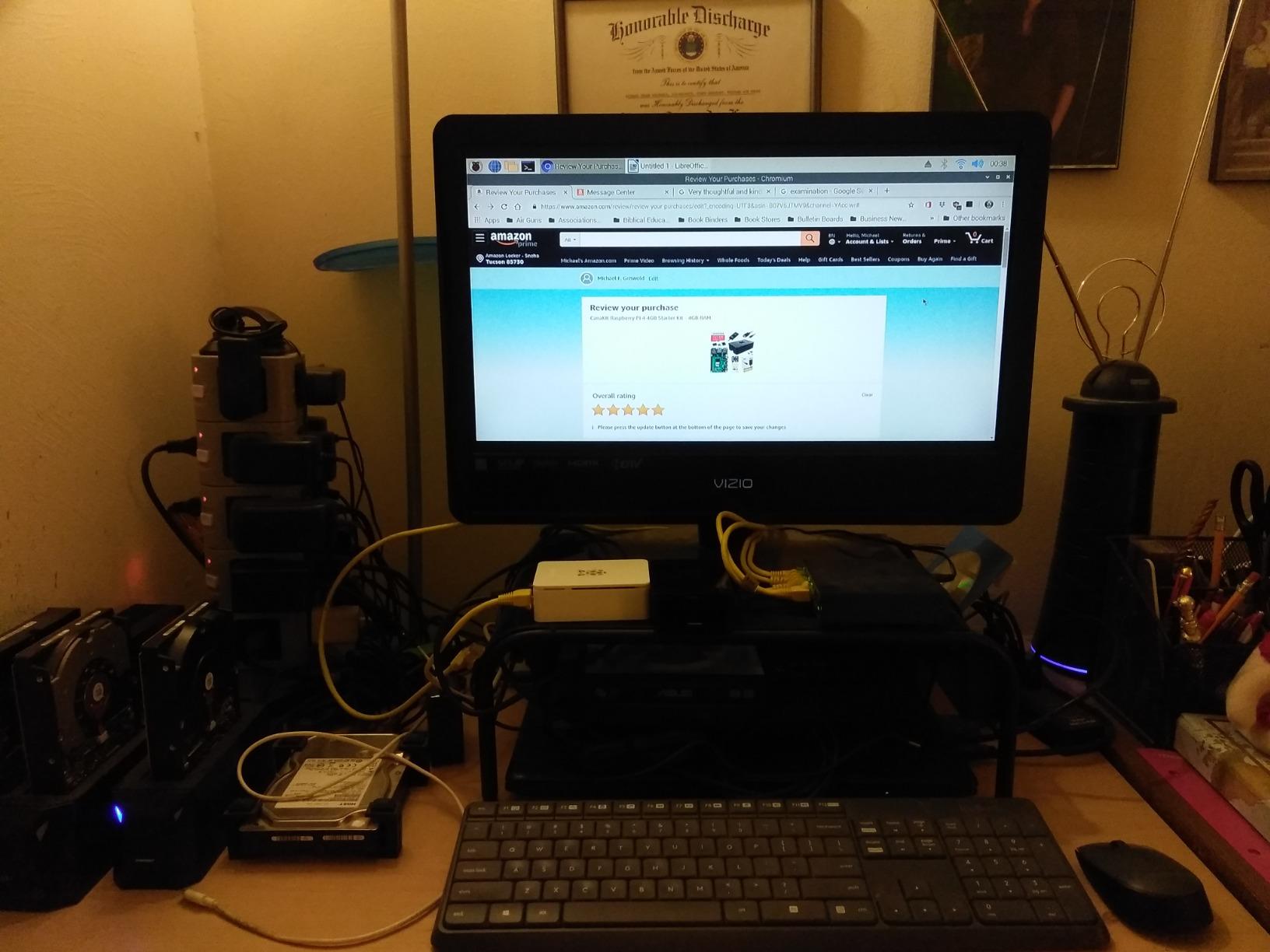
Reviewers consistently single out the low-noise bearing system fan as the reason the board stays cool without becoming a distraction in a quiet room. Owners of the aluminium Pi 4 kits we also looked at describe their cases as sturdier, but they ship without storage and require a separate card.
The cooling design is passive-plus-fan rather than a sealed active cooler. Under light desktop use and beginner projects that is entirely adequate, and the heat sinks handle the chips that matter. If you plan to run sustained compilation or use the board as a small server, add an active cooler later.
What you still need to buy after this kit?
A monitor or television with an HDMI input, a keyboard and a mouse. None of the board-included kits on this list include those three, which is the single biggest reason people feel short-changed after delivery. Most beginners already own a keyboard, so the real additional cost is usually just a screen or a borrowed one.
Check your microSD situation at the same time. The included 32GB Class 10 card is fine for learning, but 32GB fills quickly if you install desktop software, and non-endurance cards are the most common cause of a Pi that suddenly refuses to boot.
Who should skip it?
If you want to learn electronics rather than use a small computer, this kit hands you a board and no sensors. There is nothing to wire up, which makes it a poor match for anyone who bought a Pi expecting to build circuits.
Anyone planning to run local language models or heavy vision processing should look at a Pi 5 kit instead, since 4GB of RAM on a Pi 4 is the limit long before the processor is. And if your storage needs are modest but your patience is not, a larger preloaded card in a Pi 5 kit saves an imaging step on day one.
2. Vilros Raspberry Pi 4 4GB Basic Kit with Aluminum Case
Vilros Raspberry Pi 4 4GB Basic Starter Kit with Fan-Cooled Heavy-Duty Aluminum Alloy Case
- Aluminum case dissipates heat far better than plastic
- 4GB RAM suits retro gaming and media use
- USB-C supply has an inline on/off switch
- 4.6 stars across 1516 reviews
- No microSD card included
- You must flash your own operating system
- Fan noise can be noticeable
- Fewer accessories than complete bundles
This is the cooling-first kit. The heavy-duty aluminium alloy case has a fan pre-installed, and aluminium pulls heat away from the board far more effectively than the plastic shells used by most competitors. Owners often note the case feels more durable and takes knocks better than cheaper alternatives.
Inside you get the Raspberry Pi 4 Model B with 4GB RAM and a USB-C power supply built for the Pi 4 with an integrated on and off switch. That is the whole kit, and the omission that matters is the storage.
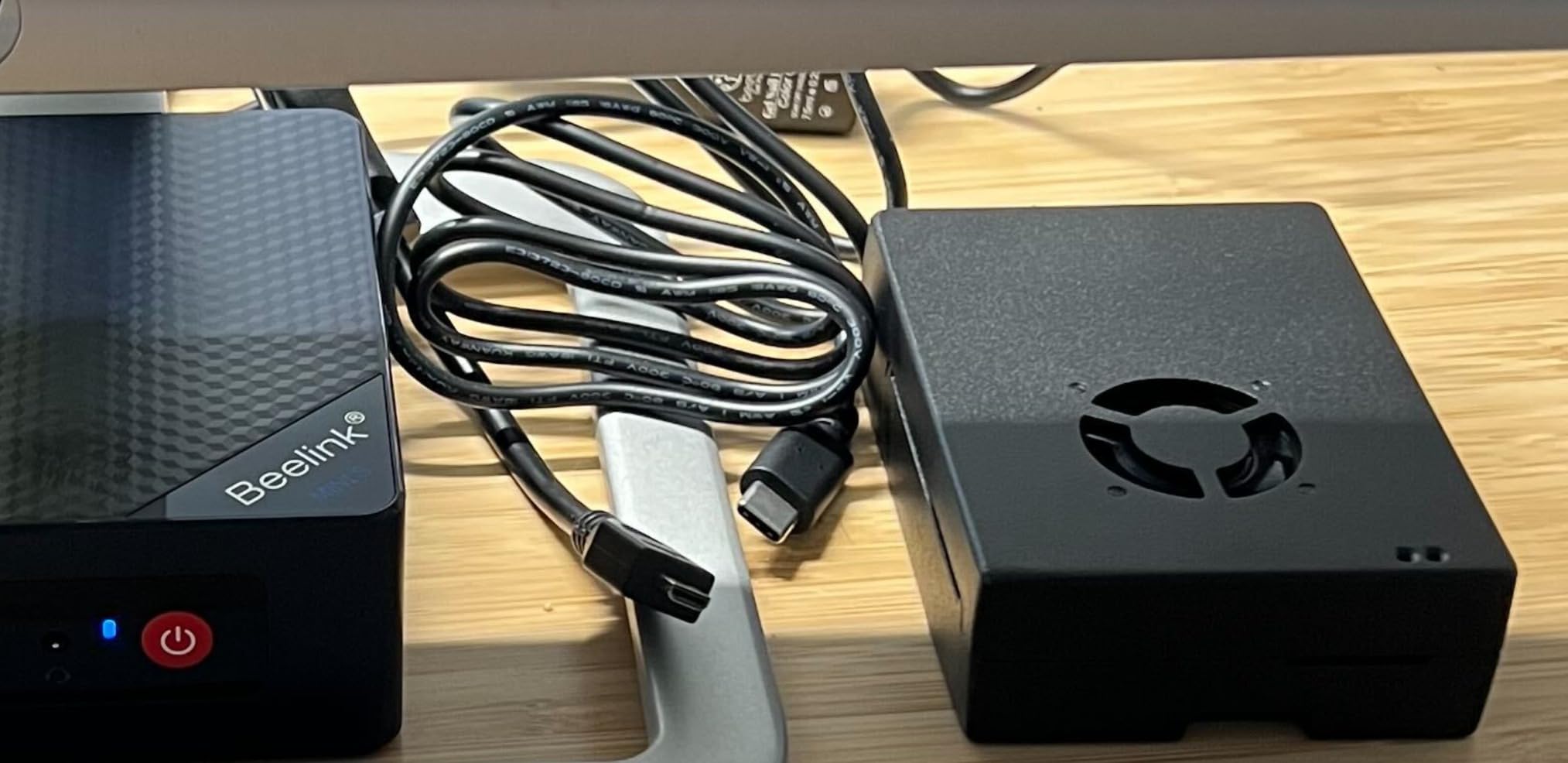
No microSD card is in the box, so you have to supply and flash your own. For a beginner this is the deal breaker to weigh carefully, because imaging an operating system means downloading Raspberry Pi Imager, choosing an OS and waiting for it to write, and that is the point where a lot of first projects stall.
The fan gives the case a faint whirr that reviewers with a sensitive desk setup mention. Anyone running the board flat against a wall or inside a closed cupboard should think about that before choosing the quieter plastic alternatives.

Is the missing microSD card a real problem?
It depends on your confidence with computers generally. If you have written an operating system to a card before, an hour of setup and you get a larger card of your choosing. If this is your first time using an SD card at all, buy one of the complete kits instead and start on the same afternoon you unbox.
On the upside, choosing your own card solves the two most common storage complaints. You can pick a high-endurance card from a reputable seller and size it for the projects you actually plan, rather than being limited to whatever the bundle included.
Who should skip it?
Skip it if the word breadboard does not mean anything to you yet. There are no jumper wires, no sensors and no electronics in this kit, so it is a small computer purchase rather than a learning kit.
Also skip it for retro gaming and media libraries that outgrow 4GB of RAM, and for anyone who wants a tidy box with no setup step. The cooling advantage only pays off if you run the board hard enough for heat to matter in the first place.
3. Vilros Raspberry Pi 4 Complete Starter Kit
- Genuinely complete nine-part bundle
- 64GB preloaded card is generous
- Tool-free case assembly takes minutes
- Fan plus heat sinks hold 40-50C
- Neoprene storage bag included
- Case fan can buzz over time
- Quick-start instructions are thin
- HDMI auto-detection fails on some TVs
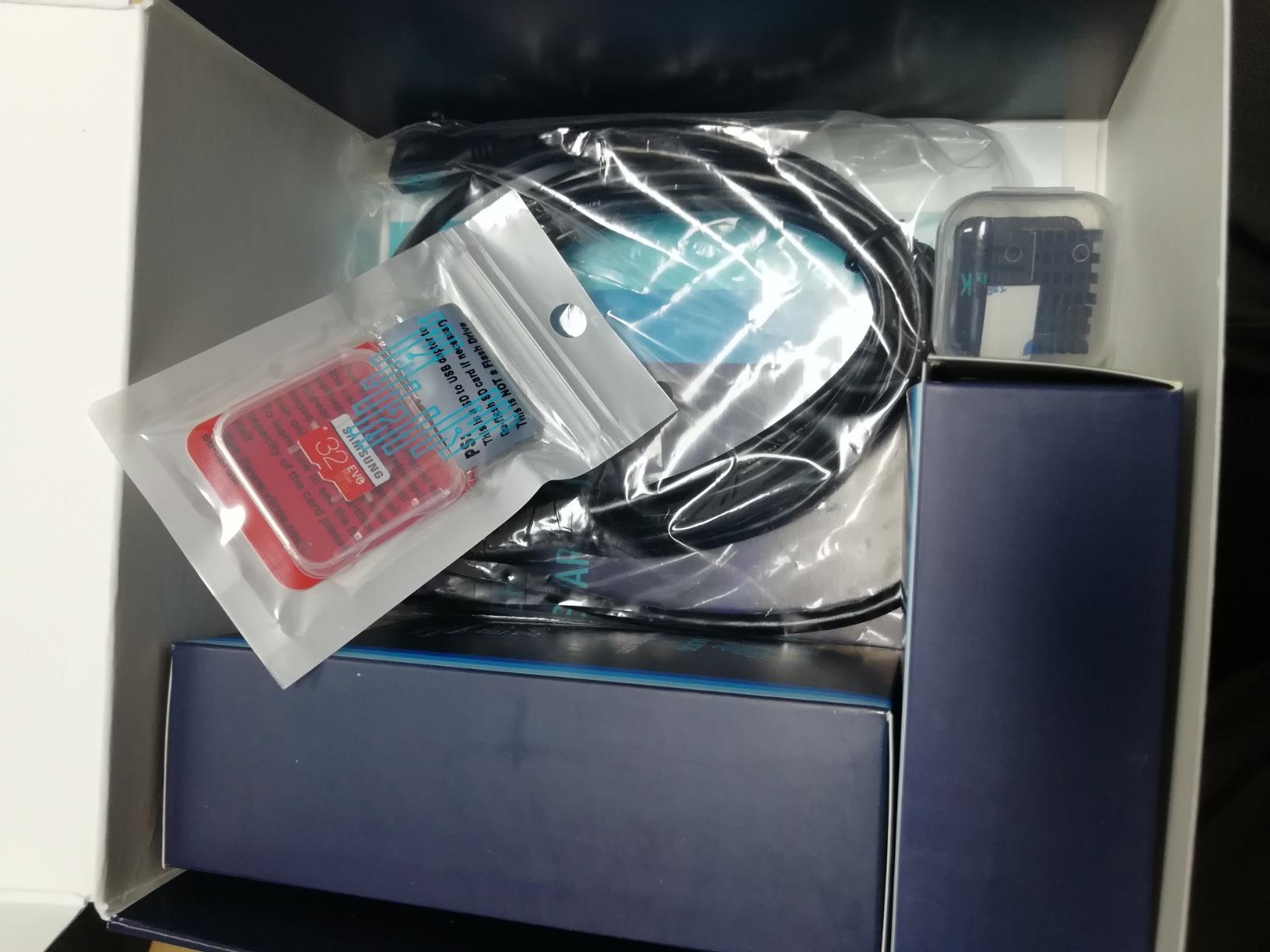
Nine parts, all of them useful. The Raspberry Pi 4 Model B with 4GB RAM comes with a clear case that has an easy-to-connect fan built in, a 64GB microSD card preloaded with Raspberry Pi OS, a Pi 4 compatible power supply with an inline on and off switch, and a 5-foot micro HDMI cable.
The smaller details are unusually thoughtful. A microSD to USB adapter means you can reimage the card from a laptop without a built-in reader, and a neoprene storage bag protects the board when you move it between a desk and a shelf. You also get four heat sinks with thermal stickers and an updated quick-start guide.
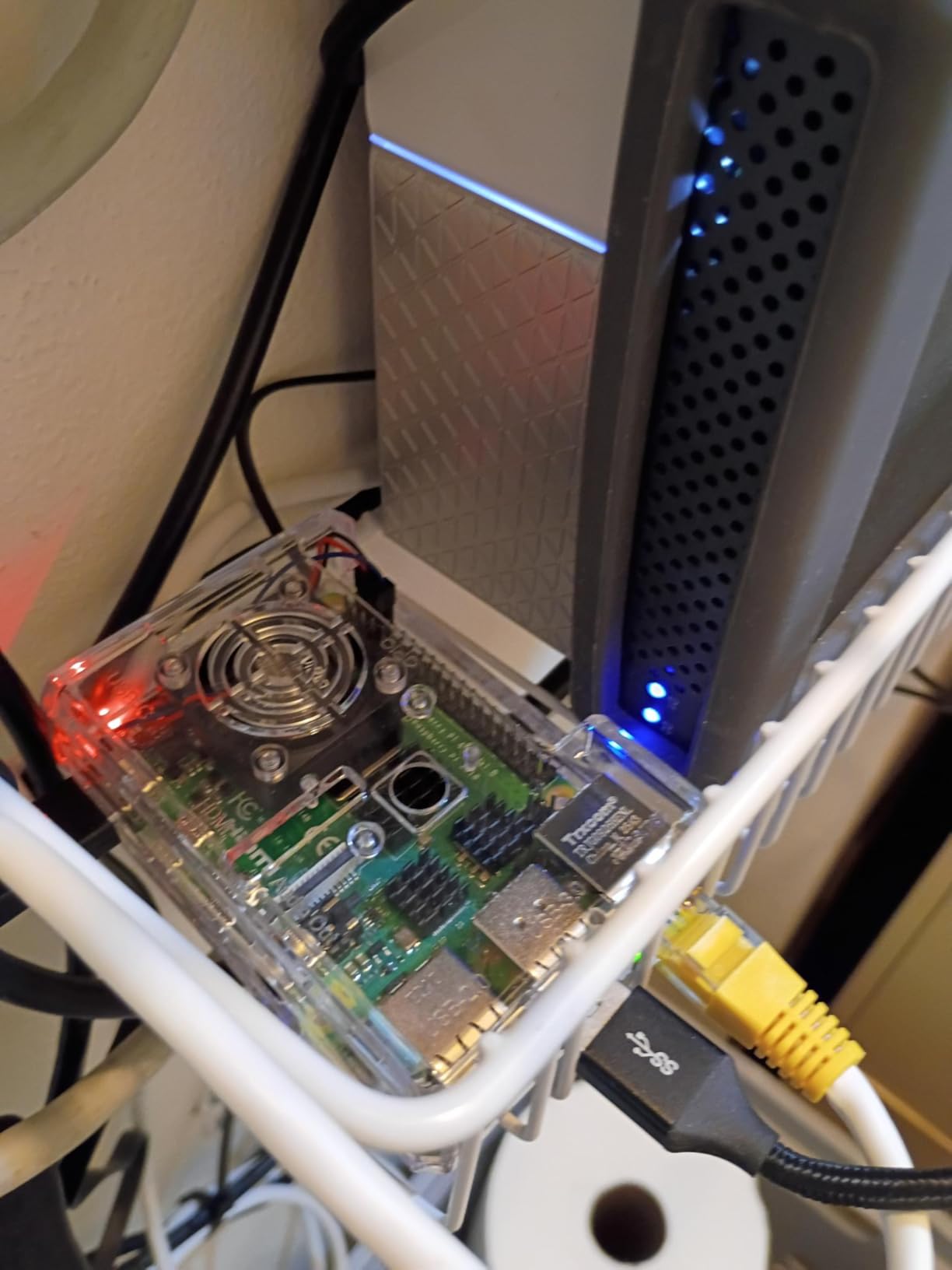
Cooling here is a combination of a vented case, heat sinks and a pre-installed fan, and reviewers report board temperatures settling in the 40 to 50C range under normal use. That is comfortably inside the safe zone and it means the kit works as a desktop without extra purchases.
The most repeated complaint is acoustic. The included fan is cheap and a number of owners describe it developing an irritating buzz over months of use. The quick-start guide is also thinner than a first-timer might like, so budget an hour with a beginner guide alongside it.
How does it compare with the CanaKit PRO kit?
Both bundle a Pi 4 with 4GB of RAM, cooling and a preloaded card. This one gives you twice the storage at 64GB and a bag to keep it in, while the CanaKit PRO adds an inline PiSwitch and a larger power supply. The choice comes down to storage capacity versus power hardware, and both clear the bar for a first machine.
The Vilros case is clear plastic, which makes the board and fan visible during wiring work. Some buyers like that for teaching; others prefer an opaque case for a tidier desk.
What to keep in mind before buying?
No keyboard, mouse or monitor is included, which is normal for this category. If you do not already own a spare screen, add one to your plan because a Pi with no display is not a computer yet.
Because the microSD card is the boot drive for the whole system, treat it as the part that will eventually fail. Buy a second high-endurance card, keep a copy of your work, and do not treat it like a USB stick you can yank out at any moment.
4. CanaKit Raspberry Pi 3 B+ Starter Kit
CanaKit Raspberry Pi 3 B+ (B Plus) Starter Kit (32 GB EVO+ Edition, Premium Black Case)
- Complete kit that works from the box
- 32GB card needs no imaging step
- Dual-band WiFi included
- Quick-start guide and GPIO reference card
- 1GB RAM limits modern desktop use
- Two hardware generations behind current Pi
- 2.5A micro-USB supply is dated
- Storage capped at 32GB
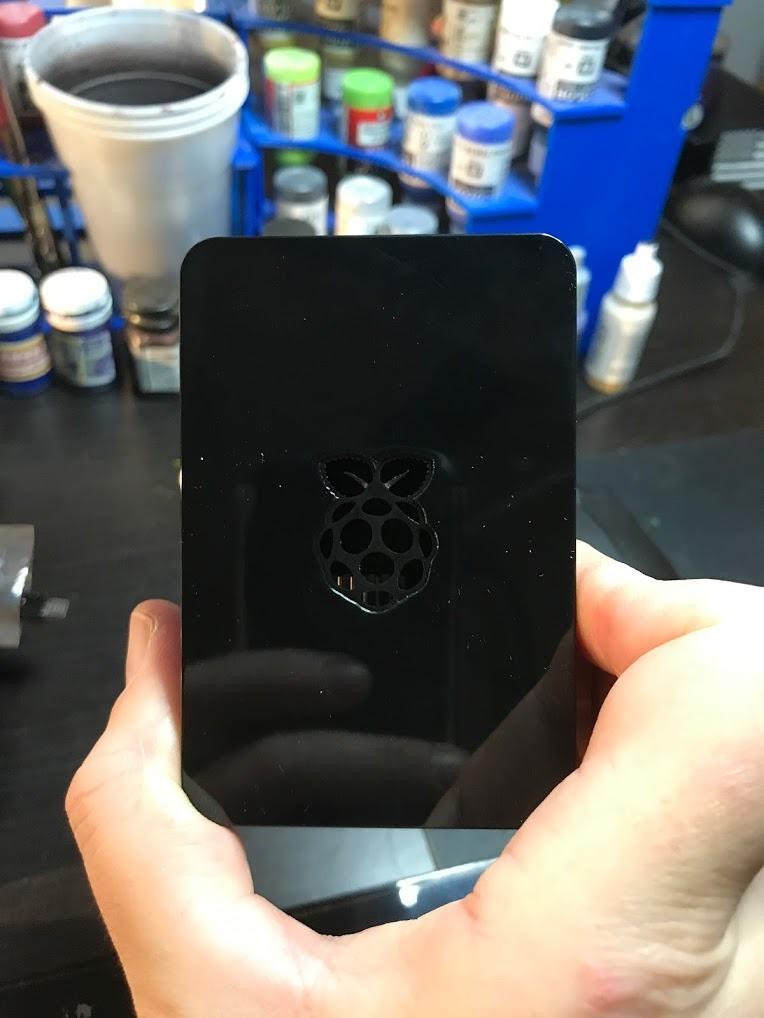
This bundle pairs a UK-made Raspberry Pi 3 B+ with a 32GB EVO+ Class 10 microSD card pre-loaded with the OS, a USB card reader and a CanaKit premium case. The board runs a 1.4GHz 64-bit quad-core ARMv8 processor with 1GB of LPDDR2 memory and dual-band WiFi.
For its generation it is still a tidy, complete package. You get a 2.5A micro-USB power supply with a noise filter, a 6-foot display cable, two aluminium heat sinks, a GPIO quick reference card and a full-colour quick-start guide. Nothing important is missing, and nothing needs to be bought before first boot.
The 1GB of RAM is the fact to hold onto. Browsing the Raspberry Pi desktop felt slow on 4GB, and on 1GB you will feel it the moment you open more than one application. The board also lacks the USB-C power path and the cooler mounting points that newer boards have.
Readers regularly ask whether these ageing bundles are worth it. For learning GPIO, running a headless service or a simple Python script, yes. For a general-purpose desktop, no, and this kit’s 4.7-star average across 2497 reviews reflects owners who bought it for the right reasons.
Should you buy a kit with an older board?
Only when the discount is real and your goal is light. Older-generation bundles are the cheapest way to a working GPIO pin header, and the board is plenty capable for an LED blink, a sensor read or a small web server. They stop being sensible once you want a usable desktop or any modern machine learning.
Check the specification block before you buy rather than the product name. Bundles described as complete can quietly ship a two-generation-old board, and that mismatch is the most common complaint in this category.
What to keep in mind?
The micro-USB power connector and 2.5A supply are dated designs. You will need a USB-C supply if you ever move the board into a Pi 4 or Pi 5 case, so plan for that if this is the start of a collection rather than a one-off.
Storage is fixed at 32GB unless you buy your own card, and 32GB is tight for desktop use. Buy a larger high-endurance card at the same time and image it before you start, which also gets you a cleaner operating system install than the preloaded one.
5. Freenove Ultimate Starter Kit for Raspberry Pi
Freenove Ultimate Starter Kit for Raspberry Pi 5 4 Zero 2 W (NOT Included)
- Outstanding hardware breadth for the money
- Projects run from LED basics to real circuits
- Code in Python
- C
- Java
- Scratch and Processing
- Support diagnoses circuits from photos
- Storage box with dividers
- Tutorial English reads like a translation
- Some wiring diagrams reference wire colours not supplied
- Download-only documentation
- Assumes some prior electronics knowledge
This is the kit most recommended on forums when someone asks how to learn electronics properly, and the reason is the documentation. You get 223 items including resistors, capacitors, sensors, motors, jumper wires and displays, plus 128 guided projects that run from the simplest LED circuit to complete assemblies. Every project carries a schematic, a wiring diagram and complete code.
The tutorial is 962 pages, downloadable in English or readable online in a browser with translation. Five sets of example code cover Python in both 2 and 3, C, Java, Scratch and Processing, which means you can start in a language you already know and move later.
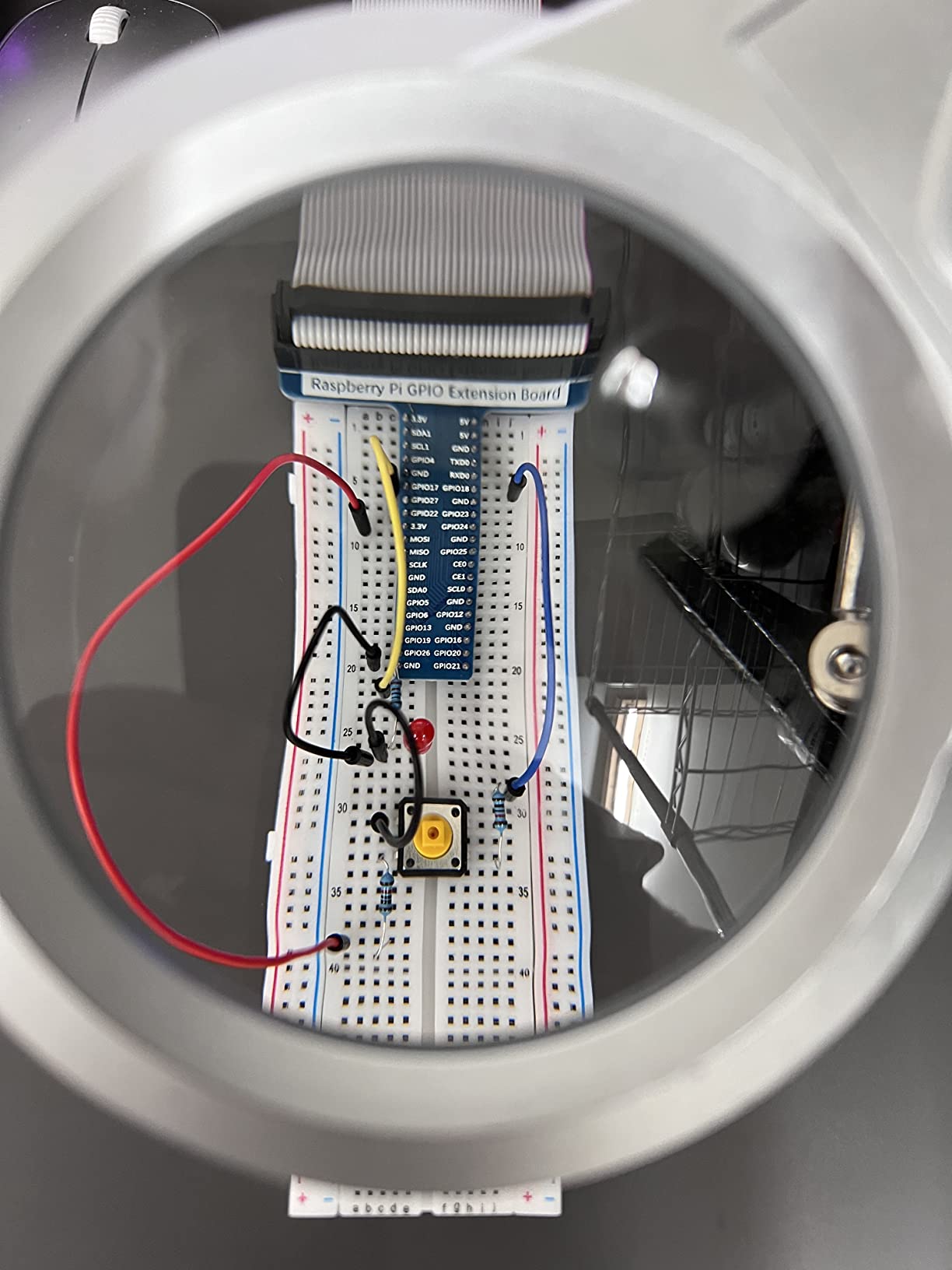
The board is not included, and the listing title says so. It works with Raspberry Pi 5, 500, 400, 4B, 3B+, Zero 2 W and older models, so it pairs with any board in this roundup. Pair it with the Vilros or CanaKit board kits above and you have a full electronics lab on one desk.
Buyer feedback repeatedly praises customer support that will look at a photo of your breadboard and tell you which wire is in the wrong pin. That kind of help is worth more to a stuck beginner than any single component in the box.
Is a kit without the Raspberry Pi worth buying?
Yes, provided you already own a board or plan to buy one. Compared with assembling your own parts list, 223 components with matched jumper wires and a breadboard costs a fraction of buying them individually, and the tutorials assume the hardware is already in your hands.
The catch is timing. If you have no Pi at all, this kit sits on a shelf until you buy one. Many beginners pair it with a complete board kit so both arrive together and the first weekend has a project to follow. If you would rather compare how other hobby starter bundles are put together, our picks for the best homebrewing starter kits follow the same one-box-then-learn logic.
What to watch out for?
The tutorial English is written by a non-native speaker and reviewers describe some phrasing as awkward, which matters more when you are new to the subject. The browser-based translation view helps. It is also download-only, with no printed manual, so plan for screen-based reading.
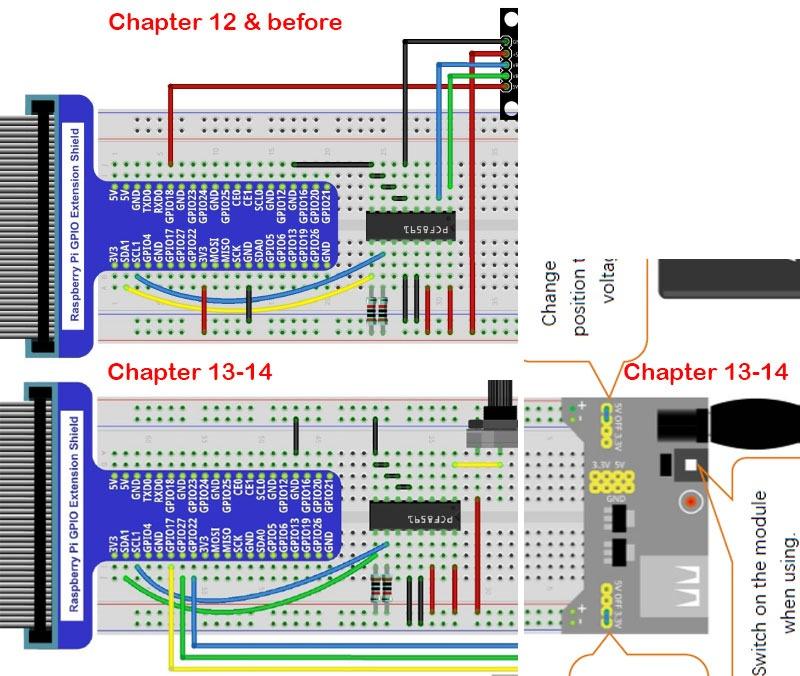
Some wiring diagrams refer to wire colours that are not the ones supplied in the box, and breadboard extension board placement shifts between projects. Follow the pin labels rather than the wire colours and you will avoid most of the confusion.
6. SunFounder Raphael Ultimate Starter Kit for Raspberry Pi
- Video lessons led by an experienced educator
- Large 337+ piece component set
- Five languages including Node.js and Scratch
- RoHS compliant and works with nearly every current Pi
- Community forum support
- Raspberry Pi board sold separately
- Not ideal with zero electronics background
- Higher cost per component than generic sets
- Documentation is online-only
Where the Freenove kit wins on written depth, the SunFounder Raphael wins on video. Seventy or more lessons are led by Paul McWhorter, and reviewers consistently credit the structured curriculum with reducing the steep learning curve for people who have never held a breadboard.
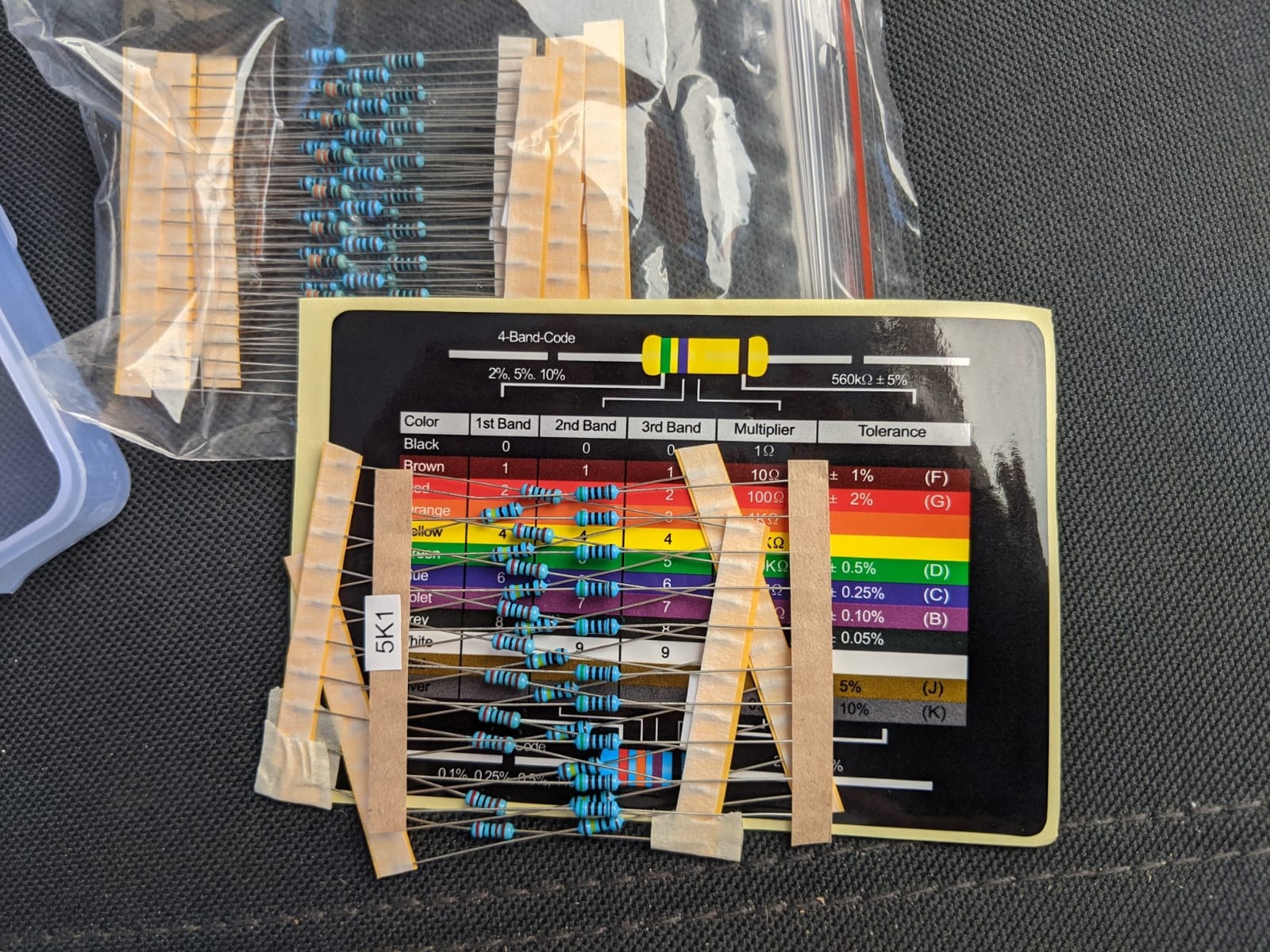
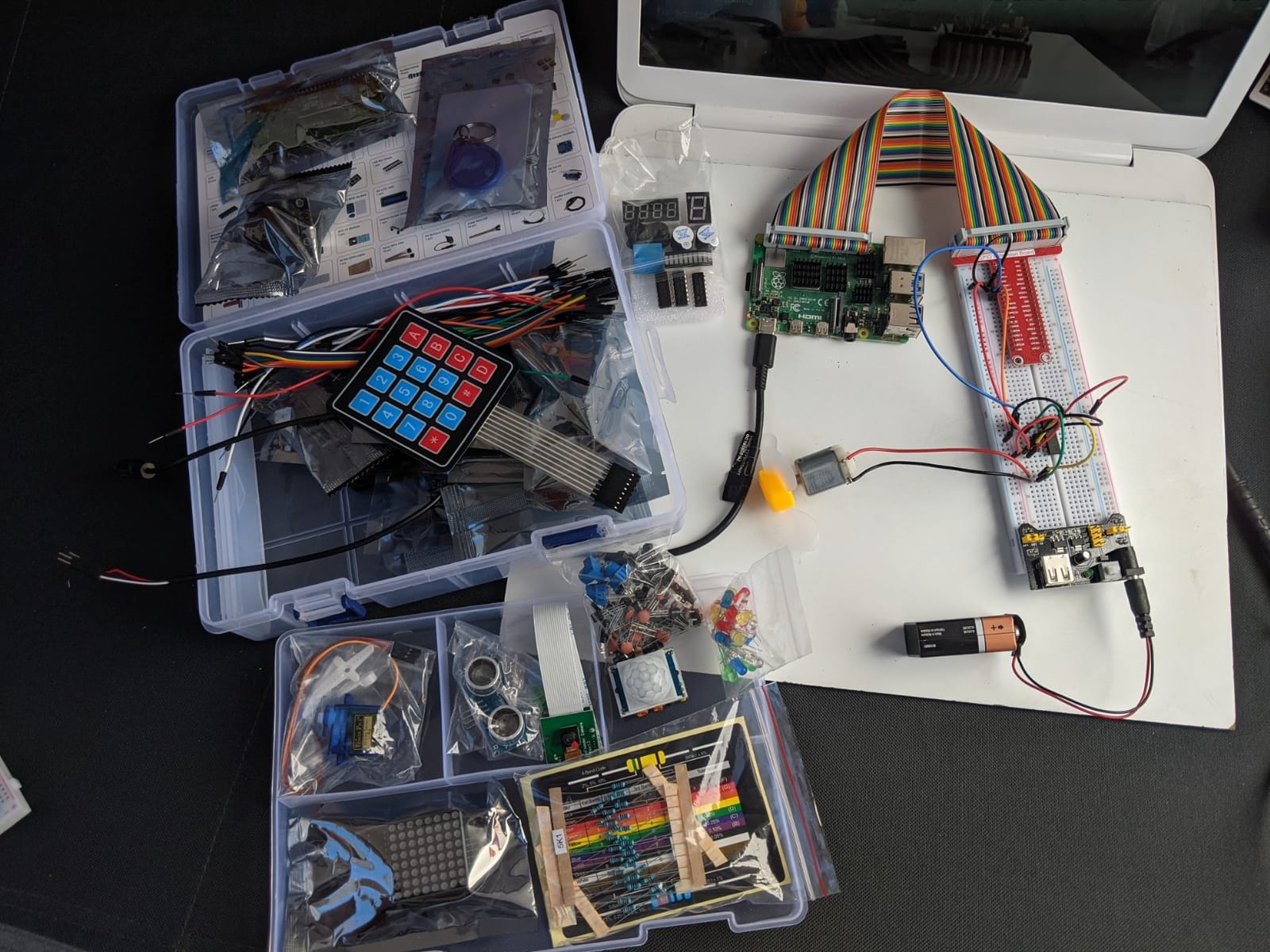
The hardware side is generous, with 337 or more components covering a camera, a speaker, sensors, actuators, LEDs and LCDs. There are 161 projects in total, and the kit targets beginners aged ten and up. Five programming languages are supported: Python, C, Java, Node.js and Scratch.
Compatibility is broad, covering Raspberry Pi 5, 4B, 3B+, 3B, Zero 2 W and 400, and the whole kit is RoHS compliant. Support runs through a community forum and direct technical help, which for a younger learner means there is somewhere to ask when a project will not light up.
The review base is smaller than the Freenove kits at 514, with 83 percent five-star ratings. That pattern suggests a loyal audience that bought specifically for the video curriculum rather than a broad market.
Video lessons versus written tutorials for a child
If the learner is nine to thirteen, video wins clearly. Watching someone wire a sensor and then run the code is a far lower barrier than following a written diagram, and the Scratch support gives younger children a way in without typing Python at all.
For an adult learning alone, written material is faster to skim and search. The Freenove tutorial is the one to pick up if you prefer to jump straight to the section on a specific sensor rather than sit through a lesson.
What to keep in mind?
The board is not included, and that is stated in the product name, so treat this as a companion purchase for a Pi you own. Reviewers also note it is not aimed at absolute beginners with no electronics background despite the marketing, so a couple of hours with a basics guide first helps.
Per-component cost runs higher than generic alternatives, and the documentation lives online rather than in a printed booklet. Plan your lessons rather than expecting to work from a manual in the box.
7. RasTech Raspberry Pi 5 8GB Kit with Active Cooler
- Active cooler holds temperatures under sustained load
- 27W GaN supply avoids undervoltage warnings
- 64GB card plus two readers simplifies setup
- 8GB RAM gives real headroom
- Case has well-planned port access
- Documentation does not explain thermal pad placement
- Case power button interferes with the Pi's own
- Plastic rather than metal case
- Some buyers wanted a larger card
Of the Pi 5 bundles here, this one treats cooling as the priority rather than an afterthought. The active cooler is the real answer to the Pi 5’s heat, and owners credit it for holding temperatures steady through extended heavy loads where a case fan alone struggles.
The Raspberry Pi 5 with 8GB of RAM runs a 64-bit quad-core Arm Cortex-A76 at 2.4GHz with a VideoCore VII GPU supporting OpenGL ES 3.1 and Vulkan 1.2. Dual 4Kp60 HDR display outputs and dual MIPI DSI and CSI transceivers make it a good fit for two-screen setups.
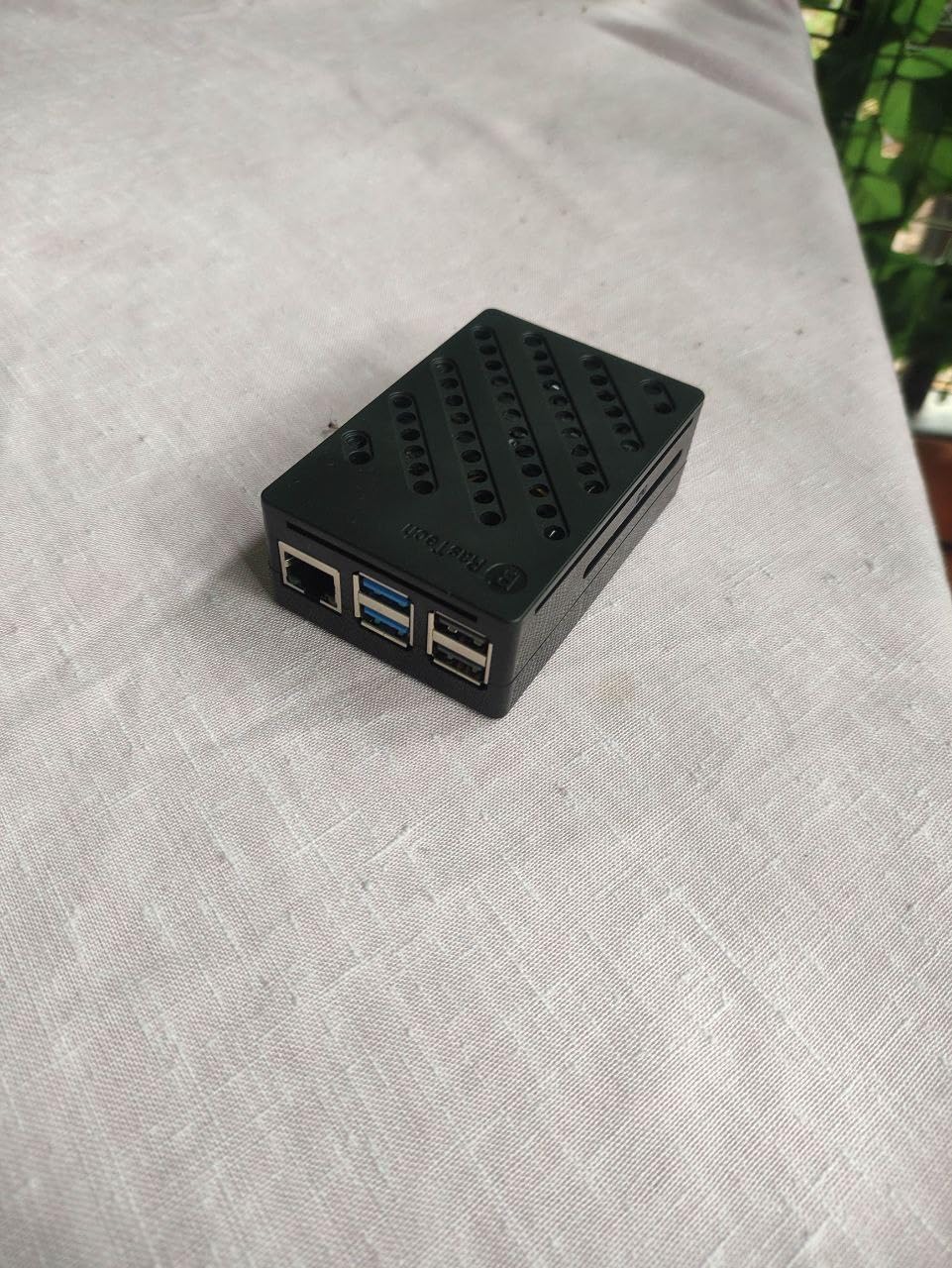
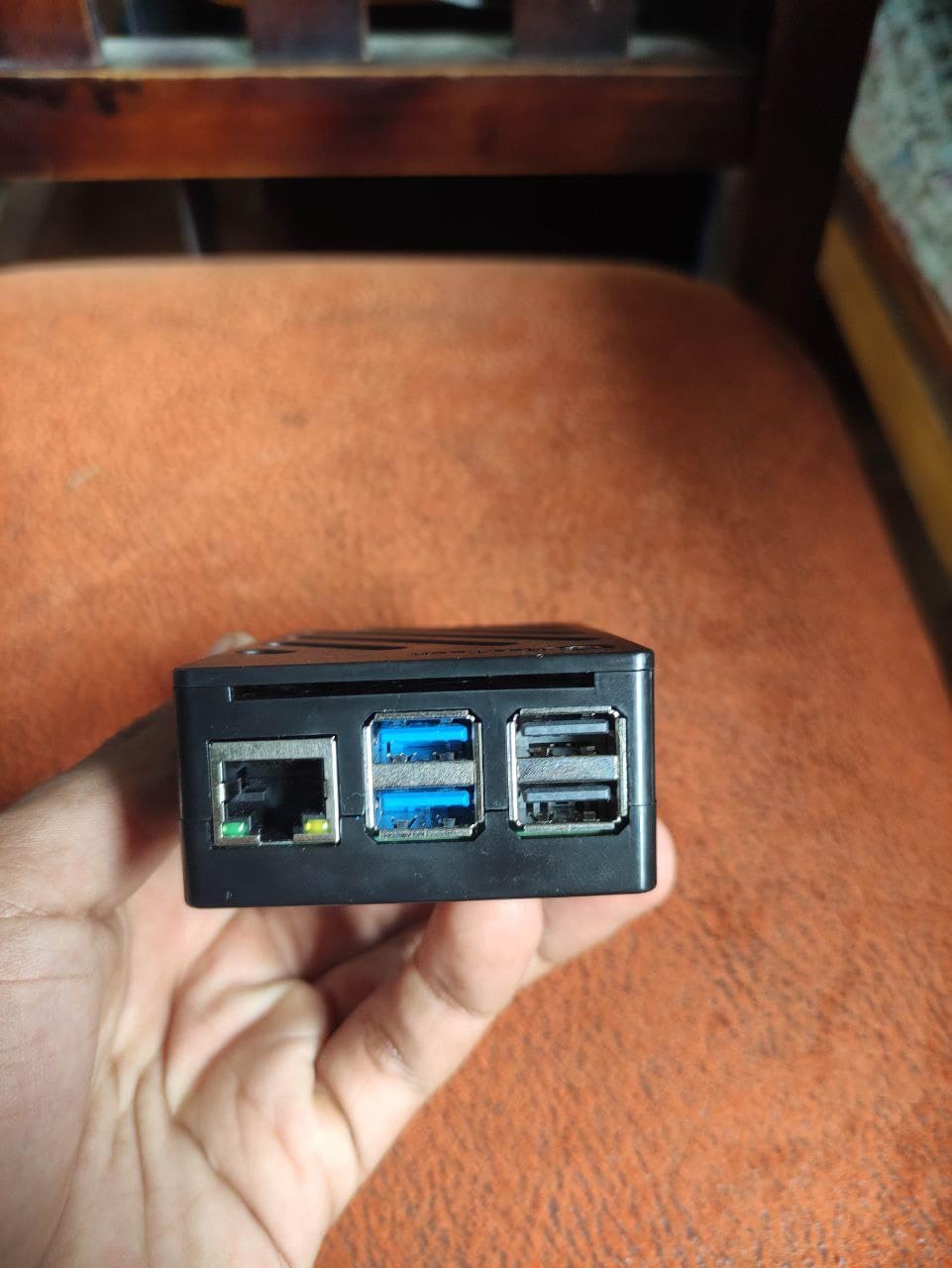
The 27W GaN USB-C supply outputs 5.1V at 5A and offers higher-voltage profiles for peripherals, and reviewers specifically note it avoids the undervoltage warnings that plague kits with undersized power bricks. The kit includes a 64GB card, two card readers, a case with full port access and two 4K micro HDMI cables.
A small screwdriver and a user manual are in the box, and the case gives access to USB-C, micro HDMI, USB, Ethernet, the card slot, the power button and the MIPI connectors without disassembly.
Why does an active cooler matter on a Pi 5?
A Pi 5 under sustained load throttles without active cooling, which slows everything down silently. The active cooler is a small fan mounted on the processor with a metal heat spreader, and it turns a throttling board into one that holds its clock speed through compilation, video work or a long download.
If you are buying a Pi 5 for AI or vision work, this is the reason to prefer this kit. If you are only writing Python and blinking LEDs, the fan in a cheaper case is plenty.
Where the documentation falls short?
The single most common complaint is that the instructions do not show where the three thermal pads go. Get it wrong and the cooler’s performance drops noticeably, so look for a diagram from the manufacturer or a walkthrough before assembly.
The case power button also interferes with the Pi’s own button, and the shell is plastic rather than metal, so it will not dissipate heat the way the aluminium kits do. Both are minor once the active cooler is fitted correctly.
8. Freenove Complete Starter Kit for Raspberry Pi
Freenove Complete Starter Kit for Raspberry Pi 5 4 Zero 2 W (NOT Included)
- Largest component count here at 386 items
- 164 projects and a 1170-page tutorial give a long runway
- Includes camera and speaker modules smaller kits omit
- Five code sets including Scratch and Processing
- Works with virtually every Pi model
- Lowest average rating in this roundup at 4.4
- Some one-star reviews hint at component or documentation issues
- Overwhelming for a first-time beginner
- Download-only documentation
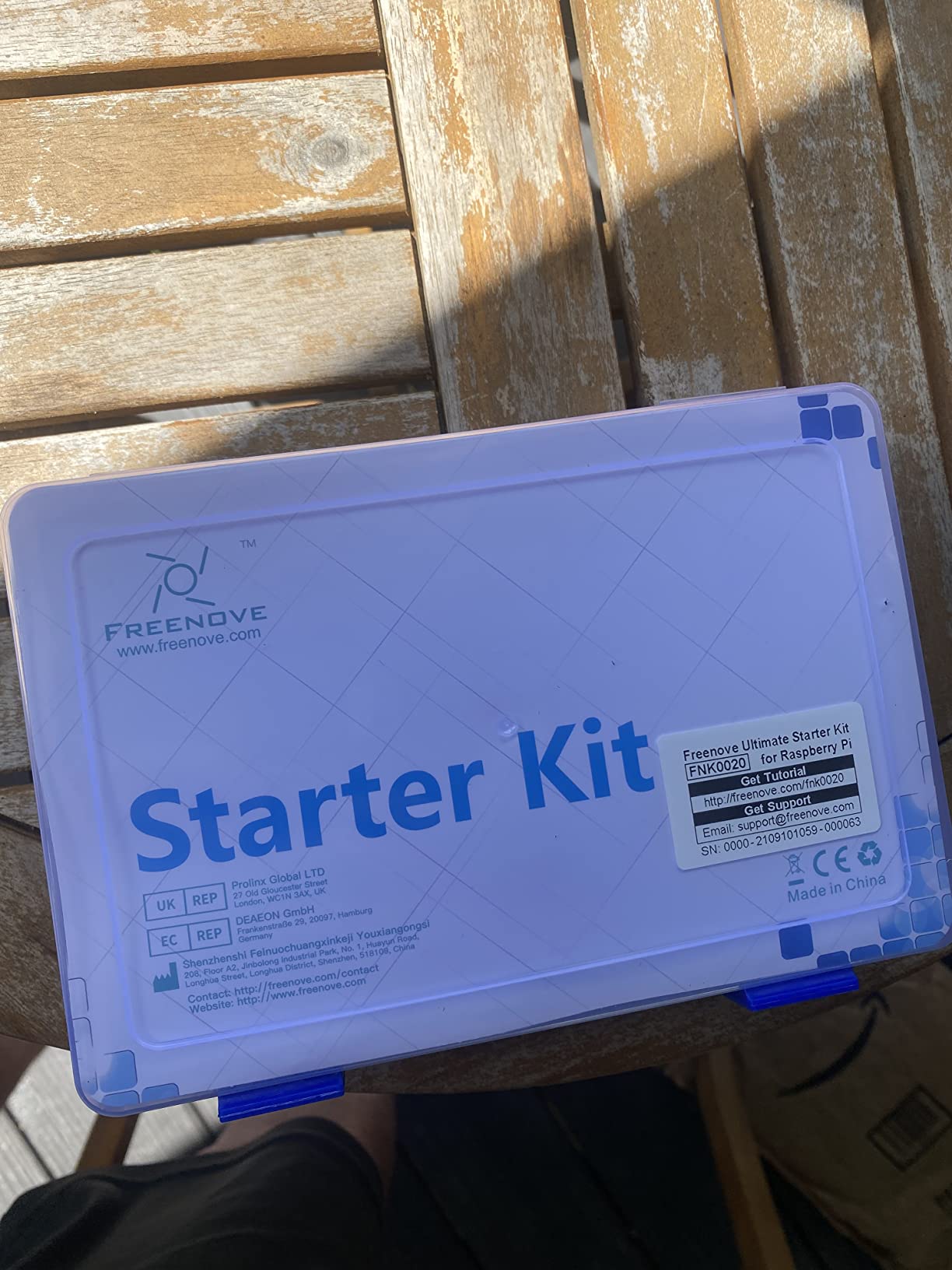
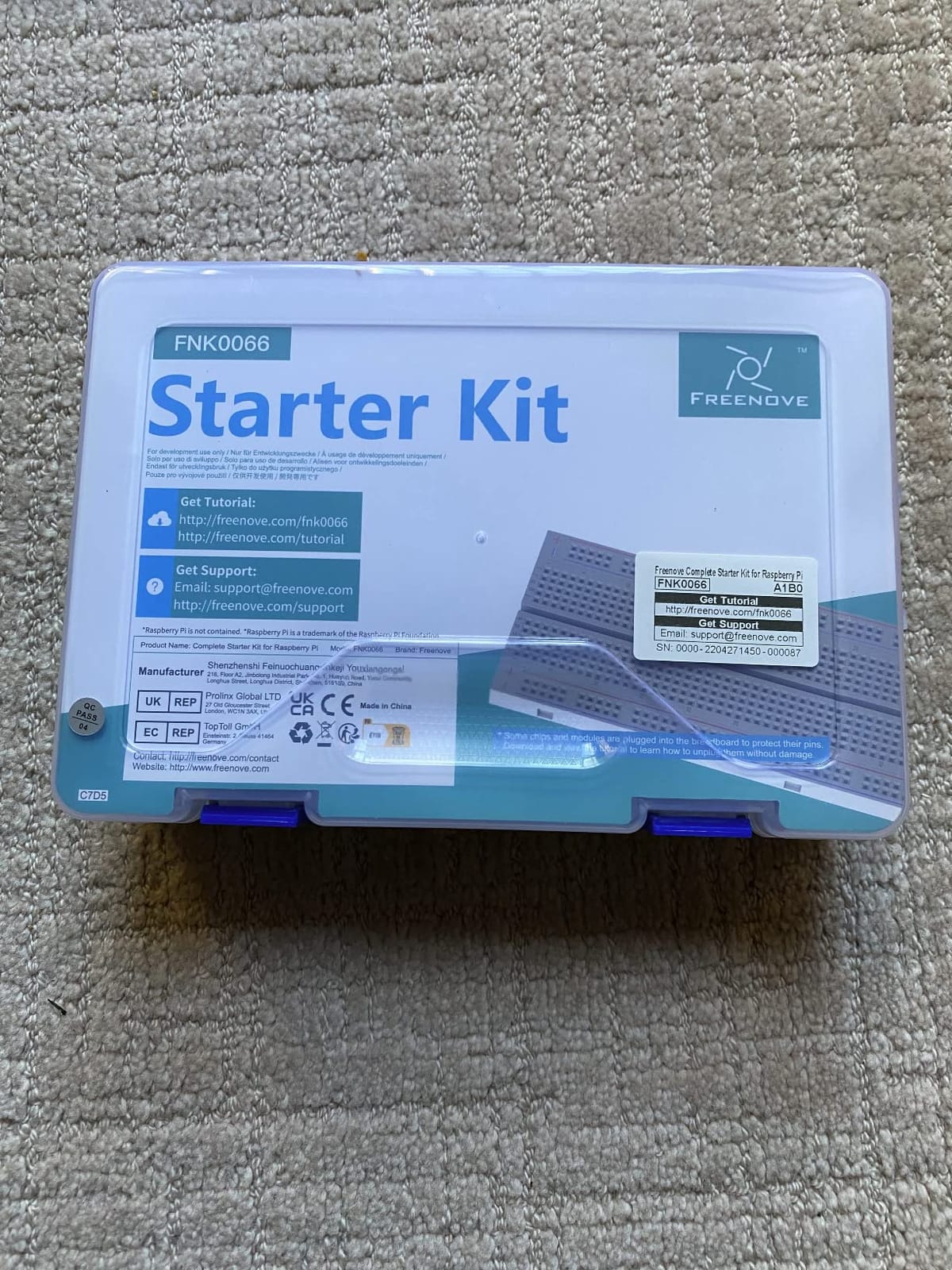
This is the biggest box of parts we looked at, with 386 items including modules, sensors and wires. That is roughly 160 more components than the Freenove Ultimate kit, and it adds a camera and a speaker module that the smaller set does not carry.
Documentation scales with the hardware. There are 164 projects from simple to complex, each with a schematic, wiring diagram, complete code and an explanation, plus a 1170-page tutorial available as a download or in a translatable browser view.
The code examples are counted separately, which tells you how much variety is inside: 51 Python, 46 C, 27 Java, 15 Scratch and 25 Processing examples. Compatibility covers Raspberry Pi 5, 500, 400, 4B, 3B+, Zero 2 W and the older models.
The 4.4-star average across 350 reviews is the lowest among the kits we tested, with 68 percent five-star ratings and around 5 percent one-star. That distribution reflects the learning curve as much as the quality, because 386 components is genuinely a lot to absorb at once.
Which Freenove kit should you buy?
Take this one if your projects will involve a camera or a speaker, or if you want the longest runway without buying sensors individually. Take the Ultimate kit in position five if you would rather have a smaller box you can actually keep organised, or if the earlier projects are what you need most.
Neither board is included. Both pair with any of the board kits in this list, and both work with a Zero 2 W if you want the smallest possible setup.
Compatibility caveats to know about
The camera and speaker modules have restrictions: the speaker does not work on a Pi 5, and the 500, 400 and Zero models do not accept the camera or the speaker. Check the board model in your bundle against the module list before you plan a project around audio.
For a genuine first-time beginner, the sheer number of parts is the real drawback. Open the box, sort it with the dividers provided, and start with the first ten projects rather than trying to see everything at once.
9. Vilros Raspberry Pi 5 Starter Kit MAX with 128GB Card
- Raspberry Pi OS already installed for a true plug-and-play start
- 128GB card among the largest in complete Pi 5 kits
- Metal case feels solid with useful standoffs
- Good HDMI cables plus a carry case and cable tie
- 8GB RAM runs local models and media servers
- Heat sinks are not included despite the listing
- Case fan described as cheap and noisy
- Drop-style CPU heat sink is less effective
- Adding HATs can require a different case
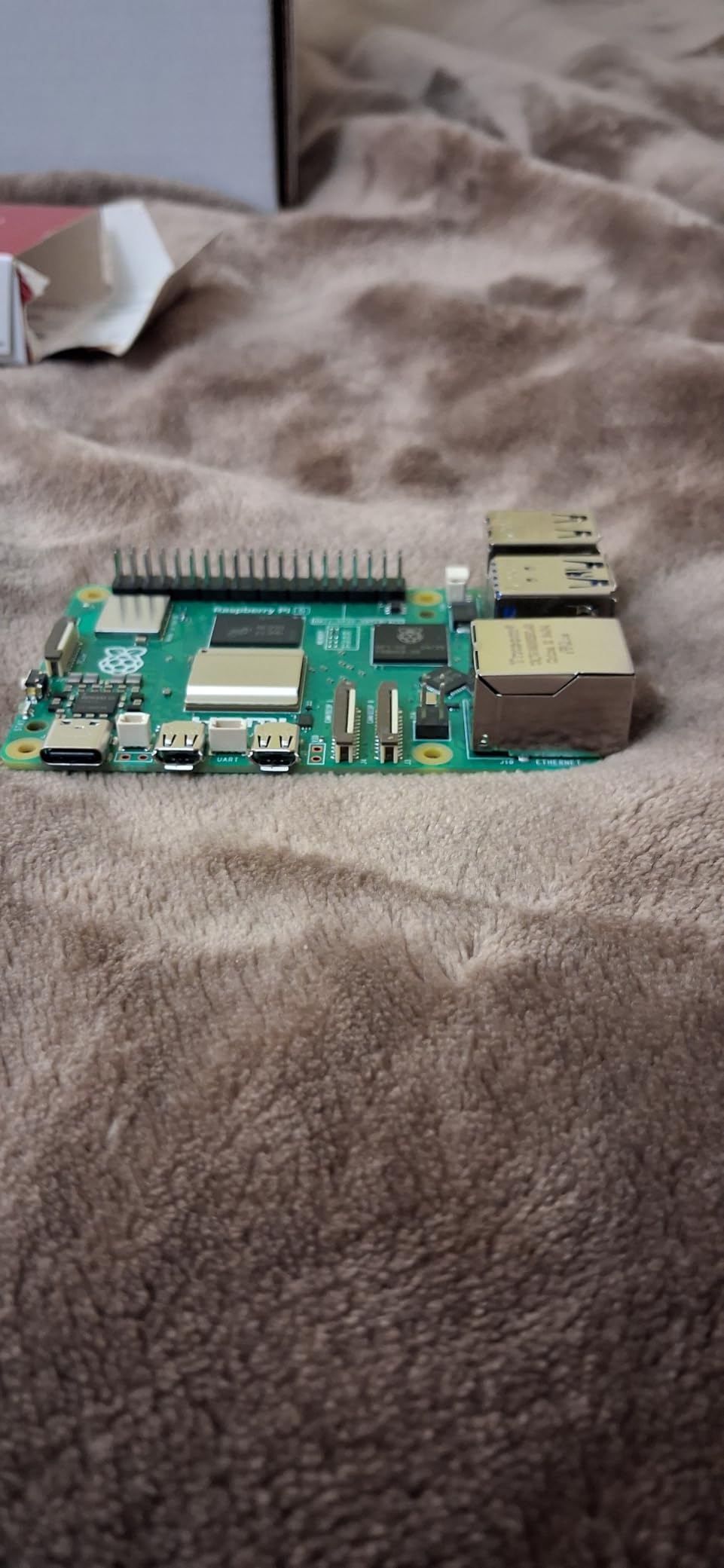
The headline number here is 128GB. A microSD card that size, preloaded with Raspberry Pi OS, gives you enough room for a desktop environment, several development tools and a media library without thinking about storage for a couple of years.
The board is an official Raspberry Pi 5 8GB with a 2.4GHz quad-core Broadcom processor. Cooling is a black Vilros case with a fan plus heat transfer tape and standoffs, and you also get a USB microSD card reader, a camera module adapter cable, an on and off switch, two 5-foot 4K60p micro HDMI cables and a quick-start guide.
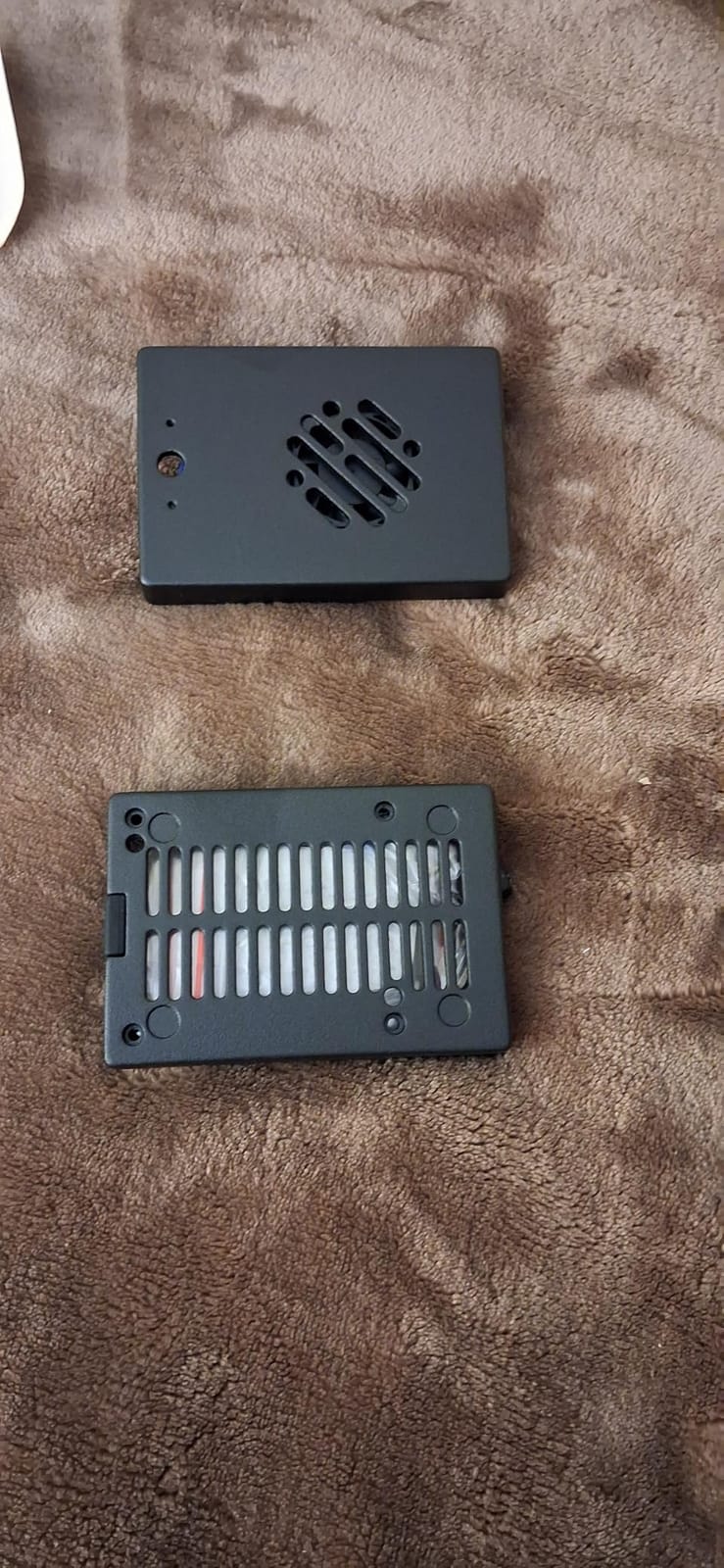
Owners consistently describe the metal case as solid and well designed, and the two included cables mean you can drive a dual-screen setup without buying a second one. The 8GB of RAM is enough for a code editor, a media server and retro gaming side by side.
The complaint that comes up most often is that heat sinks are not included even though the listing refers to cooling. You get a case fan and a drop-style CPU heat sink in the case, which handles normal use but is not what you want for sustained heavy loads.
Is 128GB of storage overkill for a beginner?
For learning, no, but it removes a decision you would otherwise make on day one. A 32GB card fills quickly once you install a desktop environment plus a browser and an IDE, and swapping cards later is an evening of work you can skip entirely.
The practical warning is that a card this size should come from a reputable seller. Counterfeit and misreported cards are the most common cause of a Pi that corrupts files or refuses to boot, and cheap cards are where that problem concentrates.
Cooling limitations to plan around
Add an active cooler if your plans involve long compiles or running models. Without chip heat sinks, the case fan alone is doing most of the work, and reviewers note the included fan can be noisy.
Check the case before you buy expansion hardware. Adding HATs can require a different case because the header access and mounting points differ, and finding out after you have everything assembled is frustrating.
10. ELECROW CrowPi Kit with 9-Inch Touchscreen
- No breadboard wiring to get started
- 9-inch HD touchscreen makes projects visual
- Wireless keyboard and mouse plus a 32G TF card included
- Solid ABS shell built for travel and classrooms
- 21 structured programming lessons
- Highest price point here by a wide margin
- Only a 180-day warranty
- Large footprint limits portability
- Fixed case restricts third-party HAT expansion
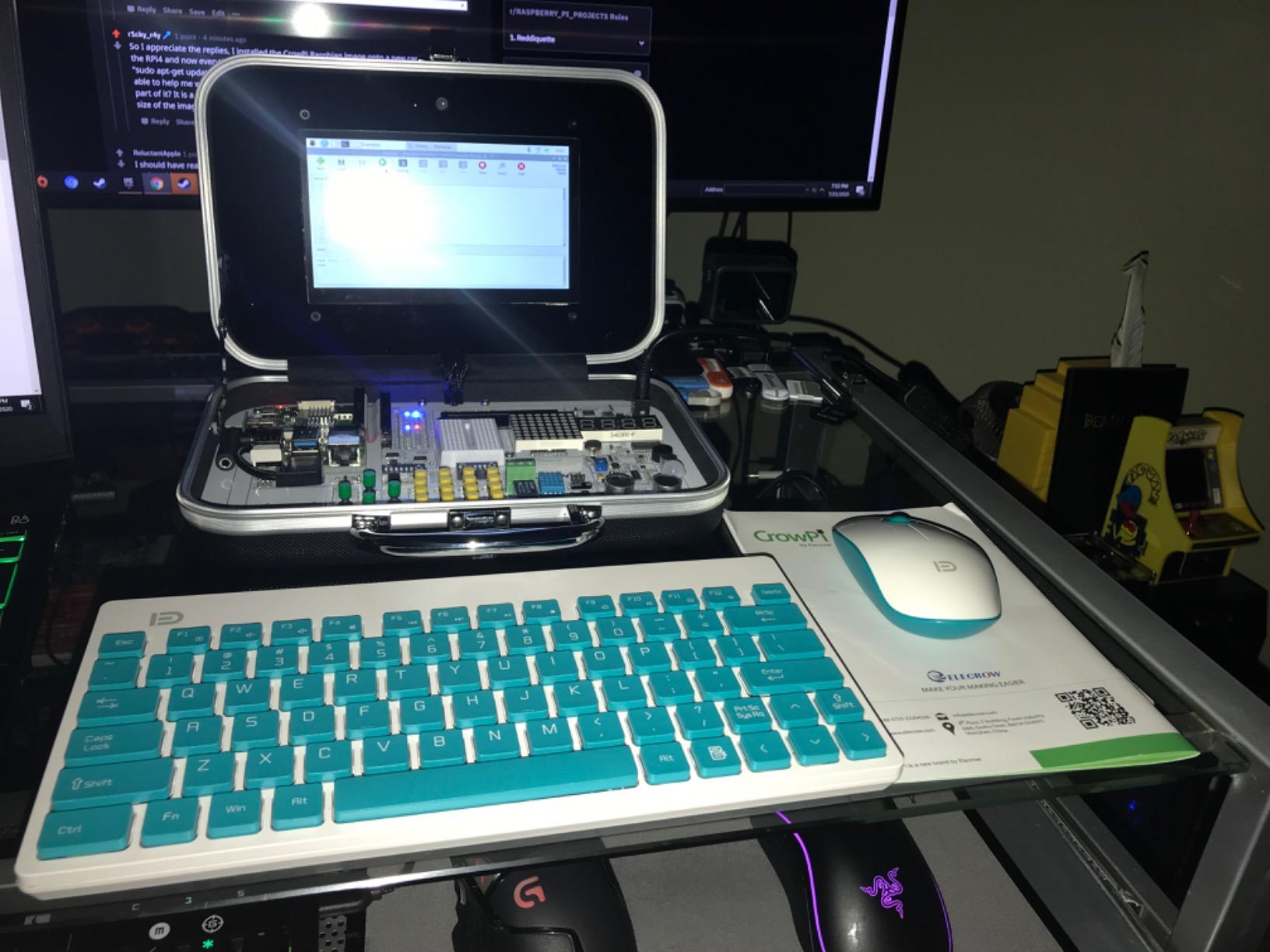
This is the kit that removes wiring from the equation entirely. The CrowPi development board packs an LCD, an LED matrix, a buzzer, a light sensor, a PIR motion sensor, an ultrasonic sensor and an infrared sensor onto a single fixed board. Nineteen sensors in total, all connected already.
The Raspberry Pi 5 8GB sits inside a black Elecrow case with a 9-inch HD touchscreen and a camera mounted in it. You also get a 32G TF card, an earphone, an RFID card and a wireless keyboard and mouse, which is the most complete set of everyday peripherals on this list.
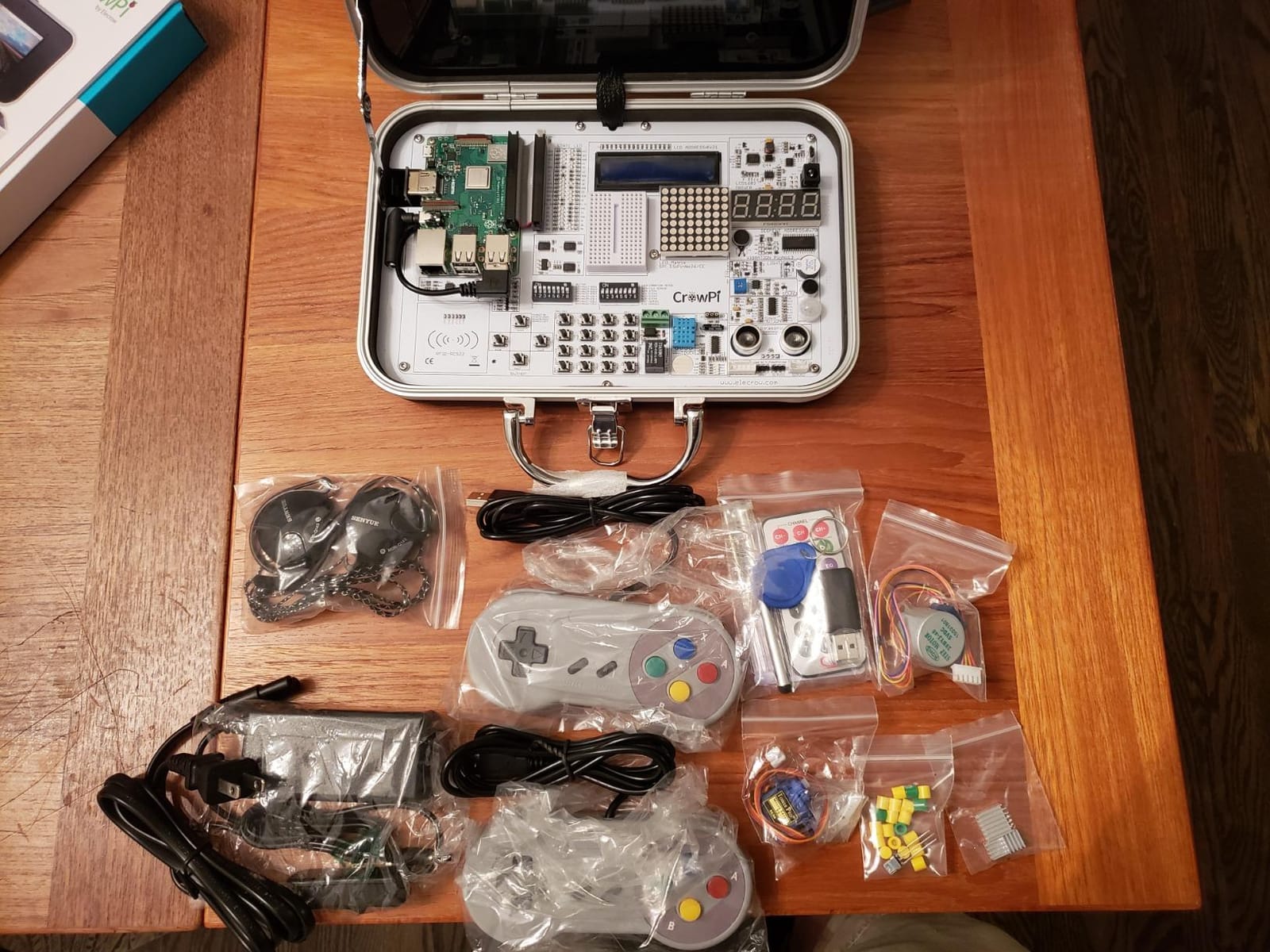
Twenty-one step-by-step programming lessons take learners from identifying components to reading code and running it in the terminal. The 9-inch touchscreen makes every project visual, which is why this kit tends to land well with children and classroom groups where an adult cannot sit beside each desk.
The solid ABS shell is built for portability and repeated handling, and the whole unit measures 10.6 by 6.9 by 2.56 inches. That footprint is large enough that you will want a clear desk rather than a laptop stand.
Is a fixed sensor board better than a breadboard?
For a first project, yes. Nothing gets miswired because there is nothing to wire, so your first success comes in minutes rather than an hour of troubleshooting. That is a genuine advantage for younger learners and for anyone who finds circuits frustrating.
The trade-off is flexibility. A breadboard lets you build circuits the kit designer never anticipated, while the CrowPi board gives you exactly the sensors that were built in. When you run out of built-in hardware, you are back to buying components.
Who should skip it?
Skip it if you want the cheapest path to a Pi 5 on your desk. This is the most expensive kit in the roundup and you are paying heavily for the display, the case and the integrated sensors, all of which you can add later for less.
The 180-day warranty is also noticeably shorter than the one-year cover on most kits here, and the fixed case restricts third-party HAT expansion, so check your future project list before committing.
11. SunFounder AI Fusion Lab Kit for Raspberry Pi
SunFounder AI Fusion Lab Kit for Raspberry Pi 5/4/3B+/Zero 2w, LLMs ChatGPT/Gemini/Grok, YOLO&OpenCV & MediaPipe, Python, Video Courses for Beginners Engineers
- Curriculum centred on current AI models and computer vision
- Pan-tilt HAT makes vision tracking tangible
- Fusion HAT handles power and safe shutdown simply
- Works with the Pi Zero 2 W as well as full-size boards
- Video lessons and active community support
- Raspberry Pi board not included
- Narrower focus than a general electronics kit
- Smallest review base here at 140 reviews
- Advanced vision projects need Python comfort
Most starter kits teach the fundamentals and leave AI for later. This one flips the order and turns a Raspberry Pi into an AI lab, supporting ChatGPT, Gemini, Grok, DeepSeek, Qwen, Doubao and local models through Ollama.
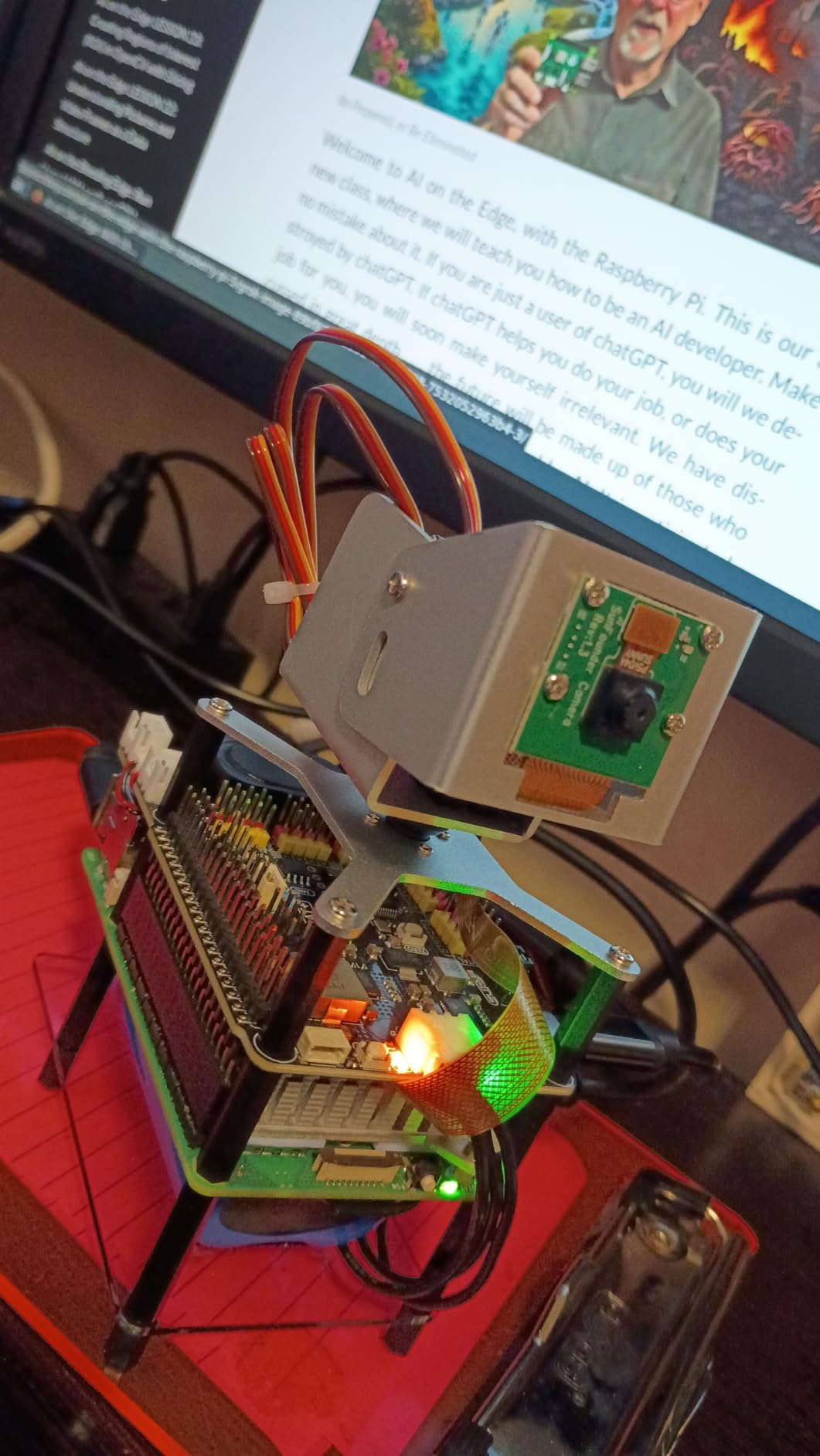
The hardware is built around vision and voice. A Fusion HAT with a built-in speaker and microphone handles power, safe shutdown and unified Python hardware control, while a pan-tilt HAT and camera module give you a moving camera for object, colour and motion detection with OpenCV, MediaPipe and YOLO.
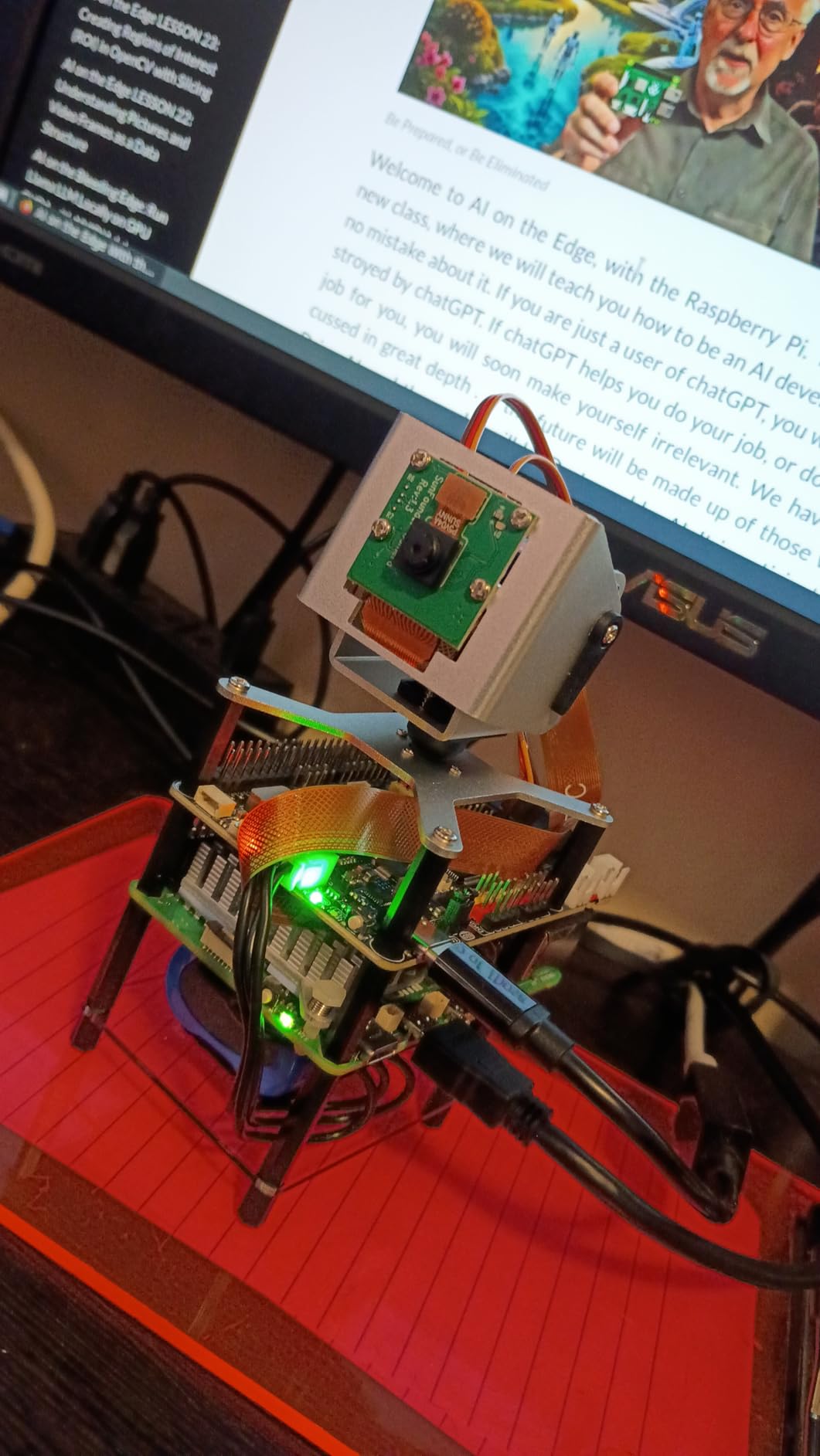
You also get a 10-axis inertial measurement module, an OLED screen, a metal gear servo, a DHT-11 temperature and humidity module and a touch sensor module. That is enough to build tracking, gesture and environmental projects without a single loose resistor.
The curriculum is project-based with sample code and video lessons with Paul McWhorter. Reviewers value the modern focus, and with 140 reviews and 84 percent five-star ratings the audience is smaller and more specific than the general electronics kits.
Who is this kit actually for?
Someone who already has basic Python and wants to move into machine learning and computer vision quickly. If your interest is blinking LEDs and learning how a transistor works, the general electronics kits give you a better foundation for less.
The board is not included, and the Raspberry Pi 5 is the natural pairing here because the vision and language model projects want the extra memory and processing headroom. It also works with a Zero 2 W for smaller builds.
What to keep in mind?
The scope is narrower, so you will still need breadboards and basic components if you want to practise circuits. The advanced vision projects assume you are comfortable reading Python, which is the main barrier beginners report.
With the smallest review base here, there is less long-term feedback than the Freenove and SunFounder kits have accumulated. That is a reason to check that the video curriculum covers what you actually want to build.
12. CanaKit Raspberry Pi 5 Starter Kit MAX 256GB Edition
CanaKit Raspberry Pi 5 Starter Kit MAX – Turbine White (256 GB Edition) (8GB RAM)
- Largest preloaded storage in any complete kit here
- 45W PD supply correctly rated for a Pi 5
- Mega anodized heat sink plus case fan
- Assembles without tools and boots fast
- Two 6-foot 4K60p display cables included
- Instructions are thin on fan and heat sink assembly
- Plastic case feels flimsy
- Cooling can struggle with sustained SD card writes
- Power adapter is bulky
This is the largest complete bundle in the roundup, and the storage figure sets it apart. A 256GB EVO+ microSD card arrives preloaded with 64-bit Raspberry Pi OS alongside a USB card reader, so there is no imaging step and no storage ceiling for the life of the kit.
The Raspberry Pi 5 carries a 2.4GHz 64-bit quad-core processor with 8GB of RAM. Cooling is a CanaKit Turbine White case with a low-noise bearing system fan and a mega black anodized heat sink, and power comes from a 45W PD supply sized correctly for sustained Pi 5 operation.
Two 6-foot display cables supporting 4K60p are included, which is what makes this the pick for a dual-screen desk. Owners praise the correctly rated supply in particular, because underpowered bricks are the most common cause of the low-voltage warning on a Pi 5.
Is the 256GB card worth it for a beginner?
Only if you intend to use the Pi as a small desktop rather than a microcontroller substitute. For GPIO learning and sensor projects you will use a fraction of it, and a smaller card would have done the job. For desktop use, media libraries or development tooling, the headroom means you never think about it again.
The practical caveat is card quality. A card this size is worth buying from a seller with a strong reputation, because misreported capacity is common in cheap large cards and it presents as random file corruption rather than a clear failure.
What the instructions leave out?
Owners report the written instructions are thin on how the fan and heat sink fit together, which is the part you do before anything else. The plastic case also feels light compared with the aluminium kits, and the cooling fins can detach if the unit is dropped.
For sustained heavy SD card data writes, the passive fan design can struggle. If your project is a server or a machine learning workload rather than a desktop, choose the kit that includes a proper active cooler instead.
How to Choose a Raspberry Pi Starter Kit?
Start by deciding what you want to be doing in three months. If you want a working computer on the desk, buy a board-included kit with cooling, storage and a power supply rated for the board. If you want to wire sensors and learn electronics, buy a component kit with a tutorial you will actually read, and add a board separately or alongside. The same buy-one-box-and-learn-as-you-go logic shows up in our beginner bonsai starter kit picks, where the included materials matter more than the brand.
Are starter kits cheaper than buying parts separately?
Usually yes on the board itself, and clearly yes on the accessories. Retailers buy case, power supply, cooling and card in volume and bundle them below what you would pay one at a time. The saving is smallest on the board and largest on the case and cooling, which is why several brands offer the older Pi 3 B+ in a kit for less than a Pi 5 board alone.
Where bundles lose is in flexibility. You get the accessories the designer chose, so a kit with a 32GB card leaves you with 32GB even when you wanted 64GB, and a kit with a plastic case leaves you replacing it later. Forum buyers generally conclude the bundle is worth it for the first-timer and worth skipping for the third Pi.
What a kit still does not include?
A monitor or television, a keyboard and a mouse, on every board-included kit here. Not one of them includes those three, and this is the most common reason a beginner ends up with a Pi they cannot look at. Component kits additionally exclude the board, the case and the power supply.
You may also need a card reader if your computer has no built-in slot, a second high-endurance card for backups, and active cooling if your board is a Pi 5 doing sustained work. Speakers and a camera are almost never included except on the CrowPi and Freenove Complete kits.
Which Raspberry Pi should you buy as a beginner?
The Raspberry Pi 4 Model B with 4GB of memory is the safest general answer. It runs Raspberry Pi OS comfortably, has wireless built in, and every case, cooler and kit in this roundup fits it. A Pi 5 is the right call when you want AI work or a full desktop, and a Pi 3 B+ is fine for headless and GPIO projects if you find one in a bundle at a good price.
Whatever you choose, check the specification block rather than the product name. Several well-reviewed bundles still ship a two-generation-old board, and the mismatch surprises people who assumed a kit meant current hardware.
Choosing a microSD card you will not regret
Buy a high-endurance card from a reputable seller, and do not treat the boot drive as disposable storage. The microSD card is where the operating system and all your files live, so a failure means reimaging everything. Keep a second card and a copy of your work.
Be sceptical of very large cheap cards. Misreported capacity is common in the market and it shows up as corrupted files rather than an obvious error, which sends beginners looking for a hardware fault that is not there.
Starting without a spare monitor
You do not need a screen to get going. Raspberry Pi Imager on a laptop can write an operating system to the card, and you can boot the board with no display attached and connect over wireless networking. It is the standard route for a headless server and it works well for sensor projects.
Add a keyboard and mouse only when your project needs them, or use a wireless set over Bluetooth to keep the desk clear. For a first weekend, many people skip the monitor entirely and control the Pi from a laptop in the same room.
Your First Weekend With the Raspberry Pi
Whatever kit you choose, this sequence gets you from unboxing to a working project without the flailing most beginners go through.
Unbox everything and lay the parts out before connecting power. Check that the board, card, supply, case and any sensors are all present.
Insert the preloaded microSD card, or write Raspberry Pi OS to your own card with Raspberry Pi Imager on a laptop.
Fit the case and cooling. If your kit has an active cooler or thermal pads, confirm their placement from the manufacturer diagram before closing the case.
Connect the power supply and display, then boot. Complete the Raspberry Pi OS setup wizard and enable wireless networking.
Open a terminal and run your first GPIO program, blinking an LED through a resistor on the GPIO header. This is the moment the board stops being an object and starts being a computer.
Open one sensor from the component kit and read its value in Python. One project, one weekend, and you now know whether this is the hobby you want.
Once that first project works, resist the urge to buy three more kits at once. Our guide to the best starter aircraft kits for new modellers makes the same point in miniature: a complete first kit that you finish beats a half-finished premium one every time.
Frequently Asked Questions
What is the best Raspberry Pi starter kit for beginners?
The CanaKit Raspberry Pi 4 4GB Starter PRO Kit is the best all-round first purchase, because it includes the board, a 32GB preloaded microSD card, a fan-cooled case, a 3.5A USB-C power supply and an HDMI cable in one box. For learning electronics rather than using a small computer, the Freenove Ultimate Starter Kit offers more hardware and better tutorials, though you buy the Raspberry Pi separately.
Are Raspberry Pi starter kits worth it?
For a first Pi, yes. Bundles are usually cheaper than buying the case, power supply, cooling and card separately, and they remove the most common beginner failures such as an undersized power supply or missing storage. The saving is smallest on the board and largest on the accessories. Once you own a Pi and know which case and cooling you want, buying parts individually is often cheaper.
Is the Raspberry Pi 5 overkill?
For most beginners, yes. The 2.4GHz quad-core processor and 8GB RAM only pay off on AI, computer vision and local language model work. A Pi 5 also draws more power and runs hotter, so it needs active cooling and a higher-rated USB-C supply. A Raspberry Pi 4 handles GPIO learning, media playback and light desktop use, with money to spare for sensors.
Does a starter kit include the Raspberry Pi board?
Some do and some do not. Board-included kits such as the CanaKit and Vilros bundles ship the board, case, power supply and a preloaded microSD card. Component kits such as the Freenove Ultimate, Freenove Complete, SunFounder Raphael and SunFounder AI Fusion Lab kits contain sensors, wires and a breadboard and assume you already own a Pi. Always check the product title and specification list.
What is NOOBS?
NOOBS is the older name for the operating system installation method that wrote multiple operating systems to a microSD card, including Raspbian, later renamed Raspberry Pi OS. New cards shipped today are usually preloaded with Raspberry Pi OS rather than NOOBS. If you write your own card, use Raspberry Pi Imager instead, which is the current tool.
What accessories do I still need to buy for a Raspberry Pi?
Every board-included kit here needs a monitor or television with an HDMI input, plus a keyboard and mouse. Depending on the kit you may also need a microSD card reader, a second high-endurance card for backups, and active cooling if you run a Raspberry Pi 5 under sustained load. Speakers and a camera are rarely included except on the CrowPi and Freenove Complete kits.
Conclusion: Which Raspberry Pi Starter Kit Should You Buy?
For most people reading this, the best raspberry pi starter kits for beginners answer comes down to one decision: do you want a computer or do you want a laboratory. Want a computer, and the CanaKit Raspberry Pi 4 4GB Starter PRO Kit is the pick, with the Vilros Complete Kit as the equal alternative if larger storage matters more to you than power hardware. Want a laboratory, and the Freenove Ultimate Starter Kit pairs with any board kit above.
Whichever you choose, buy a high-endurance microSD card from a reputable seller, plan for the monitor you will still need, and start with one LED before you plan anything ambitious. That is where every one of these kits succeeds or fails.