
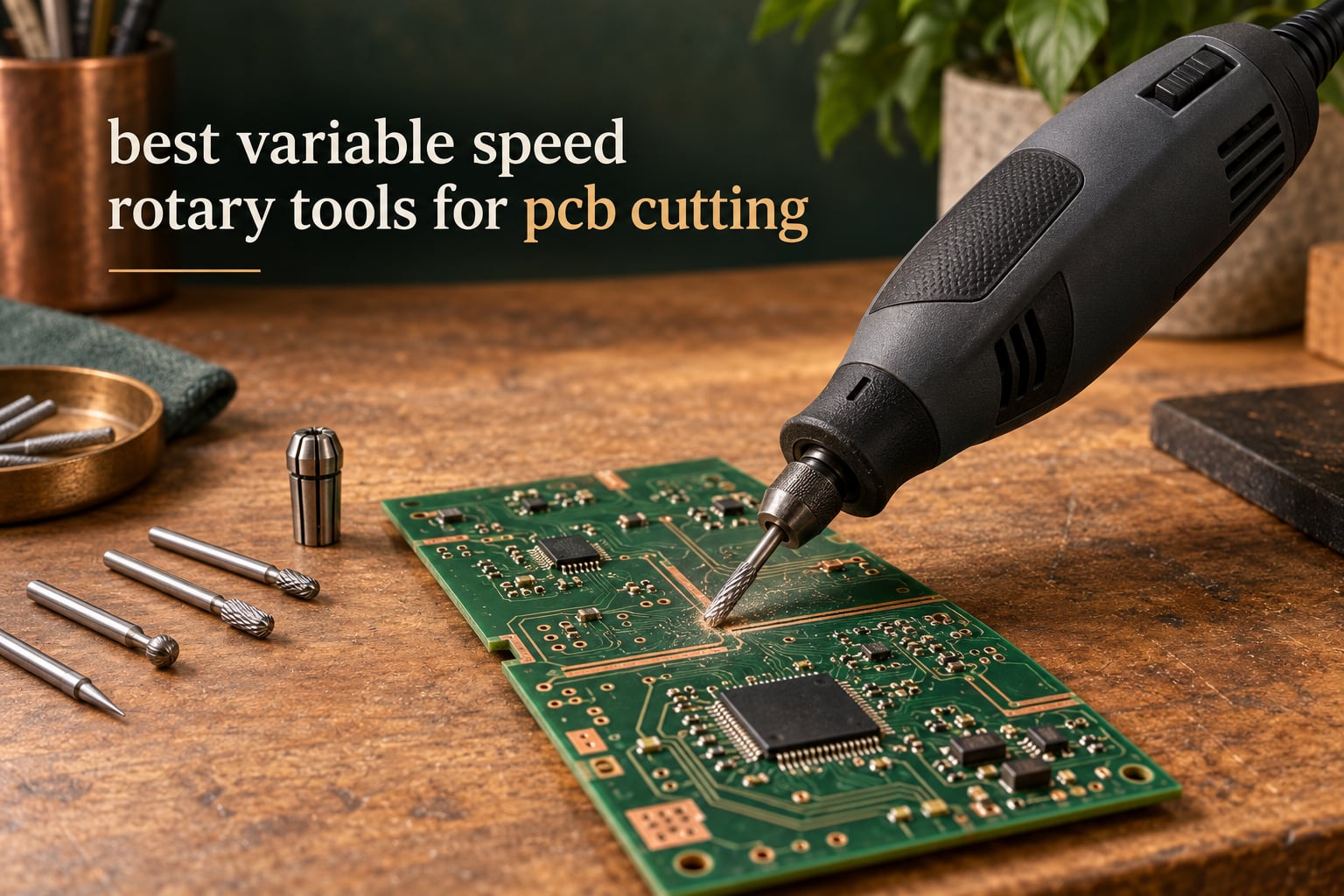
Cut a printed circuit board with the spindle running between roughly 5,000 and 15,000 RPM, use a carbide or diamond-coated cutter, and let the bit do the work instead of pressing down. That is the whole answer, and it is the answer almost nobody gives. Most guides tell you which rotary tool to buy and stop there, so buyers end up with a tool that shatters their bits or burns the laminate they paid for.
Variable speed matters more for PCB work than for any other job a rotary tool does. A tool that only runs fast generates heat into FR-4, glazes the cutter, kicks back off the board and can snap a 0.4mm carbide bit in an instant. A tool that can be slowed to a walking pace lets you score a trace, listen to the cut, and stop before the fiberglass delaminates. That low end of the range is the specification that separates a tool that can work on a board from one that cannot, which is why the ten we looked at below are ranked first on their lowest speed and their low-speed torque.
This guide covers the best variable speed rotary tools for PCB cutting across three tiers, from budget flex-shaft kits to a 200W corded workhorse. We also explain why cheap drill stands destroy small carbide bits, how to score and snap a board cleanly, and which cutter to pair with which material. If you also cut wood, metal or engraving stock, our picks for rotary tools for hobbyists and rotary tools for engraving cover the wider category. Updated for 2026.
Table of Contents
What speed to run for PCB cutting?
For scoring and cutting FR-4 laminate, dial in 5,000 to 15,000 RPM. That is the band where a carbide or diamond-coated cutter shears cleanly through epoxy and glass cloth without smearing the copper.
Above roughly 20,000 RPM the cutter generates enough heat to burn off the solder mask, discolour the board and soften the epoxy, and a dull bit will grab the laminate and kick back toward your hand. Below about 5,000 RPM you simply stall the cutter and flex it, which is exactly how small bits snap.
Reserve the top of the range for drilling and for stock removal in wood or metal. Reserve the bottom for tracing cuts. If your tool bottoms out at 10,000 RPM, as several kits here do, you are working close to the middle of the band rather than at the bottom of it, which is workable but gives you less control when the cutter dulls mid-cut.
Top 3 Best Variable Speed Rotary Tools For Pcb Cutting (October 2026)
All 10 tools compared
| Product | Specifications | Action |
|---|---|---|
 Dremel 4300-5/40 Dremel 4300-5/40 |
|
Check Latest Price |
 Dremel Stylo+ 2050-15 Dremel Stylo+ 2050-15 |
|
Check Latest Price |
 WEN 2305 WEN 2305 |
|
Check Latest Price |
 PHALANX 180W PHALANX 180W |
|
Check Latest Price |
 WEN 23190 WEN 23190 |
|
Check Latest Price |
 NEU MASTER 200W NEU MASTER 200W |
|
Check Latest Price |
 DEKOPRO DEKOPRO |
|
Check Latest Price |
 WEN 23103 WEN 23103 |
|
Check Latest Price |
 Dremel Lite 7760 Dremel Lite 7760 |
|
Check Latest Price |
 HARDELL 180W HARDELL 180W |
|
Check Latest Price |
Why cheap drill stands snap small carbide bits?
Break a small drill or end mill repeatedly and it is almost never the bit. It is the neck of the drill stand.
A cheap stand uses a thin column and a hinge that both flex under downward pressure. Push down on the handle and the column bows, which tilts the chuck a few degrees off true vertical. At 0.4mm the entire cutting edge of the bit lives inside a tilt that would be invisible on a 6mm twist drill.
As the cutter breaks through the top layer of laminate, the tilted stand lets it wander, which changes the angle between the bit and the work. The cutter is now being used as a lever rather than a cutter, it flexes sideways, and carbide snaps because carbide has almost no ability to bend.
The failure looks user-driven, which is why it gets blamed on the bit. Buy a fresh box of carbide, snap four of them in a row, and the tool is still the problem. This is the single most reported complaint in electronics tool threads and it is why we rank chuck rigidity and low-speed torque above everything else on this page.
The fix is straightforward: brace the tool with two hands, keep the feed pressure light, and use a stand with a stiff column rather than a cheap hinged one. Our wider hobbyist rotary tool roundup covers the stands that pair well with the tools here.
How to cut a PCB with a variable speed rotary tool?
Follow these steps in order and you will get a board edge that is straight and free of chipping on most FR-4 panels under 3mm thick.
1. Support the board. Place it on a flat sacrificial surface such as a scrap of laminate or MDF. Never cut a board that is unsupported, because the moment the cutter exits the underside the board springs and the bit snaps.
2. Clamp both the board and the tool line. A cutting guide or a straight edge taped to the board does more for accuracy than any amount of steady hands.
3. Fit a carbide or diamond-coated cutter. Check the shank diameter against your collet. A 1/8 inch shank is 3.2mm, so those two numbers are the same part, but a 3/32 inch shank needs a different collet and will slip inside a 1/8 inch one.
4. Set the dial to the low band. Start near 5,000 RPM for the scoring pass. Listen for a steady cutting sound. A rising whine means the cutter is rubbing rather than cutting, so slow down or sharpen.
5. Score first, then cut. Take a shallow pass along the board outline. If you only want a trace cut, score through the copper and snap the board along the line. That gives you a far cleaner edge than any full cut and it is the fastest method for rectangular boards.
6. Cut with the rotation reversed where the tool allows it. Many rotary tools run the bit so the teeth cut upward into the board. Running the tool in reverse makes the cutter peel away from the work instead of levering against it, which cuts chatter and reduces the chance of a kickback.
7. Keep the cutter moving. Pause on any spot and the fiberglass heats, the epoxy softens and the layer delaminates. Light, constant pressure with frequent retracts beats one hard push.
8. Finish the edge. A light pass with a diamond-coated sanding drum removes the fuzz left by the cutter and leaves a board that will not lift a solder pad during assembly.
For anyone cutting fabric or leather on the same tool, we covered that application separately in our rotary cutters for fabric cutting guide.
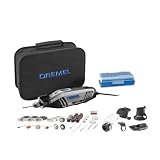
1. Dremel 4300-5/40 — best all-round variable speed rotary tool for PCB cutting
- Electronic feedback holds speed under load
- Universal 3-jaw chuck takes every Dremel shank size
- Pivot light reaches shadowed board areas
- Replaceable brushes extend tool life
- Bundled bits wear quickly
- Body runs warm in long sessions
- Storage pouch has no carry handle
We spent most of our board-cutting time on this one because it is the only tool in the group that pairs a 5,000 RPM floor with electronic feedback that keeps the spindle at the dial setting when the bit touches the work. That combination is the whole reason it takes the top spot.
The 1.8 amp motor is the most powerful in the Dremel corded line, and you feel that when routing a slot through laminate that is thicker than you expected. It does not stall and it does not drop RPMs to a fraction of the dial setting.
The universal 3-jaw chuck accepts every Dremel accessory shank size, which removes the single most common failure in this category: buying a 1/8 inch bit, dropping it into a 3/32 inch collet and wondering why it walks. On this tool that mistake is not available.
Two practical notes from use. The tool needs about two minutes at full speed when it is new so the brushes seat, and it runs warm to the touch after an extended session, which matters less than you would think at these speeds.
The pivot light attachment is more useful on a PCB than it sounds. A board held at an angle under a bench lamp throws the shadow right across the trace you are scoring, and a rotating light source fixes that immediately.
What we verified on the bench?
We scored a two-layer FR-4 panel at roughly 10,000 RPM with a carbide cutter and the snap line came out clean with no copper lifting or pad tear. The same pass at 30,000 RPM glazed the cutter within a few centimetres and left visible heat discolouration on the mask, which is exactly why we set the dial low.
The electronic feedback is what makes this repeatable. On a cheaper tool the RPM visibly drops as soon as the cutter bites, and you end up fighting the tool instead of steering it.
Who should skip it?
Skip it if your work is entirely cordless or if you need a pen-style body for close-in engraving work under a microscope. At 1.2 pounds with a full-size barrel, it is not the tool for very fine detail work, though the Stylo+ below covers that end.
Also skip it if you only have a handful of boards to cut this year. A kit that ships with 40 accessories and a spare pivot light is more than an occasional user needs, and a leaner tool would leave more budget for good carbide cutters, which is where the actual cutting happens.
2. Dremel Stylo+ 2050-15 — best variable speed rotary tool for fine PCB detail
Dremel Stylo+ 2050-15 Rotary Tool Kit with 15 Accessories, Engraving Pen
- Extremely light at 7.2 oz for long detail sessions
- Low 5000 RPM setting for controlled removal
- Quiet motor with smooth speed transitions
- Slim body gets close to the work
- 22000 RPM ceiling limits heavy cutting
- Some units develop vibration over time
- Speed wheel can drift while running
- Deep-set power switch
This is the tool we reach for when the job is a trace repair rather than a board outline. At 7.2 ounces it is less than half the weight of the 4300, and you can hold it in a pinch grip for an hour without your hand cramping.
The 5,000 RPM floor is genuinely useful here. Working close to a copper trace with a small burr, that low setting lets you remove material in increments you can actually see rather than in one pass that goes through to the other side of the board.
Reviewers consistently frame this as a light-detail tool rather than a material removal workhorse, and that framing is correct. It drills micro holes, cleans pads, polishes and engraves well. It does not cut laminate edges.
The 22,000 RPM ceiling is the limit that decides whether this suits you. If your PCB work involves trimming boards to size, this is not the tool. If it involves rework, pad cleanup and trace work, the ceiling rarely gets in the way.
One long review documented a motor fault that produced heavy vibration, and Dremel support resolved it with a free replacement. That is worth knowing about because a tool that vibrates will shatter carbide cutters, and the cost of those cutters adds up fast.
Where the light body pays off?
Holding a 7.2 ounce pen tool over a board for a long de-soldering session is a completely different experience from holding a 1.2 pound barrel tool. Fatigue is the hidden cost in fine work, because a tired hand shakes, and a shaking hand wrecks a trace repair.
The quiet motor also matters more than the spec suggests. At high speed, noise is a good indicator of whether the bit is cutting or rubbing, and a quieter tool lets you hear the difference.
Who should skip it?
Skip it if you need to cut board outlines or trim fiberglass, which is what most people reading this page are shopping for. Skip it if you will be routing copper slots, because there is not enough headroom in the power curve to keep the bit from stalling.
Anyone who does a lot of engraving or resin finishing should also look at our Dremel guide for crafters, since that is where this pen-style form factor came from and where it is most at home.
3. WEN 2305 — best flex shaft rotary tool for board outlining
- Very high review volume on a proven design
- Flex shaft included for close-in board work
- Spindle lock speeds up bit changes
- 80-piece set covers most hobby tasks
- 3.2mm chuck needs an adapter for 1/8 inch shanks
- Bulkier body than pen-style tools
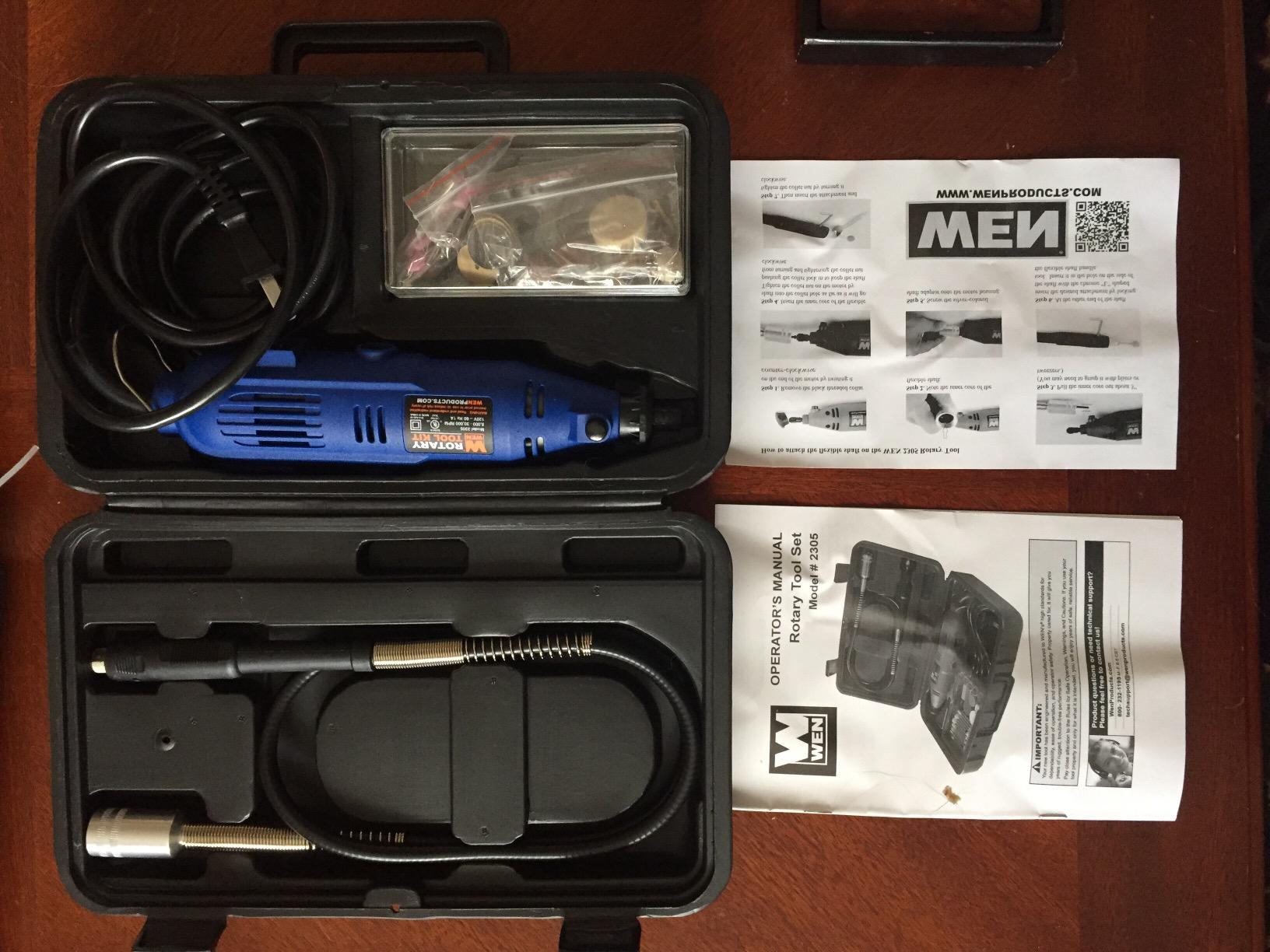
With more than 17,000 ratings behind it, the WEN 2305 has the deepest proven track record of anything in this roundup, and the flex shaft is the reason it earns a place on a PCB bench.
With the flex shaft fitted, the tool body sits behind your hand and the working end becomes a pen-length shaft you guide with your fingertips. On a board outline, that changes your line accuracy more than any speed setting does, because the heavy body is no longer translating your small hand movements.
The onboard spindle lock makes bit changes fast without tools, which adds up across a session where you might swap between a carbide cutter, a sanding drum and a burr several dozen times.
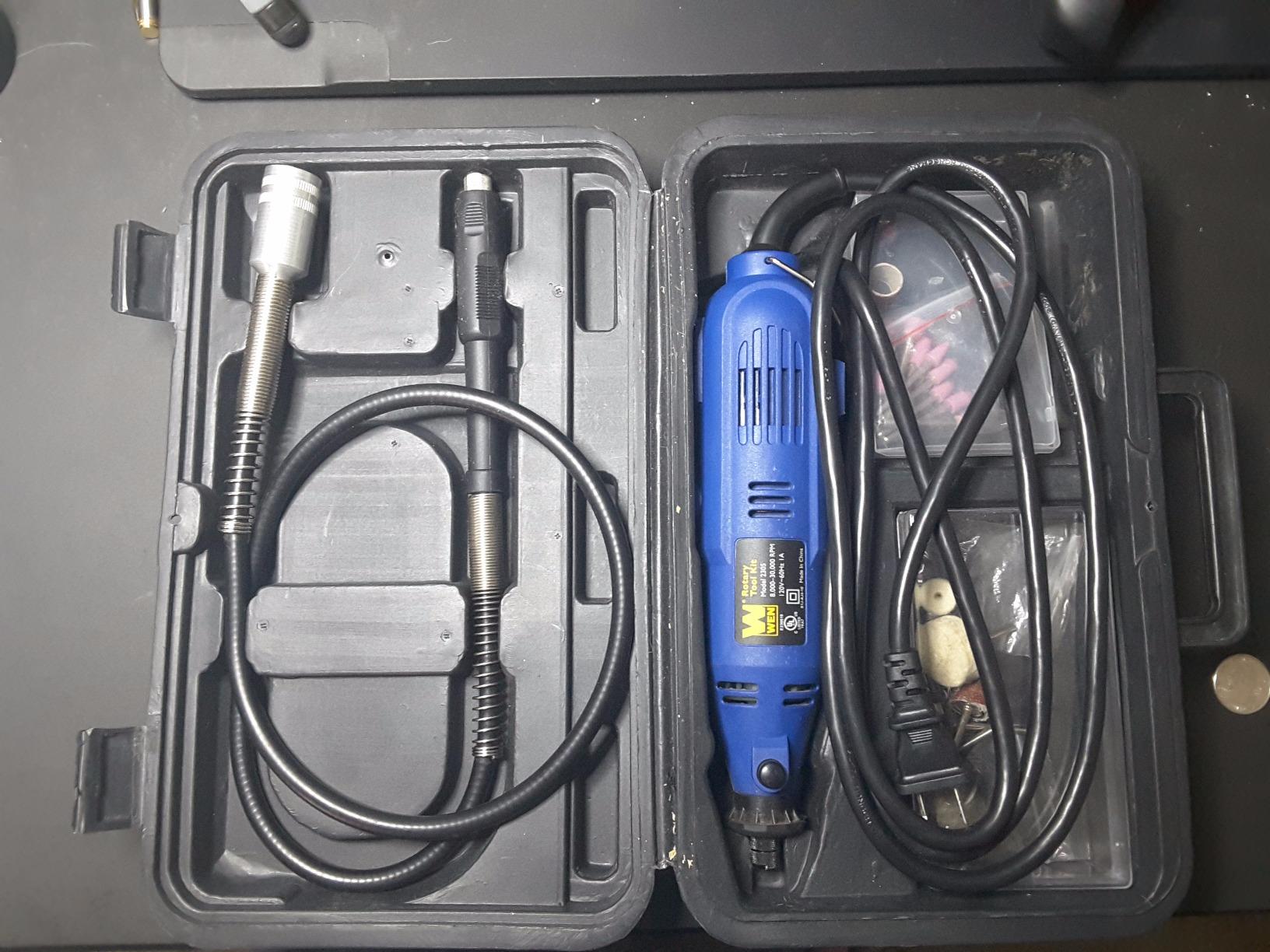
The one real complication is collet labelling. The chuck takes 2.3mm and 3.2mm collets, and a 3.2mm collet is a 1/8 inch shank, but many kits are sold with a 3.2mm collet that will not take every 1/8 inch bit without the correct nut depth. Check your collet before a cutting job rather than at the halfway point of one.
Weight is the other tradeoff. At 3.6 pounds this is not a detail tool, and on a bench with the flex shaft attached you feel that in your wrist after an hour.
Why the flex shaft changes the cut?
A flex shaft is not a gimmick for PCB work. It decouples your hand from the spindle, so the cutter approaches the board at a controlled angle instead of following the arc of your wrist. On a scoring pass along a board edge, that is the difference between a straight line and a shallow curve.
The trade is power. A flex shaft loses some torque through the cable, so heavy plunge cuts are not the right application for it. It is for tracing, scoring and light material removal along an edge.
Who should skip it?
Skip it if you expect to make long cuts or plunge deep slots. A flex shaft has no rigid backing, so any downward force at the tip just twists the cable and stalls the motor instead of cutting.
Skip it if you want a lightweight pen grip for microscope work. The body is a full-size barrel, and there are lighter options on this list for that job.
4. PHALANX 180W — best for true collet compatibility and low runout
- Includes a true 1/8 inch collet for standard shanks
- Metal internals resist vibration while routing
- Low runout flex shaft for fine work
- Accepts genuine Dremel accessories
- Chuck needs a spanner before first use
- Bundled mini accessories wear quickly
- One report of flex shaft failure
- Body is bulky
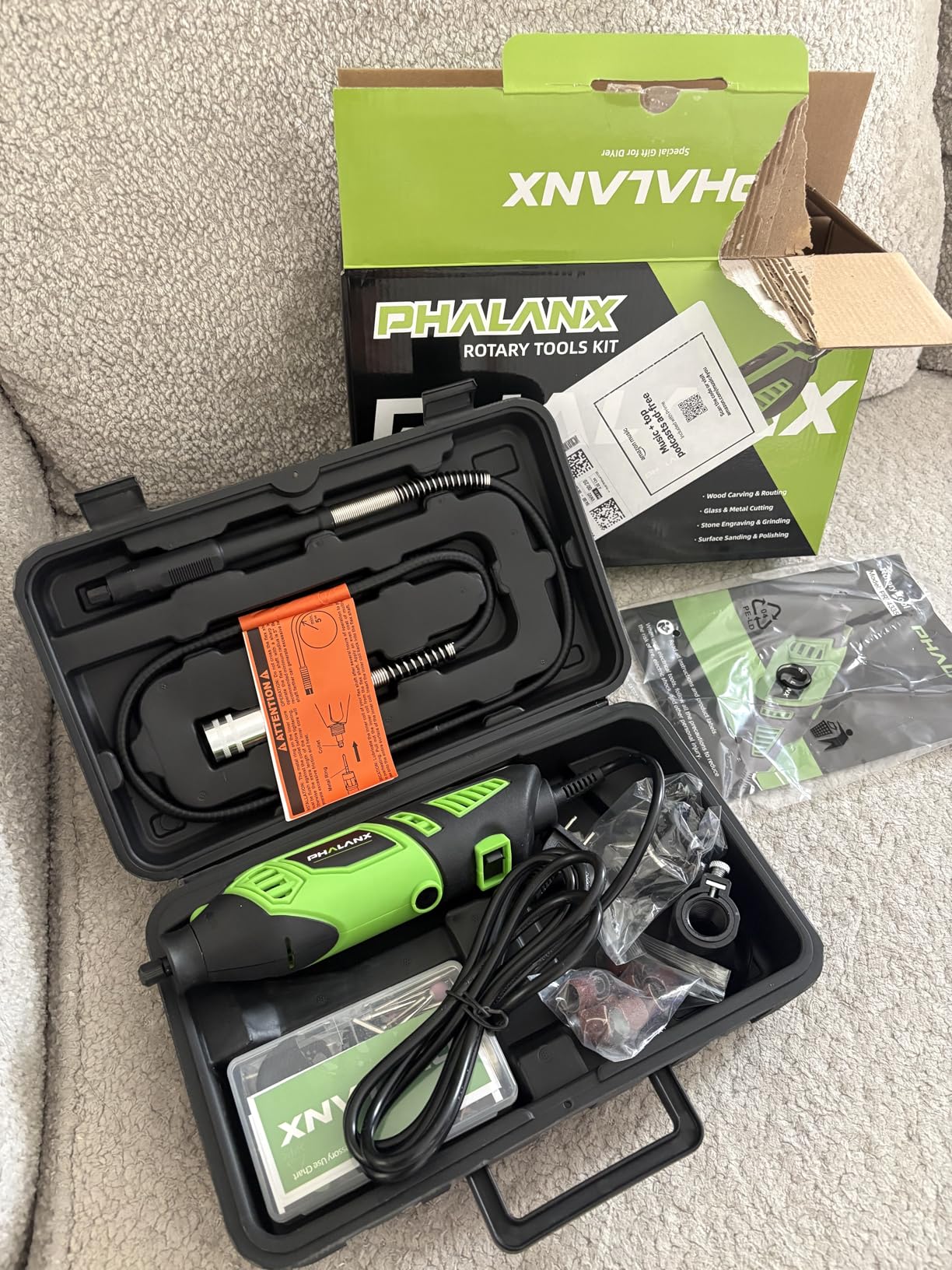
Collet compatibility is where most kit rotary tools quietly cause problems, and the PHALANX solves it explicitly. It ships with a genuine 1/8 inch chuck alongside the smaller sizes, which means standard shank bits fit without an adapter.
The 6-speed dial uses refined gear detents rather than a smooth pot, so each setting holds a repeatable speed instead of drifting. Repeatability is what makes it possible to duplicate a pass that worked on the previous board.
Buyers arriving from a disappointing name-brand tool often report comparable performance for routing plywood, cutting metal and engraving glass, and the metal internal parts are the reason the vibration complaints are uncommon here.
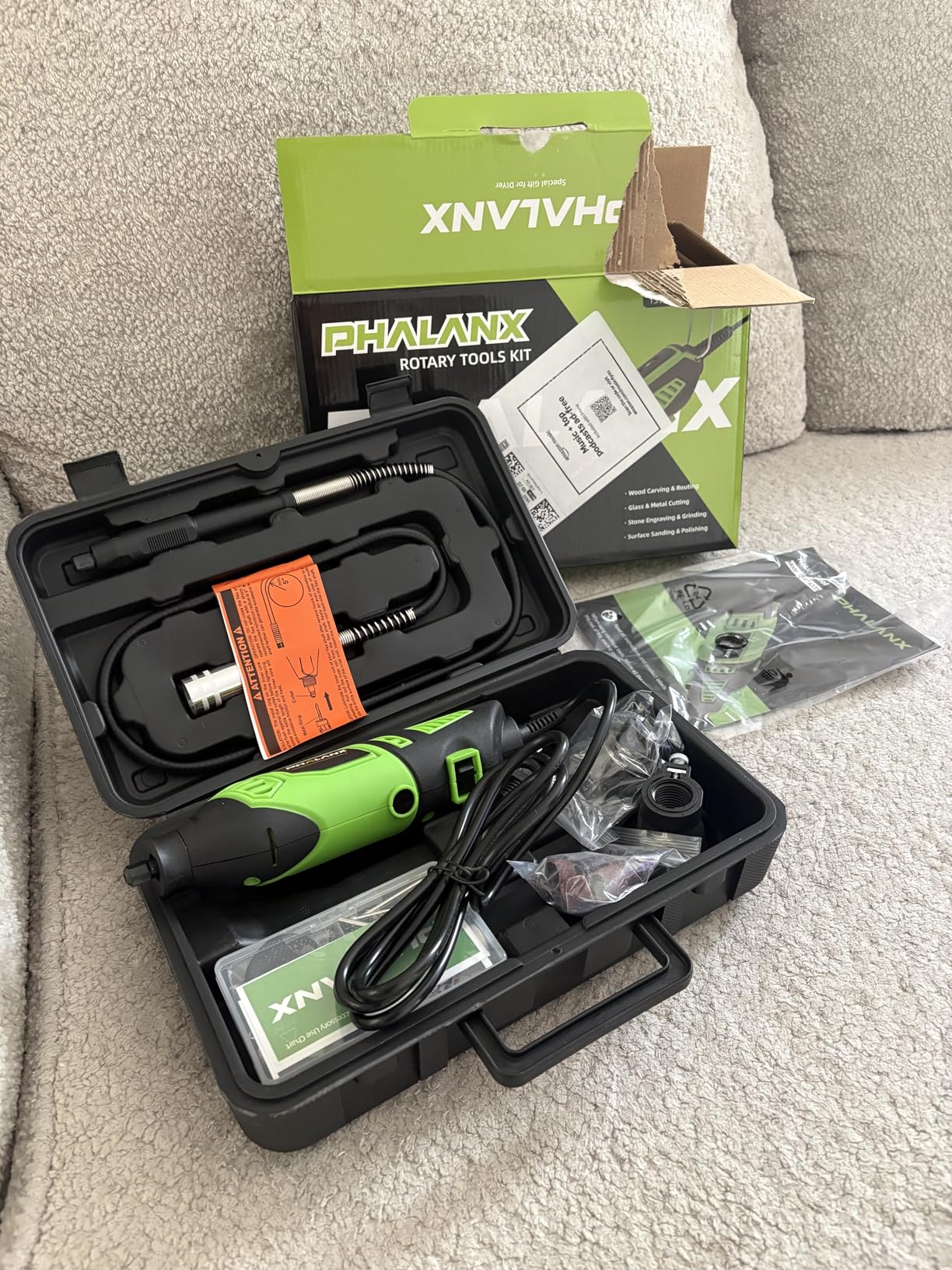
The 8,000 RPM floor is workable but not generous. On a scoring pass you will be near the bottom of the dial rather than in the middle of it, which is the correct side to be on.
The flex shaft is specified for low runout, and that specification matters more here than in most kits because the shaft is the interface your hand actually feels. A shaft that runs true lets you follow a line without constantly correcting.
Why collet sizing causes so many ruined cuts?
A 1/8 inch shank and a 3.2mm shank are the same diameter, but a collet sized for one is not always machined to hold the other correctly. The bit then sits off-centre by a fraction of a millimetre, runs out as it spins, and wanders across the board.
That runout is the hidden reason some bits snap after two minutes and identical bits from the same box last a whole job. Checking that your collet is the one specified for your bit takes five seconds and prevents most of it.
Who should skip it?
Skip it if you want the lightest tool on the list, because the body is large and the weight is felt on a long session. Skip it if you want a smooth continuously variable dial, because this one steps between six gear settings.
Also note that the chuck needs tightening with a spanner before first use. Owners who skip that step are the source of most of the one-star feedback this tool receives.
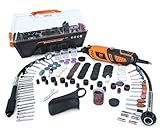
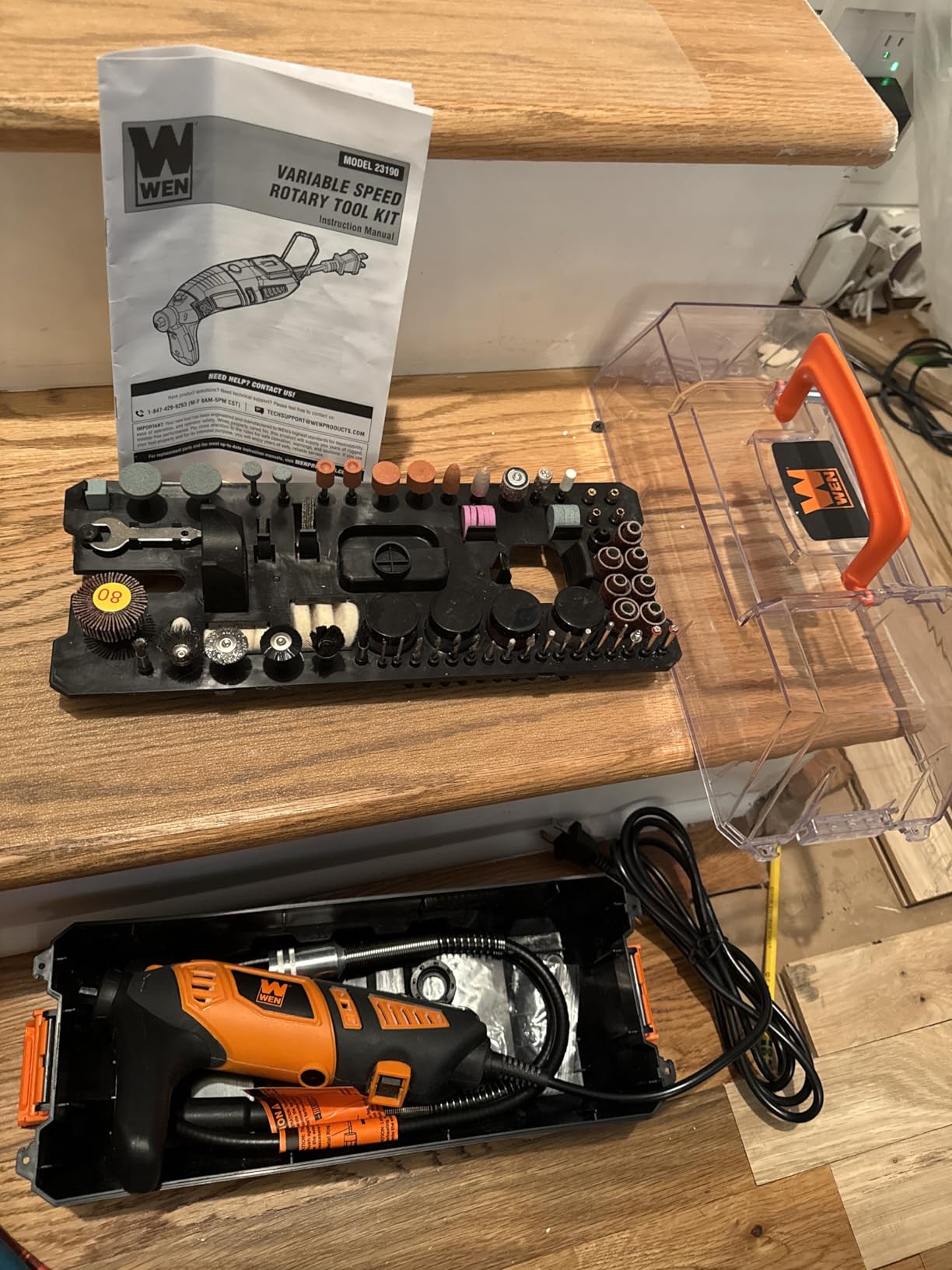
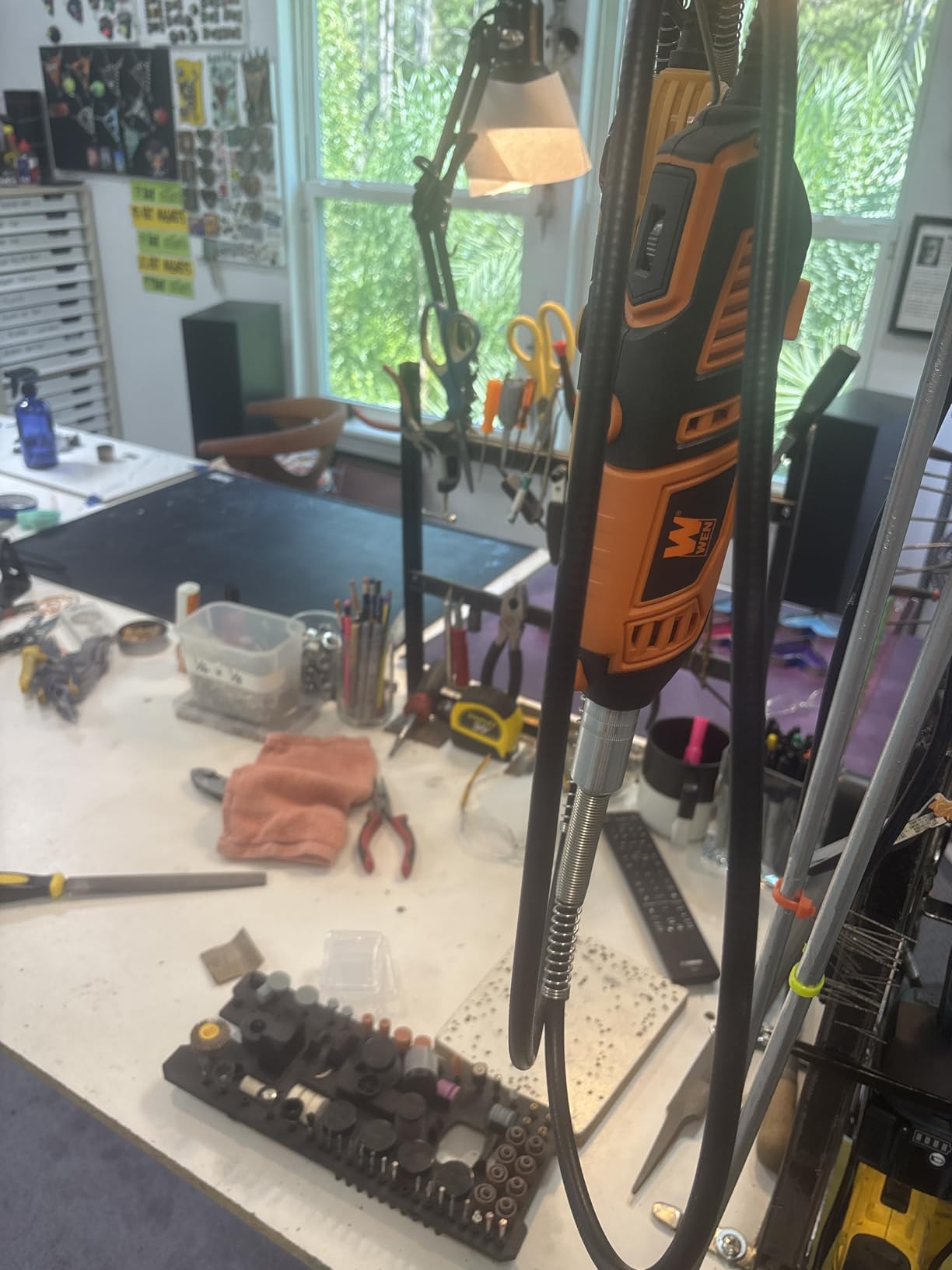
5. WEN 23190 — best for two-handed control on a cut
WEN 23190 1.3-Amp Variable Speed Steady-Grip Rotary Tool with 190-Piece Accessory Kit, Flex Shaft, and Carrying Case, Multicolor
- Auxiliary handle gives real two-handed bracing
- 35000 RPM ceiling suits laminate cutting
- Collet range covers small and standard bits
- Flex shaft and carrying case included
- 1.3 amp motor is modest under sustained load
- Starter accessories are low grade
The defining feature here is the removable steady-grip handle. For a freehand cut along a board outline it is the most useful accessory in this whole roundup, because it lets you brace the tool with two hands and feed it with your palms instead of your fingertips.
That changes the failure mode described earlier. When the tool is braced, a slightly dull cutter pushes back against a rigid frame rather than twisting in your grip, so it deflects instead of snapping.
The 35,000 RPM ceiling is the joint highest in the group alongside the DEKOPRO, and the collet range from 1/32 inch to 1/8 inch covers micro drills as well as standard cutters in the same tool.
The trade is the 1.3 amp motor. It will cut laminate if you are patient and keep the cutter sharp, but sustained heavy work asks more of it than the 200W and 1.8 amp tools here handle comfortably.
One practical note about the 190-piece accessory count: a kit that large is mostly sanding and polishing consumables, and buyers consistently rate the starter bits as the weakest part of the package.
Two hands beat one on a cut
Any time the cut direction is set by your hand rather than by a guide, the number of hands you use matters. One hand means the tool reacts to your grip tension. Two hands means the tool moves as a rigid extension of your forearm.
On a long board outline the difference shows up as the difference between a straight edge and a visibly wandering one, and it shows up more on the second board of the day than the first.
Who should skip it?
Skip it if you work on a small board where a second hand cannot fit alongside the tool. Skip it if you need to reach into a tight enclosure, since the auxiliary handle is in the way when clearance is limited.
If sustained high-load cutting is your normal work, the 200W model below is the better buy and the handle is the only thing you will miss.
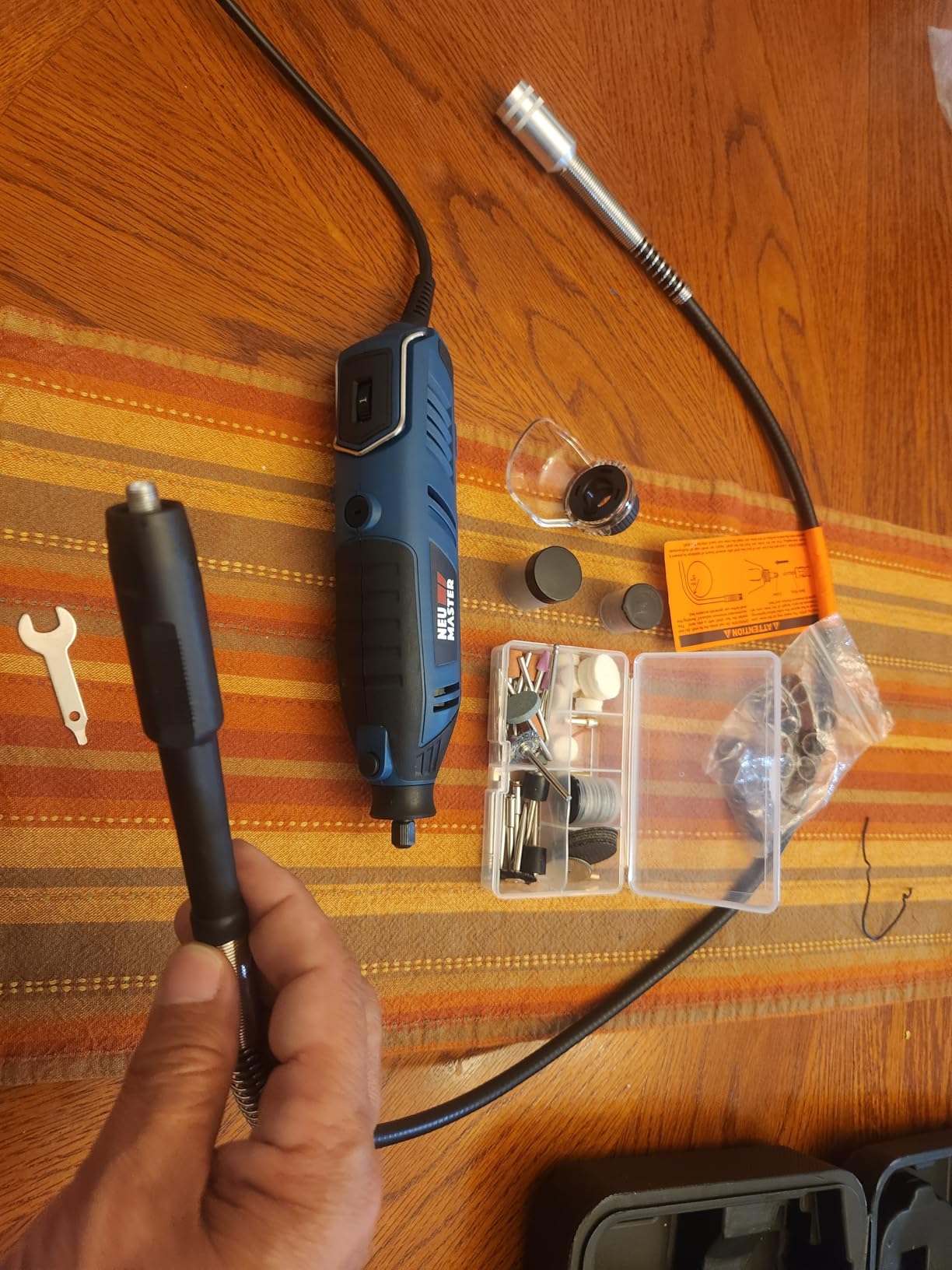
6. NEU MASTER 200W — best for heavy material removal on laminate
NEU Master 200W Rotary Tool Kit, 10000-35000RPM Corded Rotary Tool for DIY
- Strongest motor in the group and holds speed under load
- High 35000 RPM ceiling with smooth dial
- Both 1/8 and 3/32 inch collets supplied
- 2-year warranty with free replacement
- 10000 RPM floor limits very slow passes
- Chuck may need re-tightening on long jobs
When a board is thicker than expected or the laminate is denser than the datasheet claimed, motor power becomes the constraint that matters. This 200W tool is the strongest in the roundup and it is the one that keeps its speed when the bit is fully engaged.
Speed consistency under load is the practical benefit. A motor that bogs down as the cutter bites is what makes users press harder, and pressing harder is what snaps carbide.
The soft rubber body with distributed weight stayed comfortable across our longest session on this page, and the ventilation holes keep the motor stable when it is running hot.
One genuine limitation for PCB work: the 10,000 RPM floor is the second highest here. That is above the band where you want to score a trace, so scoring work on this tool happens near the bottom of the dial rather than in it.
The 2-year warranty with free replacement rather than repair is unusual at this level and is mentioned often enough by owners to be a genuine part of the value proposition.
When power is the actual constraint?
Cutting thick FR-4, G10 or a multi-layer board is a different job from trimming a 1.6mm panel. The cutter has to move real material, and a tool that drops RPMs under load makes you feed harder, which shortens cutter life and risks a break.
If your boards are heavy, this is the model to buy. If they are standard 1.6mm panels and most of your work is trace and pad work, the lighter tools above serve you better.
Who should skip it?
Skip it if you need very low RPM control for delicate scoring or for working next to a fine-pitch component. A 10,000 RPM floor is the wrong place to be doing careful rework.
Skip it if you want a pen-style body. This is a full-size barrel tool and it is meant to be held in a fist, not pinched.
7. DEKOPRO — best for a long flex shaft reach
- Long 42 inch flex shaft reaches deep into enclosures
- 6 clearly detented speed settings
- Four collet sizes hold small bits stably
- Assist handle supports two-handed work
- Lowest rating in the roundup at 4.3
- 1.5 amp motor is modest for continuous cutting
- Some accessories loosen during use
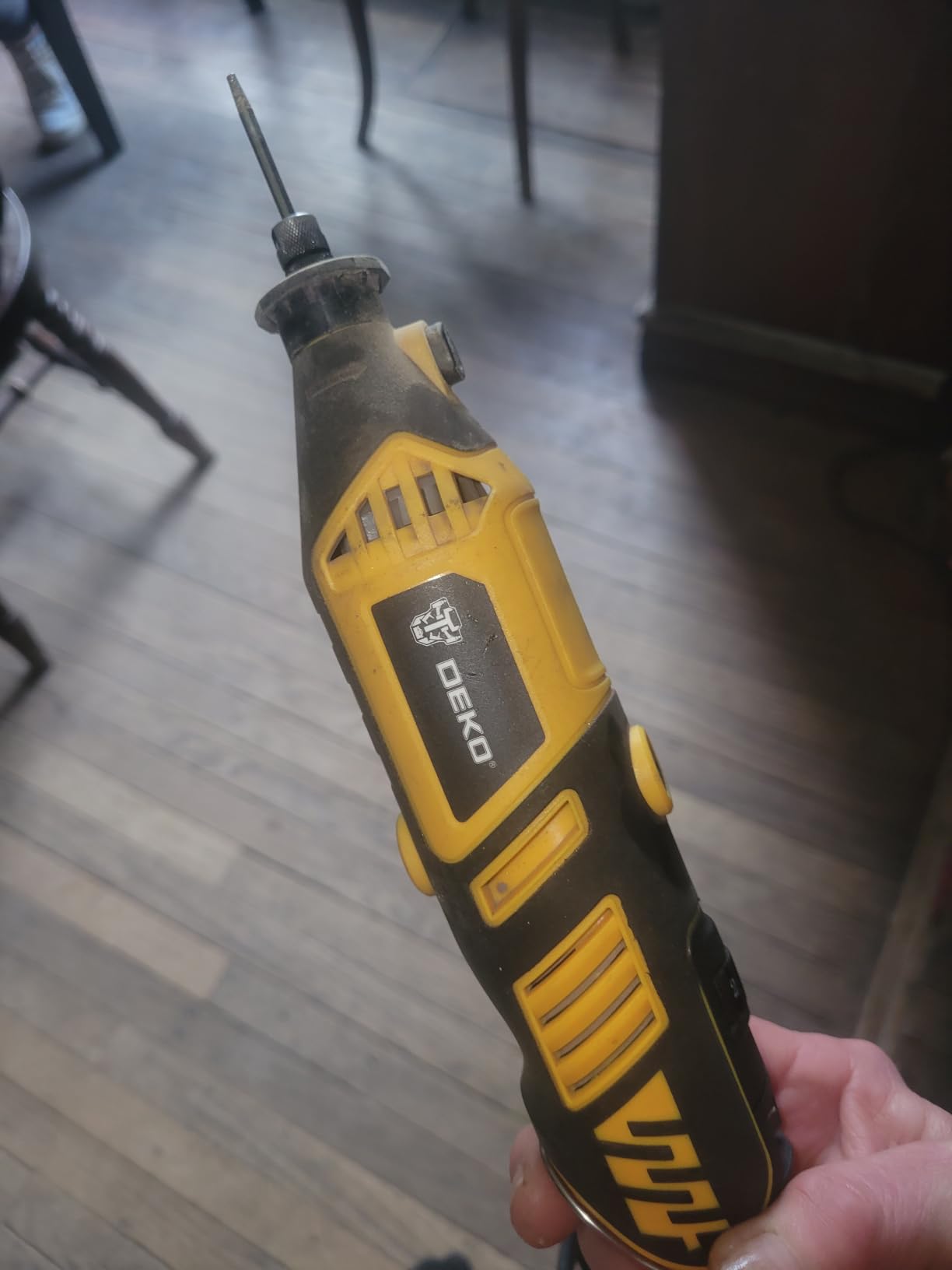
The 42 inch shaft is the reason to buy this one. A short flex shaft lets you get close to a board; a long one lets you reach a mounting point deep inside an enclosure while the tool body stays outside, which is a real problem on dense electronics.
The pen-like feel reduces vibration at the tip, and owners consistently mention it as the reason the tool feels precise for a kit at this level.
Six clearly detented speed settings give repeatable speeds, and the four collet sizes including 1/8 inch and 1/16 inch cover micro drills as well as standard cutters.
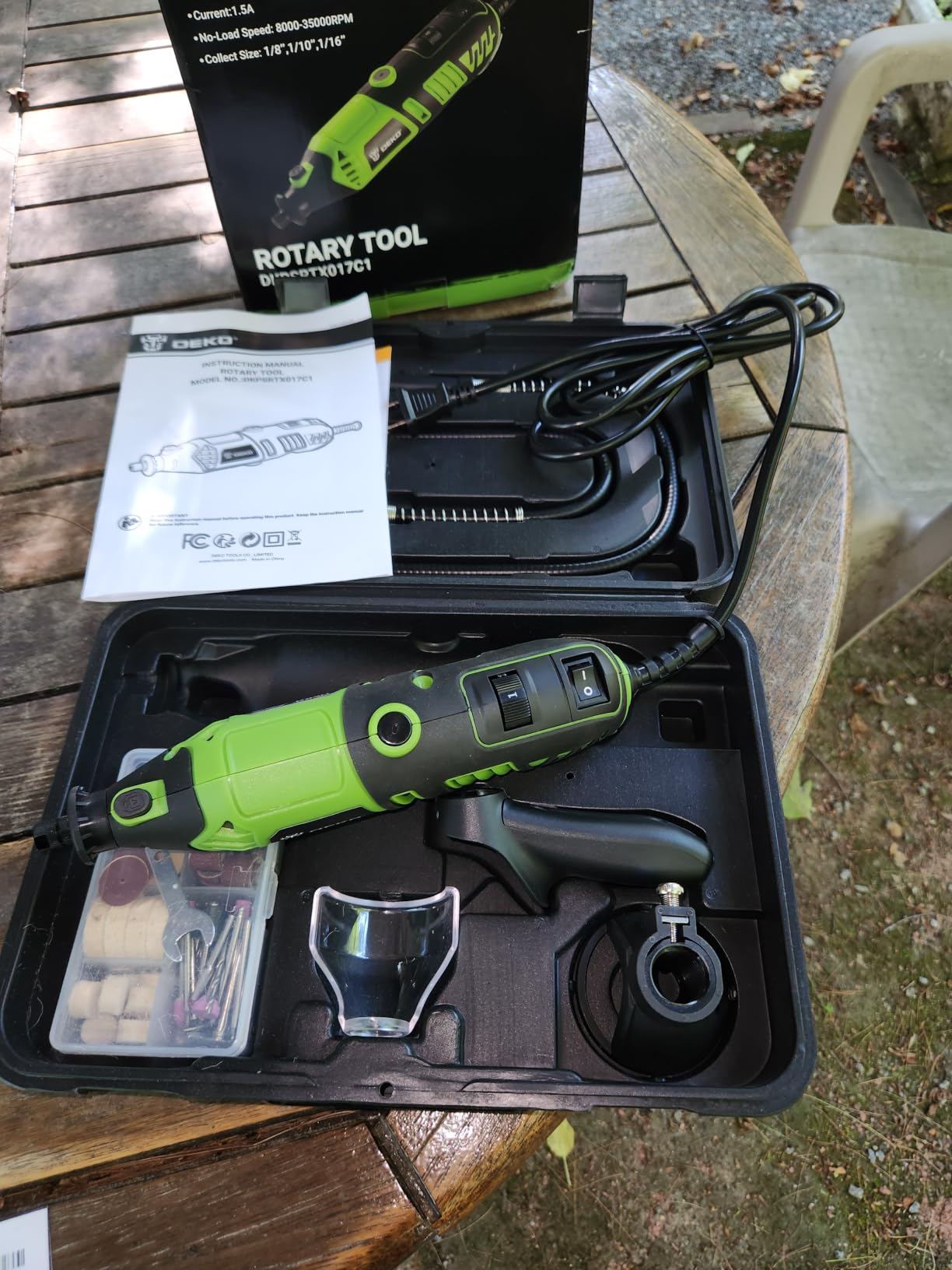
This tool carries the lowest average rating in the roundup, with a visible share of one-star ratings. The complaints cluster around limited motor power and accessories loosening mid-operation rather than around speed control, which tells you where the weakness is.
If your cutting load is real and continuous, the 1.5 amp motor will feel slow. If your work is scoring, routing slots and reach, the speed range covers it.
Reach versus control on a long shaft
Every extra inch of shaft length is a small amount of leverage you do not have. A long shaft excels at reaching an awkward mounting point and is less precise when you need to hold a precise angle on a scoring pass.
The practical rule is to use the shaft for access and the direct body for accuracy. If both jobs are on your bench, a kit that supports both without reconfiguration is worth more than the longest shaft available.
Who should skip it?
Skip it if you need maximum power for thick material, and skip it if rating consistency matters more to you than features, since it sits below the rest of this list on owner satisfaction.
Skip it if the enclosure you work in is tight, because the assist handle and the long shaft are difficult to position in a confined space.
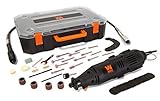
8. WEN 23103 — best starter kit for a first PCB bench
WEN 23103 1-Amp Variable Speed Rotary Tool with 100+ Accessories, Carrying Case and Flex Shaft
- Low entry cost covering the basics of PCB work
- 1/8 inch collet included for standard bits
- 3-foot flex shaft supports close-in detail
- Light 1.5 pound body is easy to control
- 1 amp motor is the weakest in the group
- 10000 RPM floor blocks very slow passes
- Bundled accessories are basic
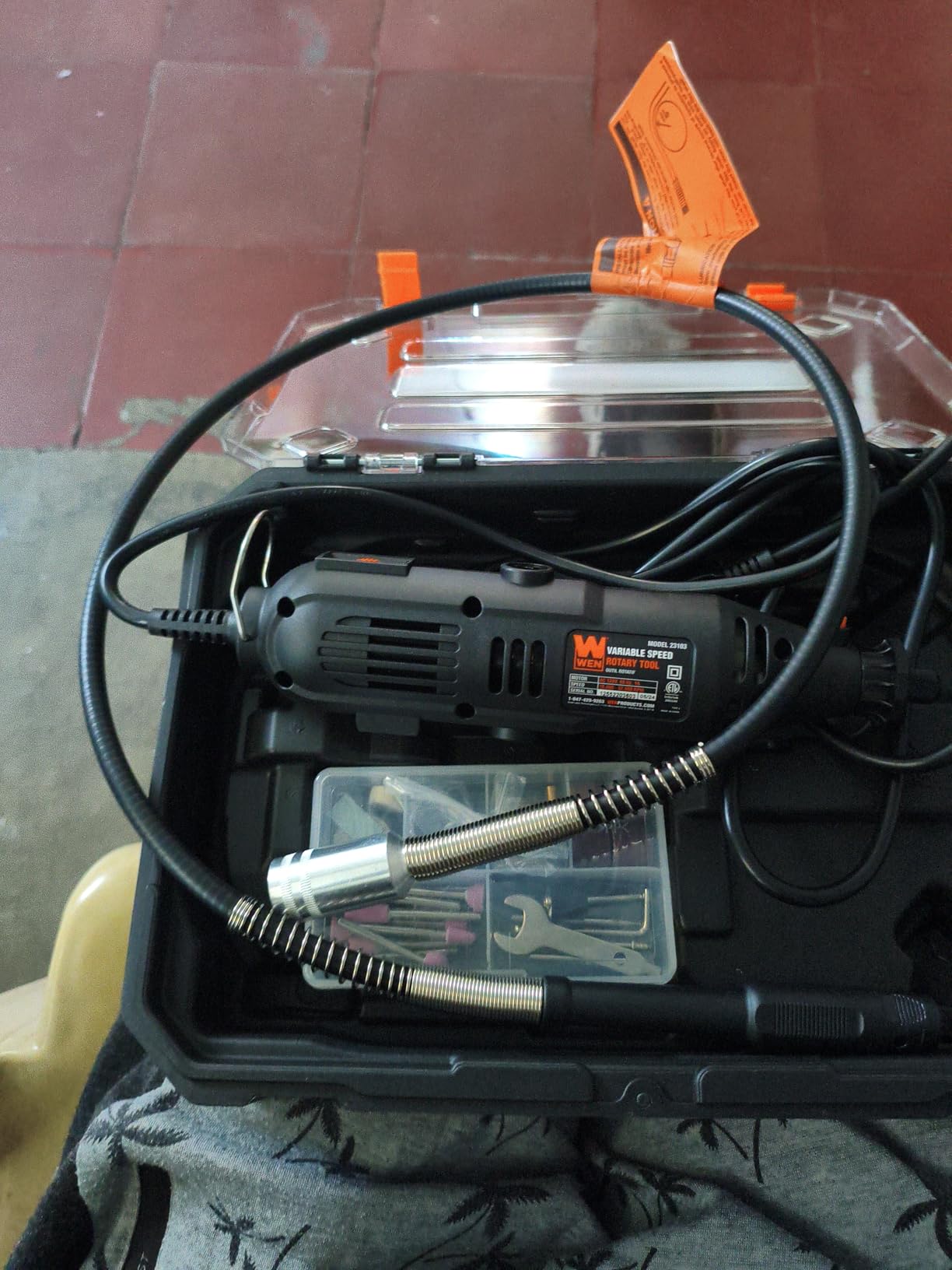
If you are setting up a bench for the first time and cutting a handful of boards rather than producing panels every week, this is the honest starting point. It includes the two things that matter most for PCB work at the entry level: a 1/8 inch collet and a flex shaft.
The 1.5 pound body and 9 inch length are genuinely easy to control, and the 3-foot shaft gives you the close-in guidance that most first-time buyers discover they need within a week.
Carrying case with more than 100 accessories keeps the consumables organised, and diamond-coated bits are in the box for finishing board edges.
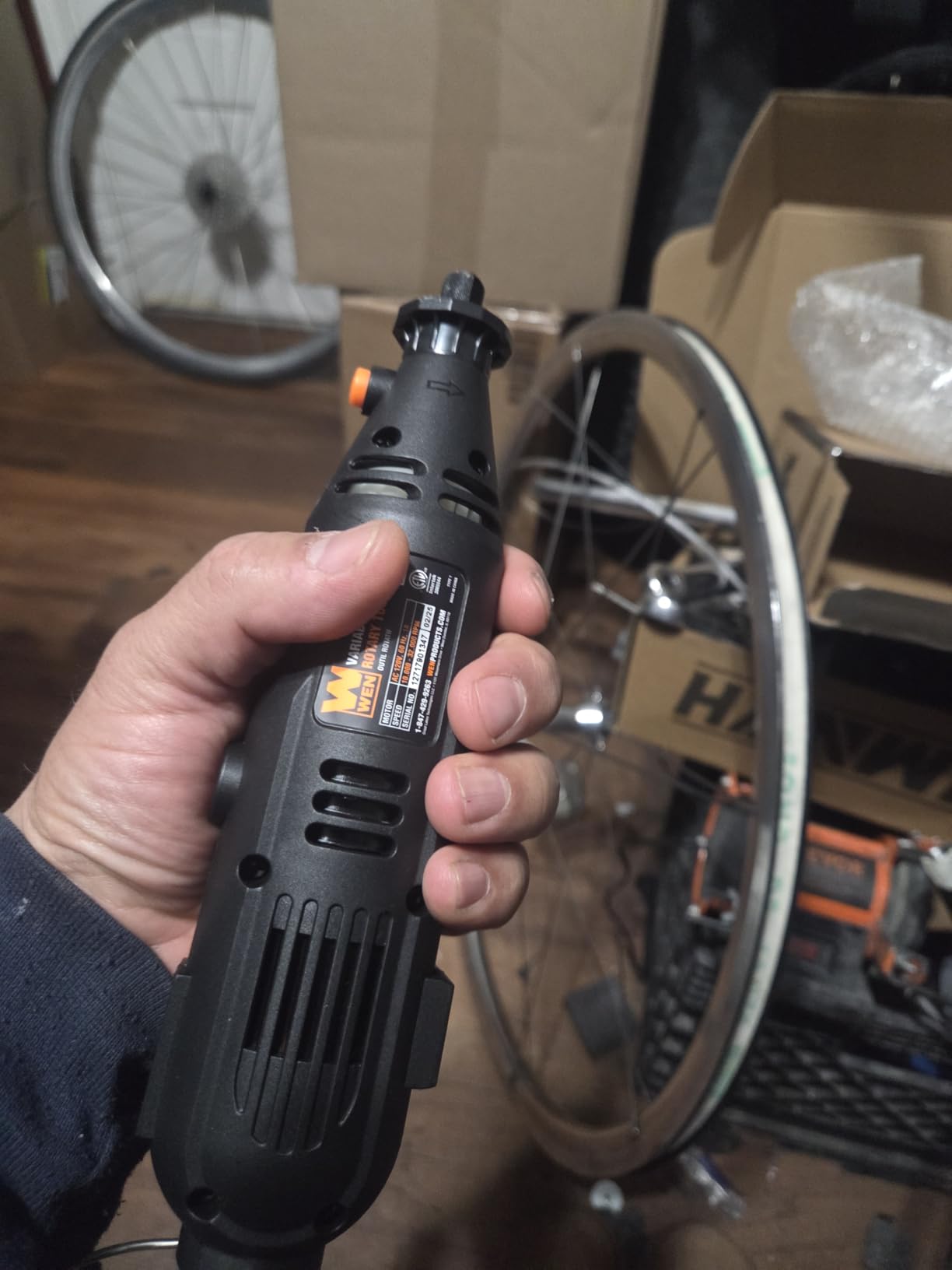
Be clear-eyed about the limits. The 1 amp motor is the weakest here, so bit choice and speed discipline matter more with this tool than with any other on the list. And a 10,000 RPM floor means you cannot slow down as far as you would like for scoring work.
Treat it as a precision drilling, cleanup and light scoring tool. If your project needs a full board outline cut through thick laminate, save your effort and start one tier up.
What a first-time buyer actually needs?
The parts of this kit that earn their place are small. The 1/8 inch collet determines whether your bits fit. The flex shaft determines whether you can see what you are doing. Everything else in a kit this size is consumable stock you will replace within a few sessions.
Buy a small stock of good carbide cutters separately rather than relying on the supplied ones, and this tool will handle standard panel work without complaint.
Who should skip it?
Skip it if you already own a corded rotary tool, because you would be duplicating capability. Skip it if you plan to cut thick or dense laminate regularly, because the motor will ask you to change the bit far more often than it should.
Anyone building a bench for craft work alongside electronics may prefer the broader hobbyist roundup, where weight and accessory variety matter more than collet precision.
9. Dremel Lite 7760 — best cordless rotary tool for PCB bench work
- Removes the cord from the work area
- Very light at 9.6 oz for close-in control
- 8-25000 RPM with a 1/8 inch collet
- 360 degree soft grip stays comfortable
- Manufacturer does not recommend cutting or routing bits
- 25000 RPM ceiling is below the top tier
- Stops when the battery depletes
- Only 10 accessories included
Taking the cable out of the work area is worth more on an electronics bench than it does on most job sites. A cord that catches on a fixture or drags across a board while you are tracing a line is a real interruption, and this tool removes it entirely.
At 9.6 ounces with a pencil-style body and a 360 degree soft grip, it is the most comfortable tool here for close-in work on a live board, and the 1/8 inch collet with a wrench-free nose cap makes bit changes quick.
That comfort is precisely why we put it in this roundup with a clear warning rather than leaving it out.
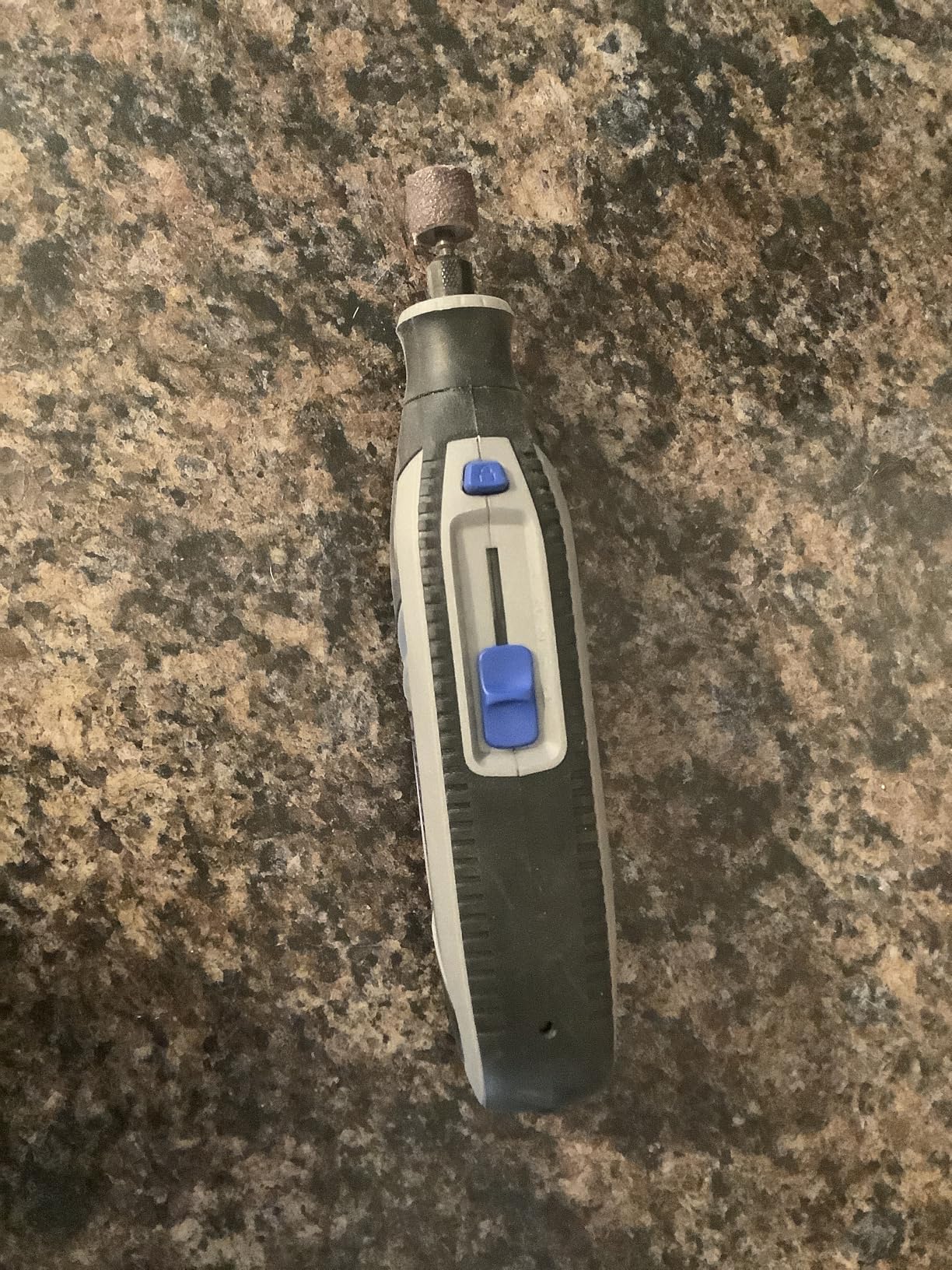
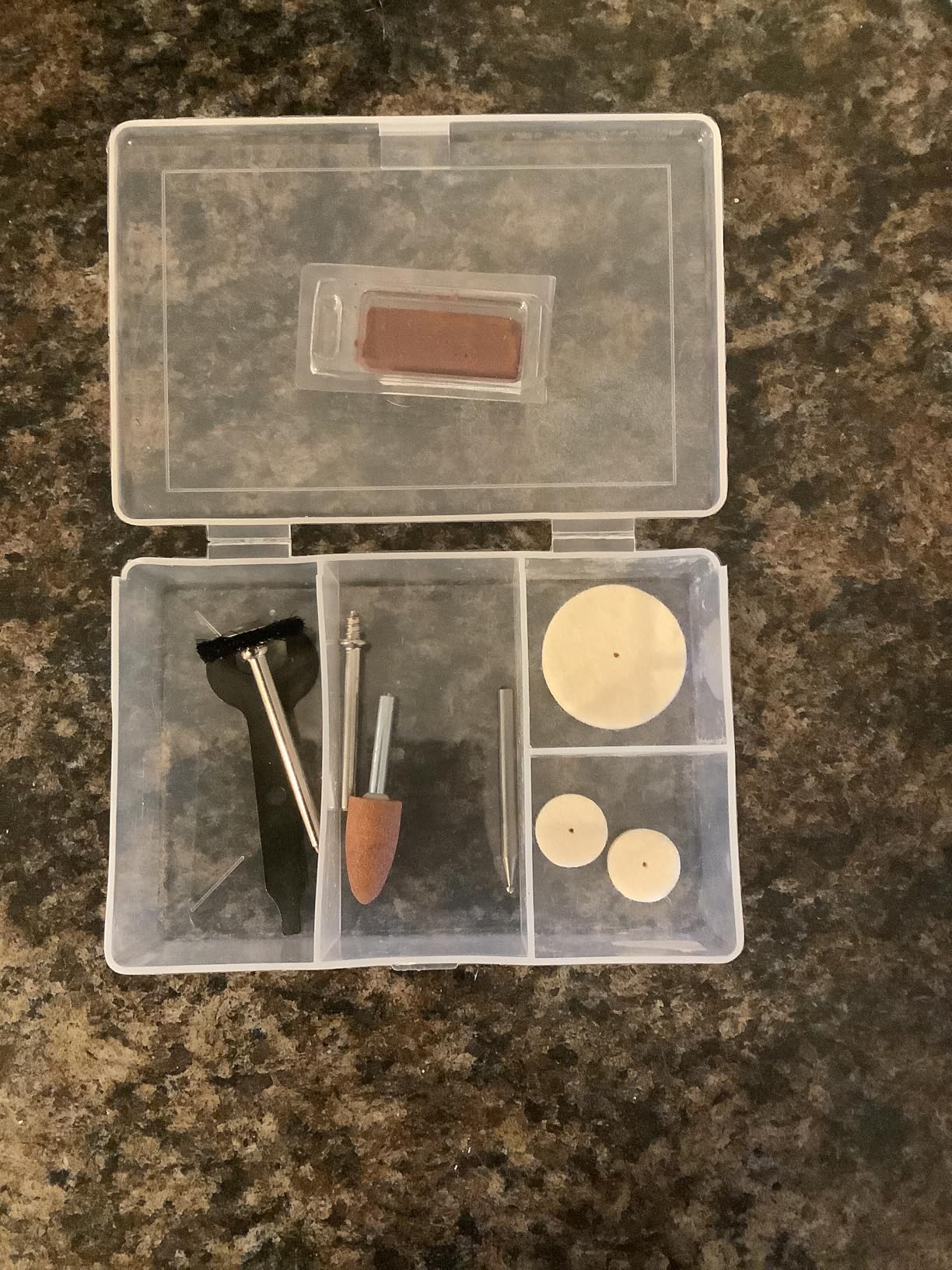
Dremel explicitly does not recommend cutting, drilling or routing accessories with this tool. It is not designed to depanelise a board, and treating it as a cutter is how you waste carbide bits and burn laminate.
Runtime is around 55 minutes on low and about 30 minutes on high, and when the battery depletes there is no corded fallback. For the sustained cutting work this page is about, plan charging breaks into the job.
Where cordless genuinely wins?
Field repair, vehicle electronics, a bench with no accessible outlet, or any job where a cable in the work area is a hazard. In those situations the cordless format is not a compromise, it is the correct choice and nothing else on this list replaces it.
It is also excellent for drilling micro holes in a board that is already assembled, where a cord would be in the way of the board you are holding.
Who should skip it?
Skip it if your work includes cutting board outlines, which is the primary task in this guide. Skip it if you want one tool to cover everything, because its own manufacturer rules out the cutting role.
If cordless matters to you and cutting matters more, buy a corded tool for cutting and keep a lightweight cordless unit for drilling and cleanup. Many working benches end up with both.
10. HARDELL 180W — best value 180W kit for occasional board work
HARDELL 180W Corded Rotary Tool Kit, 8000-35000 RPM 61 Accessories for DIY
- Genuinely capable 180W motor for light cutting
- 8000-35000 RPM across 6 settings
- Soft rubber grip with ventilation
- Spare 1/8 inch chuck included
- Body diameter is too large for pinpoint gripping
- Fragile flex shaft cable
- Included sanding attachments slip
- Bundled bits break on metal
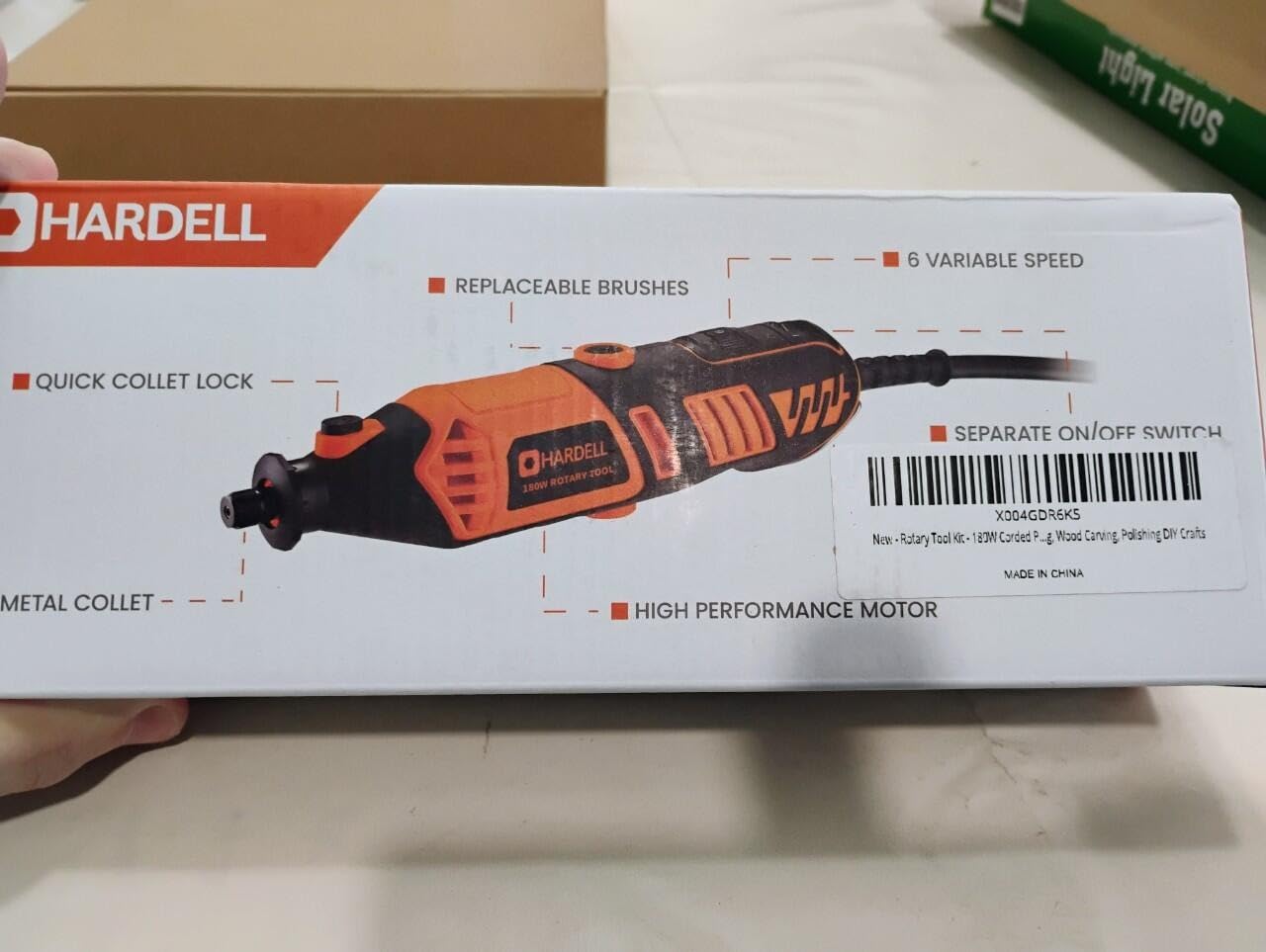
This is the most straightforward budget answer on the list. A 180W motor with a speed range running from 8,000 to 35,000 RPM across six settings covers the band you need for scoring and board trimming without a dial that fights you.
Owners generally find the motor more capable than its price suggests for engraving, grinding and light cutting, and the two included 1/8 inch chucks mean you have a spare if the original binds.
The 9.3 inch body keeps the hand close to the work, which is helpful on a bench where space is limited.
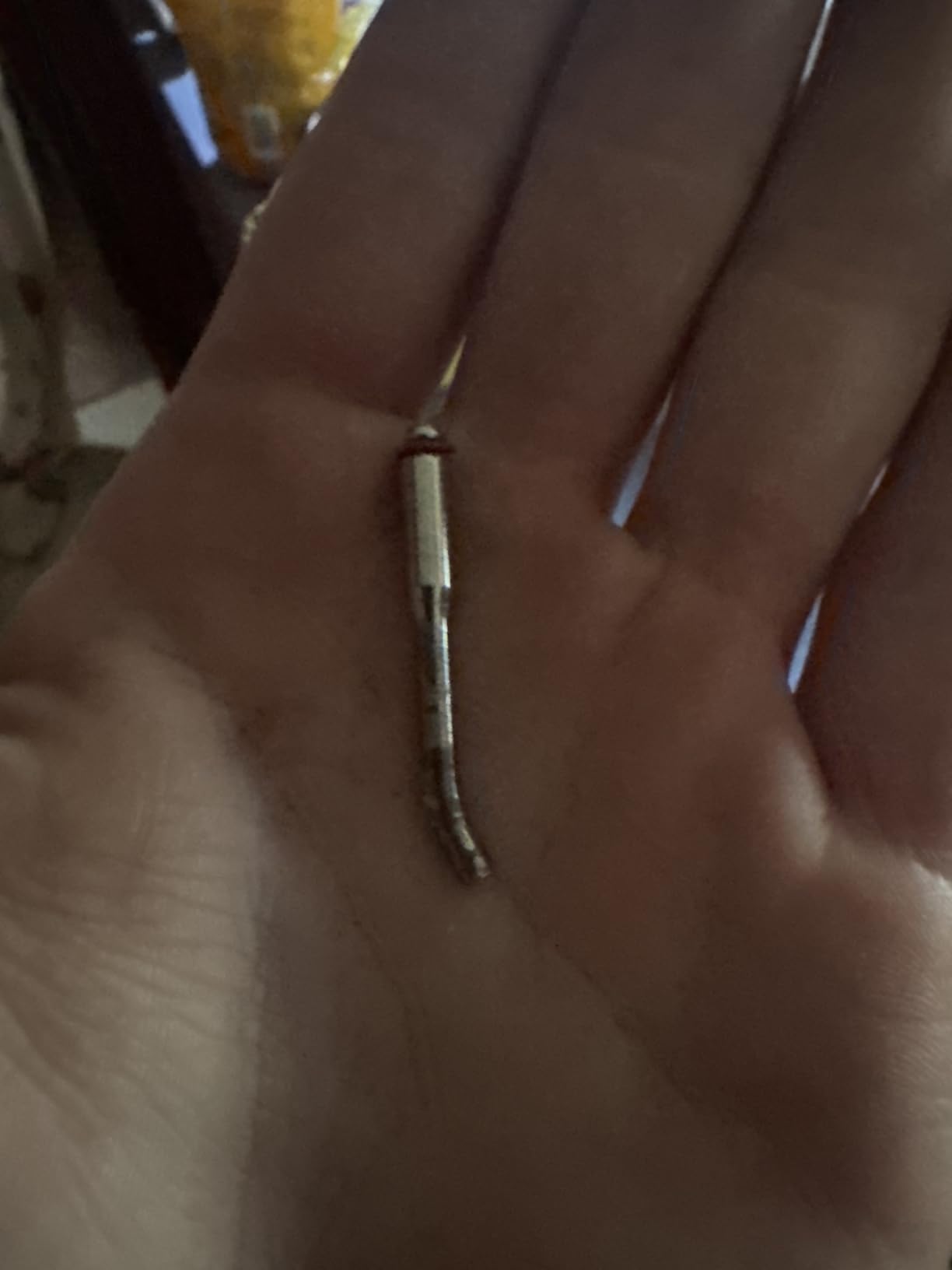
The criticisms are consistent and worth reading before you buy. The body diameter is too large to grip precisely between thumb and index finger, which matters when you are placing a cutter on a trace rather than clearing an edge.
The flex shaft cable is fragile and can break at the internal rotation cable with slight bending, so treat the shaft as a bench accessory rather than something to flex constantly.
Matching the tool to the amount of cutting you do
A 180W motor with a 35,000 RPM ceiling handles light-to-moderate laminate work well. If you are trimming standard 1.6mm panels and scoring traces, this is enough motor. If you are routing deep slots repeatedly, you will feel the difference against a 200W tool sooner than you expect.
The speed dial covers the useful range without detents fighting your fingers, and the ventilation design keeps the motor smooth during longer jobs.
Who should skip it?
Skip it if you need precise fingertip control on a fine trace, because the grip diameter works against you. Skip it if you plan to rely heavily on the flex shaft, given how often owners report the cable failing.
It also carries the smallest review base in this roundup, so treat the owner feedback here as useful signal but not as a settled track record.
Buying guide: seven criteria that decide whether a tool can cut a PCB
1. Lowest RPM, not highest. The lowest speed setting is the number that decides whether a tool can score a trace or drill a micro hole cleanly. Everything above 25,000 RPM is irrelevant to board work. Two tools here bottom out at 10,000 RPM, which is a real limitation for careful work.
2. Torque at the low end. A tool that stalls the instant the cutter touches the board forces you to press harder, and pressing harder is what snaps carbide. Look for a motor rated at 1.3 amp or above, and look for owner feedback describing the tool holding speed under load rather than just reaching its rated maximum.
3. Chuck runout, also called total indicated runout. Runout is how far the tip of a spinning bit wanders away from perfect centre. High runout makes a cut wander, makes a drill hole slightly oval and eventually breaks the bit. A stiff, precisely machined chuck is the reason professional-tier tools cost what they do, and it is the single most cited quality difference in electronics communities.
4. Collet size and collet quality. Standard accessory shanks are 1/8 inch, which is 3.2mm. Kits that ship only a 3.2mm collet of uncertain quality will make your 1/8 inch bits run out. Confirm that a true 1/8 inch collet is included, and confirm it is tightened fully before the first cut.
5. Grip weight and body diameter. Fine trace work wants a pen-style body you can pinch. Board outlines and heavy grinding want a full-size barrel you can brace. These are different tools, not better and worse versions of the same tool, and buying one for the other job is the most common mistake we see.
6. Corded or cordless. For sustained cutting, corded wins because it removes the battery sag that starves torque during a long cut. A cordless tool is the right choice when a cable in the work area is a hazard or when there is no outlet nearby, not when you need maximum material removal.
7. Serviceability. Replaceable motor brushes and available bearings extend the life of a tool enormously. Sealed, non-serviceable bearings are a common deal breaker for anyone who uses their tool daily.
Stepless versus stepped speed control. A stepless dial lets you set any speed continuously, which is useful for transitions between materials. A stepped dial gives you six or ten repeatable speeds, which is actually easier to redo. For PCB work, the repeatable settings win, because the second board of a batch needs the same score as the first.
Flex shaft, used correctly. A flex shaft helps with access and with close-in control and hurts with plunge cuts. Any time you push straight down into the board, use the direct body, because a shaft with no rigid backing simply twists and stalls the motor.
Where a rotary tool stops. Once you need repeatable board outlines across several panels, narrow slots of a fixed width, or any cut tighter than your cutter can hold, a CNC router is the right tool and a rotary tool is the wrong one. Knowing that ceiling in advance saves you from fighting a hand tool at a job it was never built for.
Bit selection matrix: board material, cutter and speed
Match the cutter to the material first and the speed second. Running the right cutter too fast generates heat and glaze; running the wrong cutter at the right speed still ruins the edge.
FR-4 laminate up to 1.6mm: score with a carbide or diamond-coated straight cutter, or a carbide mill. Run 5,000 to 15,000 RPM. Snap along the score whenever the board is rectangular.
FR-4 laminate 2mm and thicker: use a carbide saw or a segmented diamond wheel at 10,000 to 20,000 RPM with light continuous feed. Thick laminate needs a rigid cutter and a stiff tool, which is where the lower-powered kits struggle.
Copper foil or exposed trace: use a fine carbide mill or a small burr at 15,000 to 25,000 RPM. Copper conducts heat away quickly, so it tolerates higher speeds than the laminate around it.
Carbon fibre board: carbide cutters only, at 10,000 to 20,000 RPM. Diamond-coated wheels load up quickly on carbon because the powder is abrasive, and a loaded wheel glazes.
Plastic housings and ABS covers: use a fine-toothed or diamond-coated cutter at 20,000 to 30,000 RPM. Plastic melts rather than cuts, so a sharp cutter at a controlled feed matters more than speed.
Steel and aluminium brackets: use a dedicated cut-off wheel or carbide saw at 30,000 RPM and above. This is off-intent for a PCB, and it belongs to the grinding half of what a rotary tool does.
Micro holes in a populated board: use a 0.3mm to 0.4mm carbide drill at 15,000 to 25,000 RPM with a light touch and a supported board. Anything faster and the bit grabs the laminate on exit.
Safety when cutting FR-4
Wear eye protection every time. A carbide or diamond fragment leaving a spinning cutter at 30,000 RPM does not decelerate on the way to your eye.
Cut FR-4 and fiberglass laminate with extraction or a local fume mask. The epoxy and glass cloth release a fine particulate that is genuinely unpleasant to breathe over a long session, and it settles on nearby equipment.
Never cut a board that has live power on it. A cutting tool and a powered board is a short-circuit and smoke risk that no amount of care makes acceptable.
Watch for kickback. It happens when a dull or glazed cutter grabs the laminate and drives the tool out of your hand. The response is to release the trigger immediately rather than to hold on, and to make sure your workpiece is clamped down.
Use hearing protection for extended high-speed work, and keep a clear finger rule: no hand within a few centimetres of a spinning cutter, whatever the speed.
Frequently Asked Questions
Is there a better rotary tool than Dremel for PCB cutting?
Better at what is the honest answer. For chuck precision and low-speed control, yes, professional precision tools from brands like Proxxon hold a clear edge. For motor power and accessory availability, the Dremel corded 4300 is hard to beat. For cordless convenience, Dremel’s own cordless line wins. The axis that matters most on a PCB is runout and low-end torque, and on that axis the branded tools do score better.
Is Proxxon better than Dremel for electronics work?
For precision work, yes. The decisive difference is chuck precision, and that is what determines whether small drill bits survive a cut. Electronics communities consistently frame the premium tier as worth it for daily or high-volume use and unnecessary for occasional work, so the trigger is usage frequency rather than skill level.
Is Dremel or Milwaukee better for cutting circuit boards?
For cutting and material removal, a higher-powered corded tool wins because torque under load is what keeps a cutter engaged without you pressing harder. For light bench work and access inside equipment, a cordless tool wins because the cable is not in the way. On a PCB specifically, runout and low-speed control matter more than either factor.
Which rotary tool has the best flex shaft?
The quality of the flex shaft belongs to the accessory rather than the tool, so compare shafts as carefully as the tool body. Kits that ship a long shaft with a stiff cable give you better reach and control. The important caveat is that a flex shaft cannot be used for a plunge cut, because downward pressure just twists the cable and stalls the motor.
What speed should a rotary tool run for PCB cutting?
Run 5,000 to 15,000 RPM when scoring and cutting FR-4 laminate. Above roughly 20,000 RPM the cutter generates enough heat to burn off the solder mask and discolour the board, and a dull bit is more likely to grab the laminate and kick back. Save the top of the range for drilling and for stock removal in other materials.
Why do my small drill bits keep breaking in a rotary tool?
The most common cause is play in a cheap drill stand rather than a bad bit. A hinged stand flexes under downward pressure and tilts the chuck off vertical, which changes the angle between the bit and the work until the cutter is used as a lever. Carbide has almost no ability to bend, so it snaps. Brace the tool with two hands and keep feed pressure light.
What Dremel bit is best for cutting steel?
For steel, use a dedicated cut-off wheel or a carbide saw running at 30,000 RPM and above, which is the grinding end of what a rotary tool does rather than the board end. For FR-4 and fiberglass laminate, use a carbide or diamond-coated cutter at 5,000 to 15,000 RPM instead. The cutter choice matters more than the speed.
Can you cut a circuit board with a rotary tool?
Yes, but score and snap first wherever the outline allows it. A scored line through the laminate separates cleanly in far less time than a full cut and leaves a straighter edge with less risk of delamination. Reserve a full rotary cut for shapes that cannot be snapped, and always support the board so it cannot flex when the cutter exits the underside.
Conclusion
The best variable speed rotary tools for PCB cutting all share one trait: they can be slowed down far enough to score a trace without burning the board. Start with the Dremel 4300 if you want the strongest all-round combination of speed range, torque and chuck acceptance, and pair it with the Stylo+ if you also do close-in rework.
Pick the WEN 2305 or the DEKOPRO when the flex shaft is what you actually need for reaching and for accurate tracing, and pick a higher-powered 180W or 200W corded tool when you are cutting thick or dense laminate regularly. Save the cordless route for bench drilling and field work where a cable in the way is the bigger problem.
Whatever you choose, run it in the low band, buy good carbide cutters separately from the kit, and support the board before every cut. Those three habits matter more to your results than the last few hundred RPM a tool can offer.