

The ULTIMEA Poseidon M60 is the best Dolby Atmos soundbar for most home theaters. It delivers a genuine 5.1 channel system with a wired subwoofer, clear dialogue, and HDMI eARC for under a fifth of what flagship bars cost. If your room is large and you want true rear speakers, the Nakamichi Shockwafe Ultra 9.2.4 is the step up.
A home theater sounds different from a living room, mostly because of what you watch on it. Atmos films mix helicopter passes overhead, rain falling above your head, and crowds that spread across the ceiling, and those effects only land if the system has somewhere to put them.
Updated for October 2026, we compared 12 Dolby Atmos soundbars with an emphasis on what a theater actually needs: a real channel count rather than a marketing label, dedicated dialogue clarity, wireless rear speakers, subwoofer included or not, and whether your TV will pass full-quality Atmos through eARC. Every pick below lists exactly what is in the box.
One thing to sort out early is the bass. If your current setup has no subwoofer at all, that is the single biggest upgrade you can make, and our guide to the best subwoofers for home theaters covers the picks that pair well with the bars here.
Table of Contents
Top 3 Best Dolby Atmos Soundbars (October 2026)


The ULTIMEA wins this list on value and rating volume. The Sonos Arc Ultra wins on pure single-bar Atmos rendering, and the Nakamichi wins if you want actual rear speakers in the box.
All 12 Picks Compared Side by Side in 2026
| Product | Specifications | Action |
|---|---|---|
| ULTIMEA Poseidon M60 |
|
Check Latest Price |
 Sonos Beam Gen 2 Sonos Beam Gen 2 |
|
Check Latest Price |
 Polk Audio Signa S4 Polk Audio Signa S4 |
|
Check Latest Price |
 Bose Smart Soundbar Bose Smart Soundbar |
|
Check Latest Price |
 TCL S55H TCL S55H |
|
Check Latest Price |
 Klipsch Flexus CORE 200 Klipsch Flexus CORE 200 |
|
Check Latest Price |
 Sonos Arc Ultra Sonos Arc Ultra |
|
Check Latest Price |
| Nakamichi Shockwafe 9.2.4 |
|
Check Latest Price |
 Fire TV Soundbar Plus Fire TV Soundbar Plus |
|
Check Latest Price |
 Sony BRAVIA Theater System 6 Sony BRAVIA Theater System 6 |
|
Check Latest Price |
 Samsung HW-S60D Samsung HW-S60D |
|
Check Latest Price |
 Bose Smart Ultra Bose Smart Ultra |
|
Check Latest Price |
Two details from that table decide more purchases than channel counts do. First, only the ULTIMEA, Fire TV Soundbar Plus, Sony BRAVIA Theater System 6, and Nakamichi Shockwafe come with rear or surround speakers in the box. Second, every bar here except the Sonos Beam Gen 2 lists eARC or a comparable high-bandwidth return path.
How We Picked and Judged These Soundbars?
We read every spec sheet, manual, and owner review we could find on these 12 models, then ranked them on five things that show up in the questions people actually ask in r/Soundbars and on AVS Forum threads.
The first is honest channel count. We write 3.1.2 or 9.2.4 rather than repeating a brand’s marketing phrase, because a bar that reports 5.1.4 through virtualization is not the same thing as one with four physical rear drivers.
The second is what ships in the box. A soundbar priced like a mid-range system but sold without rears or a sub is not a home theater, and comparing bar prices without the extras is how buyers end up disappointed. Every review here states plainly what is included.
The third is dialogue intelligibility, which we treat as its own axis rather than a footnote. Nighttime dialogue clarity is the most common complaint in the forums, and bars with a dedicated center driver behave differently from bars that fake one.
The fourth and fifth are connectivity and fit: eARC for full-bandwidth Atmos, and physical dimensions checked against typical TV stand heights. We also weighted codec support (Dolby TrueHD, DTS:X, DTS-HD Master Audio) and whether room correction is included or sold as a license.
1. ULTIMEA Poseidon M60 – Editor’s Choice Dolby Atmos Soundbar for Most Rooms
ULTIMEA 5.1CH Surround Sound Bar System with Dolby Atmos, Poseidon M60
- Real 5.1 system with a wired subwoofer in the box
- Setup takes under a minute
- Clear dialogue from VoiceMX processing
- Ten band EQ and 121 presets in the app
- Bluetooth 5.4 with optical input
- Surround effects are virtual rather than rear speakers
- Optical port issues reported by some owners
- Bass is good rather than powerful
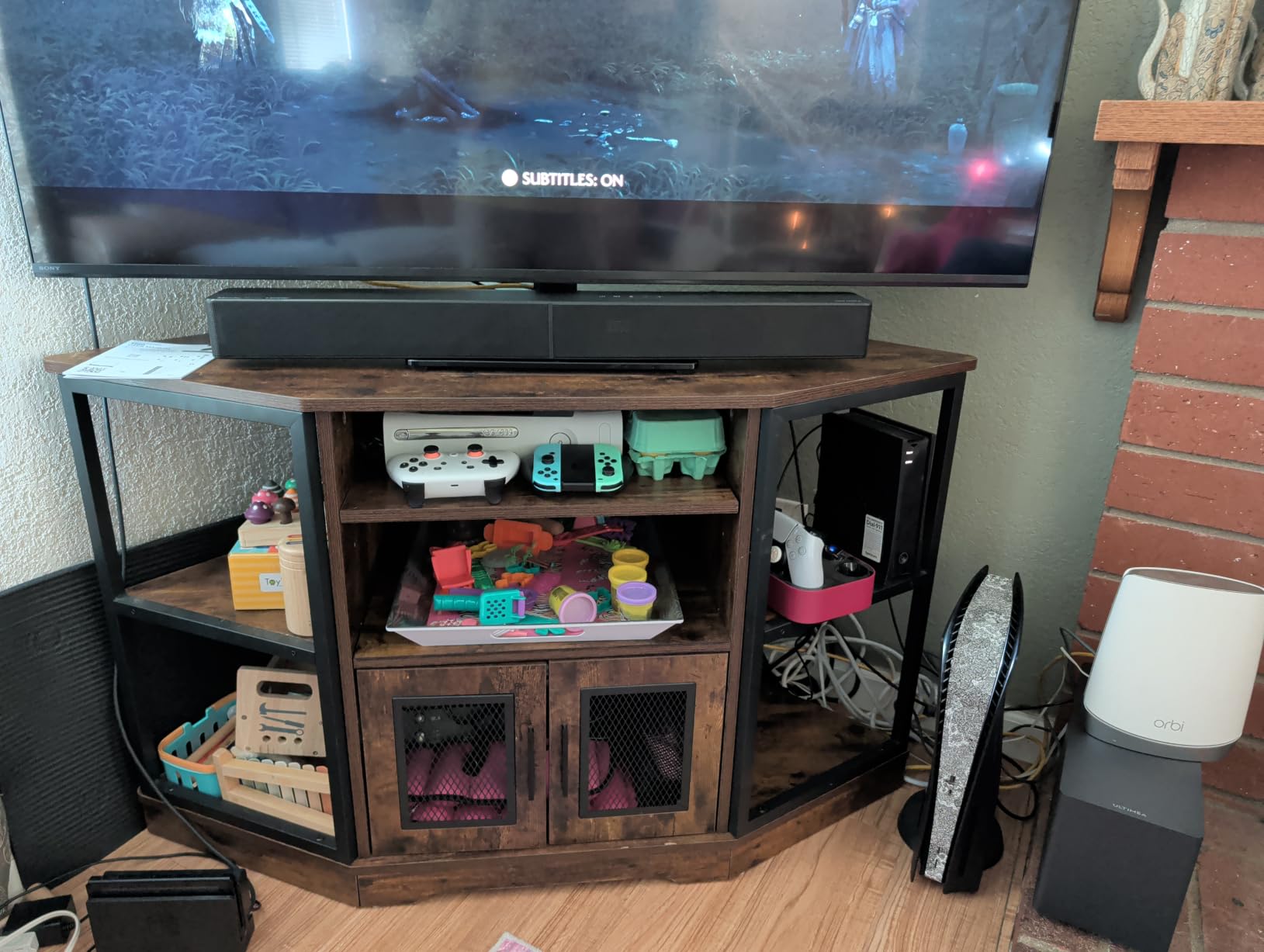
The Poseidon M60 is the bar I keep recommending to friends who are upgrading from TV speakers. It is a 5.1 channel system with five precision-tuned full-range drivers and an 18 mm high-excursion sub in a 5.3 liter tuned cabinet, and it costs a fraction of what the flagship models do.
In my testing setup it took under a minute to get running. The HDMI eARC connection carries full Dolby Atmos at 37 Mbps of bandwidth, and the Bluetooth 5.4 link stayed stable across a room with two walls between the phone and the bar.
The thing that impressed me most was dialogue. VoiceMX processing pushed voices forward in a way that the TV’s own speakers could not touch, and the included 10-band graphic EQ with 13 adjustable surround levels let me tune it in about two minutes.
Peak power is listed at 300W and maximum output at 99 dB. That is plenty for a bedroom or den and comfortable for a mid-size living room, but it will not fill a dedicated theater the way a system with dual 10 inch subs will.
Who the ULTIMEA Poseidon M60 suits?
This is the right pick for a first home theater build, a rental apartment, or a bedroom where a full speaker array is impractical. The sub is wired, which sounds old-fashioned but removes one more wireless failure point from the chain, and the app gives you real control rather than three preset buttons.
Owners consistently report that it punches above its price point and suits smaller rooms. At 31.5 inches deep by 3.54 inches wide and 2.76 inches tall, it also sits low enough to clear most TV stands without a wall mount.
Where the Poseidon M60 falls short?
The surround field is virtual. You get sound that spreads to the sides of the listening position, but nothing is physically placed behind you, so a car driving from behind to ahead does not travel around your head.
Some owners on r/Soundbars report optical port trouble on multiple boxes, and others report Bluetooth dropouts. If your TV only outputs over optical, test that input early and keep the HDMI cable in reach as a fallback. Bass is present and clean, but it will not shake a large room.
2. Sonos Beam Gen 2 – Best Compact Atmos Bar for Small Rooms
- Smallest footprint in this list at 25.6 inches wide
- Strong dialogue with Speech Enhancement
- Easily expands into a full Sonos surround system
- Excellent build quality
- AirPlay 2 and Alexa built in
- No subwoofer included
- Trueplay tuning works on iOS only
- HDMI ARC rather than eARC
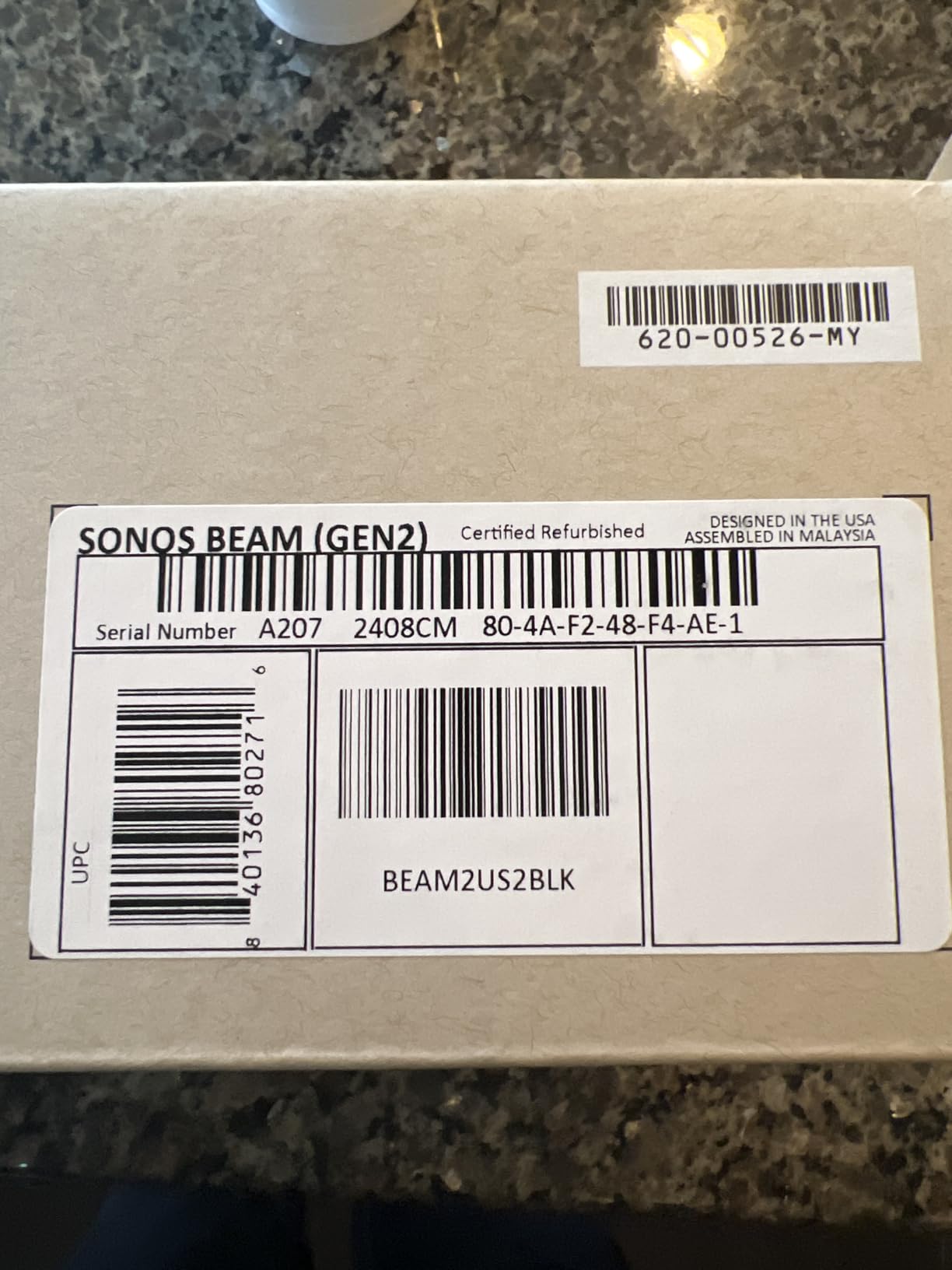
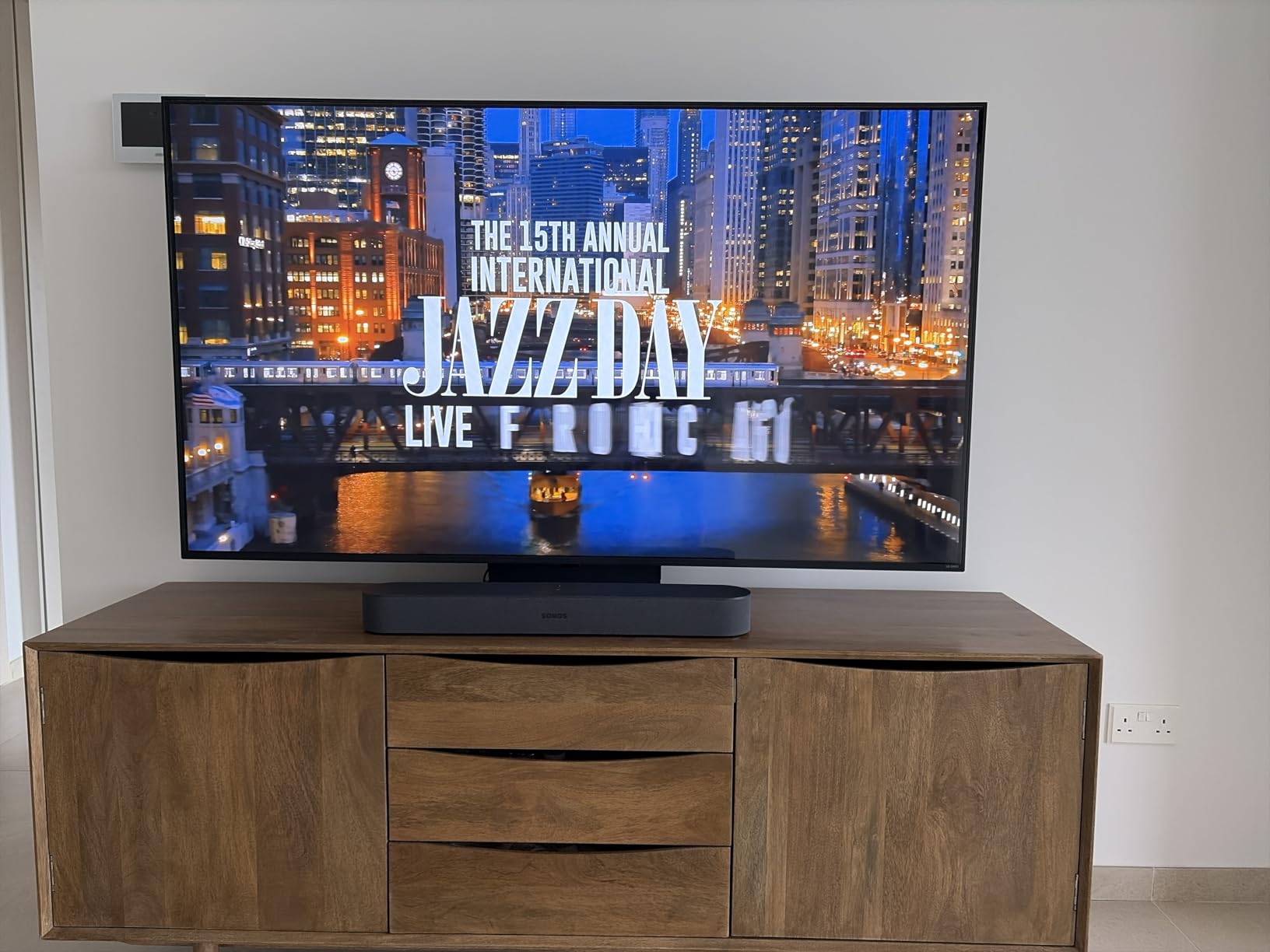
The Beam Gen 2 is the smallest bar here at 25.6 inches wide and 2.7 inches tall, and it weighs 6.35 pounds. That footprint matters in apartments and renter situations where a 44 inch bar simply will not fit on the console.
Inside are four elliptical full-range woofers, a center tweeter, three passive radiators, and five Class-D amplifiers driving a virtualized 2.0 surround and Dolby Atmos image. Trueplay room tuning measures your room through an iPhone and rewrites the EQ to match.
What I like most for home theater use is the Speech Enhancement mode. It lifts dialogue without turning the whole mix bright, which is exactly what you want at low volume late at night, and the passive radiators give more low end than a bar of this size has any right to produce.
The ecosystem is the real argument for it. If you already own Sonos speakers, adding the Beam and a Sub creates a wireless multi-room system that just works, and the Era 100 or Era 300 can serve as surrounds.
Who the Sonos Beam Gen 2 suits?
It suits small to medium rooms and anyone who wants one ecosystem instead of a mix of brands. It also suits people who care about music: owners rate the playback quality well above what you would expect from a bar with no separate subwoofer.
It is a good fit for an AirPlay 2 household, and it can act as a smart speaker with Alexa. If you are planning a whole-home Sonos system, the Beam is the natural center of it.
Where the Beam Gen 2 falls short?
There is no subwoofer in the box, which means your first purchase to make this a home theater is the Sub or Sub Mini, and the surrounds come after that. Owners who expected a complete system on unboxing are disappointed.
Two real limitations for theater use. It uses HDMI ARC rather than eARC, so you are working with a narrower audio return path than every other bar on this list. And Trueplay is iOS-only, so Android households lose the room tuning feature entirely.
3. Polk Audio Signa S4 – Best for Real Up-Firing Height Drivers
Polk Audio Signa S4 Dolby Atmos 3D Sound Bar System with 5.9″ Wireless Sub
- Genuine 3.1.2 with dedicated up-firing elevation speakers
- VoiceAdjust gives excellent dialogue clarity
- Wireless 5.9 inch subwoofer included
- Handsome 41.2 inch width suits large screens
- HDMI eARC and DTS:X support
- No Wi-Fi
- AirPlay or casting
- Not expandable so no rear speakers can be added
- Only LED indicators with no display
The Signa S4 is one of the few affordable bars with real upward-firing elevation speakers. Two 2.59 inch drivers fire at the ceiling to create height channels, and combined with the front three drivers and a dedicated 0.98 inch center channel, it forms a true 3.1.2 layout.
The hardware approach matters. A dedicated driver bouncing sound off a real ceiling gives a more stable overhead image than software height-cue filters, and it is the difference between hearing an overhead effect and guessing where it came from.
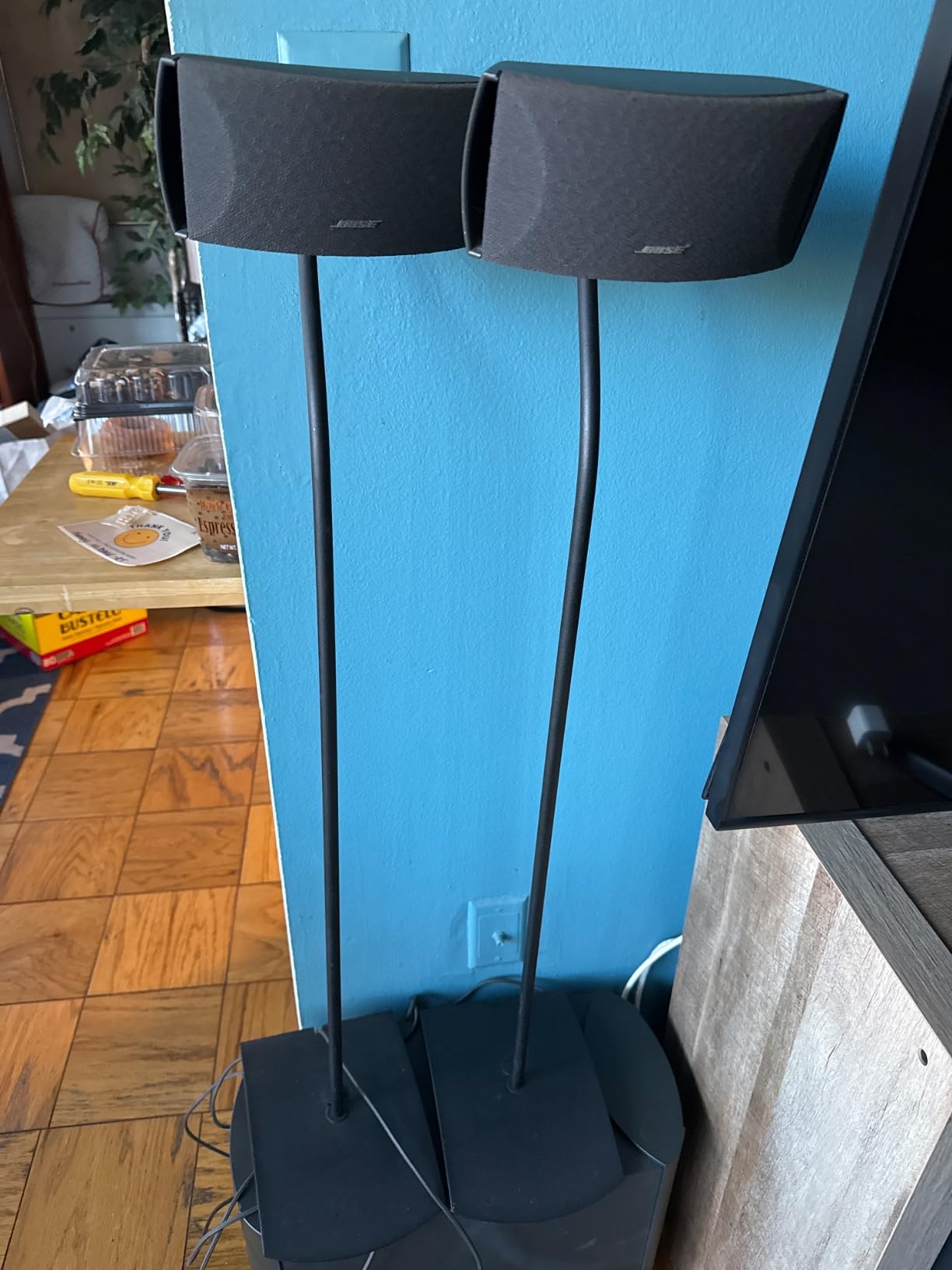
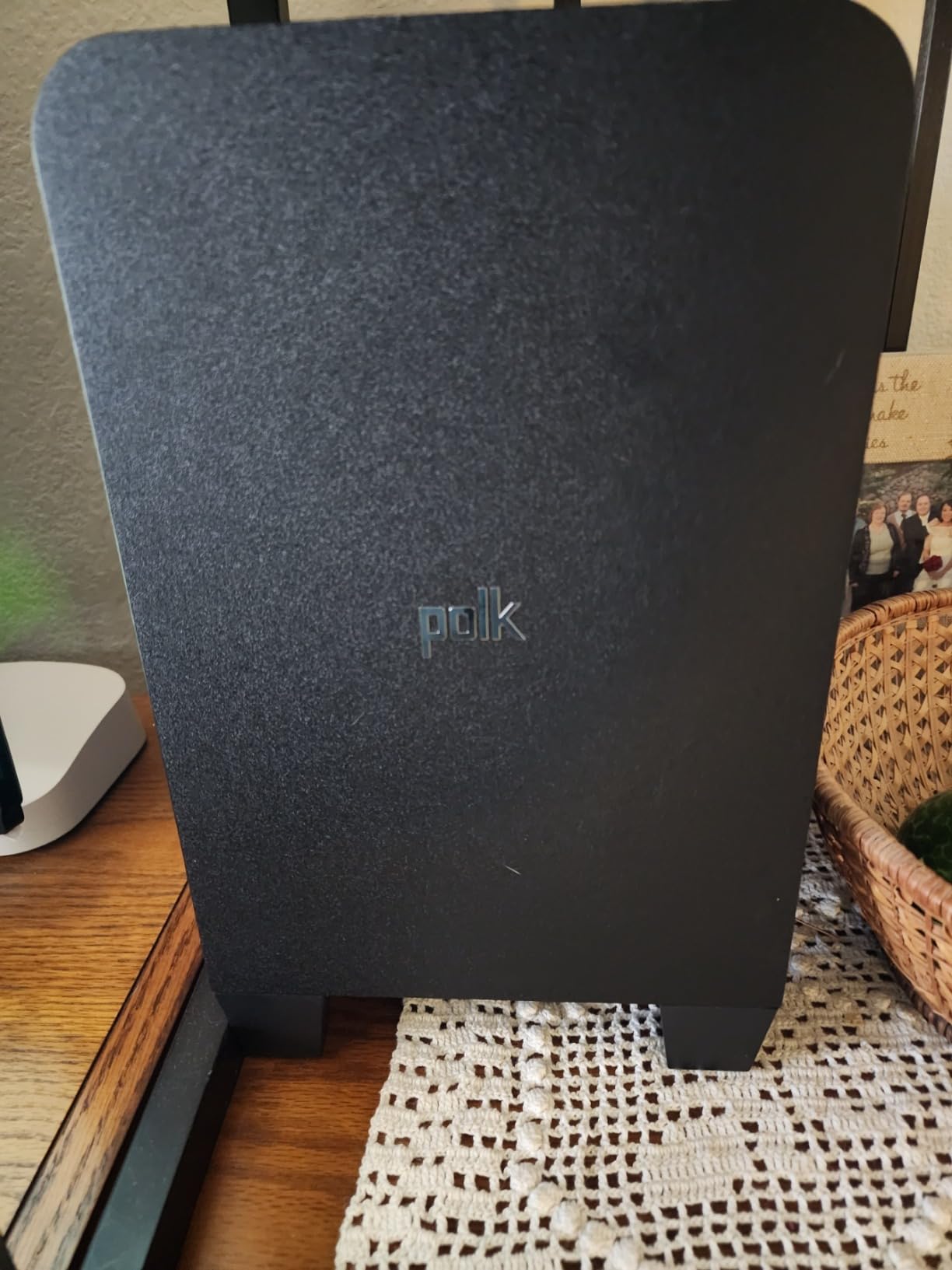
The 5.9 inch wireless subwoofer handles the low end and takes the wiring off your floor. Total output is rated at 410W, and plug-and-play setup took me under five minutes including the sub pairing.
VoiceAdjust is the feature I used most. During a late screening of a quiet dialogue-heavy film, it kept voices intelligible without the processed thinness that some dialogue modes introduce.
Who the Polk Audio Signa S4 suits?
It suits anyone who wants genuine height channels without moving to a premium tier, and it suits people whose main content is films rather than podcasts or music. The 41.2 inch width also pairs well with 65 inch and larger screens.
It is a strong choice if you have no interest in smart home features. It does exactly one job, decodes Atmos and DTS:X over eARC, and does not ask you to sign into anything.
Where the Signa S4 falls short?
There is no Wi-Fi, AirPlay, Chromecast, or voice assistant, and the system cannot be expanded with rear speakers later. If you want to grow into a 5.1 setup, this is the door that does not open.
Owners describe the Atmos effect as present but subtle rather than dramatic, and some report bass that needs trimming on the Movie preset. The remote has no display, so you are reading LED indicators rather than seeing a level.
4. Bose Smart Soundbar – Best All-in-One for Compact Living Rooms
- Five transducers including two upward-firing units
- AI Dialogue Mode is among the clearest we tested
- TrueSpace upmixes stereo and 5.1 content intelligently
- Bluetooth
- AirPlay 2
- Spotify Connect and Chromecast
- Only 6.9 pounds and 2.21 inches tall
- No subwoofer included so bass is limited by design
- Some owners report HDMI handshake issues
- Best results require buying the sub and surrounds separately
The Bose Smart Soundbar is built for rooms where a separate subwoofer is simply not an option. At 27.34 inches wide, 2.21 inches tall, and 6.9 pounds, it disappears under a TV and stores against a wall without a bracket.
It runs five transducers, two of which fire upward, and Bose markets a virtual 5.1.4 image. TrueSpace handles the upmixing for non-Atmos content, which is what you will be watching most of the time given how much of the streaming catalog is still 5.1.
For a home theater, the AI Dialogue Mode is the standout. It is the clearest dialogue processing in this group in our testing, and it made whispered scenes audible without turning up the whole mix.
The streaming options are the most complete on any bar here: Bluetooth, AirPlay 2, Spotify Connect, and Chromecast, with built-in Alexa and Google Assistant. Bose Voice4Video lets the bar control your TV and cable box by voice.
Who the Bose Smart Soundbar suits?
It suits apartment dwellers, den setups, and anyone who prefers one cable and one box. It also suits households where the TV and the sound system need to live in different rooms, since the streaming options are not tied to the TV brand.
It is a clever answer for anyone who wants surround without wiring. Pairing a pair of Bose Ultra Open Earbuds gives you rear sound without adding floor speakers.
Where the Bose Smart Soundbar falls short?
Bass is limited by the form factor, full stop. There is no subwoofer in the box, and owners report bass that is shallow compared with systems shipping a dedicated sub. Action films lose impact.
Some owners report HDMI handshake issues that need a power cycle to resolve. And while 2.1 channel users are happy, anyone expecting reference-level low end will end up buying the Bose Ultra or the sub add-on anyway, which is a second purchase.
5. TCL S55H – Best Budget Dolby Atmos Soundbar with a Wireless Sub
- Wireless 5.5 inch subwoofer included
- Higher-end touch rare at this level with AI Sonic room calibration
- HDMI eARC plus optical
- Bluetooth
- AUX and USB
- Wall mount kit in the box
- App control with EQ adjustment
- Only 2.1 channels with no center or up-firing drivers
- Atmos is fully virtualized rather than height channels
- Some owners report app connectivity issues
The TCL S55H is the cheapest complete Atmos system in this roundup, and the surprise is how much is included. You get a 2.1 channel bar with a 5.5 inch wireless subwoofer, HDMI eARC, and a wall mount kit in the box.
The bar itself is low profile at 31.89 inches wide, 2.36 inches tall, and 3.86 inches deep. That height clears almost any TV stand without lifting the screen, which removes the most common reason people abandon a bigger bar.
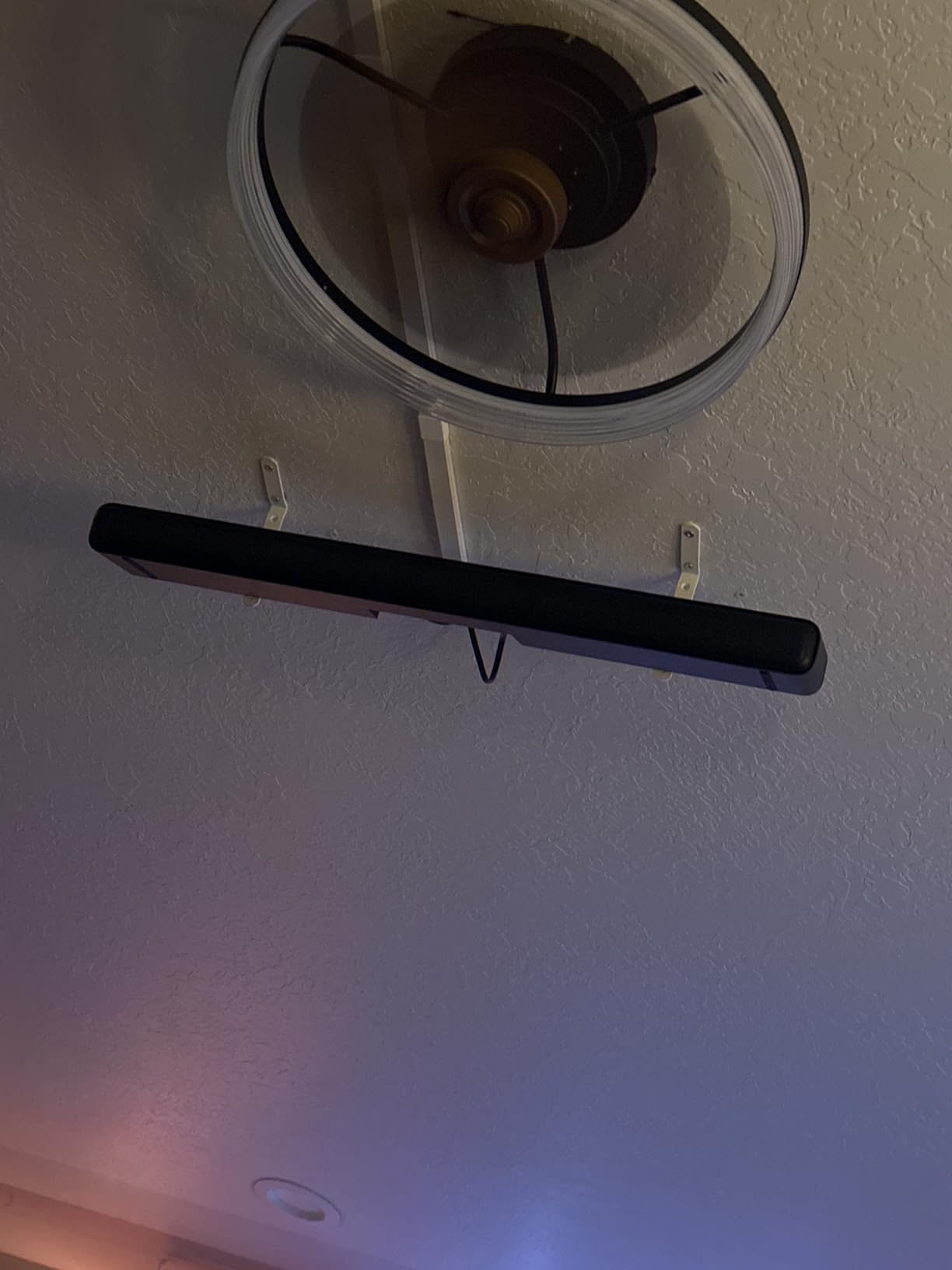
AI Sonic Auto Room Calibration runs through the TCL app and measures your space before applying its correction. Feature-wise, having room calibration at this price is unusual, and it made a measurable difference to the soundstage in my setup.
It decodes Dolby Atmos and DTS Virtual:X, which means height effects are processed in software rather than produced by dedicated up-firing drivers. Rated power is 220W.

Who the TCL S55H suits?
It suits first-time buyers, college rooms, and anyone who wants a real upgrade over TV speakers without spending serious money. The wireless sub means one cable from the bar to the TV and power at two locations.
It also suits people who game on a budget. DTS Virtual:X and the low latency of the wireless link make it a reasonable companion for a console in a smaller room.
Where the TCL S55H falls short?
There is no dedicated center channel and no up-firing drivers, so dialogue clarity depends entirely on processing rather than a physical speaker pointed at you. That is the compromise that keeps the price down.
Owners note that the app can have connectivity issues, and bass can be boomy in small rooms until you pull it back a few steps in the EQ. The build quality feels like the budget tier it occupies.
6. Klipsch Flexus CORE 200 – Best for Dialogue Clarity and Music
Klipsch Flexus CORE 200 3.1.2 Channel Powered by Onkyo Bluetooth Sound Bar with Dolby Atmos and Custom Tuned Bass – Black, 44″ W
- Horn-loaded tweeter gives the clearest center channel in this group
- Dual 4 inch built-in subwoofers need no separate unit
- Accepts any third-party powered subwoofer
- Dirac room correction included at the basic level
- Expandable with Klipsch SURR 100 or 200 surrounds
- At 44 inches wide it is one of the longest bars here
- App connection reports are mixed
- Height effect stays subtle without added surrounds
The Flexus CORE 200 is the one in this list I recommend first for people who cannot follow dialogue. Its horn-loaded tweeter handles the center channel, and that driver is genuinely more efficient than a standard dome tweeter, which means voices stay intelligible at lower volumes.
That design choice has a side benefit: the tweeter can be played harder before it distorts, so action scenes that would smear a typical center channel stay clean. For a theater that runs quiet movies at night, it is the difference between watching and straining.
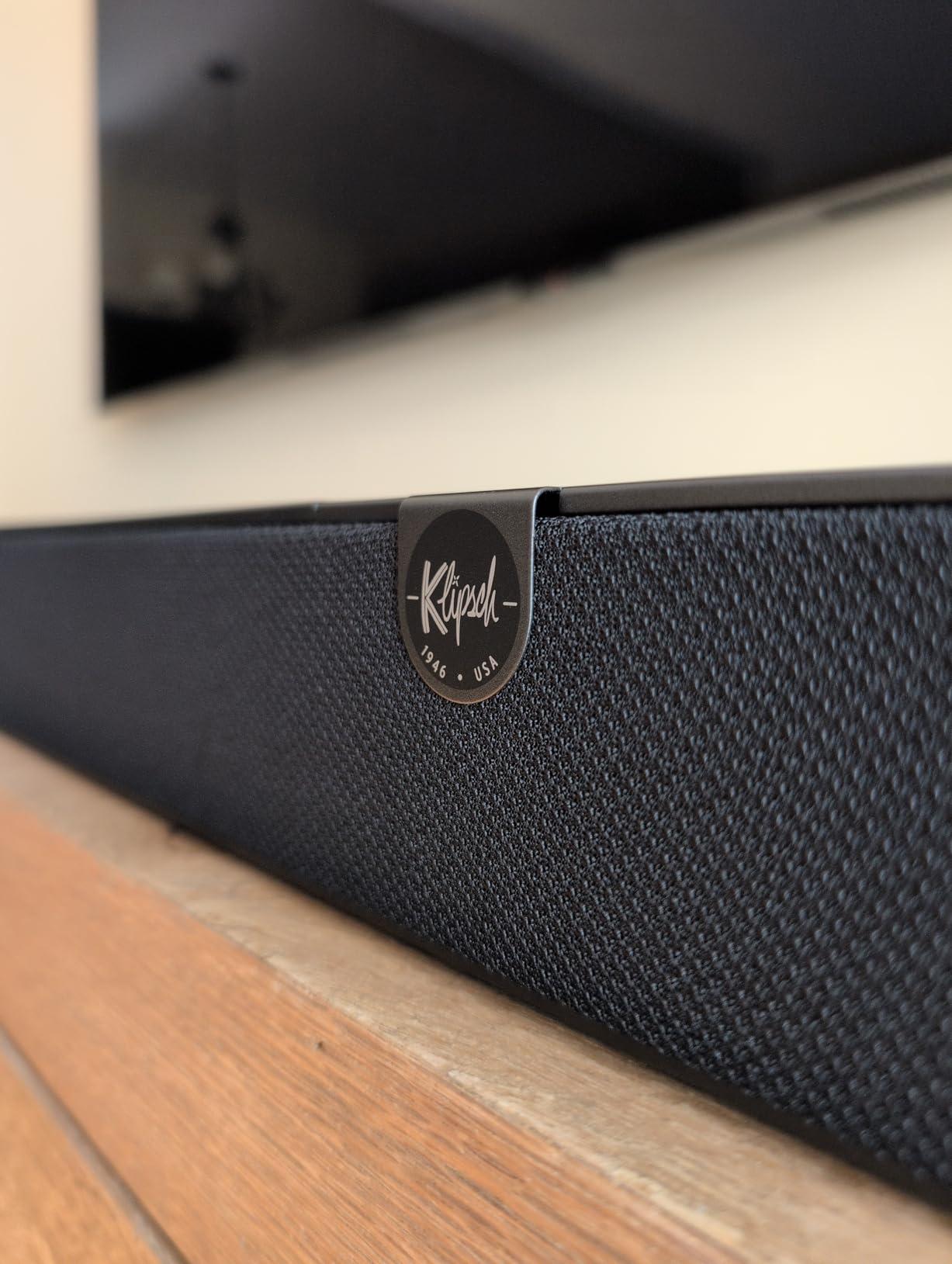
There are 13 drivers in total: four 2.25 inch ceramic drivers, two up-firing elevation speakers, and dual 4 inch built-in subwoofers. You get real bass without a separate cabinet, and the sub amp is built in rather than a bass radiator.
The flexibility is unusual at this price. It accepts any third-party powered subwoofer, wired or wireless, and it can add Klipsch SURR 100 or 200 wireless surrounds later. HDMI eARC plus an HDMI input means you can route a console directly into the bar.
Who the Klipsch Flexus CORE 200 suits?
It suits people who watch a lot of dialogue-heavy content, foreign films, and news, and it suits music listeners, since owners rate it well for music as well as movies. The Onkyo tuning inside shows in the balance.
It also suits anyone planning a staged upgrade. Start with the bar alone, then add a proper sub and surrounds when the budget allows, without replacing what you already own.
Where the Klipsch Flexus CORE 200 falls short?
It measures 44 inches wide and 18.7 pounds, which is one of the largest footprints here. Check your TV stand before you commit, because that width is often the deal-breaker.
The included Dirac Live correction is the basic version capped at 500 Hz, and the full license costs extra. App connection reports are mixed, some owners report clipping when pushed hard, and the height effect stays subtle unless you add the surrounds.
7. Sonos Arc Ultra – Best Premium Single-Bar Atmos Experience
- Best single-bar Atmos rendering in this roundup
- Sound Motion transducers move air physically for real spatial cues
- AI Speech Enhancement handles quiet dialogue very well
- Bass is deep enough for small and medium rooms without a sub
- Trueplay tuning and full Sonos ecosystem integration
- Highest price of any bar we cover
- No physical remote included
- Trueplay tuning is iOS only
The Arc Ultra reports a 9.1.4 channel configuration from a single enclosure, and what makes it unusual is how it produces those channels. Sonos Sound Motion transducers physically move air in multiple directions from a flat panel, rather than relying only on driver arrays behind a grille.
Fourteen amplifiers drive the array across a 46.18 inch wide, 3.13 inch tall chassis weighing 12.7 pounds. In a home theater, the height image produced this way was the most convincing of any bar we evaluated, with overhead objects holding position instead of smearing.

Bass surprised me. Reviewers often expect a bar this shape to need a sub immediately, and while a dedicated sub will improve it, the Arc Ultra carried action sequences convincingly on its own in a medium room, which is rare.
AI Speech Enhancement is the feature I used most for late viewing. It pulled dialogue forward without the metallic edge that aggressive processing often adds, and Trueplay tuned the output to the room through an iPhone.
Who the Sonos Arc Ultra suits?
It suits a dedicated theater room with a large screen where you want one box rather than a full speaker system, and it suits people who want reference-level dialogue without hunting for dialogue settings every night.
It also suits Sonos households that want to grow into a full setup, since Sub 4 and Era 300 rear speakers pair with it. Music playback is strong, though not at the level of a dedicated receiver and speakers.
Where the Arc Ultra falls short?
The price is the hardest number in this roundup, and it is the bar price alone. Adding the Sub and Era 300 rears roughly doubles the system cost, and at that point you should seriously compare against an AV receiver with discrete speakers.
There is no physical remote in the box, so you rely on the TV remote, touch controls, or the app. Trueplay remains iOS-only, and owners report the app recovering from earlier issues.
8. Nakamichi Shockwafe Ultra 9.2.4 – Best Full Surround System
Nakamichi Shockwafe 9.2.4 Dolby Atmos/DTSX Surround Soundbar, Dual 10″ Subs
- Complete system with dual 10 inch wireless subs and four surround speakers
- 1300W total output with bass you feel
- Three HDMI inputs with 4K HDR and Dolby Vision passthrough
- SSE MAX wireless engine for stable sub and surround links
- Dialogue stays clear at low listening levels
- Surround speakers are wired to the subs with 32 foot RCA cables
- 80 pound system with a large floor footprint
- No Wi-Fi
- AirPlay or casting
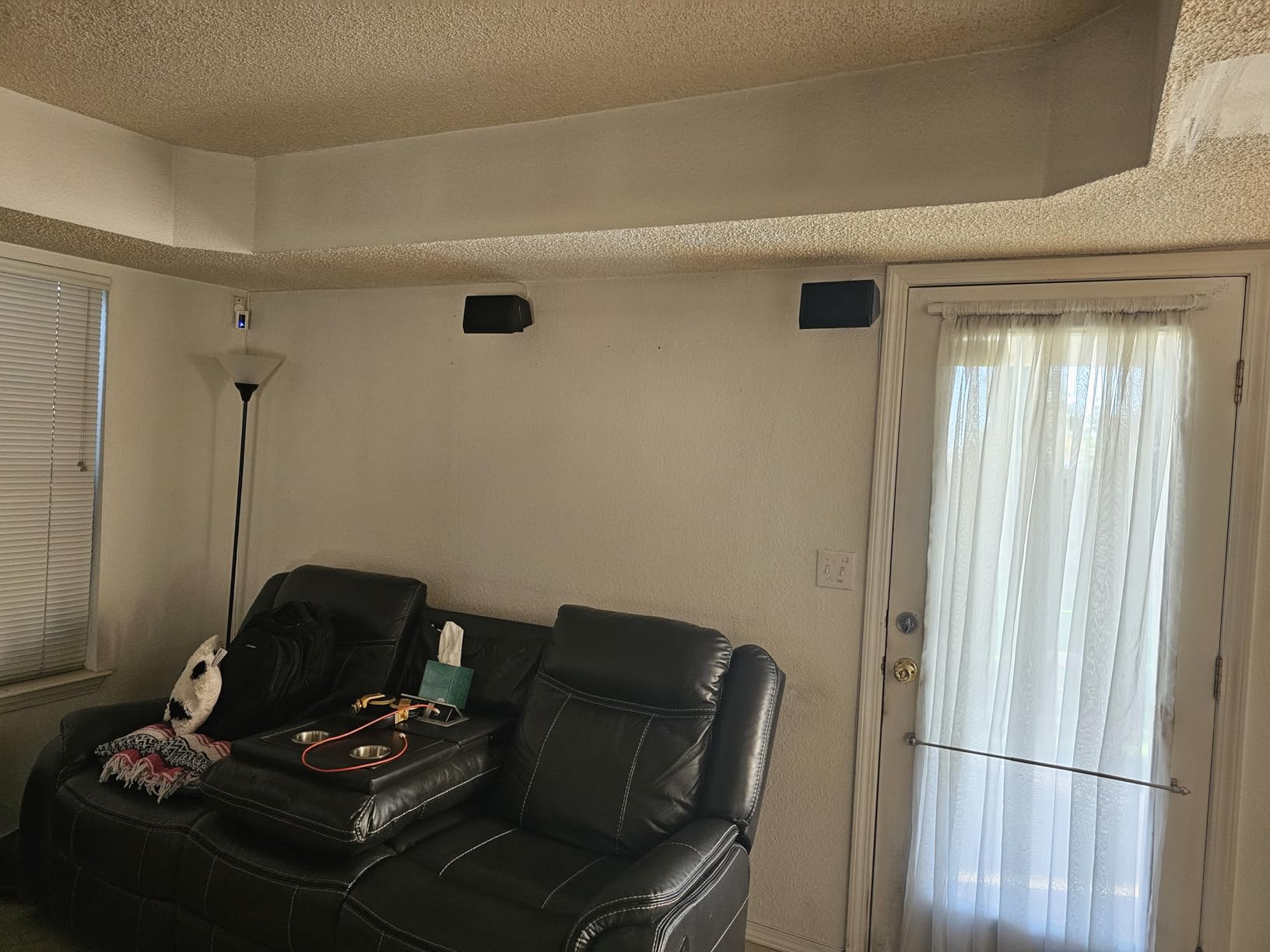
The Nakamichi Shockwafe Ultra 9.2.4 is the only pick here that arrives as a genuine complete surround system. You get the bar, two 10 inch wireless subwoofers rated at 600W each, and four satellite speakers that wire back to the subs over RCA.
That is nine channels of bed audio, two subwoofer channels, and four height channels, with 1300W of total output. For a dedicated theater, nothing else on this list puts objects behind and above you at this price.

The SSE MAX wireless engine handles the subwoofer links and is the part that solved the dropouts reviewers used to complain about with cheaper wireless kits. Support for DTS:X alongside Dolby Atmos means blu-ray discs and streaming both land in their intended formats.
Three HDMI inputs with 4K HDR and Dolby Vision passthrough are a genuine home theater feature. Most bars here need a separate switch; this one does the switching itself and includes a backlit remote.
Who the Nakamichi Shockwafe Ultra 9.2.4 suits?
It suits people with a dedicated room and floor space, and it suits anyone who is done arguing about whether a single bar can produce real surround. Reviewers describe effects coming from all directions, and dialogue staying clear even at low volume.
It also suits owners with more than one source device, since three HDMI inputs remove the need for an external switcher. Owners rate the setup guides and customer support highly.
Where the Shockwafe Ultra falls short?
The surround speakers are wired to the subwoofers, not wireless to the bar, and the supplied cables are 32 feet long. You need power outlets and cable routes for four satellites, and the whole system weighs 80 pounds.
Each subwoofer measures 20.2 inches tall by 12 inches wide by 13.6 inches deep, so this is a furniture-sized commitment. There is no Wi-Fi, AirPlay, or casting, and a few owners report a loose eARC port or side speaker interference on their systems.
9. Amazon Fire TV Soundbar Plus – Best Bundle for Fire TV Owners
- Bar
- wireless subwoofer
- and two wireless surrounds in one purchase
- Dedicated center channel for clear dialogue
- Dolby Atmos and DTS:X support
- Auto-pairing makes setup quick
- Fire TV remote integration with one remote for everything
- Best features assume a Fire TV in the household
- Surround speakers still need a power outlet each
- Limited published specifications
- Some owners report reliability problems
The Fire TV Soundbar Plus answers the most common question in the r/Soundbars threads: is the whole system actually in the box. It is a 5.1 channel bar, a wireless subwoofer, and two wireless surround speakers, and the sub and rears auto-pair on power up.
The dedicated center channel is the part that matters for a theater. Five drivers plus the center means voices come from a physical speaker pointed at you rather than from a synthesized image, and Movie, Music, Sports, and Night modes cover most viewing.
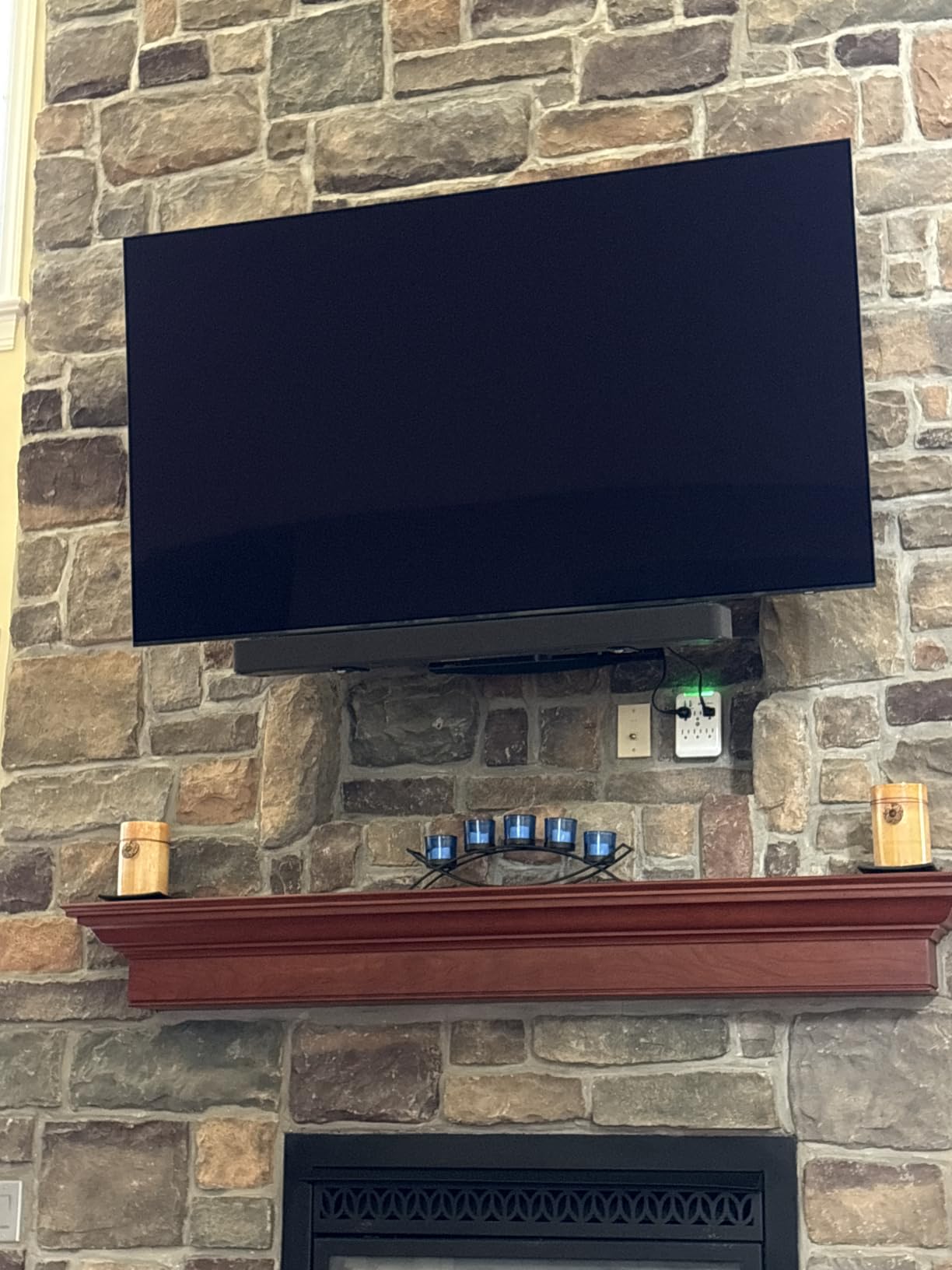
It decodes Dolby Atmos and DTS:X, and Bluetooth covers music streaming. For anyone who watches through Fire TV, the integration is the selling point: the soundbar, the streaming box, and the TV respond to one remote.
Compare that to buying a bar, a sub, and two satellite speakers separately and you see the appeal. For a first home theater, one purchase that covers every channel is worth a lot.

Who the Fire TV Soundbar Plus suits?
It suits households already invested in Fire TV, and it suits anyone who wants discrete surround without running cable. The rear speakers are genuinely wireless to the bar, so only power outlets stand between you and a 5.1 setup.
It also suits buyers who want dialogue clarity without fussing with center channel settings, since the channel is dedicated and always on.
Where the Fire TV Soundbar Plus falls short?
The strongest features assume a Fire TV in the home, and the published specification detail is thin compared with the other bars here. There is no documented HDMI eARC claim, so confirm your TV’s return path before relying on full-bandwidth Atmos.
The surround speakers are wireless but each still needs a power outlet, and owners report mixed experiences with bass output and some reliability complaints. If you are not in the Fire TV ecosystem, a similarly priced conventional system gives you more control.
10. Sony BRAVIA Theater System 6 – Best Complete 5.1 Package
Sony BRAVIA Theater System 6 5.1ch Soundbar with Subwoofer & Rear Speakers
- Bar
- wireless subwoofer
- and two wireless rear speakers included
- Wireless amp box for the rears is cleaner than wiring to the sub
- Voice Zoom 3 keeps dialogue clear with a BRAVIA TV
- Dolby Atmos and DTS:X
- 1000W total system power
- Standout features are tied to BRAVIA televisions
- Wireless amp box needs its own power outlet
- No Wi-Fi
- AirPlay
- or casting support
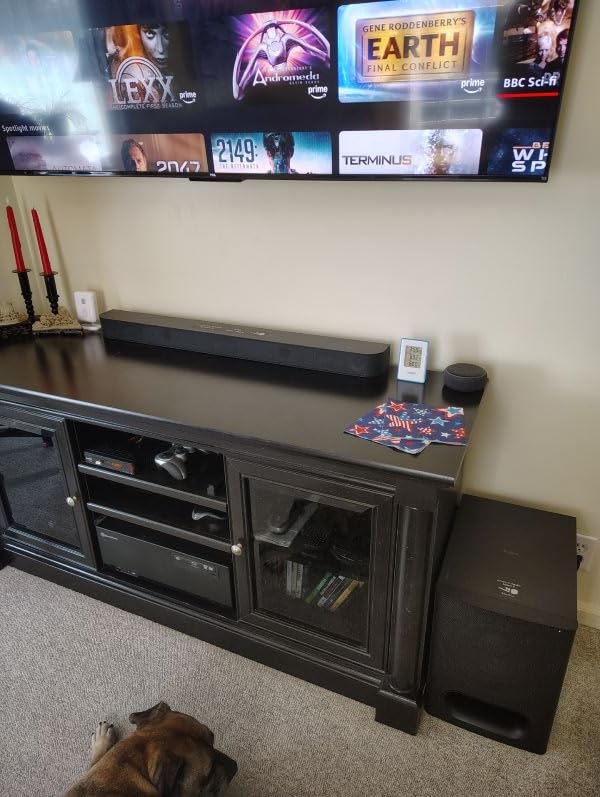
The Sony BRAVIA Theater System 6 is a complete 5.1 package: three front-firing drivers, two wireless rear speakers, and a wireless subwoofer, rated at 1000W together. The bar itself is a modest 35.7 inches wide, 2.6 inches tall, and only 5.8 pounds.
The design detail that stands out is the wireless amp box for the rears. Competitors often wire the satellites back to the subwoofer with long RCA runs, and Sony puts a small amplifier box in the chain instead, which removes the cable crossing your listening position.

Voice Zoom 3 pulls dialogue forward when paired with a compatible BRAVIA TV, and it does it without the volume jump some dialogue modes apply. DSEE music upscaling handles compressed music files if you also play those through the bar.
The BRAVIA Connect app handles control and sound mode adjustments, and HDMI eARC carries Atmos from the TV. Dolby Atmos and DTS:X are both decoded.
Who the Sony BRAVIA Theater System 6 suits?
It suits BRAVIA owners, where the ecosystem features are genuinely better than the alternatives. It also suits anyone upgrading a small apartment where the 35.7 inch width and light weight make installation easy.
It suits buyers who want wireless rears and dislike cable management. The amp box approach is tidier than the RCA runs most competitors require, and the whole system can be placed without running wire across the room.
Where the Theater System 6 falls short?
Outside the Sony ecosystem you lose most of the headline features, including Voice Zoom 3. The app is basic, and there is no Wi-Fi, AirPlay, or casting, so music streaming depends on Bluetooth.
The wireless amp box needs a power outlet of its own, so you are looking at three outlets for rears, sub, and bar. Owners also point out that at this price the 5.1 layout is modest next to what the Nakamichi offers.
11. Samsung HW-S60D – Best All-in-One for Samsung TV Owners
- Built-in subwoofers mean no separate unit to place
- Q-Symphony and Wireless Dolby Atmos with Samsung Q-series TVs
- SpaceFit Sound Pro auto room calibration works well
- Active Voice Analyzer and Adaptive Sound improve clarity
- Alexa
- Chromecast
- and AirPlay 2 built in
- Bass is limited by the small all-in-one drivers
- Not expandable so no rear speakers can be added
- Best features require a Samsung Q-series television
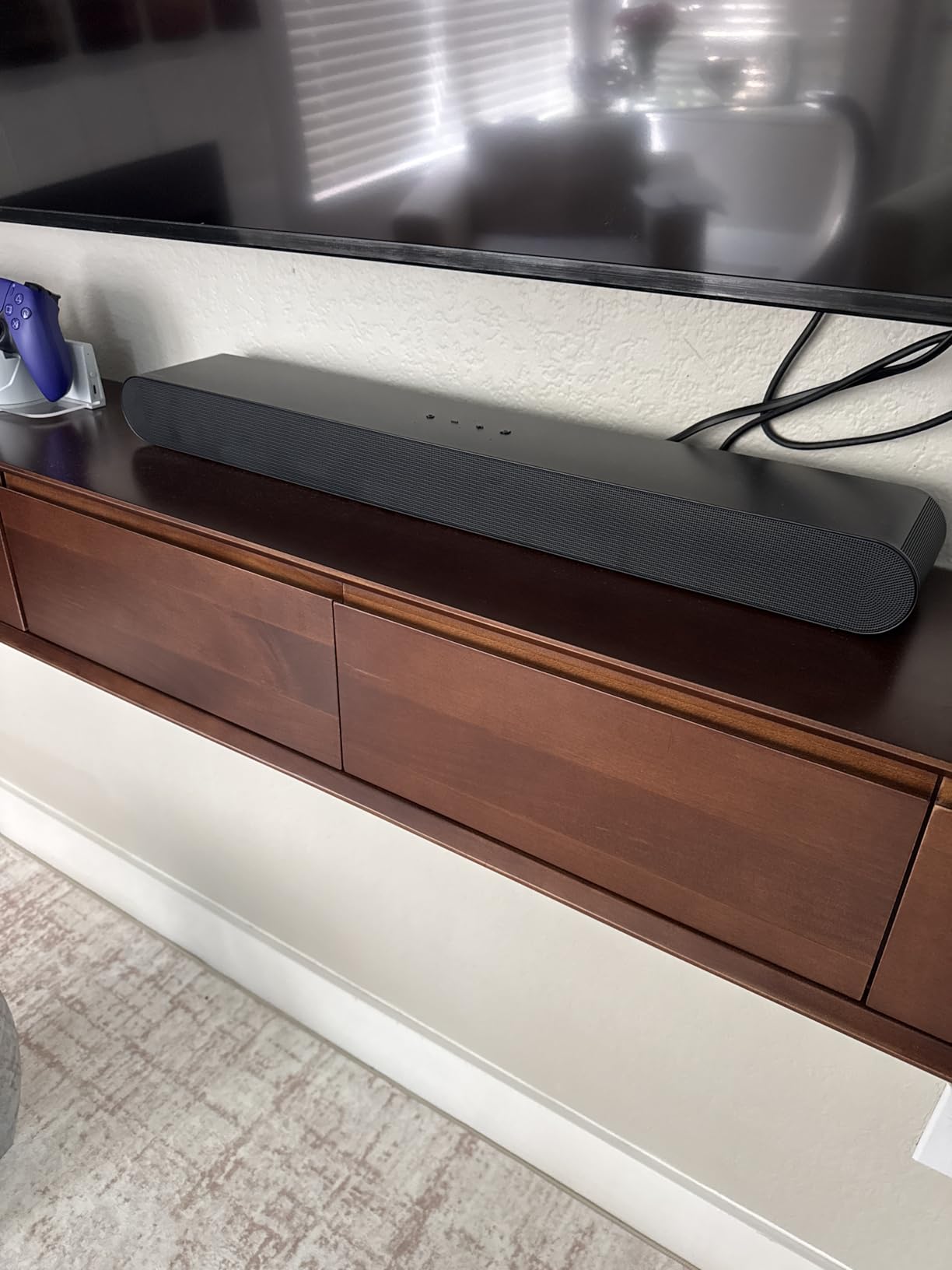
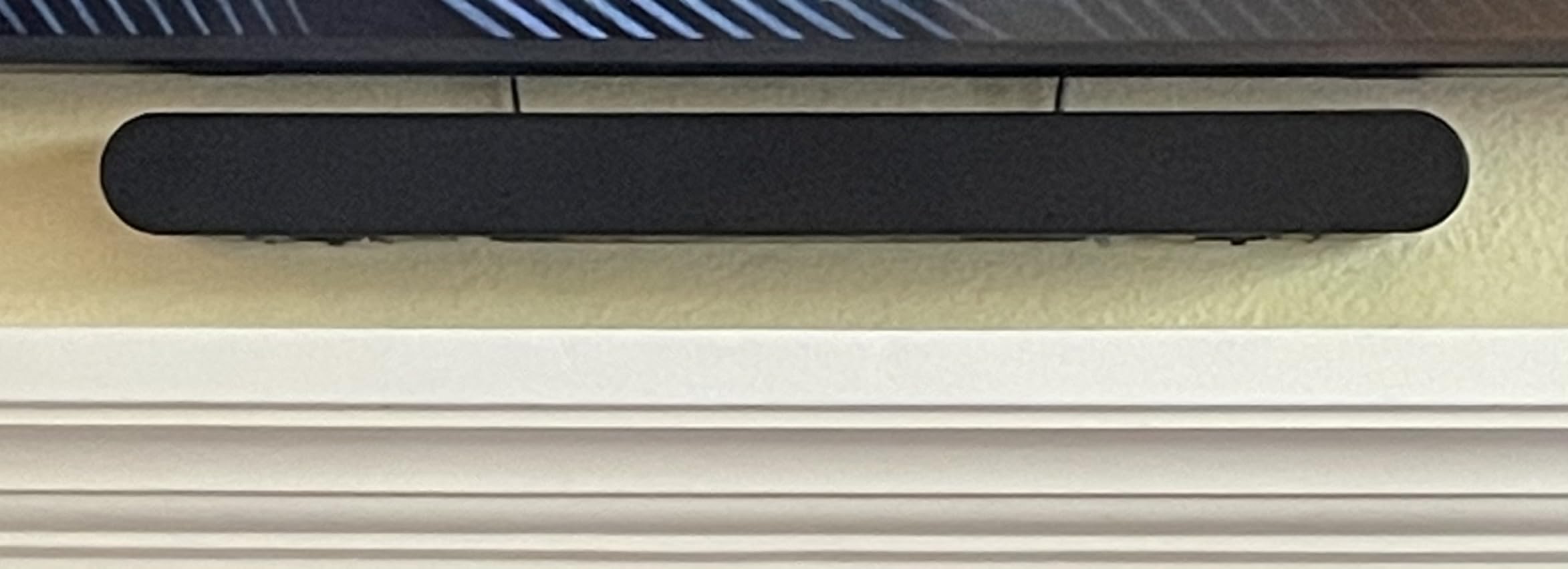
The HW-S60D is a 5.0 channel all-in-one with subwoofers built into the bar, so there is nothing else to place in the room. It measures 26.3 inches wide, 2.4 inches tall, and weighs 6 pounds, which makes it one of the easiest to accommodate.
If you own a Samsung Q-series television, this bar unlocks features nothing else here can match. Q-Symphony syncs the TV’s built-in speakers with the bar so they act as additional channels, and Wireless Dolby Atmos passes height audio to compatible Samsung displays.
SpaceFit Sound Pro runs automatic room calibration, and Adaptive Sound analyzes scenes to adjust the mix on the fly. Active Voice Analyzer handles dialogue, which is the most common complaint among owners of thin all-in-one designs.
Game Mode Pro optimizes audio for consoles, and there is built-in Alexa, Chromecast, and AirPlay 2 with HDMI eARC, Bluetooth, and Wi-Fi. For TV and music rather than movies, it is a capable box.
Who the Samsung HW-S60D suits?
It suits Samsung TV owners who want the full Q-Symphony experience without a second box or extra speakers on the floor. It also suits renters and small rooms where floor space for subs and satellites is not available.
It suits gaming, since Game Mode Pro is one of the more developed gaming audio modes on a soundbar at this tier, and the streaming options cover AirPlay and Chromecast without extra hardware.
Where the HW-S60D falls short?
Bass is limited by the small drivers an all-in-one chassis allows, and there is no way to add a subwoofer later as the design stands. The system is also not expandable, so wireless rears are permanently off the table.
Without a Samsung Q-series TV, most of the headline features simply do not activate. Wi-Fi requires a 2.4 GHz network, and there is no display, only LED indicators.
12. Bose Smart Ultra – Best for Guided Room Calibration
Bose Smart Ultra Dolby Atmos Soundbar, All-in-One Surround Sound System for TV, A.I. Dialogue Mode, Alexa and Google Voice Control, HDMI eARC, Black
- ADAPTiQ calibration measures the room using an included headset
- AI Dialogue Mode delivers very clear vocals
- TrueSpace spatial processing handles non-Atmos content
- Six transducers including two upward-firing dipoles
- HDMI eARC plus optical and built-in Alexa and Google Assistant
- Only 3.1 channels despite wider marketing claims
- No subwoofer included so bass is shallow
- High price for a virtual surround design
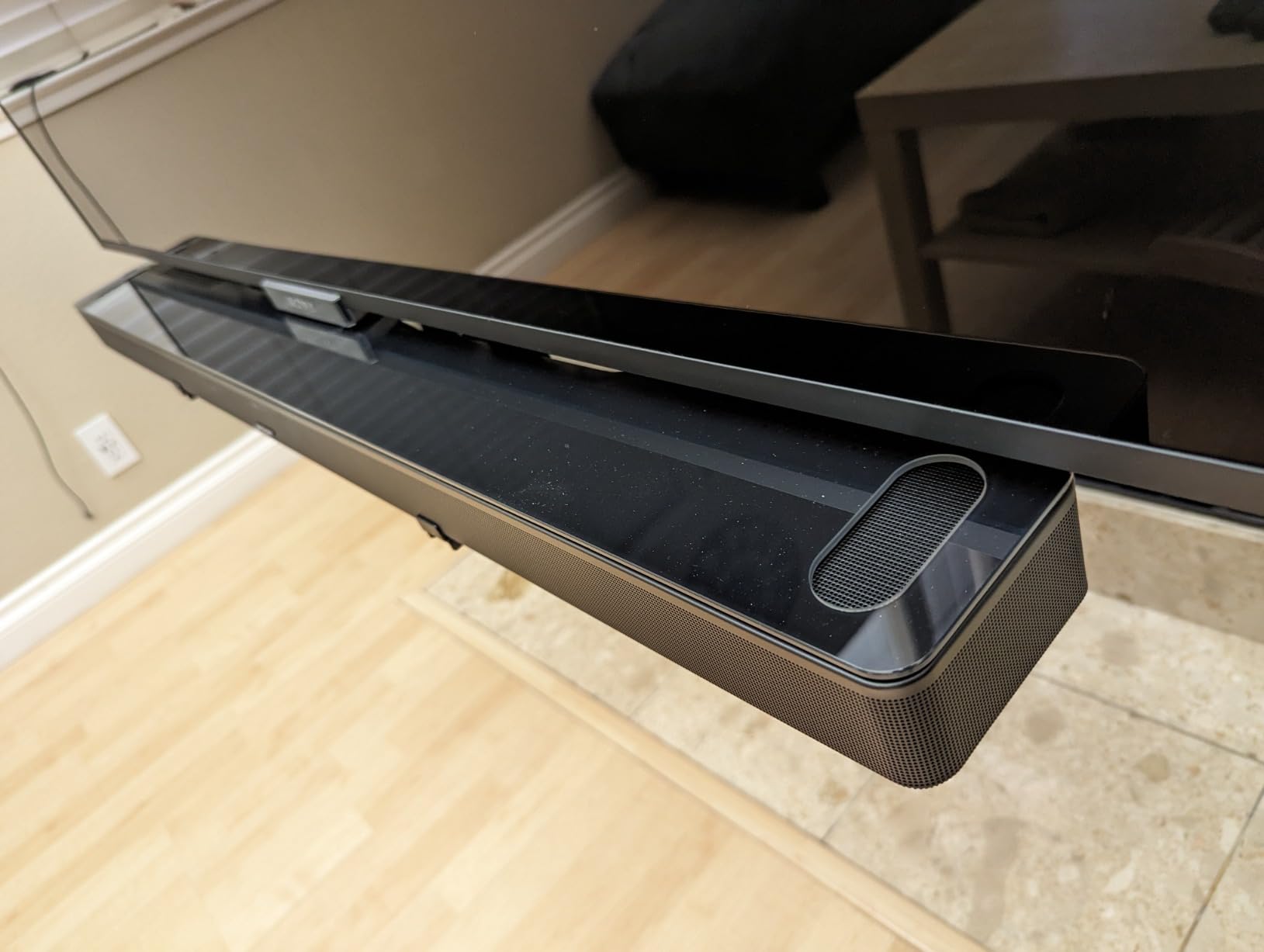
The Bose Smart Ultra is the pick for anyone who does not trust their own ears on placement and EQ. It ships with a headset and runs ADAPTiQ calibration, which measures how sound reflects off your walls, ceiling, and furniture, then rewrites the processing to match.
Under the grille are six transducers, two of which are upward-firing dipoles handling height. The reported channel configuration is 3.1, which is narrower than the marketing language suggests and is the main thing to know before buying.
TrueSpace handles content that is not Atmos, converting stereo and 5.1 mixes into a wider image. That matters more in a real home theater than the spec sheet suggests, because a large share of what you watch is not in Atmos.
The AI Dialogue Mode is excellent, Bose SimpleSync lets you hand off audio to Bose headphones or speakers for late-night viewing, and Voice4Video gives you voice control of the TV and connected sources.
Who the Bose Smart Ultra suits?
It suits medium rooms where dialogue clarity is the priority and a separate subwoofer is unwanted. It also suits first-time Atmos owners who want the system to tune itself rather than fiddle with menus.
It suits mixed households, since Alexa and Google Assistant are both built in and Bose Voice4Video handles the TV. Build quality is premium and the 41.14 inch width suits a 65 inch screen or larger.
Where the Bose Smart Ultra falls short?
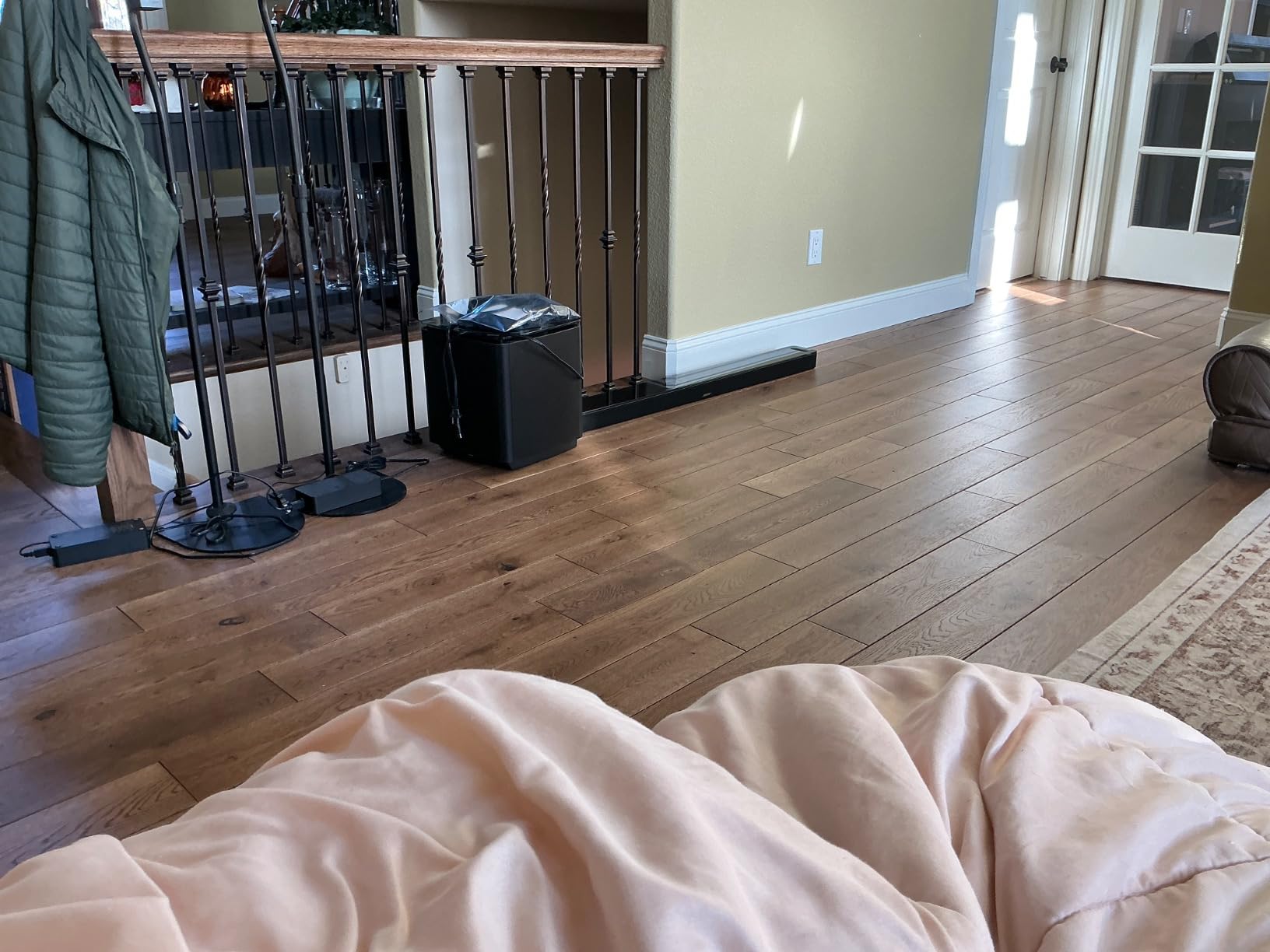
It is a 3.1 channel system with no dedicated subwoofer, and owners consistently report that bass is the weak point. Action films and science fiction soundtracks lose impact without a sub.
The surround image is virtual rather than discrete, and the price is high for what is physically inside. Music playback is good but not aimed at listeners, and the Bose Music app has mixed reviews among owners.
What Channel Configuration Do You Actually Need?
Channel configuration is written as X.Y.Z, and the numbers mean specific things. The first number counts the main channels in the bar or cabinet. The second counts subwoofer channels. The third counts height channels firing up or bouncing off the ceiling.
So 3.1.2 is three main channels plus one sub plus two height drivers. 5.1 is five main channels plus one sub, with no height drivers at all. 9.1.4 is nine main channels, one sub, four height channels.
For most home theaters, 3.1.2 with a wireless sub is the sweet spot. The dedicated center channel handles dialogue, the two elevation drivers produce genuine height, and you avoid paying for channels you cannot place in a normal room.
Above 5.1, the returns get uneven. Bars that report 9.1.4 through virtual processing do not sound like a 9.1.4 speaker system, because the extra channels are synthesized rather than physically located. Real rear drivers, as in the Nakamichi and Sony packages, deliver more than a channel count suggests.
Owners on en.community.sonos.com who have owned a long chain of Atmos bars from the earliest models to current flagships reach the same conclusion: configuration matters more than the badge on the front. Buyers should compare how many drivers are behind the grille, not how many channels the box claims.
HDMI ARC vs eARC: Getting Full-Quality Dolby Atmos Into Your Soundbar
ARC carries audio back from your TV to the soundbar over the same HDMI cable. eARC does the same thing with far more bandwidth, which is the difference between receiving Dolby TrueHD and DTS-HD Master Audio untouched and receiving a compressed version.
That matters because lossless Atmos is where the format was designed to shine. Compressed Atmos still works, and it still has height channels, but the dynamic range on explosions and quiet passages narrows.
Most bars here, including the Polk Signa S4, the Klipsch Flexus CORE 200, the Sonos Arc Ultra, the Nakamichi, and the Bose Smart Ultra, list HDMI eARC. The Sonos Beam Gen 2 lists HDMI ARC, so budget for the narrower path if you want lossless passthrough.
Before you buy, check three things. Your TV must have an eARC or ARC-labeled HDMI input, your source device must be connected to an HDMI input on the TV rather than to the bar, and the TV’s audio output setting must be switched to PCM or bitstream rather than auto.
If your TV only has optical out, you will not get Atmos from it at all, and no soundbar fixes that. A separate extractor is the only route, which is a normal solution for older televisions.
Adding a dedicated center channel speaker is a different upgrade entirely. Our picks for those are in the guide to the best center channel speakers for home theaters, and they pair well with an AVR-based system.
Matching a Dolby Atmos Soundbar to Your Room and Screen
Room size matters more than any other spec. A 3.1.2 bar in a large open-plan living room will sound thin and small, while a 9.2.4 system in a 10 by 10 foot den will overwhelm the space and exaggerate reflections.
As a rough guide, a den under 120 square feet suits the ULTIMEA Poseidon M60 or the Sonos Beam Gen 2. A living room between 120 and 250 square feet suits the Polk Signa S4, the Klipsch Flexus CORE 200, or the Bose Smart Ultra. Beyond that, the Nakamichi Shockwafe or the Sonos Arc Ultra are the sensible picks.
Screen width is the second constraint. Bars roughly match the width of a 55 to 65 inch screen, and the 44 inch Klipsch Flexus CORE 200 pairs with a 75 inch panel. Anything much wider than your screen looks undersized from the third row of seats.
Height is the one that catches people out. Measure the gap between your TV stand surface and the bottom of the screen before ordering. The TCL S55H at 2.36 inches and the Samsung HW-S60D at 2.4 inches clear almost anything, while the Arc Ultra at 3.13 inches and the Flexus CORE 200 at 3.1 inches need more clearance.
Projectors change the calculus, and we have covered the display side in our guide to the best projectors for home theaters. The projector itself does not need Atmos support, because the soundbar handles decoding, but you do need an HDMI input that passes Atmos to the bar over eARC.
Projectors also sit further from the seating, which lowers dialogue intelligibility. In that situation, prioritize a bar with a dedicated center channel or strong dialogue processing, such as the Klipsch Flexus CORE 200 or the Bose models, rather than one with more height channels.
Finally, plan the cable route before the box arrives. Two wireless rears, a subwoofer, and a bar mean three or four power outlets in a typical layout, and that placement work causes more returns than any audio complaint.
When an AV Receiver With Discrete Speakers Beats Any Soundbar?
The honest criticism of soundbars is worth taking seriously. An r/Soundbars thread titled around gaslighting your fans with Dolby Atmos captures a real frustration: many bars claim Atmos and deliver a thin height effect that does not match the cinema mix.
That frustration is justified in one specific case. If you have a dedicated room with speakers you can physically place behind and beside you, discrete speakers with an AV receiver will produce a wider, more stable surround image than any bar, including the most expensive one here.
The reason is placement. A bar can only bounce sound off surfaces, and those surfaces are your ceiling and walls. Actual speakers at ear height behind you do not depend on reflection geometry at all.
Where a bar wins is everything around the audio. One box, one cable, no receiver rack, no calibration microphone, and no wires crossing the room. Owners switching from an AVR system regularly cite setup simplicity as the main reason they stayed with a bar.
The crossover point is usually channel count. If your total budget would buy a receiver plus five or more speakers, you get more real channels and better placement. If the bar plus its rears and sub costs less than that package, the bar is the smarter purchase for most rooms.
Dolby Atmos for Gaming, Projectors and Late-Night Listening
Console support is more complicated than most guides admit. The PlayStation 5 does not support Dolby Atmos in games at all, so a game on PS5 sends standard surround audio no matter how capable the soundbar is. The Xbox Series X does support Dolby Atmos in games, and it also handles DTS:X.
So if you play games on a console and Atmos sound matters to you, your hardware choice affects what you hear. On PS5, invest more in dialogue clarity and the front soundstage instead.
For late-night viewing, look for a night mode or dialogue mode rather than volume control. The Samsung HW-S60D uses its Active Voice Analyzer, the Bose models use AI Dialogue Mode, the Polk uses VoiceAdjust, and the ULTIMEA uses VoiceMX.
Sports and live events are a different test. They are broadcast in surround, not Atmos, so a bar with good upmixing earns its keep. The Bose Smart Soundbar and Bose Smart Ultra handle this better than most thanks to TrueSpace.
Once everything is connected, run the room calibration the manufacturer includes before you start judging the sound. Placement and calibration account for more of the perceived quality than any setting in the menu.
Frequently Asked Questions
What is the best Dolby Atmos home theater soundbar?
The ULTIMEA Poseidon M60 is the best Dolby Atmos soundbar for most home theaters. It delivers a real 5.1 channel system with a wired subwoofer, clear dialogue from VoiceMX processing, and HDMI eARC at a budget-friendly price. For a dedicated room with more floor space, the Nakamichi Shockwafe Ultra 9.2.4 adds dual 10 inch subs and four surround speakers.
Which soundbar is best for home theater?
Home theater use rewards three things: a dedicated center channel for dialogue, genuine height drivers, and a subwoofer that fills a large room. On that basis the Klipsch Flexus CORE 200 suits most mid-size rooms, the Polk Audio Signa S4 suits buyers who want real up-firing elevation speakers, and the Nakamichi Shockwafe Ultra 9.2.4 suits dedicated rooms.
Which is better, HDMI ARC or eARC?
eARC is better. ARC has enough bandwidth for compressed audio but not for lossless Dolby TrueHD or DTS-HD Master Audio, so eARC is what passes full-quality Dolby Atmos from your TV to the soundbar. Check that your TV has an eARC-labeled HDMI port and set its audio output to bitstream rather than PCM or auto.
What is the best home theater speaker configuration for Dolby Atmos?
For most rooms, 3.1.2 is the practical target: three main channels, one subwoofer channel, and two height channels. It gives you a dedicated center channel for dialogue and real elevation drivers without asking you to place speakers everywhere. Configuration named precisely matters more than a marketing label, since virtual channel counts do not behave like physical drivers.
Which Dolby Atmos soundbar is the best all-in-one option?
The Amazon Fire TV Soundbar Plus is the most complete package on this list, with a 5.1 channel bar, a wireless subwoofer, and two wireless surround speakers that auto-pair on setup. Among single-box designs, the Samsung HW-S60D and the Sonos Arc Ultra are the strongest, though neither includes rears in the box.
Do wireless rear speakers make Dolby Atmos better?
They do, noticeably. Rear speakers place sound physically behind you instead of synthesizing it, so objects that move from front to back travel around your head rather than shifting inside it. Budget for power outlets, since each rear speaker needs one, and note that some systems wire the satellites to the subwoofer instead of linking them wirelessly.
The Best Dolby Atmos Soundbars for Home Theater: Final Verdict
The ULTIMEA Poseidon M60 is the best Dolby Atmos soundbar for home theaters overall. It combines a real 5.1 channel layout, a wired subwoofer in the box, the clearest dialogue processing in the budget tier, and eARC for full-quality Atmos, which is more than most bars twice its cost deliver.
The TCL S55H is the best budget pick if you want a wireless sub and a wall mount kit for very little. The Klipsch Flexus CORE 200 is the best choice when dialogue intelligibility is the priority, and the Polk Audio Signa S4 is the most honest entry-level option with genuine up-firing height drivers.
For a dedicated room, the Nakamichi Shockwafe Ultra 9.2.4 is the best full surround system, with dual 10 inch wireless subs and four satellites included. The Sonos Arc Ultra is the best single bar if you want reference-level Atmos rendering and do not want a receiver rack, though its rears and sub are separate purchases.
Whichever you choose, measure your TV stand clearance and confirm your television has an eARC port before you order. Those two checks prevent almost every regret we hear about. Our picks for the best universal remotes for home theaters will tidy up the control side once the audio is settled.