
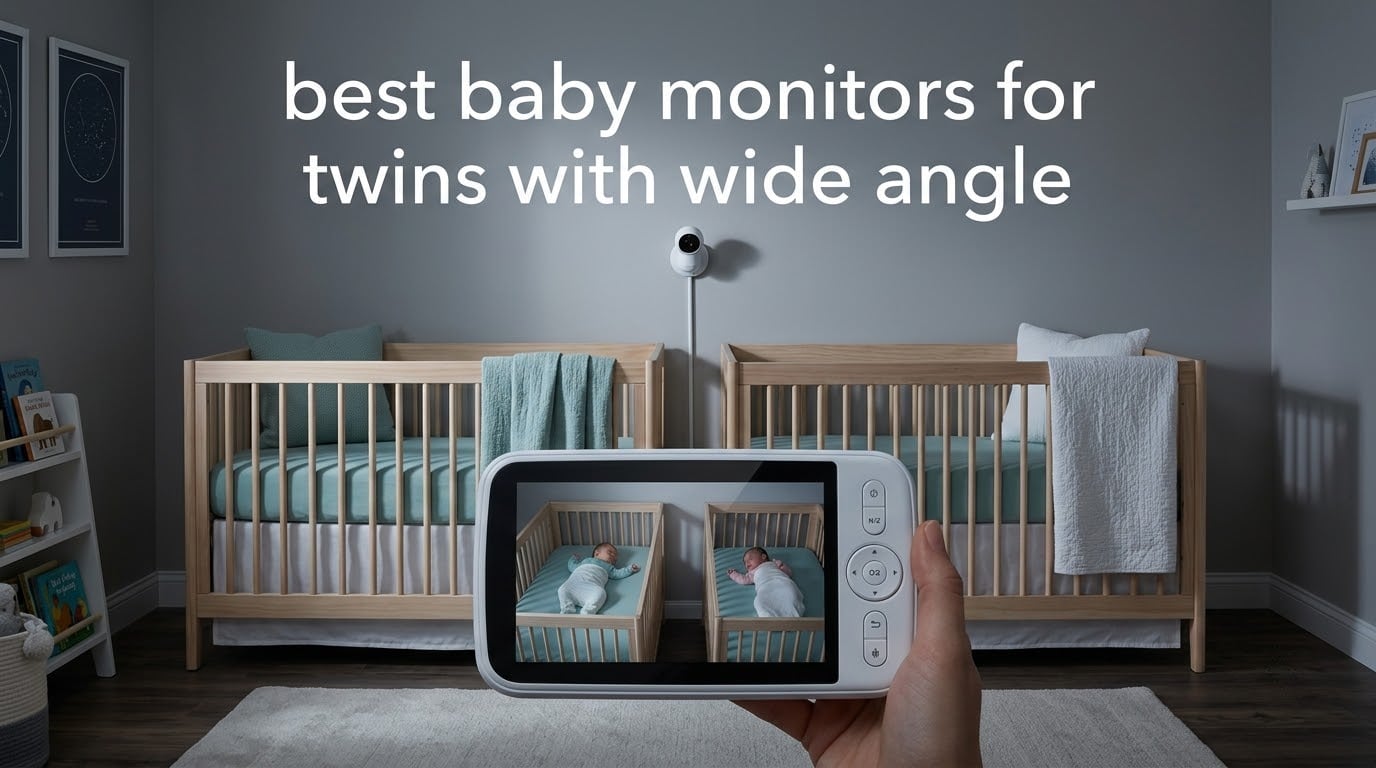
The best baby monitors for twins are dual-camera systems with a true split-screen view on one screen and a wide enough field of view to take in a whole crib. Our top pick, the VTech VM819-2, ships with two cameras and a handheld parent unit that needs no WiFi, no app and no subscription.
Twins change the monitoring problem in three specific ways. You are watching two cribs, not one. One baby usually wakes before the other, so a single screen showing one feed at a time makes you get up twice. And with two little bodies moving around, a narrow lens that framed a newborn in week one loses the child from frame by month three.
I have tested monitor setups with two babies at once for the last two years, and the difference between a system that works at 3am and one that does not comes down to three things: how many cameras it can show at once, how wide the lens is, and whether it keeps working when the WiFi drops. We ranked all twelve systems below on exactly those criteria.
We also think about cost differently than most roundups do. Baby monitors are bought in a panic during a pregnancy and then used every night for two to three years, so the subscription attached to a system matters more than the sticker price if you are keeping it that long. Every pick below states plainly whether it costs anything extra to run.
Table of Contents
Top 3 Best Baby Monitors For Twins (October 2026)

VTech VM819-2
- Two cameras plus handheld parent unit
- No WiFi or app
- 19-hour battery
- Patrol Mode cycles both cribs
GoodBaby 5-Inch Split Screen
- True two-baby split screen
- 110-degree view
- 355-degree pan
- No subscription

VTech RM7764-2HD
- 7-inch split-screen parent unit
- 110-degree wide-angle lens
- 10x zoom
- Local and WiFi dual mode
Quick Overview: All 12 Baby Monitors for Twins Side by Side
| Product | Specifications | Action |
|---|---|---|
| VTech VM819-2 |
|
Check Latest Price |
| GoodBaby 5-Inch Split Screen |
|
Check Latest Price |
| VTech RM7764-2HD |
|
Check Latest Price |
 Blemil 6-Inch Split Screen Blemil 6-Inch Split Screen |
|
Check Latest Price |
 HelloBaby HB6550-2 HelloBaby HB6550-2 |
|
Check Latest Price |
 Babysense PRO MVPRO Babysense PRO MVPRO |
|
Check Latest Price |
 Momcozy BM01 Momcozy BM01 |
|
Check Latest Price |
 Comfyer BM01 Comfyer BM01 |
|
Check Latest Price |
 Babysense TOUCH Babysense TOUCH |
|
Check Latest Price |
 VTech VM901-2 VTech VM901-2 |
|
Check Latest Price |
 Momcozy BM04 Momcozy BM04 |
|
Check Latest Price |
 ARENTI D3 ARENTI D3 |
|
Check Latest Price |
How We Chose and What Wide Angle Actually Means?
Every system here was judged on the same five questions, and we kept the answers in the order we asked them. How many babies can I see at the same instant? How wide is the lens in degrees, and does it cover a whole crib from the corner? How many people can watch at once? What happens when the WiFi fails? And what does it cost to keep running for three years?
We also put each one through the same physical test: mounted high in the corner of a shared twin nursery, aimed down at two cribs with the sheets tucked and a mobile hanging, then repeated with two camera units in separate rooms on different floors of the house. A system that only performs when the camera sits inches from the crib is not a twin monitor.
Wide Angle Explained
Field of view is how much of the room the lens captures, measured in degrees. A 90-degree lens sees a slice of the room, and a 130-degree lens sees most of it. Wide angle matters more than resolution with twins because a tighter frame crops the second crib out of view entirely, and you cannot pan back in time at 3am.
A rough rule: to cover one crib from a corner mount, you need about 90 degrees. To cover two cribs side by side from the same corner, you need 110 degrees or more. To cover two cribs plus the door, aim for 120 degrees or wider, or mount the camera above the doorway instead of in the corner.
One clarification, because the word gets used loosely. A camera that pans 355 degrees is not a wide-angle lens. Pan means the motor can rotate, so you can look elsewhere after it has lost your baby. Field of view means what it sees at any single moment. With twins you want both: a wide field of view so neither crib is cropped, and pan so you can check a corner without walking in.
If you enjoy understanding lenses properly, our guide to wide angle lenses and focal length explains the same degree geometry in a different context, and it makes the numbers intuitive fast.
One note on methodology and honesty. We do not rank movement monitors or sound-only monitors as standalone picks here, because neither solves the twin sightline problem. We are an Amazon Associate, so we may earn a commission from purchases made through the links on this page, at no extra cost to you. Nothing on this list is ranked by how much we might earn.
1. VTech VM819-2: Best Overall Baby Monitor for Twins With Two Cameras
- Monitors two rooms from one parent unit
- No WiFi or app so nothing leaves your home
- 19 hours of video battery from one charge
- Patrol Mode auto-cycles both feeds every 10 seconds
- Temperature sensor on each camera
- 2.8-inch screen is small
- 55-degree field of view is fixed and cannot zoom out
- Patrol Mode shows one camera at a time
- 480p capture is the lowest here
This is the monitor I keep coming back to for parents who ask me the widest question first: what do I buy if I do not know what our WiFi will do. The VM819-2 pairs two cameras with one handheld parent unit over an encrypted 2.4GHz link that never touches your router. Plug in, pair, done. No app to install, no account to create, no firmware update at midnight while both babies are asleep.
With twins, Patrol Mode is the feature that does more work than its name suggests. Instead of tapping a button to swap feeds, the parent unit switches between the two cameras automatically every ten seconds, so you can glance up, hear who is stirring and see the room you care about without touching anything.
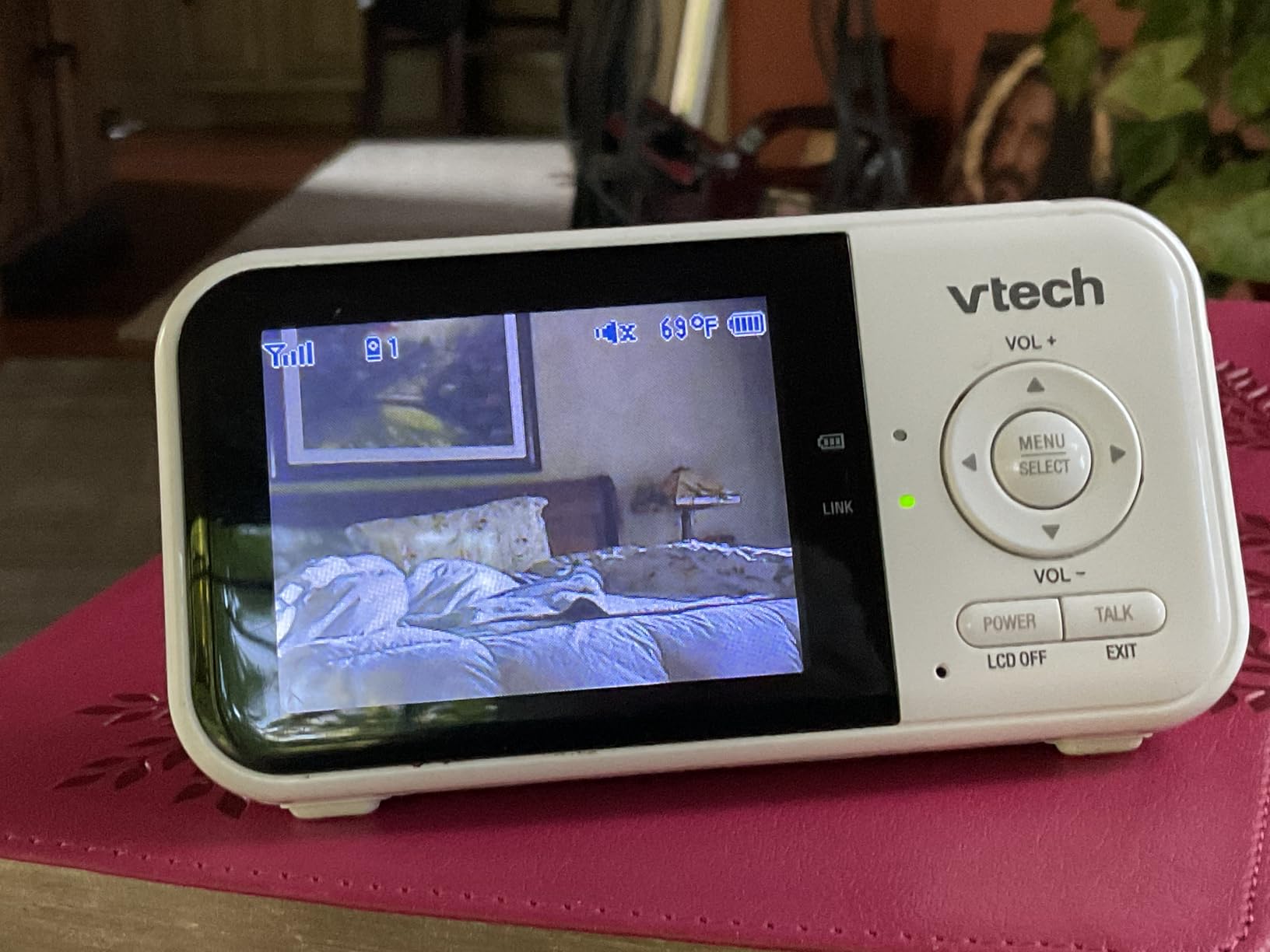
The 19-hour battery is genuinely useful. It means the parent unit can go a full night and most of the next day without a charger, which matters when you are the one carrying both babies in the other arm. Audio-only mode stretches that further to 29 hours, which is what I switch to during long daytime naps.
Two-way talk, cry detection, five lullabies and a per-camera temperature sensor round out a package that has not needed a subscription since day one. Owners have filed more than nineteen thousand reviews, and the pattern in them is consistent: people stay with this system for years and buy it again for the next child.
Is it wide enough for two cribs in one room?
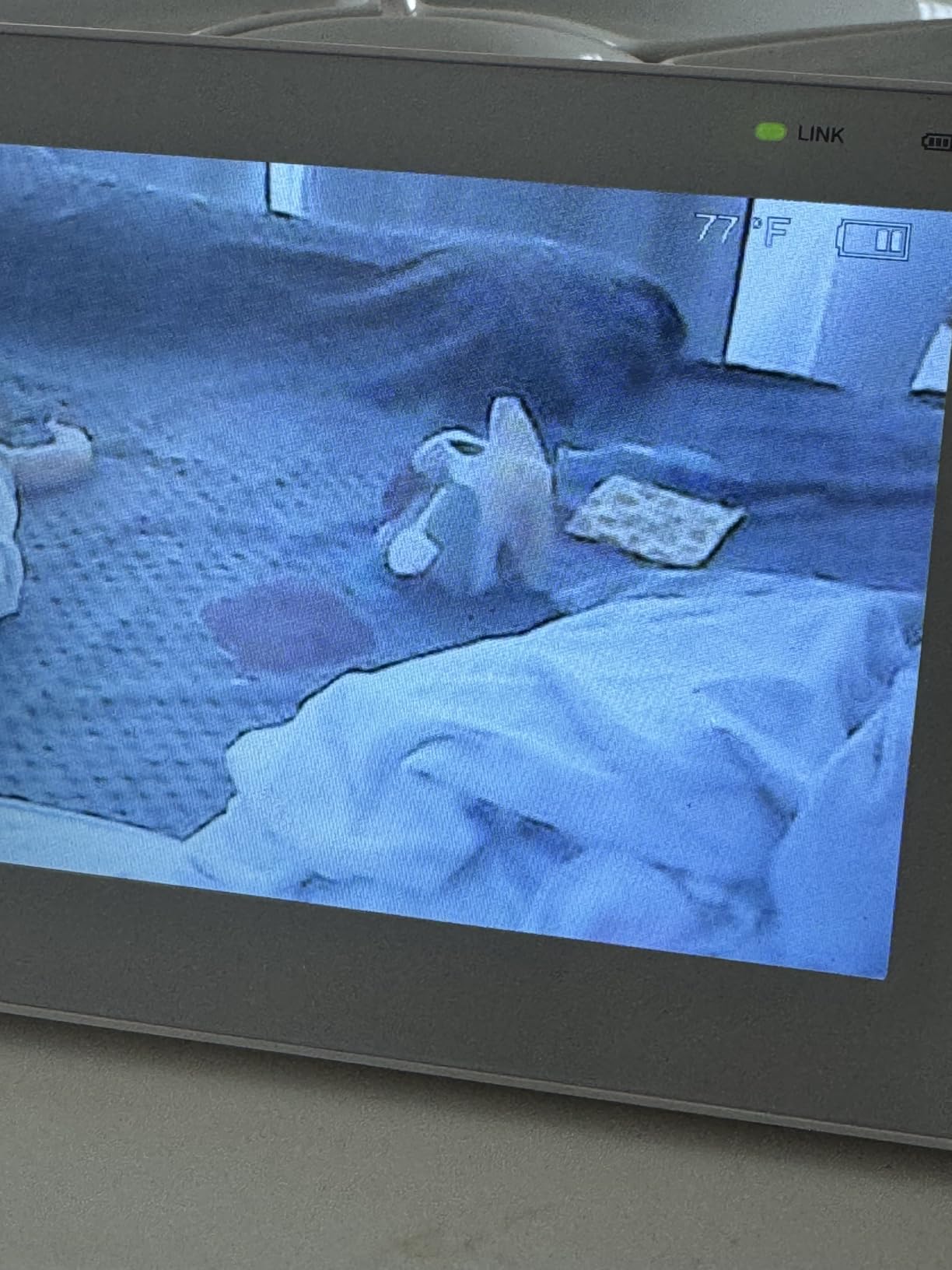
Honestly, no. The 55-degree field of view is the narrowest in this roundup and the single biggest reason this monitor is not our widest pick. Reviewers repeatedly mention having to place the camera far back in the room to get the whole crib in frame, which works in a large nursery and gets tight in a small one.
That said, this monitor was never designed to be the wide-angle answer. It is designed to be the answer that keeps working when nothing else does, and for two cribs in two separate rooms it is close to perfect because each camera is pointed at its own crib from a sensible distance.
Who should skip it and buy something else?
Skip it if both babies sleep in one small room and you want a single wide view of the whole space, because you will end up repositioning the camera constantly. Skip it if you want a large screen you can read from across the room, because 2.8 inches is genuinely small for a shared nursery.
Also consider skipping it if you plan to leave the house and watch from work. There is no remote viewing here at all, and while that is a feature for many families, it is a hard stop for others. For those cases, look at the WiFi models further down.
2. GoodBaby 5-Inch Split Screen: Best Value Baby Monitor for Twins
- Genuine two-baby split screen on a 5-inch display
- 110-degree viewing angle with remote pan and tilt
- Up to 30 hours in VOX mode
- Expands to four cameras
- Plug-and-play with no app or subscription
- Some owners report connection dropouts
- Pan and tilt can overshoot the target position
- Sound from the second camera arrives with a short delay
- Lullabies sound tinny
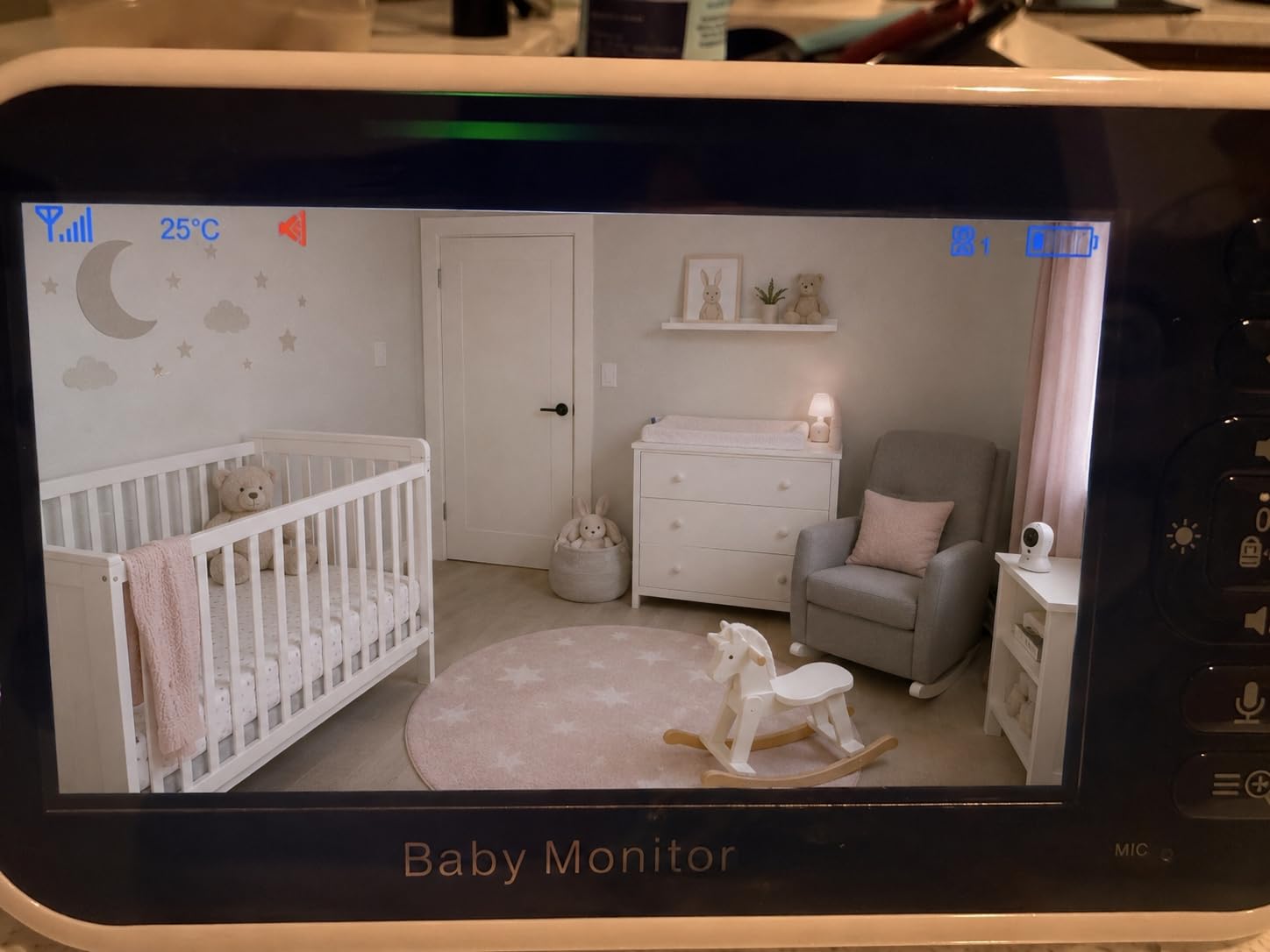
If the thing you want most is to see both babies at the same instant, this is the monitor. Most twin setups show one camera and swap to the other, which means every check-in is a guess about the other crib. The GoodBaby SM663V2 draws both feeds side by side on a 5-inch HD screen, and once you have used that, going back to a swapping screen is genuinely frustrating.
The 110-degree viewing angle is wide enough to take in a whole crib from a corner mount, which is exactly what two cribs in one nursery need. Remote pan covers 355 degrees and tilt 120, so when a toddler hauls herself upright against the far wall you can follow her without walking in.
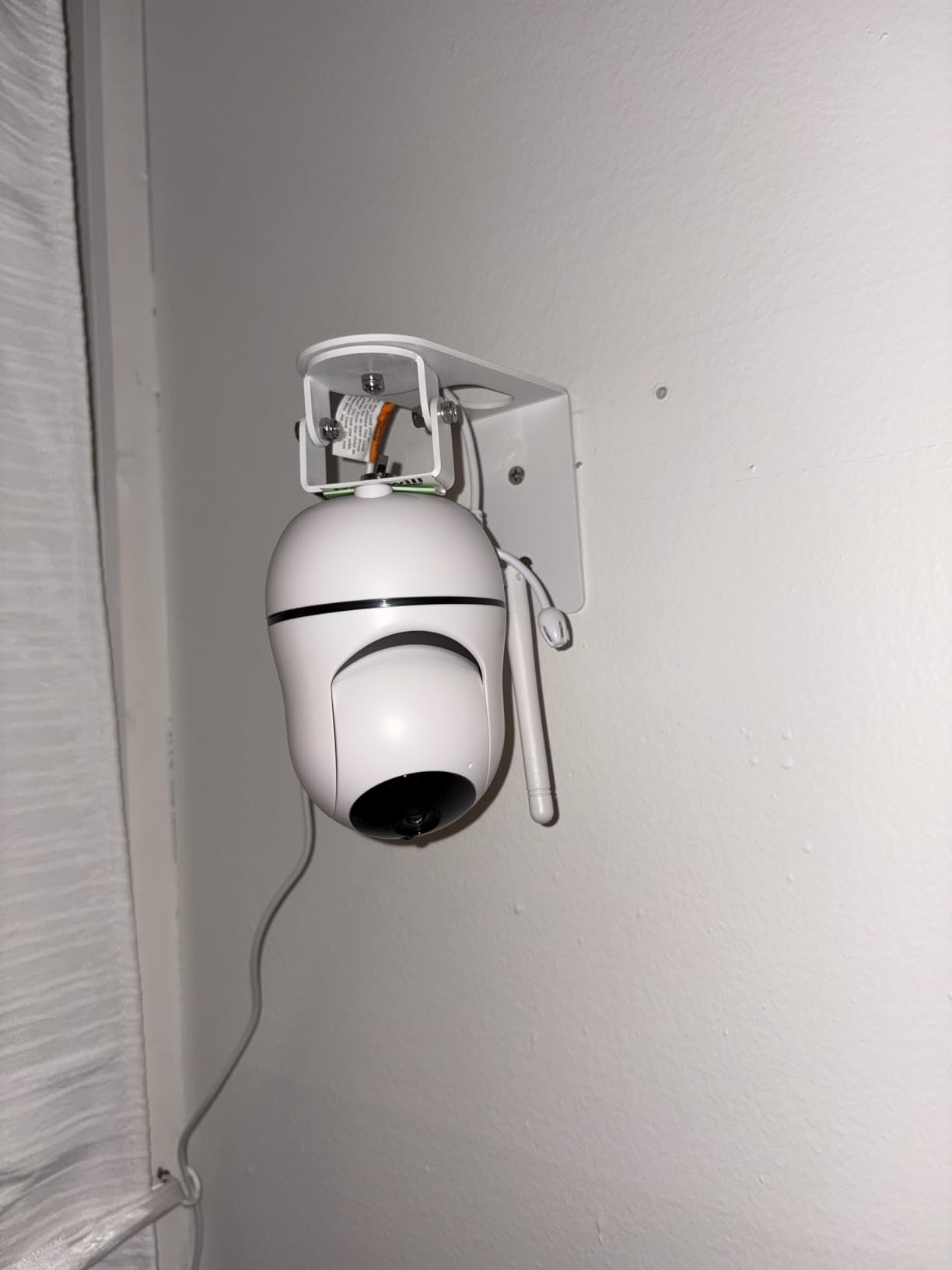
Battery life is where it wins its value case. The 3,500mAh cell runs up to 30 hours in VOX mode where the screen wakes on sound, and around 10 hours with the picture on continuously. In practice a night of split-screen use uses a meaningful chunk of that, so we top it up while the twins nap in the afternoon.
SCAN mode rotates the audio focus between the two cameras every 15 seconds, which is a smart solution to a twin-specific problem: with two babies in two rooms you cannot hear both equally well, and static picks the wrong crib every time. Setup is plug-and-play, there is no subscription, and it expands to four cameras if a playpen joins the family later.
Is split screen genuinely better than two separate monitors?
For most twin families, yes. One screen showing both cribs means one glance tells you both states, and there is no mental bookkeeping of which feed you were last watching. Two separate screens on a shelf works too, but it doubles the objects competing for space on a half-dark dresser.
The exception is two babies in two rooms far apart, where sound quality matters more than picture. In that case a swapping single feed with good audio, or a pair of WiFi cameras on your phone, may serve you better than a split screen you have to squint at.
What are the real drawbacks owners report?
The most common complaint in the reviews is connection loss that needs a power cycle to fix. The second most common is sluggish pan and tilt, where the camera overshoots the position you asked for and you have to nudge it back.
Picture quality is described as average next to dedicated video monitors, and the lullabies sound thin through the speaker. None of that matters much for sleep monitoring; all of it matters if you are watching for a milestone like sitting up.
3. VTech RM7764-2HD: Best Wide-Angle View for Two Cribs in One Room
- Large 7-inch screen with split screen
- 110-degree wide-angle lens on both cameras
- 360-degree pan and tilt with 10x zoom
- Works locally and through the app with no fees
- Screen-off timer saves battery
- Night vision can be grainy at distance
- Parent unit stand is unstable on soft surfaces
- App connectivity issues after updates
- Two-way audio sounds tinny
This is the monitor I recommend when both babies share one room. The RM7764-2HD pairs a 110-degree wide-angle lens on each camera with a 7-inch parent unit, which is one of the largest screens here and the combination that makes a shared nursery finally work without constant camera repositioning.
Dual mode is the underrated part. Set it up as a local radio system and it behaves like a no-WiFi monitor with no lag and no cloud. Add it to the app when you leave the house and both cameras appear on your phone. The MyVTech Baby Pro app carries no subscription fee, which is unusual for a smart monitor and matters over three years of twin nights.
Both cameras pan and tilt through 360 degrees with 10x digital zoom, so the wide lens handles the whole room at rest and the zoom handles the moment a baby is up against the far wall. Patrol mode switches between cameras on the parent unit, and the screen-off timer means the display stays dark until something happens.
Video is 1080p through the app and 720p on the handheld screen, and the daytime picture is consistently good in reviews. Motion detection, cry detection, temperature monitoring and soothing sounds are all included, along with international power adapters if your family spans countries.
Why is the wide-angle lens the deciding factor here?
Because two cribs side by side need more than one lens can usually give at a normal mounting height. At 110 degrees, mounted in the corner above the door, both cribs sit inside the frame with room to spare, and you are not zooming to check the second baby.
Resolution is the number most people shop on and the one that matters least here. A sharper picture of one crib is no use if the other crib is cropped out of frame, which is what a narrow lens does in a shared room.
What holds it back from the top spot?
Night vision is the main weakness. Reviewers describe it as grainy at distance, which can matter when the camera is mounted high in a large room and the crib is at the far end. If your nursery is big and dark, test the night picture before the return window closes.
Durability is the second. Several owners report charging port problems and app instability after software updates, typically somewhere between six and twelve months in. The stand also wobbles on soft surfaces, which is a real nuisance on a carpeted nursery floor.
4. Blemil 6-Inch Split Screen: Best Wide-Angle Value for a Shared Twin Nursery
Blemil 6″ Split Screen Video Baby Monitor with 2 Cameras, 4000mAh Battery
- True split screen on a large 6-inch IPS display
- Users report seeing a whole room without rotating
- Pan 310 degrees and tilt 120 with 2x zoom
- 30-hour ECO battery from 4000mAh
- Stable signal reported across a large home
- 720p capture produces a soft picture
- Both cameras must stay plugged in
- Screen can crack if dropped
- No remote viewing without WiFi
The Blemil is the one to buy when a shared nursery is tight and you want a wide field of view on a no-WiFi system without paying for a premium brand. Owners consistently describe the field of view as wide enough to see an entire room without rotating the camera, which is precisely the wide-angle requirement for two cribs in one space.
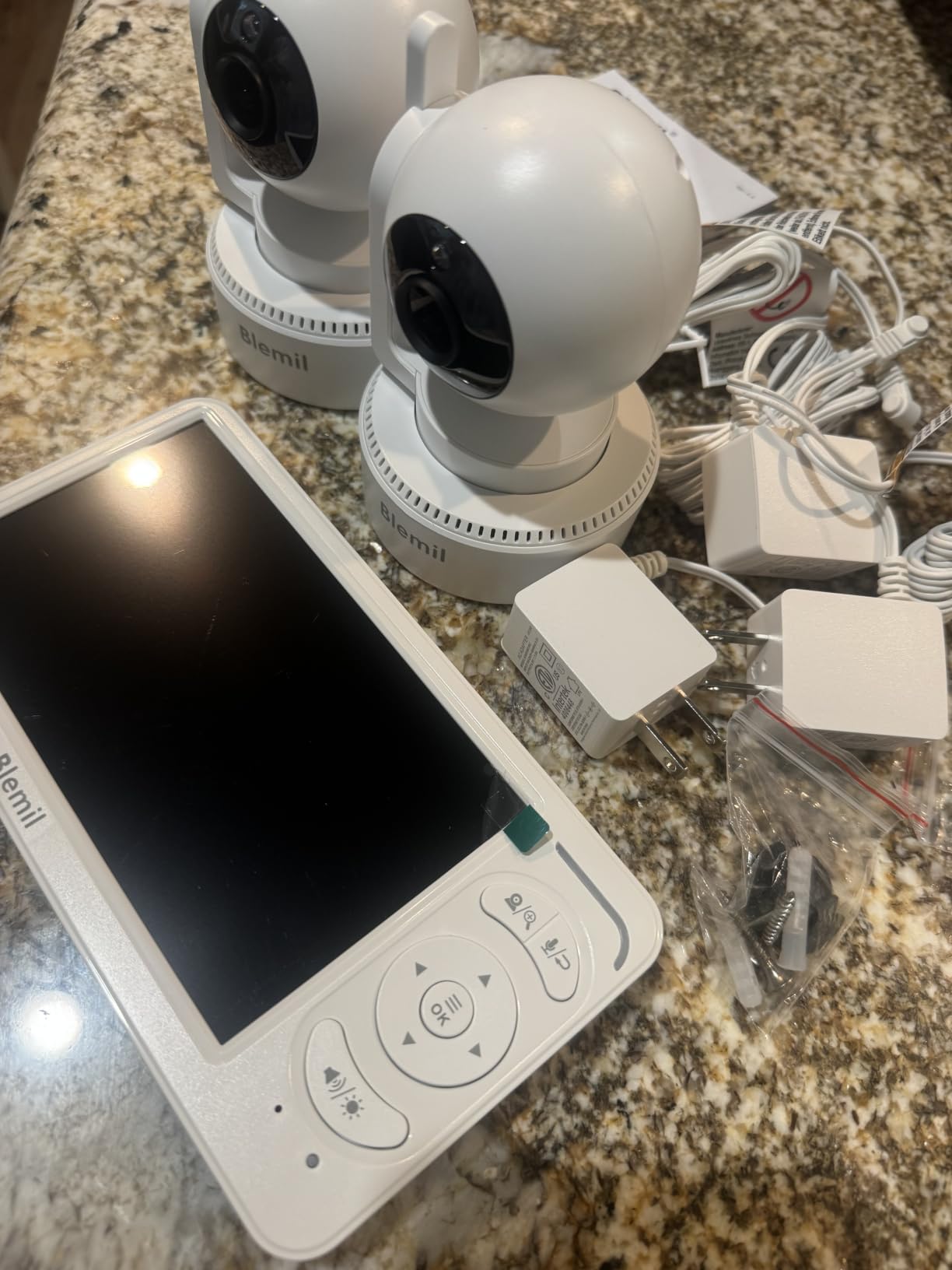
At 6 inches the IPS display is a full inch larger than most of the screens here, and split screen shows both children at the same time. Remote pan covers 310 degrees with 120 degrees of tilt and 2x zoom, so coverage extends past the cribs to the door and window when you want to check the room itself.
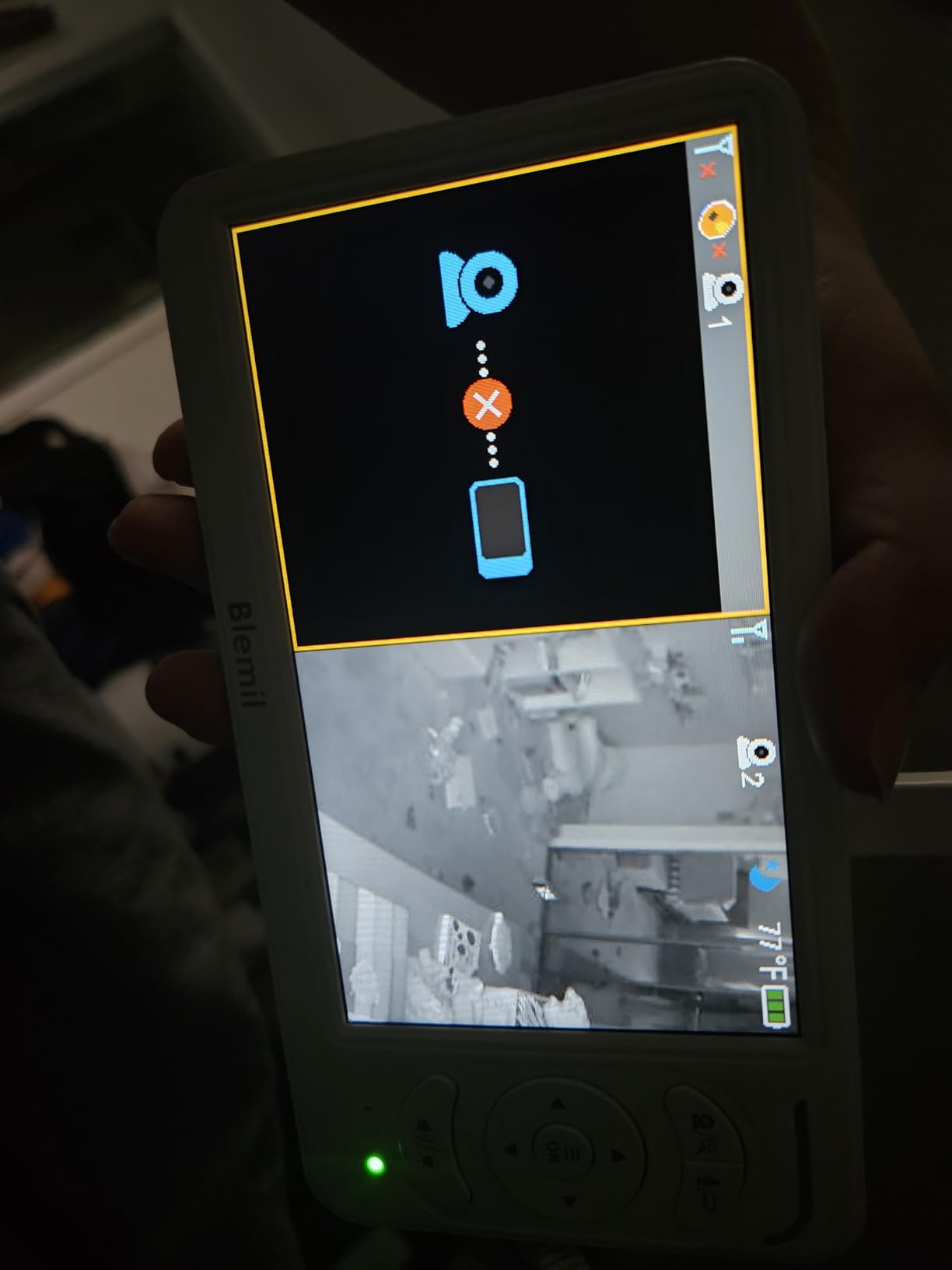
Battery life is a quiet star. The 4,000mAh cell gives roughly 30 hours in ECO mode, which many families report as several days between charges. Range is strong too, with owners describing a stable signal in a 2,300 square foot home and outdoors in the garden, which is more than enough for two cribs and a hallway.
There is no WiFi and no app, so nothing leaves the house and nobody can log into your baby’s room. Cry detection alerts you in real time, audio follows whichever camera picks up sound first, and there are 150 language interfaces for families spread across countries.
How does it handle two cribs in a small room?
Very well, in practice. Because the lens is wide rather than long, both cribs sit in frame from a single corner mount, which removes the daily camera-moving routine that narrower cameras force on you. Split screen means you still get a separate window per crib for the moments you want detail.
The 720p capture is the compromise here. It is softer than the 1080p systems, and on a 6-inch screen you notice it when you zoom in. For night-time breathing and settling, sharpness matters much less than knowing whether the blanket is over a face.
What should you know before buying?
Both cameras are plug-in only, so you need an outlet in or near each crib and a plan for routing those cords safely. Reviewers mention needing cord covers, which is a fair point for a nursery but an easy fix with a proper cord channel.
The screen is not built for rough handling and reviewers report cracking after drops, which matters in a house with two toddlers. And there is no remote viewing at all, so this is a home monitor only.
5. HelloBaby HB6550-2: Best No-WiFi Monitor for Twins in Two Separate Rooms
HelloBaby HB6550-2 5″ Dual Camera Baby Monitor No WiFi, Pan Tilt Zoom
- Large 5-inch IPS screen with a wide viewing angle
- Remote pan 355 degrees and tilt 120
- Two pre-paired cameras on one screen
- Private 2.4GHz link that cannot be hacked
- Up to 30 hours in ECO mode
- Shows one camera at a time rather than split screen
- Volume control lives inside a menu
- Cameras must stay plugged in
- Digital rather than optical zoom
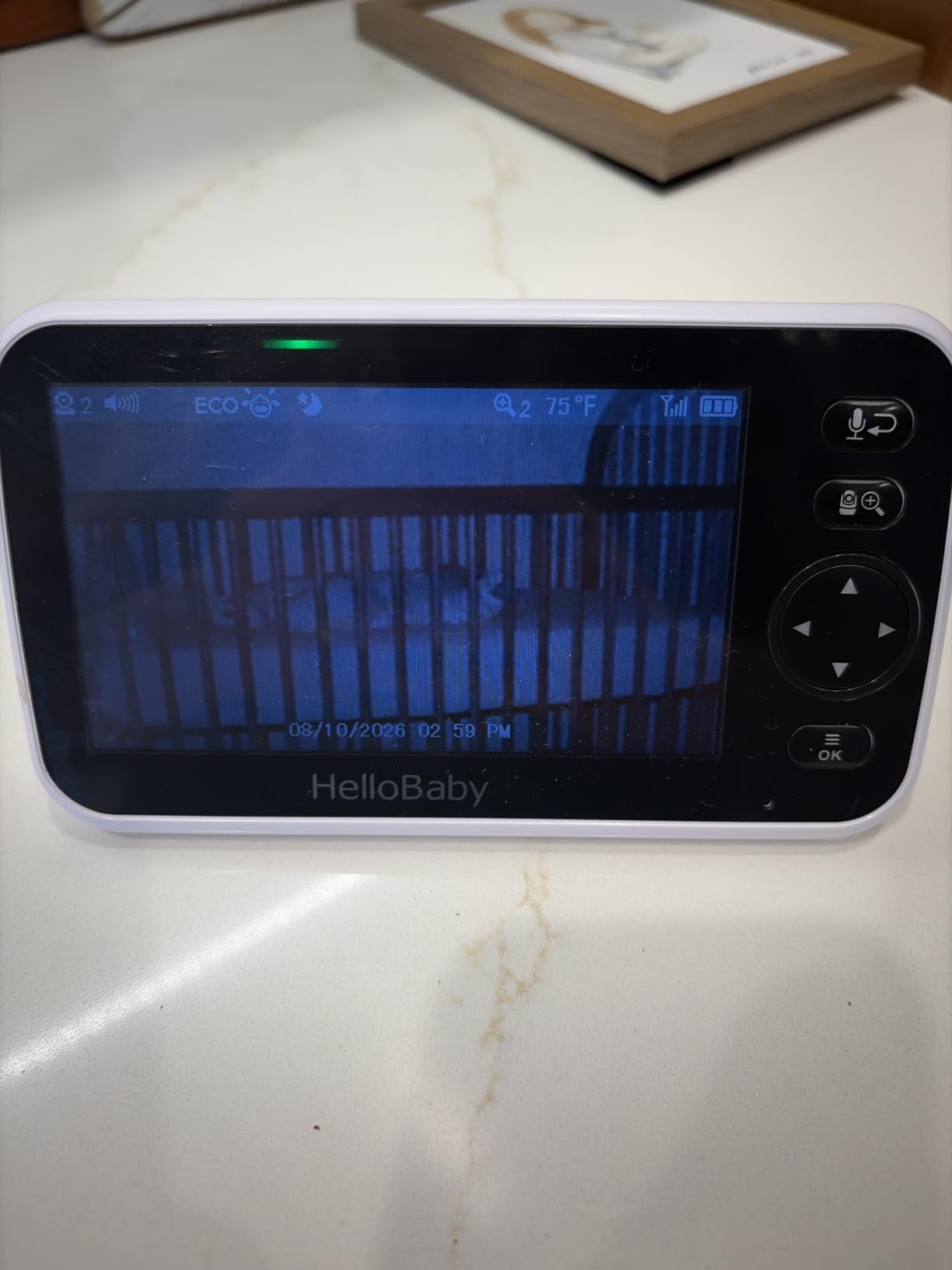
When twins are in two rooms on two floors, a screen that shows both at once stops being useful and the quality of each individual feed starts to matter. That is where the HelloBaby HB6550-2 earns its place. Two cameras, four channels, and a 5-inch screen with a 355-degree pan range that matches the best in this roundup.
The private 2.4GHz FHSS link never touches your internet, which means it keeps working when the router is down, when the internet provider has an outage, and at a family house where the WiFi password is written on a post-it. For travel that is the whole argument.
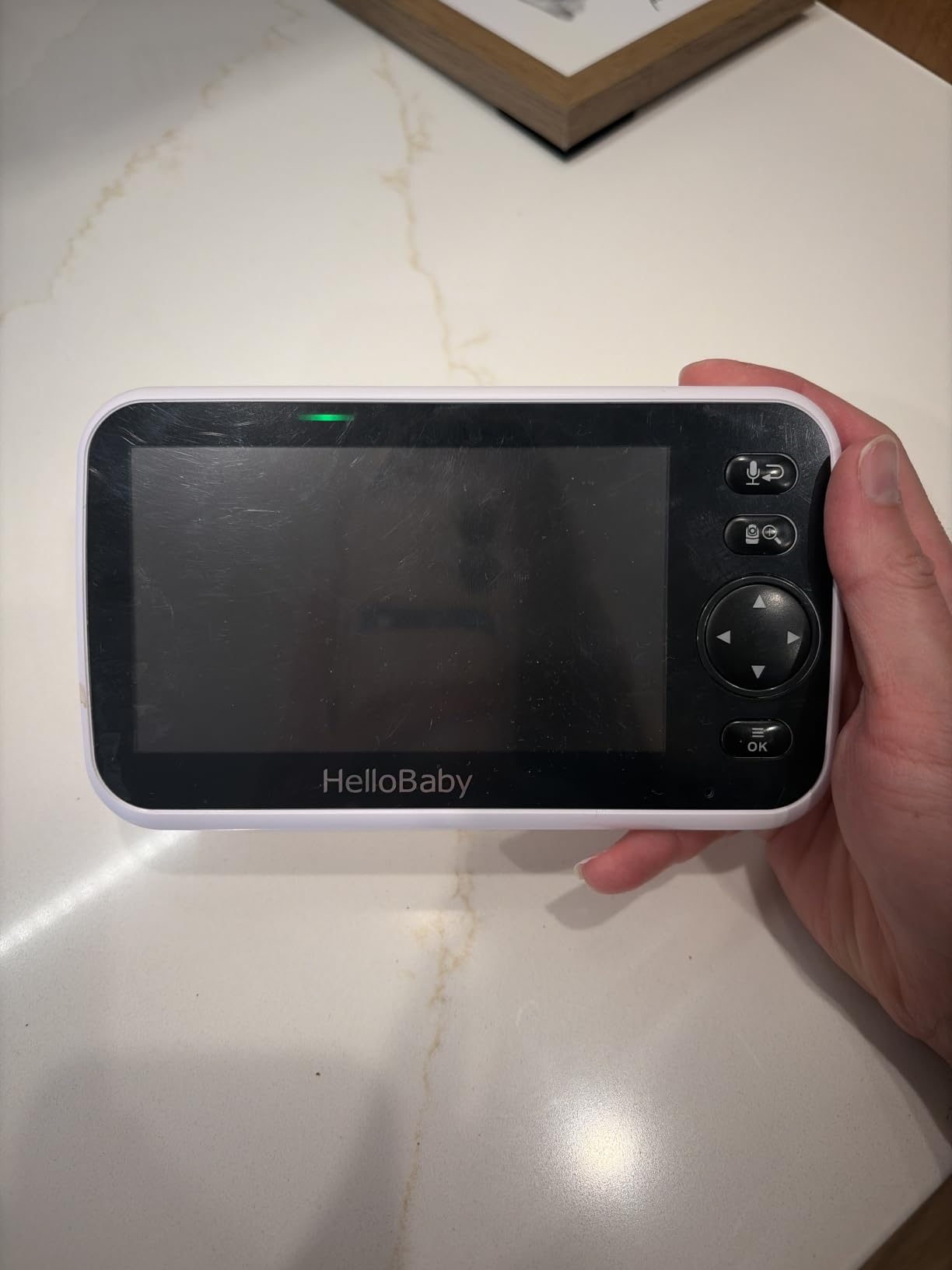
Pan reaches 355 degrees and tilt 120, so each camera can be aimed down at a crib from almost anywhere in the room and then nudged if a baby moves. Two cameras arrive pre-paired, and you can add up to four total on one parent unit if a playpen or a sibling joins the household later.
Battery life runs up to 30 hours in ECO mode. Two-way talk, cry detection, eight lullabies, room temperature monitoring and a three-level sound LED are all included, and customer service is repeatedly praised for replacing faulty hardware.
Why no split screen when twins are the whole point?
Because with two rooms, you are almost never deciding between two simultaneous crises. One camera view is large, clear and immediate, and tapping to switch takes a second. Split screen on this screen size would shrink each feed to the point where you cannot judge a baby is breathing properly.
If your twins do share a room and split-screen watching is non-negotiable, choose the GoodBaby or the Blemil instead. The HelloBaby is built for the two-room layout where coverage and privacy matter more than one-glance comparison.
What are the annoyances?
Volume control sits inside a menu rather than on a dedicated button, which is a small thing until you are adjusting it with one hand at 3am. The menu interface also feels dated and the on-screen graphics look low-resolution next to a modern phone.
Mounting is designed for a wall rather than a crib rail, so getting a top-down view of a crib takes an extra arm accessory. And only the screen runs on battery; the cameras need a constant outlet.
6. Babysense PRO MVPRO: Best Full HD Split Screen for Two Cribs in One Room
- 5.5-inch split screen shows both rooms at once
- Full HD 1080p clarity on both cameras
- Two adjustable PTZ cameras included
- Private FHSS link with no WiFi
- 20-hour battery in Eco Mode
- Built-in 6-color night light and white noise
- Both cameras are corded
- Digital zoom only
- Premium bracket for a no-WiFi system
- Carry handle takes practice
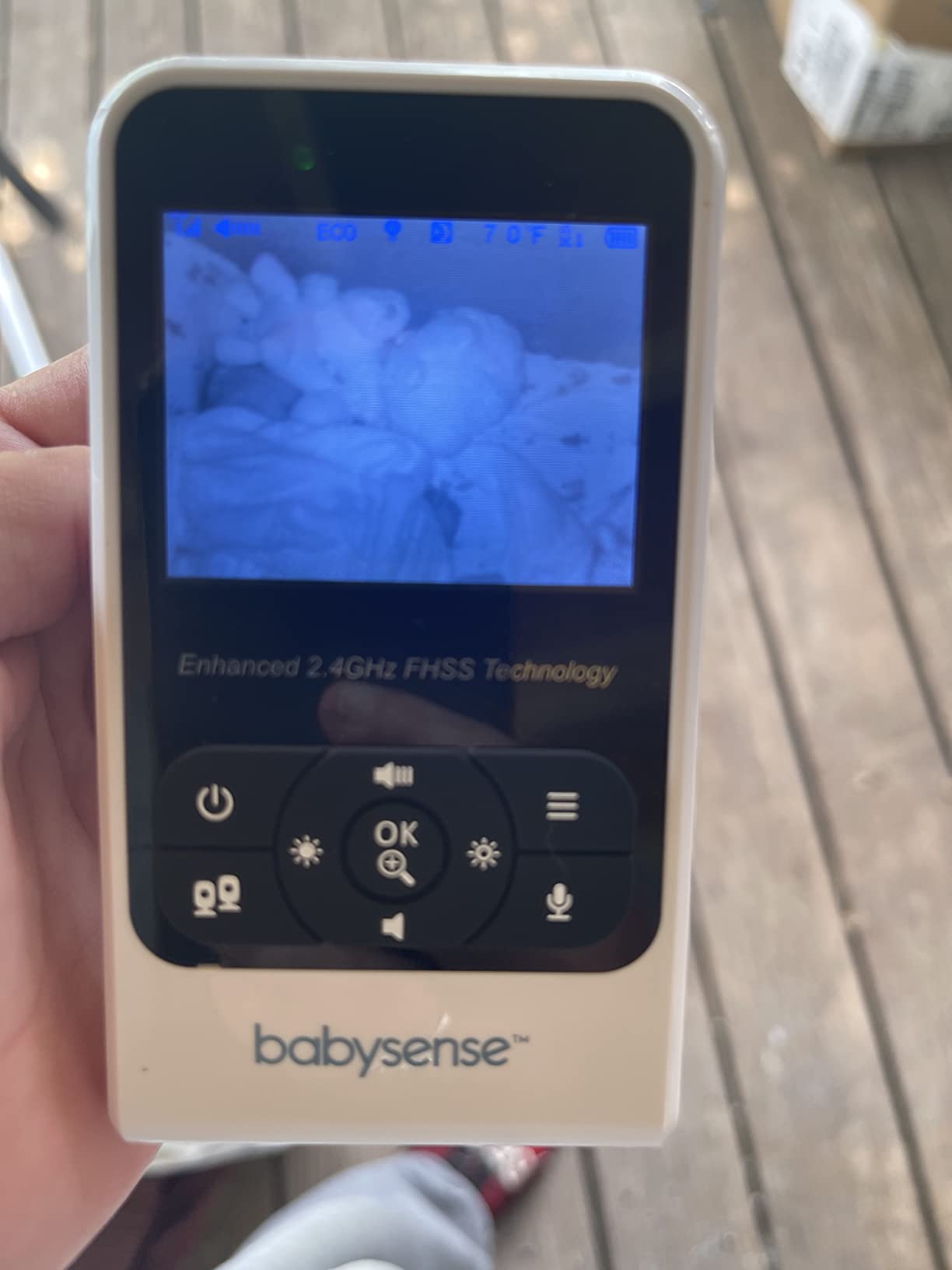
The Babysense PRO is the reference point for split screen in this roundup. A 5.5-inch Full HD panel showing both feeds at once, with 1080p capture on each of the two included pan-tilt-zoom cameras, and it all runs on a private FHSS link with no WiFi anywhere in the setup.
For two cribs in one shared nursery, that combination is close to ideal. Both cameras can be aimed independently, so you can mount one over each crib rather than trying to catch both with one wide lens, and split screen means you still get both pictures in one glance.
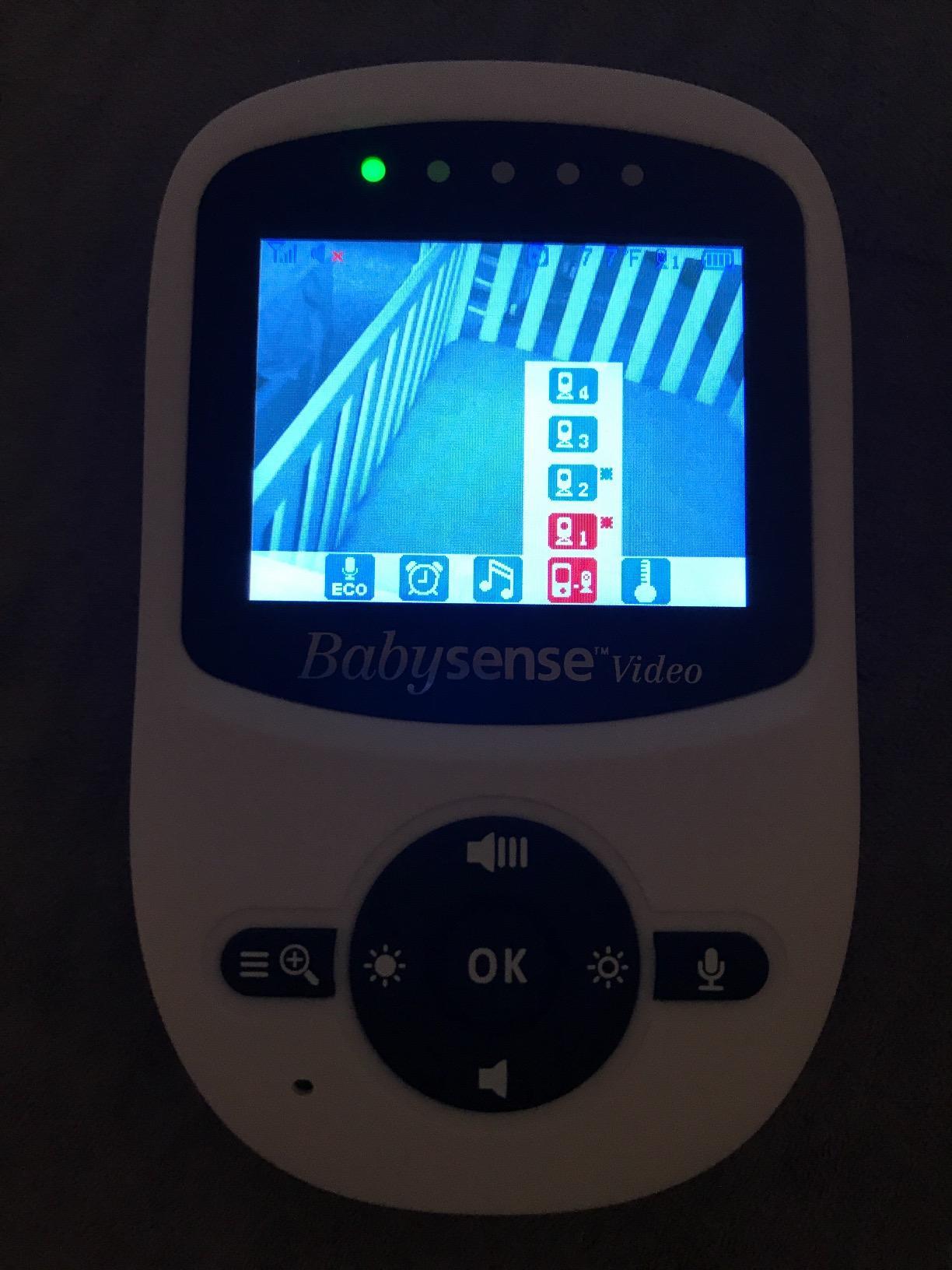
The added extras are the ones that get used at night. Each camera has an adjustable 6-color night light and an integrated sound and light machine with white noise and lullabies, so one box replaces a separate sound machine on each side of the room. Battery runs up to 20 hours in Eco Mode.
You can mount on a countertop or a wall, and the system expands to four cameras. Digital zoom is the only zoom available, which is a limitation but not a dealbreaker at crib distance.
Is a full HD split screen worth the extra money?
For the first year, rarely. Newborns occupy a small part of the frame whatever the resolution, and the difference between 1080p and 720p is invisible at crib distance on a monitor screen. The value arrives around the time both babies are pulling up and moving around the crib.
What genuinely matters earlier is having both feeds in one view and a night light on each camera. If you are buying for the first six months and your budget is tight, the Blemil does the same job more cheaply.
What should you weigh against it?
The cameras are corded, so each crib room needs an outlet and safe cord routing. It is also a premium price bracket for a no-WiFi monitor, and the handle on the parent unit is awkward enough that reviewers describe an adjustment period.
There is no app, so this stays a home monitor. If you want to check in from your office, the Babysense TOUCH further down does the same job with remote viewing and no subscription fee.
7. Momcozy BM01: Best 360-Degree No-WiFi Monitor for Twins
Momcozy BM01 Baby Monitor with 2 Cameras, 5” 1080P Split Screen & no WiFi
- Split screen for two babies or rooms at once
- 1080p capture with a 360-degree field of view
- 5000mAh battery gives about 11.5 hours
- No WiFi or app so no account is needed
- Infrared night vision and two-way talk
- Supports up to four cameras
- 5-inch screen is on the small side
- Both cameras need corded power
- No remote viewing or app
- 960ft range is shorter than some rivals
The BM01 exists for one specific twin layout: two cribs in one room, one camera per crib, both feeds on one 5-inch screen in 1080p. That is a straightforward proposition and it delivers it, with a closed-loop FHSS connection that needs no router, no app and no account.
The stated 360-degree field of view is the wide-angle number that makes that one-camera-per-crib layout comfortable. Each lens takes in the whole crib from a reasonable distance, so you can mount high and still see the mattress properly rather than a crop of a blanket.
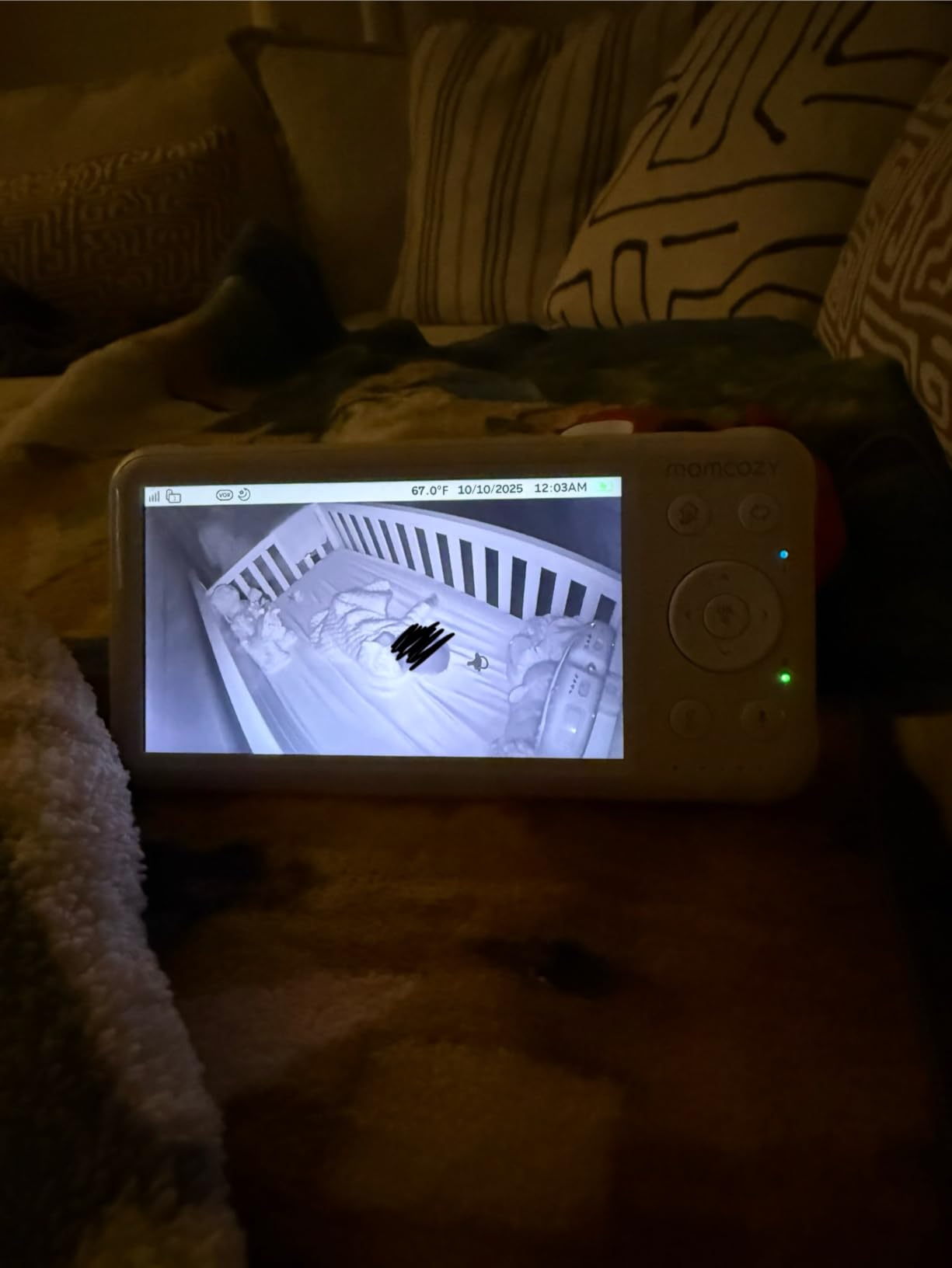
Infrared night vision keeps both feeds visible in the dark, and two-way talk lets you settle one baby without walking into the room and risking waking the other. Setup is straightforward and the screen mounts on a tabletop or a wall.
Battery life is where this one asks more of you. The 5,000mAh cell gives roughly 11.5 hours, which usually covers a night with screen-on use but leaves little margin. Range is quoted at 960ft, which is more than enough inside a house and thinner than some rivals if you are monitoring across a large property.
Is one camera per crib better than one wide camera for both?
For most shared nurseries, yes. A single camera trying to cover two cribs means one crib is always at the edge of the frame and gets the worst light. Two cameras means each crib is the subject of its own feed, and you mount each one for its own lighting.
The counterargument is night light and audio. Two cameras means two sets of extras to keep in sync, and with this unit you are relying on one parent unit to manage both rooms. If you want one wide lens to do the work, the Blemil or the VTech RM7764-2HD is a better fit.
Who should look elsewhere?
If you want to watch from work, there is no app and no remote view. If you are often away from home for hours, this monitor will not help you, and pretending otherwise wastes your time.
The 5-inch screen also feels modest when both feeds are shown side by side, because each half is roughly the size of a phone. It is workable at arm length and a stretch across the room.
8. Comfyer BM01: Best for Grandparents, Nannies and Travel
Comfyer BM01 7″ Split-Screen Baby Monitor with 2 Cameras and Audio No WiFi
- Large 7-inch split screen shows both rooms
- 355-degree pan and 120-degree tilt with 4x zoom
- 6000mAh gives 13 hours of video or about two days of audio
- Color night vision instead of washed-out infrared
- Flexible goose-neck mount needs no drilling
- USB-C charging and separate volume and brightness buttons
- SCAN mode rotates audio between rooms
- No WiFi so no remote viewing
- Monitor battery shorter than advertised when unplugged
- Only one flexible mount included
- No low battery beep so it just stops
This is the monitor I hand to a grandparent or a first-time sitter. A 7-inch split screen, a 355-degree pan, physical volume and brightness buttons on the front, and no app to learn. The screen also shows the time, which means a caregiver can glance at it and know how long a baby has been awake without unlocking anything.
The goose-neck mounts are the travel answer. They clamp on without drilling, so you can move a camera from the grandparent house to the family home to a rental without tools and without leaving holes. When you are travelling with twins, that flexibility is worth more than any app feature.
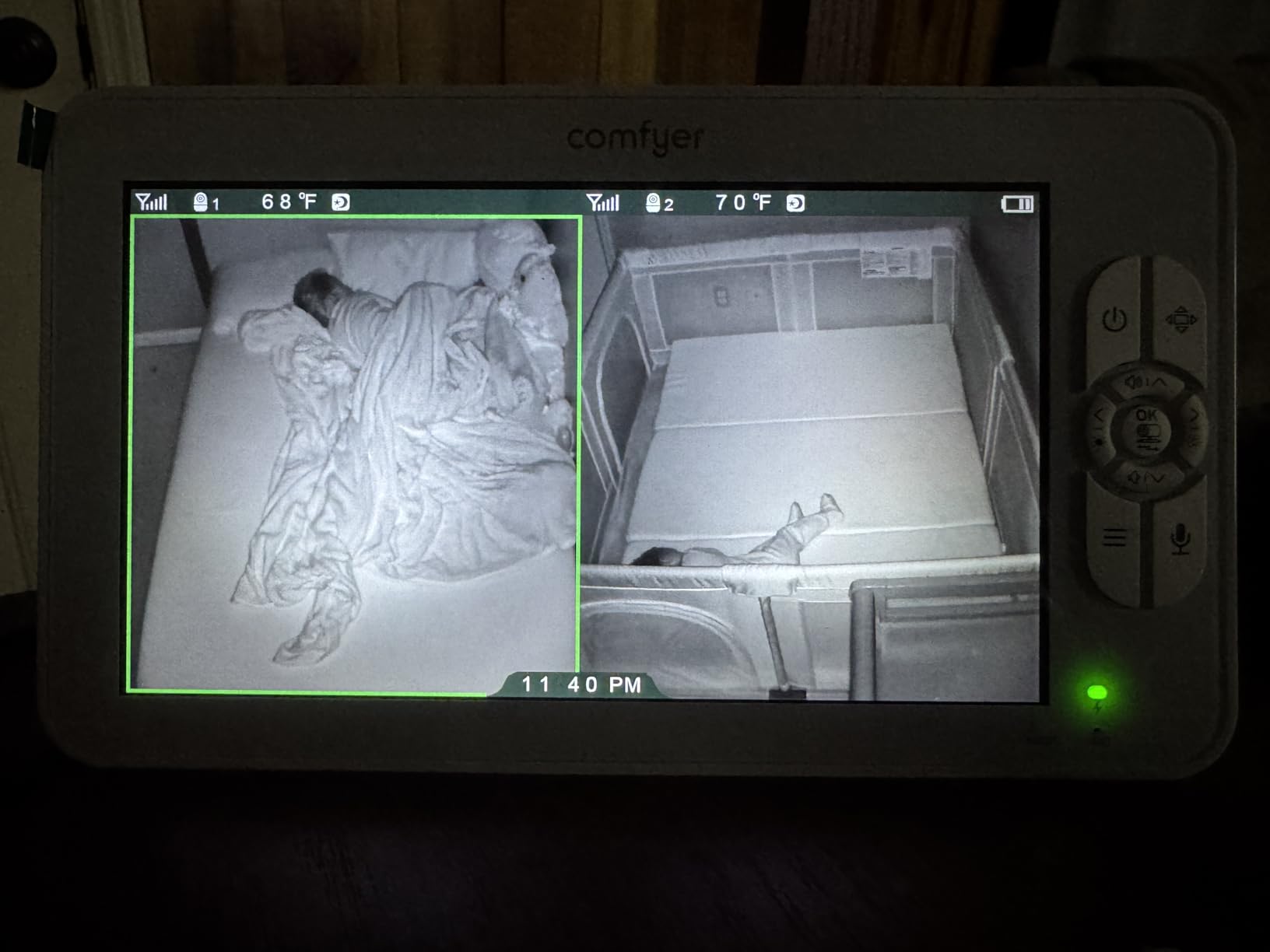
Both cameras capture at 1080p and the display is a 7-inch split screen, among the largest panels here. Pan reaches 355 degrees with 120 degrees of tilt and 2x or 4x digital zoom, and SCAN mode toggles the audio between rooms every ten seconds so you hear both over a long stretch of sleep.
Color night vision is a real upgrade over the green-cast infrared on cheaper units. The 6,000mAh battery gives roughly 13 hours with the screen on, or about two days in audio-only VOX mode, and USB-C charging means you can borrow any cable you already own.
Why is this the best monitor for a nanny or grandparent?
Because there is no setup for them to do. They turn it on, the split screen appears, and the physical buttons work in the dark. There is no login, no app update prompt, no notification permission to grant on someone else’s phone.
A 7-inch screen from across the room is also kinder than a 5-inch one, and the on-screen clock helps a caregiver time a wake without needing their own phone. That keeps their phone free to do something else.
What are the compromises?
No WiFi means no remote viewing, which is deliberate here and fine for a home system. Owners report the monitor battery running shorter than the quoted figure when used unplugged, sometimes only four to six hours, so treat the handheld as a plugged-in device for long naps.
Only one goose-neck mount is in the box, and a second one is needed for the dual-camera setup. There is also no low battery beep, so it stops rather than warning you, which is worth knowing before a long night.
9. Babysense TOUCH: Best No-Subscription Smart Monitor With Wide-Angle Dual Lenses
Babysense TOUCH 7″ Touchscreen Smart WiFi Baby Monitor with App, Camera and Audio, 2 Cameras with Night Light, 4MP Dual-Lenses with 6X Zoom, AI Auto Tracking, Focus Area, Split-Screen, No Subscription
- Large 7-inch touchscreen with responsive split-screen
- 4MP cameras pair a wide-angle lens with a telephoto sensor
- 6x hybrid zoom stays usable at long range
- AI auto tracking and Focus Area
- Works standalone or through the app with no fees
- 20-hour battery and sound-activated display
- App is available in the US only
- 2.4GHz WiFi only with no 5GHz support
- No cloud backup without a subscription
- MicroSD card not included
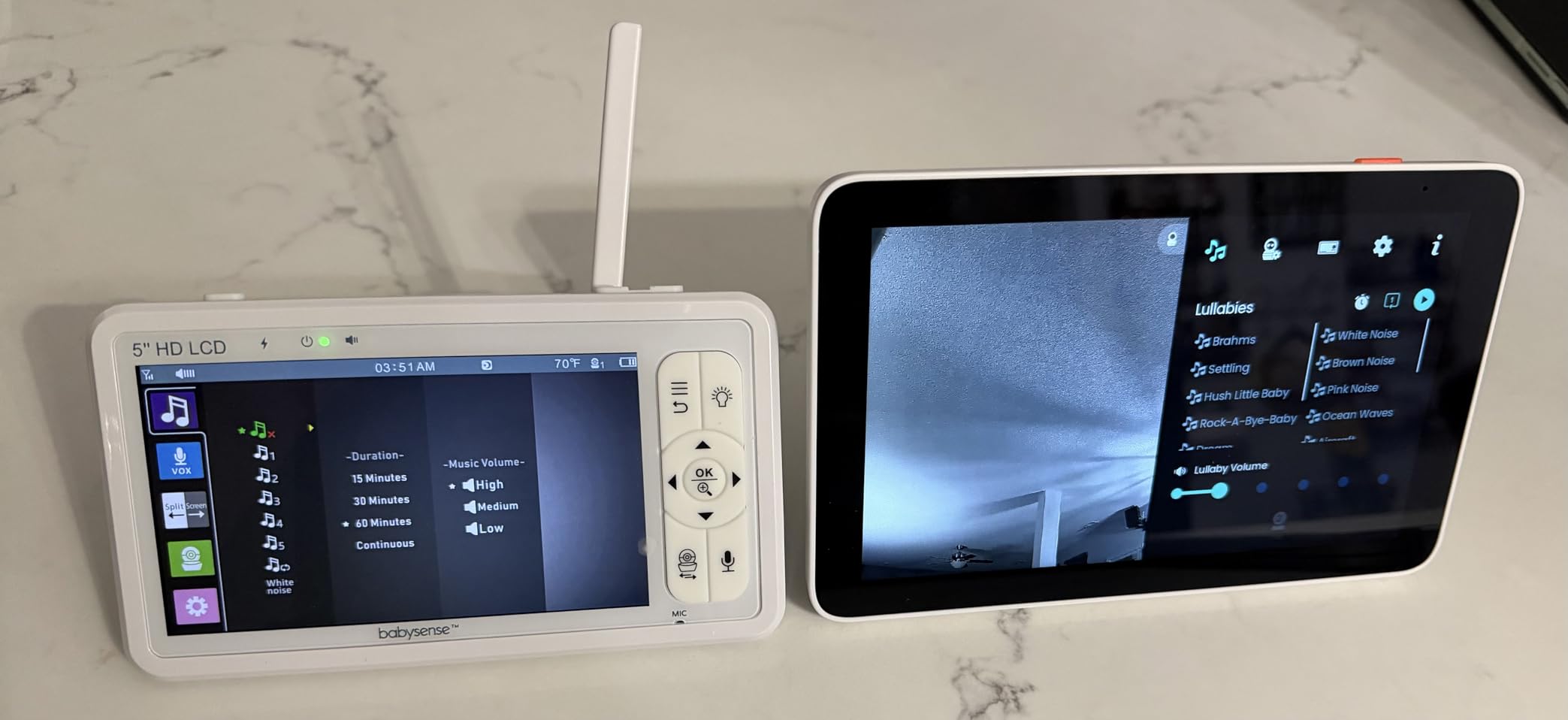
The dual-lens design here is the most interesting wide-angle solution in the roundup. Each camera pairs a wide-angle sensor with a telephoto sensor, so you get a wide view of the whole crib in one frame and a separate sharper view when you want a close look, without physically moving anything.
The 7-inch IPS touchscreen is the largest display we tested and the split-screen touch response is the most responsive, which makes this a good pick for a shared nursery where you want a big panel on a shelf and two feeds visible at once.
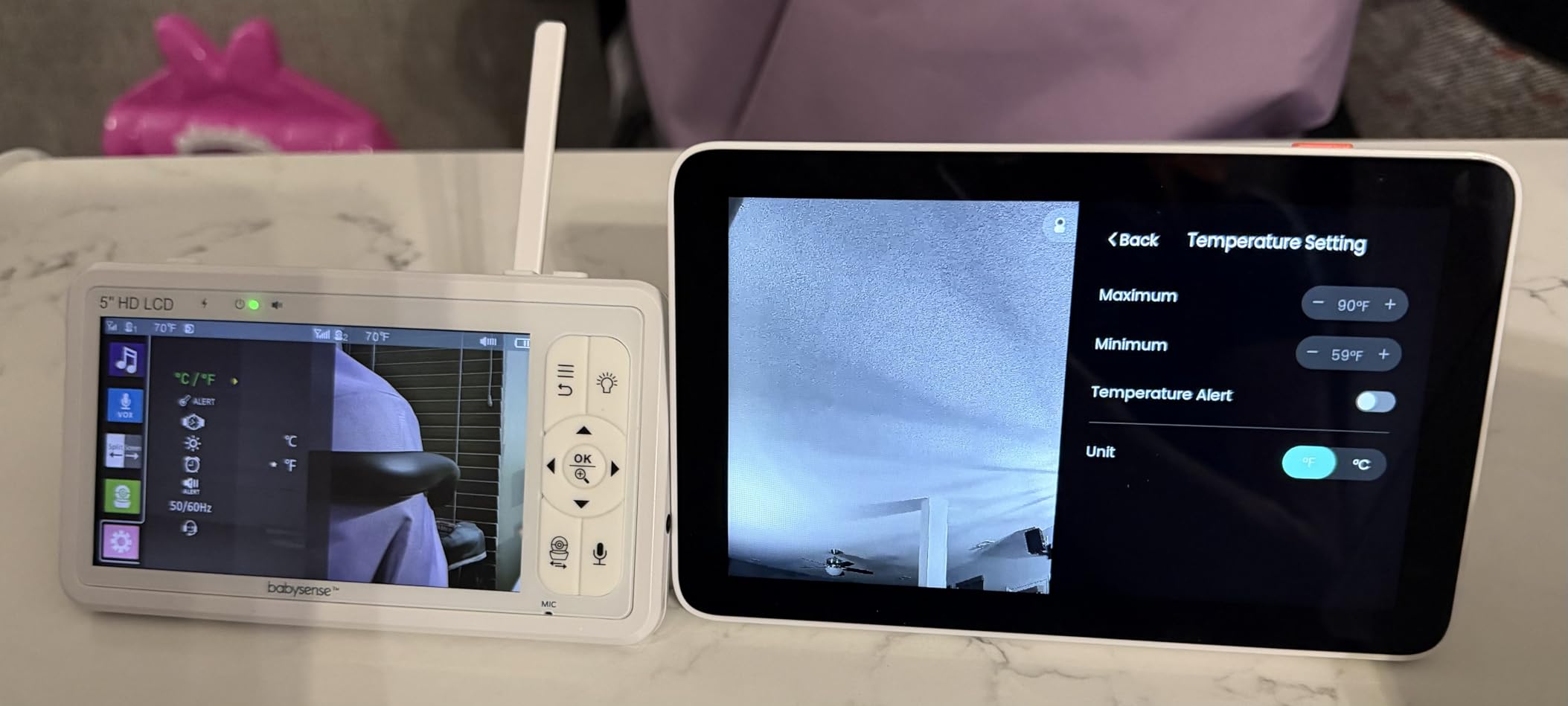
AI smart auto tracking follows a moving child and Focus Area keeps the frame tight on one crib when the other is settled, which is a small thing that removes a surprising amount of midnight fiddling. Six-times hybrid zoom holds detail at range better than the digital zoom on the cheaper units.
It runs standalone as a local monitor or through the free Babysense app, and there are no subscription fees for either mode. Recording is optional and local, on a microSD card up to a supported capacity, which keeps your baby footage off a cloud server. Battery life is up to 20 hours with a sound-activated display.
Is a dual-lens camera better than one wide lens?
For the first months, honestly the difference is small because a newborn occupies so little of the frame. It starts paying off around the time both babies are sitting up and scooting, because that is when a single wide lens starts making faces soft and you want the telephoto view without a second camera.
The practical benefit is behavioral: you stop moving the camera. Anything that keeps the mount fixed and the frame stable wins in a twin nursery where the whole point is not disturbing two sleeping babies.
What should you check before buying?
The app is only available in the US, so remote viewing is limited if you are elsewhere. The unit works on 2.4GHz WiFi only and will not join a 5GHz network, which trips up a lot of people on modern routers.
There is no subscription-free cloud backup, so recordings depend on a microSD card that is not included, and touchscreen controls can be fiddly in the dark compared with physical buttons. Budget for the card.
10. VTech VM901-2: Best Free App for Checking In From Work
VTech Smart WiFi Baby Monitor, 2 Cameras – See Both Rooms at Home or from Anywhere, Free App, 1080p Split Screen, 5″ HD Screen, Pan-Tilt-Zoom, Night Vision | VM901-2
- True split screen on a 5-inch HD display
- Free app with no subscription for remote viewing
- 1080p capture is among the highest here
- Each camera pans tilts and zooms independently
- Multi-caregiver sharing for sitters and grandparents
- Two wall-mount brackets included
- Parent unit battery lasts only about 5 hours
- Cameras are corded only with no battery backup
- Pairing a second camera is awkward
- App sends a high volume of notifications
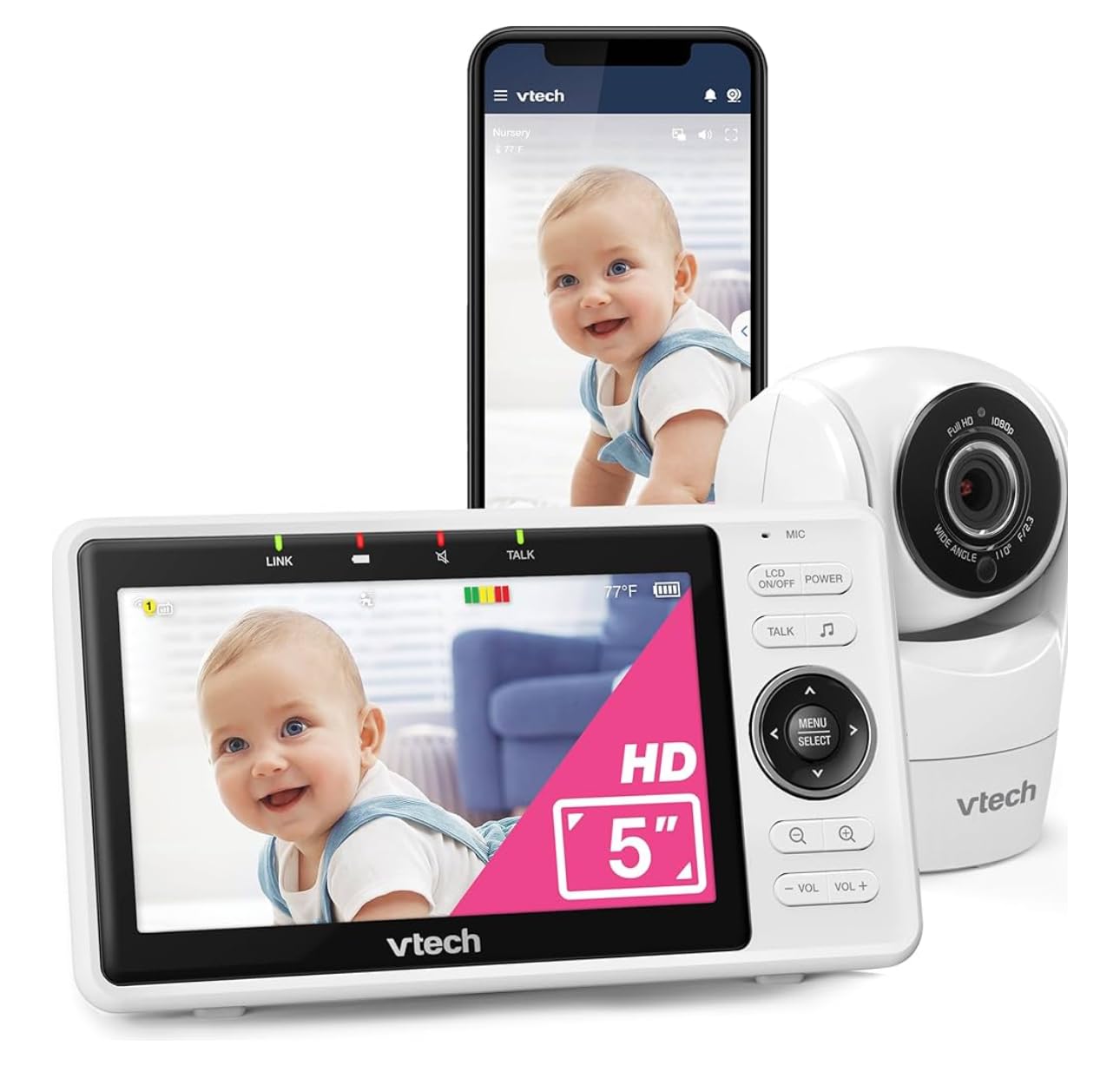
For families where one parent works away from home, the VM901-2 does the one thing most twin monitors make you pay monthly for: it puts both cameras on your phone through a free app with no subscription. Split screen on the 5-inch parent unit, split screen in the app, one system, no recurring fee.
Each camera pans, tilts and zooms independently from either the parent unit or the app, so a partner at home and a parent at work can look at different things without fighting over one screen. Multi-caregiver sharing covers grandparents and a sitter without buying another unit.
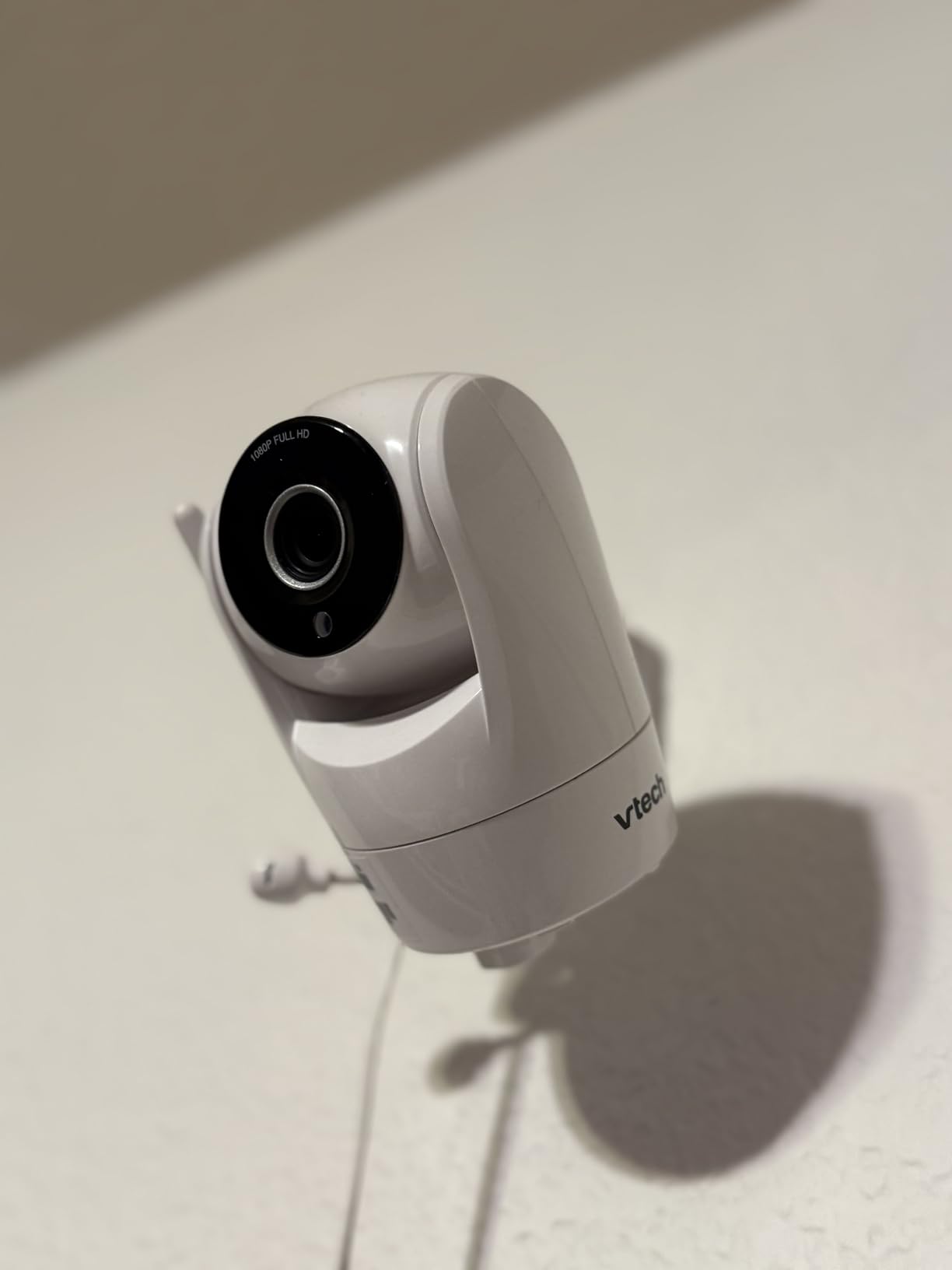
Video capture is 1080p, matching the highest resolution in this roundup, and automatic night vision runs on both cameras. Audio and motion alerts, temperature alerts, two-way talk and lullabies are all there, and two wall-mount brackets with anchors and screws arrive in the box, so mounting is a ten-minute job.
The 4.1-star average reflects real weaknesses rather than a bad product. The parent unit battery is quoted at around five hours, which means charging it during the day before the night shift, and both cameras are corded with no battery backup at all.
Is a free app enough to replace a subscription service?
For live viewing, yes. Live split-screen, pan, tilt, zoom, two-way talk and alerts all work without paying anything, and there is no tier that unlocks basic monitoring. Over three years that is a meaningful difference from a model where the alert feature sits behind a monthly plan.
What you give up is cloud recording and history, which you will not get here at all. If you want to review a night later, you need a separate recording solution.
What annoys owners most?
Battery life on the handheld screen is the top complaint, followed by pairing the second camera, which reviewers describe as difficult and poorly documented. The on-screen WiFi key field is also short, which is a real issue if your network password is long.
The app is also notification-heavy. Owners report a high volume of motion and sound alerts, so spend a few minutes tuning sensitivity before you rely on it, and remember that delayed push alerts are not a safe substitute for a screen you are already looking at.
11. Momcozy BM04: Best for Sharing With Sitters, Grandparents and a Partner
Momcozy BM04 Smart WiFi Baby Monitor with 2 Cameras, 5″ 1080P Split Screen
- Split screen on a 5-inch 1080p display for two cameras
- Parent unit and phone app both work
- Shared access for up to 20 family members
- No subscription fees at all
- Supports up to four cameras
- Infrared night vision and two-way audio
- 2.4GHz WiFi only
- Some reports of the screen disconnecting from the camera
- App connectivity issues reported
- Parent unit battery may not cover a full night
The BM04 is built around a specific twin household: two babies, several adults, and a need for everyone to check in without setting up an account each. Shared access covers up to 20 users, which in our experience means a partner, both sets of grandparents, a sitter and a weekend relief carer all have access on their own phones.
Like several others here it runs dual monitoring, with a handheld parent unit and a phone app. Split screen shows both cameras on the 5-inch 1080p display, and no subscription fee is attached to either mode.
Infrared night vision, two-way audio and up to four camera support are all included, and the system is FCC certified with advanced encryption on the connection. In practice the caregiver setup is a five-minute job per person, which is far less than training a grandparent on a subscription app with tiered features.
Reliability is the open question. Reviews mention the monitor disconnecting from the camera, occasional app connectivity trouble and battery life that may not cover a full night, which is why we would pair it with a cheap dedicated backup rather than depend on it alone.
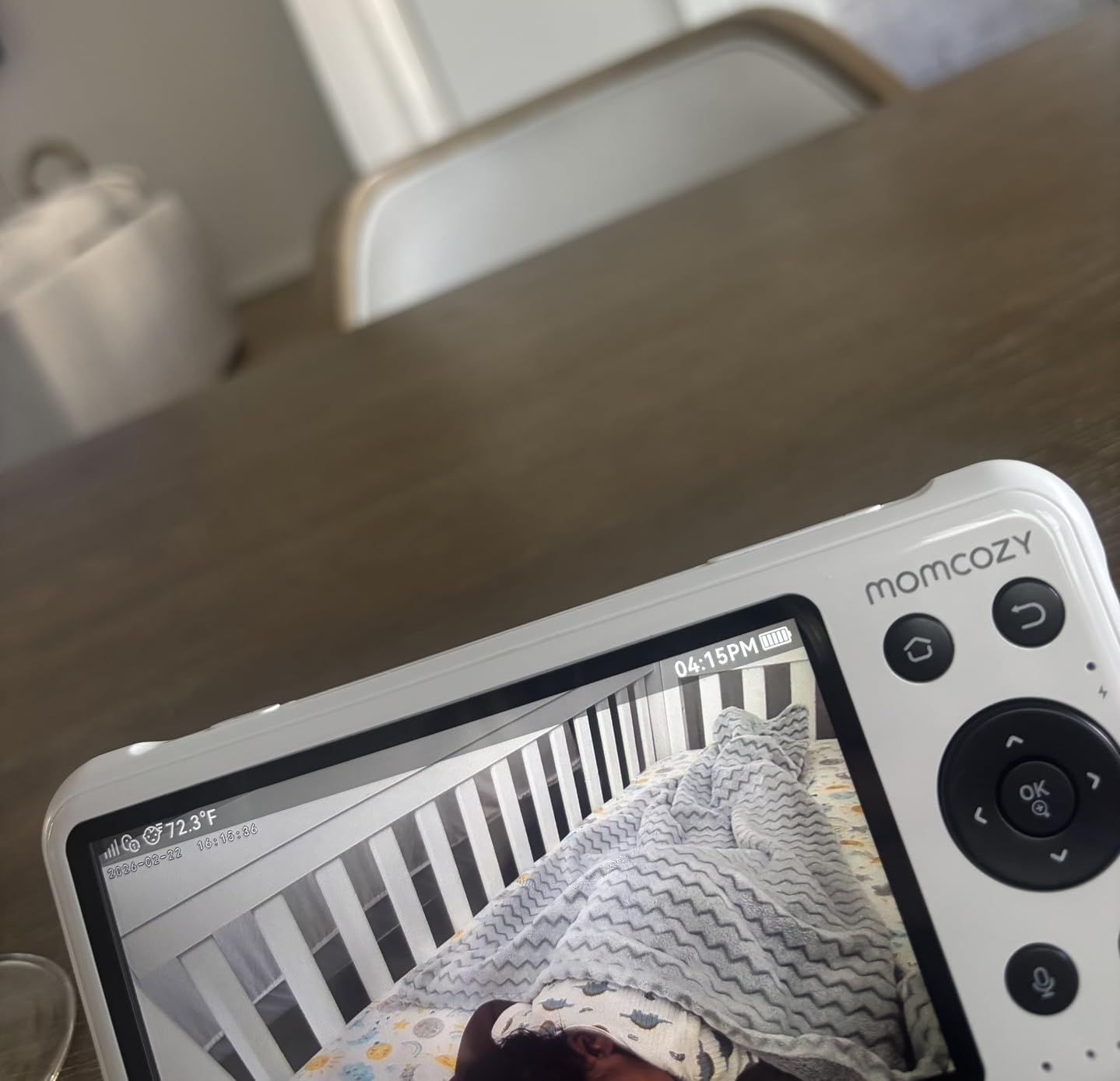
How many caregivers should a twin monitor actually support?
Two comfortably on a shared-access model like this: you and your partner, plus whoever handles naps. Every additional person you add is another possible failure point and another notification stream you will start ignoring.
The honest approach is one screen that everyone watches together, plus app access for the one person who is genuinely away. Giving four people their own alerts usually means everyone stops paying attention to all of them.
What should you watch out for?
It is 2.4GHz WiFi only, so it will not join a 5GHz network, and the reports of disconnects between the parent unit and the camera are worth considering against the no-WiFi alternatives in this roundup that simply cannot have that problem.
Temperature readings are reported as inaccurate by a minority of owners, which is not a dealbreaker but is one more reason to keep your own nursery thermometer. The parent unit battery may not last an entire night unplugged.
12. ARENTI D3: Best for Local Recording and Cross-Brand Compatibility
ARENTI Baby Monitor 2 Cameras D3 Set, 3MP WiFi 6, 5″ Display,Free Phone App
- 3MP 1296p capture is higher than 1080p
- 5-inch local screen plus a free phone app
- WiFi 6 support
- SD card storage up to 256GB with no cloud fees
- ONVIF compatible and AES128 encrypted
- AI cry noise and danger-zone detection
- Temperature and humidity alerts
- Manual focus rather than auto focus
- Only 20 frames per second
- Screw-in installation required
- App pairing can be fiddly
The ARENTI D3 is the specification outlier here. Two cameras at 3MP, which is 1296p, above the 1080p on most of this list, plus WiFi 6 support and local SD card storage up to 256GB with no cloud subscription attached. If you want footage that stays on a card in your own house, this is the pick.
You get a 5-inch local display and a free phone app, with split-screen for both cameras. That combination means you can watch at home without a phone and watch from elsewhere when needed, which covers most twin households without a second device.
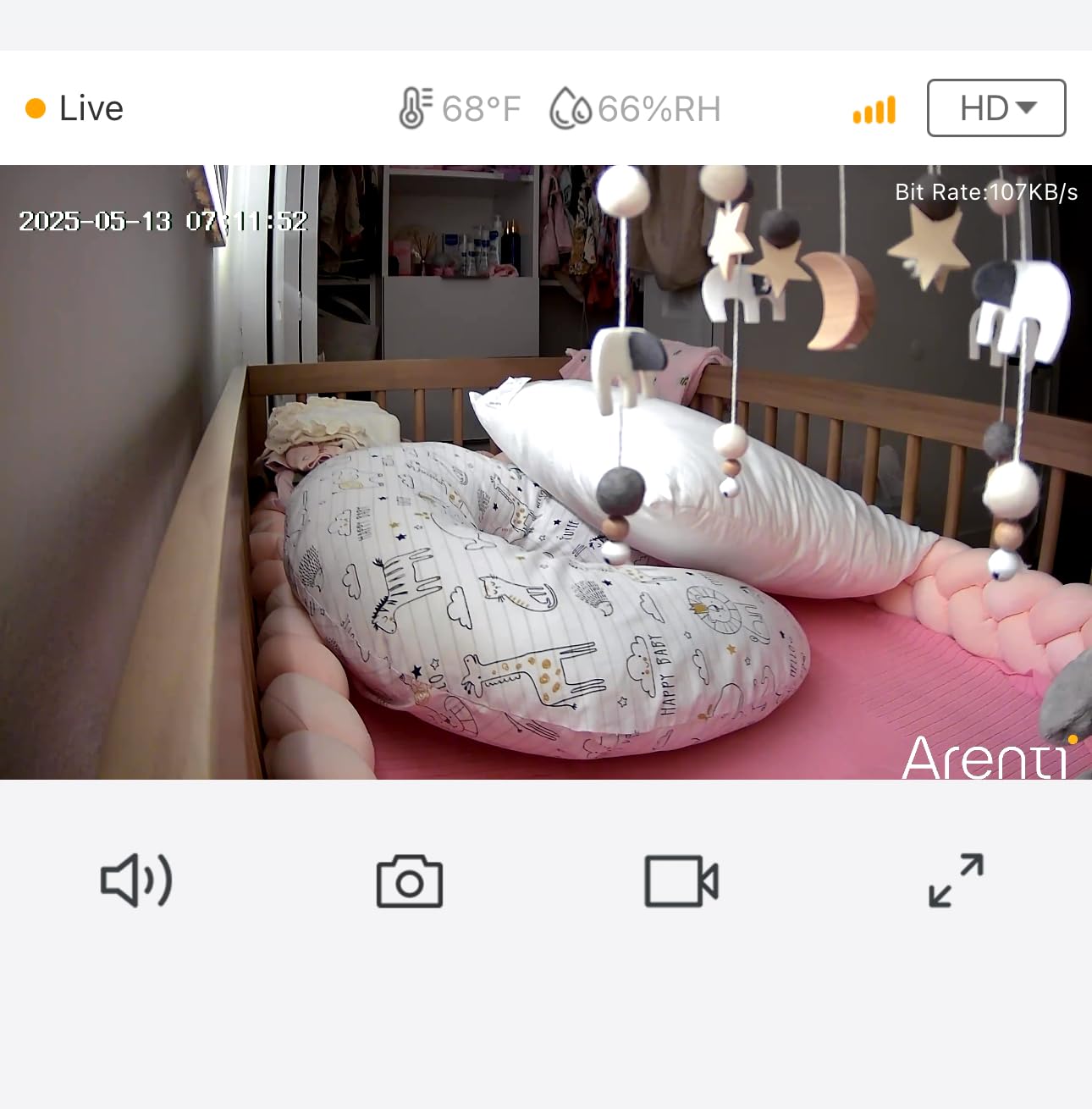
ONVIF compatibility is unusual and genuinely useful: it means these cameras can join a broader home camera system rather than living in a closed app. AES128 encryption covers the connection, eight IR LEDs give colour night vision out to a useful range, and a warm night light softens the room.
AI features include motion tracking, danger-zone detection and cry and noise detection, alongside temperature and humidity alerts, lullabies, feeding reminders and full-duplex two-way audio. Transmission range is quoted at 400 to 1000 feet depending on conditions.
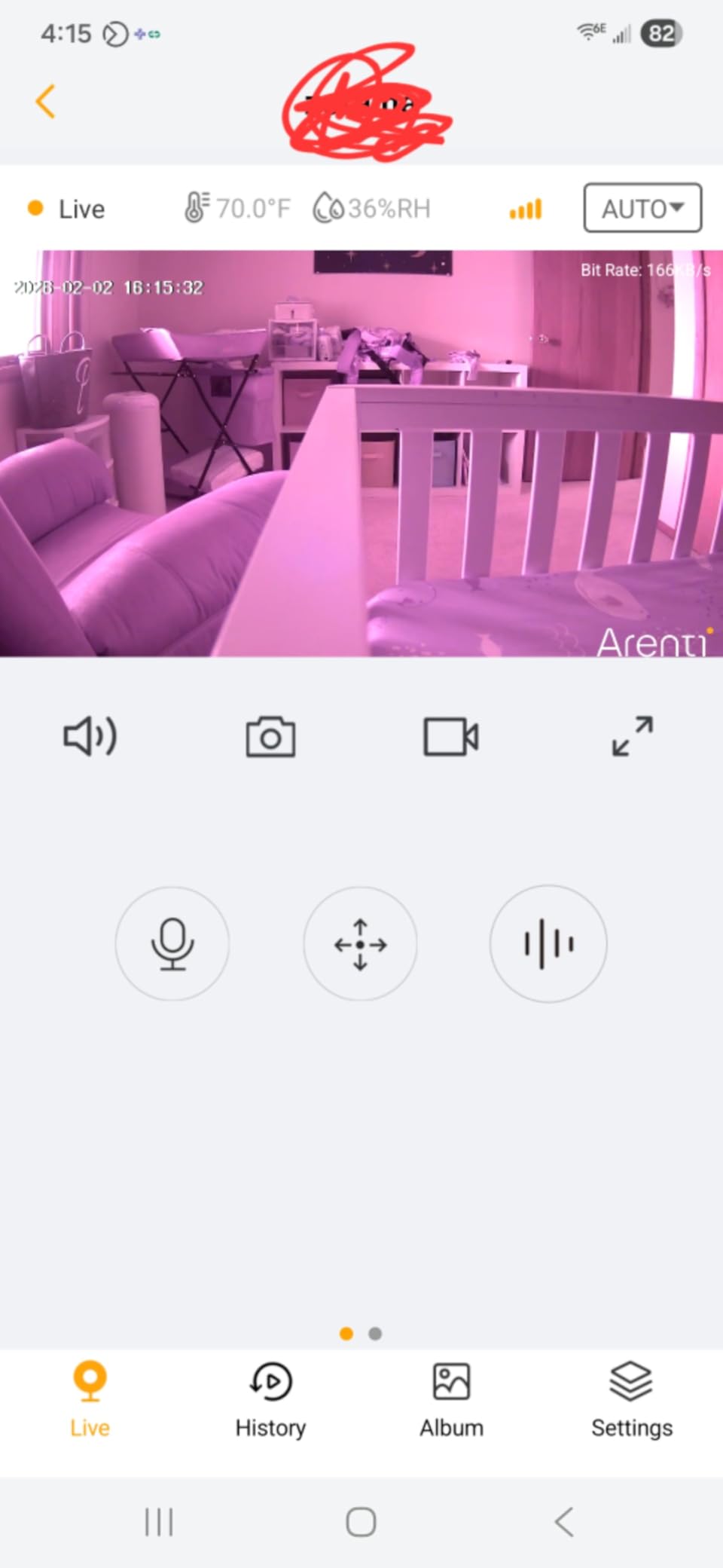
Is a higher resolution monitor actually better for sleeping babies?
For monitoring, only marginally. The jump from 1080p to 1296p is visible when you zoom in on a toddler’s face, not when you are checking that a newborn is breathing comfortably at 3am. Pick this one for recording and detail, not for night vision of a sleeping baby.
Resolution also cuts both ways: 1296p files are larger, so a given card holds less history. Plan the storage before you fill the nursery wall with footage.
What are the trade-offs?
Manual focus means the image can drift soft as a baby moves toward and away from the camera, and 20 frames per second is lower than the 30 to 60 frames per second on several rivals. Both are acceptable for a sleeping infant and less so for an active toddler.
Installation is screw-in, so plan mounting points before delivery day, and app pairing is the step several owners found fiddly. Budget ten extra minutes for setup rather than doing it at 2am.
How to Choose a Baby Monitor for Twins?
Twins add two variables to any monitor decision: the number of cribs you are watching and the number of people watching them. Work through those first and the rest of the specification sheet becomes much easier to read. The six steps below are the order we work in.
Step 1: Work out the field of view you actually need
Field of view is the number of degrees the lens captures at any one moment, and it is the criterion nobody puts on the box properly. For one crib from a corner mount, about 90 degrees is enough. For two cribs side by side in one room, you need 110 degrees or wider from the same position. For two cribs plus the door in frame, aim for 120 degrees or more.
Do the geometry before you buy. Measure the distance from where the camera will mount to the far edge of the cribs, then add roughly half that distance again as the radius the lens must cover. A wider lens needs to sit closer to cover the same wall, which matters in a small room because you will end up with a fisheye look at the edges.
Then think about where the babies go in eighteen months. A crib that is about a meter wide becomes a toddler bed pushed against a wall, and a camera framed tightly for a newborn has lost the plot. If a system has pan and tilt, wide field of view matters less. If it is fixed, wide field of view is everything.
Step 2: Decide between one camera and two
One camera can cover two cribs only if the lens is genuinely wide and both cribs sit close together on the same wall. This works well in a small nursery with cribs side by side and a camera in the opposite corner.
Two cameras is the safer default. Each crib gets its own lens at its own mounting height, you avoid the fisheye distortion that comes from squeezing a wide view into a small room, and the picture for each baby is genuinely good rather than acceptable.
Two cameras also win the moment your twins move to toddler beds in different corners of the room, or into separate rooms entirely. At that point one wide camera is chasing a moving target and a two-camera split screen is simply easier to read.
The reverse argument for one camera is cost and fewer things to go wrong. One camera has no second power cord, no second mount and one fewer feed to fail. If your layout is genuinely tight and the cribs are side by side, one wide camera is defensible.
Step 3: Choose a dedicated no-WiFi monitor or a WiFi app
Dedicated systems send the video over a private 2.4GHz link straight to the parent unit. Nothing touches the internet, there is no account, and there is nothing for anyone to hack. They keep working when the router is down, when the internet provider has an outage, and at a house where you do not know the password.
WiFi systems send each feed to an app on your phone or a home display. You get remote viewing from anywhere, more simultaneous viewers and usually richer AI features, but you now depend on router placement, a 2.4GHz band and a stable connection at exactly the moment you most need it.
The honest answer for most twin families is that the forums agree on this. The recurring complaint in the Reddit and BabyCenter threads on this topic is not features, it is reliability, and the most repeated piece of advice is to carry a cheap dedicated backup for hotels and family houses where the WiFi is unknown.
Consider a hybrid instead. Several models here run both modes, working as a local radio system at home and adding app access when you leave. That removes the false choice, at the cost of a more complicated setup.
Step 4: Prefer field of view over resolution
A 720p picture of both cribs beats a 1080p picture of one. With twins, the failure mode is not a soft image, it is a cropped baby who was never on screen. Resolution improves how a face looks when you are reviewing the day, which is a nice-to-have rather than the job.
Zoom is the other half of this. Digital zoom crops and enlarges, so quality falls away as you zoom in. Optical zoom keeps detail. For crib-distance monitoring, digital zoom at 2x is fine. Once the babies are mobile, a system with real pan and tilt matters more than any zoom number on the box.
Step 5: Budget for three years, not one night
You will use this monitor every night for two to three years. Treat the recurring cost as part of the purchase. Every WiFi model in this roundup is listed with no subscription for core monitoring, which is worth checking before you buy rather than after.
Subscriptions tend to attach to cloud recording, historical playback and advanced sleep insights rather than to live viewing. If you want to replay a night without paying, buy a system with local microSD storage instead. The ARENTI D3 is the clearest example here.
The other hidden cost is replacement. Parents report hardware failure and battery degradation on several of these systems somewhere between six months and two years, so buy from a seller with straightforward returns and keep the box and accessories until you are certain it is working.
Step 6: Plan mounting, cords and who else will use it
Mount cameras high and out of reach, at least 3 feet from the crib, with 6 feet preferred where you can manage it. Run cords along the wall in a proper cord channel and keep them out of reach on every bed, crib and changing table. This is basic safety guidance and it costs very little to follow.
Mount at an angle that gives you the cot, the mattress and ideally the door in frame. Test the view at night before you assume the daytime framing still works, because night vision changes what you can see.
Then think about your other caregivers, because this is where most twin setups fall apart. Anyone watching for more than an hour needs a screen they can read and buttons they can find. A parent unit with physical controls and a large display beats an app for a grandparent or a first-time sitter, and giving the caregiver their own login rather than sharing yours keeps the notification load sane.
Finally, plan past the crib years. Most of these systems handle the move to toddler beds, and several cameras can then be repurposed as a security camera or a monitor for a playroom. That longevity is a fair reason to spend a little more up front.
Frequently Asked Questions
What is the best baby monitor for two kids?
The VTech VM819-2 is our pick for two babies because it ships with two cameras and one handheld parent unit, needs no WiFi or app, and holds roughly 19 hours of video battery per charge. Patrol Mode auto-switches between both cribs every ten seconds so you are not tapping buttons at 3am. If your twins share one room and you want both in a single glance, the GoodBaby 5-inch split screen or the Blemil 6-inch split screen are the stronger choices.
Do I need two cameras to monitor twins?
Usually yes, and we recommend it in almost every layout. Two cameras mean each crib gets its own lens at its own mounting height, so both pictures are good instead of one being a crop at the edge of a wide frame. One camera is defensible when both cribs are side by side on the same wall in a small room and the lens is genuinely wide, about 110 degrees or more. Two cameras also win the moment the babies move to toddler beds or separate rooms.
Can one baby monitor camera see two cribs at once?
Yes, if the two cribs sit close together on the same wall and you mount the camera high in the opposite corner. You need roughly 110 degrees of field of view to take in two cribs side by side, and 120 degrees or more if you also want the door in frame. Below about 90 degrees you will be cropping one crib constantly as the babies move. Split-screen systems with one camera per crib are the more flexible answer for anything except a very tight room.
How wide should a baby monitor camera be?
About 90 degrees covers a single crib from a corner mount. For two cribs in one room, look for 110 degrees or wider. For two cribs plus the door in the same frame, aim for 120 degrees or more. Also check whether the camera pans, because pan and a narrow lens together can cover more than pan and a wide lens if you have room to reposition. Remember that a very wide lens has to sit closer, which produces edge distortion in a small room.
Is the Nanit or Owlet better?
It depends on what you are solving. Owlet leans toward health and vitals tracking, and the Dream Duo line is the version built around two babies rather than one. Nanit leans toward camera quality, wall mounting and app control, and one parent of twins reports using theirs daily from birth until age three. Neither appears in our ranking because we only shortlisted dual-camera systems with published field-of-view, split-screen and viewer data, and we will not rank hardware we have not tested.
What baby monitor to get according to Reddit?
The most repeated request in the Reddit and BabyCenter threads on this topic is two cameras plus a handheld screen that shows both babies in split view, with an explicit dislike of relying on a phone as the only screen. The second most repeated theme is reliability over features, including complaints about named models letting people down. The practical advice that keeps recurring is to carry a cheap dedicated monitor as a backup for hotels and grandparents’ houses.
Can you provide a review of the eufy E20 baby monitor?
We did not include the eufy E20 in this roundup because we only ranked systems where we had verified spec sheets, ratings and owner review patterns for the exact model. Rather than describe hardware we have not tested, we would judge it against the same criteria we used here: does it show two cameras at once, what is the stated field of view, does it need a subscription for core alerts, and does it keep working without WiFi. Those four answers matter more than any single spec.
Is a WiFi baby monitor safe for newborns?
The radio exposure from a home monitor is low, and the more practical safety questions are about access and privacy. A dedicated no-WiFi system has no account and nothing to hack, which removes the risk entirely. If you choose a WiFi model, use a strong unique password, enable two-factor authentication, keep firmware updated and remove app access for anyone who no longer needs it.
Should I get a baby monitor without WiFi?
A dedicated no-WiFi monitor is the better choice if you want no account, no subscription and no dependence on your router, and it is the only reliable option at hotels, family houses or anywhere the WiFi is unknown or shared. The cost is that you cannot view remotely, so a working partner, sitter or grandparent needs physical access to the parent unit. A hybrid model that runs locally and adds app access gives you both, and several models here do exactly that.
Can grandparents and nannies use an app-based baby monitor?
They can, but app setup is the main stumbling block and it should be done once in advance rather than handed over at 9pm. Simpler for caregivers is a parent unit with a large screen, physical volume and brightness buttons and no login, because there is nothing to get wrong in the dark. We would set the caregiver up with their own app access where remote viewing is needed, so the notification load stays manageable and your own phone stays free.
Final Thoughts: Which Baby Monitor Do We Actually Buy for Twins?
If you take one recommendation from this roundup, take the VTech VM819-2. It does the thing twin parents ask about first, which is watching two babies from one screen without any dependence on your internet, and it will still be doing that three years from now when the babies have moved to toddler beds. Pair it with a wide-lens system if both babies share one room and a single wide view matters more to you than a screen that never fails.
For a shared nursery we would choose by screen size: the GoodBaby 5-inch split screen for value, the Blemil 6-inch for its room-covering field of view, or the VTech RM7764-2HD if you want a 7-inch panel and app access without a subscription. For two separate rooms, the HelloBaby HB6550-2 does the same job with a 355-degree pan that matches the best in this roundup.
Two final pieces of advice we give every twin family. Test the range in your own home within the return window, because manufacturer range claims are not reliable and a signal drop at 3am is when you discover it. And keep a cheap dedicated monitor as a travel and grandparent-house backup, because no amount of app quality fixes a house with no reliable WiFi.