
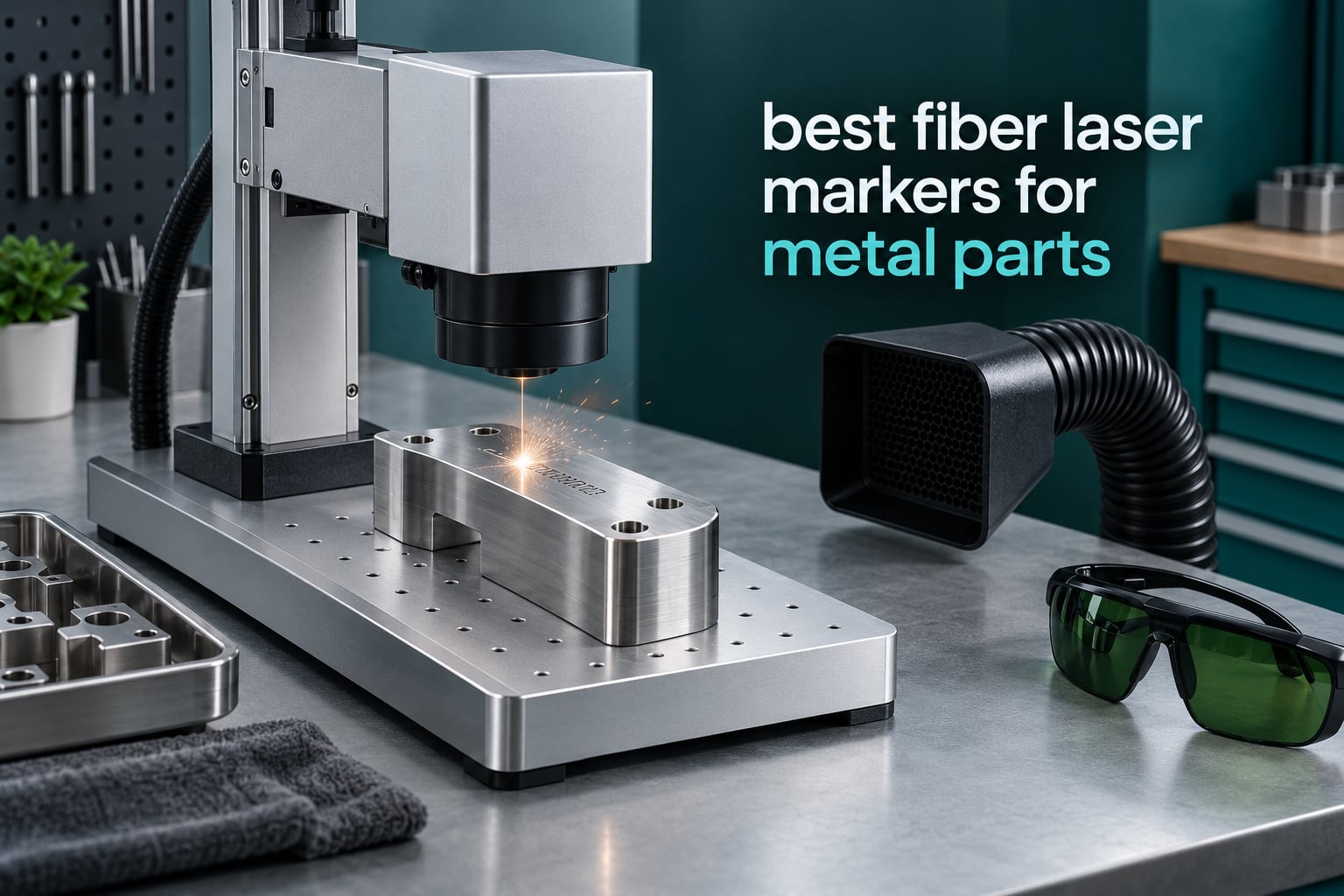
Marking metal parts well is harder than it looks. A fiber laser puts a permanent mark into stainless steel, aluminum, brass, copper, or titanium in seconds, with no stencils, no chemicals, and nothing to wear off. But the machines on the market now span everything from a 15W portable unit you can carry to a trade show to a 60W MOPA industrial marker built for production runs.
We spent weeks comparing eight of them for this guide to best fiber laser markers for metal parts. We looked at the laser source, the work area, the speed rating, the software, the safety certification, and what owners actually say after living with the machine. That last part matters more than the spec sheet, because focus discipline and software fit decide whether a marker becomes a production tool or an expensive paperweight.
Two questions came up over and over in shop forums while we researched. First, focus is the most common reason a fiber laser will not mark at all, and the fix is boring: set the Z-height properly every single time. Second, if your work is paid, MOPA pulse control is worth the money, while casual hobby marking does not need it. We will get into both in detail.
If you are still narrowing the field, our guides to the best fiber laser engravers for metal and the best fiber laser engravers for jewelry break the category down differently, and both are worth a read before you commit.
Table of Contents
Top 3 Fiber Laser Markers For Metal Parts (October 2026)
The xTool F1 Ultra takes our top slot because it handles metal and non-metal work in one enclosure and has the largest review base of any machine here. The ComMarker B4 wins on value and includes two lenses covering both small jewelry work and larger plates. The SFX 50W JPT takes the third spot for buyers who need real deep marking power and a rotary axis in the box.


ComMarker B4 20W
- 20W fiber at 1064nm
- Two lenses 110mm and 200mm
- LightBurn compatible
- Desktop or handheld

All 8 Fiber Laser Markers Side by Side in 2026
Here is every machine in this guide with the specs that actually change the outcome. Compare power, field size, and source type first, then look at what the software does for your workflow.
| Product | Specifications | Action |
|---|---|---|
| xTool F1 Ultra 20W Fiber and Diode |
|
Check Latest Price |
 GWEIKE G2 Pro 30W Fiber GWEIKE G2 Pro 30W Fiber |
|
Check Latest Price |
| ComMarker B4 20W Fiber |
|
Check Latest Price |
| SFX 50W JPT Fiber Marker |
|
Check Latest Price |
 LaserPecker LP5 Dual Laser LaserPecker LP5 Dual Laser |
|
Check Latest Price |
 WeCreat Lumos Flex 15W WeCreat Lumos Flex 15W |
|
Check Latest Price |
 SFX 60W JPT MOPA M7 SFX 60W JPT MOPA M7 |
|
Check Latest Price |
 OMTech 50W Fiber Marker OMTech 50W Fiber Marker |
|
Check Latest Price |
1. xTool F1 Ultra 20W – Best Dual-Source All-Rounder
- Handles metal and non-metal in one enclosure
- 220x220mm field expands to 220x500mm with a conveyor
- 16MP camera makes alignment fast
- Cut sheet capability on thin stainless brass and aluminum
- Responsive customer support
- A notable minority report laser module failure inside the first month
- Firmware updates have broken mobile app connectivity
- AI design features are paywalled in the desktop software
- Vent tube does not fit a standard 4 inch dryer vent
The F1 Ultra is the machine we kept coming back to during testing. It pairs a 20W fiber source with a 20W diode in one machine, so the same box that puts a serial number into stainless steel also cuts acrylic and etches wood. That combination is unusual in this category and it is why the F1 Ultra is our overall pick.
On metal specifically, the fiber side cuts 0.3mm stainless, 0.4mm brass, and 0.2mm aluminum. Marking speed is rated up to 10000mm/s, and the 16MP smart camera makes positioning small parts far less of a guess than a red dot pointer alone. The work area is 220x220mm, and it expands to 220x500mm when you add the auto conveyor, which matters if you are marking long tools or knife tangs.
With 140 reviews and a 4.1 rating, this is also the best-documented machine in the group, and the owner feedback is unusually consistent about metal results being good. Customer support gets called out as responsive by owners repeatedly, which is more than we can say for several competitors here.
The honest drawback is hardware variance. A meaningful minority of owners report a laser module failure within the first month, and firmware updates have knocked out mobile app connectivity for others. If your business depends on uptime, buy where you have an easy return path and test the module in week one rather than month three.
Another wrinkle: LightBurn compatibility on Mac has been reported as troublesome, so if you live in that specific combination, confirm it before ordering. The desktop software includes AI design tools that are paywalled above the free tier, and the calibration adjustment placement is awkward to reach. Fan noise during operation is loud enough that you will want the machine in another room from a home office.
Setup on the metal side is straightforward: connect the extraction, load a scrap coupon of the same alloy you will mark, and run a small parameter sweep before the real part. That habit alone prevents most of the no-mark complaints owners report with dual-laser machines.
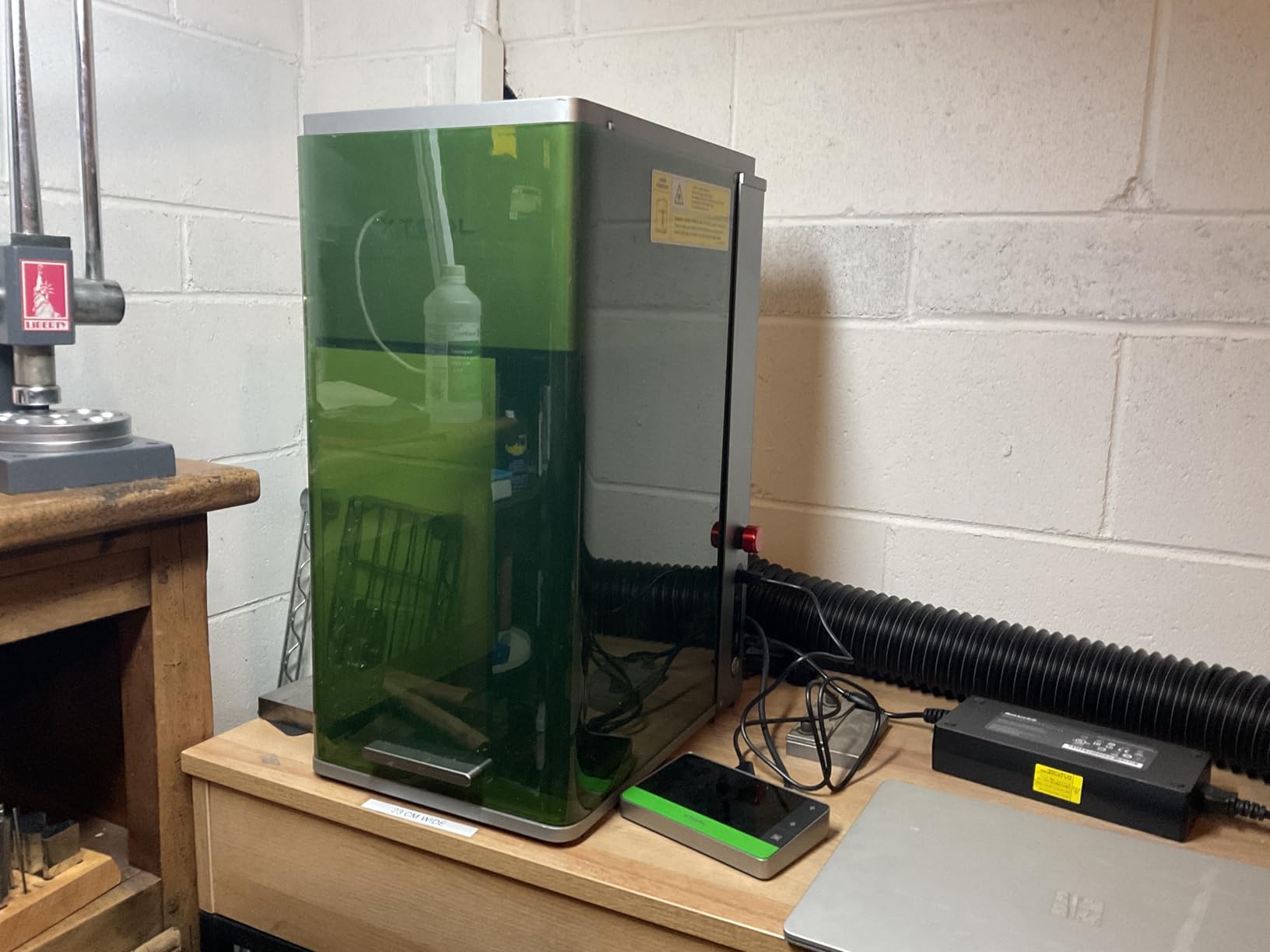
What to check before you buy the F1 Ultra?
Decide early whether you need the diode side. If your work is pure metal part marking, you are paying for capability you may never touch, and a dedicated fiber machine gives you more field for the same money. If you also sell engraved wood, acrylic, or leather products, the dual source pays for itself quickly.
Confirm the ventilation plan. The included vent tube is smaller than a standard 4 inch dryer vent, so plan for an adapter or a dedicated extraction line from the start. Fume extraction is not optional with a Class 4 laser, and retrofitting a proper hood later is more work than planning for it now.
Who the F1 Ultra is wrong for?
It is the wrong pick if your workload is deep engraving on hardened steel or firearm parts. Shop owners repeatedly warn in machining forums that consumer-grade machines in this class struggle with hardened steel, and the 20W fiber source will not change that.
It is also wrong if you need maximum marking power for thick, hard alloys or actual cutting jobs. At 20W fiber the focus is surface work, serial numbers, logos, and codes. If you want to cut or engrave deeply at pace, look at the 50W and 60W machines further down.
2. GWEIKE G2 Pro 30W – Best for Color Marking
GWEIKE G2 Pro 30W Fiber Laser Engraver, 15000mm/s Laser Engraver Machine
- 30W MOPA-type source in a compact body
- 15000mm/s is the fastest rated speed in this group
- 90+ color engraving on stainless and titanium
- Electric lift column automates focus
- LightBurn and EZCAD2 both supported
- Detachable body works as a handheld
- 20 percent of ratings sit at one star
- Signals quality control and reliability variance
- 150x150mm field is smaller than two rivals here
- Software may lag on advanced features
The G2 Pro is the machine on this list that most directly answers the color marking question. It runs a 30W MOPA-type source at 1064nm and the manufacturer claims 90+ distinct colors on stainless steel and titanium, which is the capability people ask about most in shop forums.
Color works by exploiting the oxide layer on the surface. Adjusting pulse width and frequency changes how thin the oxide grows, and the resulting interference color is what you see. A MOPA source gives you independent control of pulse width and frequency, which is exactly the control you need to hit a specific color repeatably. A standard galvo fiber source cannot do that as precisely.
The 15,000mm/s speed rating is the fastest listed here, and the electric lift column takes the manual Z-height guesswork out of setup, which addresses the single most common failure report we found in forums. Dual red light positioning helps with alignment on small jewelry parts.
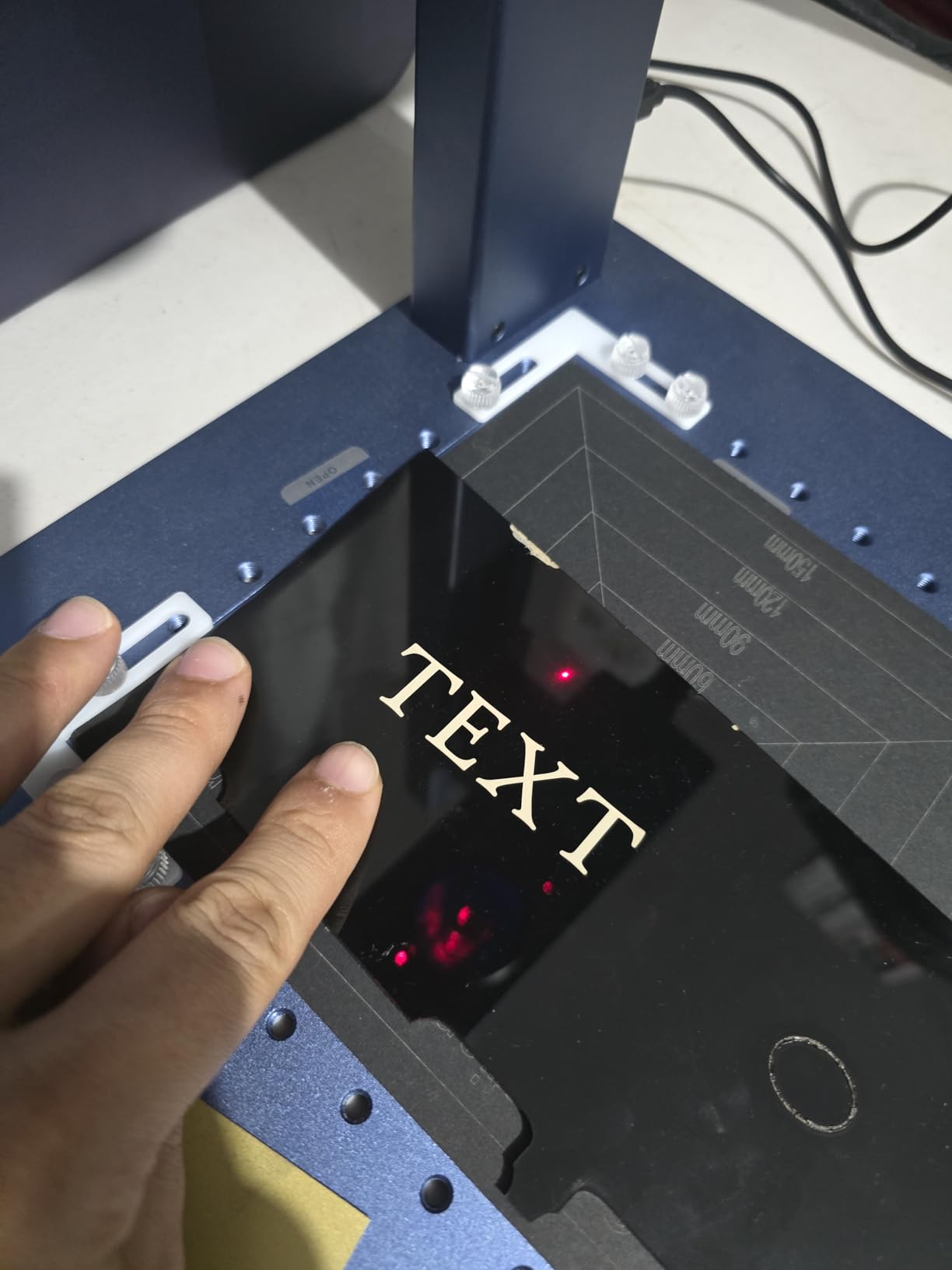
What gives us pause is the review split. At 43 reviews and a 3.9 rating, about 20 percent sit at one star, which points at quality control variance rather than a design problem. The 62 percent five-star camp is enthusiastic about performance and value, so you are getting a machine with a wide spread of unit-to-unit experience.
The 150x150mm field is also modest. The xTool F1 Ultra offers 220x220mm, and the two SFX machines here run 175x175mm, so if you routinely mark larger plates the G2 Pro will feel cramped. On the plus side it is LightBurn and EZCAD2 compatible and the body detaches for handheld use, which owners like for on-site work.
Focus is easier here than on most 30W machines, and the detachable body means you can take the source to a customer site instead of shipping parts back. Just remember the lift column sets the lens height, not the material height, so tall parts still need manual Z adjustment.
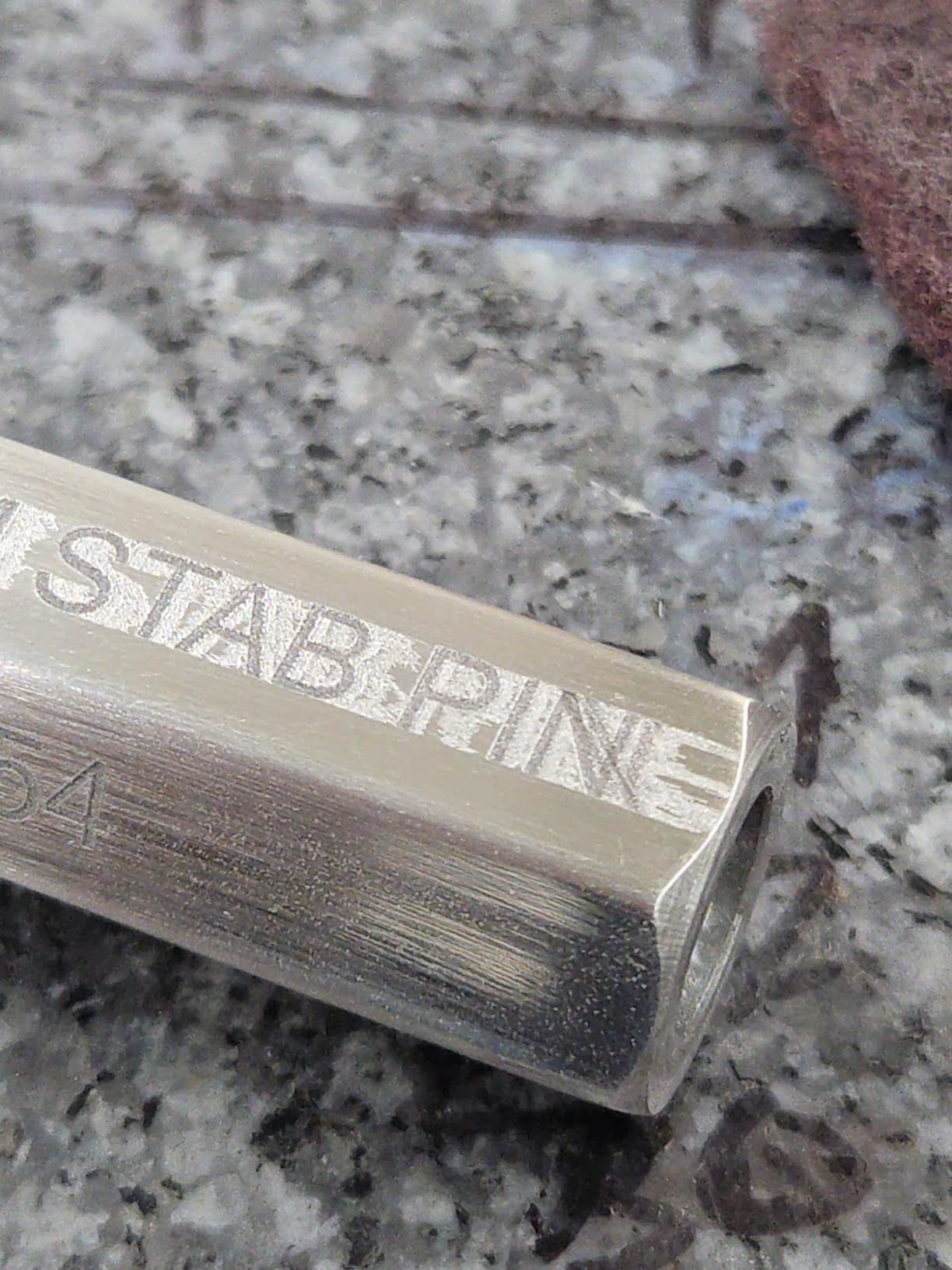
Is the G2 Pro right for your work?
Choose it if you are doing jewelry, tumblers, or personalized gifts where color variety is the selling point. If you are marking serial numbers on production parts, color is irrelevant and you would get better value from a 20W machine.
Check the field size against your largest part before ordering. If you routinely load a 200mm wide plate, this is not the machine. Measure the biggest part you actually need to mark, not the biggest part you imagine marking someday.
Where owners report problems?
The reliability spread is the honest weakness. Owners in the one-star camp describe early hardware issues, and because the model is newer the long-term record is thin. Test the machine thoroughly in the first weeks and get support terms in writing.
Software feedback suggests the bundled tools may not cover advanced workflows. If you plan to use LightBurn with custom plugins, verify your version is supported before you build a production pipeline around it. For simple text, logos, and serial jobs it is more than adequate.
3. ComMarker B4 20W – Best Value Starter With Two Lenses
- Two lenses included covering 110x110mm and 200x200mm
- Strong 4.4 rating for the detail quality
- LightBurn compatible on Windows and Mac
- Works as a desktop unit or handheld
- Capable of PCB fabrication
- Strong solid construction
- 20W is shallow for deep engraving on hard alloys
- Rotary drive is not always included as listed
- Linux setup needs a firmware workaround
- Included cables could be longer
- Fan noise during operation
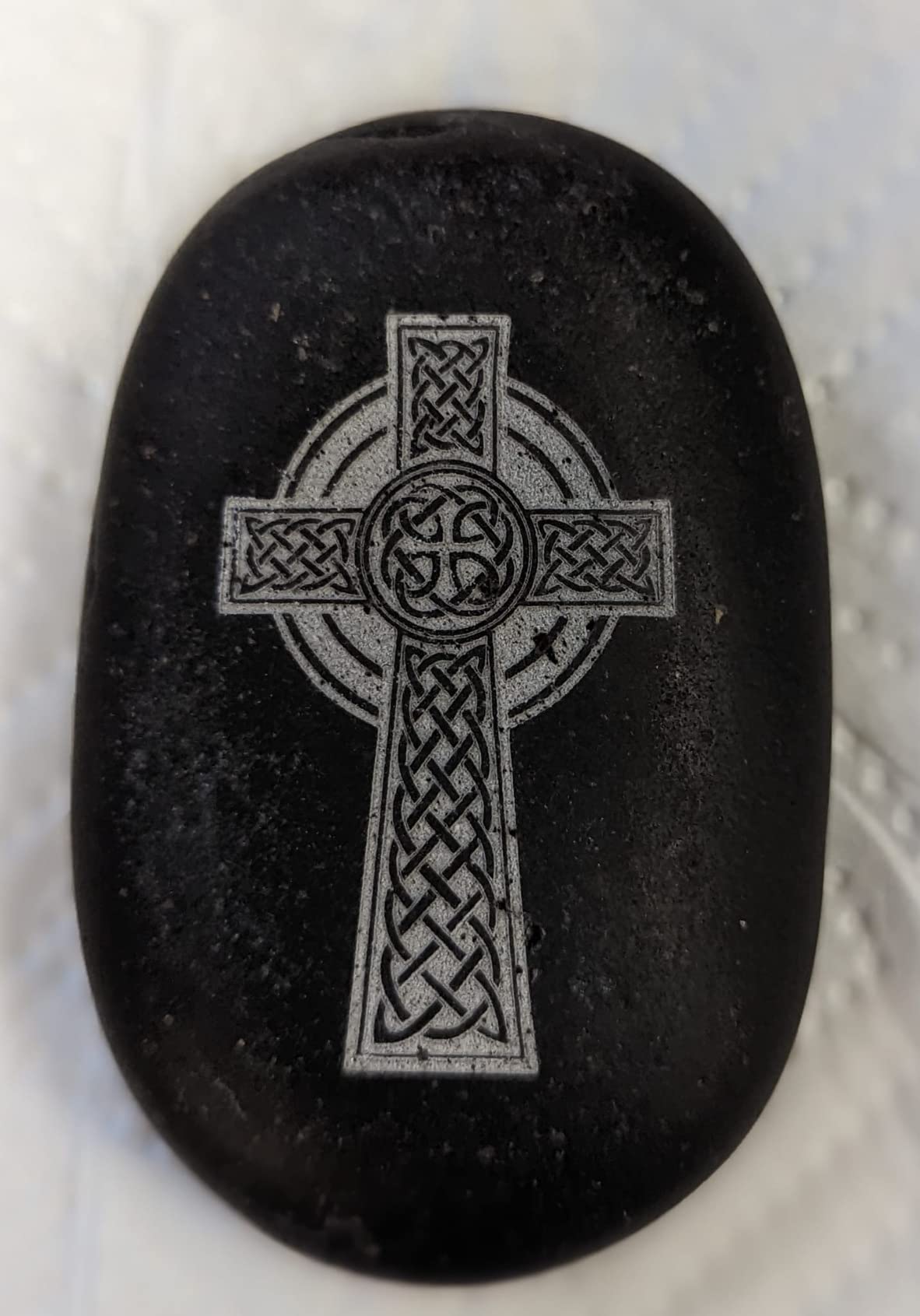
The B4 stands out because it includes two lenses in the box. Most competitors sell you one field size and treat the other as an accessory. The 110x110mm lens handles jewelry and small precision work, and the 200x200mm lens handles larger plates, so you can swap in seconds rather than ordering hardware.
Owner feedback consistently praises detail quality and precision on metal, and the 0.01mm minimum line width supports that. Marking speed runs 0 to 15,000mm/s across a 20-60kHz frequency range, and the listed engraving depth of 0.3-0.5mm covers standard mark and shallow engrave work well.
LightBurn compatibility is a genuine advantage here, and the machine supports Windows and Mac workflows. Buyers running LightBurn report a better experience than the brand-locked EZCAD stack, which is a recurring complaint across this category. Customer support is also called out as responsive in reviews.
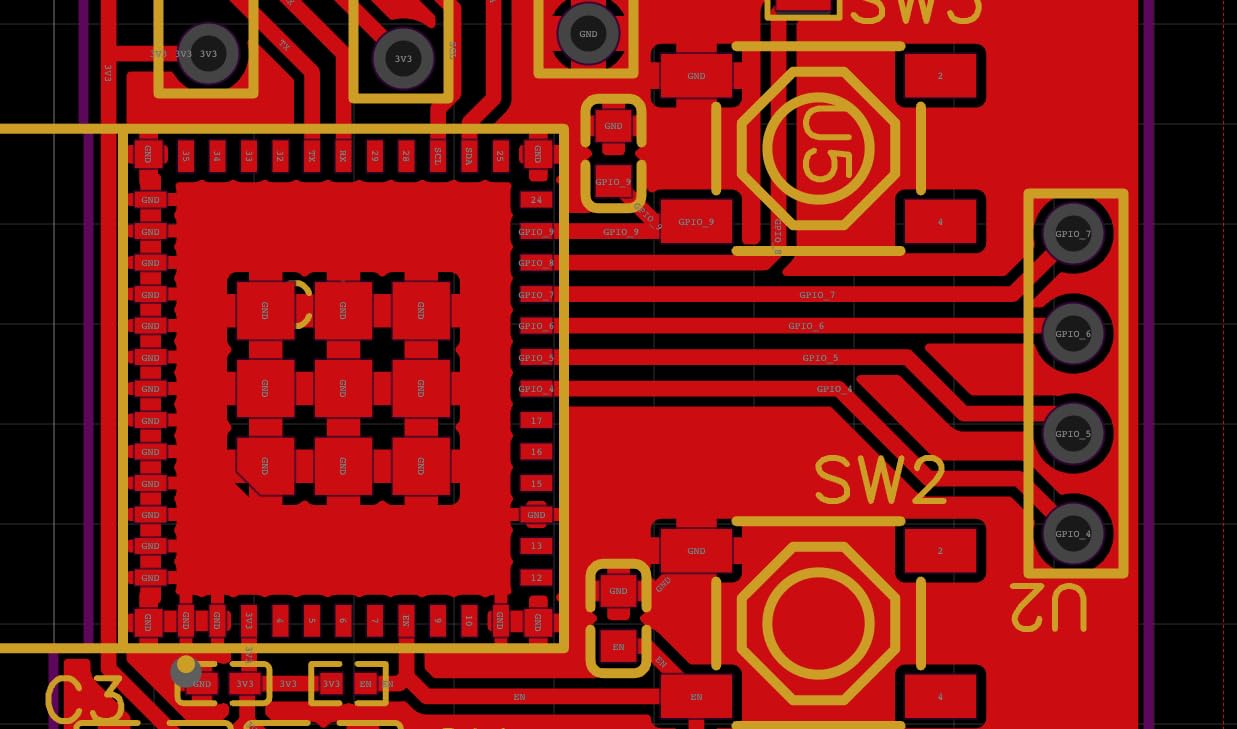
There is one packaging wrinkle worth confirming before you order. At least one owner reported the rotary drive missing despite the listing implying it, so if you plan to engrave rings, tumblers, or cylindrical tooling, message the seller and get the inclusion confirmed in writing.
The 20W source is the main functional limit. It is plenty for serial numbers, logos, data matrix codes, QR codes, and jewelry, and it can do PCB fabrication. It is not enough for deep relief engraving or cutting thicker metal. Linux users also hit a firmware loading hurdle that Mac and Windows users do not face.
The handheld mode is more useful than it first appears. When a part will not fit in the field, or when the plate is already bolted down somewhere, detaching the source and laying it on the work is often faster than re-fixturing the part.
Why two lenses matter more than they sound?
A smaller lens concentrates the same power into a tighter field, which improves detail on small parts. A larger lens spreads the beam and gives you room for bigger work. Owning both means you are not choosing between jewelry-scale detail and production-scale output, and swapping lenses takes well under a minute.
This is the strongest value feature we found in the roundup. A separate 200mm lens from another brand takes a meaningful share of the machine budget, so the B4 effectively bundles a second machine’s field capability into a compact package.
When to skip the B4?
Skip it if deep engraving on hardened steel or thick plate is your primary job. At 20W you will work far harder than a 50W machine to get comparable depth, and cycle times will hurt you.
Also skip it if you need deep relief cutting as a business service. The B4 is a marking and light engraving machine. Think of it as the most complete starter package here rather than a production engraving platform.
4. SFX 50W JPT – Best Deep Marking With Rotary Included
- 50W JPT source handles deep marking and light cutting
- 175x175mm field with an 80mm rotary axis in the box
- Two year warranty with lifetime technical support
- US based pre-sales and after-sales teams
- 0.002mm re-position precision
- 1-600kHz frequency for material tuning
- Top cost tier in this group
- Older design first listed in 2019
- Takes up a large footprint at roughly 31 by 20 inches
- Field capped at 175x175mm
- EZCAD2 has a learning curve
This 50W JPT unit is the one to look at if deep marking is your actual job. The JPT LP+ series source at 50W gives you real headroom for engraving stainless and aluminum into the material rather than just darkening the surface, and the listed engraving depth reaches 1mm.
The 175x175mm field is generous, and the 80mm rotary axis is included. That inclusion matters more than the spec sheet suggests, because rotary support is a frequently added accessory cost, and forum buyers consistently note that it is where the extra cost hides.
Reposition precision of 0.002mm and a 7m/s marking speed mean repeat jobs land in the same place and move quickly. The frequency range of 1-600kHz and 200ns pulse duration give you plenty of room to tune a job for aluminum versus stainless versus brass.
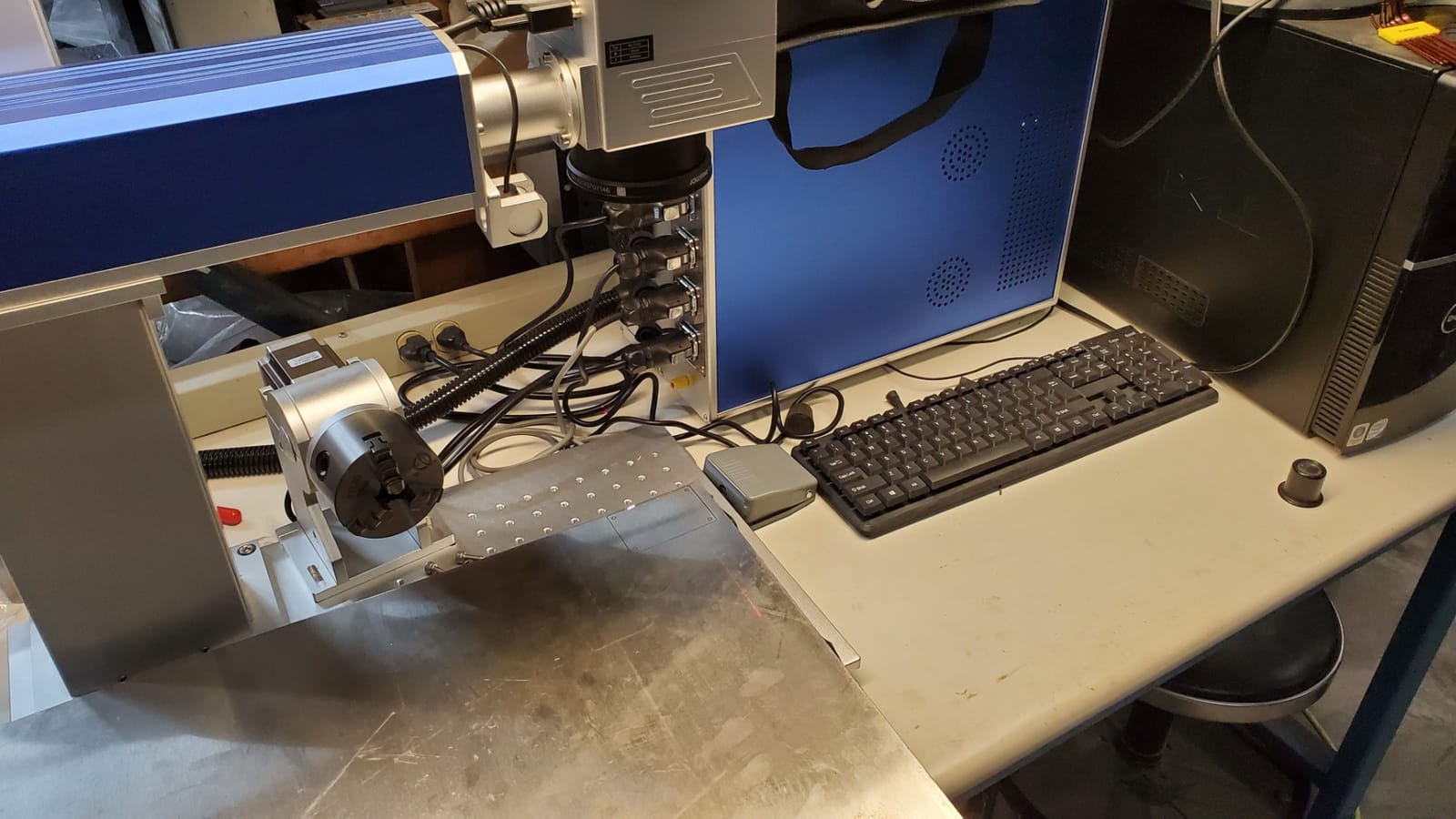
Support is the quiet strength here. The listing carries a two year warranty, lifetime technical support, and US based pre-sales and after-sales teams, and forum research consistently shows that warranty and US support availability are what separate import-only brands from the ones people trust with paid work.
The catch is the cost tier. This sits at the top of this roundup, and the design was first listed in 2019, so you are buying proven hardware but not the newest enclosure and software generation. EZCAD2 also has a learning curve if you have never used that control software.
When 50W is the right call?
Buy this level of power when you mark tools, blades, firearm components, or industrial parts where the mark has to survive handling, oil, and heat. Users running Gweike and comparable industrial units in shop forums report that marks on drill bits and end mills survive daily wear and coolant exposure, which is exactly the use case 50W serves.
It also makes sense if you intend to sell deep engraving or light cutting as a service. Forum consensus is fairly clear that 20W machines feel limiting once you are billing for the work, and moving up later means a new machine rather than an upgrade.
What you give up at this level?
You lose portability. The footprint is large and the weight is substantial, so this belongs on a bench in a shop, not on a cart between job sites. If you mark parts where they sit, you want one of the portable units instead.
You also lose some field size relative to what you can buy, and the software generation is dated. If your workflow is heavily file-format driven and you rely on LightBurn plugins, test carefully because EZCAD2 is the native environment here even though LightBurn is supported.
5. LaserPecker LP5 – Best Portable Metal Marker
- Genuinely portable at about 13.3 pounds
- Dual fiber and diode in a compact body
- 0.0027mm precision for fine detail
- Blue laser outline preview speeds up positioning
- Cuts thin metal including brass and stainless
- Material Test Array saves settings
- Fans are very loud during operation
- Mobile app disconnects when backgrounded on Android
- Bluetooth connectivity issues reported
- USB and power cables are short
- Enclosure rotary and slide sold separately
The LP5 answers a question none of the other machines here do. If you need to mark parts where they already are, on a job site or in a customer’s workshop, a 13.3 pound unit you can put in a car changes the economics entirely. The dual 20W fiber and 20W diode sources mean you are not making compromises when the job is metal.
Precision is the standout figure at 0.0027mm, with an 8K detail claim, and the blue laser project outline is a genuinely useful feature. Instead of estimating position from a red dot, the blue outline projects the actual path onto the material, which cuts setup time on small parts.
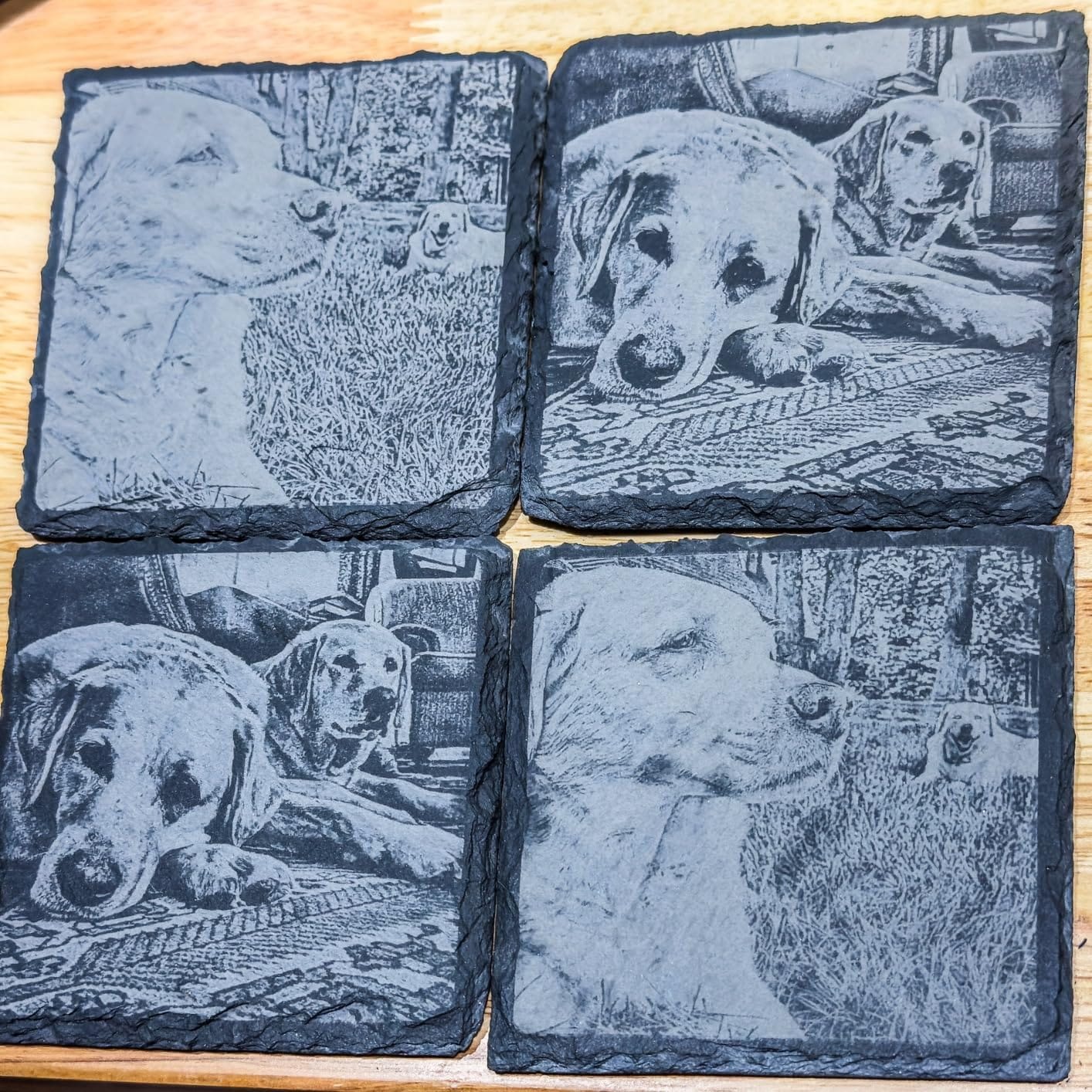
The Material Test Array function runs a grid of settings on a scrap piece of the same material and stores the results, so you are not guessing parameters from scratch for every new alloy. The 3D grayscale engraving system produces tonal depth on metal rather than flat black marks.
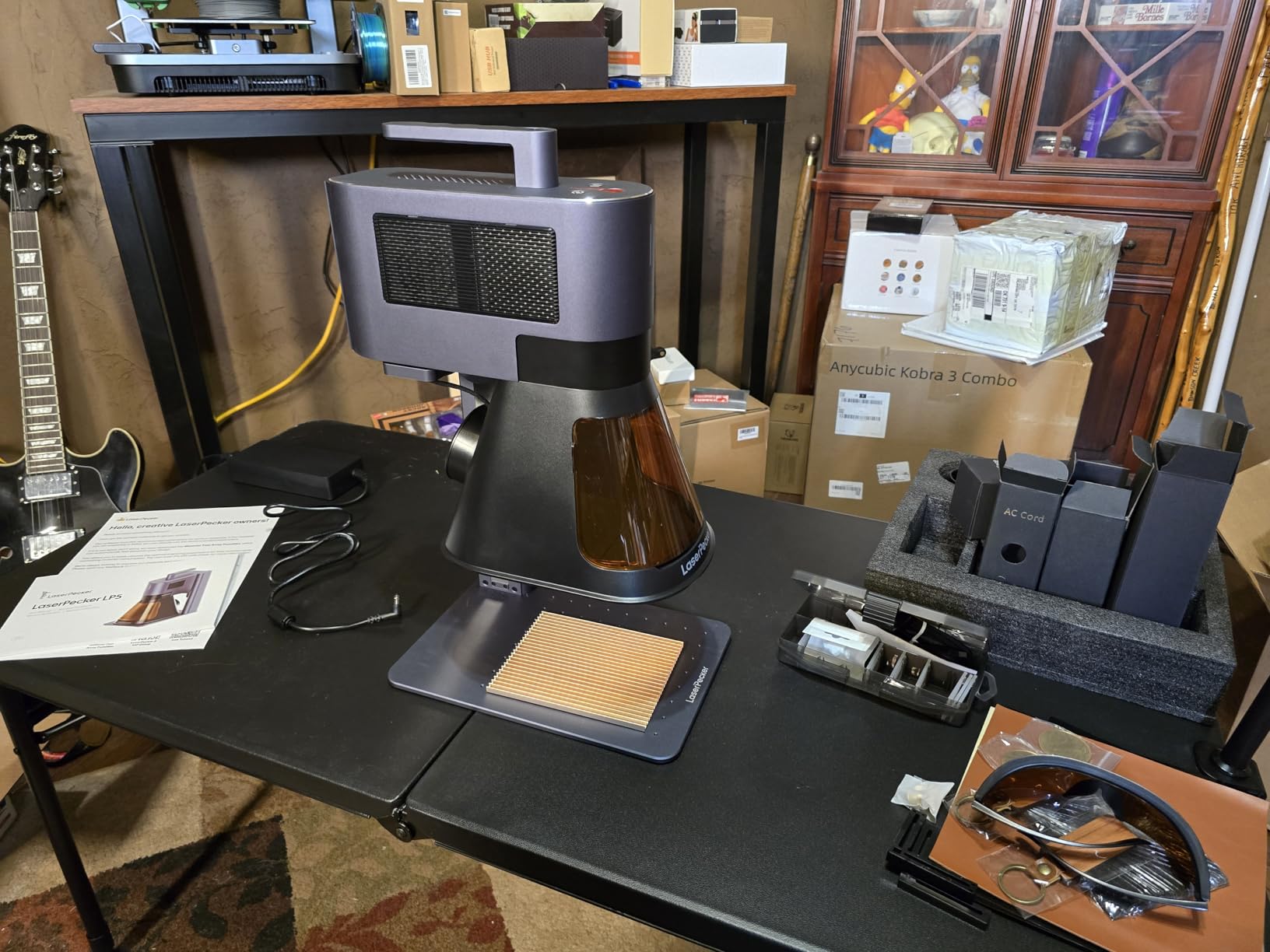
Owners confirm real metal cutting with this machine, including 0.5mm brass and titanium, and thin stainless. The Design Space software plus mobile app is described as intuitive, and the slide extension can enlarge the work area when you need it.
The compromises are physical. Fans are very loud, so this is not a quiet indoor office tool. The mobile app disconnects when it is not in the foreground on Android, which is annoying if you are walking around a part. Short USB and power cables are a recurring complaint, and Bluetooth issues have been reported.
The 3D grayscale mode is the sleeper feature here. Rather than a flat black mark, it produces tonal depth on metal, which is a genuine differentiator on personalized pieces and on any job where the client wants something that does not look machine-stamped.
What portable marking changes about your workflow?
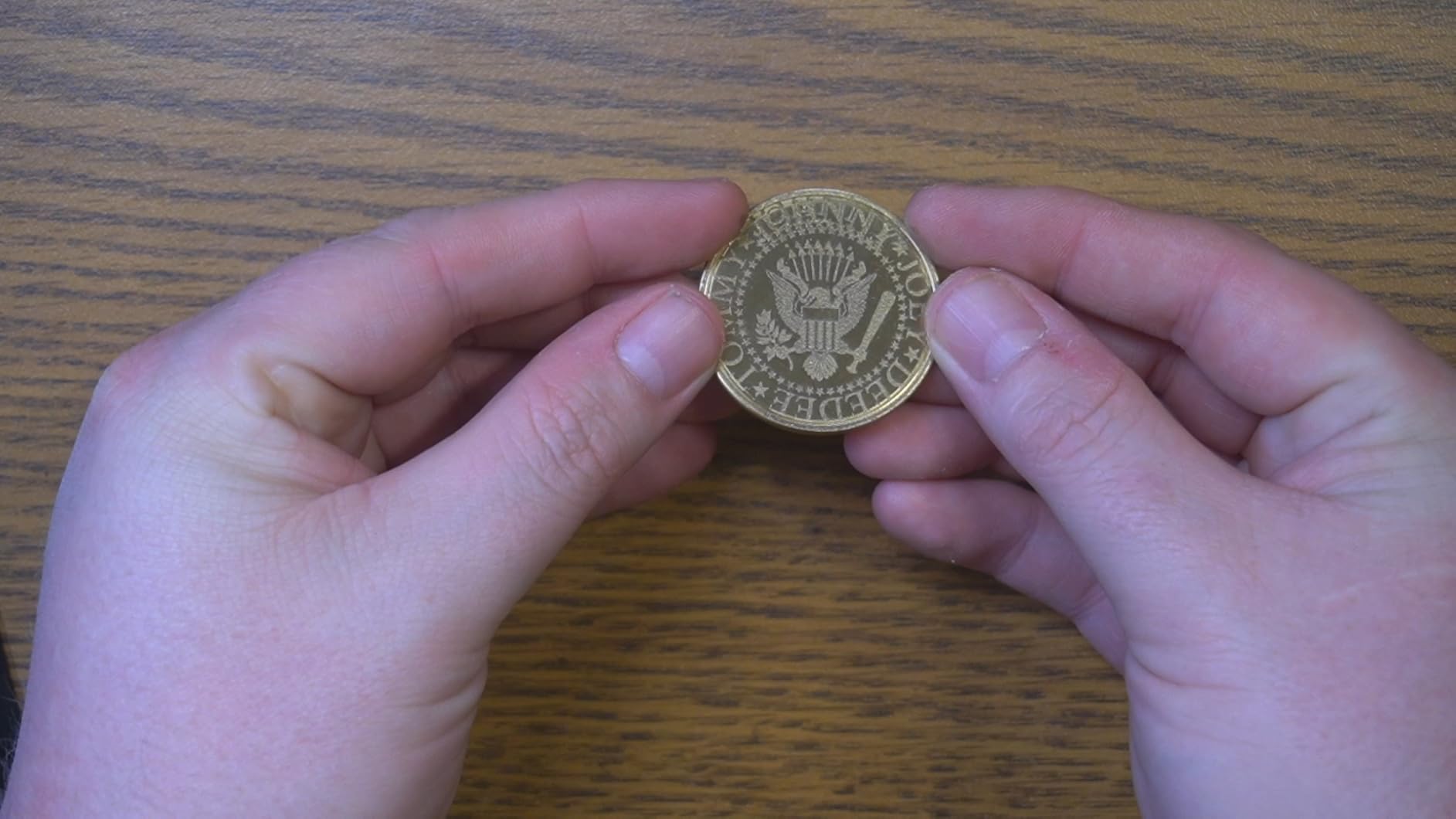
On-site marking lets you mark assembled parts, installed hardware, and customer-owned items without shipping them anywhere. That removes freight, removes a handling step that risks damaging the part, and lets you confirm fit before leaving. For repair shops, field service work, and custom installers, that is worth a lot.
The trade-off is capacity. A slide extension and optional rotary help, but you are still working in a small field. Portable machines suit serial numbers, asset tags, logos, and identification marks, not production quantities of large components.
What to check before buying the LP5?
Confirm the accessories you actually need are included. The enclosure, rotary, and slide extension are sold separately, and the enclosure matters if you work indoors with other people or pets around.
Test the app workflow on your own phone before committing, particularly on Android. If your process depends on monitoring jobs from the app while the machine runs unattended, the background disconnect is a real problem worth factoring in.
6. WeCreat Lumos Flex 15W – Best for Fast Setup
- Built-in 50MP camera with 0.01mm visual positioning
- Color marking on metal supported
- 3D embossing on metal
- Pre-assembled and fully enclosed
- Quick three minute setup
- Light body at about 2.8kg with the cone
- LightBurn compatibility is claimed but does not work
- Proprietary software lacks standard export formats
- Work area is small without paid extensions
- Rotary and slide extensions sold separately
- Only 10 reviews on a very new model
The Lumos Flex is built around one problem, getting the job positioned correctly, and it solves it with the best camera in this roundup. The built-in 50MP camera with 0.01mm visual positioning means you see the part and the target on screen at the same time, which removes most of the frustration of marking small or irregular metal items.
It pairs a 15W fiber source with a 15W diode, marks color on metal, does 3D embossing, and cuts 0.3mm stainless steel. At 10,000mm/s the speed is fine for marking work. The body is listed as 2.8kg with the protective cone, so it moves easily between a workbench and a shared space.
Rotary plus extension is marketed as a combination setup for cylindrical objects up to 34 inches, which would be genuinely useful for tumblers and pipe, though the attachments are separate purchases and the base field is small until you add them.
Here is the caveat that matters most. The listing claims LightBurn compatibility, and multiple reviewers confirm it does not actually work with LightBurn. If your workflow depends on LightBurn or its plugins, treat this machine as incompatible until you verify it yourself, because the claim on the box is not what reviewers found.
The proprietary WeCreat MakeIt software also lacks the standard export formats that professionals rely on for handing files to other operators or archiving jobs. That is a real limitation for anyone running a production shop that needs portable files.
Color marking at 15W is worth testing before you rely on it. It works, but thinner power leaves less headroom for consistent oxide depth, so expect to tune each color separately and to re-check settings as the source ages.
Who benefits from the camera?
If you mark organic shapes, jewelry stones, curved surfaces, or small batch parts, the camera pays for itself quickly. Setup time is where small shops lose money, and removing the align-guess-check cycle is worth more than raw wattage on light marking work.
The pre-assembled, fully enclosed design also means less commissioning time and fewer alignment problems out of the box. Owners report getting it running in about three minutes, which matters when you are evaluating a machine you will use intermittently.
Where it will frustrate you?
If you are file-format driven or need LightBurn plugins for multi-lens or rotary work, the software situation is the blocker, not the hardware. Confirm your software requirements before ordering.
At 15W fiber this is a surface marker and a light engraver. It also carries the thinnest review history here at 10 reviews on a model first listed in 2026, so long-term reliability is genuinely unknown. Expect to be an early adopter rather than buying proven hardware.
7. SFX 60W JPT MOPA M7 – Best for Production Color Work
US Stock 60W JPT MOPA M7 Fiber Laser Marking Machine Fiber Laser Engraver Laser Marker 175×175mm with 80mm Rotary Axis Compatible with Lightburn
- MOPA source with 2-500ns pulse duration for precise control
- Handles black and color marking on stainless steel
- 1-4000kHz frequency range covers fine detail and speed
- 175x175mm field with rotary axis included
- the highest rated power in this group
- LightBurn compatible
- Highest cost tier in this roundup
- Weighs 99 pounds and is not portable
- Large bench and floor footprint
- Only 6 reviews for long-term feedback
- EZCAD2 learning curve applies
This is the most specialized machine here and the only one built around a MOPA source at genuine industrial power. The 60W JPT MOPA M7 gives you a 2 to 500ns pulse duration range and 1 to 4000kHz frequency, and that combination is what makes repeatable color marking on stainless steel a production process rather than a lucky result.
MOPA means you tune pulse width and frequency independently. On stainless, titanium, and anodized aluminum, that control is what lets you hit a target color consistently across a batch. The listed applications include coating peeling, aluminum black marking, semiconductor and electronics work, and large area engraving.
The 175x175mm field matches both SFX machines in this roundup, and the 80mm rotary axis is included, so cylindrical parts are covered out of the box. Reposition precision is 0.002mm and marking speed reaches 7m/s. Electrical-optical conversion efficiency of up to 70% is a meaningful figure for anyone running this many hours a week.
Why MOPA control changes your output?
Color marking on metal is an oxide layer effect. The laser grows a film a few hundred nanometers thick and the film thickness determines the color. A galvo fiber source couples pulse width to power, so when you change the power you also change the pulse shape, and the color drifts. MOPA decouples them.
That decoupling is why forum consensus treats MOPA as worth the upgrade jump when the work is paid. If you sell color jewelry or colored industrial codes, the repeatability earns its keep within a few batches. If you only mark black serials, you are paying for control you will not use.
Where this machine does not fit?
It does not fit anywhere space constrained. At 99 pounds with a large footprint, this is a dedicated production cell. It belongs on a floor or a heavy bench with ventilation planned in, not on a shared desk.
It is also a harder purchase to evaluate. With only 6 reviews, you have very little owner history to lean on, and the model was first listed in 2019. Ask the seller for a live demo on your actual material and your actual color target before committing.
8. OMTech 50W – Best All-Metal Body for Small Shops
- 50W of fiber power with a rotary axis included
- All-metal body construction
- Spot diameter of 0.01mm
- 10000mm/s maximum speed
- LightBurn and EZCAD2 both included
- Two year support with US demo rooms available
- Controller driver issues reported on Windows
- Only 5 reviews so reliability data is thin
- 26 percent 2-star ratings in a small sample
- Customer service response time may vary
- Limited long-term field data
The OMTech 50W pairs 50 watts of fiber power with an all-metal body, and that combination is unusual at this level. Plastic enclosures flex, and a flexing frame shows up as focus variation across the field. A metal body holds its geometry, which is part of why power and rigidity coexist here.
The work area is 150x150mm, which is about 5.9 inches square, and the rotary axis is included. That bundle means you get cylinder capability without the accessory purchase. Spot diameter is 0.01mm and maximum engraving speed is 10,000mm/s, both solid figures for marking work.
LightBurn and EZCAD2 are both included, and the machine runs Windows 7, 8, and 10 in both 32-bit and 64-bit, which broadens your laptop options. Dual red dot locators handle focusing, and the text instruction labels on the machine buttons are a small touch that helps new operators.
What the support story looks like?
Two years of support are backed by teams in the US, the Philippines, and China, and the brand runs 50 plus demo rooms in the US you can visit. For a shop buying a 50W marker, being able to put hands on the machine before committing is worth real money.
The stated 100,000 plus hour lifespan figure is a component rating rather than a guarantee, so treat it as background information rather than a promise. Judge longevity by the all-metal construction and the two year support term instead.
What buyers should watch?
The clearest report is a controller driver issue where the machine failed to connect to Windows after a few months. With only 5 reviews on a recently released model, and 26 percent of ratings at two stars in that small sample, treat the reliability picture as unsettled rather than proven.
Confirm driver support for your exact Windows version before ordering, and check response times from the support team in your region. On a machine this size, a two year support promise is only as good as the team answering when something breaks.
MOPA vs Standard Fiber: Which Laser Source Do You Need?
MOPA is the right source if you mark color or need repeatable results across mixed alloys. A standard galvo fiber source is the right choice for black marking, serial numbers, and general shop work where you want speed and simplicity. Everything else follows from that one decision.
A fiber laser marker is a 1064nm infrared source steered by galvo mirrors and focused by an f-theta lens. The focused beam heats the metal enough to oxidize or ablate the surface, leaving a mark. Metals reflect visible light, which is why diode lasers at 455nm cannot mark bare metal, and why CO2 lasers at 10.6microns also fail on it. The 1064nm wavelength is absorbed by metal, so the energy goes into the part instead of bouncing off.
Marking, engraving, and cutting are three different jobs on the same machine. Marking changes the surface layer or oxide color. Engraving removes material, usually 0.01mm to 0.05mm for a surface etch and deeper for a cut. Cutting drives the energy until the material separates. Higher wattage moves you from the first job toward the third.
The trade-off with MOPA is speed and simplicity. Standard galvo fiber sources run higher frequency ranges and are simpler to tune because power and pulse are linked. MOPA gives you two independent knobs, which takes more practice but opens color marking, coating peeling, and delicate materials like thin film or coated surfaces.
How to Choose a Fiber Laser Marker for Metal Parts?
Start with the largest part you actually need to mark and measure it. The 110x110mm field is the community entry standard, 150x150mm covers most jewelry and small industrial parts, and 175x175mm or 220x220mm handles plates and larger assemblies. Buying a small field and fighting fixtures costs more time than the larger field ever saved you.
Next, pick the power that matches the job. 15W to 20W covers serials, logos, data matrix codes, QR codes, and shallow engraving, and it can cut thin sheet. 30W gives real headroom for deep engraving and more color work. 50W is where production part marking starts to feel quick, and 60W and above move into light cutting territory.
Do not skip focus technique. Poor focus is the leading cause of a fiber laser that will not mark, and no amount of wattage fixes it. Here is the sequence that works: fire the red positioning light, lower the lens until the dot is the smallest it can get, place the material, then raise or lower the Z-axis until the dot is at the smallest possible size on the material itself. Mark a test coupon at low power before every new material or new setup.
Plan the material prep. Clean the surface with isopropyl alcohol, remove oils and fingerprints, and use the same clean scrap coupon from the same batch for parameter testing. Bare aluminum and anodized aluminum behave very differently, and anodized parts need testing for color response just like stainless does.
Check software before hardware. LightBurn is the preferred control software in this category because it is not brand-locked, supports plugins, and is actively developed. Verify LightBurn support for the exact model before buying, and read the recent reviews rather than the listing claims, because at least one machine here is advertised as LightBurn compatible but reviewers found it is not.
Budget for extraction. Fume extraction is a Class 4 laser requirement, not an optional accessory. Entry machines often include an undersized vent tube, so plan on a proper extraction line with a HEPA filter and expect to replace filters on a schedule.
Think about consumables and maintenance early. Plan on periodic protective lens replacement, chiller fluid checks, filter changes, and mirror inspection. A contaminated protective lens reduces power and damages your field, and it is the easiest failure mode to prevent with a weekly wipe and an annual replacement.
If you mark cylinders, confirm rotary support before you buy. Rings, tumblers, drills, and pipe all need a rotary axis, and some machines include it while others sell it separately. Forum buyers repeatedly flag rotary as where unexpected accessory costs appear.
Finally, match the machine to the environment. Rented spaces, mobile work, and field service favor the portable units here. A dedicated shop with room for extraction and a bench favors the 50W and 60W machines. Buying the wrong form factor is the mistake that gets regretted fastest.
Frequently Asked Questions
Which fiber laser is best for metal engraving?
For most buyers the xTool F1 Ultra is the best all-round choice because it pairs a 20W fiber source with a 20W diode in one enclosure and has the largest owner base here. For color marking on stainless or titanium the GWEIKE G2 Pro 30W gives you MOPA control. For deep engraving with cylinder capability already included, the SFX 50W JPT includes an 80mm rotary axis. Pick by largest part size and thinnest material first, then power.
Will a fiber laser engrave metal?
Yes. Fiber lasers emit at 1064nm, a wavelength metals absorb rather than reflect, so the energy goes into the part and leaves a permanent mark on stainless steel, aluminum, brass, copper, titanium, and plated alloys. Diode lasers at 455nm and CO2 lasers at 10.6microns cannot mark bare metal at all, which is the main reason fiber is the only sensible choice for metal parts.
How powerful of a laser do I need to engrave metal?
20W is enough for serial numbers, logos, data matrix and QR codes, and shallow surface etching on stainless, aluminum, and brass. 30W adds real headroom for deeper engraving and more reliable color work. 50W is where production part marking starts to feel fast and where light cutting of thin material becomes practical. Above 60W you are buying a production cell rather than a shop machine. Match power to the thickest and hardest alloy you actually work with.
What type of laser is best for cutting through metal?
A higher wattage fiber laser, generally 50W to 100W, is what you need for real cutting, and the machines in this guide top out at 60W for that reason. Cutting 0.2mm to 0.5mm sheet is within reach of the 20W to 30W units here, including the fiber side of the dual-laser machines. Note that all of these are Class 4 lasers and cutting raises the fume volume sharply, so extraction has to be planned before you start.
Should I choose MOPA or a standard fiber laser?
Choose MOPA if you mark color, if you work with anodized aluminum, or if you need the same result batch after batch because pulse width and frequency are tuned independently. Choose a standard galvo fiber source for black marking, serial numbers, and general shop work where simplicity and speed matter more than color control. Paid color work justifies MOPA; black identification work usually does not.
Is LightBurn compatible with fiber laser markers?
Most machines in this category support LightBurn alongside EZCAD2, and LightBurn is usually the better choice because it is not brand-locked and supports plugins. But support varies by model. One dual-laser machine in this roundup is advertised as LightBurn compatible while reviewers report it does not work, so verify with the seller and check recent owner reviews before you build a workflow around it.
Final Verdict: Which Fiber Laser Marker Should You Buy?
The xTool F1 Ultra is our pick for the best fiber laser markers for metal parts overall, because it covers metal and non-metal work, carries the largest review base here, and its 220x220mm field with camera positioning makes daily work faster. The ComMarker B4 is the value route if you want two lens sizes in one package, and the SFX 50W JPT is the choice when deep marking and a bundled rotary axis matter more than cost.
Whatever you choose, set the focus properly every time, test on a clean coupon from the same batch as your real part, and plan your fume extraction before the first mark. Those three habits do more for your results than any wattage figure on a spec sheet, and each machine here links to its current listing below.