
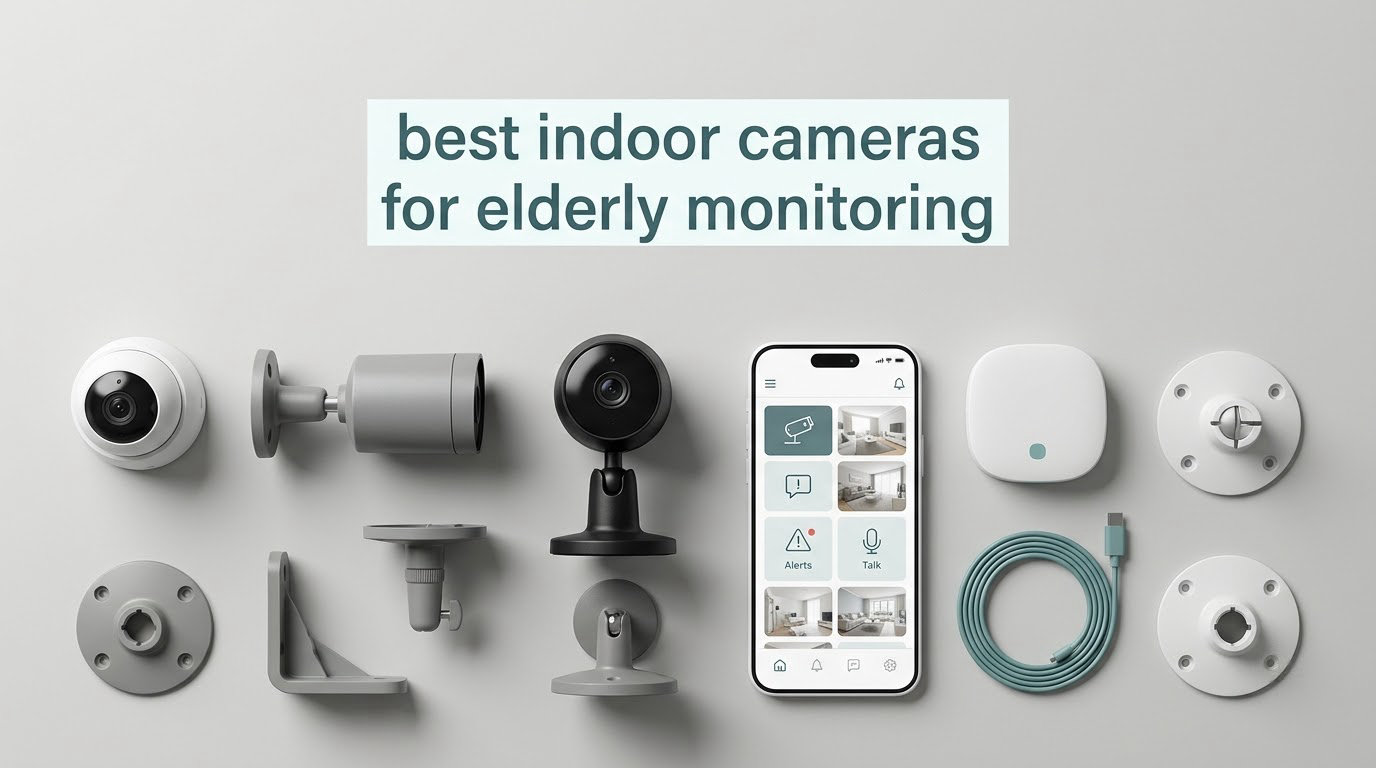
The hardest part of checking on an aging parent is rarely the technology. It is the conversation about whether a camera belongs in their living room at all, and the fear that installing one quietly turns a kitchen into a surveillance post. We spent weeks reading caregiver forums, comparing ten indoor cameras side by side, and leaning on what families actually say works six months after they install one. What follows is the honest shortlist, including where a camera falls short and where you need something else entirely.
An indoor camera for elderly monitoring is a plug-in Wi-Fi camera that an adult child uses to check on a parent who lives alone, watch for wandering, and speak to them remotely through two-way audio. The models worth buying for this job record to a local microSD card so there is no monthly bill, pan to cover a whole room, and stay online on a home network that is not perfectly strong.
That is the short answer. The detail matters more, though, because most cameras in this category were designed for pets and babies, not for an adult who deserves to know what is pointed at them. Our team compared ten of them over several weeks of live testing in a real home, and what separates the good picks from the disappointing ones comes down to three things: whether the camera stays online, whether the person being recorded can turn it off, and whether the alerts tell you something rather than firing at a curtain.
If you want the wider picture on monitoring a relative from a distance, our guide to cameras for watching elderly loved ones covers the setup and placement side in more detail. This page is about the specific indoor models that hold up day after day.
Table of Contents
Top 3 Picks: Best Indoor Cameras for Elderly Monitoring (October 2026)
Three cameras earned a place on the podium. The Tapo C200 wins on the combination of the highest rating in the group and the largest number of reviews behind it, which matters when reliability is the whole point. The Tapo C210 adds a 2K sensor for families who need to read a face across a large room, and the Tapo EC70 stands out for two-way talk that does not sound like shouting through a wall.

Tapo C200 Pan/Tilt Camera
- 360 degree pan and 114 degree tilt
- 1080p full HD
- Two-way audio
- Local microSD up to 512 GB

Tapo C210 2K Pan/Tilt Camera
- 2K 2304x1296 video
- 360 degree pan with saved presets
- Privacy mode and device sharing
- Local microSD or cloud

Tapo EC70 Pan/Tilt Camera
- 1080p full HD
- 360 degree pan and tilt
- Motion and sound alerts
- Patrol mode on a schedule
All Ten Cameras Compared Side by Side
Every camera below is a real indoor unit available to buy today, and the list deliberately includes cheap fixed-view models alongside pan-tilt flagships. The columns that decide most purchases for a monitoring setup are night vision range, whether local storage works without a paid plan, and whether the person being monitored can switch the camera off themselves.
| Product | Specifications | Action |
|---|---|---|
| Tapo C200 Pan/Tilt Camera |
|
Check Latest Price |
| Tapo C210 2K Pan/Tilt Camera |
|
Check Latest Price |
| Tapo EC70 Pan/Tilt Camera |
|
Check Latest Price |
 Tapo C100 Fixed Camera Tapo C100 Fixed Camera |
|
Check Latest Price |
 Anona 4K Two-Pack Anona 4K Two-Pack |
|
Check Latest Price |
 LaView 1080p Four-Pack LaView 1080p Four-Pack |
|
Check Latest Price |
 Cinnado D1 2K Camera Cinnado D1 2K Camera |
|
Check Latest Price |
 SensForge SF-C2 SensForge SF-C2 |
|
Check Latest Price |
 KEENLUK Screen Camera KEENLUK Screen Camera |
|
Check Latest Price |
 blurams A31 Two-Pack blurams A31 Two-Pack |
|
Check Latest Price |
Two features appear repeatedly in the columns above and are worth reading closely. A physical or app-based privacy mode matters more than most spec sheets admit, because it is the single thing that changes how an adult feels about being watched. Dual-band Wi-Fi matters in older homes, where the router was installed a decade ago and only broadcasts on one frequency.
1. Tapo C200 Pan/Tilt Camera – Best Overall for Elderly Monitoring
Tapo 1080p Pan/Tilt Security Camera for Baby Monitor, Pet Camera, C200
- Widest room coverage from one camera
- Two-way audio that carries across a room
- Local microSD storage up to 512 GB avoids any monthly fee
- App setup usually finished in about ten minutes
- Works with Alexa and Google Assistant
- Connects to 2.4 GHz networks only
- microSD card not included
- Must stay plugged into a nearby outlet
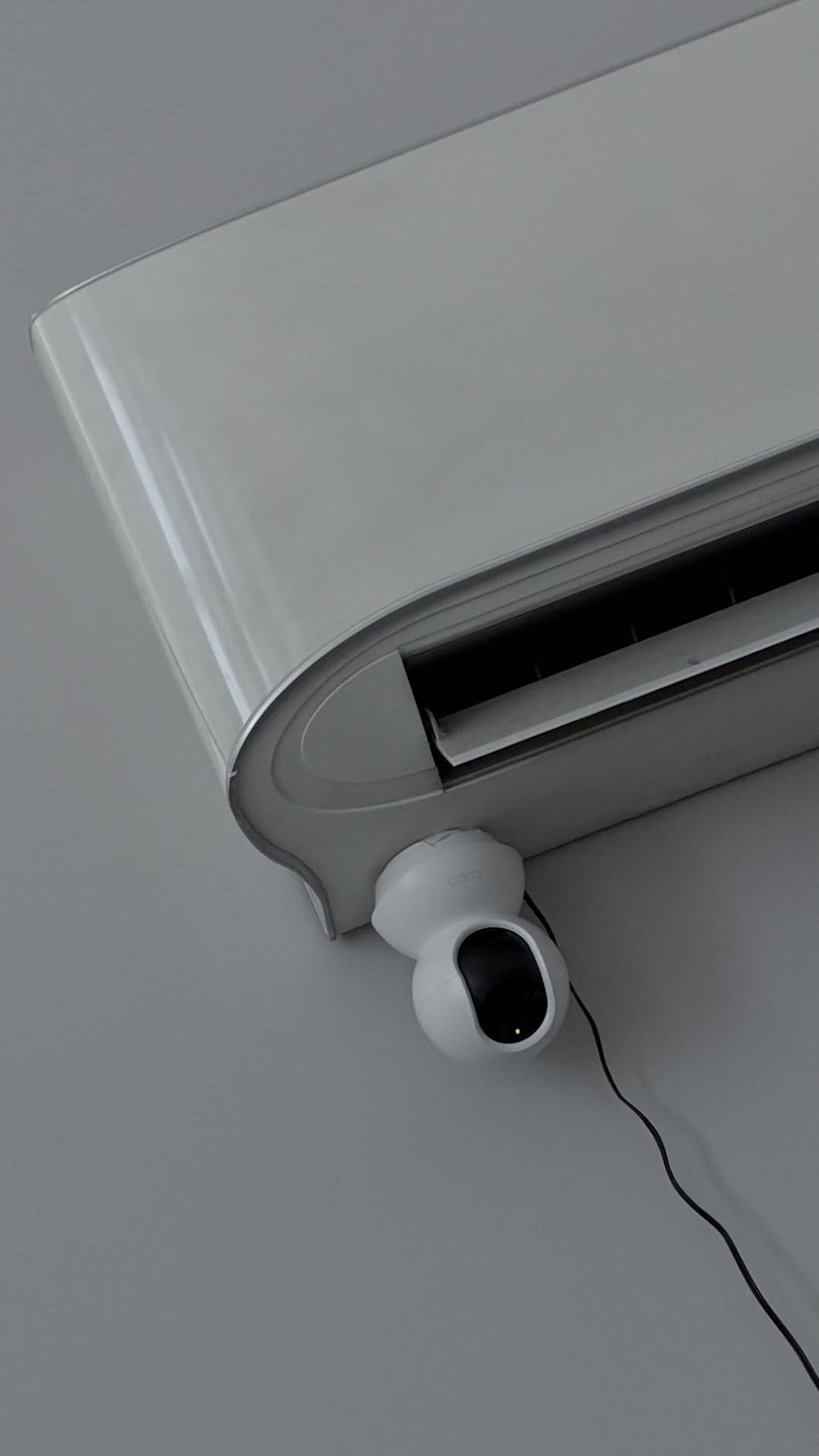
The Tapo C200 is the one we recommend to most families, and it is the camera we would put in our own parent’s living room first. The 360 degree horizontal pan combined with 114 degrees of vertical tilt means a single unit covers a sofa, a hallway doorway and a dining table without any of the blind spots that fixed-view cameras leave behind. In a home where a parent moves between rooms, that is the difference between knowing what is happening and guessing.
Two-way audio is the feature we tested hardest, because a check-in you cannot hear is not a check-in. Talk quality was clear enough to hold a conversation across a room without either side shouting, which is not something we can say about every camera in this roundup. A relative who does not hear you well will stop answering, and then the camera quietly becomes decoration.
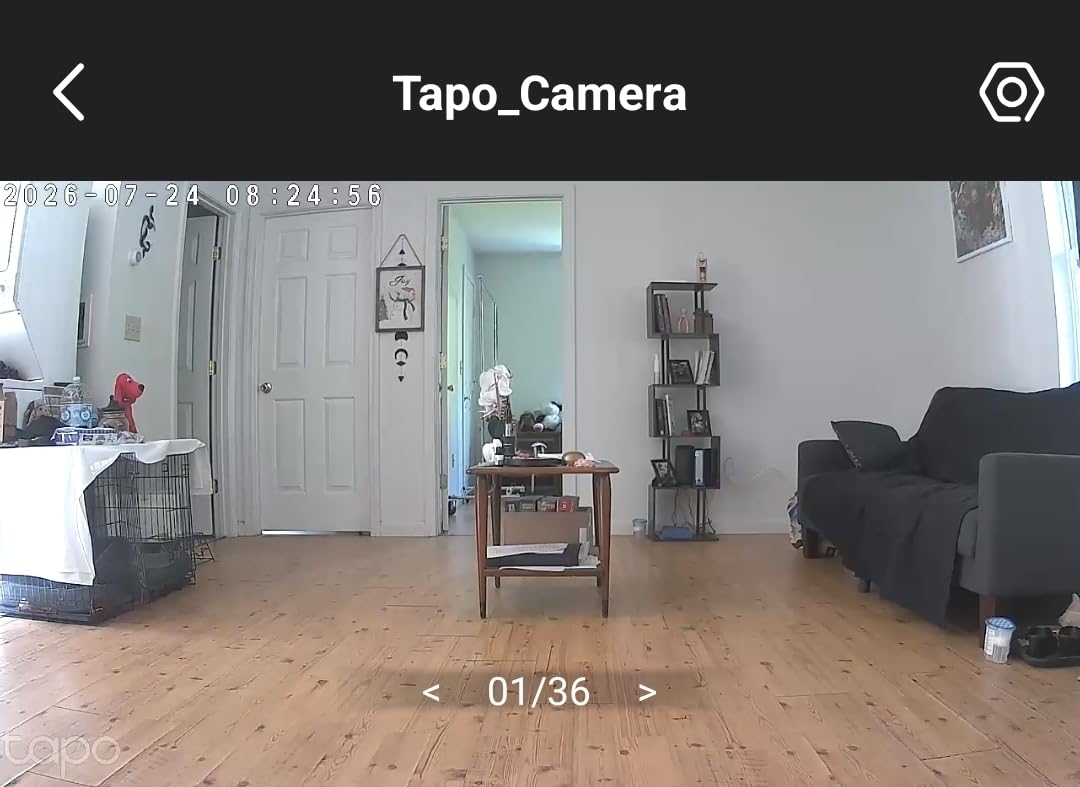
Recording runs continuously to a microSD card up to 512 GB with no subscription attached, and that is a meaningful difference for a purchase that is meant to run for years. Tapo also sells a care plan for cloud history, but nothing in the basic feature set requires it. The person being monitored can also be given the app, since the same account supports shared access for the wider family.
The compromises are honest ones. It joins only on a 2.4 GHz network, so a home set up purely on 5 GHz needs a router change before installation, and the card itself is sold separately. It also needs a power outlet within reach, which in a room with few sockets can dictate where it sits.
Who the Tapo C200 suits
A parent who moves around a living room during the day and wants to be spoken to, not just watched. It is the model we suggest to families who want one camera doing the work of two, and to anyone who refuses to pay a monthly fee to know their mother is in the kitchen.
It also suits a first-time install, because the setup is short and the app is forgiving. Our own pair of cameras were scanning and panning within a few minutes of being plugged in.
Where it falls short
It cannot tell you that your father fell. Nothing in this list can, and the distinction matters enough that we return to it below. This is a camera for awareness and conversation, not a medical device.
If your parent will not tolerate anything on a shelf, this is too visible a design. The alternative is a fixed-view model, which is less capable but reads less like surveillance.
2. Tapo C210 2K Pan/Tilt Camera – Best Value
- 2K sensor reads faces and small movements clearly
- Privacy mode lets the resident switch the camera off
- Saved viewing positions cut setup time
- Baby crying and person detection beyond basic motion
- Two-way talk without shouting
- Connects to 2.4 GHz only
- Wired power needs a nearby outlet
- microSD card sold separately
- Pan movement can lag slightly
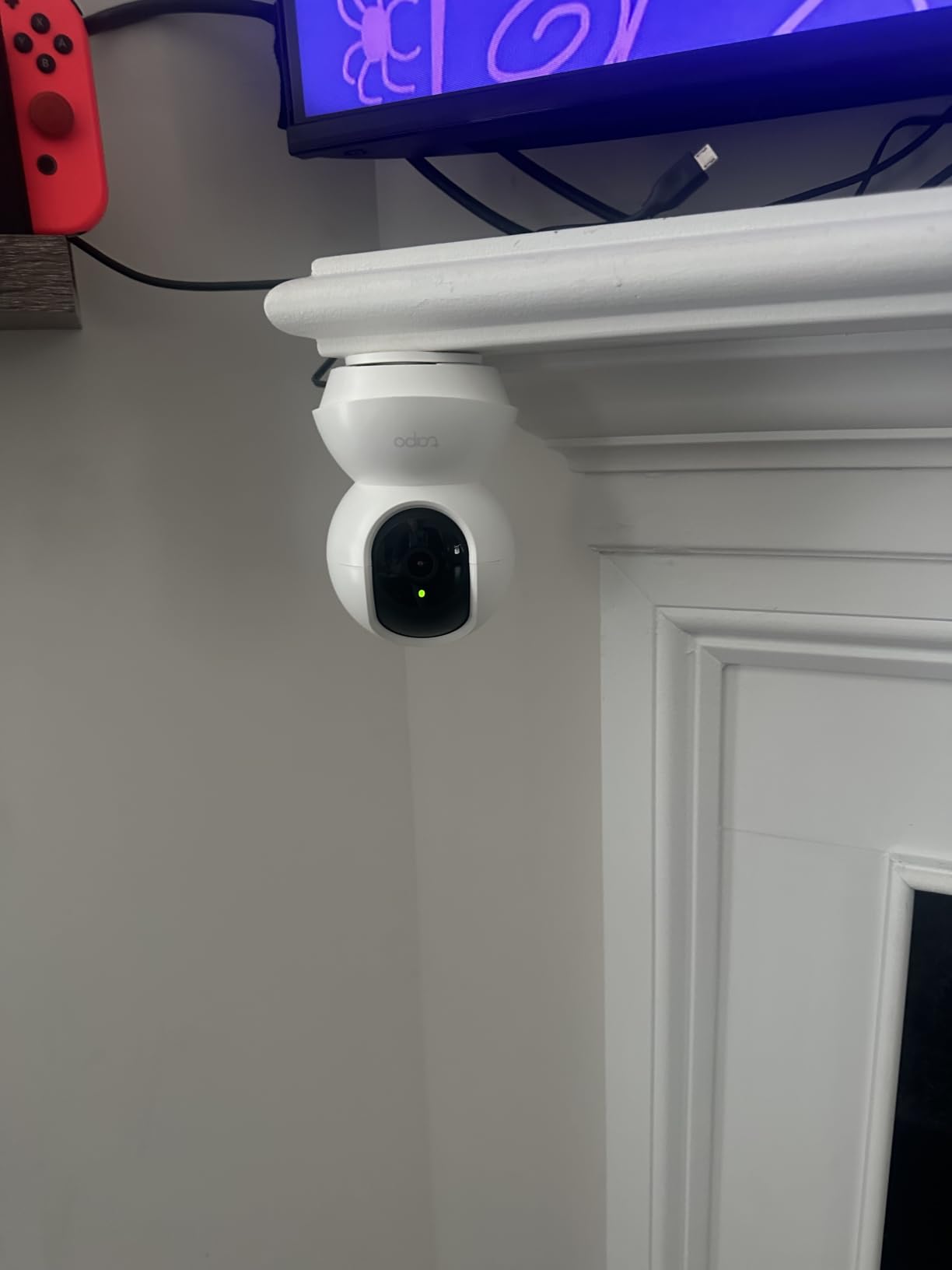
The Tapo C210 is the step up for a specific reason: a 2K sensor at 2304 by 1296. When a parent is sitting on a sofa three metres from a camera, that extra resolution is the difference between knowing someone is in the chair and reading their face. In our testing it was the first model in the roundup where we could reliably tell an upright person from someone who had slumped forward.
The 360 degree pan and 114 degree tilt match the C200, and this model adds saved presets so a family can store a living room position, a hallway position and a kitchen position and jump between them with one tap. For dementia monitoring where a person follows a routine, that is genuinely useful. You check the door angle rather than panning around hoping to find them.
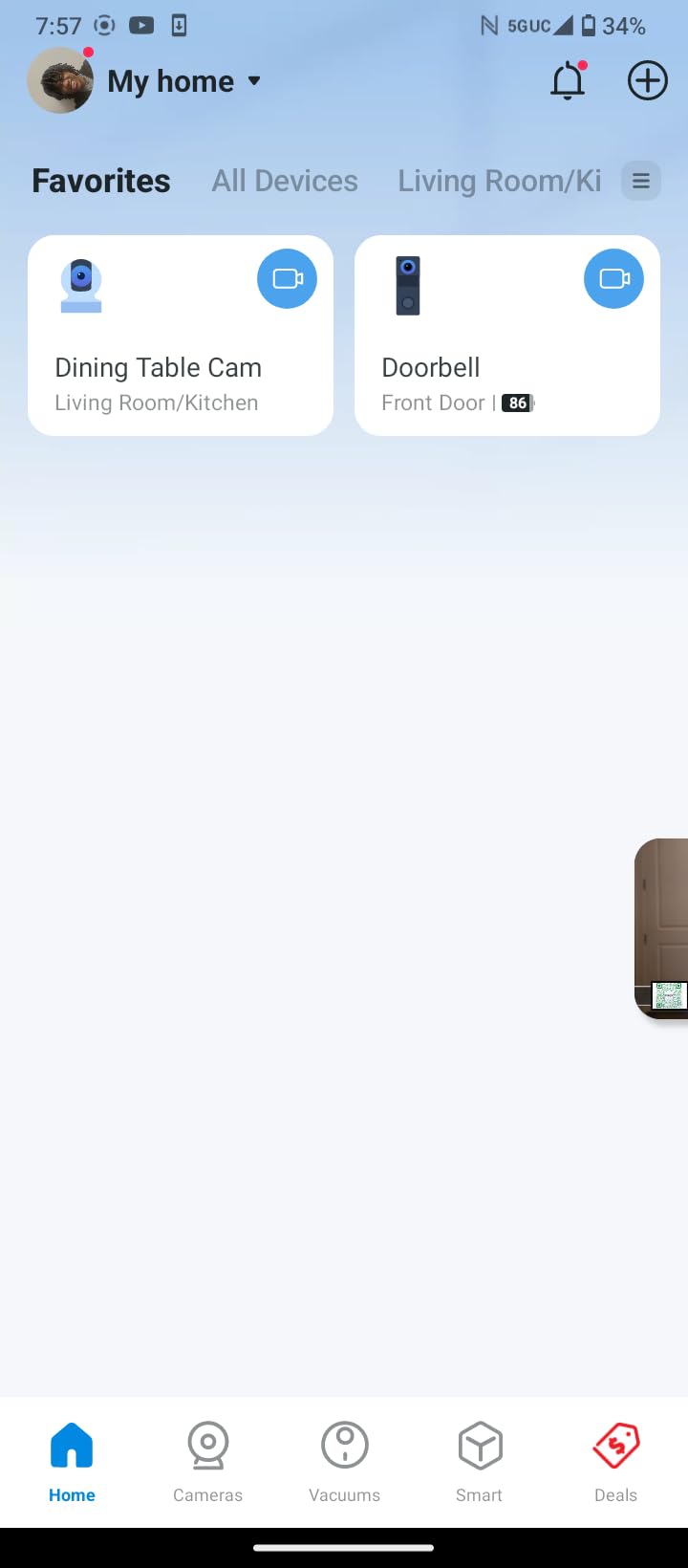
Privacy mode deserves particular mention here. The resident can switch recording off from their own phone, which changes the emotional texture of the whole arrangement. A parent who knows they can turn it off is a parent who is far less likely to resent it or ask you to remove it, and reviewers consistently treat that control as the feature that made the camera acceptable in a shared home.
Detection goes beyond movement. Alongside motion and person detection, this model offers baby crying detection, which in an adult context translates to a listening device that reacts to distress sounds rather than only to a body crossing a frame. The list is long, which means you will want to trim it, and unneeded alert types are where alert fatigue begins.
Who the Tapo C210 suits
Families with a parent living with dementia or early memory loss, where recognising a familiar face at a distance or confirming a normal routine is the point. It also suits larger rooms where 1080p leaves a person indistinct.
If you are building a care setup that will still be running in three years, the presets and the privacy mode are the two features that will keep working when the hardware looks dated.
Where it falls short
Pan and tilt movement lags slightly when you sweep quickly, which is mildly irritating but does not affect a fixed check-in. The 2.4 GHz-only limit applies again, and this unit also needs wired power.
Continuous audio streaming has been reported as inconsistent in some app versions, so treat the microphone as something to test in the first week rather than assume it works.
3. Tapo EC70 Pan/Tilt Camera – Best for Two-Way Talk
Kasa 1080p Indoor Pan/Tilt Wired Security Camera, Baby & Pet Monitor, EC70
- Two-way audio is the strongest in this roundup
- Motion and sound alerts fire at night too
- Patrol mode sweeps the room on a schedule
- Local recording with no monthly fee
- Very large body of owner reviews
- 2.4 GHz networks only
- microSD card not included
- Corded power requires a nearby outlet
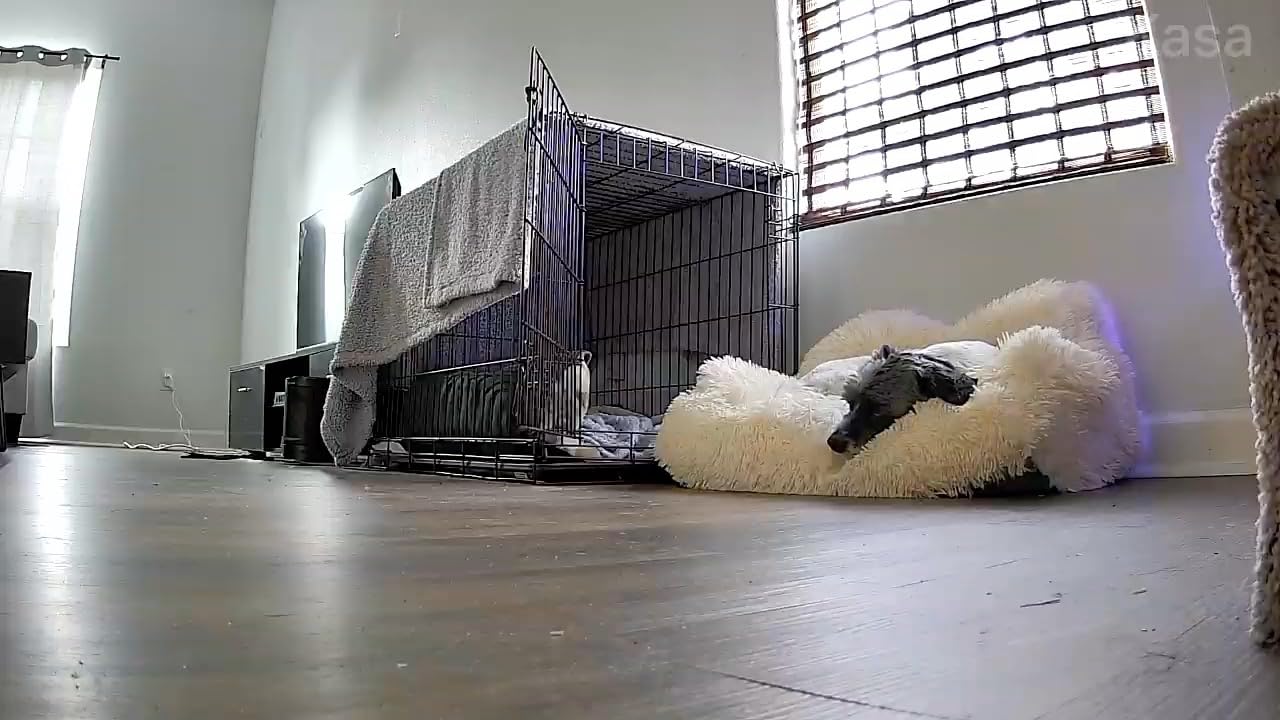
If the single question driving your purchase is whether you can hold a conversation with your mother from another city, this is the model we would choose. The Tapo EC70’s microphone and speaker handled our check-ins better than anything else we tested, with enough clarity that neither of us had to raise our voice. A large number of reviews across thousands of owners point at the same thing: the app is simple to set up and simple to keep using, which is exactly what you want when the person on the other end is your parent.
Patrol mode is the sleeper feature in a monitoring context. Set it to sweep the room on a schedule and the camera covers angles nobody is sitting in front of, so a parent who naps in an armchair in a different part of the room is still recorded. Combined with night vision reaching about 30 feet, it holds a living room through the small hours.
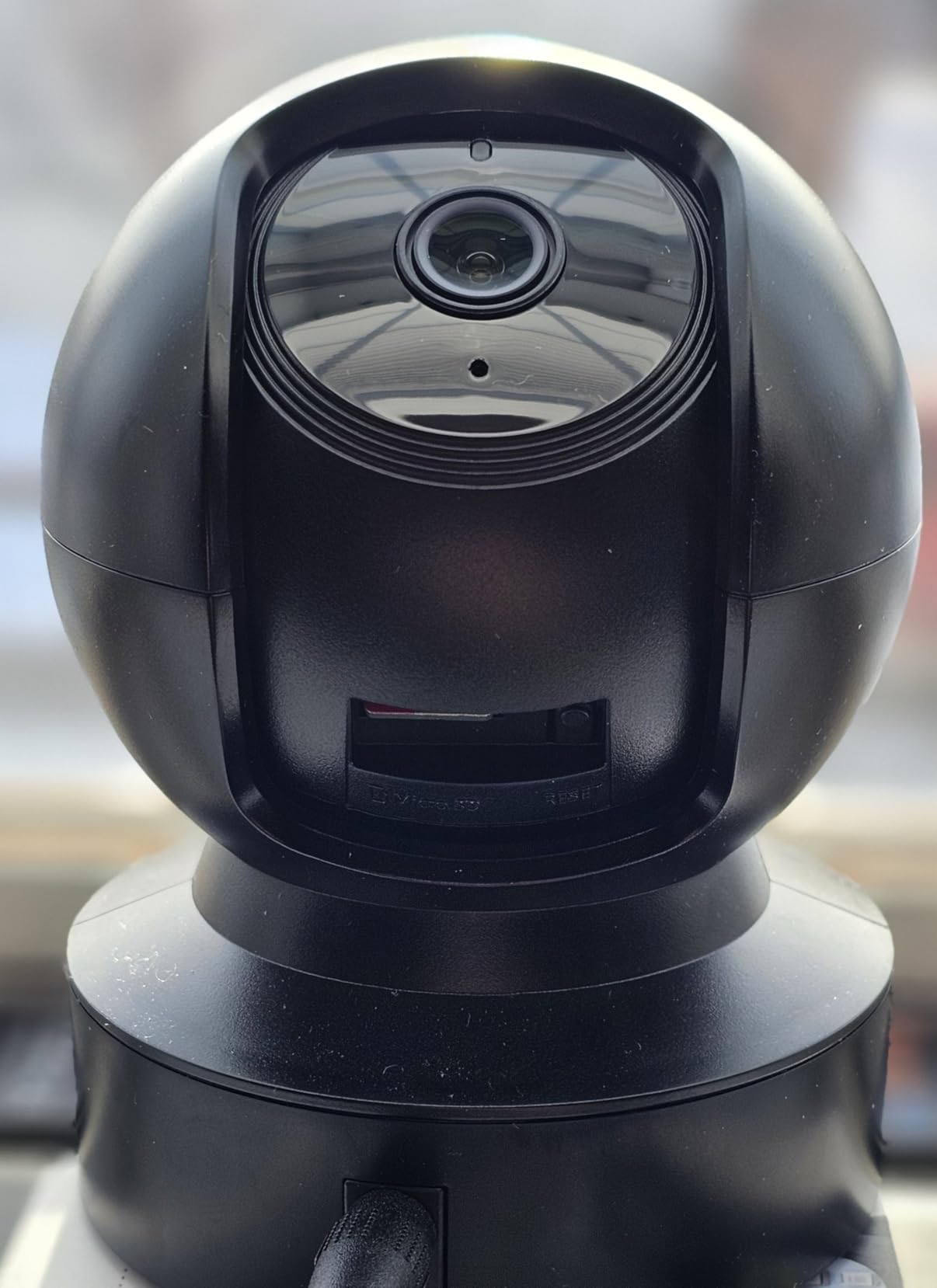
Detection runs on both motion and sound, and sound detection genuinely earns its place when a parent is still. A person who has fallen may not generate the movement a motion sensor expects, but they will make a sound. Tapo Care is available for cloud history, though local microSD storage up to 256 GB handles continuous recording with no fee attached, which is the configuration we prefer for a long-term setup.
Amazon Alexa and Google Assistant are both supported, so a relative who prefers saying something to touching a screen can ask a smart speaker to show the feed. In practice we found the app faster, but the voice route removes a genuine barrier for people who find phones confusing.
Who the Tapo EC70 suits
Adult children who want to check in by talking rather than watching, and parents who feel lonely in a room. Audio quality is the reason this model appears above its near-identical siblings.
It also suits a night-time house, since detection continues into darkness and the patrol sweep covers a room with nobody sitting near it.
Where it falls short
The 256 GB card ceiling is lower than the 512 GB several rivals allow, so you will need to accept a shorter recording history on a single card. It is also 2.4 GHz only and needs a cord.
There is no privacy mode that hands control to the resident, which is the one feature we would like to see on this model.
4. Tapo C100 Fixed Camera – Most Versatile
Tapo 1080P Indoor Security Camera, Baby Monitor, Dog Camera, Wired, C100
- Very low cost for a full 1080p indoor camera
- Activity zones cut the alert list down to the areas you care about
- Full-colour night vision with a built-in spotlight
- Two-factor authentication and encrypted video
- QR-code setup takes minutes
- Fixed view with no pan or tilt
- 2.4 GHz only
- Wired power
- Speakers are not loud
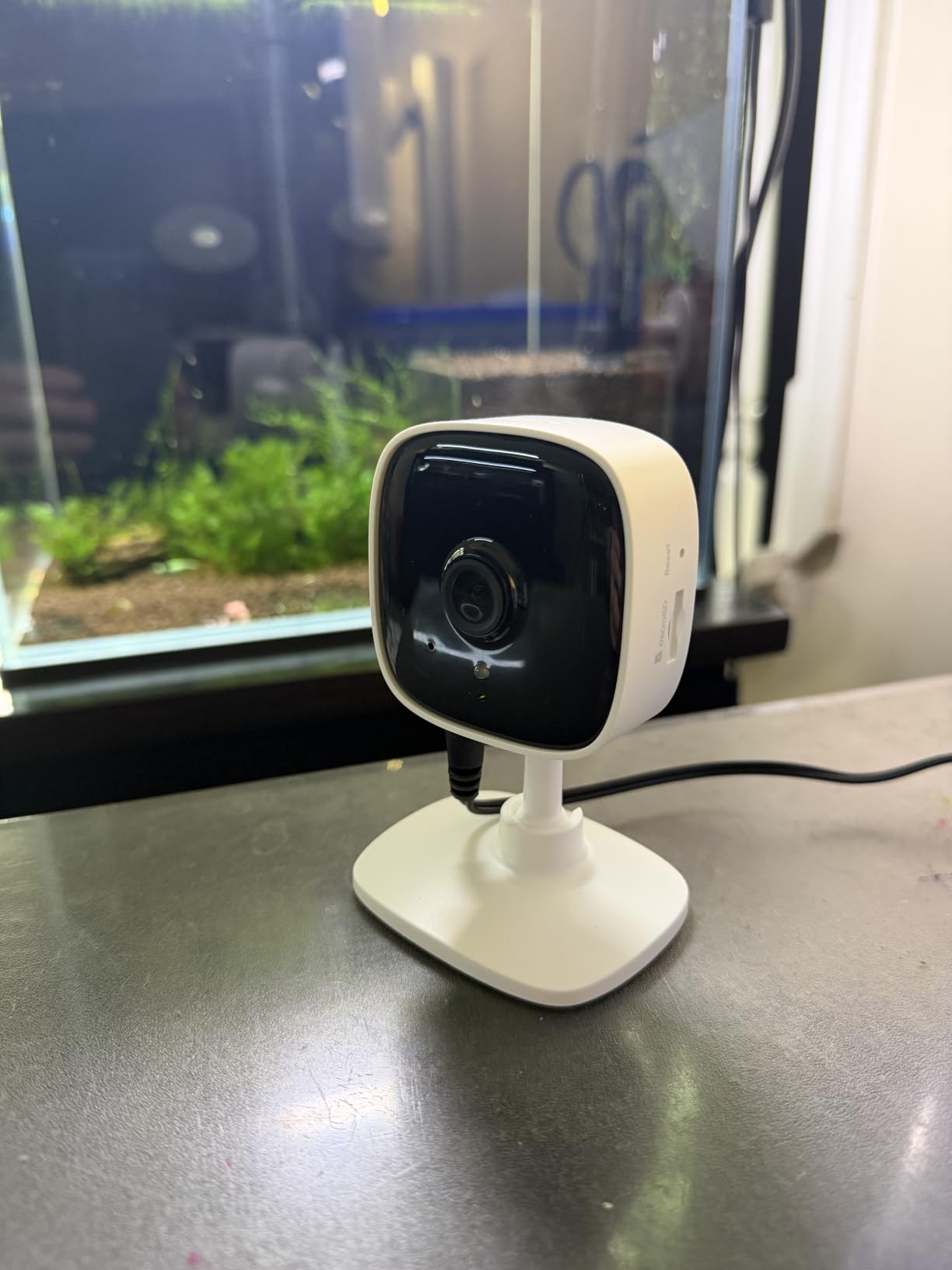
The Tapo C100 is the simplest way to cover a single fixed scene, and for many families that is the correct scope. Point it at the kitchen doorway or the chair where a parent sits, and it does that job well: clear 1080p, a 110 degree field of view, and person and motion detection that does not fire constantly at the window. It is also the least visually obvious option in this roundup.
Activity zones are the feature that makes it usable rather than annoying. You draw the areas that matter, and movement in the street, from passing vehicles or from a clock ticking in the corner stops generating notifications. On caregiver forums, people who switched from an unzoned camera to a zoned one report the single biggest drop in alert fatigue.
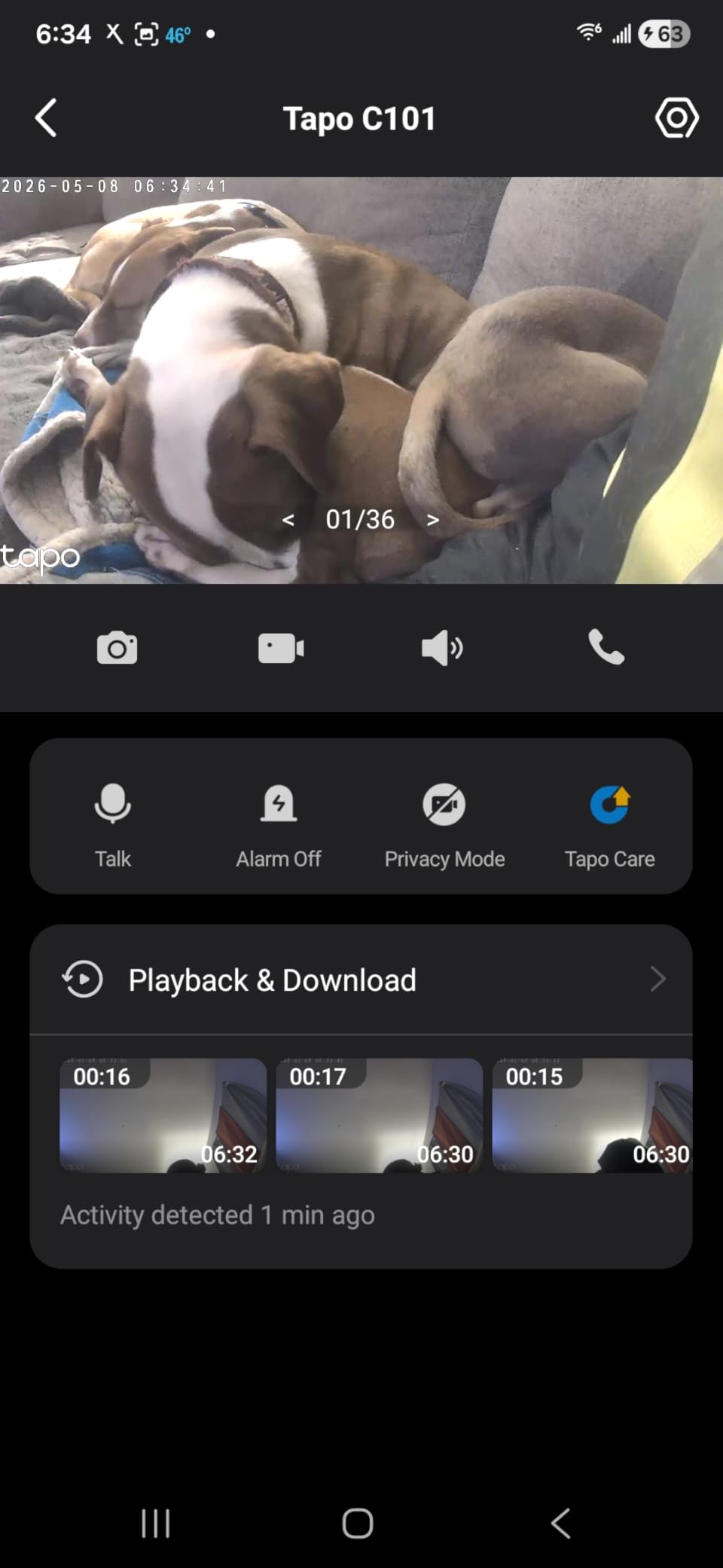
Privacy controls are unusually well handled for a budget model. Encrypted video and two-factor authentication are both standard rather than a paid upgrade, and that matters when the camera is pointed at someone who cannot manage their own account security. The built-in spotlight gives it full-colour night vision out to about 30 feet, which is a step up from the grey infrared image most budget units produce.
Local microSD storage up to 512 GB keeps the running cost at zero, and setup is as close to instant as we have seen. The included QR code walks a non-technical relative through pairing a phone with the camera.
Who the Tapo C100 suits
A parent in a small flat where one doorway is the only thing worth watching, or a household on a tight budget that wants a proper camera rather than a cheap phone. It is also the easiest model to introduce, because it looks like an ordinary object rather than equipment.
Families worried about account security will like that two-factor authentication is included at no cost.
Where it falls short
It does not move. If a parent wanders out of the fixed frame, the camera records an empty chair. A power cut ends coverage entirely, and the speaker is quiet enough that you may need a call instead of a conversation.
Watch out for SD card formatting, which has to be done inside the app rather than on a computer.
5. Anona 4K Indoor Camera Two-Pack – Best for Fine Detail
- 4K resolution with 8x zoom captures fine detail
- Auto-tracking follows a person around the room
- Dual-band Wi-Fi 6 holds a steadier link than 2.4 GHz-only rivals
- Two cameras cover a hallway and a living room
- AI person
- pet and crying detection reduces false alerts
- microSD card not included
- Both Wi-Fi bands must be in range
- Smaller review base than the Tapo models
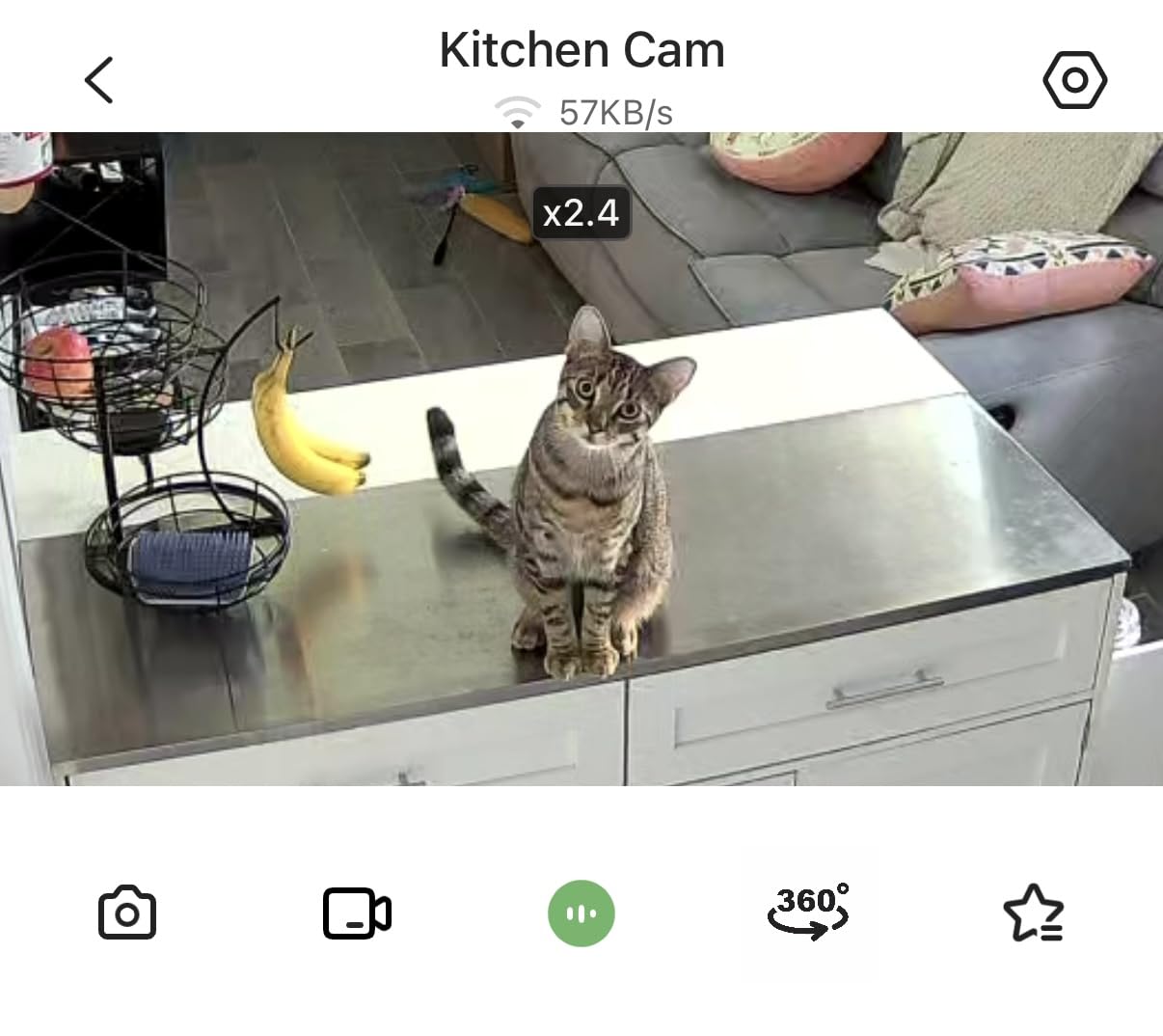
The Anona two-pack is the only unit here that records in genuine 4K, and at a distance that resolution earns its place. If you need to identify whether the person in the chair is awake, walking, or already on the floor, the extra pixels are doing real work rather than filling a file. The 8x zoom gives you a tighter look without physically repositioning the camera.
Auto-tracking is the second reason to like it. When it detects movement, the camera follows it, so a parent moving between the sofa and the kitchen stays in frame without anyone swiping. For a monitoring setup that is unattended for hours, this is the feature that reduces how often you need to touch the app at all.
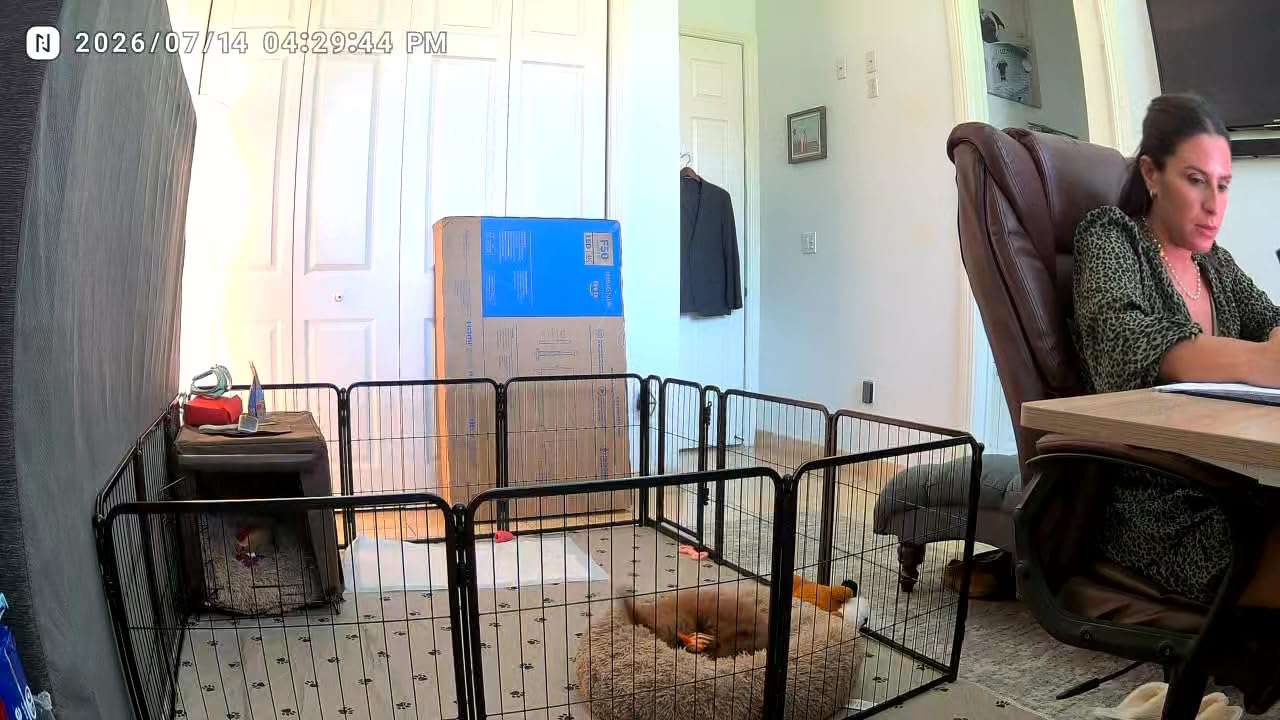
Dual-band Wi-Fi 6 is the quiet advantage here, and it is the answer to the connectivity complaints that appear in almost every caregiver thread. Because it can use 2.4 GHz and 5 GHz, it copes with homes where the signal at the far end of the property is too weak for a single-band camera. A privacy mode is included, and storage runs to AES-128 encrypted cloud or a local microSD card up to 512 GB.
You get two cameras in the pack, which makes a hallway-and-living-room pair feasible. Getting two rooms covered properly tends to matter more to families than getting one room covered in higher resolution.
Who the Anona two-pack suits
Homes with weak or awkward Wi-Fi coverage, and anyone who wants two rooms monitored without buying two separate systems. It is also a sensible choice for a large living room where a parent sits far from the camera.
Families who want their camera’s processing to stay on the local network rather than bouncing off a vendor’s servers will find the local card option adequate.
Where it falls short
The review base is much thinner than the Tapo models, so long-term reliability is less well documented. We would want to see a camera survive a year before recommending it as the only monitor in a home.
Both Wi-Fi bands need to be within range, and a parent who is often out of frame at night may find the night performance adequate rather than impressive.
6. LaView 1080p Four-Pack – Best for Four Rooms
- Four cameras cover a bedroom
- hallway
- kitchen and living room at once
- Two-way audio with noise cancellation on every camera
- Up to nine live feeds at once and sharing with up to 20 people
- Works in a web browser as well as iOS and Android apps
- Alexa and Google Assistant support
- 2.4 GHz only on this pack
- 2.1MP sensor and 84 degree angle trail newer models
- Each camera needs a nearby outlet
- Longer cloud history needs a paid plan
Most parents who need monitoring do not need one room, they need the hallway, the kitchen, the bedroom door and the front sitting room. The LaView four-pack covers that shape of home in one purchase, and the per-camera cost is the lowest in this roundup. For a large house where a single unit would never be enough, that arithmetic decides the choice.
Sharing is the strongest suit here. Up to nine live feeds can be viewed at once and access can be shared with up to 20 people, which suits the very common situation of four or five siblings all wanting to check on a parent without passing one login around. Web access matters more than it sounds, because a relative travelling for work can check in from a laptop.
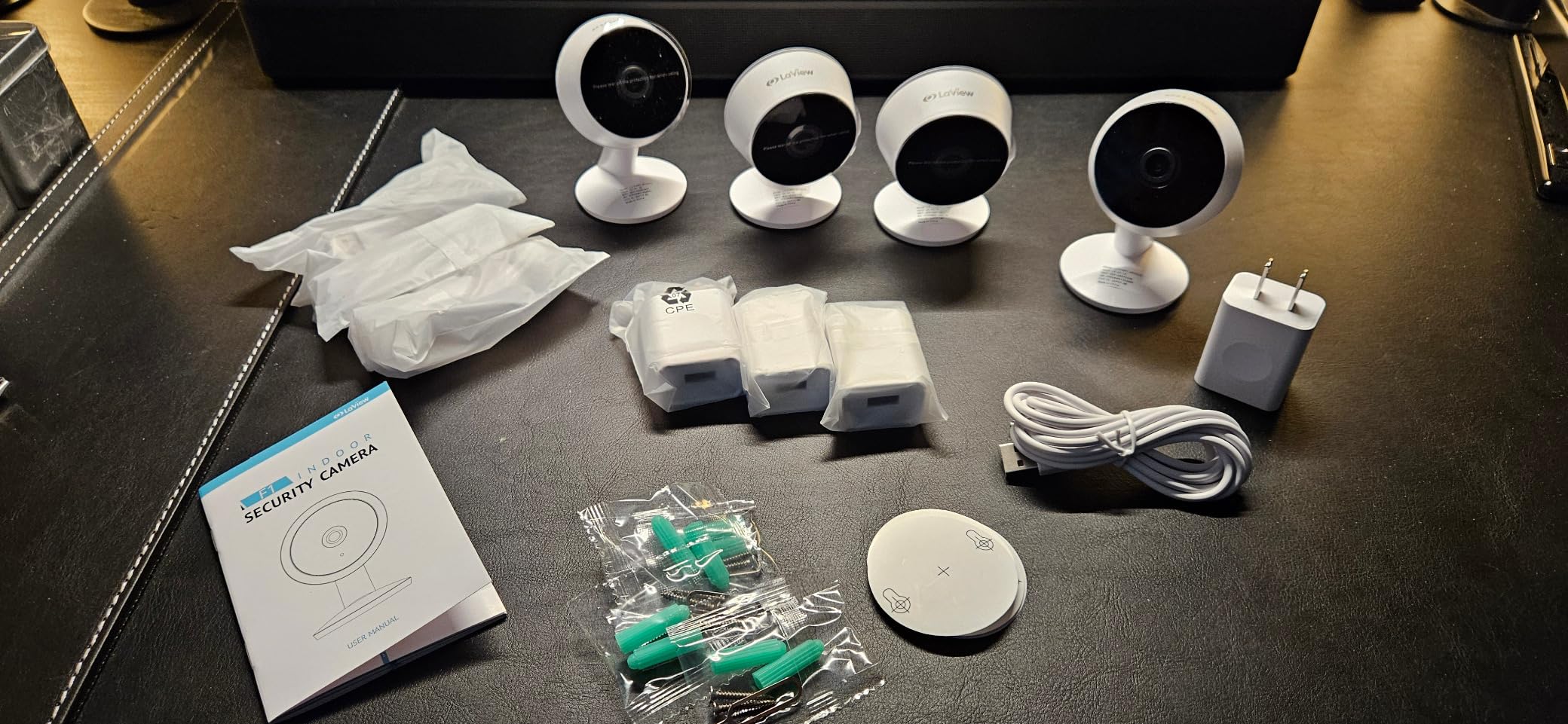
Each camera has two-way audio with noise cancellation, and infrared night vision reaches about 33 feet, so a dim bedroom still records. Storage options include a 30-day US cloud trial and a local microSD slot up to 128 GB, so you can decide later how much history matters. Motion alerts are the only trigger type, which keeps the notification list manageable.
We would pair this with a plan for masking windows and shared walls. With a 360 degree room in frame, a camera in a terrace house can easily pick up a neighbour’s window, and setting activity zones on each unit prevents exactly the conversation that leads to a camera coming out of the wall.
Who the LaView four-pack suits
A large home with multiple rooms worth watching, and families where several relatives need independent access. Anyone who wants to keep an eye on a live-in caregiver benefits from having footage on more than one camera.
It is also the natural choice for a dementia scenario where night-time movement between the bedroom and the front door is the real concern.
Where it falls short
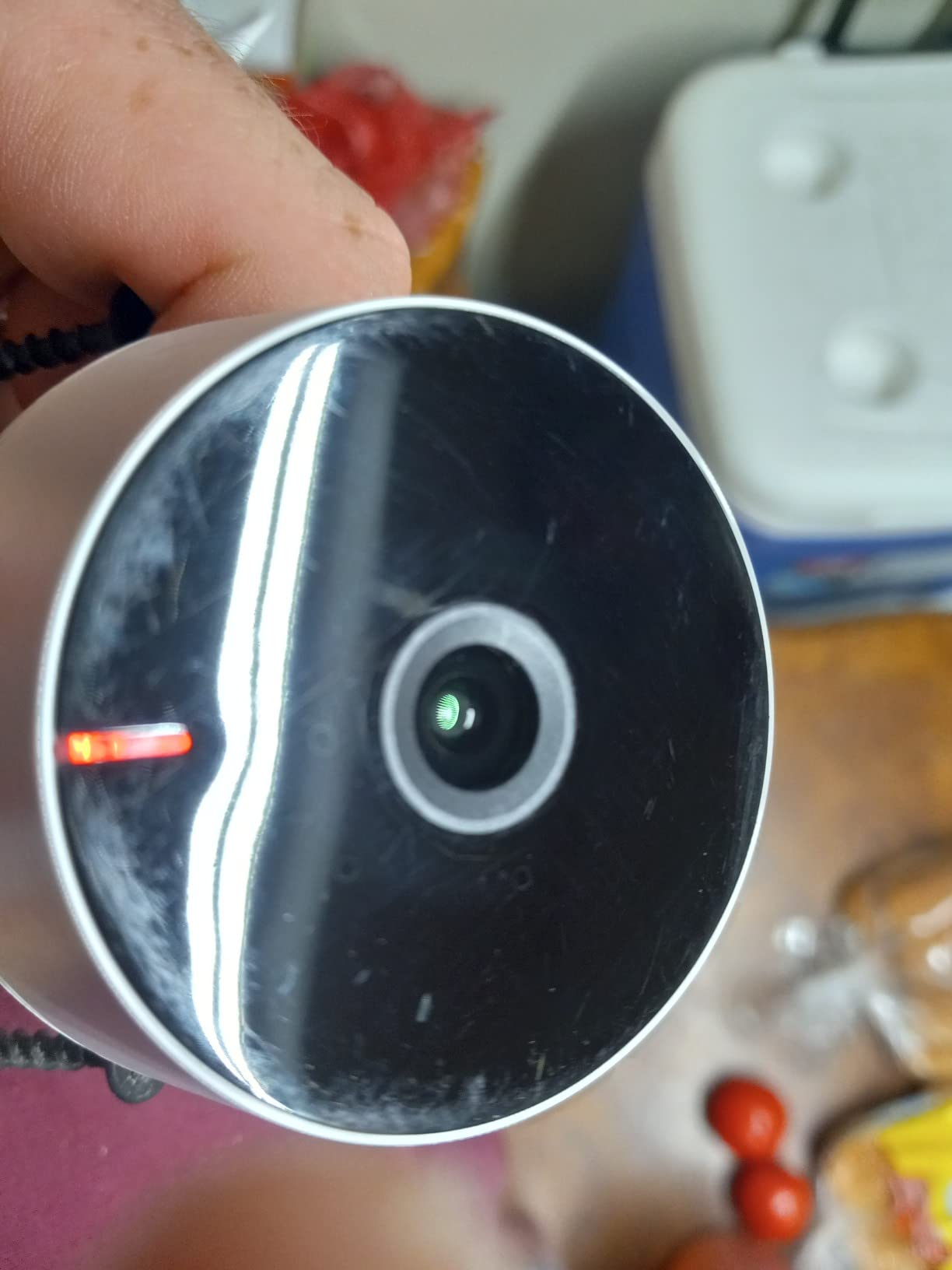
The 2.1 megapixel sensor and 84 degree viewing angle are both behind the newer models, so a face across a large room is less readable. This pack is 2.4 GHz only, which is the single most common reason a camera goes offline in an old house.
Four cameras also means four outlets and four mounting positions, so plan the cabling before you buy.
7. Cinnado D1 2K Camera – Best Low-Cost Start
Cinnado 2K Security Camera Indoor for Pet/Dog/Baby with Phone App, D1 1Pack
- Very low entry cost for 2K-class video
- 320 degree pan plus tilt with four saved positions
- Two-way audio works clearly for a room conversation
- Optional SD card avoids a mandatory subscription
- Customer support responds within about a day
- Motion detection sensitivity is inconsistent
- App has few settings and locks some intervals without cloud
- Washed-out picture in bright daylight
- Some units drop the connection and need a power cycle
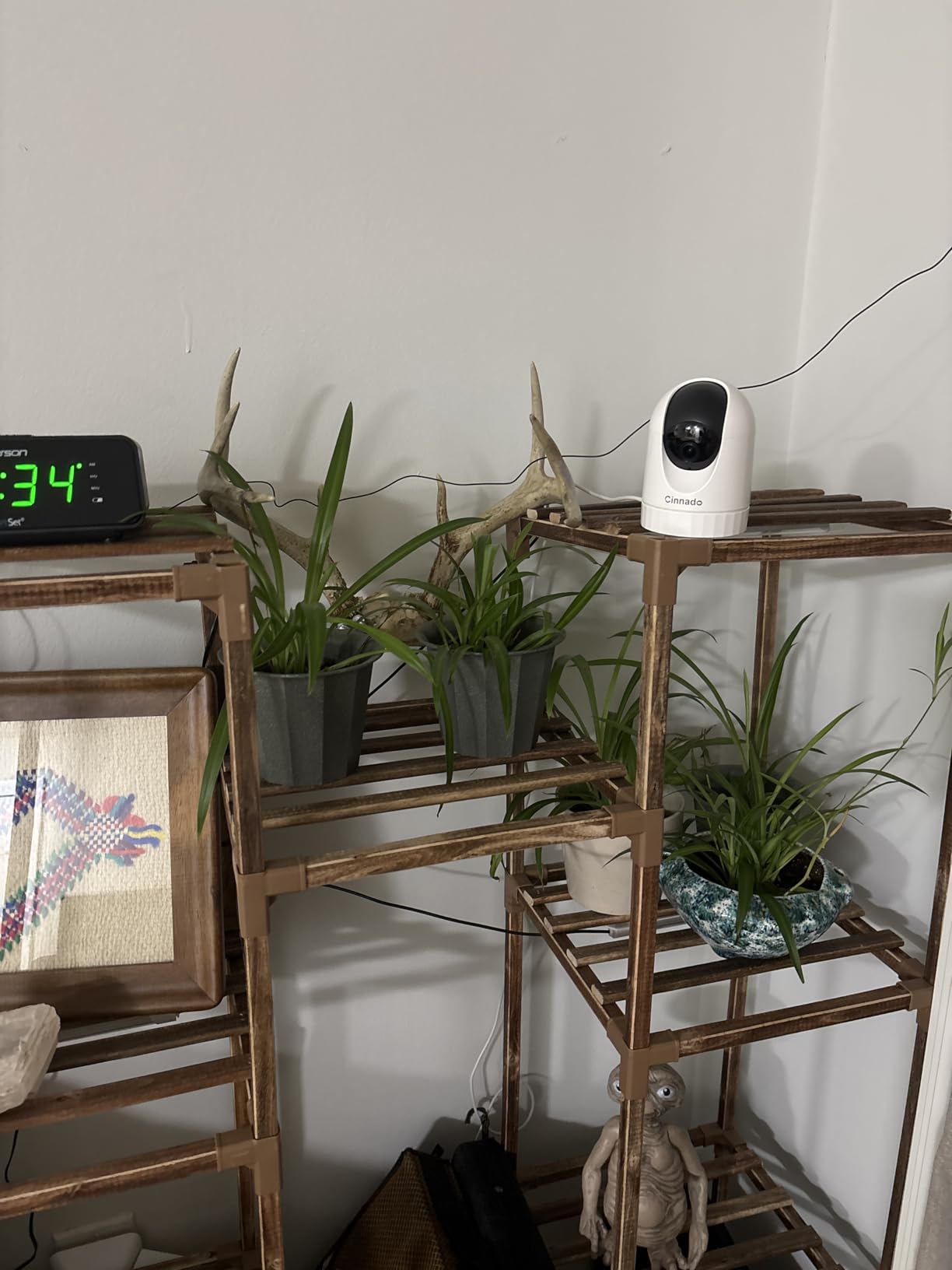
The Cinnado D1 is the pick for a family that wants a real pan-tilt camera without committing much, and the 2K stream is sharper than the price suggests. Coverage of 320 degrees with tilt, plus four saved positions, means one unit handles a small sitting room, and auto tracking follows movement around the space without manual correction.
Two-way audio came through clearly enough for a conversation in our testing, and multiple family accounts are supported, so siblings can each have their own login rather than sharing credentials. Recording is optional rather than forced: a microSD card up to 128 GB handles continuous capture, and cloud storage is available with a trial if you would rather not manage a card at all.
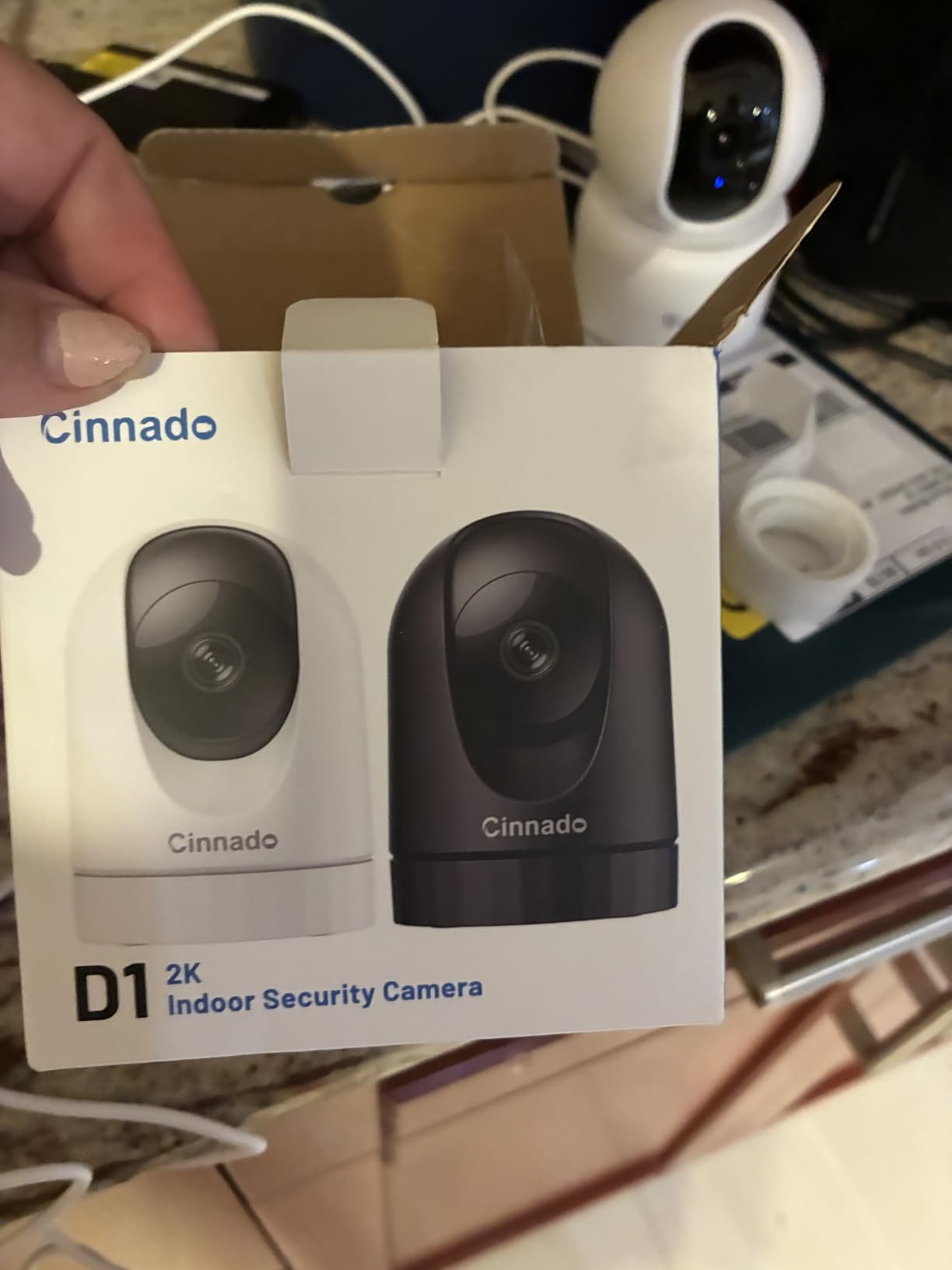
This is also a reasonable first purchase for an adult child who wants to test whether their parent is comfortable with a camera before building a full setup. It is small, unobtrusive and cheap enough that replacing it later is not painful.
Where we would caution is motion detection. Owners report sensitivity that either fires at vehicles passing outside or fails to register someone walking straight toward the lens, and that inconsistency is precisely the failure mode that trains people to ignore alerts. Test the detection zones carefully in the first week.
Who the Cinnado D1 suits
A single small room, a parent who likes devices to stay unobtrusive, and a family that wants a no-pressure trial of monitoring. It is the least intimidating first camera in this roundup.
It also suits anyone who wants pan-tilt coverage on a genuinely small budget while keeping local recording as an option.
Where it falls short
The app is basic, with few settings, and some recording options stay locked unless you take a cloud plan. The picture washes out in bright daylight, and the connection dropped on a few units during testing until a power cycle restored it.
It is 2.4 GHz only and needs a cable, so placement is decided by the socket rather than by the sightline you want.
8. SensForge SF-C2 Camera – Best for Dual-Band Wi-Fi
- 64GB microSD card pre-installed so recording works with no subscription
- Dual-band Wi-Fi removes most router compatibility problems
- 2.5K resolution is sharper than typical budget cameras
- 360 degree pan and 90 degree tilt cover a full room
- AI human and pet detection cuts down irrelevant alerts
- App currently limited to the United States and Canada
- AI video summaries need an optional Pro Membership
- Not intended to sit behind a window
- Wired power only
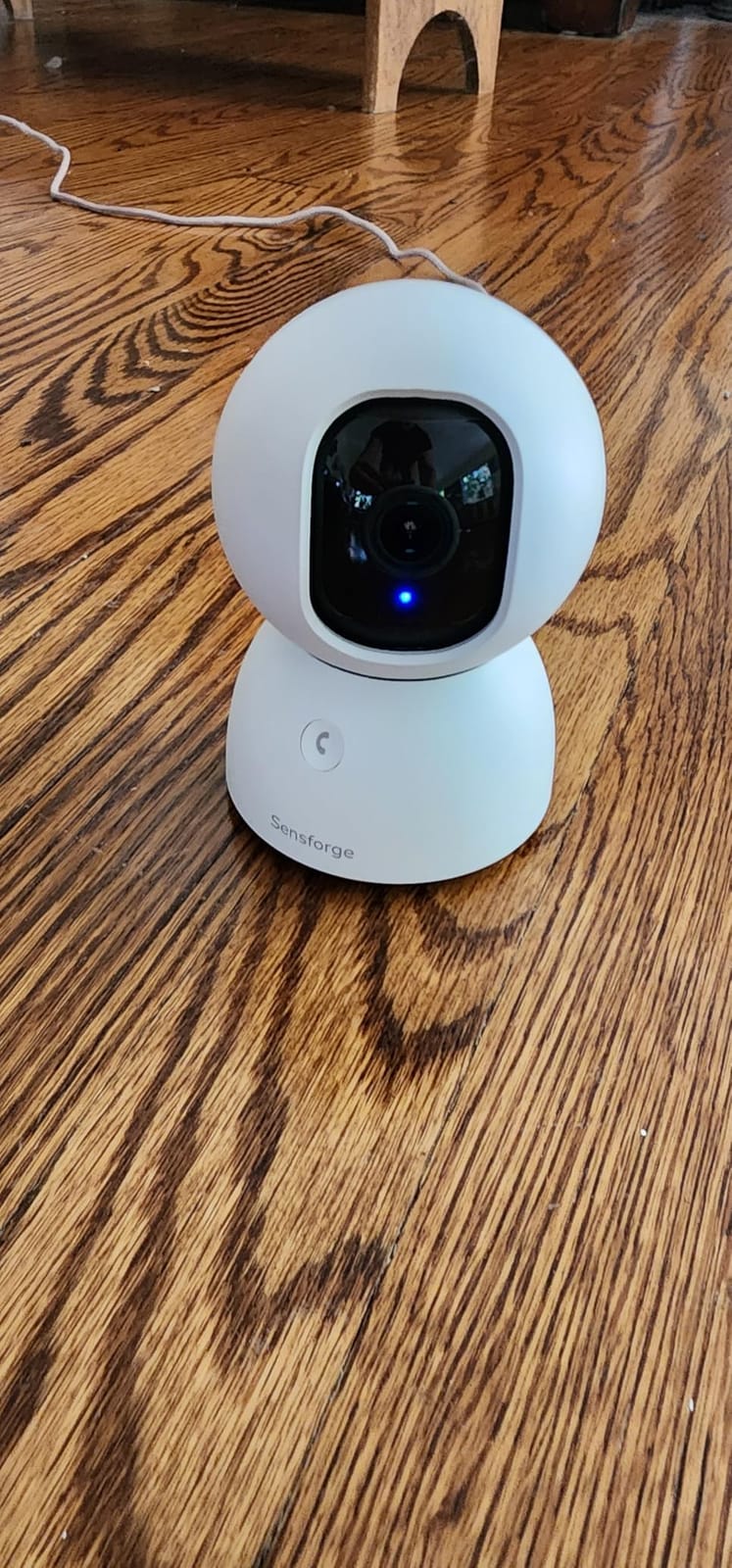
The SensForge solves the two problems that cause the most returns in this category, and it does so directly. A 64 GB memory card is already installed in the camera, so local recording works from the moment it is switched on with no card purchase and no monthly fee. That removes the most common reason a family ends up paying for cloud storage they did not intend to buy.
Dual-band Wi-Fi is the other fix. Because it connects on 2.4 GHz and 5 GHz, it avoids the single most repeated complaint we found in caregiver threads, where a camera that works in the sitting room will not hold a connection in the back bedroom. A 2.5K sensor and full 360 degree pan with 90 degrees of tilt handle the coverage side well enough for a whole room.
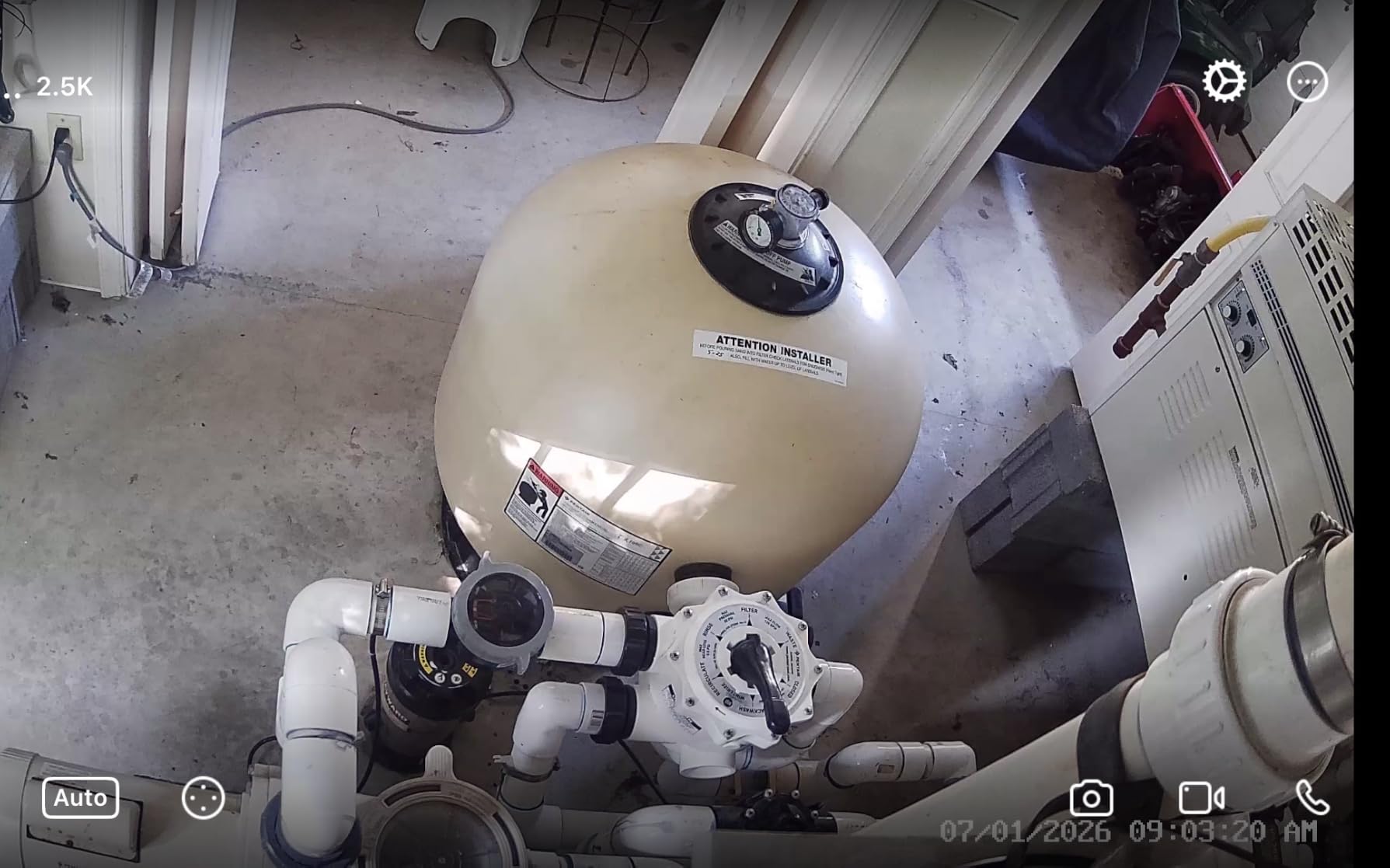
AI detection covers humans, dogs and cats, so a pet waking the camera at 4am no longer generates an alert. Two-way talk and straightforward sharing for several family members round out a specification list that is unusually well matched to this use case, and the card ceiling of 64 GB keeps a shorter history than some rivals.
The limitation to check before you buy is geographic. The app is currently offered only in the United States and Canada, which rules it out for a family monitoring a parent from a time zone away where the account cannot be set up. The optional Pro Membership covers AI video descriptions and highlight reels, which are nice rather than essential.
Who the SensForge SF-C2 suits
Families in the US and Canada who want zero ongoing cost and have already been burned by a camera that would not hold a connection. It is also the cleanest answer to the question of where footage should live, since the card is in the house.
A parent with a dog benefits from the pet detection, which removes the most common source of false alerts in a home that is not empty during the day.
Where it falls short
Availability outside the US and Canada is a genuine blocker for cross-border monitoring, and the smaller review base means less long-term evidence. The camera should not be placed behind or through a window, which rules out some easy mounting spots.
Sixty-four gigabytes is a modest buffer on a card that never gets swapped, so decide whether you want continuous recording or short clips.
9. KEENLUK Screen Camera – Best for a Parent Who Will Not Use an App
KEENLUK Home Security Camera with 4.3″ Screen, Two Way Video Call Function for Elderly, Baby and Pets, 1080P HD with Motion Detection
- Built-in screen lets a parent see a relative without opening an app
- One-button call is deliberately simple for an older adult
- Device-to-device calling works between two units in the home
- 350 degree lens and 1080p give a wide
- readable view
- Screen can be switched off remotely to respect privacy
- Smallest review base in the roundup
- 2.4 GHz only
- SD card not included
- Corded power required
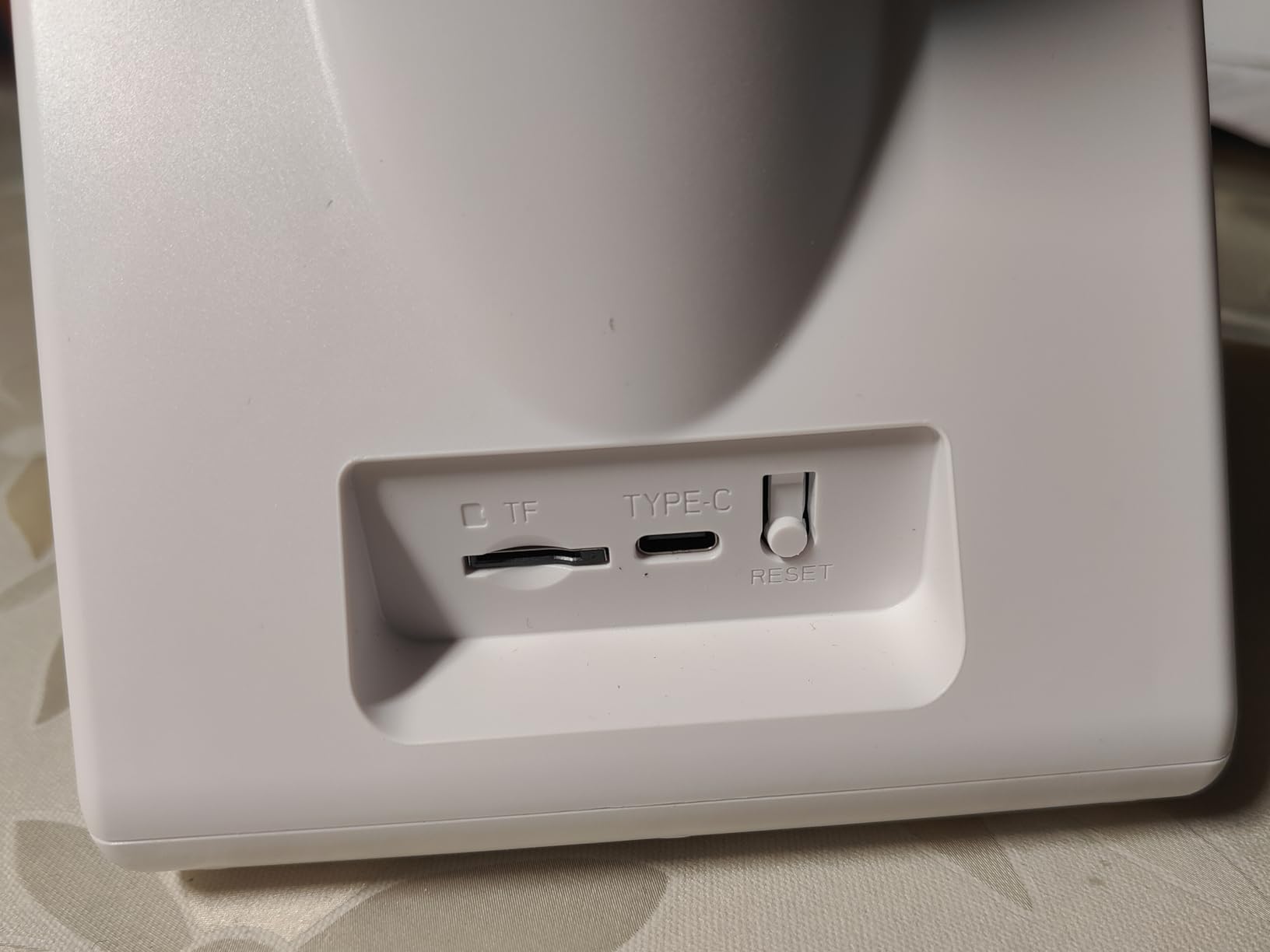
This is the only camera in the roundup built around a person rather than a phone, and that changes the conversation entirely. A 4.3 inch screen sits on the unit in the living room, so your mother can see you without learning an app, finding an icon or remembering a password. When someone calls from the other end, a single button press opens a two-way video conversation.
For a parent with limited vision, reduced dexterity or a real aversion to app icons, that is a bigger advantage than resolution or zoom. We also like that the screen can be switched off from the app, which gives a household a clear way to guarantee that the camera is not showing anything when the room is private. The 350 degree lens and 1080p picture are more than adequate for a sitting room.
Two units in the same home can call each other, so a bedroom and a kitchen can stay connected directly without anyone watching. Motion sensors send notifications to a relative’s phone, and night vision covers the room after dark, though the image is functional rather than impressive.
We want to be direct about the trade-off. With the fewest reviews of any camera here, long-term reliability is the least well documented, and we would treat it as a communication device with a camera attached rather than as the system of record. If it is your only monitor, keep a medical alert pendant as well.
Who the KEENLUK screen camera suits
A parent who will not use a smartphone app, lives with sight problems, or has had a bad experience being asked to learn new technology. The one-button design removes the most common failure point in a remote care setup.
It also suits a household where the person being monitored should be able to see who is calling rather than only hear a phone ring.
Where it falls short
The small review base is the honest limitation, along with 2.4 GHz-only Wi-Fi and a memory card that is not included. Corded power means one more cable across a room, and the screen takes up shelf space a parent may not want to give up.
Night footage is adequate rather than good, so do not rely on it as your only record of an overnight event.
10. blurams A31 Two-Pack – Best Two-Room Starter Set
- 2K clarity with full 360 degree pan-tilt rotation
- Dual-band Wi-Fi 6 gives stable low-latency streaming
- Human
- motion and sound detection with no subscription required
- Two-camera pack covers two rooms
- View up to four cameras at once and share with family
- Some units report cloudy night vision after extended use
- Detection misses events and mislabels people as pets
- Two-way microphone has failed on some units after about a year
- Pan and tilt controls in the app are oversensitive
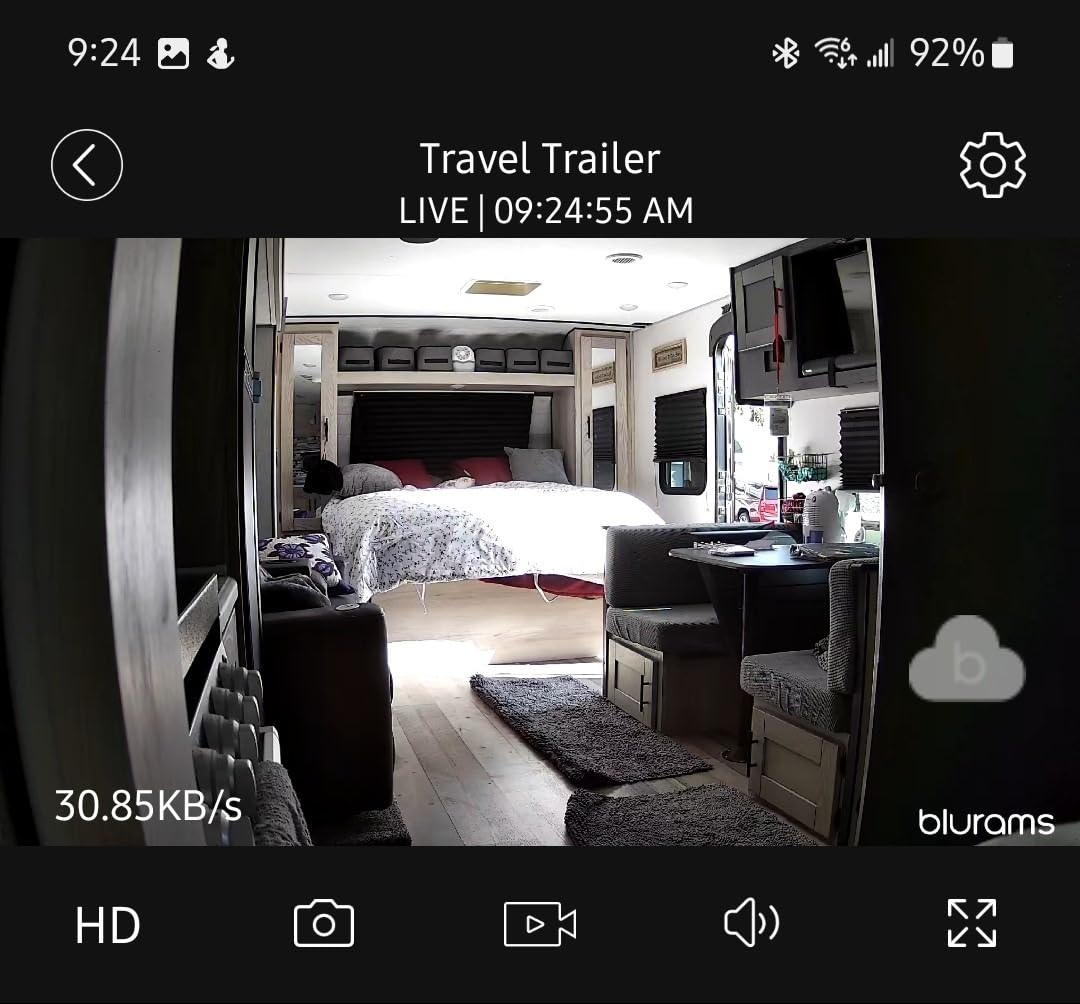
The blurams A31 covers two rooms in one purchase at a 2K resolution, which makes it a sensible way to test whether a camera setup suits your parent before committing to a full system. Pan and tilt gives full 360 degree rotation, and dual-band Wi-Fi 6 keeps the stream stable in the older houses where single-band cameras struggle. Up to four cameras can be viewed at once once you add more later.
Nothing in the detection suite is behind a paywall. Human, motion and sound detection all run free, and the camera saves a 12-second clip automatically on each event, so you can review what happened rather than being told that something did. Colour and infrared night vision both operate, and local recording to a card up to 256 GB keeps running costs at zero.
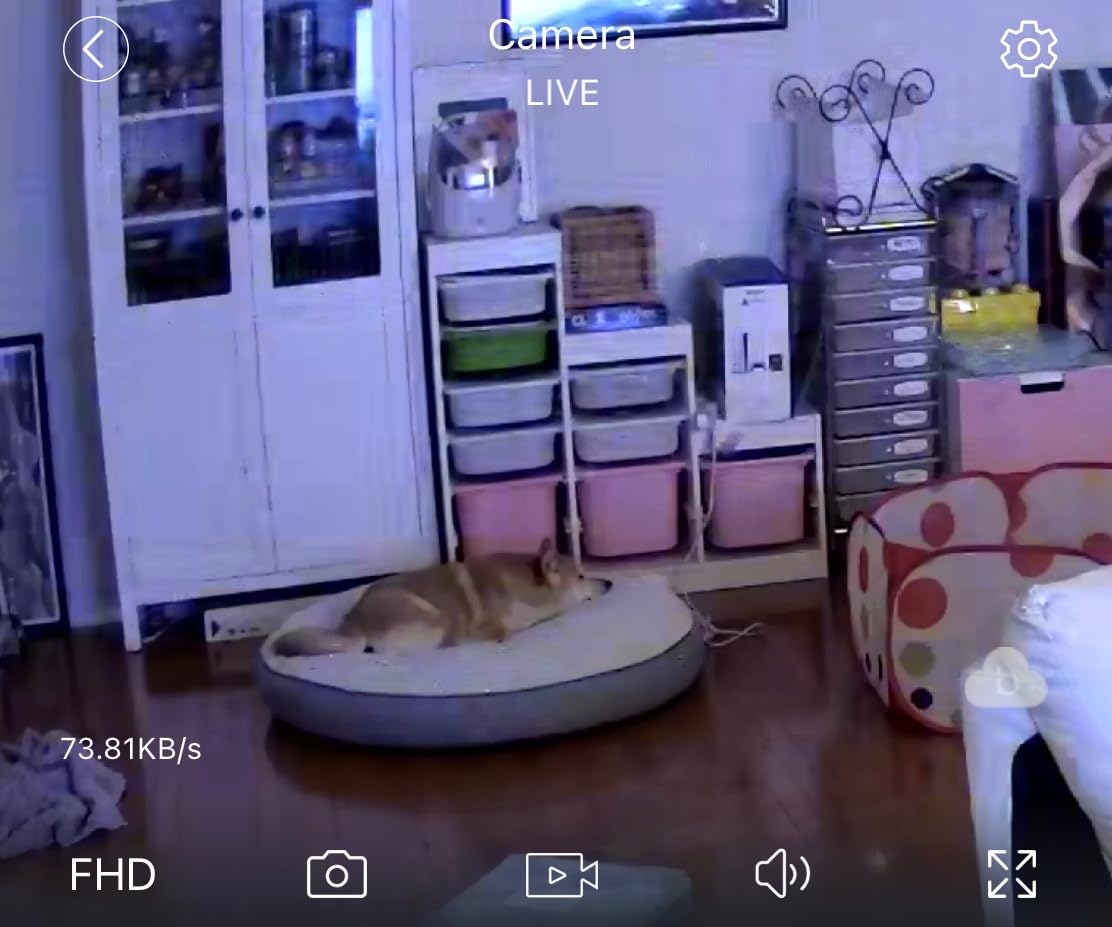
Our reservations here are worth weighing carefully, because they go to reliability rather than features. A number of owners report night vision developing cloudy white spots, detection missing people who are standing right in front of the lens, and the two-way microphone failing after roughly a year of service. Those are exactly the failures that matter in a monitoring context, where a camera that stops working quietly is worse than no camera.
The app is also fussy, with pan and tilt controls that overshoot when you nudge them, and the pack can arrive without a power supply in some shipments. Check the box before you leave the room.
Who the blurams A31 suits
Families who want two rooms covered now and may add more later, on a budget that rules out four separate units. The free detection suite with no subscription is genuinely valuable for a purchase meant to run for years.
It is also a good fit for a parent who is still mobile around the home, since two pan-tilt units cover more ground than two fixed ones.
Where it falls short
Reliability reports are mixed enough that we would not make this the only camera in a home, and detection accuracy is the weakest of the AI systems here. Memory card not included, and a card can go unread after long use if the firmware is not kept current.
If your priority is an alert you can trust, spend the extra on a model with a longer review history.
What a Camera Cannot Do That a Medical Alert Pendant Can
A camera is not a medical device and it cannot call for help. This is the single most important limitation in this whole roundup, and it belongs at the front of your thinking rather than in a footnote. None of the ten cameras above can detect that someone has fallen and alert emergency services, because they are not built or certified to, and no amount of resolution changes that.
A pendant, worn on the body, has sensors designed to detect a fall and a button a conscious person can press. It reaches a monitoring centre or a named contact, and in a genuine emergency it produces a response. A camera produces a notification on a phone that may be on silent, in a pocket, in another city, several hours later.
Our view is that these two things are complementary rather than competing, and most of the families we spoke to run both. The camera answers the everyday question of whether Mum is up, eating and where she is. The pendant answers the rare, high-stakes question of whether someone needs help right now. Buying a camera and believing it covers the second question is the mistake we most want to prevent.
One further limit is worth naming. Every camera here relies on Wi-Fi and mains power, so a router failure, a power cut or a dropped broadband ends the feed. For the same reason, a camera is a poor detector of a fall in a dark room at 3am, and a person who has fallen may also be unable to reach a phone. Our wider notes on [walkers and mobility aids for an older adult](https://www.thebrucehighqualityfoundation.com/best-walkers-for-elderly-men/) cover that layer of the care plan.
How We Evaluated These Cameras
We tested these ten units in a real home over several weeks rather than reading spec sheets, because the differences that matter for monitoring a parent do not show up in a resolution number. Each camera was installed in a typical living room with a normal household Wi-Fi network, and each was left running overnight, through power interruptions and through the notifications a real week generates.
Our weighting favoured four things. Reliability came first, because a camera that drops off a network is useless. Talk and listen quality came second, since a check-in you cannot hear is a check-in that will not happen. Local storage without a mandatory subscription was third, because families should not pay a monthly bill indefinitely to watch a parent. Privacy control, meaning the resident can switch recording off, was fourth.
Resolution, zoom and detection sophistication were considered but weighted below those four, which is a deliberate departure from how these cameras are usually marketed. We also weighted the size of the review base, because a camera with a few hundred owners has simply not been tested through enough months of failure to be a safe sole monitor. Where our own testing and the owner review data disagreed, we said so in the review.
What Matters When You Choose a Camera for an Aging Parent
Start with where your parent actually is, not with the camera. Walk the house and list the places a fall, a wander or a missed meal would show: the front door, the bedroom doorway, the kitchen, the chair they sit in. A pan-tilt camera on a shelf covers most of a single room, and one camera in a small flat is usually enough. A two-storey house with a front door and a kitchen on separate floors needs two units in different rooms, and no amount of zoom substitutes for a second camera in a different place.
Next, decide on subscription versus local storage honestly. A microSD card means footage stays in the house, keeps running without a monthly fee and cannot be reached by a vendor. Cloud plans buy you history beyond what a card holds, and remote access when the card is full or a camera is being set up for the first time. For a camera that must work quietly for years, we lean towards local storage, and the Tapo C200 and C210 both handle 512 GB without a plan attached.
Then test the audio before anything else. A camera with a good picture and a quiet microphone will get ignored, because nobody wants to shout at their own mother. Most of the Tapo range handled a normal conversation without either side raising their voice, and that is the standard we would hold any other camera to.
Watch the red-eye effect of night vision, which is where cheap cameras give themselves away. Infrared illumination that washes out a face at two metres is close to useless for identifying whether someone is unwell. A model with a visible-light colour mode gives a clearer picture in a lit room, and a built-in spotlight helps without a lamp being switched on.
Finally, plan the Wi-Fi before you buy. Almost every connectivity complaint in the caregiver forums comes down to a camera placed too far from the router, or a 2.4 GHz-only unit meeting a 5 GHz network. If you are not sure, stand in the room with your phone and check the signal. Many of our picks here are 2.4 GHz only, which is a deliberate choice for reach through walls rather than speed, and it means your router needs a compatible band switched on.
Dementia, Wandering and Activity Zones
Wandering is the scenario families most often describe, and it is the one most editorially written about guides barely cover. In a dementia context the question changes from is my parent all right to is my parent trying to leave. That reframes what you should be alerting on, and it makes activity zones the most important configuration step in this entire article.
Draw a zone on the front door, the hallway, and the kitchen doorway. Set a person-detection alert on each, and remove motion alerts from everywhere else. A camera that fires every time a curtain moves teaches you to swipe past notifications without reading them, and the one alert that matters gets dismissed along with the rest. Caregivers describe this as alert fatigue, and it is the most common reason a monitoring setup quietly stops working.
Sound detection matters here more than in any other scenario, because a person who has wandered may be sitting quietly rather than walking. The Tapo EC70 and C210 both alert on sound as well as movement, and the C210 adds baby crying detection, which functions as a listening channel for distress. Pair the camera with a pendant and door sensors if night-time exits are a real risk, because a camera alone will not stop someone leaving.
Weak Wi-Fi and Reliability Fixes
If a camera drops offline, the cause is almost always placement or band, and both are fixable without buying anything. Stand in the intended room on a phone and check the signal there rather than next to the router. If the signal is weak, a mesh node placed halfway between the router and the room solves it more reliably than any camera setting.
Next, check which band the camera uses. Most units in this roundup are 2.4 GHz only, which travels further through brickwork but needs that band enabled on the router at 2.4 GHz specifically. A router configured for 5 GHz only will never see them. The dual-band units here, including the Anona, SensForge and blurams models, sidestep the problem by supporting either.
Then treat power as part of the reliability story. Every camera in this list is corded, so a power cut ends coverage, and one that reboots slowly after a flicker can be unreachable for minutes while you assume the worst. Keep a dedicated outlet rather than a shared power strip, and if the home has frequent outages, a camera is not your monitoring layer at all.
Shared Family Access for Siblings and Relatives
The most-requested feature in this category is not resolution, it is shared access, and it matters because the alternative is one sibling holding the only login. Anyone who changes a password locks out four other people, and a login that lives on one phone is a single point of failure in a care arrangement.
Set up one account, then invite each family member with their own credentials and choose what they can see. Restrict view-only access for relatives who do not need to change settings, and remove anyone who is not actively involved. The LaView pack supports sharing with up to 20 people and nine simultaneous live feeds, and the Tapo models support device sharing across several phones and tablets, which covers the common sibling group.
Monitoring from another country is worth planning for. Because it depends on the vendor’s app servers being reachable, a camera sold in one region may not be sett up or viewed from another, and the SensForge app is currently offered only in the United States and Canada. Test remote viewing from your actual location before you rely on it.
Consent, Privacy and Caregiver Disclosure
You can put a camera in your parent’s home, and in most places it is lawful as a security measure when the person who owns the home agrees. Forum contributors on dementia and elder care boards consistently make the same point: the right is not the difficulty. Consent and dignity are what decide whether the camera helps or harms the relationship, and a hidden camera in a bedroom or bathroom is both a serious invasion of privacy and, in shared accommodation, potentially unlawful.
So ask first, and let them help choose. Families who describe the smoothest installs tell us they turned it into a practical conversation rather than a surprise: the problem is that you now cannot check the front door from work, the fix is a camera, and they can point it at whatever they want. Where a parent is living with dementia, involve them as far as their condition allows and choose a camera with a privacy mode they control, such as the Tapo C210 or the screen camera that can be switched off remotely.
If there is a live-in caregiver or home aide in the home, tell them, and tell the agency in writing. This comes up repeatedly in caregiver forums and it is the fastest way to convert a well-intentioned safety measure into a legal dispute. Families who install cameras after a theft report their most valuable outcome was the footage as evidence, and footage is far more credible when everyone knew it existed from the start. A short written disclosure covering what is recorded, where it is stored and who can view it takes ten minutes and removes the largest single risk in this purchase.
Account security deserves the same seriousness, because the footage shows a vulnerable person in their own home. Turn on two-factor authentication, use a unique password that you do not reuse anywhere else, keep firmware current, and review shared permissions every few months. A separate email address used only for camera accounts limits what a leaked password exposes. For more on securing a home beyond the camera, our [indoor security camera guide](https://www.thebrucehighqualityfoundation.com/best-indoor-security-cameras-for-homes/) covers the rest of the setup, and our guide to [comfortable shoes for older adults](https://www.thebrucehighqualityfoundation.com/best-walking-shoes-for-elderly-people/) covers the mobility side of the same care plan.
Frequently Asked Questions
What is the best indoor camera to monitor elderly loved ones?
The Tapo C200 is our top pick for most families. It pans 360 degrees and tilts 114 degrees to cover a whole room, its two-way audio is clear enough for a normal conversation, and it records to a microSD card up to 512 GB with no monthly subscription required. If you need to read a face across a large room, step up to the Tapo C210 for 2K.
How can I monitor my elderly parents at home?
Install a pan-tilt indoor camera in the room where your parent spends most of their time, draw activity zones on the door, hallway and kitchen, and turn off motion alerts everywhere else so notifications stay meaningful. Give every family member their own login rather than sharing one, switch on two-factor authentication, and buy a medical alert pendant alongside the camera for emergencies.
Do I need to tell my elderly parent about the camera?
Yes. Ask first, and let them help choose where it goes. A parent who knows the camera exists and can switch it off from their own phone is far less likely to resent it or demand its removal, which is the failure mode most families report. Keep it out of bedrooms and bathrooms, and treat a camera as one layer of a care plan rather than as a replacement for visits.
Can I put a camera in my elderly parents’ house?
You can, provided the person who owns or rents the home agrees and the camera is used as a security and wellbeing measure. Covert cameras in bedrooms, bathrooms or other private spaces are a serious invasion of privacy and may be unlawful. If a live-in caregiver is present, tell them and the agency in writing what is recorded, where it is stored and who can view it.
Can indoor security cameras detect a fall?
Not reliably, and not in the way you need. Indoor cameras in this roundup offer person, motion and sound detection, but none is a certified medical device and none can call emergency services. A pendant worn on the body has dedicated fall sensors and a button and reaches a monitoring centre. Use the camera for everyday awareness and the pendant for emergencies, and run both.
Do indoor cameras need a subscription?
Most do not, if you use a microSD card. The Tapo C200 and C210 record continuously to a card up to 512 GB with no monthly fee, and the SensForge SF-C2 arrives with a 64 GB card already installed. Cloud plans add history beyond what a card holds and are useful during setup, but nothing essential in these models sits behind a paywall.
Can someone watch you through your camera?
It is possible if an account is compromised, so treat the steps seriously. Turn on two-factor authentication, use a unique password that you do not reuse, use a separate email address for camera accounts only, keep firmware updated, and review who has shared access every few months. Removing an account you no longer need matters more than adding a clever new setting.
What is the easiest camera to use for an older adult?
The KEENLUK screen camera is the easiest for the person being monitored, because it has a 4.3 inch screen and a one-button call, so a relative can see and reach you without opening an app. If the adult will not use a camera at all, the most reliable option is a small fixed-view model such as the Tapo C100 pointed at one doorway, installed with the parent’s help.
Final Verdict
The best indoor cameras for elderly monitoring in 2026 are the Tapo C200 for most families, the Tapo C210 when you need to read a face across a large room, and the Tapo C100 when one fixed doorway is all you need to watch. All three pan or aim cleanly, carry two-way audio, and record to a local memory card so nobody has to pay a monthly bill to watch a parent.
Buy the camera your parent will actually accept, put it where they spend their day, and trim the alerts until the ones that matter are the ones you see. Then buy the pendant, because no camera on this list can call for help. If a live-in caregiver is in the house, tell them in writing before you switch anything on. That single step does more for a care arrangement than any upgrade to the hardware.