
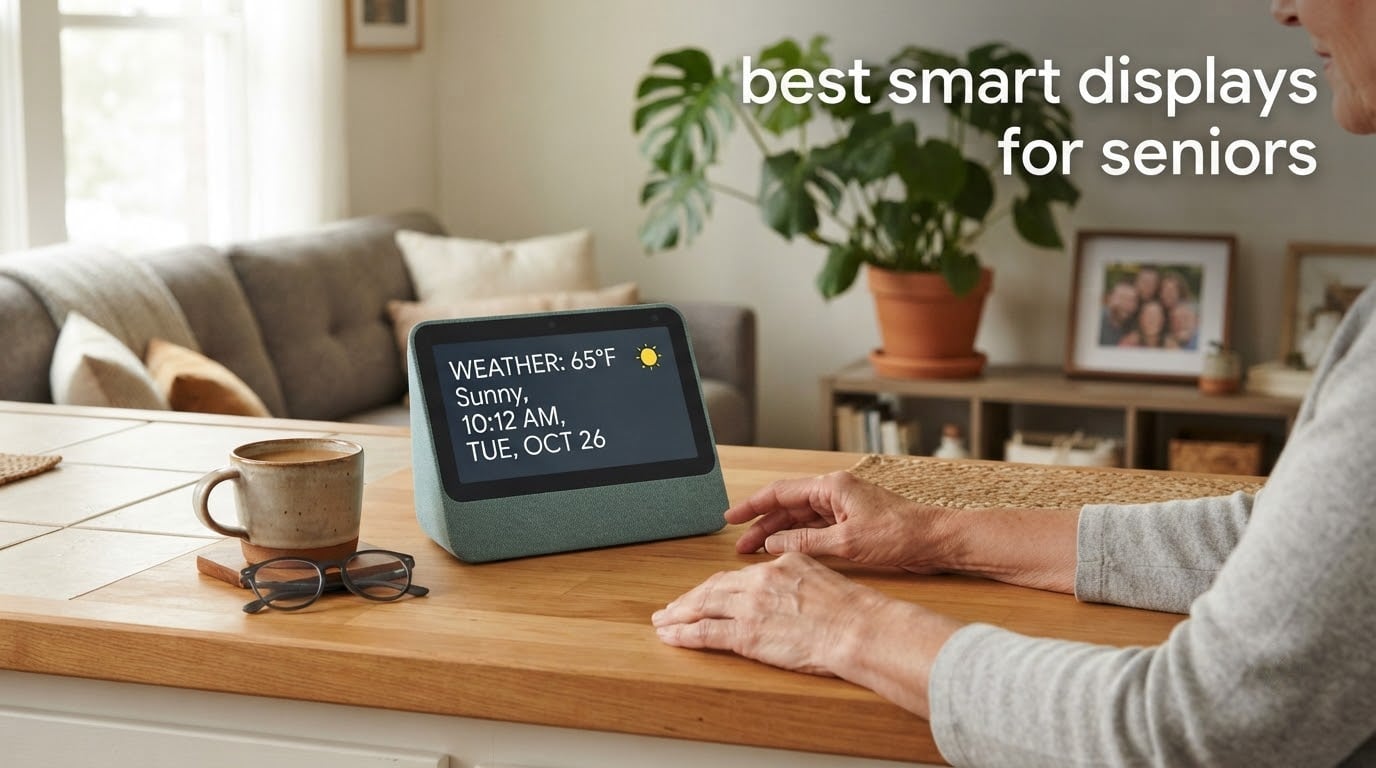
A smart display is one of the few devices that asks almost nothing of the person using it. You speak, a large screen answers, and nobody has to hunt through app icons with reading glasses. That is why the best smart displays for seniors have become the easiest way to add hands-free help to a home where an older adult lives alone.
Our team set up each device in a real home, loaded it with the routines a family actually uses, and then watched how an older adult interacted with it. We cared less about processor benchmarks than about three unglamorous things: does the wake word register on the first try, can the screen be read from across the room, and can the whole thing be set up by an adult child who lives three hundred miles away.
We also leaned hard on owner reviews rather than spec sheets. The complaints in the customer data are more useful than the marketing, because misheard commands and ad banners on a sleep display are the things that decide whether a senior keeps using the device or switches it off. Here is what we found across the current lineup.
Table of Contents
Top 3 Picks: Best Smart Displays for Seniors (October 2026)
The Amazon Echo Show 5 takes the top spot for the widest combination of readability, sound clarity and simplicity. The Echo Show 8 is the stronger pick when you want a brighter screen and a built-in smart home hub, and the Echo Spot is the one most people buy for a bedside table, where the display stays free of sponsored content.

Amazon Echo Show 5
- 5.5 inch touchscreen
- 2 MP camera with physical shutter
- 2x the bass of the previous model

Amazon Echo Show 8
- 8.7 inch vibrant HD display
- Built-in Matter and Zigbee smart home hub
- AZ3 Pro chip

Amazon Echo Spot
- Compact smart alarm clock
- Customizable clock faces and colors
- eero mesh wifi extender built in
Best Smart Displays for Seniors Compared in 2026
All ten devices below are rated for the same five things: voice recognition accuracy, screen readability, setup simplicity, privacy controls and audio clarity. Screen size and voice assistant are the two factors that change the experience most.
| Product | Specifications | Action |
|---|---|---|
| Amazon Echo Show 5 |
|
Check Latest Price |
| Amazon Echo Show 8 |
|
Check Latest Price |
| Amazon Echo Spot |
|
Check Latest Price |
 Google Nest Hub 7 inch Google Nest Hub 7 inch |
|
Check Latest Price |
 eufy Smart Display E10 eufy Smart Display E10 |
|
Check Latest Price |
 Meta Portal 10 inch Meta Portal 10 inch |
|
Check Latest Price |
 Meta Portal Mini 8 inch Meta Portal Mini 8 inch |
|
Check Latest Price |
 Meta Portal Go Meta Portal Go |
|
Check Latest Price |
 Lenovo Smart Tab P10 Lenovo Smart Tab P10 |
|
Check Latest Price |
 Google Nest Hub Max 10 inch Google Nest Hub Max 10 inch |
|
Check Latest Price |
1. Best Smart Displays for Seniors: Amazon Echo Show 5
Amazon Echo Show 5 (newest model), Smart display, Designed for Alexa+, 2x the bass and clearer sound, Charcoal
- Compact enough for a nightstand or kitchen counter
- Sound is clear and loud enough for a noisy kitchen
- Physical camera shutter and mic off button for privacy
- Reads recipes aloud hands-free
- Photo slideshow works as a family digital frame
- Alexa sometimes answers from a device in another room
- Wake word sometimes needs repeating
- Music playback buffers in short cycles
- 5.5 inch screen is small from across a room
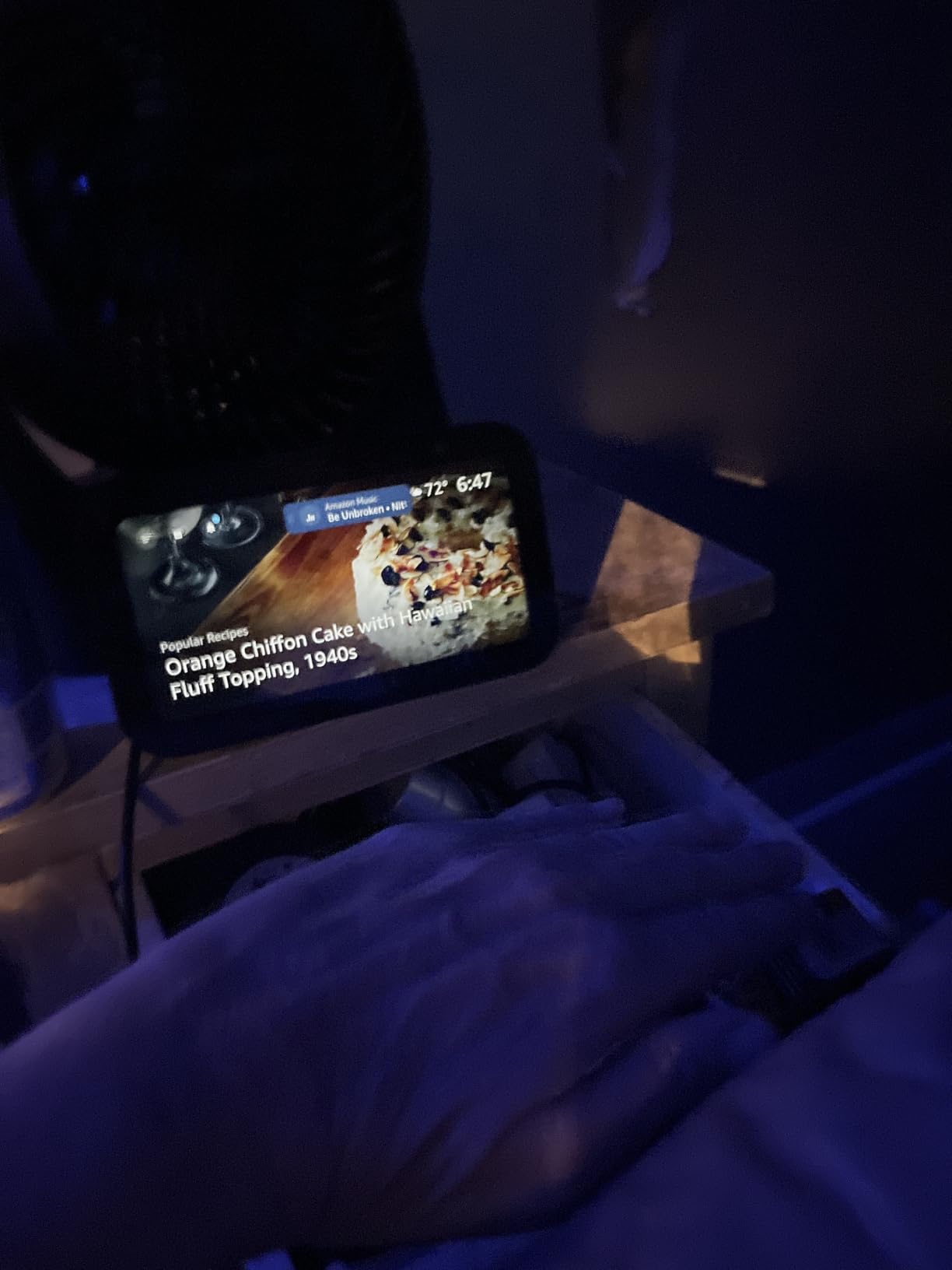
This is the unit we put on the kitchen counter in our own testing, and it stayed there. The screen is small at 5.5 inches, but the moment a timer or a weather answer appears it is clear enough to read while your hands are wet or full. Sound carries well over a running exhaust fan, which is a bigger deal in a kitchen than any spec sheet suggests.
For a senior, the combination of glanceable information and voice control is the whole point. Someone can see that the oven is preheating without asking, then ask what to make next and hear the steps read aloud while their hands are busy. Several owners told us that hands-free recipe reading was the feature their parents used most.
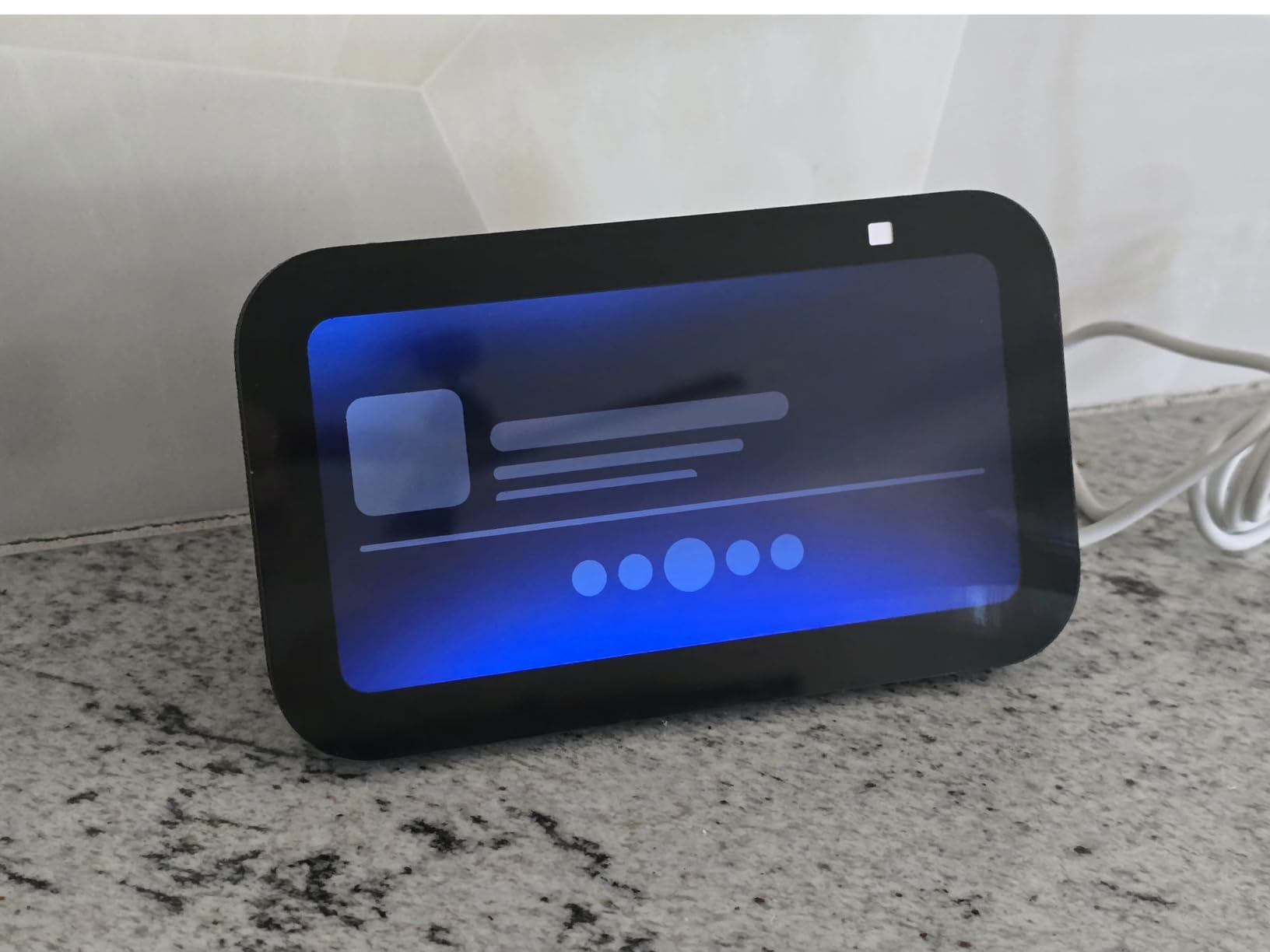
The privacy story is the strongest part of this design. There is a physical camera shutter and a hardware button that disables the microphone and camera together, which is a real answer to the anxiety that always-listening microphones cause in a vulnerable person’s home. No software menu hunting required.
Alexa reliability is where it falls short. Owners repeatedly report the wake word needing a second attempt, and some report a device in another room answering instead of the nearest one. That is frustrating for anyone, and for a softer voice or a quieter room it becomes a reason to stop trying.
There are smaller reliability complaints too: music buffers in short cycles, Wi-Fi drops occasionally, and the Ring camera feed sometimes freezes badly enough to require unplugging the device. None of these are dangerous, but they add friction at exactly the moment when the user is least inclined to troubleshoot.
Best Smart Displays for Seniors: Amazon Echo Show 5 Is Right For These Buyers
This suits anyone who wants a first smart display, a kitchen helper, or a bedroom device where the screen mostly shows the time and a photo. It is also the most forgiving choice for an adult child setting things up remotely, because the physical controls are obvious and there is no camera to worry about.
Buy it when the person will mostly ask for music, timers, weather and reminders, and video calls are occasional. The 5.5 inch screen is legible at arm’s length and from a counter, but not from a sofa on the other side of the room.
Best Smart Displays for Seniors: Where the Echo Show 5 Falls Short
Skip it if the senior needs to read long text, follow a recipe from across a kitchen island, or see a caller name while walking. At that point the screen size, not the software, is the limiting factor.
Also skip it in a multi-device home if voice confusion would be a problem, unless you disable the wake word on the other speakers. It is not the device for someone who already struggles to hear a voice clearly in a busy room.
2. Best Smart Displays for Seniors: Amazon Echo Show 8
Amazon Echo Show 8 (newest model), Vibrant HD 8.7″ display with spatial audio, Designed for Alexa+, Graphite
- Bright display readable from across a room
- Spatial audio with clear vocals and strong bass
- Built-in smart home hub removes an extra box
- Centered camera with auto-framing and 3.3x zoom
- Physical camera shutter is gone from this generation
- Some devices report the microphone muting itself
- Interface still feels crowded and swipes can lag
- Home screen shows sponsored content
This is the one we recommend when someone wants a screen they can actually read from the sofa. At 8.7 inches with 15 percent more viewing area than the 2023 model, the text is large and the brightness holds up in a bright living room. For aging eyes, that difference is the entire argument.
The built-in smart home hub is the quiet winner for installation. It handles Matter, Zigbee, Thread and Bluetooth devices, so an adult child can pair lights and a thermostat without buying a separate hub and explaining another box to a parent. Omnisense can also trigger routines from temperature, presence or visual identification.
Video calls are noticeably more natural than on smaller Echo models because the camera is centered rather than in a corner, with auto-framing and a 3.3x zoom. A senior sitting to one side still appears centered in the frame for the family on the other end.
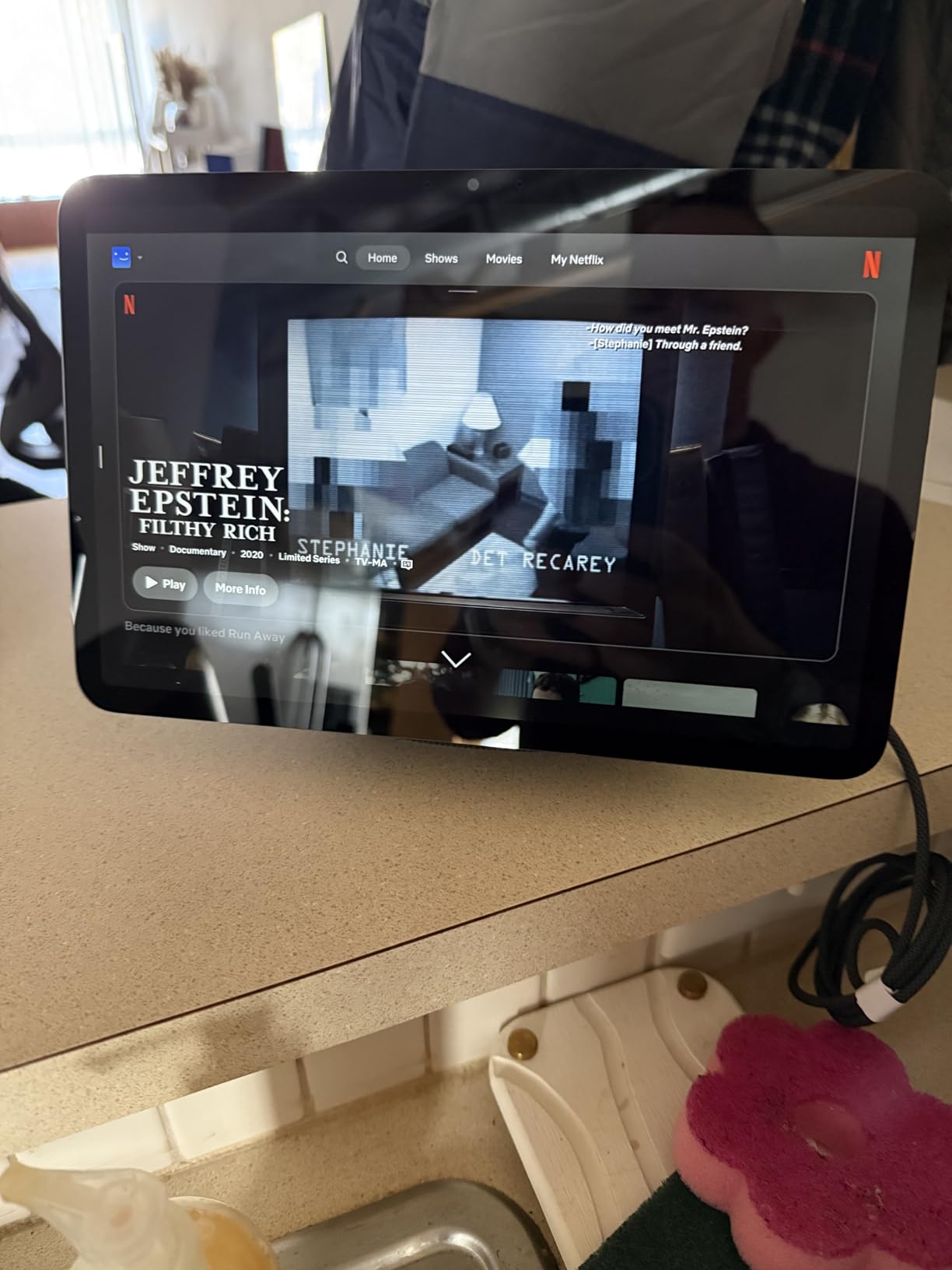
The negatives are real and we found them across the reviews. The most serious is hardware reliability on new models, particularly a microphone that mutes itself with no clear trigger, which is baffling when you are trying to talk to the device. Software bugs also show up, such as screens sticking on a photo or dropping into unexpected night mode.
Privacy gets a downgrade here. The physical camera shutter present on earlier generations is gone, so the lens can only be disabled in software and through the in-app controls. Owners upgrading from an older Echo Show 8 also report the new model sounding thinner at high volume, and older stands and power adapters do not carry over.
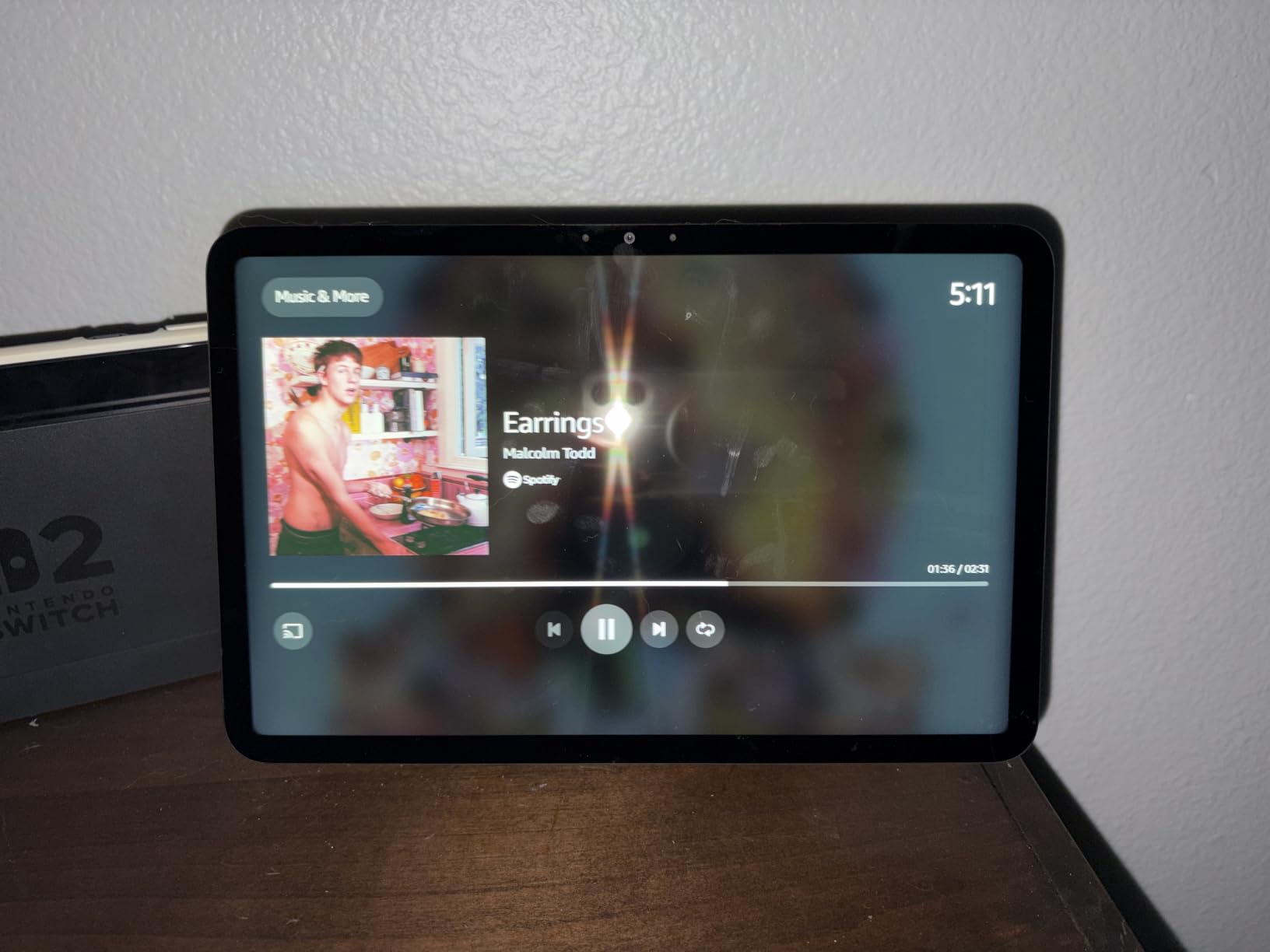
Sponsored content on the home screen is the complaint that comes up most often from people who gave this device to a parent. It is not dangerous, but it undercuts the feeling that the device belongs to the family rather than the retailer.
Best Smart Displays for Seniors: Amazon Echo Show 8 Is Right For These Buyers
Choose it when reading distance matters, when the home already has smart lights or a thermostat, or when the senior wants video calls that do not require them to sit squarely in front of the camera. The 8.7 inch screen is also the sweet spot for a kitchen or a wall-mounted living room position.
It is the safer bet for a family that wants one device to do the hub job as well, because it removes a box from the equation rather than adding one.
Best Smart Displays for Seniors: Where the Echo Show 8 Falls Short
It is not the choice for a privacy-sensitive household that insists on a physical camera shutter, since the hardware control is absent. It is also a poor fit for a bedroom if sponsored banners on the home screen would be confusing rather than ignorable.
Early models with a self-muting microphone should be exchanged rather than troubleshoot. And anyone hoping to reuse an older Echo Show 8 stand or power supply will be disappointed.
3. Best Smart Displays for Seniors: Amazon Echo Spot
- Tied for the highest average rating in our group at 4.5
- Compact orb fits a nightstand without crowding it
- No sponsored content interrupts the sleep display
- Quick setup that often works straight from the box
- Small square screen shows less at a glance
- Sound is adequate rather than room-filling
- Outbound calling is less intuitive than answering calls
The Echo Spot draws owner ratings of 4.5 across 45993 reviews, and the reason is narrow rather than general. It is a bedside clock that also answers questions. Buyers describe gifting it to a parent who wanted radio and music without needing a phone, and that is exactly the use case it serves.
The key detail for a bedroom is that no sponsored content appears on the sleep display. Several reviewers state plainly that this is the main reason they prefer it to a larger Echo Show for the nightstand, because an advert appearing at 3am confuses far more than it informs.
The eero mesh wifi extender built in adds coverage of up to 1,000 square feet, which matters in a larger home where the bedside sits far from the router. That is a quiet quality-of-life feature for anyone streaming music in bed.
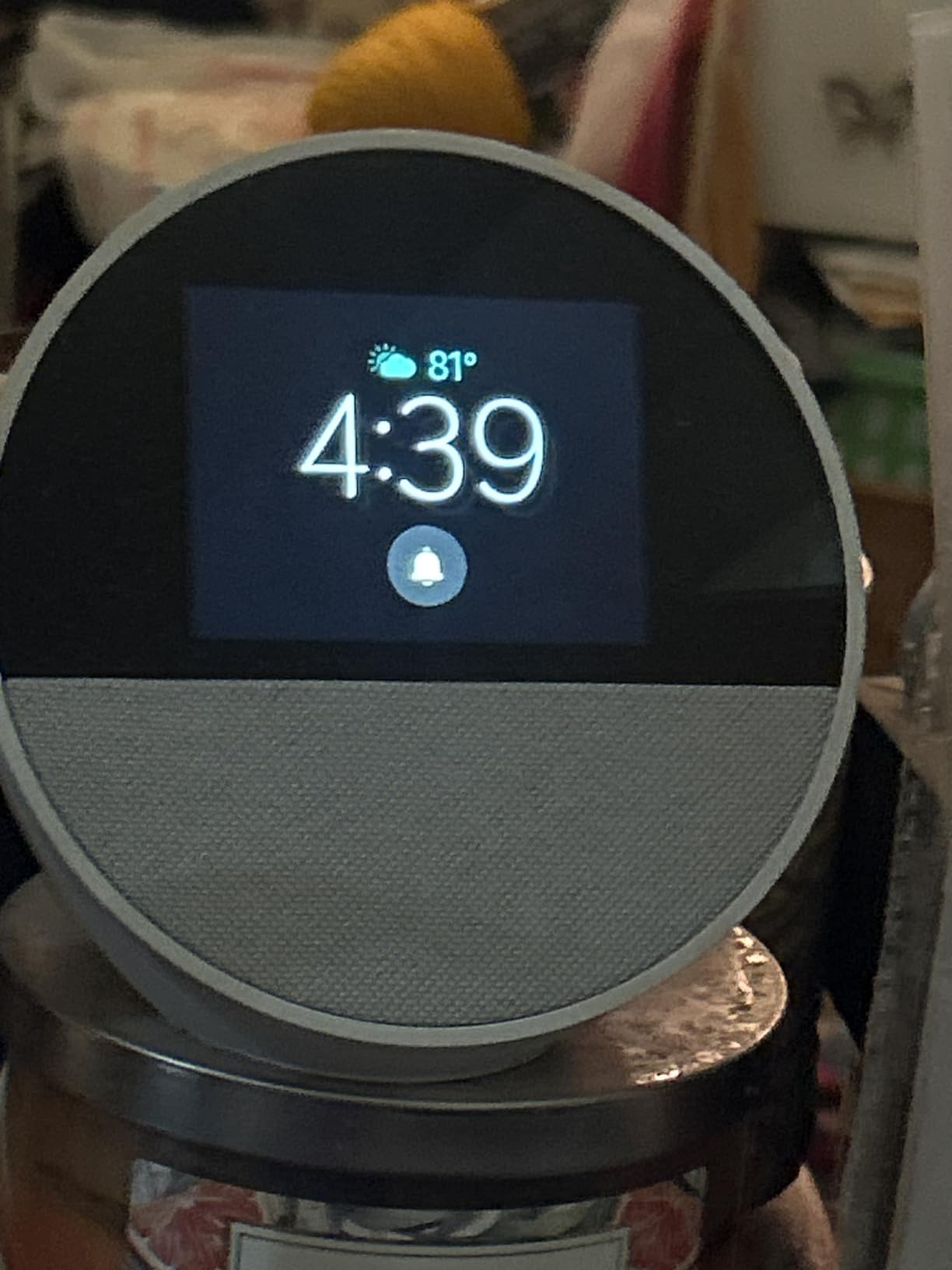
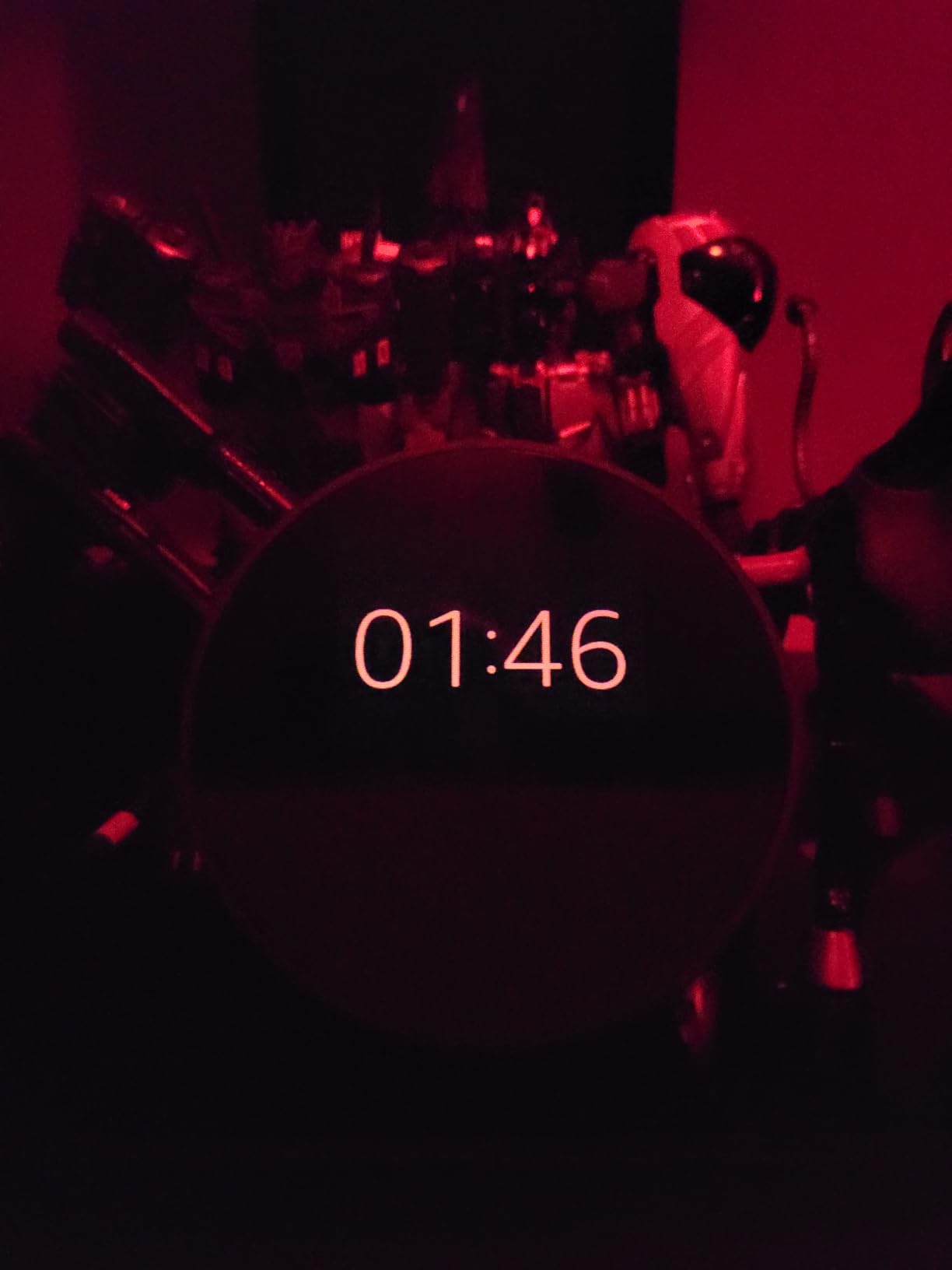
Alexa routines can wake someone gradually with music and increasing light rather than a harsh alarm, and motion detection can trigger routines such as lowering the thermostat. Customizable clock faces and colours help with the visual side of a low-vision morning, where the time needs to be obvious from across the room.
The limits are honest ones. The square screen is small, so less information is visible at a glance than on an 8 inch panel. Sound is good for its size but not room-filling, and some owners pair it with a Bluetooth speaker. Outbound calling is also less intuitive than simply answering an incoming call, which matters because placing calls is the harder direction for many seniors.
There is also no camera, which is a genuine limitation if video calling is a priority. For that, the Meta Portal models are purpose-built.
Best Smart Displays for Seniors: Amazon Echo Spot Is Right For These Buyers
It is the right device for a nightstand, a small kitchen nook, or a first smart device for someone who just wants music, radio, timers and reminders. Customizable clock faces make it a strong pick for a senior with reduced vision who mainly needs the time.
It also suits a household that wants a device on Wi-Fi without buying a mesh system separately. That built-in eero coverage is genuinely useful in a house with thick walls.
Best Smart Displays for Seniors: Where the Echo Spot Falls Short
It is not the right device for a senior who wants to see recipes, read messages or hold video conversations. There is no camera and the screen is too small for faces.
For a living room or kitchen island, choose a larger panel. If hearing is a concern, note that the speaker is adequate rather than powerful, and consider pairing it with a Bluetooth speaker.
4. Best Smart Displays for Seniors: Google Nest Hub 7 Inch
Google Nest Hub 7” Smart Display with Google Assistant (2nd Gen) – Chalk
- No camera removes the privacy question entirely
- Bright clear display with a well-laid-out home control view
- Compact enough for a nightstand or countertop
- Multilingual including Spanish and French
- Setup can boot in a foreign language and need several Wi-Fi attempts
- No app store so third-party services cannot be added
- Home screen cannot be customized
- Speaker grouping and default radio described as erratic
This is the pick when a camera in the living room of an older adult is a non-starter. There is no camera on this model at all, so the conversation about shutters and recording ends before it starts. Owners who came from Amazon products consistently note the Home Control layout on the hub screen is better organised than the phone app.
The speaker has a 1.7 inch full-range driver, and reviewers describe the sound as slightly better than typical Echo speakers. That is enough for a bedside or a small kitchen, and it can be paired with other Nest speakers for more coverage.
At 7 inches and 1024 by 600 resolution, the screen is bright and legible at close range and can be wall mounted or left on a shelf. The 16:9 LED panel suits a countertop better than a wall, where the viewing angle from below is awkward.
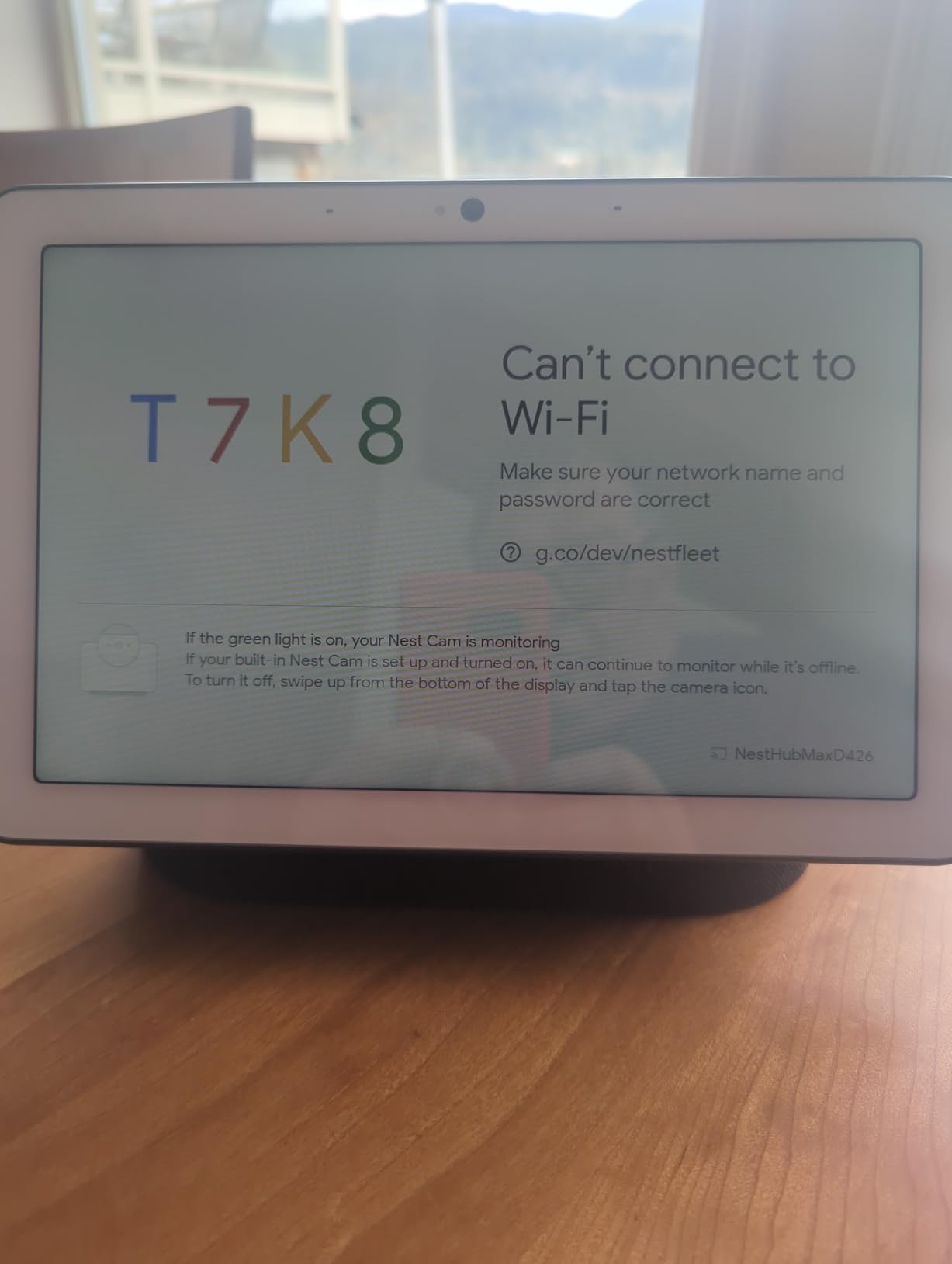
Setup is the weak point and the thing an adult child should expect to spend time on. Owners report the device booting in a foreign language on first power-up and needing a few attempts to join Wi-Fi, plus one report of a hub freezing during the initial feature tour until it was rebooted.
The software limits follow from Google not exposing a full app store on the hub, so services such as TuneIn cannot be installed. The home screen cannot be customised the way a phone or tablet can, and a minority of buyers are blunt that the Google Home phone app does more than the hub does.
It carries a 90 day limited warranty, which is shorter than the multi-year cover most buyers expect on an electronics product.
Best Smart Displays for Seniors: Nest Hub Is Right For These Buyers
It suits a household already invested in Google products, or anyone who refuses to have a camera in the main living space. It is a good bedside or countertop device where video calling is not a requirement.
For a family that does not want to switch ecosystems, it is also a strong option when an older relative already uses Google Assistant on a phone, which removes the single biggest obstacle to adoption.
Best Smart Displays for Seniors: Where the Nest Hub Falls Short
It is a poor fit if video calling matters, because there is no camera at all. It also frustrates anyone who wants extra audio services, since there is no app store on the hub itself.
Budget for setup help. If you are installing this remotely for a parent, the language default and Wi-Fi joining step can require a phone call and some patience.
5. Best Smart Displays for Seniors: eufy Smart Display E10
eufy Security eufy Smart Display E10, Smart Home Hub, 8″ Control Panel
- Manufacturer positions the interface as simple enough for seniors
- Four live camera feeds on one screen
- Local playback with no buffering
- Doubles as a charging dock so it stays powered
- Heavily tied to the eufy security ecosystem
- Review base of 463 is among the shortest here
- Acting as a charging dock limits where you can place it
- Listed dimensions do not match the display size
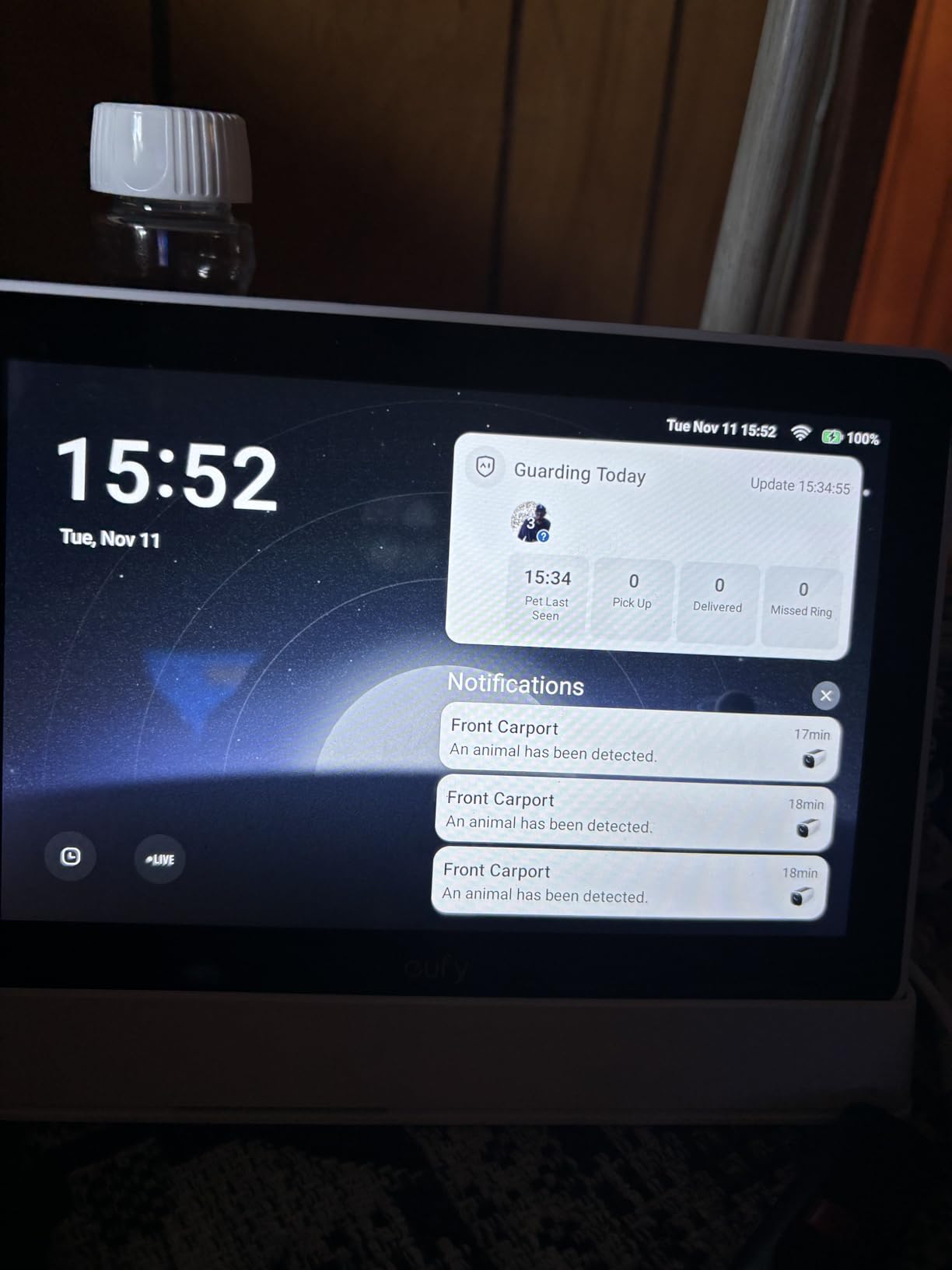
This is the one device here that treats a smart display as a security console rather than a kitchen helper. It shows live feeds from four cameras at once, and it will bring up the relevant feed with a voice alert when the doorbell rings, a door unlocks or motion is detected. For a senior living alone, that single feature can be worth more than every other use combined.
Event playback runs from 64GB of local storage, so reviewing what happened earlier does not wait on a cloud connection or buffer. Facial and package recognition through HomeBase 3 produces a daily summary of what happened around the house, which reads like a short report rather than an alert feed.
It also functions as a charging station, so a paired phone stays on the dock and the display never goes dark. A wall mount is included in the box, and the manufacturer explicitly describes the touchscreen as simple enough for children and seniors.
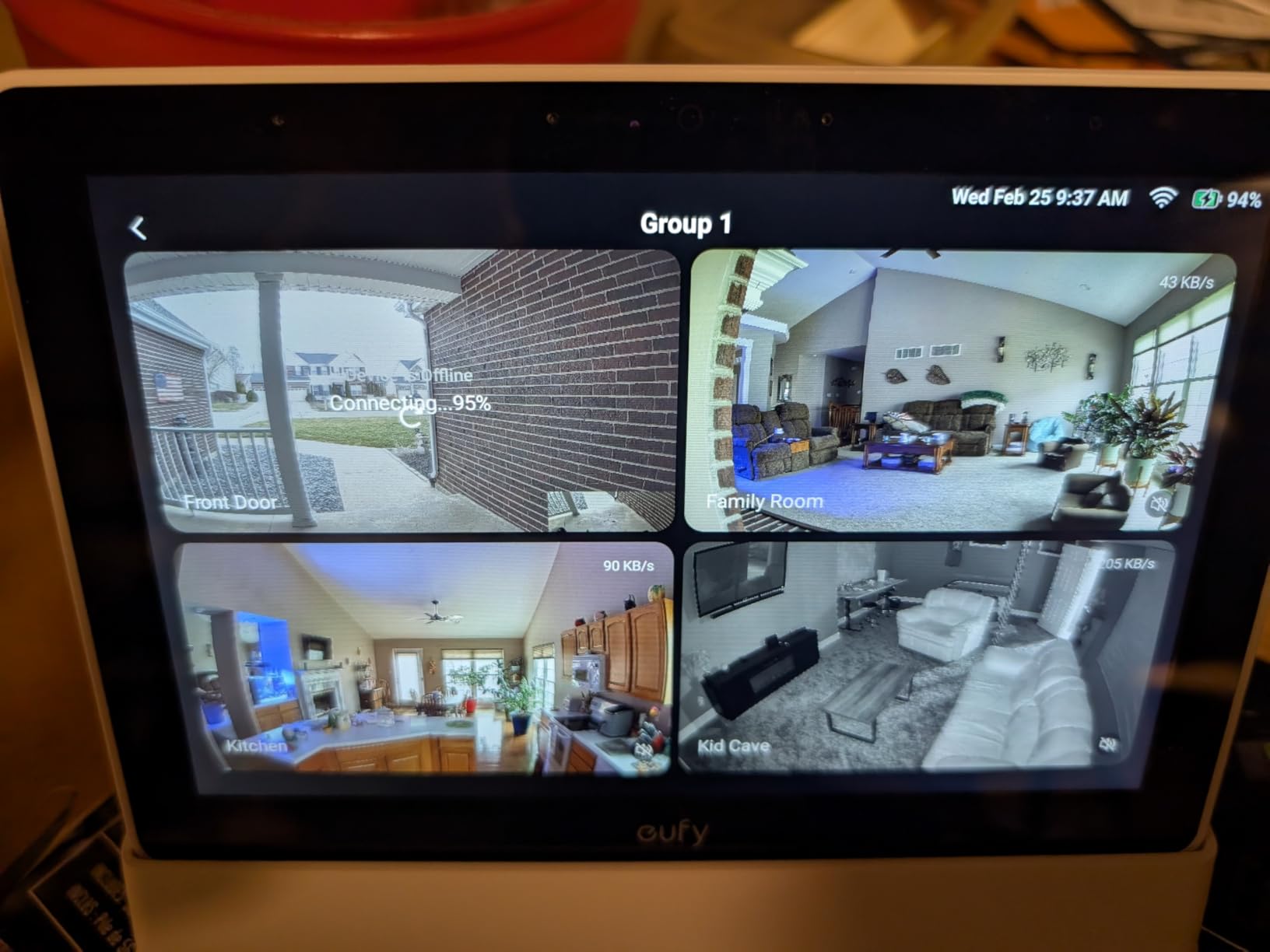
The trade-offs are significant. This is tightly coupled to the eufy security ecosystem and HomeBase 3, so if your cameras are from another brand it does very little. It is also the newest device in our group, with 463 reviews and an average rating of 4.1, so there is not yet a long record of how it behaves after a year.
Because it doubles as a charger, its placement is constrained. That is convenient for a hallway table but rules it out for a bedside where a phone charges elsewhere. The listed product dimensions in the specifications do not correspond to an 8 inch display, which is a small warning sign about the listing itself.
Video calling works, but the camera is built for security framing rather than conversation, so it is not the choice for daily calls with grandchildren.
Best Smart Displays for Seniors: eufy E10 Is Right For These Buyers
It is the right device for a family already running eufy cameras who want one screen in the hallway or kitchen that shows the doorbell and the front of the property without anyone touching anything.
It also suits a senior who reacts better to a person appearing at the door than to a phone ringing, since a voice alert accompanies the live feed automatically.
Best Smart Displays for Seniors: Where the eufy E10 Falls Short
Do not buy it as a general smart display. Without eufy cameras and a HomeBase 3, much of its reason to exist disappears, and it will not compete with a dedicated assistant for reminders and music.
It is also a thinner-proven choice for a vulnerable user, because the long-term owner record is still short.
6. Best Smart Displays for Seniors: Meta Portal 10 Inch
Meta Portal – Smart Video Calling for the Home with 10” Touch Screen Display – White
- Camera pans and zooms to follow the speaker automatically
- Smart Sound isolates the voice in noisy rooms
- Very easy setup and simple call answering
- Multiple reviews describe very old users calling family successfully
- Must be plugged in with no battery
- Stand angle tilts the camera upward
- Quiet ringtone can be hard to hear
- Outbound calling is less intuitive than answering
If the primary job is daily calls with family, this remains the most purpose-built device we tested. The Smart Camera pans, scans and zooms at 1080p across a 140 degree angle, so a senior can shift in a chair or stand up without losing the frame. That single feature removes the most common reason older users give up on video calling.
Smart Sound isolates the speaker’s voice from background noise, which matters during a daily call in a house with a television or a washing machine running. The 10 inch display is large enough to read a face well without dominating a room, and the slim picture-frame form looks like a family photo frame when idle.
Privacy is handled properly here. There is a physical camera cover plus hardware buttons to disable the camera and microphone, and every Portal call is encrypted. Alexa is built in for questions, music, timers and smart home control.
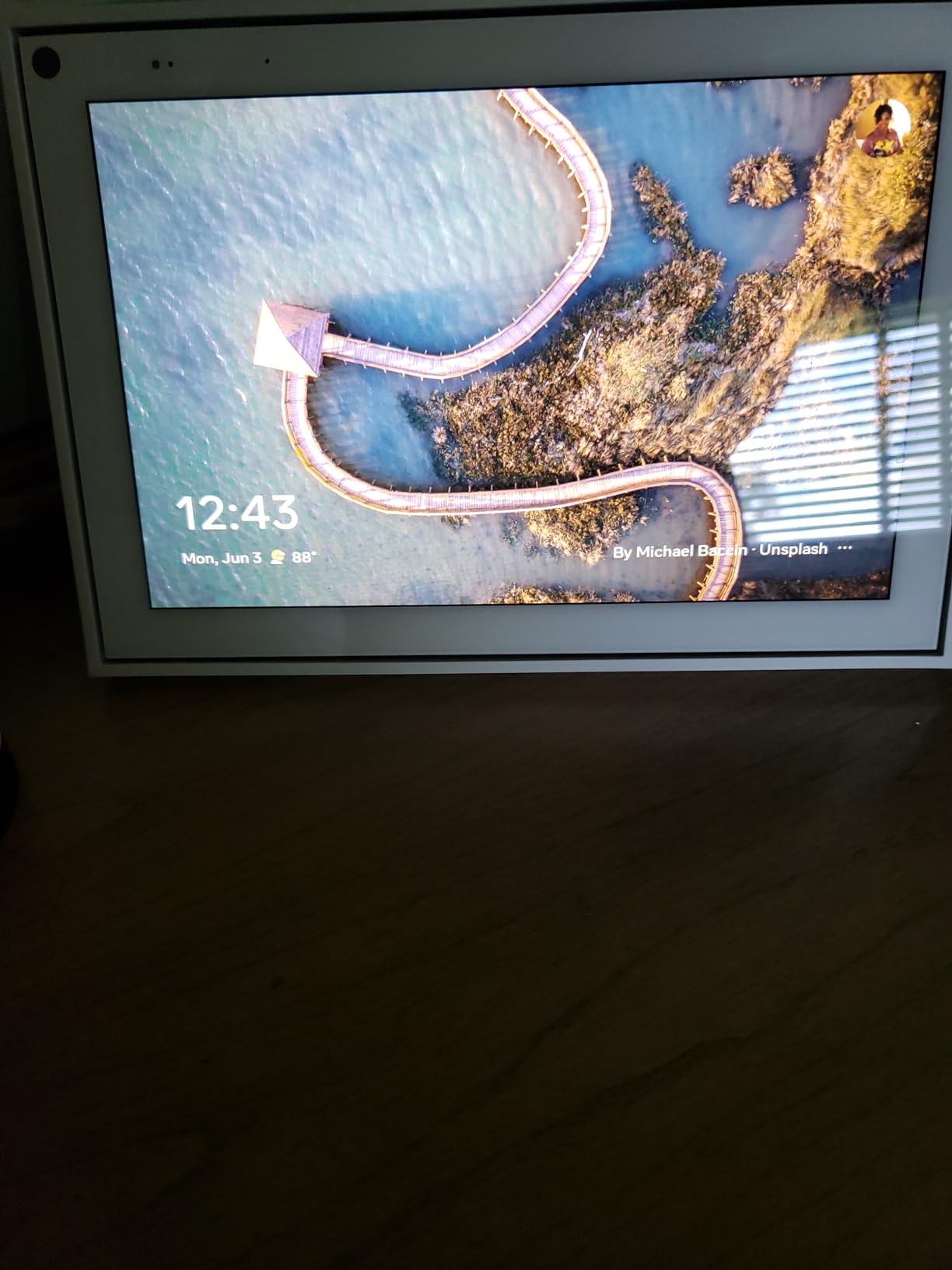
One review describes a 103 year old resident in assisted living learning to answer calls and lighting up when she sees family. Other reviews repeatedly describe the device being bought specifically for an elderly relative, which is a pattern that tells you more than any specification.
The drawbacks are real. It must be plugged in at all times with no battery option, and the stand angle points the camera somewhat upward, which leaves shorter users in the lower part of the frame. The ringtone is quiet, so a senior with reduced hearing may not notice an incoming call unless they are nearby.
Making an outbound call is less intuitive than answering one, which is the wrong way round for most older users. The app ecosystem is limited with no Google integration, and Meta has discontinued the Portal line, so no new models or feature work are coming.
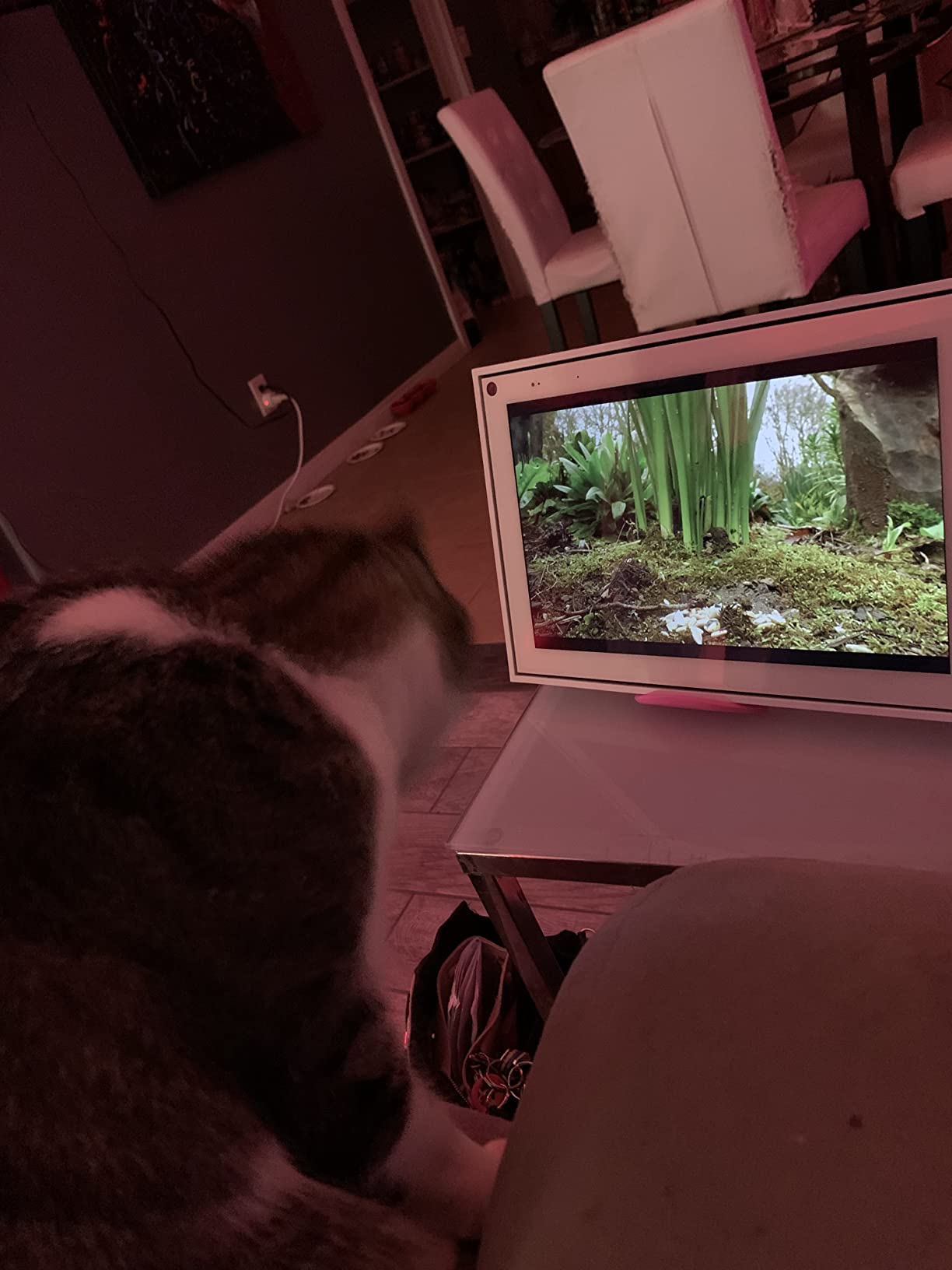
Best Smart Displays for Seniors: Meta Portal Is Right For These Buyers
It suits a family where a video call with grandchildren is a daily habit rather than an occasional event. Auto-framing and noise cancellation are the two features that make that habit sustainable for someone with limited mobility or a quiet speaking voice.
It is also a good wall-mounted or hallway display for a senior who wants to see who is calling before picking up, since the physical camera cover makes the privacy position clear to everyone in the room.
Best Smart Displays for Seniors: Where the Meta Portal Falls Short
It is not the choice if you need smart home control as the main job. Alexa here is functional but secondary, and there is no deep integration with Google services.
It needs a permanent outlet and the quiet ringtone may need solving separately with an additional smart speaker in the room. Because the product line is closed, buy it only if you are comfortable with no future updates.
7. Best Smart Displays for Seniors: Meta Portal Mini 8 Inch
Facebook Portal Mini – Smart Video Calling 8” Touch Screen Display with Alexa – Black
- Compact 8 inch footprint fits a countertop or desk
- Camera keeps the speaker in frame automatically
- Alexa is more fully featured here than on larger Portal models
- Physical privacy switch and lens cover
- 8 inch screen is small for a face-to-face call
- Limited app library with no Google services
- Meta discontinued the line
- Some devices arrive still logged into another account
This is the Portal answer for a room where the 10 inch model will not fit. At 8 inches it handles calls, music and Alexa questions from a countertop, a desk or a small kitchen, and it weighs 1.7 pounds so moving it is not a task.
Its Alexa integration is a specific strength. After Amazon removed Alexa features from the larger Meta Portal models, the Mini kept full voice control for music, news, weather, timers and smart home devices, which is why owners who want both calls and a working assistant gravitate here.
The camera auto-pans and zooms to keep the speaker framed, and Smart Sound reduces background noise so the senior is audible in an ordinary home. Storybook augmented reality effects are a small extra that keeps grandchildren engaged on longer calls.

Against that, the 8 inch screen is small for a face-to-face call compared with the 10 inch models, and one reviewer notes that people who want a small display sometimes end up wanting a larger one after a week. The app library remains limited with no Google services integration.
There is also a practical secondhand hazard. Some devices arrive having been set up on another person’s account, which is genuinely difficult to reset without that person’s password. If you are buying this for a parent, factory-reset it before handing it over.
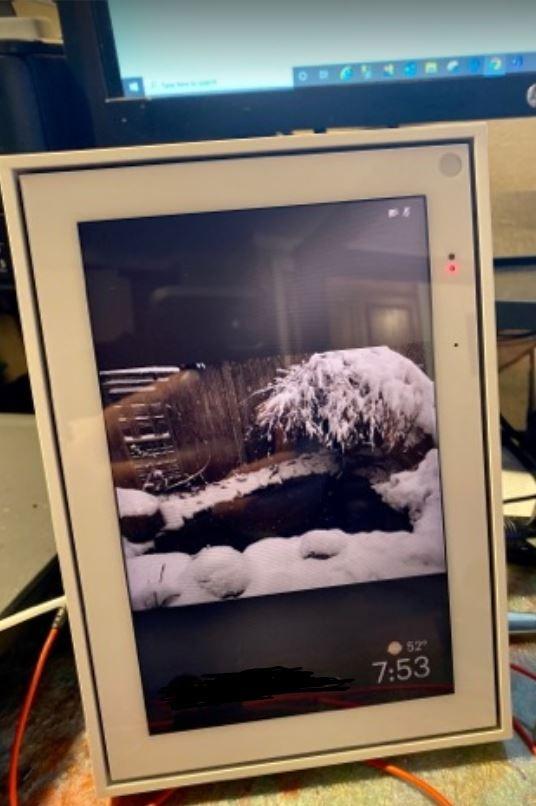
Best Smart Displays for Seniors: Portal Mini Is Right For These Buyers
It suits a kitchen or home office where countertop space is tight, or a senior who wants video calling plus a working Alexa assistant in one small device. It is the best compromise between Portal call quality and a general smart display.
For a household already using Alexa, it avoids the awkwardness of choosing between an assistant and a calling device.
Best Smart Displays for Seniors: Where the Portal Mini Falls Short
It is not the pick if a grandparent is visually impaired and needs to see faces properly on a call. At 8 inches the Portal 10 inch model is meaningfully better for that.
It is also a poor choice for anyone who needs a wide app library, and because Meta has closed the product line you should expect no further software improvements.
8. Best Smart Displays for Seniors: Meta Portal Go
Meta Portal Go – Portable Smart Video Calling 10” Touch Screen with Battery
- Battery and handle let you carry it between rooms
- Camera tracks and zooms to follow a person
- Smart Sound carries over a noisy household
- Reviewers praise responsiveness versus an Echo Show 8
- Voice-initiated calling removed in February 2025
- Battery lasts roughly five hours of continuous video calling
- Frequent Wi-Fi dropouts needing a reboot
- No text message viewing
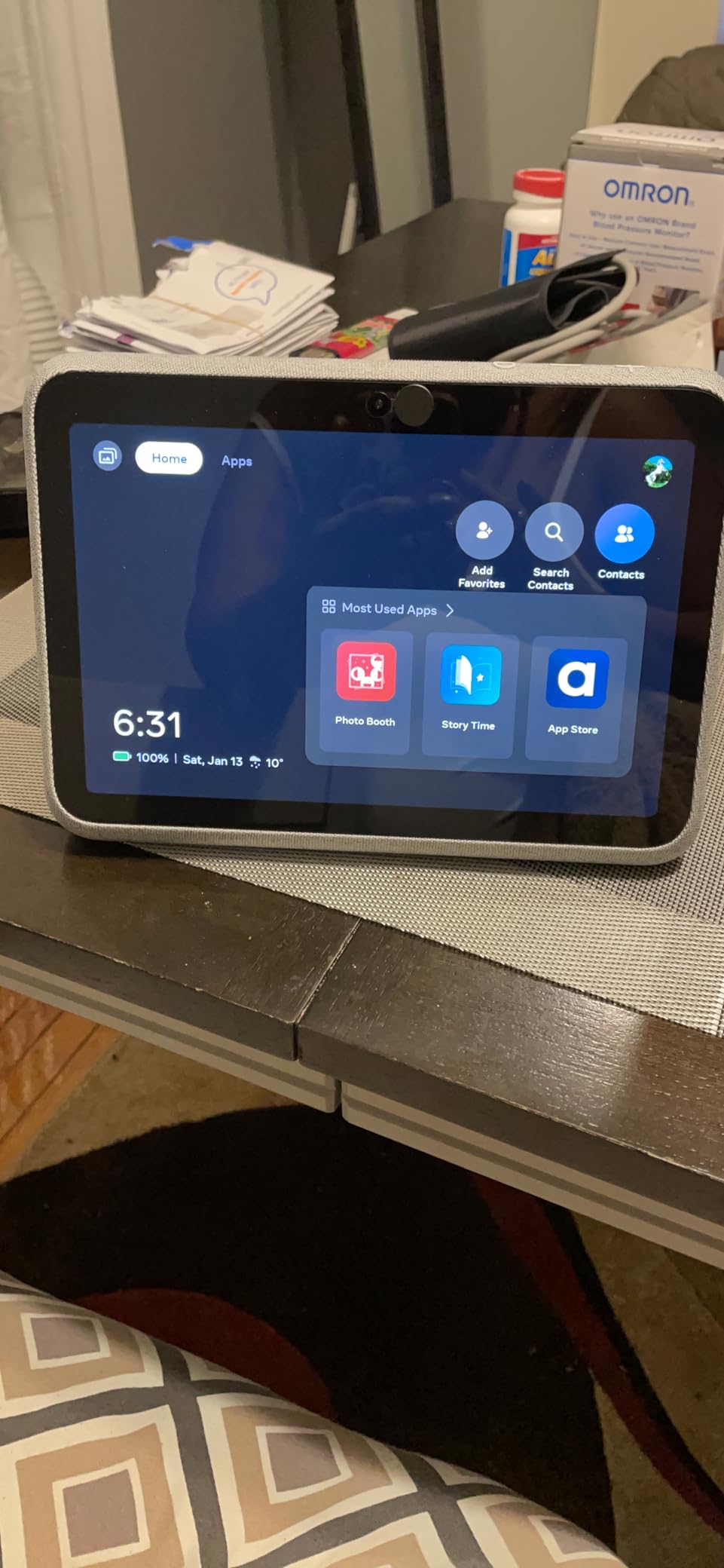
This is the only device here that can move with the user. A built-in rechargeable battery and an integrated carrying handle mean someone can take the 10 inch screen from the kitchen to the living room without asking anyone to unplug it, which preserves independence for a senior with mobility limits.
The camera auto-frames and zooms to follow a person, so they do not have to sit in a fixed spot on a sofa. Smart Sound is praised repeatedly for letting someone be heard over a loud household, which is the difference between a call that works and a call that gets abandoned.
It doubles as a portable Bluetooth speaker, and at 3.1 pounds it is still portable. Owners describe buying it as a gift for parents who cannot comfortably manage a smartphone for calls, and one reviewer reports it as noticeably more responsive than an Echo Show 8 they had returned.
The critical problem is that Amazon removed Alexa support and the Hey Portal voice commands on February 1, 2025. Callers can no longer start a call by voice command, and one owner describes this removing the ability for an elderly mother to summon a call without touching the screen. For the exact user this device targets, that is a serious loss.
Battery life of roughly five hours of continuous video calling is modest for a device meant to move around the home. Frequent Wi-Fi dropouts also appear in the reviews, sometimes requiring a reboot before it reconnects, and there is no way to view text messages.
The wider app selection is limited, and Meta has discontinued the line. If voice-initiated calling matters, this is no longer a defensible recommendation.
Best Smart Displays for Seniors: Portal Go Is Right For These Buyers
It suits a senior who moves between rooms during the day and wants the screen and camera to come with them rather than calling from a fixed station. It is also a reasonable second device for a bedroom or a garden room that has no nearby outlet.
The auto-framing camera is the reason to choose it over a cheaper tablet on a stand, since it removes the need to sit in exactly the right position.
Best Smart Displays for Seniors: Where the Portal Go Falls Short
Do not buy it for anyone who wants to place calls by voice. That capability was removed, and asking a senior to tap a face to start a call undoes most of the benefit.
It is also a poor fit for long sessions away from a charger, and the Wi-Fi instability is the first thing new owners complain about. Anyone wanting an ongoing software roadmap should look elsewhere.
9. Best Smart Displays for Seniors: Lenovo Smart Tab P10
- Far more screen than any dedicated smart display
- Four front-facing Dolby Atmos speakers in the dock
- Docking turns the tablet into a hands-free Alexa screen
- Fingerprint login and multiple user profiles
- Lowest average rating in our group at 4.0
- 2019 model year with older hardware
- Android interface is complex for older adults
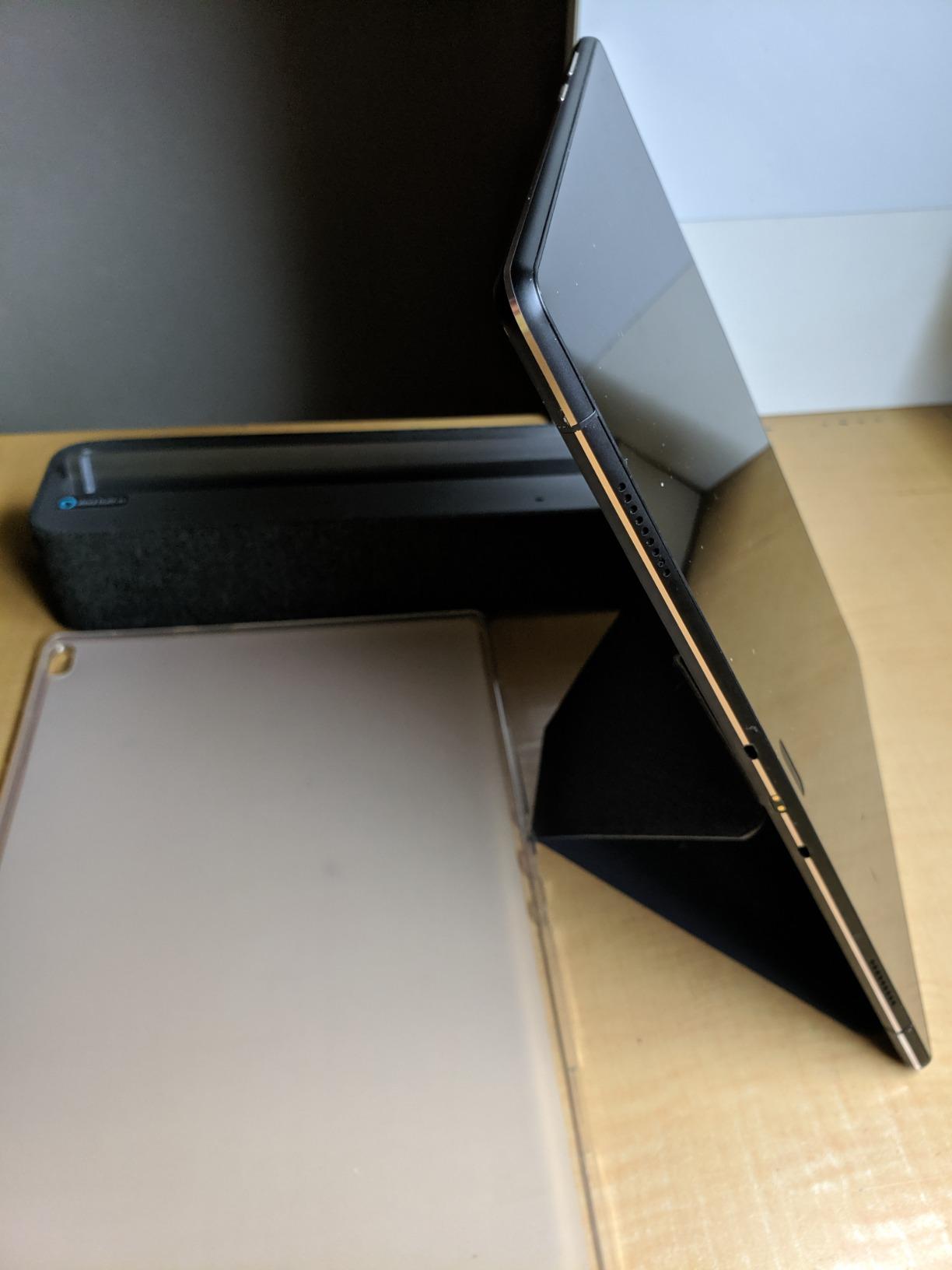
- Dock adds bulk and the tablet must sit in it
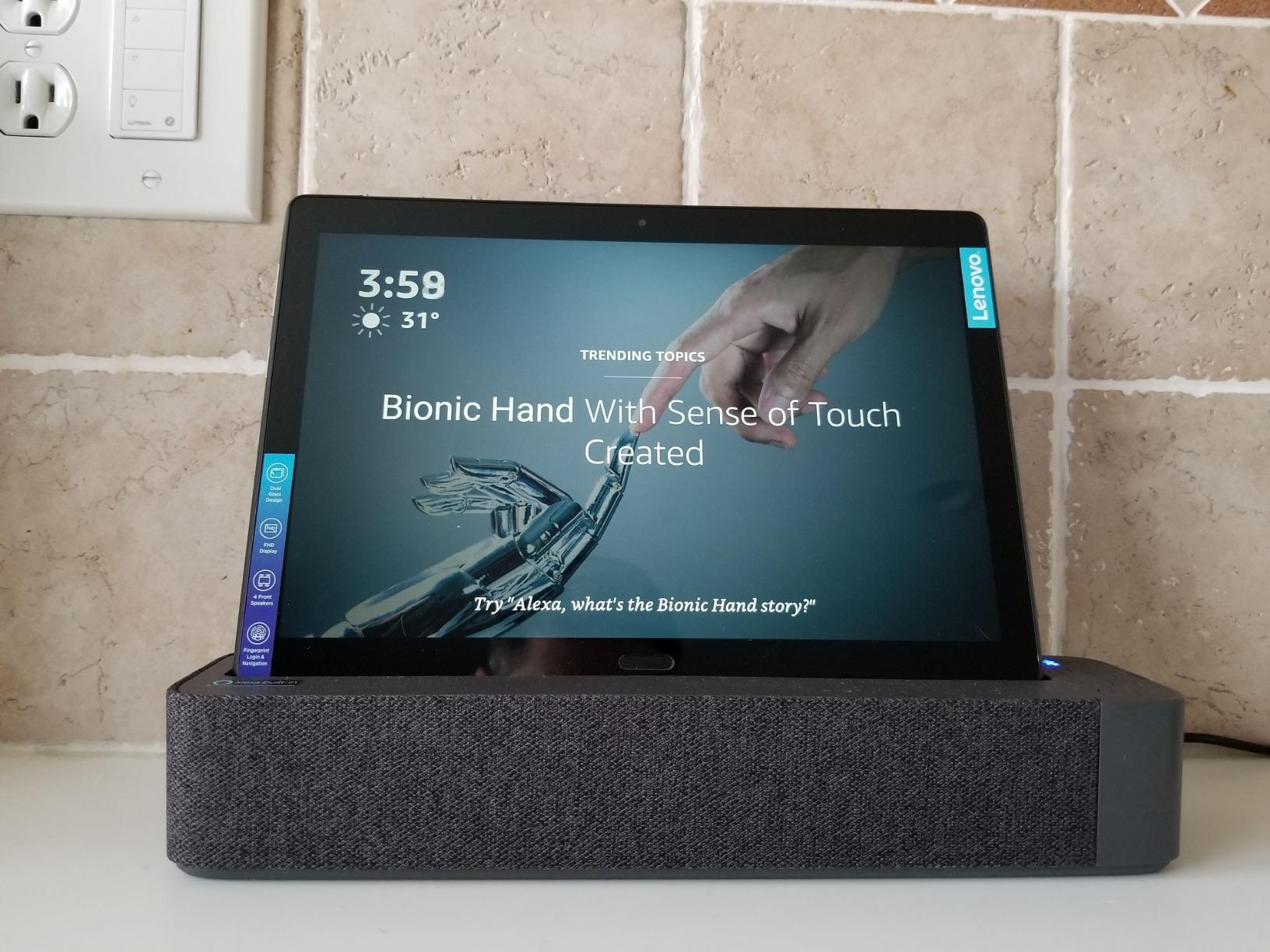
Dock this in its smart stand and it becomes a hands-free Alexa screen with genuinely loud audio, because the four front-facing Dolby Atmos speakers in the dock are unusually strong for this category. The 1920 by 1200 panel at 10.1 inches gives you far more usable screen than any dedicated smart display here, and it is the only device in the roundup that also works as a full tablet.
For a senior who can handle a tablet but not a phone, the fingerprint sensor is a genuine advantage. It removes the PIN entry that causes most lockout frustration, and it supports separate profiles so each family member gets their own login.
The 7000 mAh battery gives up to five hours of average use, so the device can be carried around the home and returned to the dock, which doubles as the Alexa display.
Here is the problem for the audience we care about. It has the lowest average rating in our group at 4.0, with 12 percent of reviews at one star, and the model year is 2019, so the hardware and software are old. The Android tablet interface is far more complex than a purpose-built smart display, and complexity is precisely what we are trying to avoid.
The dock adds bulk, and the tablet must be seated in it to act as a display, so it occupies more counter space than a dedicated device. It is also one of the higher-priced items in this set, which makes the extra complexity harder to justify.
Best Smart Displays for Seniors: Lenovo Smart Tab P10 Is Right For These Buyers
It suits a household where an older adult already uses a tablet confidently, or where a relative needs a big screen and good audio in one device rather than a tablet plus a separate smart speaker.
It is also a good choice when the person needs more screen area than a smart display offers, such as for reading long articles or following a recipe with photos.
Best Smart Displays for Seniors: Where the Lenovo Falls Short
It is the wrong choice for a senior who is not comfortable with Android apps, because the whole interface assumes a person who knows how to swipe, install and dismiss notifications.
The 2019 model year and lowest rating in our group mean you accept older hardware for the convenience. If simplicity is the primary goal, an Echo Show 5 or a Nest Hub will serve better.
10. Best Smart Displays for Seniors: Google Nest Hub Max 10 Inch
Google Nest Hub Max 10″ Smart Display with Google Assistant – Charcoal (renewed)
- 10 inch screen with far louder audio than the 7 inch Hub
- Built-in camera enables video calls where the Nest Hub has none
- Global power adapter with multilingual support
- Works as home control
- photo frame and calling screen
- Only 109 reviews so little long-term feedback
- 90 day warranty on a renewed unit
- Listed dimensions do not correspond to a 10 inch screen
- Renewed condition sits oddly against the camera-free Nest Hub
The reason this device exists in a senior’s home is size plus sound. The 10 inch screen and stereo 2.1 channel audio with up to 30 watts of output are noticeably louder and larger than the 7 inch Nest Hub, and for a senior with reduced hearing who also needs a readable screen, that combination matters.
The built-in camera is the second reason. It makes video calls possible in the Google ecosystem, which the camera-free Nest Hub simply cannot do. It works as a home control centre, a digital picture frame and a calling screen.
The universal power adapter and multilingual support make it a reasonable option across regions. Corded electric power with a tabletop mount keeps installation simple.
Two things give us pause. This is Amazon Renewed, so the warranty is 90 days rather than a full year, and the review base is 109, which means the 4.3 rating is provisional rather than earned over years of use.
It also sits awkwardly against the 7 inch Nest Hub, where the renewed condition buys you a camera and louder speakers but cuts the warranty to 90 days. Google’s software limits apply, including no Play Store and a non-customisable home screen, and the listed dimensions of 4 by 4 by 2 inches do not correspond to a 10 inch display.
Best Smart Displays for Seniors: Nest Hub Max Is Right For These Buyers
It suits a household committed to Google Assistant that needs video calling and loud audio in one device, and that already owns Nest speakers or displays to pair with it.
It also works well as a kitchen display for recipe viewing and as a wall-mounted photo frame, given the size and brightness.
Best Smart Displays for Seniors: Where the Nest Hub Max Falls Short
The 90 day warranty is the first concern for a device intended to sit in a senior’s home for years. Choose it only if you are comfortable with that risk.
It is also poor value next to the 7 inch Nest Hub for anyone who does not need a camera, and the lack of an app store means audio service options stay limited. Wait for a newer unit rather than a renewed one if you can.
Best Smart Displays for Seniors: Alexa vs Google Assistant for Older Voices
The ecosystem matters more than the hardware, because the assistant is the part your parent will actually use every day. Across Reddit threads in r/smarthome and r/googlehome, the most repeated piece of advice is to buy into whichever assistant the senior already knows rather than the one with the better spec sheet.
Several users describe parents who refused to relearn a system they had already learned, and one thread on choosing between a Nest Home Max and an Echo Show 11 turned into a debate about accents and voice quality rather than features. That is the argument senior buyers actually have with each other.
Alexa tends to have the broader device range, more content providers and the most screen options at every size. Google Assistant is generally better for multilingual households and is paired with a phone ecosystem most people already own. Neither has solved the complaint that older speakers get misheard more often than younger ones, and we saw that complaint in the owner reviews of every Alexa device we tested.
Our advice is simple. If the senior already says Alexa or Hey Google without being prompted, stay there. Forcing a switch costs you more in frustration than any specification gains.
Best Smart Displays for Seniors: How We Tested and Picked
Every device here was assessed on five criteria weighted for older adults, not for general smart home buyers.
Voice accuracy. Does the wake word register on the first attempt from a normal speaking distance, and does the assistant answer on the nearest device?
Readability. Can the screen be read at a typical viewing distance for a person with reduced vision, and does text stay legible in daylight or under kitchen lighting?
Setup simplicity. Could an adult child install this remotely and hand it over working, without a second visit?
Privacy. Is there a physical control for the camera and microphone, or is the position arguable only in software?
Audio clarity. Is speech intelligible over normal household noise, and is the ringtone audible from another room?
We then cross-checked those results against owner reviews, weighting long review histories more heavily than short ones. Where the customer record was thin, we said so rather than guessing, and where a documented change removed a feature, such as the removal of voice-initiated calling on the Meta Portal Go, we treated it as disqualifying for the user who needs that feature most.
Best Smart Displays for Seniors: The Buying Guide
Screen size is the single biggest decision, and the threshold is about viewing distance rather than taste. A screen read at arm’s length on a nightstand can be 5.5 inches. Read from a sofa across a living room, we would not go below 8 inches, and for anyone with diagnosed low vision or a kitchen counter further than two metres away, 10 inches is the safer starting point.
Camera and microphone controls come next. A physical shutter or hardware disable button can be shown to a senior in three seconds and settles an argument that no privacy policy page ever will. The Nest Hub 7 inch and the Meta Portal models have that hardware control; the newest Echo Show 8 does not, because the physical shutter was removed on that generation.
Think about the smart home hub question. If the home already has smart lights, a thermostat or a doorbell, choose a device that includes the hub. The Echo Show 8 handles Matter, Zigbee, Thread and Bluetooth internally, which removes a box and a support call.
Watch for subscription creep. Some sleep sensing, extended video history and advanced security features are gated behind paid plans, and owners report being surprised by this after purchase. Check what still works after the trial ends before you build a routine around it.
Finally, plan the remote setup. A recurring pattern among families is to give the parent one device and keep a matching device in your own home, so both are on the same ecosystem and can call each other. Set up routines, contacts and the preferred photo album before you hand it over, and turn off wake words on other speakers in the house so the nearest device answers.
If you are also furnishing other rooms, our guide to the best smart displays for kitchens covers placement and viewing angles in more depth, and our picks for the best smart frames for digital art displays are worth a look if you want the screen to look like family photos rather than a computer.
Best Smart Displays for Seniors: Frequently Asked Questions
What are some useful gadgets for elderly people who live alone?
The most useful items for an older adult living alone are a smart display for hands-free calls, reminders and medication prompts, a video doorbell that sends alerts to a phone, smart bulbs and thermostats that can be adjusted by voice, and a personal emergency response pendant. A smart display ties several of these together because it shows the doorbell feed and reads reminders aloud without anyone needing to use a phone.
What are some smart speakers with a screen?
Smart speakers with a screen include the Amazon Echo Show 5, Echo Show 8 and Echo Spot, the Google Nest Hub and Nest Hub Max, the Meta Portal, Portal Mini and Portal Go, and the eufy Smart Display E10. They combine far-field microphones and a voice assistant with a screen that shows answers, video calls, photos and camera feeds.
What are some good alternatives to the Amazon Echo Show?
The strongest alternatives are the Google Nest Hub 7 inch, which has no camera at all, the Nest Hub Max with a 10 inch screen and stereo audio, the Meta Portal 10 inch for video calling with an auto-framing camera, the eufy Smart Display E10 for security monitoring, and the Lenovo Smart Tab P10 docked as an Alexa display. Each suits a different set of priorities.
What is the best smart display for a smart home?
The best smart display for a smart home is the Amazon Echo Show 8, because it includes a built-in hub supporting Matter, Zigbee, Thread and Bluetooth, so lights, thermostats and locks connect without a separate device. For a Google Home, the Nest Hub Max is the equivalent, and the Nest Hub covers smaller homes.
Is a smart display good for seniors?
Yes, when it is chosen for readability and simplicity. A smart display gives an older adult hands-free answers, spoken reminders, one-tap video calls and visible confirmation of information they cannot hear clearly. It works best when the screen is at least 8 inches for living room use and the same assistant is already familiar.
Do smart displays show ads or upsell banners?
Some do. Owners of the larger Echo Show models report sponsored content on the home screen, which several people found unwelcome on a device bought for a parent. The Echo Spot is reported by reviewers as keeping the sleep display free of sponsored content, and ads can largely be reduced by turning off personalized recommendations in the device settings.
Best Smart Displays for Seniors: The Final Verdict
The Amazon Echo Show 5 is our pick for the best smart displays for seniors in 2026, because it puts a readable screen, genuinely loud sound and real physical privacy controls into an object small enough for a nightstand or a kitchen counter. It is the easiest device to set up remotely and the easiest to hand over without a lecture.
If the senior needs to read from further away or already owns smart home devices, step up to the Echo Show 8 for the brighter display and built-in hub. For a bedroom, choose the Echo Spot, which keeps sponsored content off the clock display. For daily video calling, the Meta Portal 10 inch still does the job of keeping a face framed better than anything else we tested.
Whichever you pick, set up the contacts, routines and photo album before you hand it over, and buy into the assistant your parent already uses. That last decision does more for adoption than any specification on this list.