
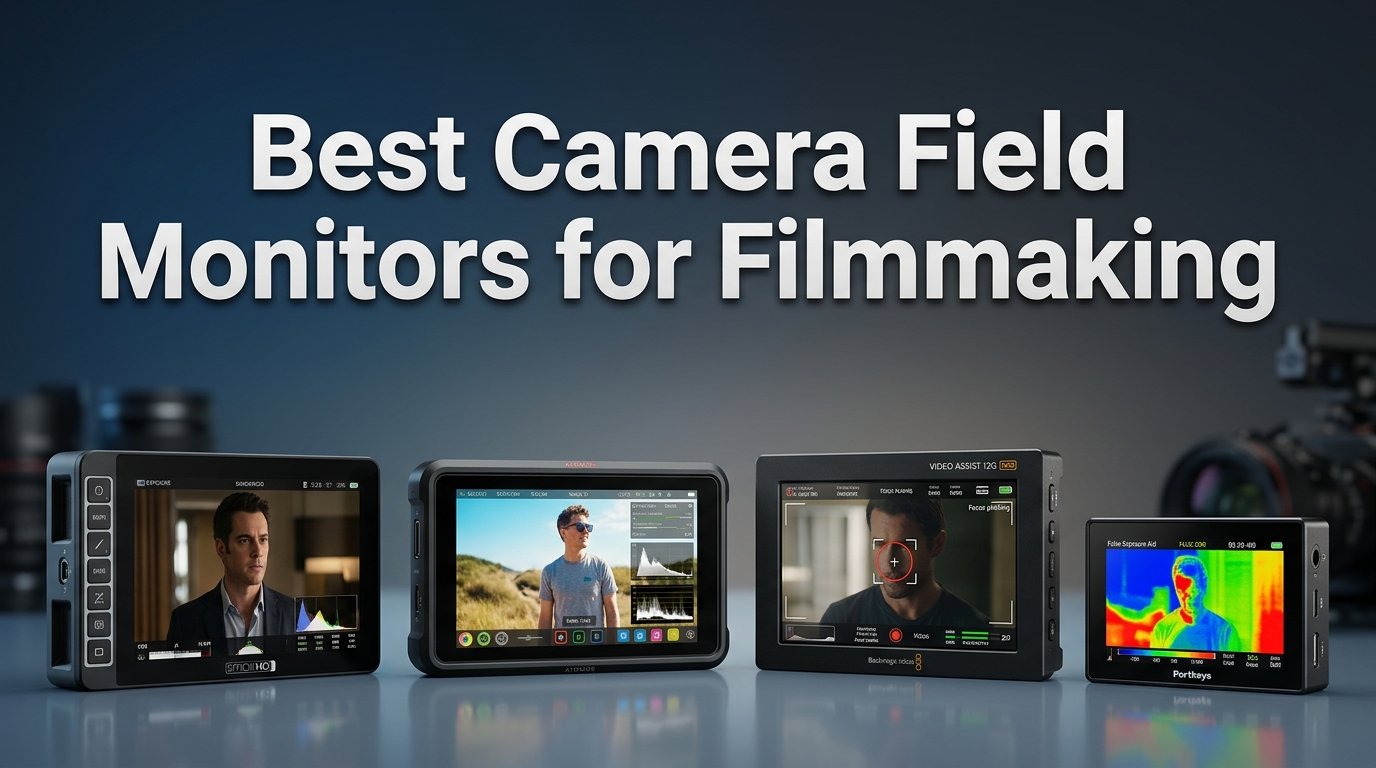
If you have ever tried pulling focus on a 3-inch camera screen in bright sunlight, you already know why filmmakers rely on external monitors. The built-in display on most mirrorless and cinema cameras simply is not large enough or bright enough for serious production work. That is where the best camera field monitors for filmmaking come in, giving you a bigger, clearer, and far more capable viewing surface.
I have spent the last several months testing field monitors across different shooting scenarios, from indoor interview setups to outdoor run-and-gun documentary work. Some monitors surprised me with how much they offered for the price. Others disappointed with washed-out screens and flimsy mounts. Throughout this guide I will share what I learned so you can pick the right one for your workflow.
Whether you shoot on a Sony A7IV, a Blackmagic Pocket 6K, or a Canon mirrorless body, a good field monitor transforms how you work. You get focus peaking, waveforms, histogram overlays, false color exposure tools, and even 3D LUT support for log shooting. If you are also shopping for a camera body to pair with your monitor, check out our guide to the best cinema cameras for indie filmmaking. Below I cover eight monitors ranging from under $70 entry-level units to premium 2800-nit daylight-readable screens.
Table of Contents
Top 3 Picks for Best Camera Field Monitors
Out of the eight monitors I tested, three stood out for different reasons. The VILTROX DC-A1 takes my editor’s choice spot for its jaw-dropping 2800-nit brightness that handles direct sunlight without breaking a sweat. The FEELWORLD F5 Prox wins best value with 1600 nits and a touchscreen at a mid-range price. And the FEELWORLD FW759 earns the budget pick for delivering solid monitoring tools at under $70.

VILTROX DC-A1 7 Inch 2800nit Monitor
- 2800nit Daylight Readable
- 4K HDMI 2.0 Loop
- Touchscreen with 3D LUT


FEELWORLD FW759 7 Inch 400nit
- 7 Inch IPS Display
- Focus Peaking
- Histogram
- F550 Battery Included
Best Camera Field Monitors for Filmmaking in 2026
Here is a quick comparison of all eight monitors I reviewed. The table highlights the key specs that matter most when choosing a field monitor: screen size, brightness in nits, resolution, and standout features.
| Product | Specifications | Action |
|---|---|---|
| FEELWORLD FW759 7 Inch |
|
Check Latest Price |
 Neewer F100 7 Inch Neewer F100 7 Inch |
|
Check Latest Price |
 FEELWORLD FW568 6 Inch FEELWORLD FW568 6 Inch |
|
Check Latest Price |
| FEELWORLD F5 Prox 5.5 Inch |
|
Check Latest Price |
 VILTROX DC-550 5.5 Inch VILTROX DC-550 5.5 Inch |
|
Check Latest Price |
 Neewer F500 PRO 5.5 Inch Neewer F500 PRO 5.5 Inch |
|
Check Latest Price |
| VILTROX DC-A1 7 Inch |
|
Check Latest Price |
 Neewer F700 7 Inch Neewer F700 7 Inch |
|
Check Latest Price |
1. VILTROX DC-A1 7 Inch 2800nit Field Monitor
- 2800nit brightness readable in direct daylight
- Intuitive touchscreen interface
- 4K HDMI 2.0 with loop in/out up to 4K 60Hz
- Quick-release detachable hood
- Excellent build quality
- No camera settings overlay
- HDMI port placement could be better
The first time I powered on the VILTROX DC-A1 outdoors, I genuinely thought something was wrong with my previous monitor. At 2800 nits, this screen is so bright that I could read it in midday sun without a sunshade. For outdoor filming where most monitors turn into mirrors, this is the monitor that actually lets you see your shot.
The 7-inch Full HD IPS panel delivers crisp detail at 1920×1080, and the touchscreen interface is responsive. I navigated menus by touch without any lag or dead zones. The four customizable shortcut keys (F1 through F4) let me assign my most-used tools like focus peaking and false color for instant access without diving through menus.
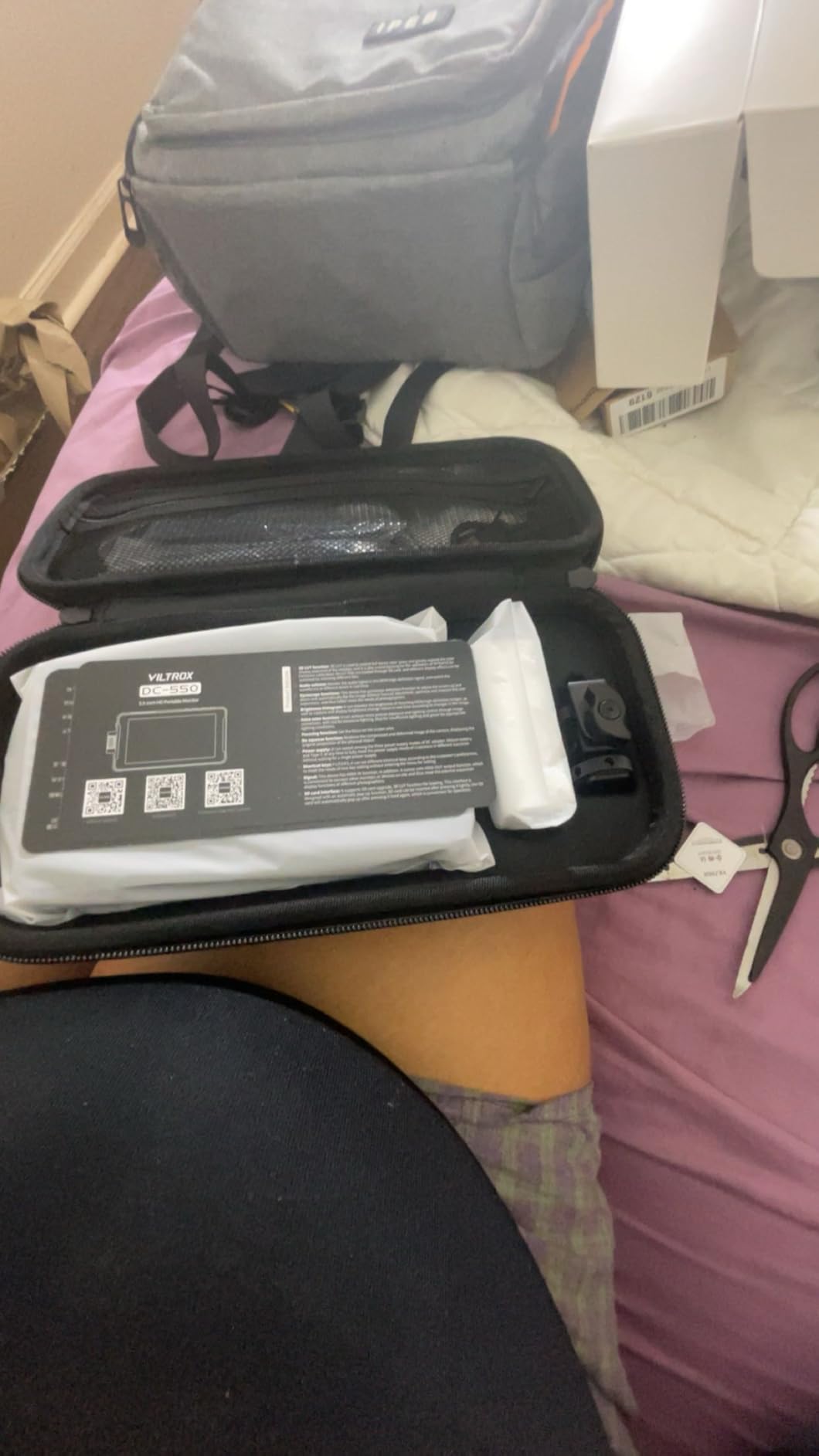
Connectivity is where this monitor shines for professional workflows. It has HDMI 2.0 with loop in and out, supporting up to 4K at 60Hz. That means I could feed 4K signal from my camera and simultaneously output it to a director monitor or wireless transmitter without any quality loss. The 3D LUT support loaded via USB-A lets me preview log footage with my preferred show LUT applied in real time.
Power options are flexible with NP-F series batteries, a DC input at 10-18V, and Type-C at 9V/3A. The built-in cooling fans keep the screen running cool even during long shoots at full brightness. At 12.2 ounces it is light enough for handheld rigs but the 7-inch size makes it less ideal for gimbal work where weight matters.
Outdoor and Daylight Performance
This is the strongest selling point of the DC-A1. With 2800 nits of brightness, it outclasses every other monitor on this list by a wide margin. I tested it side by side with a 1000-nit monitor and the difference was night and day. The VILTROX remained fully readable while the other screen was unusable. If you shoot weddings, documentaries, sports, or anything outdoors, this monitor solves your visibility problem completely.
Professional Monitoring Tools
The DC-A1 includes parade waveform, oscillogram, vector graph, brightness histogram, and auxiliary focus. I found the waveform particularly useful for exposure control during run-and-gun shoots where I did not have time to chug through menus. The detachable quick-release hood snaps on and off in seconds, which I appreciated when moving between indoor and outdoor locations rapidly.
2. FEELWORLD F5 Prox 5.5 Inch 1600nit Touch Monitor
- 1600nit brightness for outdoor use
- Responsive touchscreen
- Complete kit with F750 battery and bag
- Professional tools including waveform and LUT
- Lightweight 245g design
- Multiple hardware revisions exist
- Included HDMI cable may not fit all cameras
The FEELWORLD F5 Prox hits a sweet spot between price and performance that few monitors can match. At 1600 nits it is bright enough for most outdoor shooting scenarios, and the touchscreen interface makes it feel like a premium product despite its mid-range positioning.
I mounted the F5 Prox on a gimbal rig with a Sony A7IV and immediately noticed how light it felt. At just 245 grams without the battery, it barely threw off the balance of my gimbal. The 5.5-inch screen size is the sweet spot for gimbal work, large enough to pull focus but small enough to not overwhelm the rig.
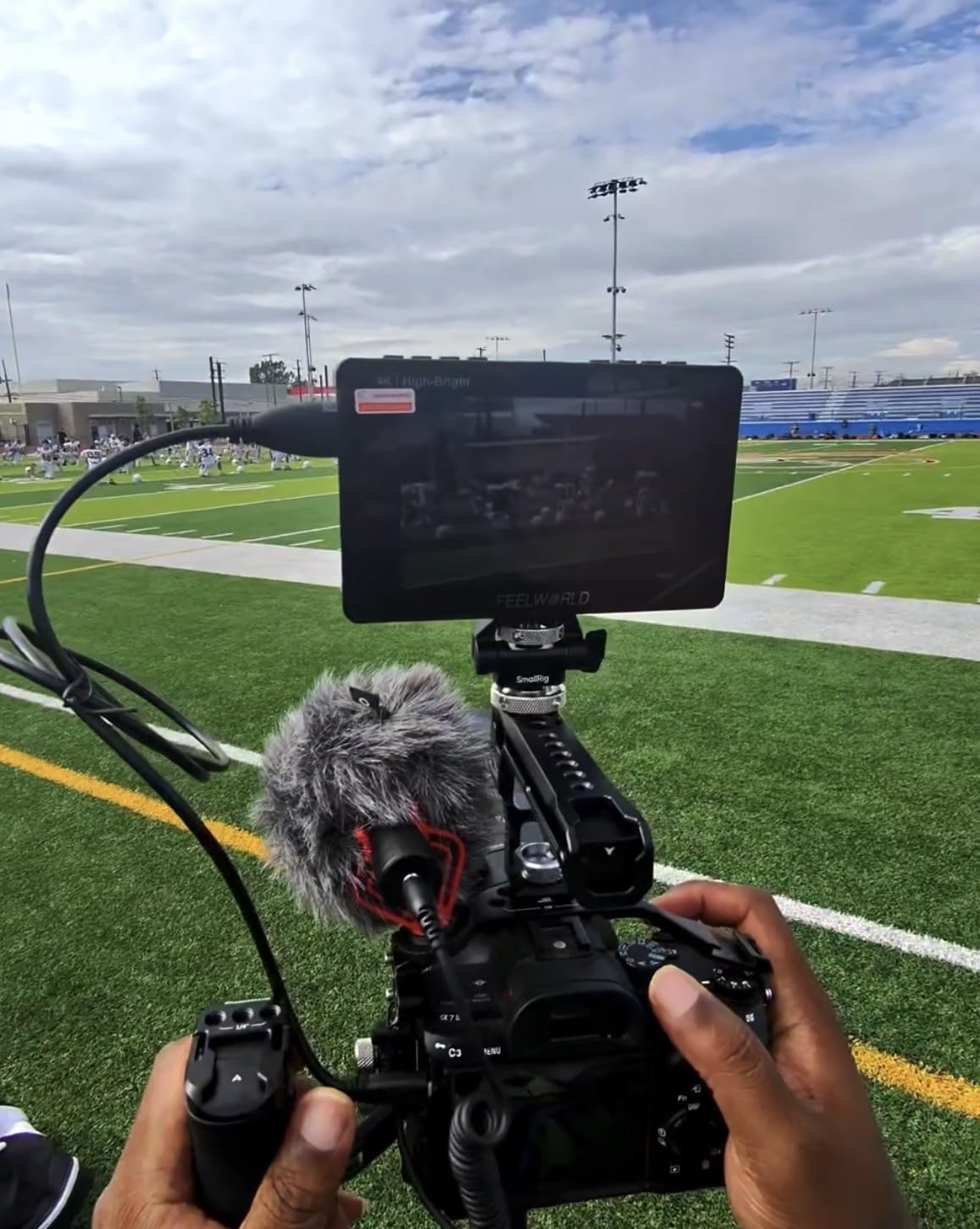
The touchscreen is genuinely responsive. I tapped through menu items, toggled focus peaking on and off, and loaded a custom 3D LUT without any frustration. The professional monitoring tools include waveform, histogram, false color, and focus peaking, all of which performed as expected during my testing.
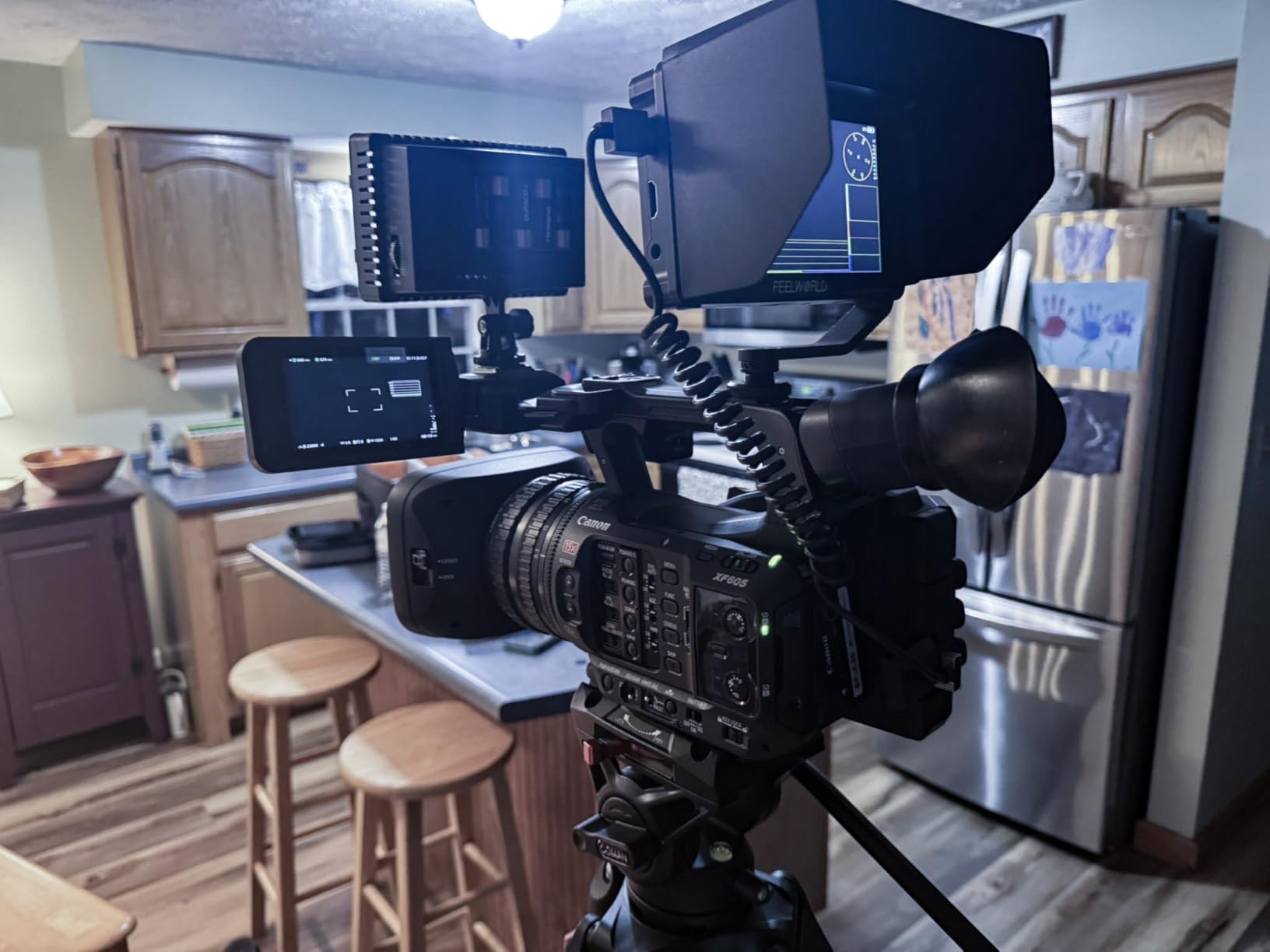
The complete kit includes an F750 battery, carry bag, sunshade, micro HDMI cable, and tilt arm. This is one of the few monitors in this price range where I did not need to buy additional accessories to start shooting. The battery lasted roughly two hours of continuous use at moderate brightness settings.
Battery and Power Flexibility
The F5 Prox supports NP-F series batteries and also accepts USB-C power from a power bank. On a long shoot day I connected a 10,000mAh power bank via USB-C and ran the monitor for over five hours without touching the NP-F battery. This dual-power approach is something I wish more budget monitors offered.
Best Use Cases
This monitor excels on gimbals, handheld rigs, and shoulder mounts where weight matters. Documentary shooters, wedding videographers, and content creators who work outdoors will appreciate the 1600-nit brightness. It is less suited for studio setups where you might want a larger 7-inch screen, and the hardware revision inconsistencies mean you should verify firmware features when your unit arrives.
3. FEELWORLD FW759 7 Inch Budget Field Monitor
- Outstanding value under $70
- Large 7-inch screen for DSLR work
- Includes F550 battery and accessories
- Focus peaking and exposure tools
- Slim 17mm thickness
- 400nit brightness limited to indoor use
- Included HDMI cable may not fit all cameras
The FEELWORLD FW759 proves that you do not need to spend a fortune to get a functional field monitor. At under $70, this 7-inch monitor delivers the core features most filmmakers need: a large screen, focus peaking, histogram, and 4K HDMI input support.
I tested the FW759 on an indoor interview shoot and was impressed by the picture quality for the price. The 1280×800 IPS panel provides decent color and viewing angles. Focus peaking worked reliably for confirming sharp focus on my subject, and the histogram helped me avoid blown highlights.
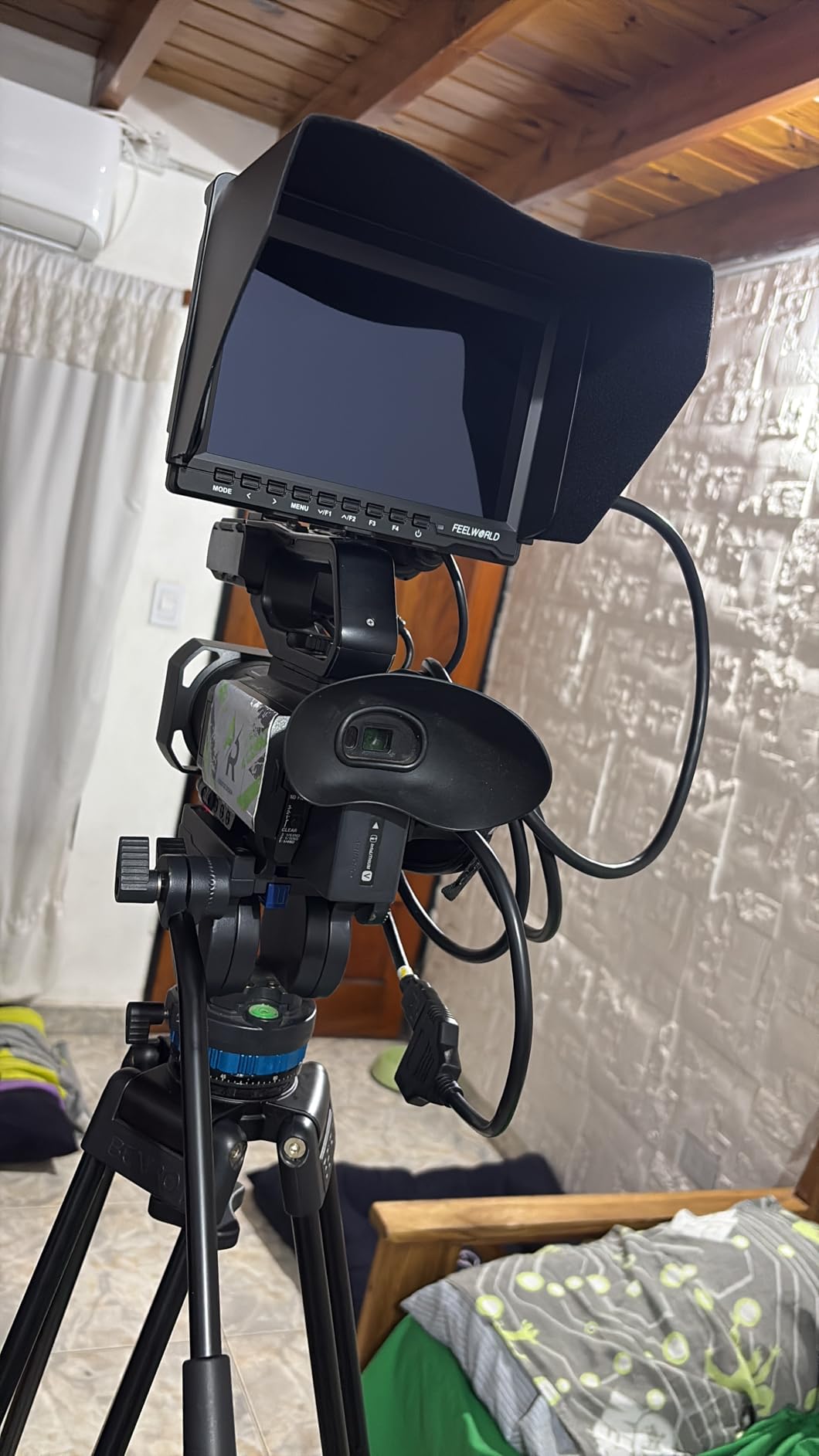
The included accessory kit is remarkably complete for the price. You get an F550 battery, a portable bag, a sunshade, an HDMI cable, and a mounting bracket. On most budget monitors you get the screen and nothing else, so this kit genuinely adds value.
However, the 400-nit brightness is the main limitation. Indoors and in shaded areas the screen is perfectly readable. Step into direct sunlight and you will struggle to see the image clearly even with the sunshade attached. This monitor is best suited for controlled lighting environments, vlogging setups, and social media content creation rather than outdoor production work.
Ideal Setup Scenarios
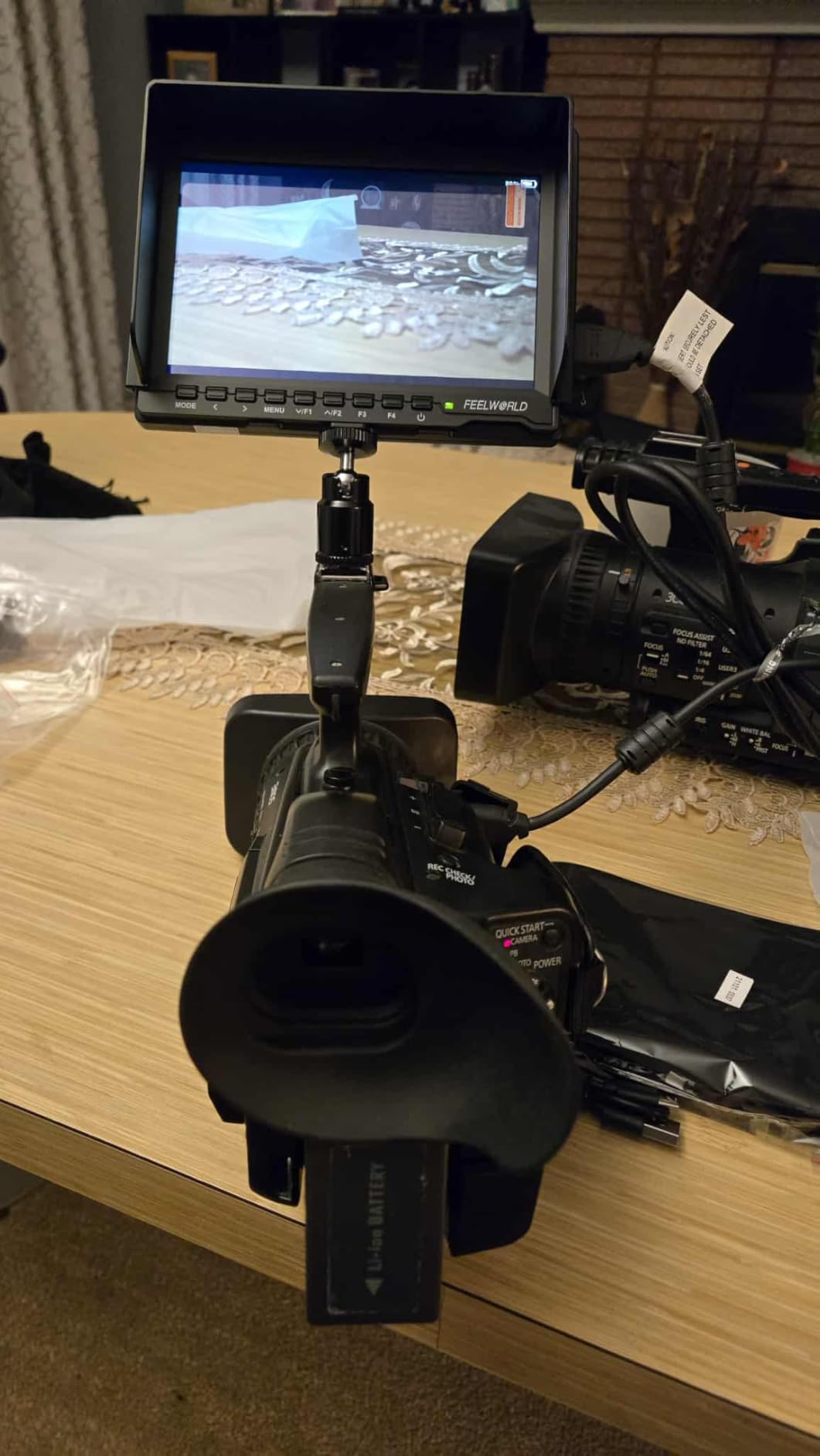
The FW759 shines in indoor interview setups, studio vlogging, and as a second monitor for a director or client viewing station. It pairs well with DSLR and mirrorless cameras for static shooting where you have time to check focus and exposure on a larger screen. The slim 17mm profile and 300g weight make it easy to mount on almost any rig without adding bulk.
What to Know Before Buying
The included HDMI cable is a standard full-size HDMI which may not connect directly to cameras with micro or mini HDMI ports. Plan to pick up the appropriate cable for your camera. Also, while the monitoring tools are functional, they are more basic compared to higher-end models, there is no waveform or 3D LUT support on this unit. For most beginner and intermediate filmmakers that trade-off is perfectly acceptable at this price.
4. Neewer F100 7 Inch Camera Field Monitor
- Excellent value for budget filmmakers
- Good IPS panel with decent viewing angles
- Focus peaking and check field tools
- Sunshade and ball head included
- Works with wide range of cameras and gimbals
- Battery not included
- Not bright enough for direct sunlight
- Menu navigation can be tedious
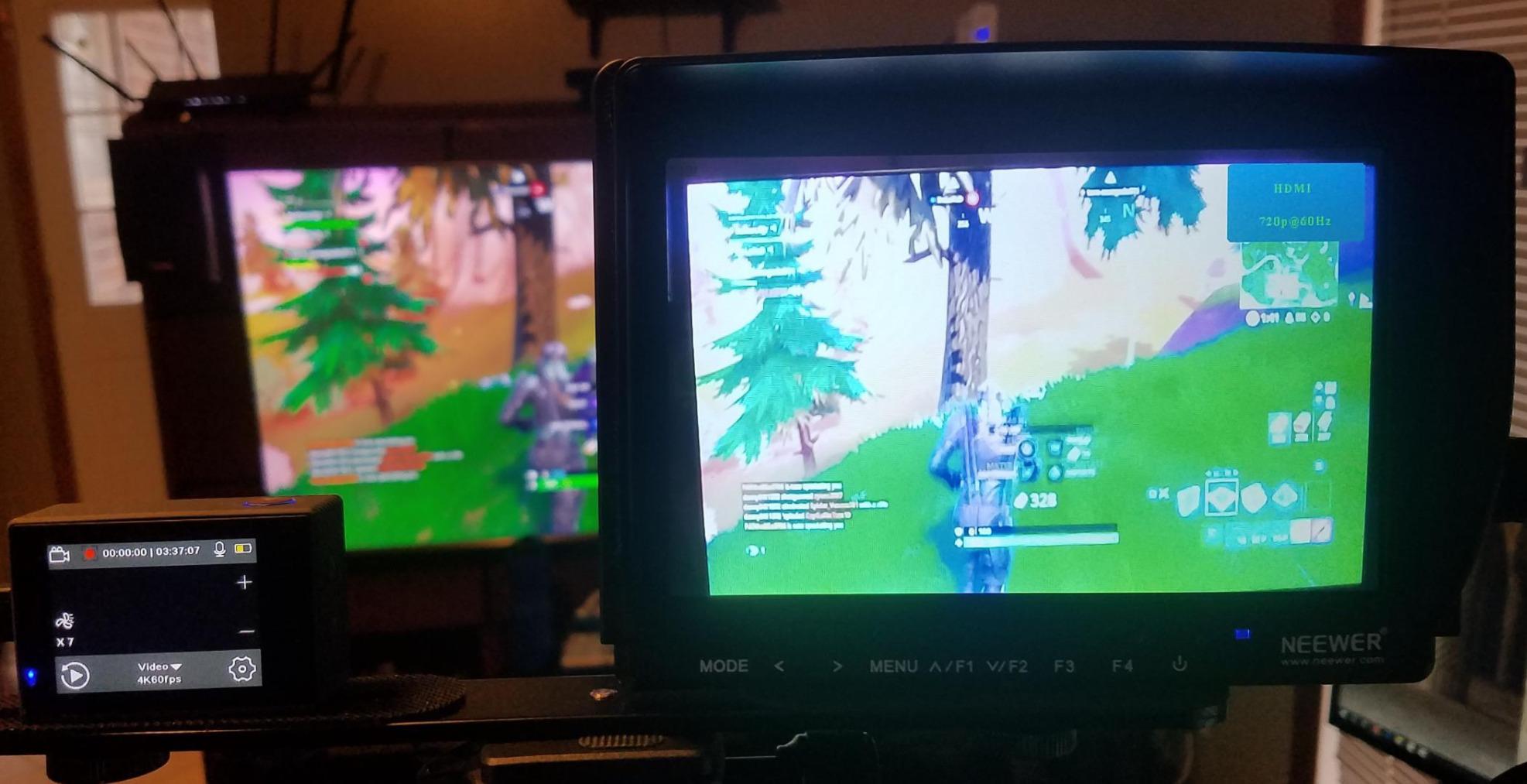
The Neewer F100 is one of the most popular budget field monitors on Amazon with over 2,700 reviews, and after testing it I understand why. It delivers reliable monitoring at a price that makes it accessible to filmmakers just starting out.
The 7-inch IPS panel at 1280×800 resolution and 450 nits is comparable to the FEELWORLD FW759 in raw specifications. In practice I found the color rendering slightly more neutral on the Neewer, though the difference was subtle. The 1200:1 contrast ratio gives decent shadow detail for monitoring purposes.
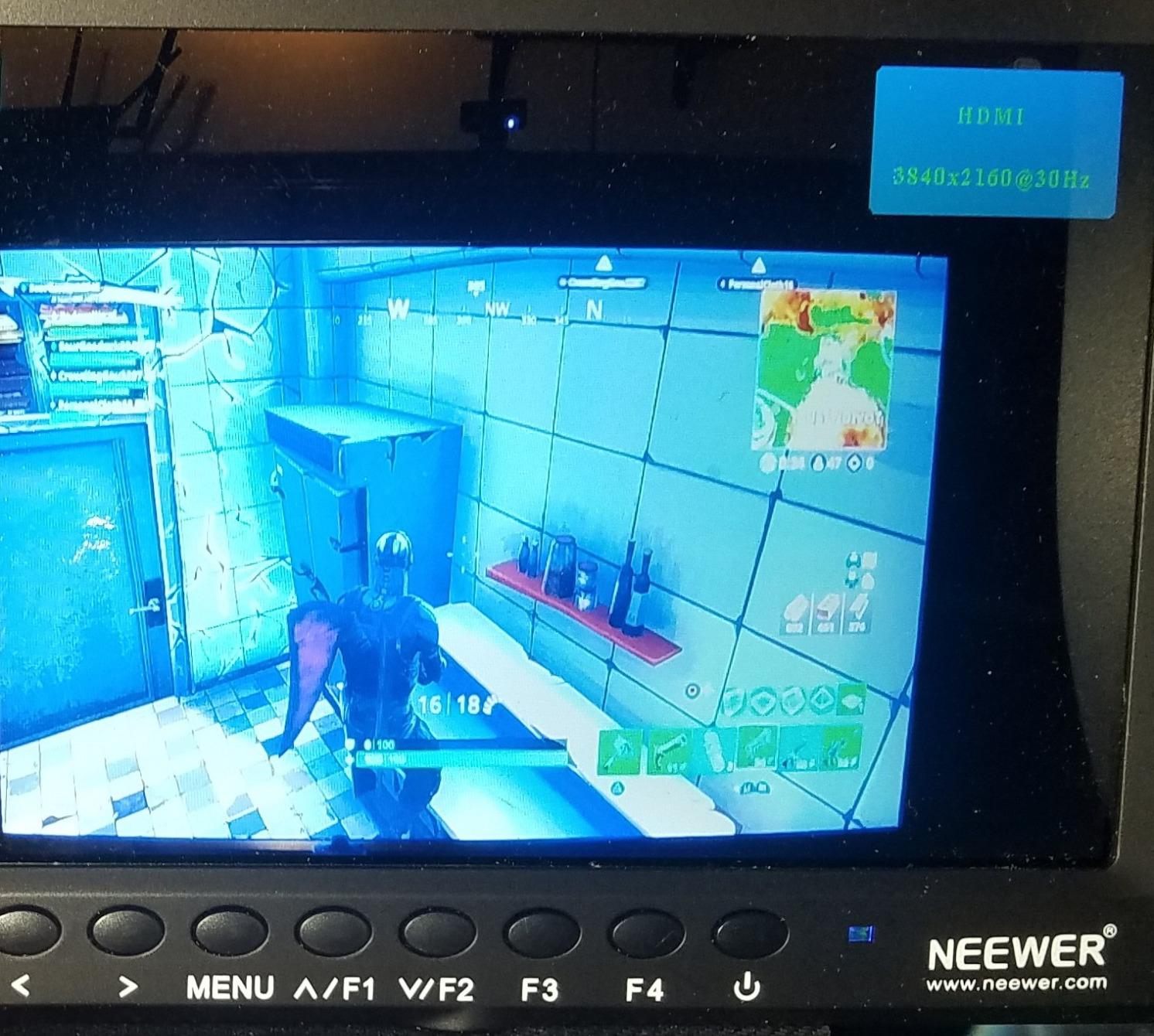
Focus peaking, check field modes (red, green, blue, mono), pixel-to-pixel mapping, and safe frame markers cover the essential monitoring needs. I used the safe frames feature during a music video shoot to ensure my framing matched the delivery aspect ratio, and it worked exactly as intended.
The main drawback is the lack of an included battery. You need to purchase an NP-F550 separately, which adds to the effective cost. The menu navigation uses buttons rather than a touchscreen, and I found myself wishing for quicker access to settings during fast-paced shoots.
Build Quality and Mounting
The F100 feels solid for the price with its 17mm ultra-thin design and LED backlight. The included ball head mount works but can loosen during active movement, so I recommend tightening it down or using a more robust mounting solution for gimbal or shoulder rig work. The sunshade helps in moderately bright conditions but will not save you in direct sunlight.
Best Cameras to Pair With
This monitor works well with most DSLR and mirrorless cameras including Canon, Sony, Nikon, and Panasonic models. The 1080p and 4K HDMI passthrough support means it handles signal from modern cameras without issues. For gimbal users, the weight is manageable, though the button-based interface is slower to operate than a touchscreen when your hands are busy stabilizing the rig.
5. FEELWORLD FW568 6 Inch Full HD Field Monitor
- Full HD 1920x1080 resolution
- 3D LUT support for log shooting
- Waveform and vectorscope tools
- Compact for gimbal use
- DC power output for camera
- Battery not included
- Touchscreen reported as inconsistent by some users
- No 1:1 pixel zoom mode
The FEELWORLD FW568 steps up from the budget tier with a Full HD 1920×1080 panel, 3D LUT support, and professional waveform tools. At its price point it bridges the gap between basic monitoring and professional-grade exposure control.
The Full HD resolution is immediately noticeable compared to the 1280×800 budget monitors. Text is sharper, fine detail is clearer, and focus confirmation is more precise. For filmmakers shooting log profiles, the 3D LUT support via SD card is a genuine advantage because you can preview your graded look on set.

I loaded a custom show LUT onto an SD card and was able to preview my S-Log3 footage with the final look applied. The waveform and vectorscope tools helped me nail exposure and color balance without guessing. For run-and-gun documentary work where you cannot afford to check every shot in post, these tools are invaluable.
The 6-inch size hits a comfortable middle ground. It is larger than the 5.5-inch options for better detail viewing but smaller and lighter than 7-inch monitors for gimbal balance. The tilt arm mounting system included in the box lets you angle the screen independently of the camera position.
3D LUT Workflow on Set
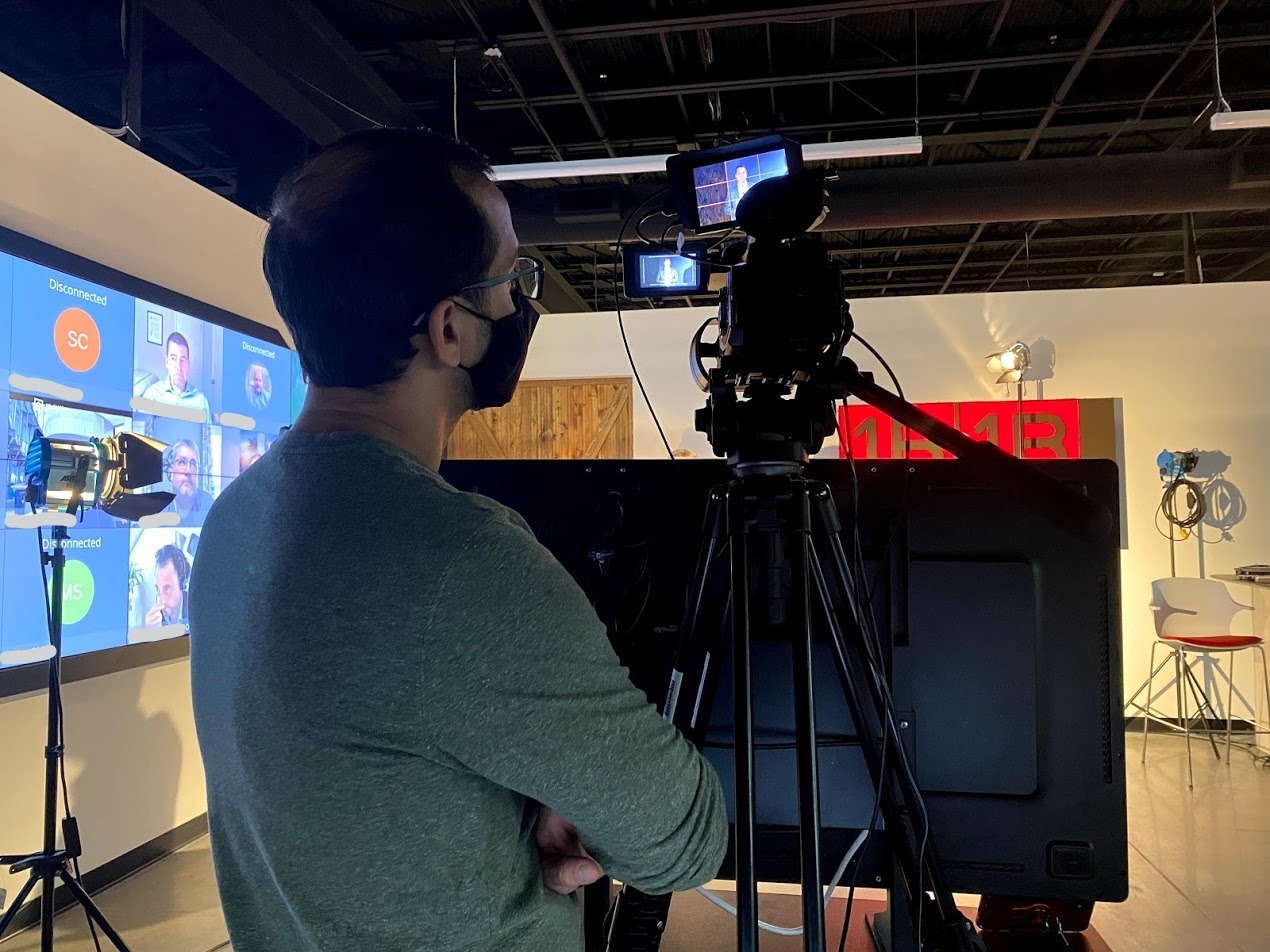
The FW568 supports up to 32 custom 3D LUTs loaded via SD card. I recommend creating LUTs for each camera and picture profile you shoot with. During a commercial shoot I loaded three different LUTs for the client to choose from, which streamlined the approval process and built confidence in the final look before we wrapped.
Limitations to Consider
The battery is not included, so factor in the cost of an NP-F or LP-E6 battery. Some users report touchscreen inconsistency, though my unit responded adequately. The lack of a 1:1 pixel zoom mode means you cannot punch in to check focus at the pixel level, which some focus pullers will miss. The 450-nit brightness limits outdoor use to shaded conditions.
6. VILTROX DC-550 5.5 Inch 1200nit Touchscreen Monitor
- Responsive touchscreen with control wheel
- 1200nit brightness for daylight
- REC-709 color calibration
- Complete accessory kit included
- Triple power supply options
- Image sharpness not top tier
- HDMI port placement inconvenient
- Cannot display camera settings on screen
The VILTROX DC-550 combines a 1200-nit display with a hybrid touchscreen and physical control wheel interface. After testing it for two weeks on various shoots, I found the control scheme to be one of its strongest features for quick adjustments.
At 1200 nits, the DC-550 handles outdoor conditions far better than the 400-450 nit budget monitors. I used it on an outdoor corporate video shoot in partial sunlight and could read the screen clearly with the sunshade attached. It is not as blindingly bright as the 2800-nit DC-A1, but for most daylight shooting scenarios it performs well.
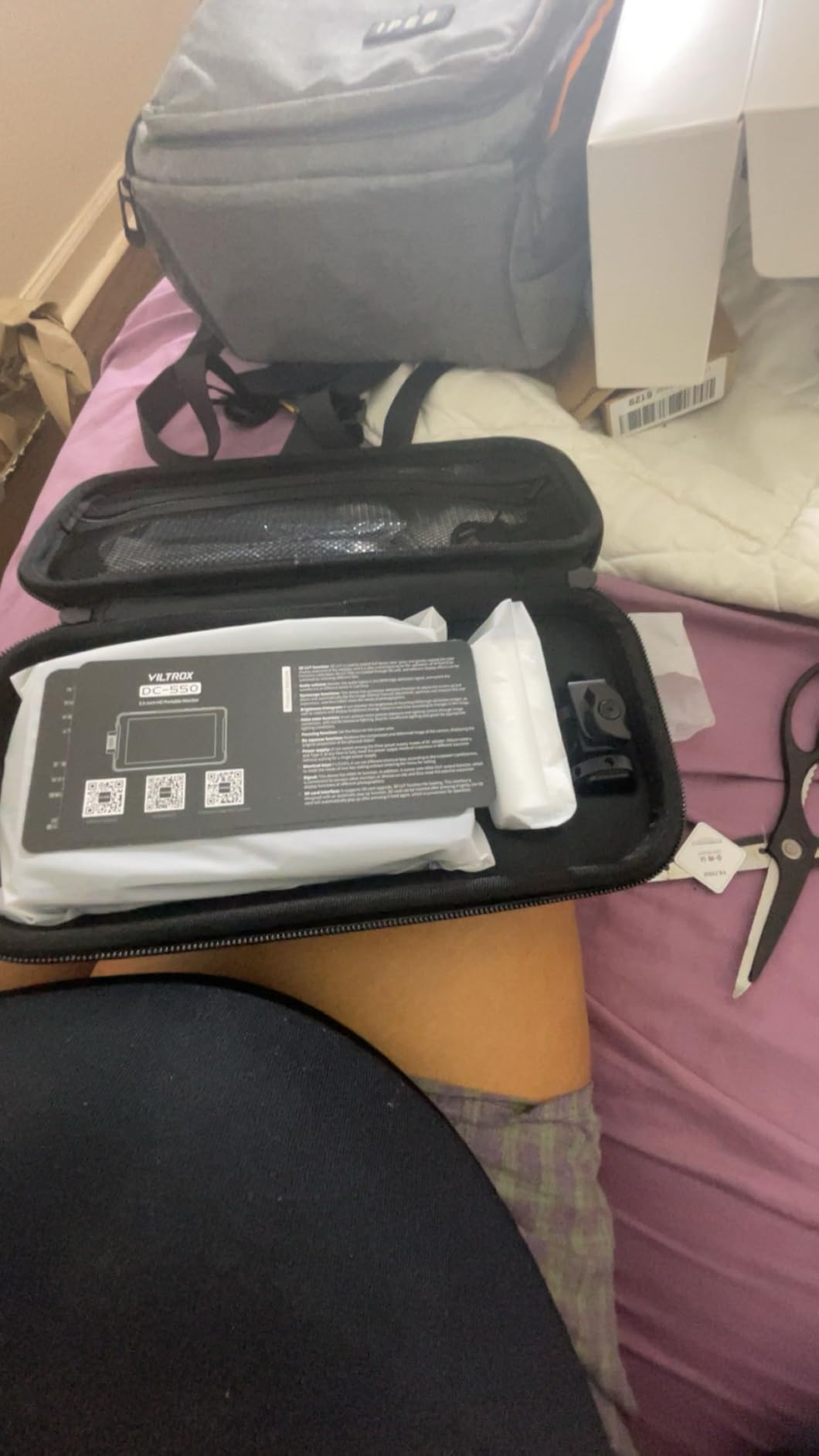
The REC-709 color calibration gives accurate colors for monitoring purposes. I compared the DC-550’s rendering against my calibrated reference monitor and found the color science to be solid for a field monitor in this price range. The 160-degree viewing angles mean the image stays consistent even when viewed from the side.
The hybrid interface combines a touchscreen with a physical control wheel and buttons. I found myself using the wheel for scrolling through menu items and the touchscreen for direct toggles. This dual approach works well when wearing gloves or when the touchscreen is less responsive in cold weather.
Connectivity and Power
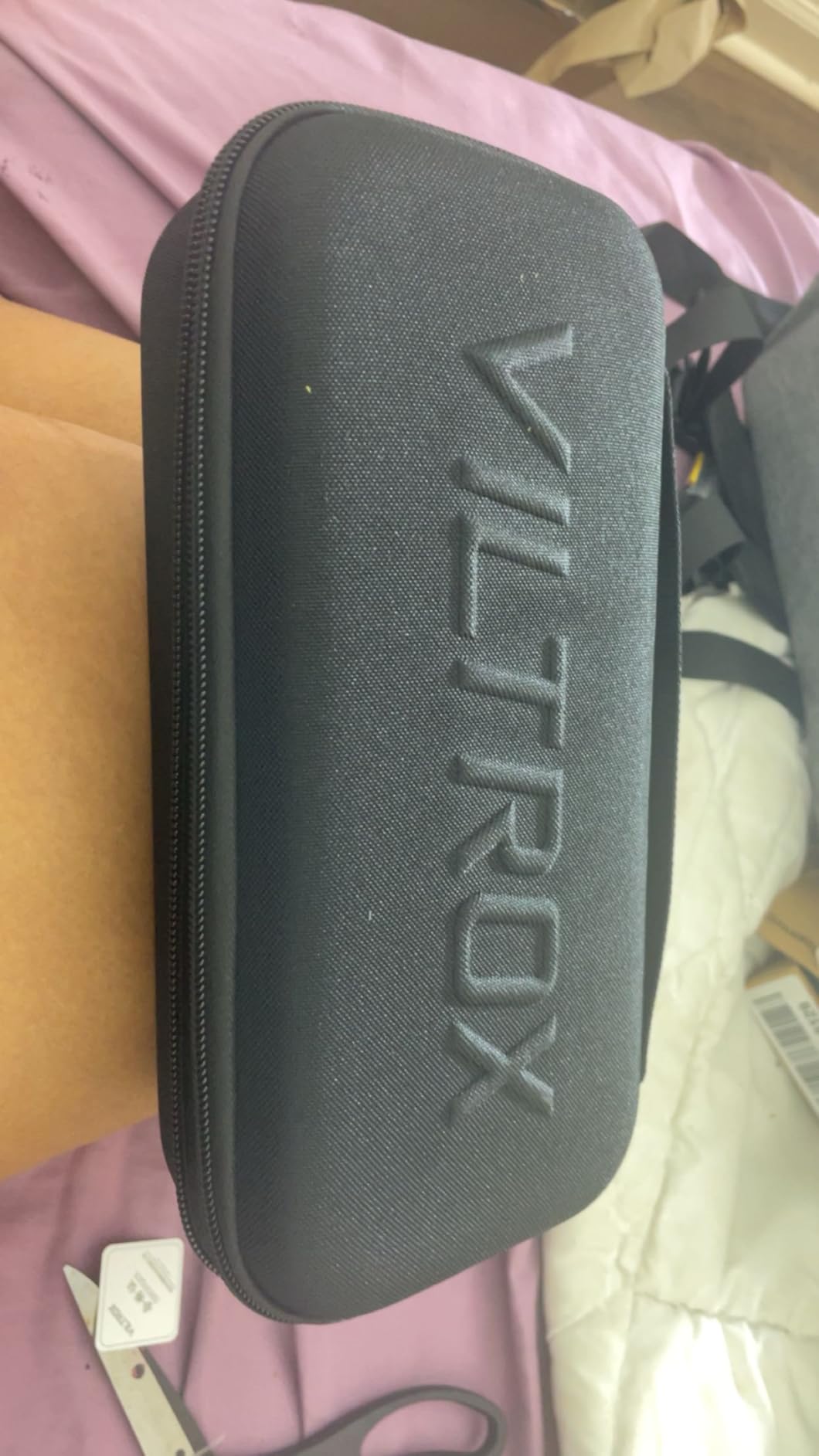
The DC-550 offers 4K HDMI input and output at 30Hz. The triple power supply system supports NP-F batteries (one is included), DC 12-18V external power, and USB-C at 5V 3A from a power bank. This flexibility means you can adapt to whatever power source is available on set without carrying multiple adapters.
Professional Tools Comparison
VILTROX includes parade waveform, vector graph, brightness histogram, false color, focus assist, audio column display, and image flip. The toolset is comparable to what you find on monitors costing significantly more. The main gap is the inability to overlay camera settings on the screen, which would require a more advanced protocol integration that this price tier does not support.
7. Neewer F500 PRO 5.5 Inch 2000nit Touch Monitor
- 2000nit daylight-readable touchscreen
- 4K HDMI loop in and out
- 60 custom 3D LUT upload slots
- Comprehensive monitoring tools
- Multiple power options
- Limited reviews as new product
- Only 1 battery included
The Neewer F500 PRO is a newer entry in the bright-monitor category, packing 2000 nits into a 5.5-inch touchscreen package. As the current number one bestseller in Video Monitors on Amazon, it is generating significant buzz despite being relatively new to the market.
I tested the F500 PRO alongside the VILTROX DC-550 and the difference in brightness was immediately apparent. At 2000 nits, the Neewer screen punches through daylight conditions that would render a 1200-nit monitor difficult to read. The 1920×1080 Full HD resolution ensures that the extra brightness does not come at the cost of image detail.
The 3D LUT system is one of the most flexible I have seen at this price. With 15 preloaded LUTs and room for 60 custom uploads, I was able to load specific LUTs for multiple camera and lighting scenarios. The touchscreen interface handles LUT switching with a couple of taps, which is faster than cycling through menus on button-based monitors.
The monitoring toolset is comprehensive: full waveform, waveform graph, vectorscope, luminance histogram, focus peaking, audio level meter, and zebra patterns. I found the zebra patterns particularly useful for managing highlight exposure on a bright outdoor shoot where the histogram alone was not giving me enough localized information.
Power and Battery Life
The F500 PRO includes a 5200mAh NP-F750 battery, which gave me approximately 1.5 hours of runtime at full brightness. At moderate brightness settings I stretched that to over 2.5 hours. The DC 8.4V output can also power your camera, which reduces the number of batteries you need to manage on set, though I recommend carrying a spare NP-F for longer shoot days.
Who Should Consider This Monitor
This monitor targets filmmakers who need serious daylight visibility without stepping up to the 2800-nit DC-A1 price. It is well-suited for wedding videographers, documentary shooters, and outdoor content creators who frequently work in uncontrolled lighting. The limited review count means long-term reliability is still being established, but the feature set and build quality suggest Neewer has built a competitive product.
8. Neewer F700 7 Inch 2000nit Field Monitor
- 2000nit sunlight-readable screen
- Includes 2 batteries for extended shoots
- Comprehensive monitoring with HDR
- Great value for feature set
- Excellent for outdoor production
- Heavy with both batteries installed
- Size too large for gimbal work
- Included micro HDMI cable quality issues
The Neewer F700 is the most feature-complete package in this roundup, combining a 7-inch 2000-nit touchscreen with two included NP-F750 batteries. It currently holds the number one bestseller spot in Video Monitors and has earned a 78 percent five-star rating from over 230 reviewers.
The 2000-nit brightness puts the F700 in the same daylight-readable category as the F500 PRO and DC-A1. I tested it on an outdoor event shoot and was able to monitor my framing and exposure in direct sun without straining. The 7-inch screen size gives you more real estate than the 5.5-inch options, which matters when you are pulling focus or checking detail.
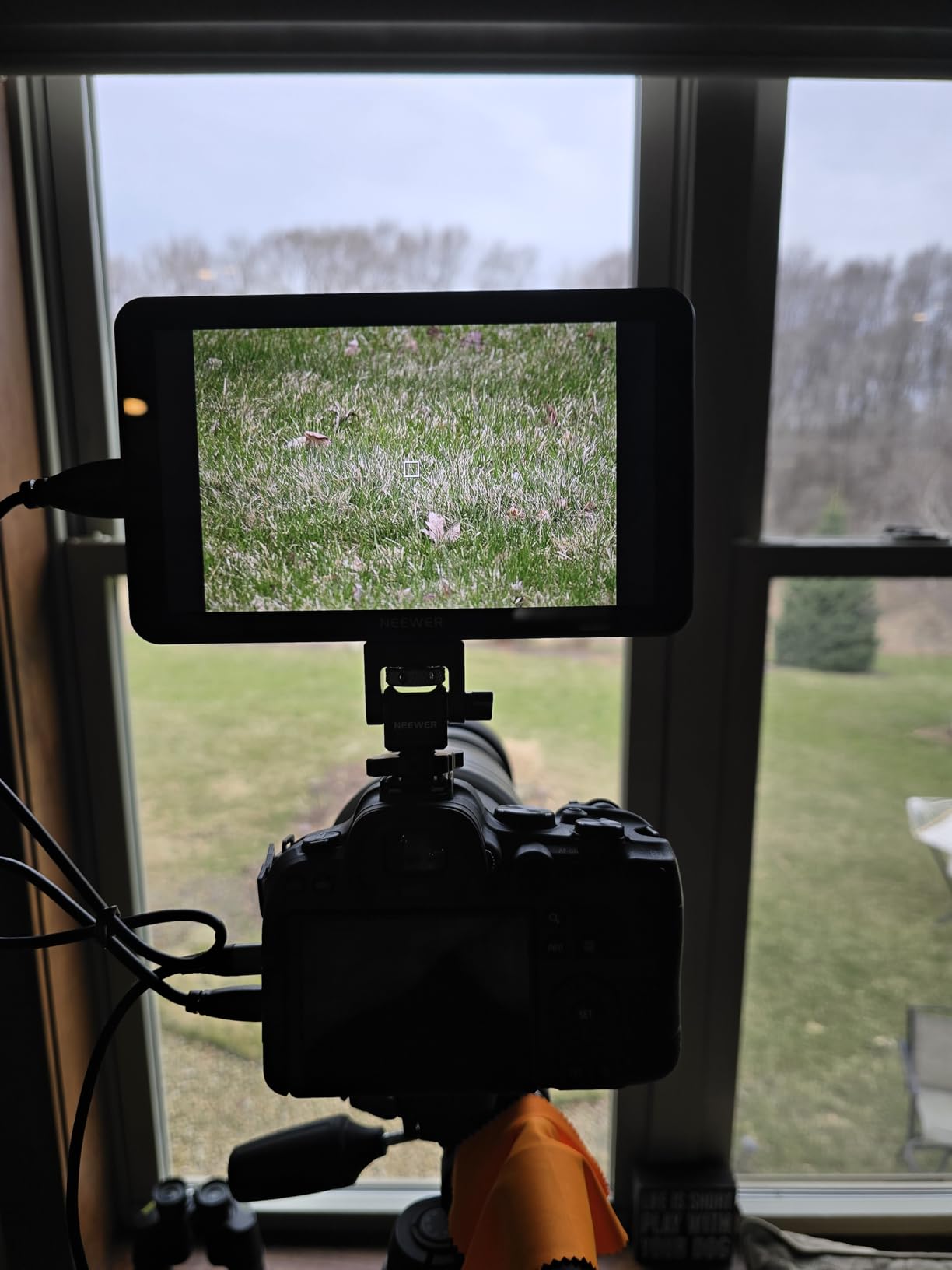
The dual NP-F750 batteries are a standout inclusion. Each 4400mAh battery provides approximately 2.4 hours of runtime, giving you nearly 5 hours of total monitoring time. On a full-day shoot I did not need to swap batteries once, which is rare for any field monitor in this category.
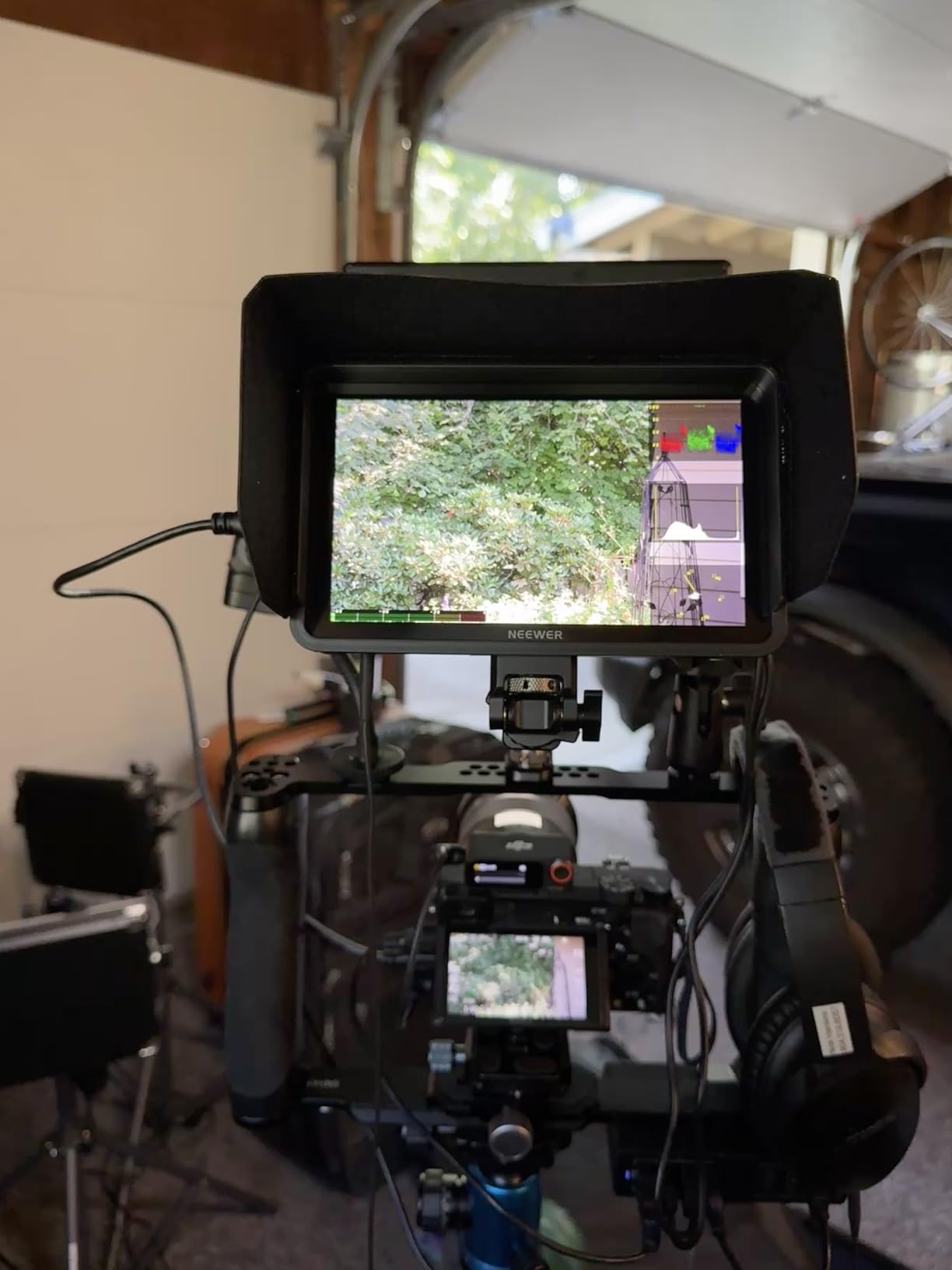
The monitoring toolset is exhaustive: false color, zebras, histogram, oscillogram, full waveform, vectorscope, HDR display, and peak focus. I particularly appreciated the HDR monitoring mode when shooting in HLG, as it gave me a more accurate preview of the expanded dynamic range.
Weight and Rig Considerations
At 25 ounces with batteries installed, the F700 is on the heavier side. On a shoulder rig or tripod-mounted setup this is not an issue. On a gimbal, however, the weight and 7-inch size will challenge most consumer gimbal motors. I recommend the F700 for tripod, shoulder mount, and handheld cage setups where the larger screen size and dual battery advantage outweigh the weight penalty.
Complete Package Value
Between the two batteries, cold shoe mount, 180-degree adjustable bracket, all necessary cables, and the comprehensive monitoring tools, the F700 package offers excellent value. The included micro HDMI cable has received quality complaints, so I recommend investing in a higher-quality cable from a brand like Cable Matters or similar. Overall this is the most complete out-of-the-box monitoring solution in this roundup.
How to Choose the Best Camera Field Monitors for Filmmaking
Choosing the right field monitor comes down to understanding your shooting style, lighting conditions, and budget. I have broken down the key factors below based on my testing experience and the common questions filmmakers ask on forums like r/videography and r/cinematography.
Brightness: How Many Nits Do You Need?
Brightness measured in nits is the single most important factor for outdoor shooters. From my testing, here is what different brightness levels deliver in practice. A 400 to 450-nit monitor works fine for indoor and shaded outdoor use but washes out in direct sunlight. A 1000 to 1200-nit monitor handles partial sunlight with a sunshade but still struggles in midday conditions. A 1600-nit monitor is usable in most outdoor scenarios including bright overcast and partial direct sun. A 2000 to 2800-nit monitor is fully daylight-readable even in harsh direct sunlight.
If you shoot primarily outdoors, aim for at least 1600 nits. The VILTROX DC-A1 at 2800 nits and the Neewer F700 and F500 PRO at 2000 nits are your best bets for daylight work. Reddit users consistently report that anything under 1000 nits is frustrating outdoors, which matches my testing experience exactly.
Screen Size and Resolution
Field monitors typically range from 5 to 7 inches. The right size depends on your rig and shooting style. A 5.5-inch monitor is ideal for gimbal work where weight and balance matter, and the smaller footprint keeps your rig compact. A 6-inch monitor is a versatile middle ground that works on gimbals, shoulder rigs, and handheld cages. A 7-inch monitor gives maximum screen real estate for focus pulling and detail checking but is too heavy for most gimbals.
For resolution, 1280×800 is adequate for basic framing and focus confirmation. Full HD 1920×1080 gives noticeably sharper detail and is worth the upgrade for critical focus work. All eight monitors in this roundup support 4K HDMI input, which means they accept a 4K signal from your camera even if the display itself is 1080p.
HDMI vs SDI Connectivity
Most consumer and prosumer filmmakers will use HDMI, which is what all eight monitors in this guide support. HDMI is simpler, cables are cheaper, and it works with virtually every modern camera. SDI is the professional standard found on cinema cameras like the Blackmagic URSA and RED bodies. SDI cables lock in place and can run longer distances without signal degradation.
For Sony, Canon, Nikon, and Panasonic mirrorless shooters, HDMI is all you need. If you shoot on a Blackmagic Pocket Cinema Camera, HDMI also works. SDI becomes relevant only when you step up to dedicated cinema cameras or broadcast setups. None of the monitors in this roundup include SDI, which is typical for the sub-$300 price tier.
3D LUT Support for Log Shooting
If you shoot in a log or HDR profile, 3D LUT support lets you preview your footage with a look applied on set. This is enormously helpful for exposure decisions and client previews. The FEELWORLD FW568, F5 Prox, VILTROX DC-550, DC-A1, and both Neewer F500 PRO and F700 models support custom 3D LUTs.
Loading LUTs is typically done via SD card or USB. I recommend creating LUTs for each camera profile you use and naming them clearly so you can switch quickly between takes. On a recent commercial shoot, having LUT support allowed the client to see the intended final look while we were still on set, which prevented misunderstandings about exposure and color decisions.
Battery Type and Power Options
Nearly all field monitors in this price range use Sony NP-F series batteries, which are widely available and affordable. The key question is whether batteries are included. The FEELWORLD FW759 includes an F550, the F5 Prox includes an F750, the VILTROX models include batteries, and the Neewer F700 includes two NP-F750 units. The Neewer F100 and FEELWORLD FW568 do not include batteries.
Beyond NP-F batteries, look for monitors with additional power options. USB-C power bank support (found on the F5 Prox, DC-550, DC-A1, F500 PRO, and F700) lets you extend runtime dramatically using a cheap power bank. DC output to power your camera from the monitor (FW568, F500 PRO, F700) reduces the number of batteries you need to manage.
Weight and Portability for Your Rig
Forum users on r/videography frequently complain about monitors throwing off their gimbal balance. Weight matters more than most people realize. The FEELWORLD F5 Prox at 245 grams is the lightest in this roundup and the best choice for gimbal work. The Neewer F700 at 25 ounces with batteries is the heaviest and best suited for tripod or shoulder-mounted setups.
As a rule of thumb, if you shoot on a gimbal stick with 5.5 or 6-inch monitors under 350 grams. If you shoot handheld, on a tripod, or shoulder-mounted, a 7-inch monitor gives you better visibility and the weight is less of a concern.
Frequently Asked Questions
What is the best on-camera monitor for filmmaking?
The VILTROX DC-A1 is the best overall on-camera monitor for filmmaking thanks to its 2800-nit daylight-readable screen, 4K HDMI 2.0 loop in/out, and professional monitoring tools. For budget filmmakers, the FEELWORLD FW759 and Neewer F100 offer solid performance under $70.
Do I need a 4K external monitor?
You do not need a 4K display panel on your external monitor. What matters is that the monitor accepts a 4K HDMI input from your camera, which all eight monitors in this guide support. The display panel itself is typically 1080p, which is sufficient for framing, focus, and exposure monitoring.
What is the difference between HDMI and SDI monitors?
HDMI is the consumer and prosumer standard found on mirrorless and DSLR cameras. SDI is the professional broadcast standard with locking connectors and longer cable runs. HDMI monitors are cheaper and work with most cameras, while SDI monitors are needed for cinema cameras like the RED or Blackmagic URSA. For most filmmakers, HDMI is the right choice.
Why should I use an external camera monitor?
An external monitor gives you a larger screen for accurate focus pulling, professional exposure tools like waveforms and histograms, false color and zebra overlays, 3D LUT support for log shooting preview, and better outdoor visibility than your camera’s built-in screen. It transforms your ability to monitor image quality in real time.
How do I choose the right field monitor for my camera?
Choose based on your shooting conditions and rig type. For outdoor use, select a monitor with at least 1600 nits of brightness. For gimbal work, pick a 5.5 to 6-inch monitor under 350 grams. For studio or tripod work, a 7-inch monitor offers the best viewing experience. Ensure the monitor has HDMI connectivity that matches your camera’s output port.
Final Thoughts on the Best Camera Field Monitors for Filmmaking
Finding the best camera field monitors for filmmaking in 2026 does not have to be complicated. If you need maximum daylight visibility, the VILTROX DC-A1 with its 2800-nit screen is unbeatable. For the best balance of brightness, features, and price, the FEELWORLD F5 Prox at 1600 nits with a touchscreen is my top value pick. And if you are just starting out, the FEELWORLD FW759 delivers essential monitoring tools for under $70.
The right monitor depends on your shooting style. Gimbal operators should prioritize weight and pick a 5.5-inch model. Outdoor filmmakers need at least 1600 nits to work comfortably in daylight. Studio and tripod shooters benefit from the larger 7-inch screens. Whatever your needs, every monitor in this roundup will give you a far better monitoring experience than your camera’s built-in screen alone.
Take the time to match the monitor to your specific workflow, and you will wonder how you ever shot without one.