
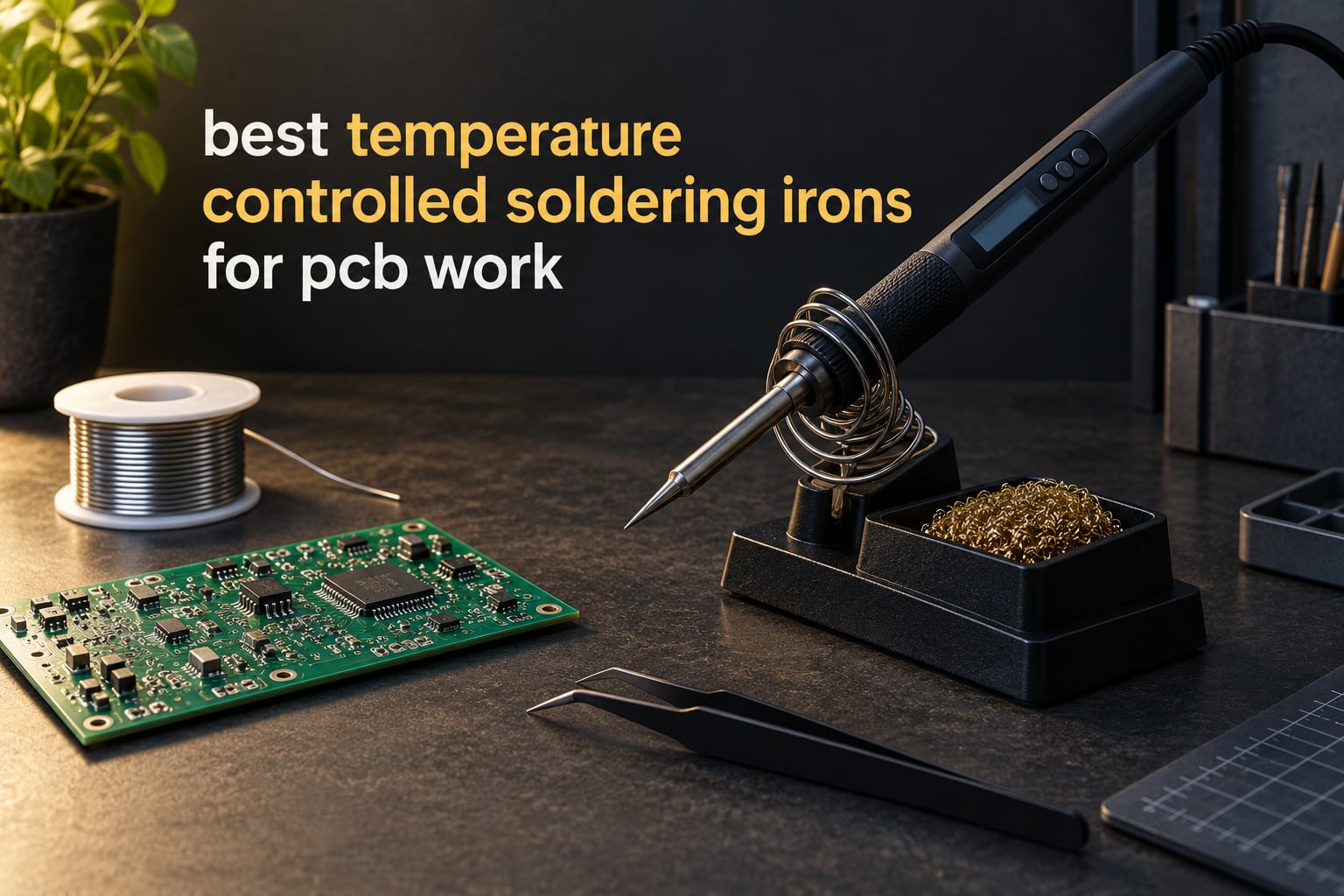
For most printed circuit board work, set a temperature controlled soldering iron between 310 and 380 degrees Celsius, which is 590 to 716 degrees Fahrenheit. A temperature controlled iron is a soldering tool with an electronic thermostat that holds the tip at the temperature you dial in, rather than simply getting as hot as its wattage allows, so you can protect a MOSFET while still melting lead-free solder on a ground plane.
That range matters because PCB work punishes uncontrolled heat in both directions. A fixed-temperature pencil can run far hotter than anything printed on its barrel, and vaporising solder mask or lifting a pad off a two-layer board takes seconds. An iron that runs too cool is just as damaging in a quieter way, because the solder never fully wets the pad and you end up with a dull, cold joint that fails months later. Temperature control is the single feature that separates a tool you can build a kit with from one you cannot.
We spent weeks putting twelve temperature controlled irons through the same bench tasks: through-hole assembly, 0805 and 0603 surface mount rework, drag soldering a row of fine pads, and heat-heavy work on multi-layer boards with large ground planes. Every pick below holds a real setpoint, and every pick has a stated job it is genuinely good at. Nothing on this list is a fixed-temperature pencil, a soldering gun or a butane torch, which is where most competing roundups spend half their slots.
If you want the wider picture before you commit, our guide to soldering stations for electronics covers the bench-side gear, and the helping hands roundup is worth reading before your first long assembly session.
Table of Contents
Top 3 Best Temperature Controlled Soldering Irons For Pcb Work (October 2026)


All 12 Picks at a Glance in 2026
| Product | Specifications | Action |
|---|---|---|
| Weller WE1010NA 70W Digital Station |
|
Check Latest Price |
| YIHUA 862BD+ 2 in 1 SMD Station |
|
Check Latest Price |
 Hakko FX601-02 67W Iron Hakko FX601-02 67W Iron |
|
Check Latest Price |
 X-Tronic 3020-XTS 75W Station Kit X-Tronic 3020-XTS 75W Station Kit |
|
Check Latest Price |
 YIHUA 939D+ Digital Station YIHUA 939D+ Digital Station |
|
Check Latest Price |
 WEP 927-IV 110W Station WEP 927-IV 110W Station |
|
Check Latest Price |
 YIHUA 926 III 60W Station Kit YIHUA 926 III 60W Station Kit |
|
Check Latest Price |
| Pinecil Smart Portable Iron |
|
Check Latest Price |
 Fanttik T1 Max Cordless Iron Fanttik T1 Max Cordless Iron |
|
Check Latest Price |
 TOAUTO DS90 90W Station TOAUTO DS90 90W Station |
|
Check Latest Price |
 WEP 882D 2 in 1 Rework Station WEP 882D 2 in 1 Rework Station |
|
Check Latest Price |
 Q-MING 60W Adjustable Iron Kit Q-MING 60W Adjustable Iron Kit |
|
Check Latest Price |
1. Weller WE1010NA – the 70W digital station that locks its temperature
- Highest rated pick here with 4670 reviews
- 40 percent more heating power than the models it replaces
- Heat resistant silicone cable and ergonomic handle
- Standby mode and auto setback conserve energy
- Includes PH70 safety rest with sponge and a 1.6mm screwdriver tip
- Single channel with no hot air or second iron output
- Weighs 5.5 pounds
- One year manufacturer warranty
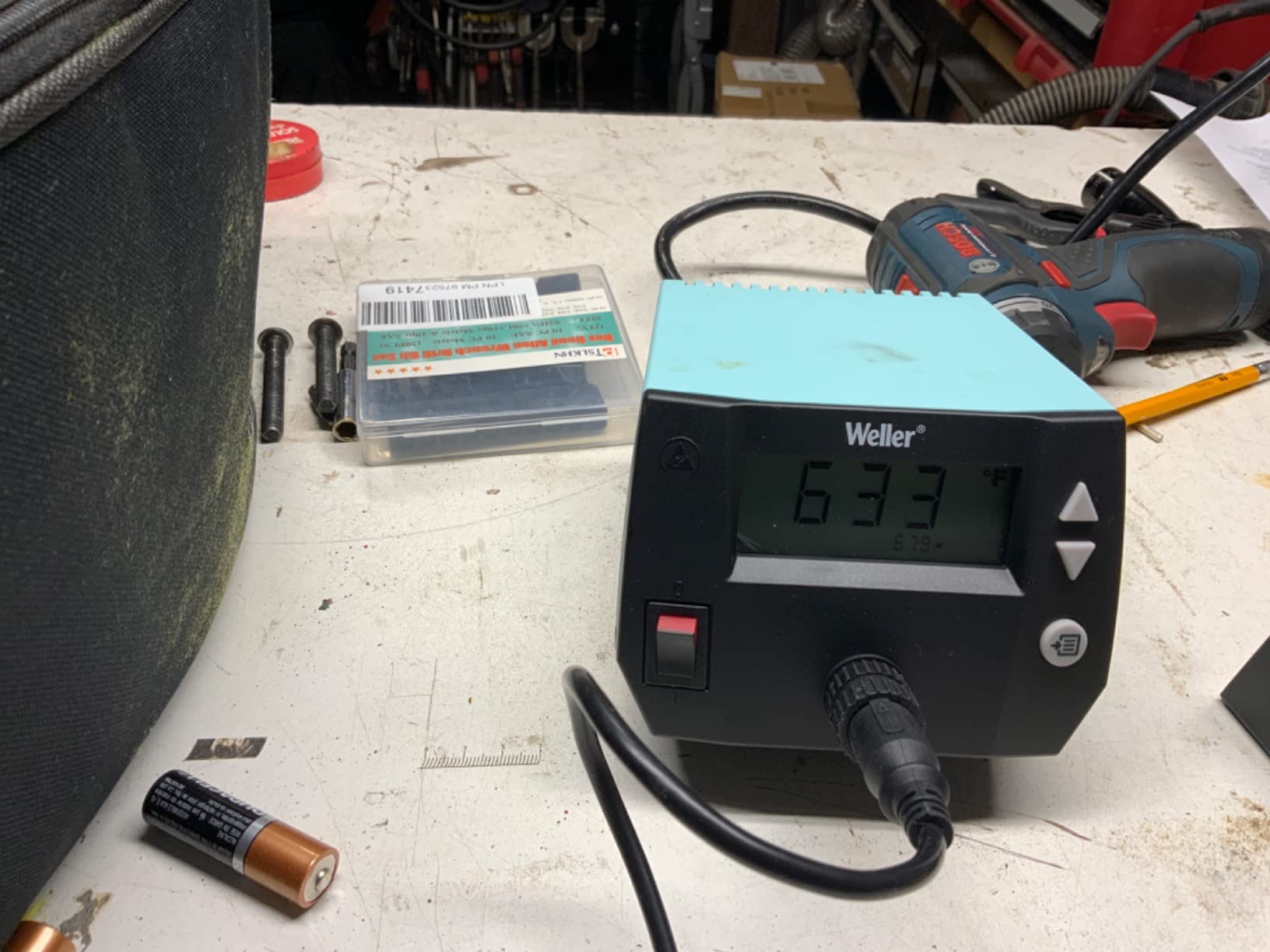
The Weller WE1010NA is the station we kept reaching for during testing, and it earned the top spot on the strength of a genuinely tight tolerance. Its stated stability is plus or minus 4 degrees Fahrenheit, or 2 degrees Celsius, and a temperature lock holds that value so a long session at one setpoint does not drift while you are heads down on a board.
At 70 watts it sits in the middle of the range where we think PCB work belongs. That is enough thermal reserve to recover almost instantly after you touch a large ground plane, and low enough that you are not constantly cooking a small 0603 pad. Weller rates the upper limit at 400 degrees Fahrenheit with a supplied 1.6mm screwdriver tip, which is a sensible through-hole starting point.
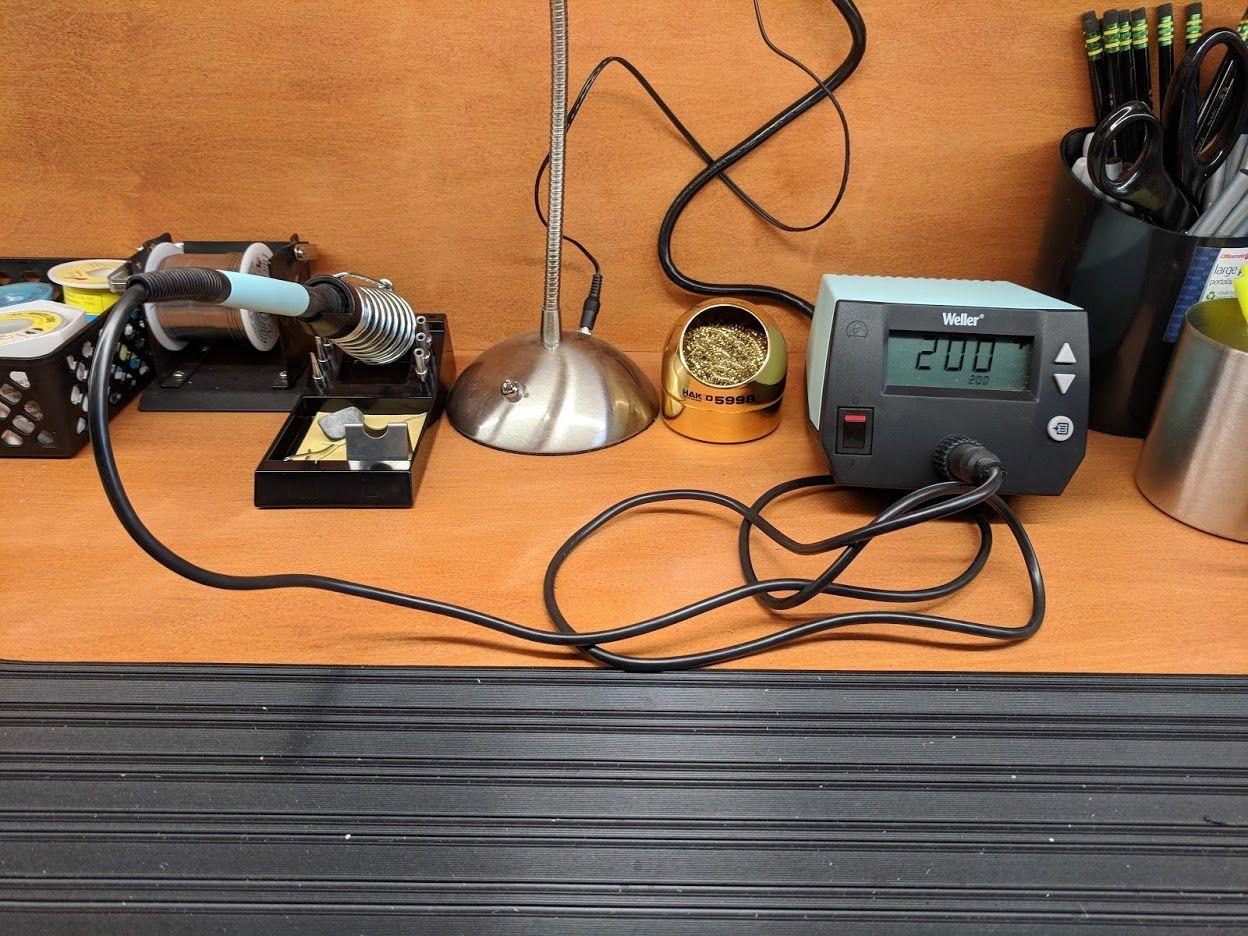
Build quality is the quiet strength here. The iron uses a heat resistant silicone cable rather than a stiff vinyl jacket, which matters when you are leaning over a board for an hour and the cable would otherwise fight your wrist. The station is described as ESD safe, and the package includes the WEP70 tip retainer, the WEP70 iron, a PH70 safety rest with sponge and the screwdriver tip, so you are not hunting for a stand on day one.
Long-term owners on forums describe it as one of the safer long-term purchases in the hobby, and the 4.7 rating across 4,670 reviews is the highest figure in this roundup. The 40 percent power increase over the two models it replaces shows up most clearly on multilayer boards, where a weaker iron visibly droops while the joint is still open.
What you get on a ground plane versus a fine SMD pad?
On a big copper pour, a copper ground plane acts as a heat sink and drags your tip temperature down the moment you touch it. With 70 watts and a stability of plus or minus 4 degrees Fahrenheit, the WE1010NA claws back within a second or two, which means you can lay a large through-hole connector pad without extending the dwell time. That is the difference between a clean fillet and a pad that starts letting go of its traces.
At the other end of the scale, run it at 330 to 350 degrees Celsius for 0805 and 0603 parts and the temperature lock means you are not chasing a moving target between joints. The heat is constant, so the only variable left is your technique.
Where it is the wrong choice?
This is a single channel station, so there is no hot air gun and no second iron. If your work involves removing surface mount parts rather than placing them, you will end up buying a rework station anyway, and our soldering station guide covers that category in more depth.
At 5.5 pounds it is heavier than most hobby stations, which is a small tax for stability on a bench. The one year manufacturer warranty is shorter than the coverage on some competitors, so factor that in if you want a tool you may still own in a decade.
2. YIHUA 862BD+ – a soldering iron and a hot air rework gun in one box
YIHUA 862BD+ SMD ESD Safe 2 in 1 Soldering Iron Hot Air Rework Station °F /°C with Multiple Functions
- Iron and hot air rework gun in one body
- PID loop corrects every 20 milliseconds
- Three displays for iron temp and air volume
- Detachable wands are straightforward to replace
- Kit covers solder tips nozzles tweezers pump and IC extractor
- Not temperature calibrated out of the box
- Hot air gun pin terminals bend easily
- Blower cool down needs a manual unplug
Most PCB jobs begin with removing something, not adding it, and the YIHUA 862BD+ is the pick on this list that handles both halves. You get a 75W soldering iron with a 392 to 896 degree Fahrenheit range alongside a hot air rework gun with variable air volume, which covers desoldering a QFP or a multi-pin connector without buying a second box.
The control loop is the interesting part. The PID program cycles every 20 milliseconds to detect and correct the actual heating element temperature, and three separate digital displays show soldering temperature, hot air temperature and air volume independently. On a two-in-one that is unusually well instrumented, and it makes it easy to see whether a joint is slow because of the iron or because of airflow.
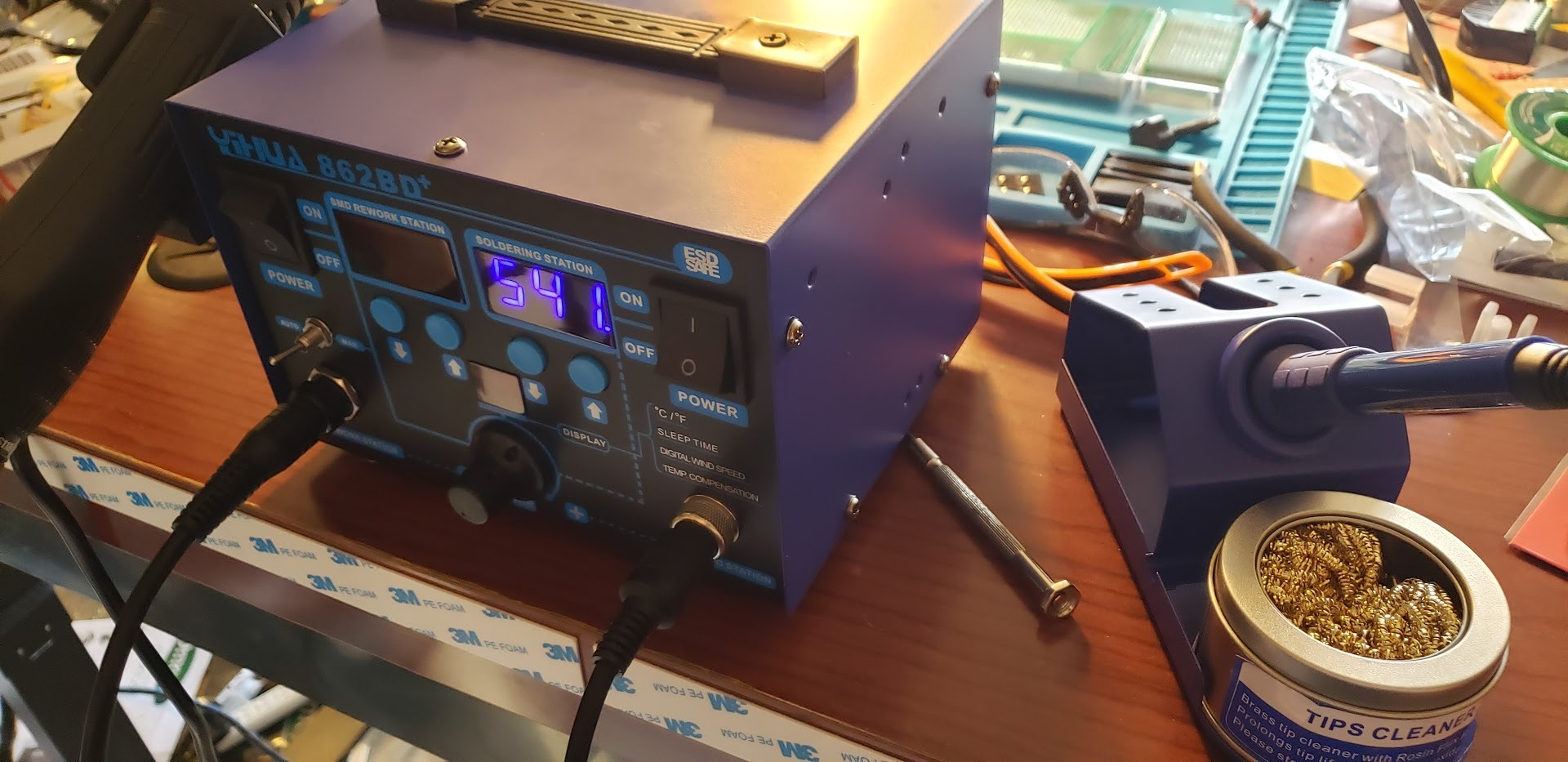
The accessory bundle is where this station quietly beats higher-spec rivals. You get 35g of lead-free solder, five certified tips, four hot air nozzles, ESD-safe tweezers, a desoldering pump, an iron holder with a brass wool ball, a sponge and an IC extractor. Owners report years of service across phone, amplifier and computer repair, and several reviewers recommend it specifically to beginners who want a value bundle rather than a single tool.
A 0 to 99 minute adjustable sleep mode is included, and the sleep function is what keeps the tip and heating element alive over months of intermittent use. Long-term owners mention initial defects that support resolved quickly, which matters for a station with this many functions.
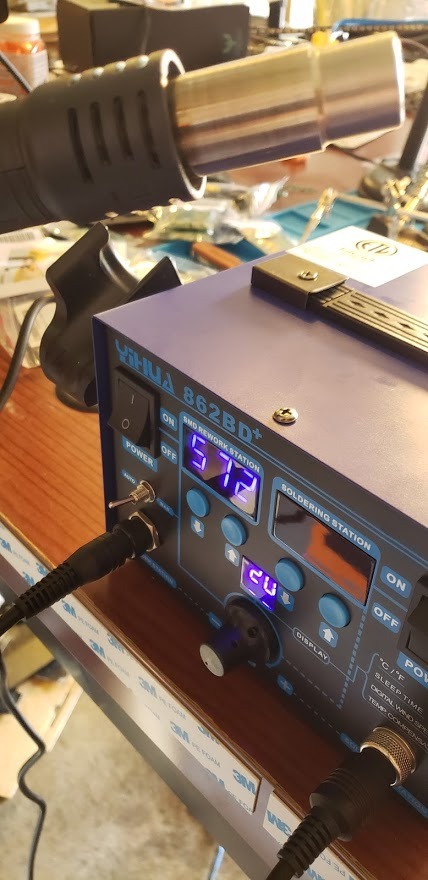
How it handles the jobs a single iron cannot?
Hot air rework changes the calculus on a populated board. Instead of dragging a wide chisel across multiple pins and lifting a pad, you heat all the joints at once and lift the part cleanly. The variable air volume is the control that matters here, since too much airflow cools the surrounding board and too little makes removal sluggish. This is the pick for anyone whose work starts with taking a board apart.
For ordinary soldering, the 392 to 896 degree Fahrenheit range comfortably covers the 310 to 380 degrees Celsius band that most PCB tasks need, and the 75W iron recovers quickly enough for connectors and larger pads.
Where it is the wrong choice?
It is not temperature calibrated out of the box, so expect to run the calibration routine on first use. That takes ten minutes and then never needs doing again, but it is a step a beginner may skip and later wonder about.
The small pin terminals on the hot air gun are easy to bend when connecting, and the standby blower cutoff means you unplug it for cool down rather than relying on an automatic shutdown. The AC power cord is also not modular. If you want the simplest possible first station and do not need rework capability, a single-iron pick will serve you with fewer things to go wrong.
3. Hakko FX601-02 – the 67W closed-loop pencil that stays cool in the hand
Hakko FX601-02 Adjustable Temperature Controlled Soldering Iron, 67 Watts
- Closed loop electronic control with a sensor in the heater
- Slender lightweight handpiece suited to fine PCB work
- Ceramic heating element from an established brand
- Lock key secures the tip for transport
- 86 percent five star ratings across 1775 reviews
- Dial control with no digital readout
- No sleep mode or auto shutoff
- One tip style supplied and extras cost more
The Hakko FX601-02 is the oldest design in this roundup and still the one we reach for when a board needs careful work in an awkward spot. At 67 watts with a ceramic heating element and a temperature control sensor built into the heater, it holds a steady tip temperature through a closed electronic loop rather than relying on a mechanical thermostat.
Temperature selection is by dial, across a 200 to 540 degree Celsius range, which is wide enough for anything from delicate SMD to heavy lead-free work. The handpiece is slender and light, so during a long session the heat stays in the tip area instead of migrating into your grip. That is a bigger deal on long assembly sessions than any spec sheet suggests.
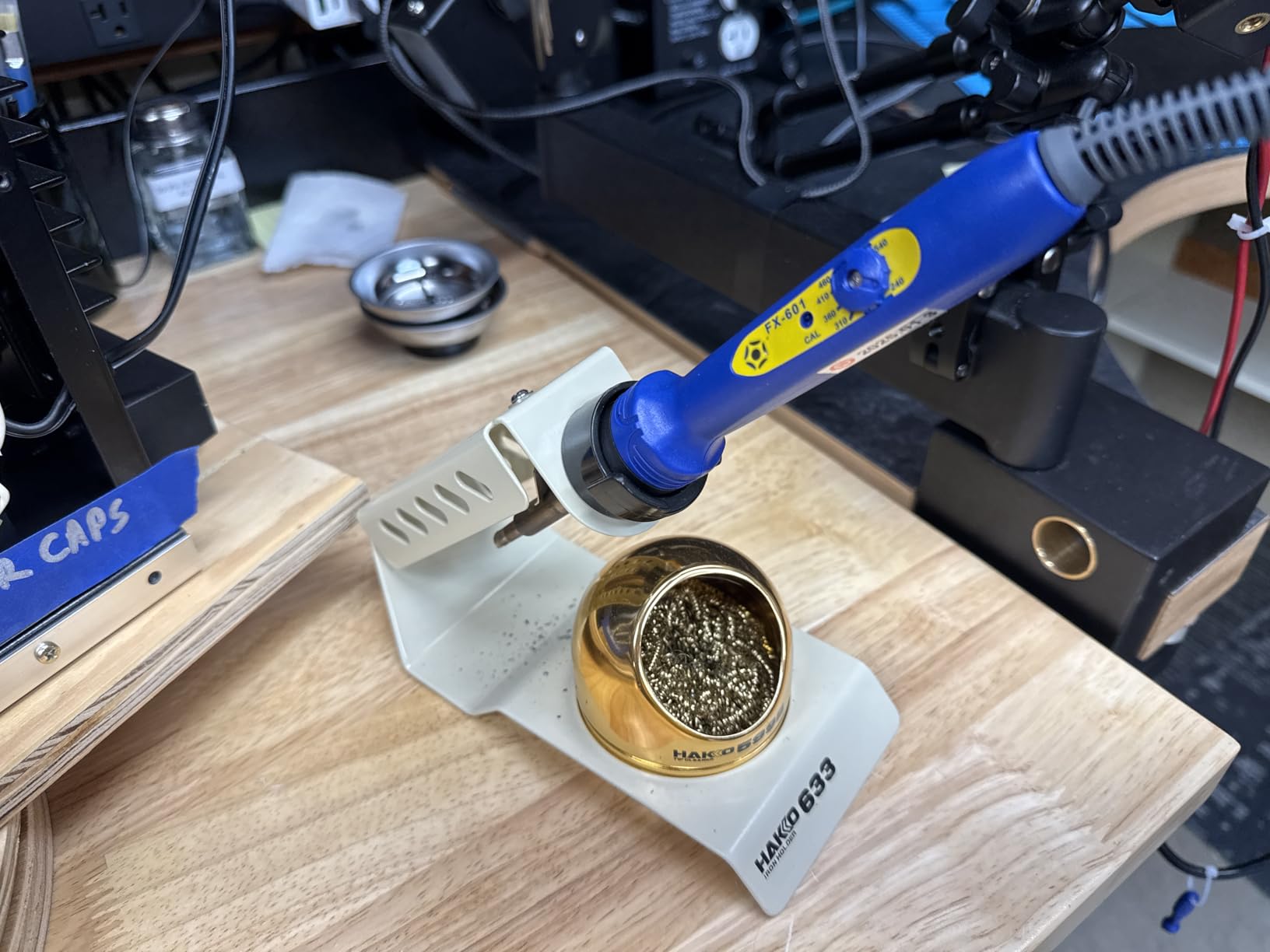
Reviews praise the temperature consistency, the light weight and the ceramic element, and it carries 86 percent five star ratings across 1,775 reviews. Many owners pair it with a separate weighted stand and a tip assortment, which is exactly how we would set it up. A lock key is included so you can secure the tip before moving the tool.
On forums the Hakko name comes up constantly as the reference point for a first serious iron, and this model is the most frequently confirmed entry-level option. The grounded tip construction is the other quiet benefit when you are working near microcontrollers and CMOS parts.
Why heat recovery matters more than peak wattage?
A 67W iron with a sensor in the heater recovers heat quickly because the control loop measures the drop and pushes power back in. When you land on a large ground plane, the copper pulls temperature out of the tip faster than a passive element could replace it, and the joint goes cold. With a closed loop you lose a second instead of losing ten, which is the difference between a flowing joint and a matte one.
That behaviour also means the light handle is not a compromise. The sensor keeps the tip where you set it, so the slim handpiece stays comfortable through a full afternoon of fine work.
Where it is the wrong choice?
Dial control gives no digital readout, so if you want to know the exact setpoint rather than trust your memory of the dial, you will be guessing. There is no sleep mode and no auto shutoff, which means you need a real stand and the discipline to put the iron in it.
Only one tip style is supplied and additional Hakko tips cost extra. If you expect to work across several tip shapes, a kit that includes an assortment may serve you better over the first year.
4. X-Tronic 3020-XTS – the 75W station kit that arrives complete
- Heats from 200C to 480C in under 30 seconds
- Complete kit with helping hands mat five tips solder and flux
- Supple 40 inch cord with no memory
- Three year warranty with US lifetime technical support
- 10 minute sleep timer and C/F toggle
- Temperature knob is very sensitive
- Iron is permanently wired into the base
- Replacement elements are hard to find outside the US
The X-Tronic 3020-XTS answers the objection that most station purchases are only half a purchase. The kit includes the station, two helping hands, a silicone tool mat, five extra tips, a solder roll holder, 50g of lead-free solder, a spring style iron holder and a brass sponge with cleaning flux, so the first board you build does not require another purchase.
Performance is genuinely good. It heats from 200 to 480 degrees Celsius, which is 392 to 896 degrees Fahrenheit, in under 30 seconds, and PID temperature compensation keeps the setpoint steady. The 40 inch iron cord is described as pliable with virtually no memory, and our testing bore that out: a cord that stays where you drop it makes fine board work noticeably less frustrating.
Multiple owners report four to eight years of service from the same unit, and X-Tronic is a US brand with a three year warranty and lifetime technical support. For a hobbyist who wants one purchase that covers several years, that service record is the deciding factor rather than any single spec.
The station is also described as ESD safe, and the control panel carries a centigrade to fahrenheit toggle so you can work in whichever scale you think in. A 10 minute sleep timer lowers tip temperature when idle, which is the cheapest tip-life insurance available.
What a complete kit actually saves you?
Helping hands, a silicone mat, brass wool and flux are not optional extras on a real bench, and buyers who assemble a station piecemeal end up replacing them anyway. Having the spring style holder and the mat in the box means the station has a defined resting place from the first minute, which is how you avoid both burned tips and a soldered-in bench.
For PCB work specifically, the mat and the helping hands solve the two problems that slow you down most: a board that slides when you push on a pad, and a joint that cools before the solder flows because you are holding the part with your other hand.
Where it is the wrong choice?
The temperature knob is the most common complaint and it is a fair one. Slight touches change the setting by several degrees, so fine work needs a light hand and a mental note of where the dial sits. The iron is also permanently wired into the base with no connector, so a failed iron means replacing the unit rather than one part.
The base is light enough to slide when handled, and the handle can get hot at the grip at very high settings. Replacement heating elements are also not shipped outside the US, which is a real limitation for buyers elsewhere. If you want precise digital temperature selection, look at a station with a digital readout instead.
5. YIHUA 939D+ – contact-safe transformer output for dense boards
- Contact safe output from a built in transformer
- Control program compensates within 20 milliseconds
- Factory tips have thicker walls and better plating
- Metal alloy stand with real brass mesh cleaner
- Handles and replacement parts stay available
- Base has no rubber feet and can slide
- Iron cord is short
- 110V only so 230V mains needs a converter
- Internal fuse must be soldered to replace
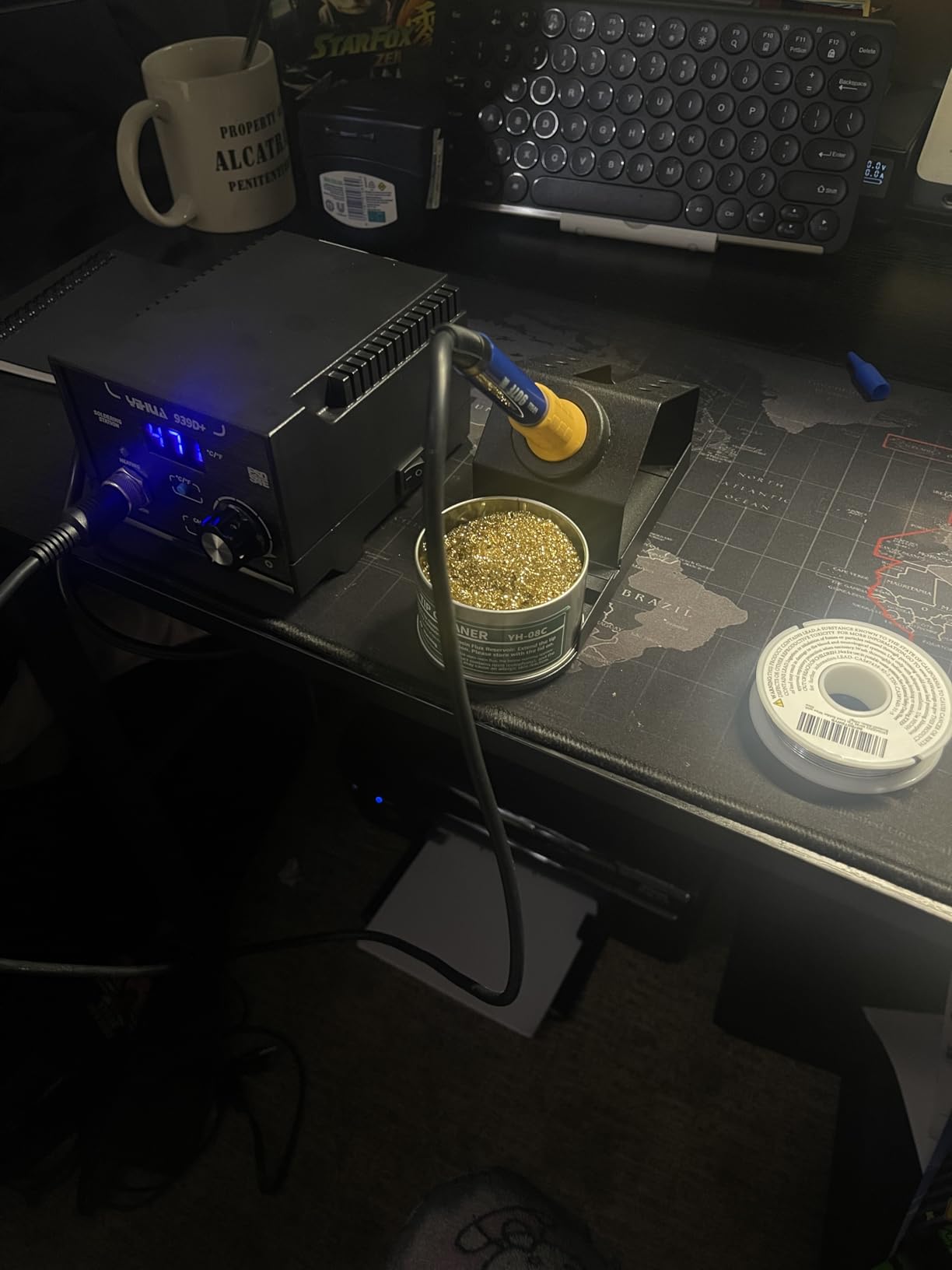
The YIHUA 939D+ solves a problem most hobby stations ignore. Its built-in transformer outputs contact-safe voltage at the iron while keeping the power available for a strong tip, so if you touch the tip while working you are not completing a circuit to mains. On dense boards where your free hand is often resting near the work, that is a genuine safety difference.
The temperature program monitors and compensates within 20 milliseconds, across a 212 to 896 degree Fahrenheit range, and a digital display with a one button F and C toggle keeps the setpoint visible. Reviewers in RC, FPV drone and general electronics repair cite fast heat up and accurate control at this level, and over 4,000 ratings back that up.
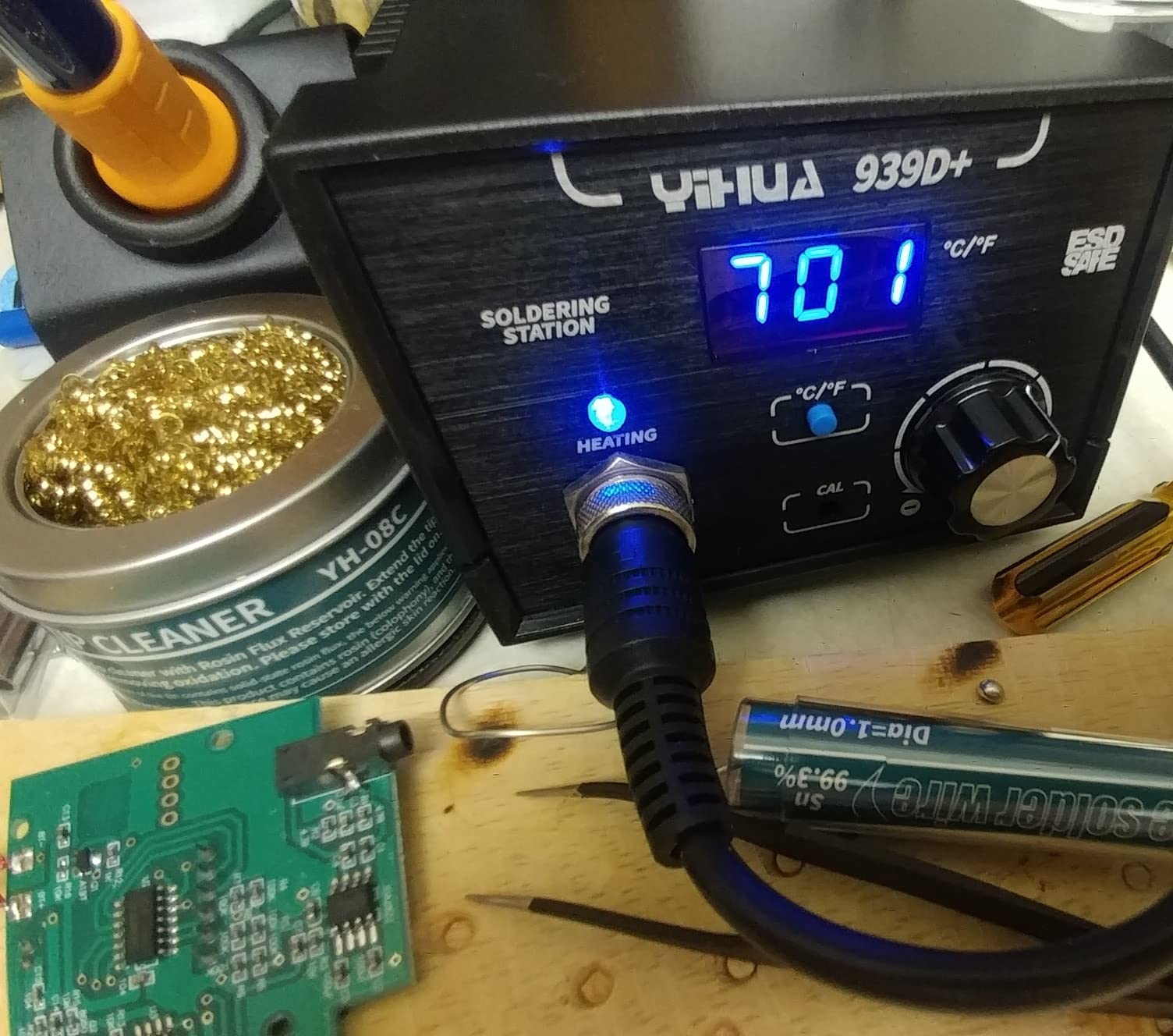
One detail worth calling out: the factory tips have thicker walls and better plating than typical aftermarket replacements. Tip quality is what determines whether solder wets properly, and cheap thin-wall tips are a hidden reason joints look dull even when the temperature is right.
Automatic handle detection, smart temperature control and calibration support are all present, and the brushed aluminum control panel resists burnt marks. Handles and replacement parts remain available, which is what we look for in a tool expected to last.
Why contact-safe output matters on a crowded board?
Many boards put ground pours on both sides, so there is always a grounded surface within reach of your supporting hand. On a station that puts mains voltage on the tip, a slip of the iron against a grounded pad is the scenario that makes experienced repair technicians cautious. A transformer-isolated station removes that path entirely, which is why this pick suits students and anyone new enough that a slip is plausible.
The practical payoff is confidence. You can hold a board in one hand, rest a finger against a ground pour for stability, and work with the iron in the other without thinking about it.
Where it is the wrong choice?
The base lacks grippy rubber feet and can slide on hard surfaces, which is annoying when you are pushing sideways on a large through-hole pad. The iron cord is also short, and the tip storage holes in the stand do not retain bits well.
Two harder limits: the internal fuse must be soldered to replace, so a blown fuse is a bench job rather than a swap, and the design is 110V only, which drew strong criticism from UK and international buyers. Outside the US you would need a step-down transformer, which changes the calculation completely.
6. WEP 927-IV – 110W element with three preset temperature channels
- 110W element with set and actual temperature side by side
- Three preset channels recall settings in one press
- Sleep timer up to 99 minutes protects tip and element
- Integrated LED magnifier helps on dense boards
- Compact body holds iron cleaner and storage
- Rated for 110-127V only
- Uses WEP 1400 tips rather than standard shapes
- Compact footprint is tight for larger boards
Most PCB sessions involve more than one temperature. Drag soldering fine SMD rows wants roughly 330 degrees Celsius, a heavy through-hole connector wants closer to 380, and a heat-sensitive part nearby wants less. The WEP 927-IV is built around exactly that problem, with three preset channels that save and recall temperature settings at the press of a button.
The 110W heating element heats fast, and the dual numerical display shows set temperature and actual temperature at the same time, which is the most useful readout design we tested. Seeing both numbers lets you spot a lagging element before it costs you a joint. Range runs from 90 to 480 degrees Celsius, or 194 to 896 degrees Fahrenheit.
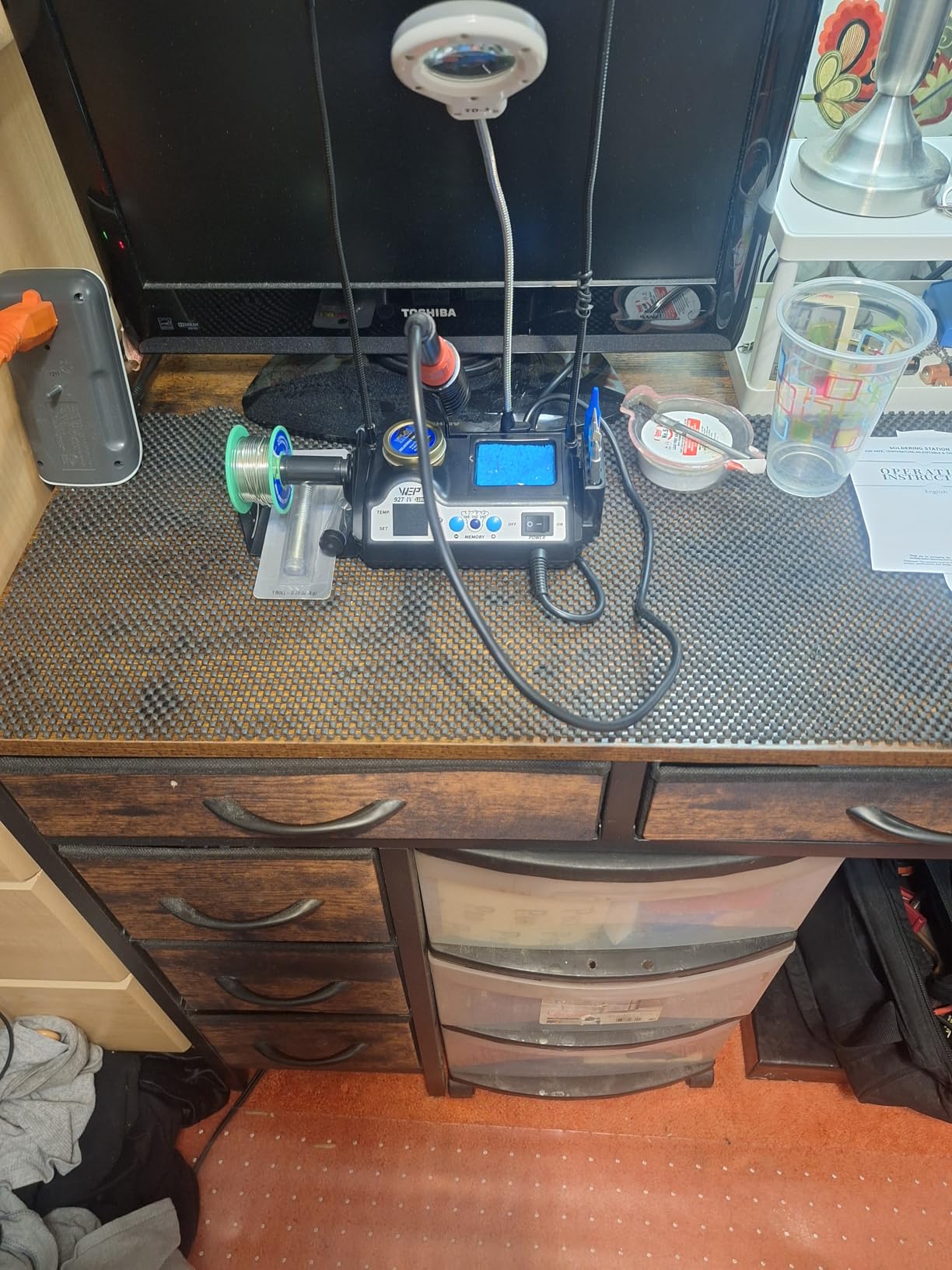
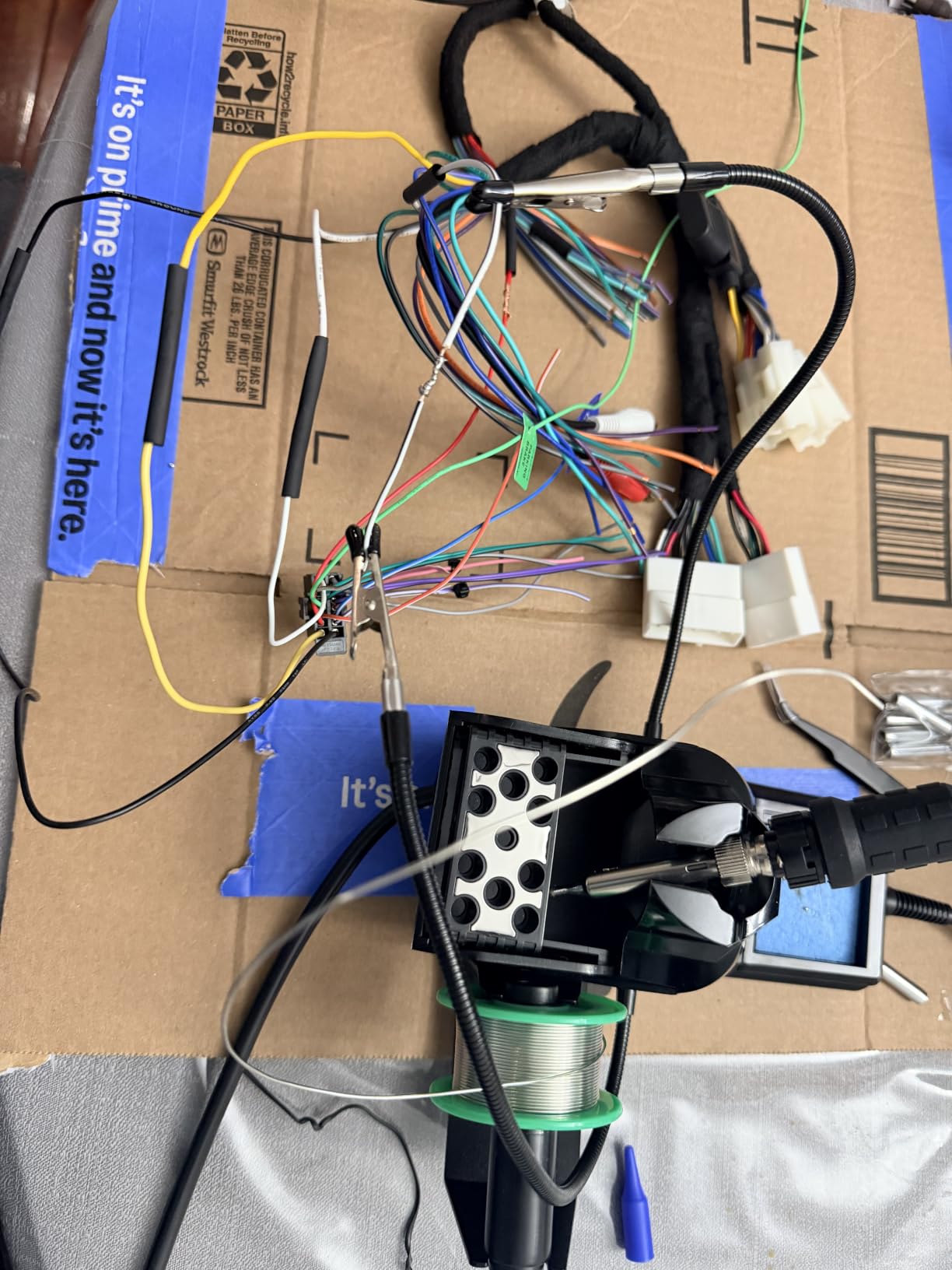
The rest of the body is unusually well used. An integrated LED magnifier sits over the work area, which genuinely helps on dense boards where a joint is smaller than the head of a pencil. The compact footprint folds the iron, holder, brass wool tip cleaner with rosin flux, solder dispenser, helping hands, magnifier and tip storage slots into one unit, and five extra tips are included.
A sleep mode with a 0 to 99 minute timer is adjustable rather than fixed, so you can match it to how often you actually stop. Reviewers single out the preset channels, dual readout and magnifier as what separates this from cheaper kits.
When preset channels beat adjusting a knob?
The value is consistency across a batch. If you are building ten identical boards, storing 330 degrees for the SMD pass and 375 for the through-hole pass means you never misread a dial or forget a setting between boards. Each board then gets the same dwell time at the same heat, which is exactly how you get repeatable results rather than a lucky first joint.
The dual display reinforces that. When actual temperature tracks set temperature closely, you know the element is healthy; when actual lags badly, you know it is time for a new tip or a new element.
Where it is the wrong choice?
It uses WEP 1400 tips rather than the standard chisel and knife shapes most suppliers stock, so your tip options narrow to one platform. It is also rated for 110 to 127V, so 230V mains is out of the question without a converter.
The compact footprint, while tidy, limits bench space for larger boards. If you work on full-size motherboards, a station with a wider base and a longer iron cord will be less annoying over time.
7. YIHUA 926 III – the best-selling starter station with 7182 ratings
- Over 7182 ratings and a number one category rank
- PID stabilization holds the set point consistently
- 194F to 896F range covers lead free and through hole
- Integrated holder with tip storage in the rear mesh
- UL conformant for US electrical safety
- 60W is modest for large ground planes and heavy connectors
- Lowest star rating in this group at 4.4
- 110V US design only
- Kit is limited to six tips of a single series
No other product here has the volume of real-world use behind it. The YIHUA 926 III carries more than 7,000 ratings and holds a top position in its category, which makes it the closest thing we have to a consensus pick among first irons. The 4.4 average is the lowest in this roundup, and the reason is honest: the 60W output runs out of ideas on heavy work.
Temperature control is PID stabilised across a 194 to 896 degree Fahrenheit range, with F and C conversion, an adjustable sleep mode at 5, 10 or 30 minutes and digital temperature calibration through the master knob. That is a lot of control in a starter box, and it is more than many higher priced pencils offer.
The kit is a 12 in one: station, two helping hands, six tips, 35g of lead-free solder, a desoldering pump, ESD-safe tweezers, a solder wire dispenser and a sponge. The integrated iron holder and rear protective mesh include tip storage slots, so the whole thing stays compact on a small desk. The station is UL conformant for US electrical safety.
The rating spread is the widest in the group, with 70 percent five star and 6 percent one star, and reading the reviews makes the pattern clear. Buyers satisfied with entry-level work love it, and buyers who pushed past 60W report disappointment. Judge it against your own workload rather than the average.
Where 60W is enough and where it stops?
Sixty watts handles through-hole joints, 0805 and 1206 surface mount work, wire connections and general repair comfortably. There is enough reserve that recovery between joints is quick, and a PID loop that holds the setpoint does the rest. For a first kit build, a repair, or a learning project, it is genuinely capable.
It stops being enough on large ground planes, heavy terminal blocks and dense multilayer boards. There, the copper pulls heat out faster than the element can replace it, dwell times stretch, and you start seeing lifted pads and dull joints. That is the limit the one-star reviews describe, and it is a wattage limit rather than a control limit.
Where it is the wrong choice?
It is a 110V US design, so it is not usable on 230V mains without a step-down transformer. The kit covers six tips from a single series, which narrows you to one tip platform. And if your work involves rework rather than assembly, there is no hot air gun here at all.
Our view: if you are unsure how much board work you will do, this is a safe first station, but plan to move up to a 70W or higher unit within a year rather than fighting the limit.
8. Pinecil – the USB-C smart iron with open-source IronOS firmware
- Heats to 400C in roughly 10 to 15 seconds
- Runs from USB-C PD or a DC barrel jack
- Weighs 60 g so heat stays out of the grip
- OLED display with an orientation aware interface
- Open source IronOS firmware and hardware
- Power supply and stand are not included
- Struggles on large ground planes
- Pinecil tips cost more than the class average
- No case so it lives loose in a drawer
The Pinecil changed what a small iron could do. It runs from USB-C with Power Delivery and QC 3.0, or from a DC barrel jack, and it reaches operating temperature in 12 seconds with an on-demand rapid boost. On a bench that means no waiting, and off a bench it means a power bank is enough to keep working.
Inside is a stainless steel core housed in a polycarbonate shell, which is why the whole tool weighs 60 grams and why heat stays in the tip rather than migrating into the handle. The OLED screen runs an orientation aware interface that flips as you rotate the iron, and auto standby engages when it is not in use. Motion sensing sleep with automatic wake on pickup is included as well.
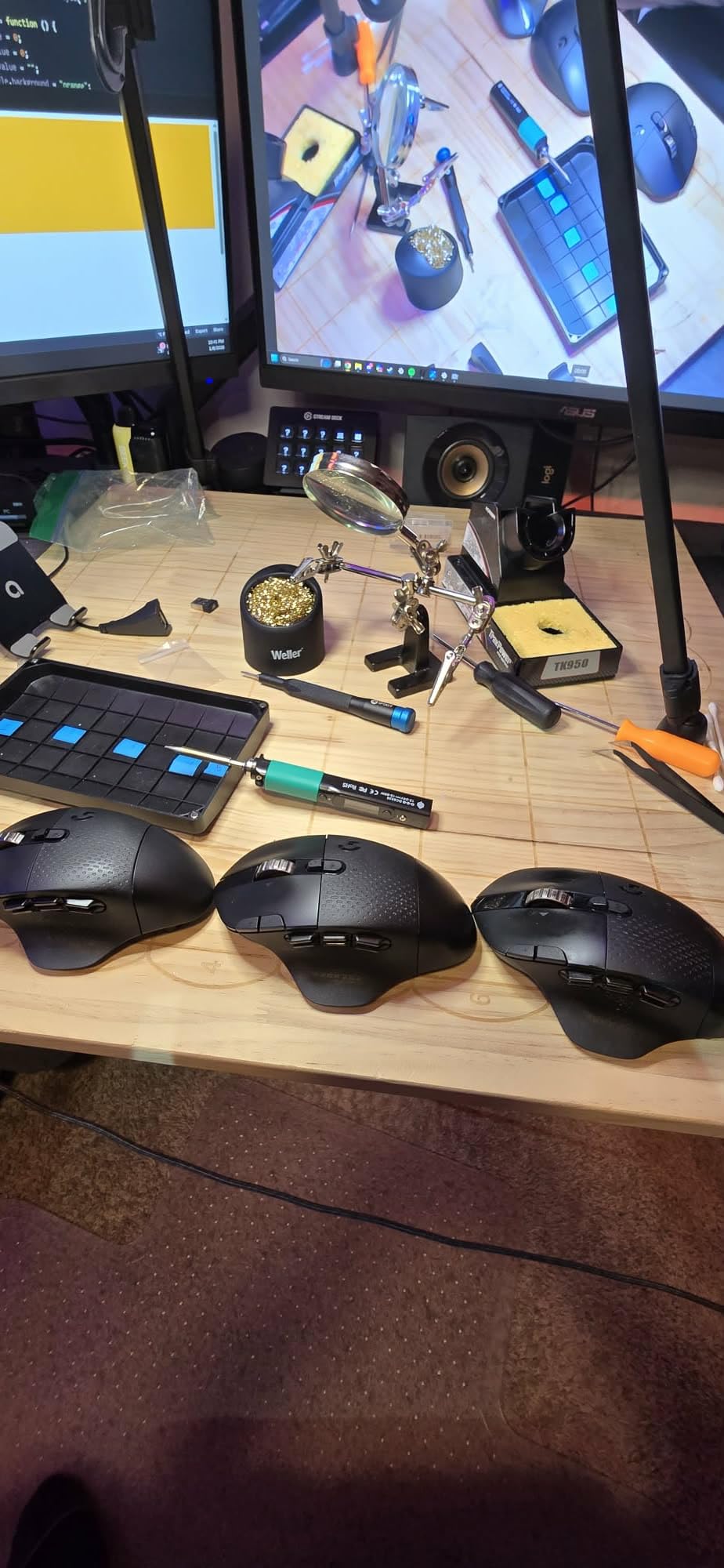
The reason engineers recommend it is the IronOS firmware, which is open source on both firmware and hardware. On forums it gets endorsed specifically for light PCB work, and the ability to reprogram an iron rather than accept the manufacturer’s behaviour appeals to anyone who likes to tune their tools. Owners commonly run these for three years or more.
It supports up to 88W out of the box on USB-PD, so with a capable supply it is more powerful than its size implies. A Type B2 tip is included, and more are available in the common small-tip formats used across the USB-C iron class.
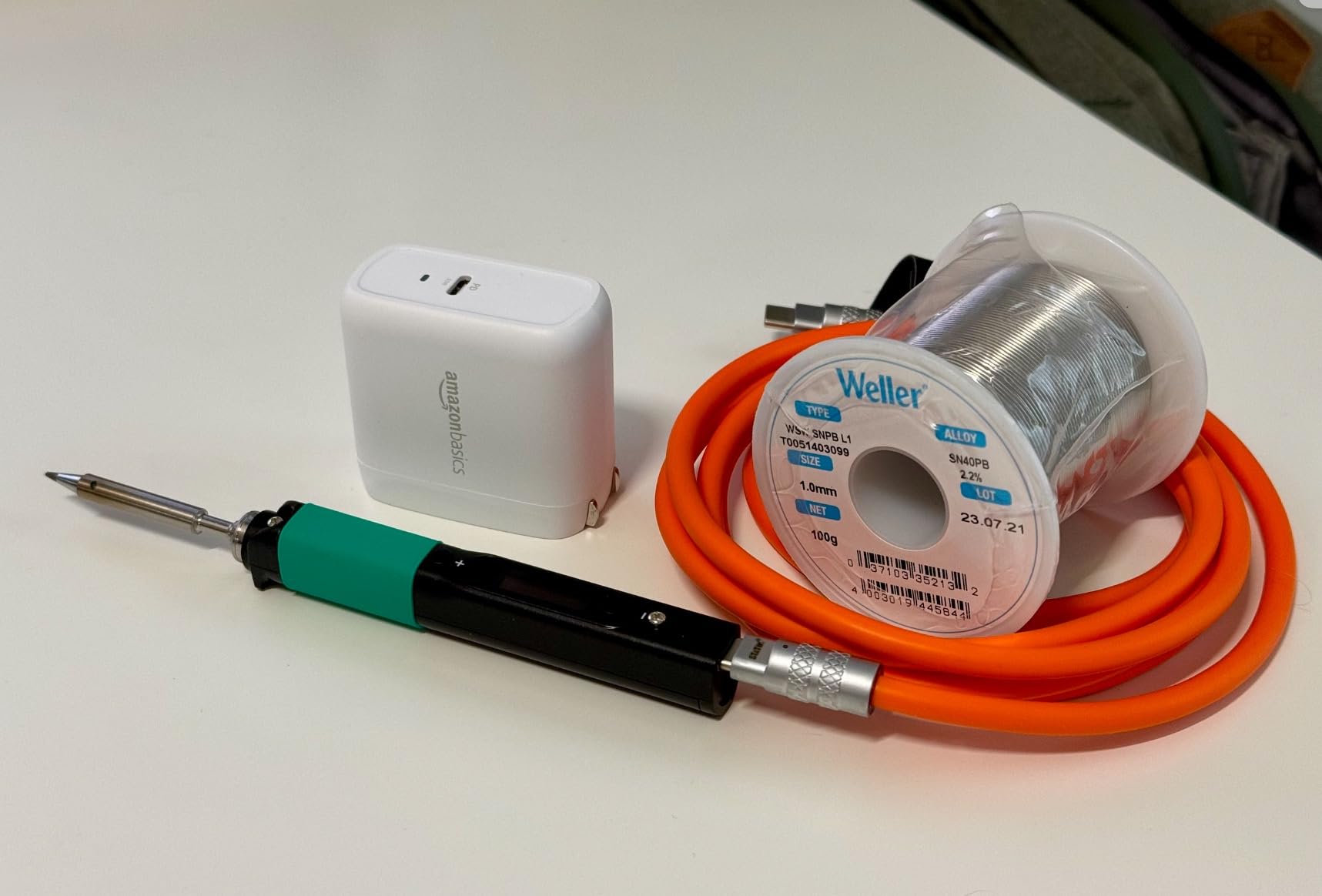
Why a 60 g iron changes board work?
Weight is not a vanity metric when you are holding a board in one hand. A light iron lets you rest your wrist, which keeps the tip steady, and a steady tip is what makes a fine SMD joint land on the pad instead of bridging to its neighbour. Combined with a 12 second heat-up, it also suits someone working through several small boards in a session rather than one large assembly.
Portability is the other argument. A soldering job on a laptop board, a camera or a radio does not always happen at the bench, and a USB-C iron plus a power bank is a complete toolset in a bag.
Where it is the wrong choice?
The power supply and stand are not included, so the real cost is higher than the sticker suggests and you must add both before you can use it safely. Replacing Pinecil tips costs more than tips for comparable irons, and there is no case or pouch, so it lives loose in a drawer unless you add one.
It struggles on large ground planes and multilayer power planes, where the small tip and limited thermal reserve cannot keep up. Buyers on forums are also sceptical of USB connection irons without a good stand, so do not skip that purchase. For a first serious station, see our soldering stations guide.
9. Fanttik T1 Max – cordless iron with a weighted swivel stand
- Truly cordless for field and laptop repair
- Runs about 60 minutes at 840F on battery
- Also works while plugged in
- Gravity sensing sleeps and reheats on pickup
- Weighted aluminum swivel stand with a tip drawer
- Cordless output is limited to 12W
- Small tips suit fine parts not large pads
- 30 second sleep can trigger while repositioning
- Very short USB-C cable and no charging block
Where the Pinecil is portable because it is light, the Fanttik T1 Max is portable because it is genuinely cordless. A built in 2600mAh battery gives up to 60 minutes at 840 degrees Fahrenheit, and the same tool works while plugged in through a Type-C charger, so battery runtime is not a hard stop on a long job.
It heats in 7 seconds, among the fastest we tested, and six temperature levels from 390 to 840 degrees Fahrenheit are set through the tail knob. Gravity sensing is the feature that makes cordless practical: the iron enters sleep after 30 seconds idle and reheats to your setpoint the moment you pick it back up, with a red light while heating and green when ready.
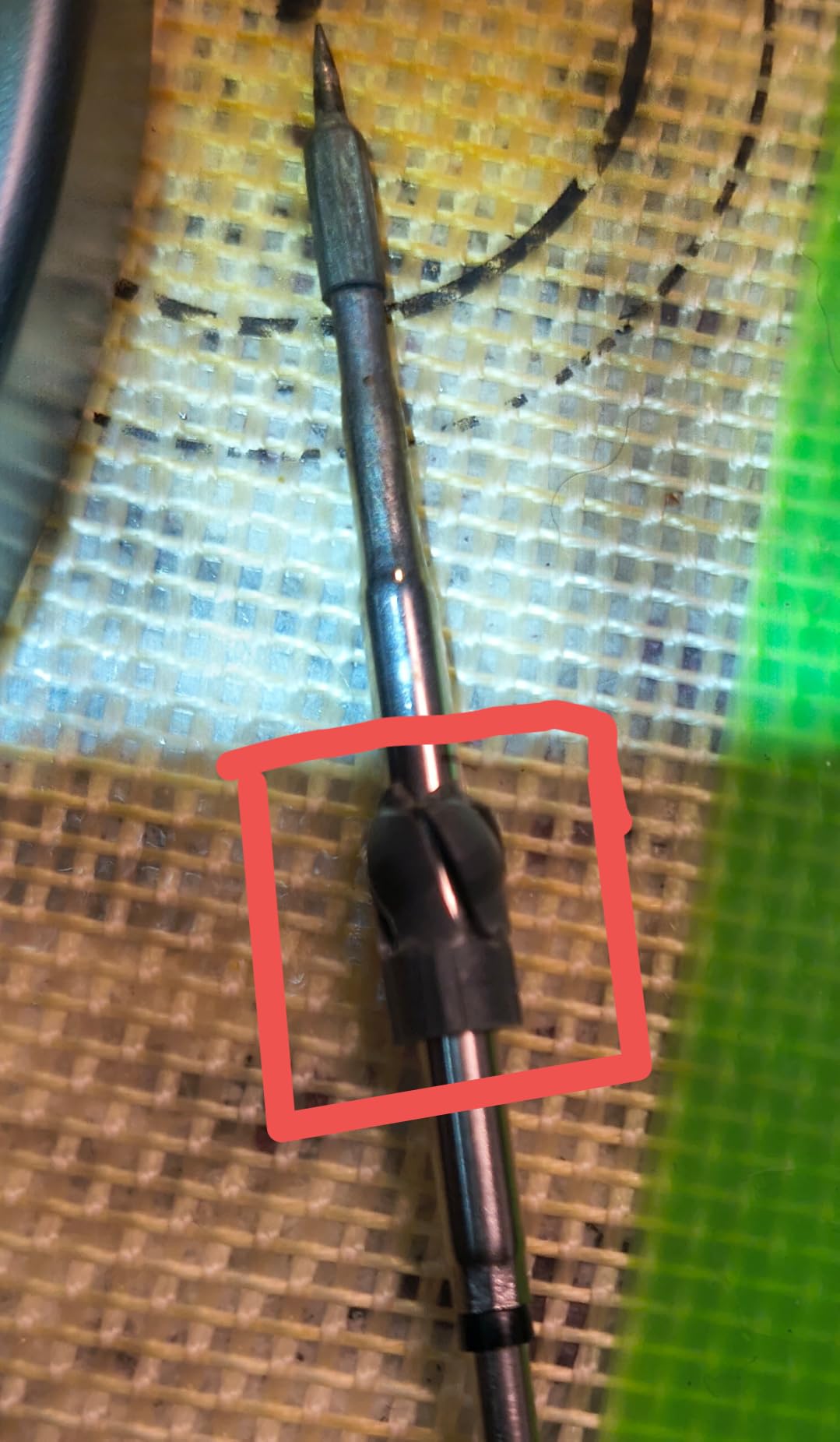
The stand is the part that makes it a bench tool rather than a gadget. It is a weighted aluminum 360 degree swivel stand with a pop-up tip tray and a drawer, and four C210 anti-oxidation tips are included along with sponges, anti-static tweezers, a desoldering pump and spare tips. A front flashlight illuminates the work area, which matters in a laptop or a panel.
Experienced reviewers who have soldered for 20 to 25 years rate it as a good bench supplement for small parts. Several buyers also report difficulty keeping the tip tinned and temperature readings they do not fully trust, which is fair criticism of any entry cordless tool.
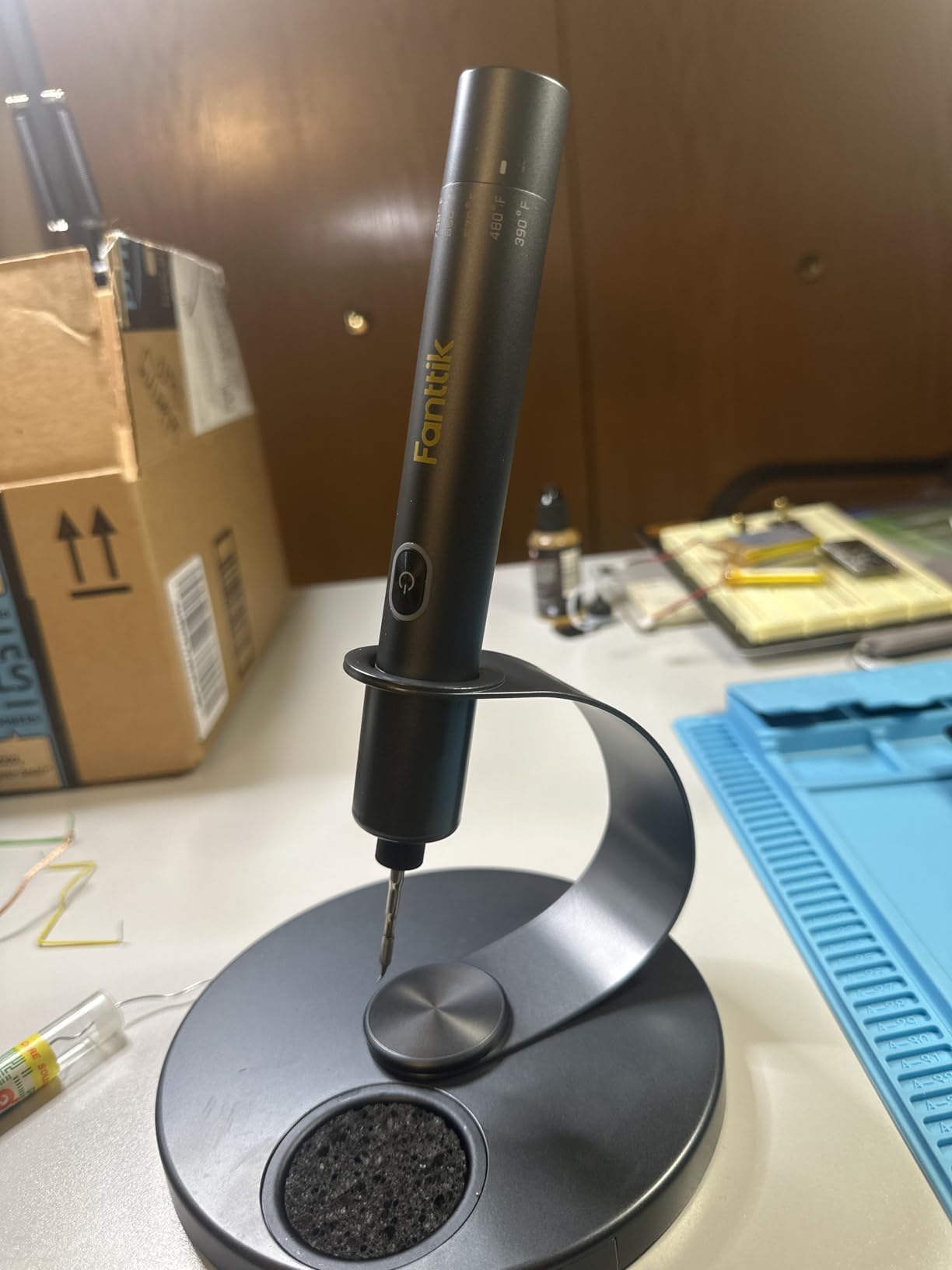
Where cordless earns its place?
Field repair is the clear case: a laptop board, a stereo, a drone or an instrument on a bench somewhere without a mains outlet. There, a cable that must reach a specific socket is a genuine limitation, and a 60 minute battery covers most single repairs. Inside an enclosure, the flashlight and the lack of a cable snagging on a ribbon cable are practical wins.
It is also useful as a second tool on a busy bench, sitting at the far corner of the desk for the small precision jobs while a station handles heavy connectors.
Where it is the wrong choice?
Cordless output is limited to 12W, well below any bench station, and the small tips are unsuited to larger surface area pads and traces. The wide handle also limits your reach into narrow spaces, and the 30 second sleep can trigger while you are slowly repositioning on a multi-point joint.
The USB-C cable is very short and no charging block is included, so plan on adding both. Treat it as a precision supplement rather than your primary iron unless your work is small by nature.
10. TOAUTO DS90 – a 90W ceramic core that reaches 590F in five seconds
- Reaches 590F in about five seconds
- Dual display shows F and C at once
- Grounding wire and static sheet aid board safety
- Temperature lock holds a constant heat
- Standby at 10 minutes and sleep at 20 minutes
- Senses temperature at the heater not the tip
- Supplied brass wool is brass coated steel
- Cord is thick and shorter than ideal
- Casing feels lightweight next to a Weller
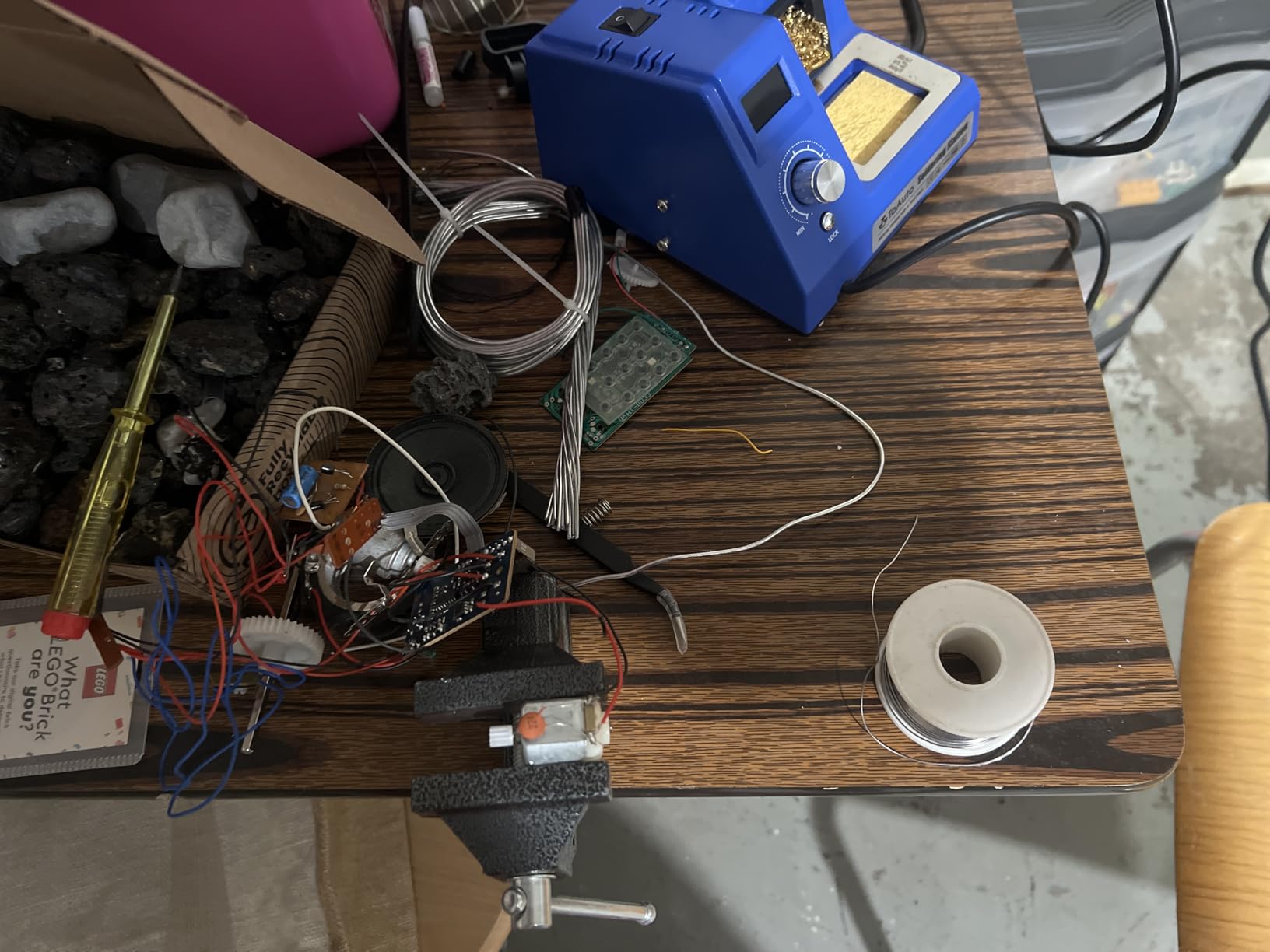
The TOAUTO DS90 is the fastest recovering station in this roundup, and on power-dense work that is what you feel. Its 90W ceramic heating core reaches 590 degrees Fahrenheit in about five seconds, with a range of 150 to 450 degrees Celsius. That is more thermal reserve than the 60W and 70W stations that are perfectly adequate for assembly, and the gap shows on multi-layer boards with large thermal mass.
Temperature control runs through a precision PID program with fast compensation and a temperature lock mode for constant temperature operation, and the stated stability is plus or minus 2 degrees Celsius. The dual digital display shows Fahrenheit and Celsius simultaneously, which removes the mental conversion step entirely.
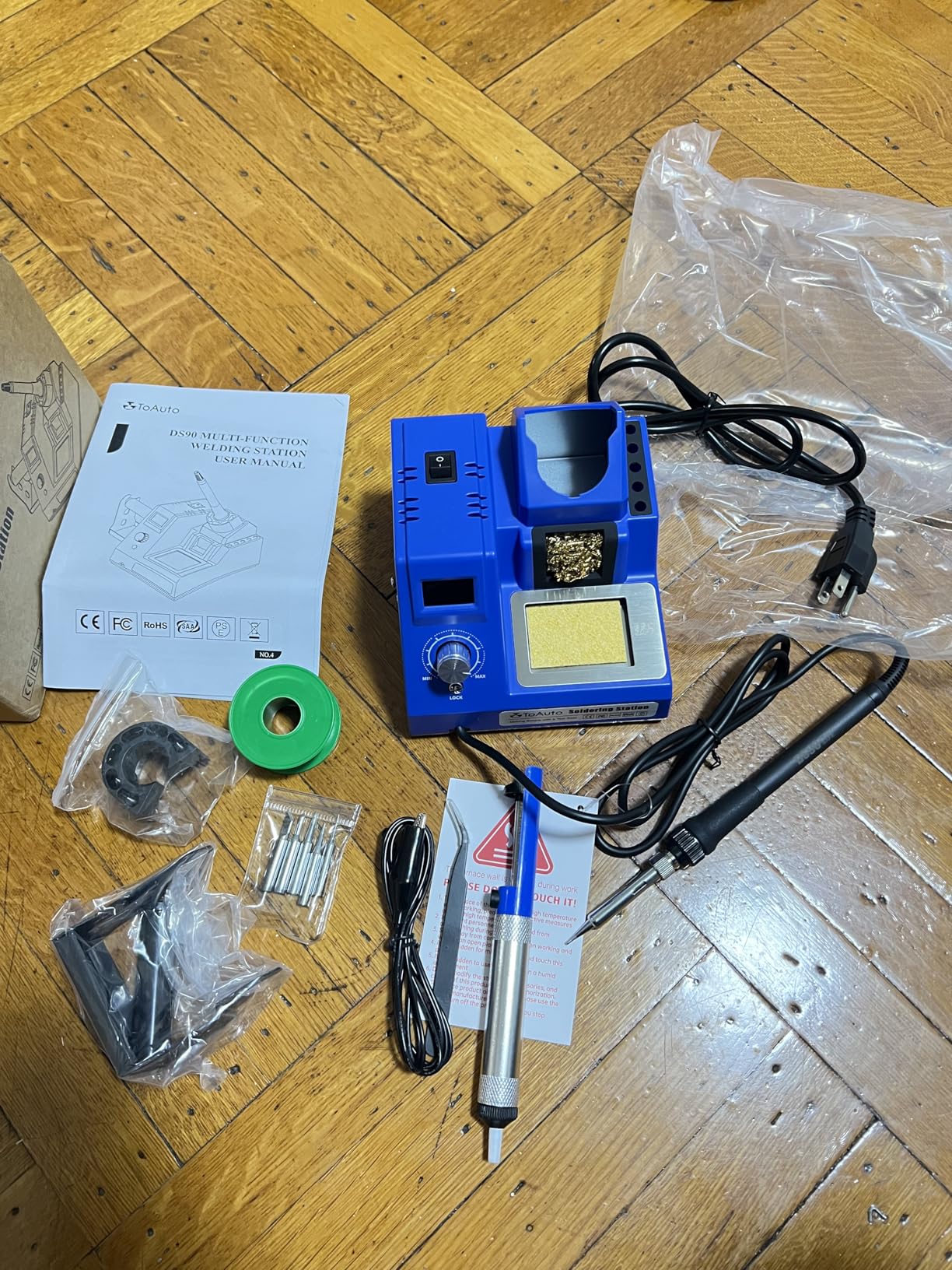
Safety features are unusually well covered. A patented grounding wire design and a remove-static sheet are included for safer desoldering, and the station carries ESD, CE, FCC and RoHS certification. Automatic standby engages after 10 minutes idle and sleep mode after 20 minutes, so leaving it on during a break does not cook the tip.
Independent testing has verified the temperature readings with a thermal camera, and reviewers repeatedly name the dual display, sleep timers and grounding wire as the practical wins. The 13 in one kit adds five extra tips, solder wire, a solder sucker, anti-static tweezers, a brass cleaner, a sponge and 30g of lead-free solder.
What 90W changes on a thermal-mass board?
A thick two-layer board with ground pours on both sides can pull several times more heat out of a tip than a small header joint. With a 60W element, you extend dwell time to compensate, and extended dwell time is what lifts pads and darkens mask. A 90W element with fast PID compensation returns to setpoint quickly instead, so the same joint closes in a fraction of the time.
That is why this station suits rework and connector work rather than only first builds. The temperature lock then holds the recovered value steady for the whole joint.
Where it is the wrong choice?
Temperature is measured at the heater rather than at the tip, so the readout lags after power-on and can sit a few degrees away from what the joint is really seeing. It is a minor drift, but it matters if you are chasing an exact setpoint on a delicate part.
The supplied brass wool is brass-coated steel rather than real brass, the cord is thick and shorter than ideal, and some tips do not fit the base storage holes without modification. The casing and internal plastics also feel lightweight next to a Weller, so treat it as a capable tool rather than an heirloom.
11. WEP 882D – a compact 2-in-1 station with PID on both functions
- Soldering and hot air rework in one compact body
- PID program controls the iron and the gun separately
- Hot air temperature has variable air volume
- Calibration plus sleep standby and auto shutdown
- Kit includes tips nozzles solder cleaner and pump
- Rated for 110-127V only
- Single channel despite two functions
- Compact footprint crowds a large bench
- Fewer ratings than the leading stations
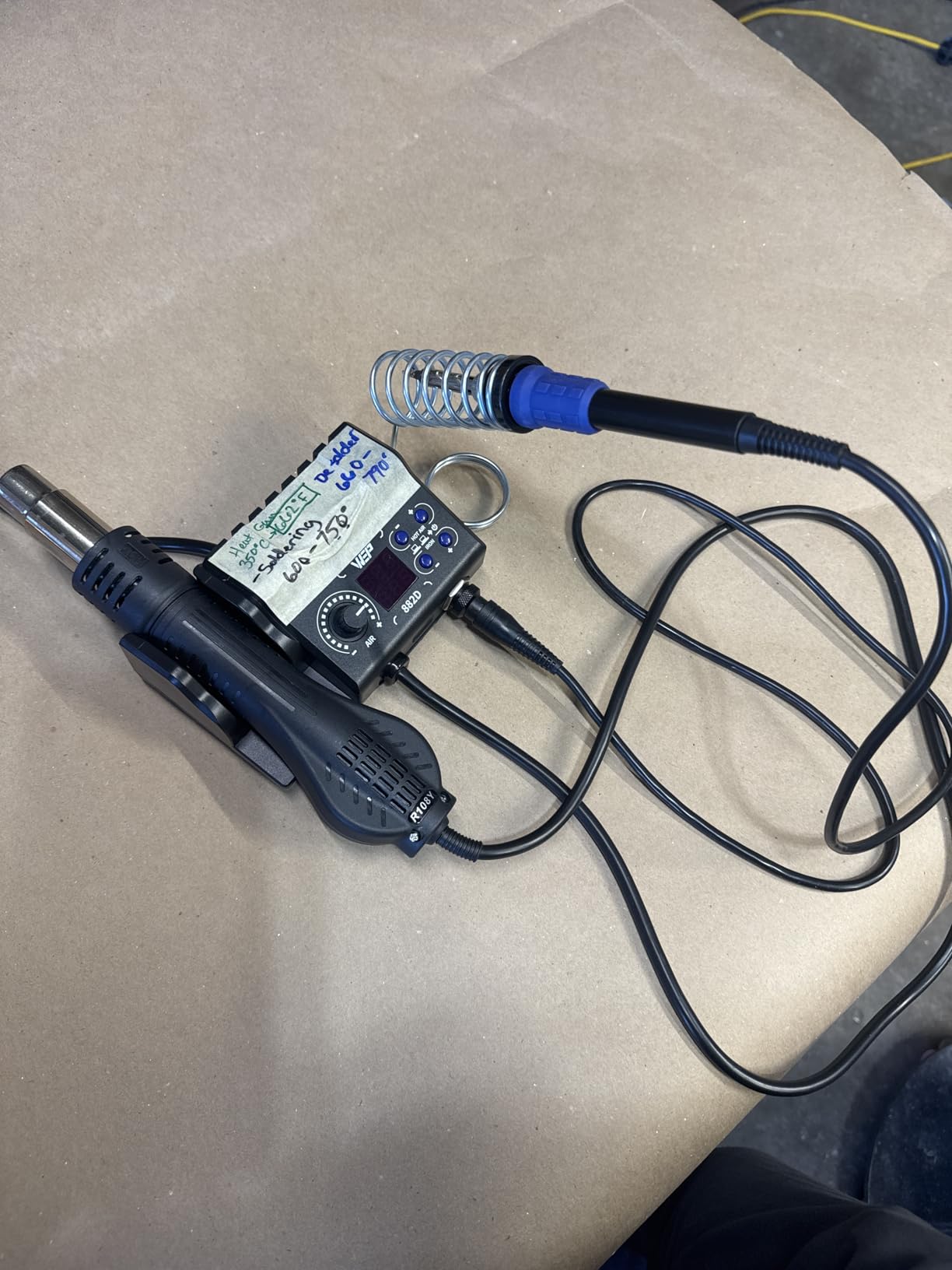
The WEP 882D takes the two-in-one idea and does a tidier job of it than most. Soldering and hot air rework share one compact body, but each function has its own LED display, power switch, temperature control buttons and air volume adjustment, so you are not working through one shared panel to set two different jobs. A built in PID program manages both the iron and the hot air gun.
The iron covers 392 to 896 degrees Fahrenheit and the hot air side covers 212 to 896 with variable air volume. That hot air range is the useful part, since the lower end is what you want for removing heat-sensitive parts without cooking the board around them.
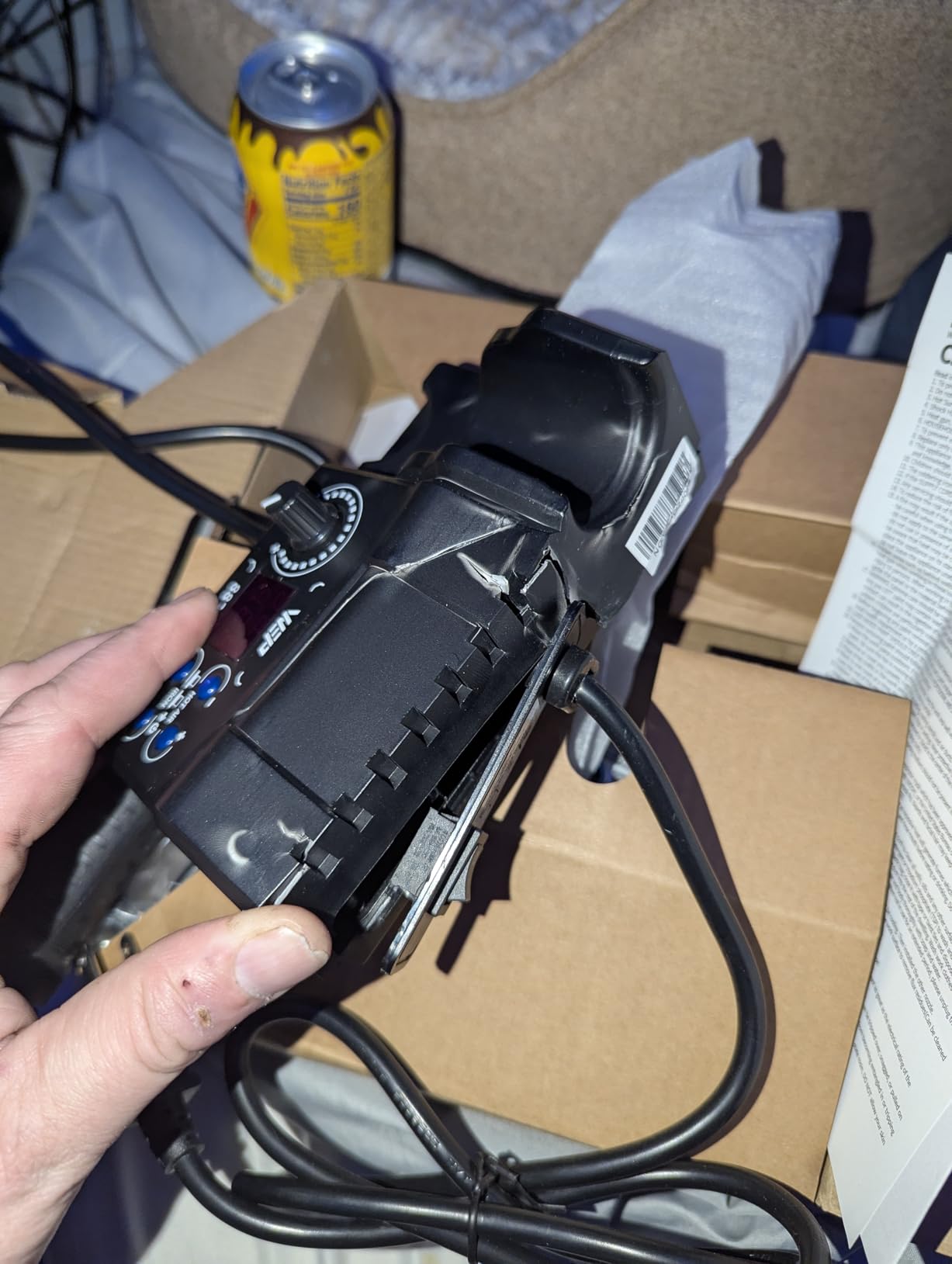
Control features are complete: sleep mode for the iron, standby for the hot air gun, C and F conversion, automatic shutdown and a calibration function. Calibration is worth noting because it lets you correct a small offset against a known reference, which is exactly what you want if your solder has a different melting behaviour than the factory setting assumes.
The kit includes five soldering tips, three hot air nozzles, two spools of solder wire, a brass wool tip cleaner, tweezers and a desoldering pump. Owners cite the PID control on both functions and the accessory bundle as the main draws, and it holds a top ten position in its category.
Choosing between this and a single-iron station
Ask yourself what your first five repairs will be. If they involve taking a board apart, removing a failed component or replacing a multi-pin part, a hot air gun turns a frustrating job into a routine one and this station is the better buy. The air volume control matters more than most buyers expect, because it is what lets you remove a part without lifting the pads underneath.
If your work is almost entirely assembly of through-hole boards, you are paying for a function you will rarely switch on, and a single-iron station puts that budget into a better iron and stand instead.
Where it is the wrong choice?
It is rated for 110 to 127V, so international buyers need a converter. Despite housing two functions it is a single channel design, so you cannot run two irons at once. The compact footprint leaves little room for larger workpieces spread out on the bench.
It also carries fewer ratings than the leading stations in this group, which means less long-term evidence about how the unit ages. The one year USA technical support is also shorter than the three years offered by the X-Tronic kit.
12. Q-MING 60W kit – the entry-level way onto the bench while you learn
- Entry level price with a 4.5 star average
- Heats in about 15 seconds on a ceramic core
- Five interchangeable tips plus solder wire and flux included
- Ventilation holes keep heat off the grip
- ON/OFF switch and 50 g weight make it easy to store
- Coarse thermostat with limited accuracy
- No digital tip temperature readout
- Included stand is flimsy
- Flux paste can arrive hardened
The Q-MING 60W kit is the entry-level pick here, and it carries more than 9,000 ratings with a top position in its category. That combination makes it the most useful thing on this list if you are not sure whether you will stick with electronics, because the downside of trying is small.
It is a 60W pencil iron with adjustable temperature from 392 to 842 degrees Fahrenheit, or 200 to 450 degrees Celsius, on a thermostatic setting, and an advanced ceramic core that reaches working temperature in about 15 seconds. Four ventilation holes in the handle reduce the heat conducted from tip to grip, which matters more than it sounds on a long session.
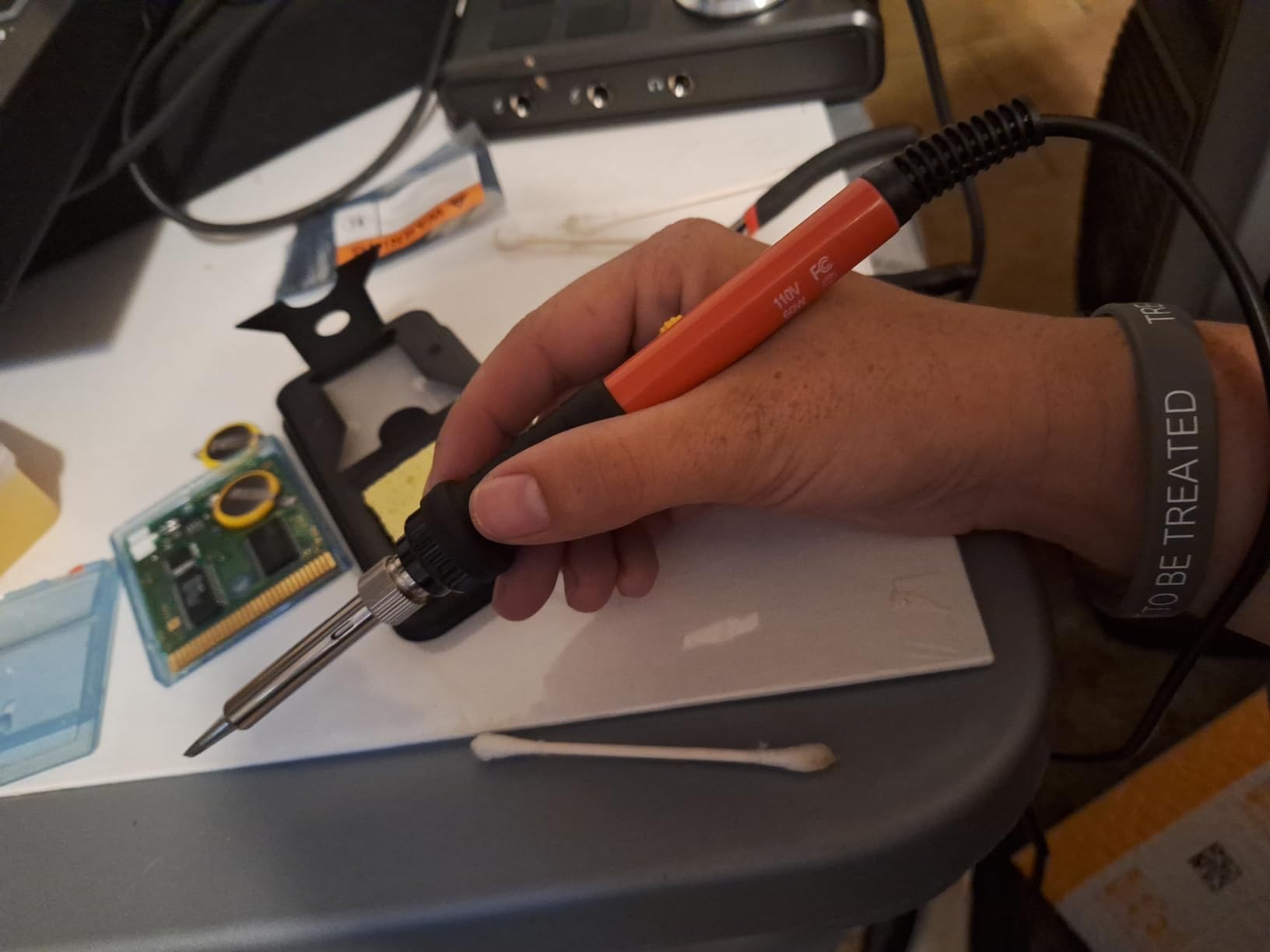
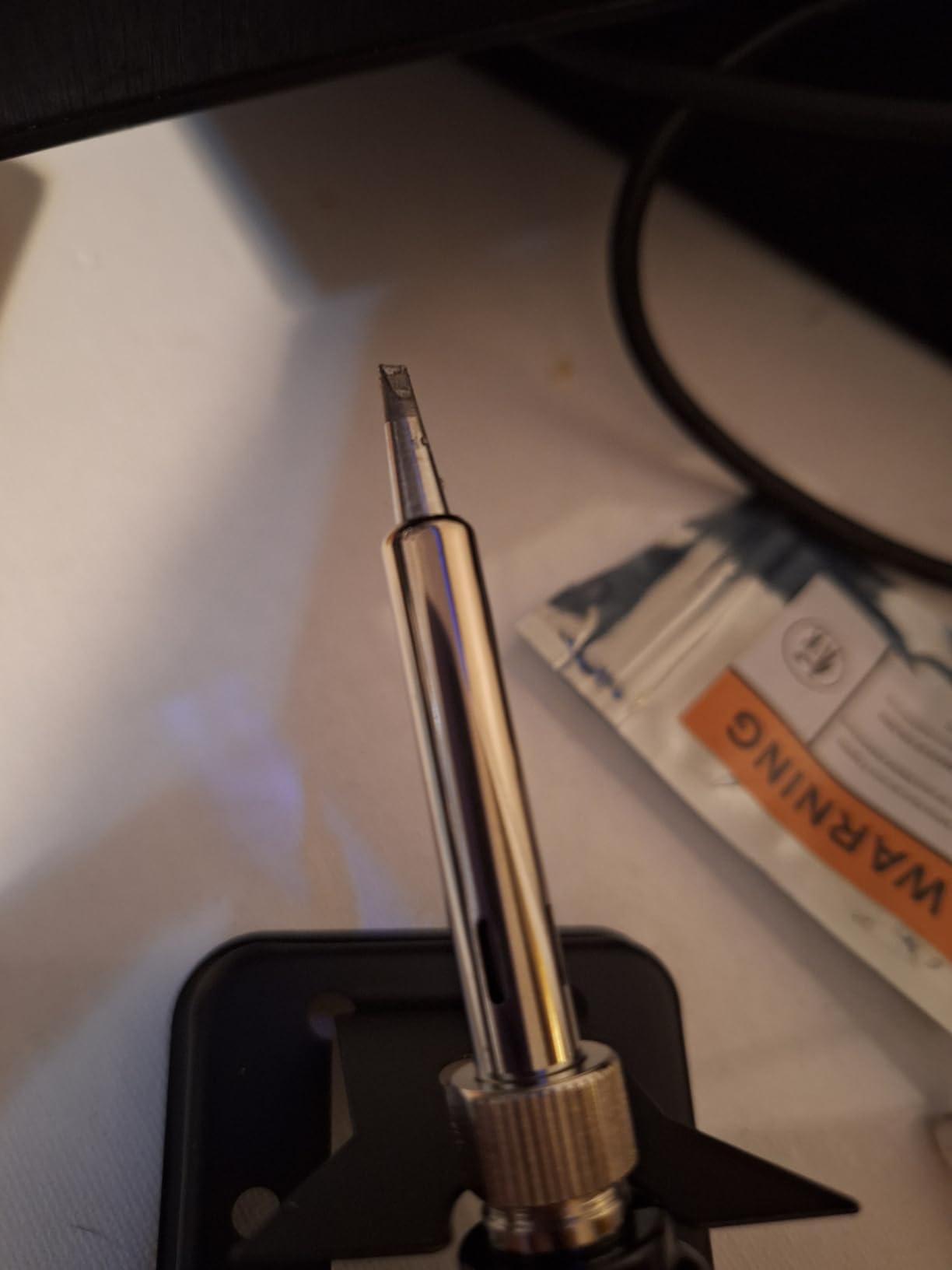
The kit includes the iron, a simple stand, a sponge, five interchangeable tips, 0.6mm solder wire and a no-clean rosin flux paste, plus an ON/OFF switch for shutdown. Buyers describe it consistently as a capable first iron for light electronics and hobby projects.
What you give up is control precision. The thermostat is coarse compared with a digital station, so the real tip temperature can sit above or below the dial reading, and there is no readout to tell you which. That is the same complaint that surfaces repeatedly about budget temperature control, and on a delicate SMD job it is a real limitation rather than a nitpick.
What a coarse thermostat actually costs you?
On a through-hole joint with plenty of thermal mass, a few degrees of error is invisible. The pad supplies the heat, the solder flows, and the result looks the same. On a 0603 capacitor next to a small signal trace, the same error can mean either a joint that never fully wetted or enough dwell time to cook the pad. That is where a digital readout earns its cost.
The tip variety and quick heat-up make this a good teacher, though. Five tips let you compare a chisel against a conical against a fine point on the same board, which teaches tip geometry faster than any guide.
Where it is the wrong choice?
It is not suitable for daily professional use or heat-heavy connectors, and 60W is the same limit we flagged on the YIHUA 926 III. The included stand is flimsy, and forum users are consistent that a weighted metal holder is the first thing you should replace.
The flux paste can arrive hardened and unusable, so buy your own. Treat this as a learning tool and a travel iron, and plan to move to a regulated station within a year if board work becomes regular. Many readers start here and land on our bench station recommendations six months later.
How to Choose a Temperature Controlled Soldering Iron for PCB Work?
Every pick above holds a real setpoint, but they hold it in very different ways. The buying decisions that actually change your experience on a board are the architecture you choose, the thermal reserve behind it, and whether you can see the temperature you have set.
The four iron architectures and which one your board needs
A fixed-temperature pencil heats to whatever its element allows and offers nothing else, so it is excluded from this list entirely. An adjustable pencil adds a thermostat and is the lightest option, which is why the Hakko FX601-02 and the Q-MING 60W sit here. A bench station pairs the iron with a separate control box, giving you a real display, a stand, a sleep timer and often a hot air gun. A USB-C smart iron moves the control into the handle, adding portability and open firmware at the cost of thermal reserve.
Match the architecture to where you work. Bench solderers and anyone doing serious rework want a station. A student with a desk and a small breadboard gets along fine with a pencil. Someone who repairs equipment away from a bench wants the USB-C or cordless class, but must add a proper stand.
Wattage is heat recovery, not a speed rating
Wattage tells you how quickly the element can push energy back into the tip after something cold absorbs it. It is not a measure of how fast the iron gets hot, and it is not how hard it drives heat into a joint. It is the reserve that determines whether your tip recovers after a large ground plane.
The practical tiers we use: 60W handles through-hole and 0805 work and is what most first irons ship with. 70W to 90W is the range where large ground planes and heavy connectors become comfortable. Anything above that is usually buying a hot air function or headroom rather than better iron performance. Note that a 90W fixed-temperature pencil and a 70W temperature-controlled station are not equivalent, because only one of them replaces the heat it loses.
This is where older guides mislead. Some still recommend starting at 15 to 25W, which produces slow recovery on multilayer boards and is the reason some owners report cold joints on parts that should have been easy.
Set temperature versus actual tip temperature
There is always a gap between the number on the display and the heat at the working end of the tip. Some of that gap is real thermal drop down the heater assembly, and some of it is the control loop reacting to a load rather than to a fault. Of the budget irons, the ones with a dial have the largest gap, because a mechanical thermostat has no sensor at the tip at all.
Three features narrow the gap. A thermocouple in the tip measuring the working end is the most accurate, a sensor in the heater is a step better than a dial, and a display showing set and actual temperature simultaneously lets you see the gap in real time. The WEP 927-IV and the TOAUTO DS90 show both numbers, which is why we trust them for setpoint work. Calibration functions, present on several picks here, let you correct a consistent offset against a known reference.
ESD safety and the grounded tip question
A grounded tip is electrically connected to earth, so any static charge on your body drains to ground through the iron rather than jumping into a component. It matters most when you work near microcontrollers, CMOS sensors, MOSFET gates and populated laptop boards, where a single discharge event can kill a part that tested fine beforehand.
Look for a grounded tip, an ESD-safe station, and a dissipative handle rather than a plastic grip that can hold a charge. Some picks go further with a dedicated grounding wire and a remove-static sheet, which are worth having on dense boards. If a seller does not state grounding at all, treat that as missing information rather than as evidence of safety.
Tip geometry matched to component pitch
A chisel tip is the generalist: flat sides on through-hole pads and connectors, and a couple of sizes on 0805 parts. A conical tip suits fine work and getting into tight spaces, and a hoof or bevel shape is the choice for 0603 and 0402 parts and for dragging a row of fine SMD pads in one pass. A knife tip handles larger SMD rows and connectors without the bulk of a wide chisel.
The rule of thumb is that the tip should be about as wide as the pad you are soldering to, no wider. A tip several times the width of a 0402 pad will wick solder sideways and bridge to the neighbour. Whatever you buy, check which tip platform it uses before you commit, because proprietary tips narrow your options later and the platforms in this roundup are not interchangeable.
Setpoints for common PCB jobs
Most PCB work falls in a band between 310 and 380 degrees Celsius, or 590 to 716 degrees Fahrenheit. Within that band, here is how we set up the common jobs:
Through-hole assembly and large connectors: 350 to 380 degrees Celsius, or 590 to 716 degrees Fahrenheit, with a chisel tip and a short dwell. The pad supplies most of the heat, so a higher setpoint and a quick exit.
0805 and 1206 surface mount parts: 330 to 350 degrees Celsius, or 626 to 662 degrees Fahrenheit, with a small chisel. These parts have almost no thermal mass of their own, so the heat comes from the iron and the setpoint needs to be lower.
0603 and 0402 parts and fine drag soldering: 320 to 340 degrees Celsius, or 608 to 644 degrees Fahrenheit, with a hoof or knife tip. The lowest workable heat protects the pad from a long dwell.
Large ground planes and multilayer boards: 370 to 380 degrees Celsius, or 662 to 716 degrees Fahrenheit, with the highest wattage iron you can get. The copper is pulling heat away, so the setpoint goes up and the recovery has to keep up.
Heat-sensitive components such as MOSFETs, LEDs and ICs: 310 to 330 degrees Celsius, or 590 to 626 degrees Fahrenheit, and use the ground pad technique. If a joint will not flow at this heat, the fix is more wattage, not more temperature.
Lead-free SAC305 and SAC405 rework: 350 to 360 degrees Celsius, or 662 to 680 degrees Fahrenheit, which is what experienced users on forums converge on. Lead-free alloys have a higher melting point than 63/37 leaded solder, so the temperature you used on leaded joints is usually too low to make a good lead-free joint.
Tip life, tinning and solder alloy
The fastest way to destroy a good tip is to leave it untinned. A bare tip oxidises, and an oxidised tip does not wet solder, so you heat it higher and for longer to compensate, which burns the plating off for good. Keep a bead of solder on the tip whenever it is not in your hand, and wipe rather than scrub it.
Brass wool is gentler on plating than a wet sponge, which cools the tip aggressively and shortens its life. Wipe with a damp sponge only when you need to remove flux, and dry it immediately. If a tip is oxidised but not dead, drag it through brass wool and re-tin; if it will not wet at all, it is finished and needs replacing.
On alloy choice, 63/37 leaded rosin core solder melts at around 183 degrees Celsius and needs an iron set well above that, while SAC305 and SAC405 lead-free alloys melt near 217 to 220 and demand the higher end of the band. Use 0.8mm wire for through-hole work and finer wire for surface mount, and if you are new, work in a ventilated area and wash your hands afterwards. Our helping hands guide covers holding boards steady, which reduces dwell time on every joint.
Frequently Asked Questions
How hot should a soldering iron be for PCB work?
Between 310 and 380 degrees Celsius, which is 590 to 716 degrees Fahrenheit. Use the lower end for 0603 and 0402 surface mount parts and heat-sensitive components, and the upper end for large ground planes, heavy connectors and lead-free solder. If a joint will not flow at 310 degrees, add wattage rather than temperature.
Can soldering damage a PCB?
Yes, in three ways. Sustained heat at a high temperature can lift a pad or through-hole trace off a two-layer board, especially on a large ground plane. Heat can also damage a component if you dwell on it too long. And a joint that never fully wets leaves a cold joint that fails later. A temperature controlled iron with enough wattage to recover quickly shortens all three.
What wattage soldering iron do I need for electronics?
60W handles through-hole joints and 0805 parts, which covers most beginner and hobby assembly. 70W to 90W is the range where large ground planes, heavy terminal blocks and multilayer boards become comfortable. Above 90W you are usually buying headroom or a hot air function. Wattage matters for heat recovery, not for heat-up speed.
What solder is best for PCBs?
63/37 leaded rosin core solder melts around 183 degrees Celsius and flows easily, which makes it the easiest choice for learning. SAC305 and SAC405 lead-free alloys melt near 217 to 220 degrees Celsius, need a higher iron setting, and are wetter with the right flux. Use 0.8mm wire for through-hole work and finer wire for surface mount. Work in a ventilated space and wash your hands afterwards.
Is a soldering station better than a soldering iron?
For anything beyond a first kit, yes. A station gives you a digital readout, a real stand, a sleep timer that protects the tip, and often a hot air gun for rework. A pencil iron is lighter and cheaper, but the Hakko FX601-02 is the exception worth noting, since it has closed loop control and a ceramic element. Pick a station if you solder more than a few hours a month.
Do I need an ESD safe soldering iron?
Yes if you work near microcontrollers, CMOS sensors, MOSFET gates or populated laptop boards, because one static discharge event can kill a part that tested fine. Look for a grounded tip, an ESD-safe station and a dissipative handle. A few picks include a grounding wire and a remove-static sheet for dense boards. If a seller does not mention grounding, treat it as unknown rather than safe.
Are soldering iron tips interchangeable between brands?
Mostly not. Each platform has its own tip format, and several picks here use proprietary or brand-specific tips such as WEP 1400 and the YIHUA 1200 and 900M series, while others use common small-tip formats found across the USB-C iron class. Check the tip platform before you buy, because a narrow platform limits your shapes later and replacement tips are the ongoing cost of any iron.
What are the most common soldering mistakes on PCBs?
Six mistakes account for most failures. First, using too little solder, so the joint never fills the pad. Second, moving the iron or the board while the solder is setting, which produces a cold joint. Third, holding the tip on the joint too long because the iron lacks the wattage to recover. Fourth, cleaning the tip aggressively instead of keeping it tinned. Fifth, dragging a wide chisel across fine pads and bridging them. Sixth, working without a stand and burning the tip or the bench.
Conclusion
The best temperature controlled soldering irons for PCB work are not the ones with the most features, they are the ones that hold a setpoint and recover from it quickly. The Weller WE1010NA takes our top spot for its 70W output, plus or minus 4 degree Fahrenheit stability and temperature lock, and it is the pick we would put on any bench. The TOAUTO DS90 covers the highest wattage, the YIHUA 862BD+ and WEP 882D cover rework with a hot air gun, the Pinecil and Fanttik T1 Max cover work away from a bench, and the Q-MING 60W kit is a low-risk place to start learning in 2026.
Whatever you choose, set it between 310 and 380 degrees Celsius for board work, keep the tip tinned, and buy a weighted stand before your first session.